Learn how to save bandwidth and reduce cellular data usage on the official X (Twitter) app and website by turning on the data saver option.
How to use less cellular data in the X (Twitter) app on iPhone

Learn how to save bandwidth and reduce cellular data usage on the official X (Twitter) app and website by turning on the data saver option.
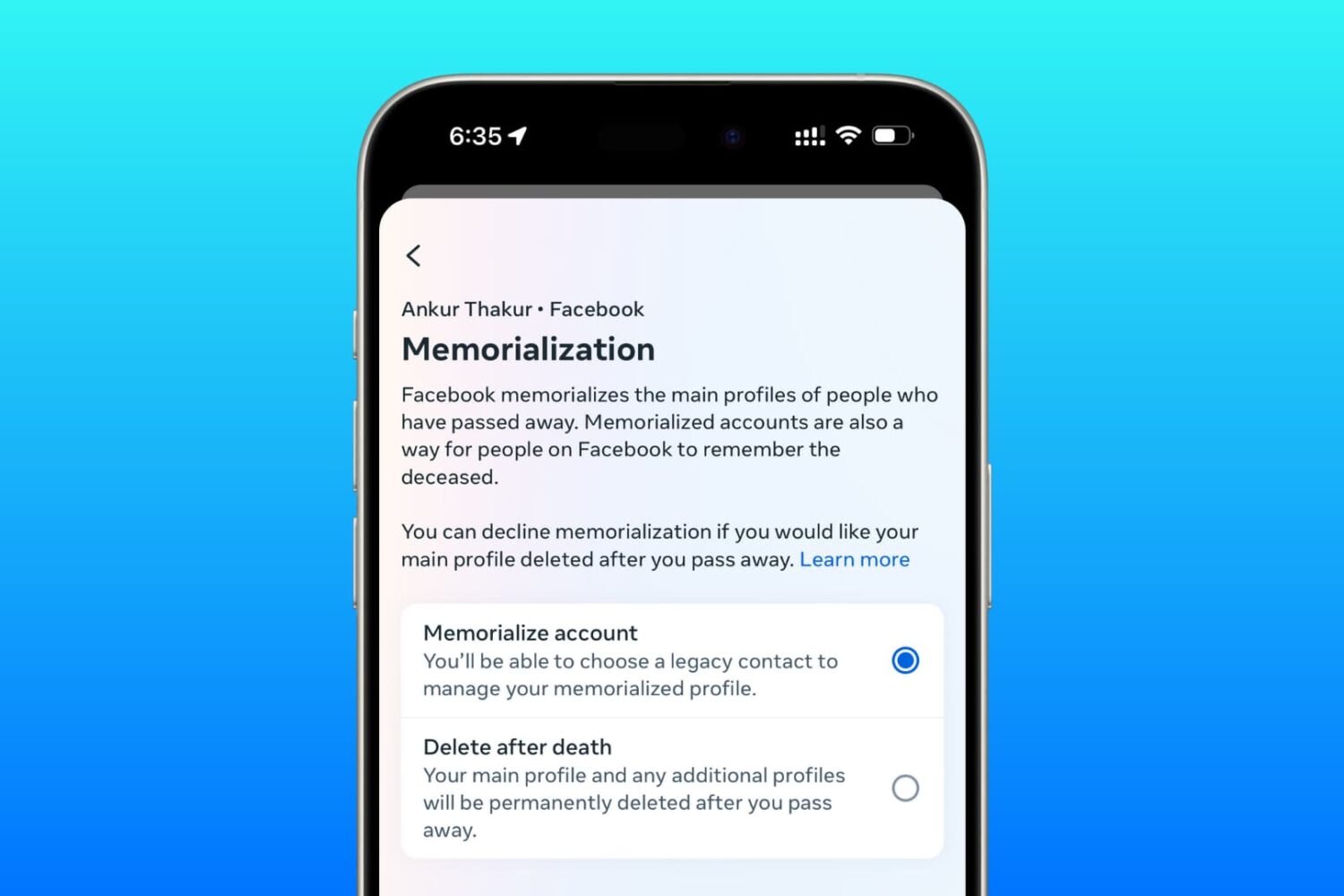
Learn how to set up a trusted family member or friend as a legacy contact for your Facebook account so they can manage it after you pass away.

Apple has recently introduced CallKit, a new framework available to developers that allows them to integrate their VoIP apps with the native Phone app user interface. In essence, this is a great addition that puts VoIP apps at virtually the same level as normal phone calls. Incoming Skype or WhatsApp calls, for example, are now displayed fully on the Lock screen, which is an improvement compared to how these calls were handled prior to iOS 10. Likewise, any call placed or received with a supported VoIP app will be logged into the Phone app like a normal call.
This tight integration of VoIP apps and the native Phone app UI can have a downside for some users who might prefer not to see their recent Skype calls history show up in their Phone app. If you're one of these people, we'll show you exactly how to stop Skype from showing recent calls in your Phone app.

With iOS 10, Safari didn't receive a major facelift like some other Apple apps did. That's not saying Safari didn't have a few tricks up its sleeve that make browsing the web a more pleasing experience for everyone. One of the little things about iOS 10 that I'm sure many folks appreciated was the ability for Safari to play videos inline on the iPhone and iPod touch, too.
This feature has been present on iPads for years.
Thankfully, you can watch most web videos inline on your iPhone and iPod touch, even while multitasking in Safari. Telling Safari to play a video inside the webpage isn't as obvious as it could have been, so here's a little tutorial to get you up to speed.

Among a myriad of varied health and fitness focused features, watchOS makes pausing and resuming your runs in the stock Workout app a frictionless experience, based on the inclusion of a new feature which taps into built-in sensors to determine when you start and stop moving. This new feature doesn't require a dedicated GPS so it'll work on every Apple Watch model.
Even better, you can enable it with just one tap, here's how.

When first playing with Instagram Stories, I couldn't figure out how to upload pictures or videos that I had already taken. Instead, it seemed I was forced to first shoot using the Instagram app and upload from there.
Quickly, I finally figured it out, and because it's not that obvious, I thought I should post about it as it may help a few readers wondering the same thing - how do you post from your Camera Roll to an Instagram story?

Love it or hate it, Apple's Safari is a zippy web browser that performs well on the Mac, and it continues to get more and more competitive with other web browser platforms.
Since Apple wants you to use Safari on your Mac, it's a no-brainer they're going to make it easier to migrate your web data from one web browser to another.
In this tutorial, we're going to show you how to import bookmarks to Safari, along with your other web data, from a different web browser.
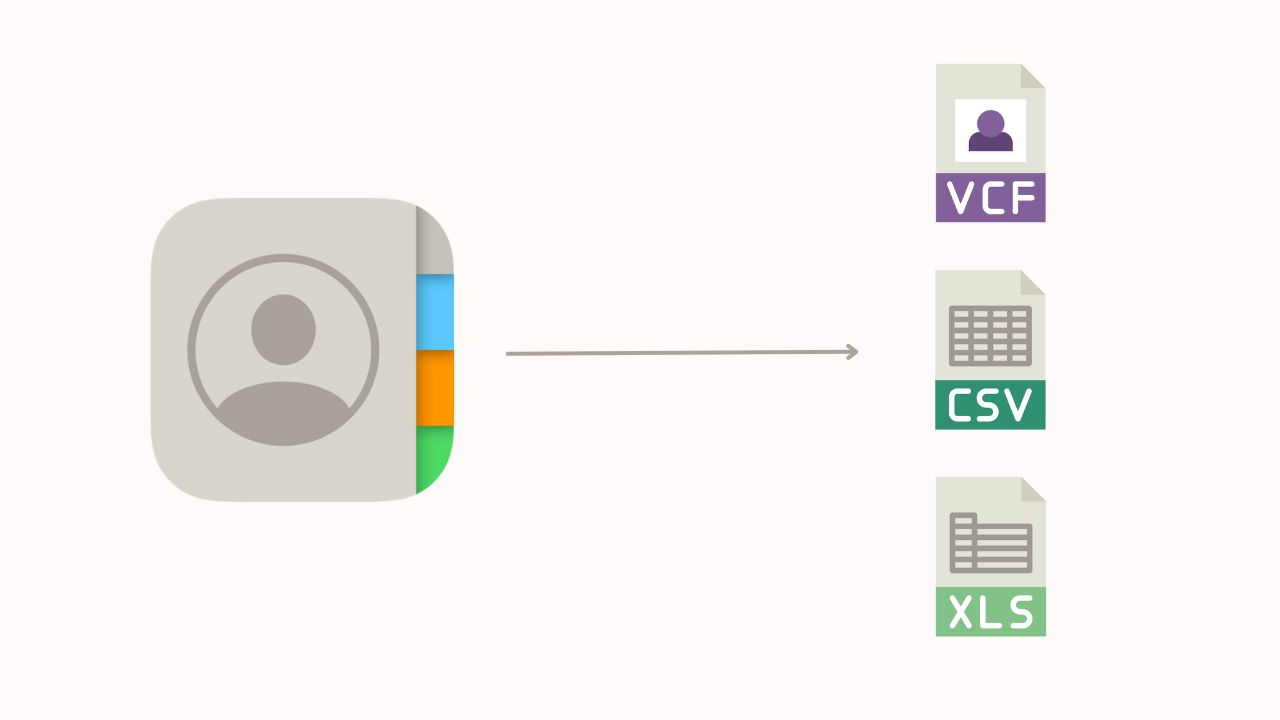
Learn how to export your iPhone contacts as an Excel, CSV, or vCard file to use as a backup or to share them with someone else.

Check out this list of the best iOS apps to convert a physical document, business card, receipt, letter, or photo into a PDF or image on your iPhone and iPad.

Learn how to stop Apple's built-in Calendar app from deleting old events and restore past appointments if they're missing from the app.

Discover all the handy ways to use your fingers, trackpad, or mouse to zoom in and out of Apple Maps on your iPhone, iPad, or Mac.
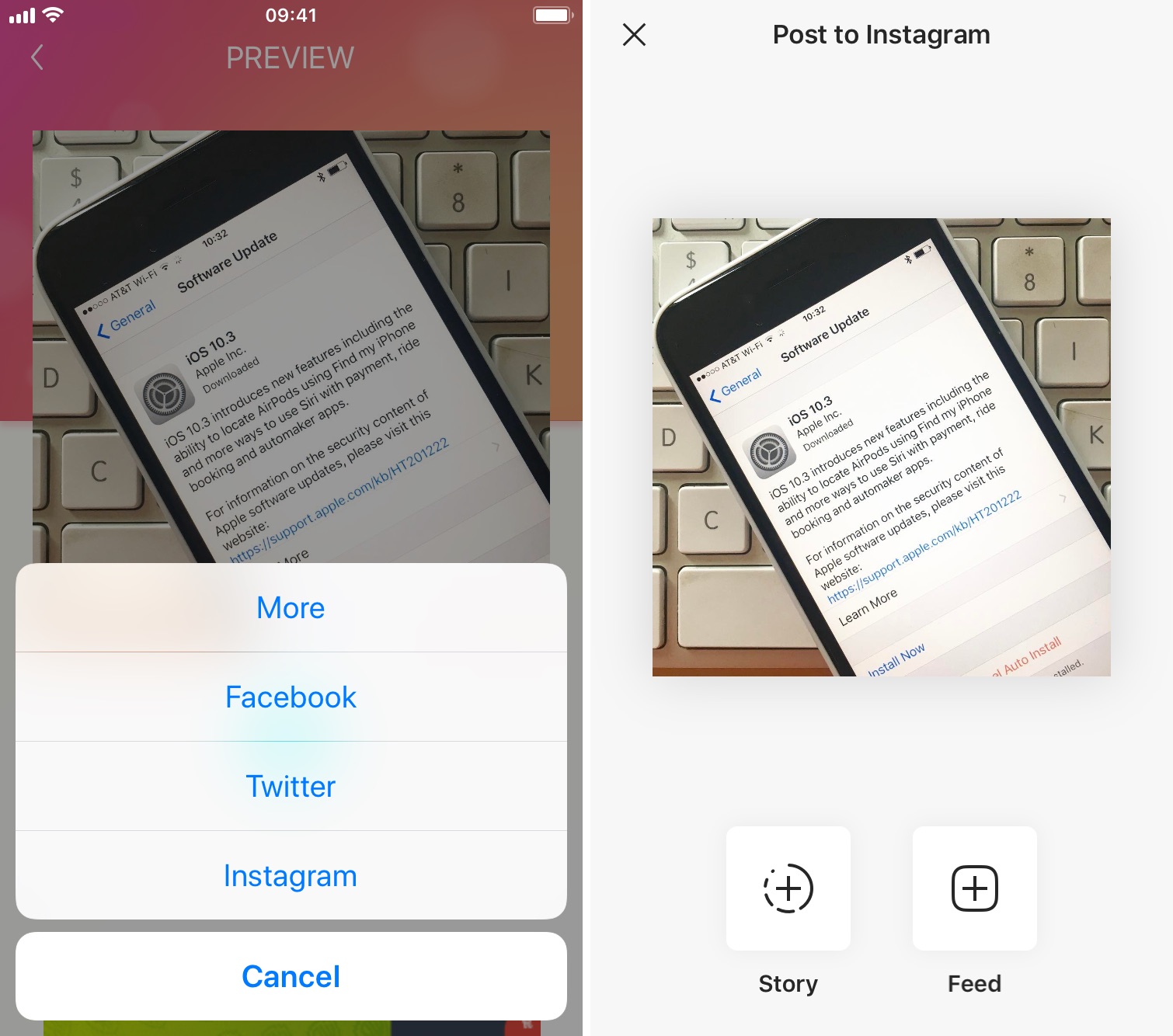
The Instagram app lacks the option to repost Instagram photos, videos, and stories natively, so people usually screenshot photos to post them as their own. This works fine as a workaround but requires extra steps, such as cropping the screenshot. Maybe more importantly, it generates photos of poor quality.
Reposting, also known as regramming, is quite a common practice, even though the Instagram application doesn't provide a way to easily do that. As a result, you must use third-party applications. In this post, we will show you how to repost Instagram photos, videos, and stories from your iPhone using an app we developed ourselves called Reposter for Instagram.