Learn about a couple of simple Spotlight Search tips to open apps and websites in an instant on your iPhone or iPad.
How to quickly open apps and websites using iOS Spotlight Search

Learn about a couple of simple Spotlight Search tips to open apps and websites in an instant on your iPhone or iPad.

People who subscribe to Amazon Music or the company's audiobook service, Audible, may reportedly soon be able to download and enjoy free podcasts using each service.

Twitter is currently testing a new optional feature that translates individual tweets in the feed automatically as long as they are written in a language that the account holder doesn’t speak.
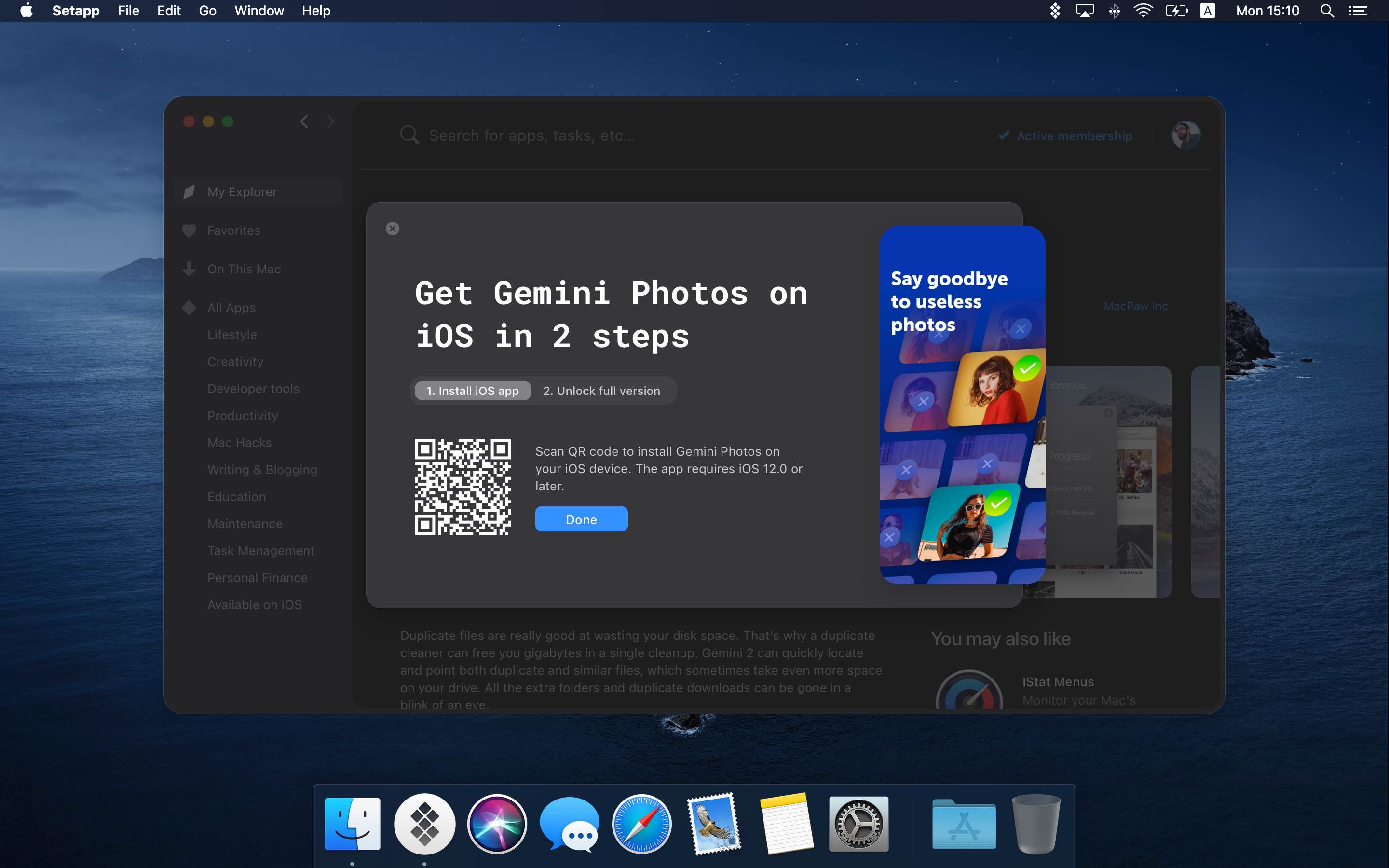
The Setapp subscription service by MacPaw launched three years ago as the Netflix of Mac apps. Today, popular iOS apps are joining Setapp and customers can now register their iPhones and iPads as additional devices on all Setapp subscription plans.

Fantastical maker FlexiBits today launched a new subscription offering aimed at families.

One of those iOS 14 and iPadOS 14 enhancements you might not notice at first, but is definitely an improvement, is the image picker. With this handy tool, you can browse and select images from your Photos library in apps like Mail, Messages, and Notes.
While there was nothing particularly wrong with the tool before, you will notice bigger screen, handy search field, and more effective design. All of this makes it simpler to find the photos you need. Here, we’ll show you how to use this improved image picker on iPhone and iPad.

Check out these handy sidebar tips to make the most of the Apple Files app on your iPad and get things done effortlessly.

Controlling your smart home from your iPhone and iPad is simple with the Home app. And with iOS 14, iPadOS 14, and macOS Big Sur, you have a clearer way to see and manage your HomeKit accessories.
What used to be written summary section at the top of the Home app is now a visual summary of your connected devices. This allows you to quickly take action or more easily control your accessories. Here’s the scoop on using the visual status section for devices in the Home app.

In this week's edition of our Apps of the Week roundup we have a platform for listening to and taking part in live conversations, an app the encourages smiling more, and a digital work break buddy. And as always, we've selected two great games for you to check out.

Learn how to save time and effort by searching inside apps on your iPhone or iPad directly using Spotlight Search from your Home Screen.

From turning your smart accessories on or off to adjusting their settings, this tutorial shows you how to control and manage HomeKit devices from your iPhone and iPad Control Center.

Apple Arcade fans will soon be able to play four new games on the subscription service. Yesterday, iDB informed you about one of them, called "Samurai Jack: Battle Through Time." Today, we're previewing the remaining three games hitting the Arcade service soon.