Sébastien Page

Sebastien is the Founder and Editor in Chief of iDB. Once a BlackBerry user, Sebastien instantly fell in love with the iPhone when it was first announced in 2007. Shortly after, he decided to start sharing his knowledge of the iPhone and its nascent ecosystem, which led to the creation of this blog. Sebastien currently owns 14 iPhones, 4 iPads, a MacBook Pro with Touch Bar, a MacBook Air, 2 Apple Watches, 3 Apple TVs, countless HomePods and AirTags as well as a few pairs of AirPods.

Tweaks of the week: Doorman, Gauss, NetflixSleepTimer, and more

If there is one thing we'll remember from this past week, it's probably not the amount of tweaks that were released, but more likely the launch of Apple Watch, which by the way, has so much potential for a jailbreak, but it's an entirely different discussion.

Not much was released on Cydia this week, but there are still some pretty interesting tweaks. Take a look!

How to disable WhatsApp Read receipts

You probably already know the two blue check marks you see next to your messages in WhatsApp conversations are Read receipts indicating your contact has indeed read your message. This is a blessing and a curse. It's a blessing because it can be very helpful at times, when you want to make sure your friend read your message for example. It can also be a curse, because you can't really pretend you didn't read a message if you actually have.

These problems are now a thing of the past with WhatsApp recent update that lets you disable and enable Read receipts at will. In this post, I'll show you how to disable WhatsApp Read receipts.

Apple Watch: getting #BandGate and #ShowerGate out of the way

It’s inevitable. Like clockwork, following each new Apple product launch, you can be certain someone, somewhere, will find a way to create a controversy based on an alleged design flaw. The controversy then makes its way up the chain, usually ending up being “verified” by some YouTuber. This is when the controversy gets appended the “gate” suffix, and becomes the mother of all weaknesses, the Holy Grail of Apple's negligence.

The issue with these problemgates, is that they’re often devoid of good commonsense, or simply devoid of actual understanding of the most basic rules of physics. Take Bendgate for example. Who wouldn’t have thought that applying a certain amount of force onto a device mostly made of aluminum would actually cause it to bend?

With Apple Watch arriving this Friday, I’m already anticipating a couple problemgates that may or may not materialize, but for good measures, I wanted to get ahead of the game and address them before they even start, because you know, good old commonsense can go a long way.
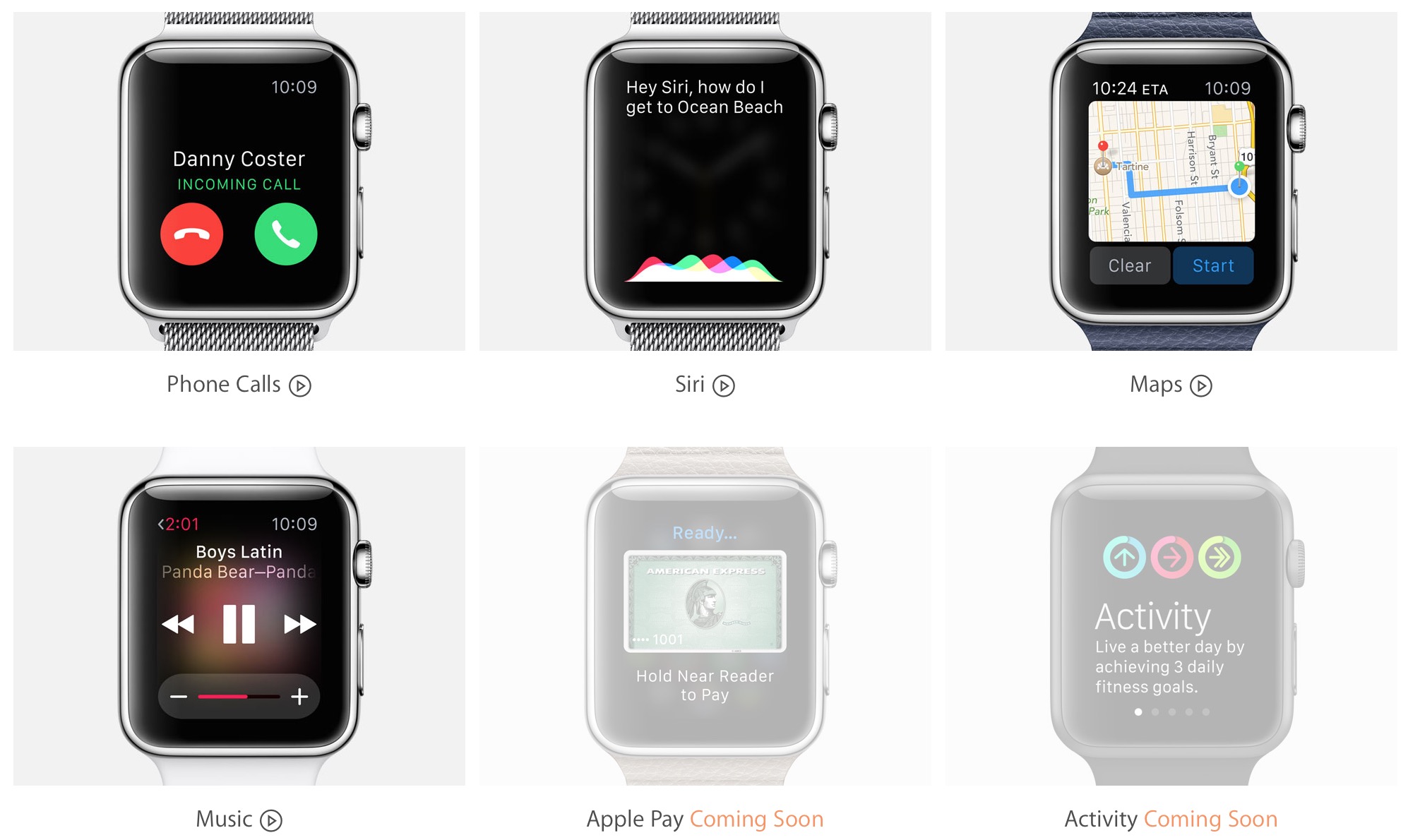
Apple Watch Guided Tours: Phone, Siri, Maps, and Music

A few days after first unveiling Guided Tours, Apple updated the minisite on Wednesday with four more videos showcasing how to use Apple Watch, specifically focusing on Phone, Siri, Maps, and the Music app on Apple Watch.

While the videos aren't intended to tell everything about each feature, they give enough information that even those users who aren't too tech-savvy will be able to follow along, and get something out of it.

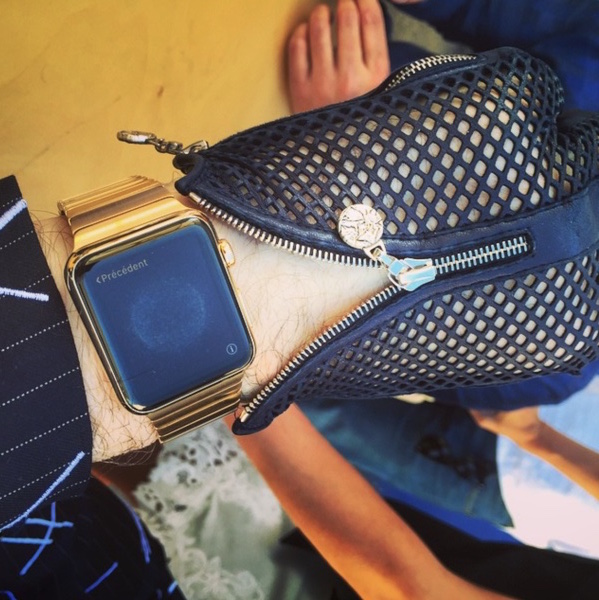
The Apple Watch you can’t have

If Apple Watch Edition is out of your league, don't even start to think about how you could get your hands on this one, because you can't! This Apple Watch Edition with gold Link bracelet was custom-made for fashion designer Karl Lagerfeld.

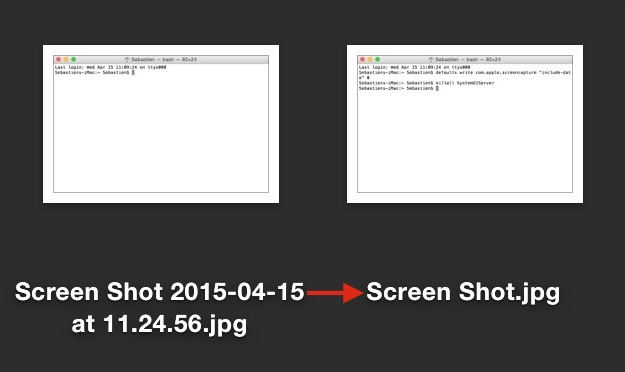
How to remove date and time from screenshot file names on Mac

By default, every time you take a screenshot on macOS, the file generated will be named "Screen Shot date time" where "date" and "time" are replaced with the actual date and time the screenshot was taken. For most people, this is a useful feature as it allows to quickly sort screenshots depending on when they were taken. But for other people, it might be an annoyance.

In this post, we will show you how to remove the date and time from screenshots that were taken on Mac.