Do you want to see what’s under the hood of the webpages you visit? Check out how to view a page’s source code on iPhone, iPad, and Mac.
How to view HTML source code of a webpage on iOS and Mac

Do you want to see what’s under the hood of the webpages you visit? Check out how to view a page’s source code on iPhone, iPad, and Mac.
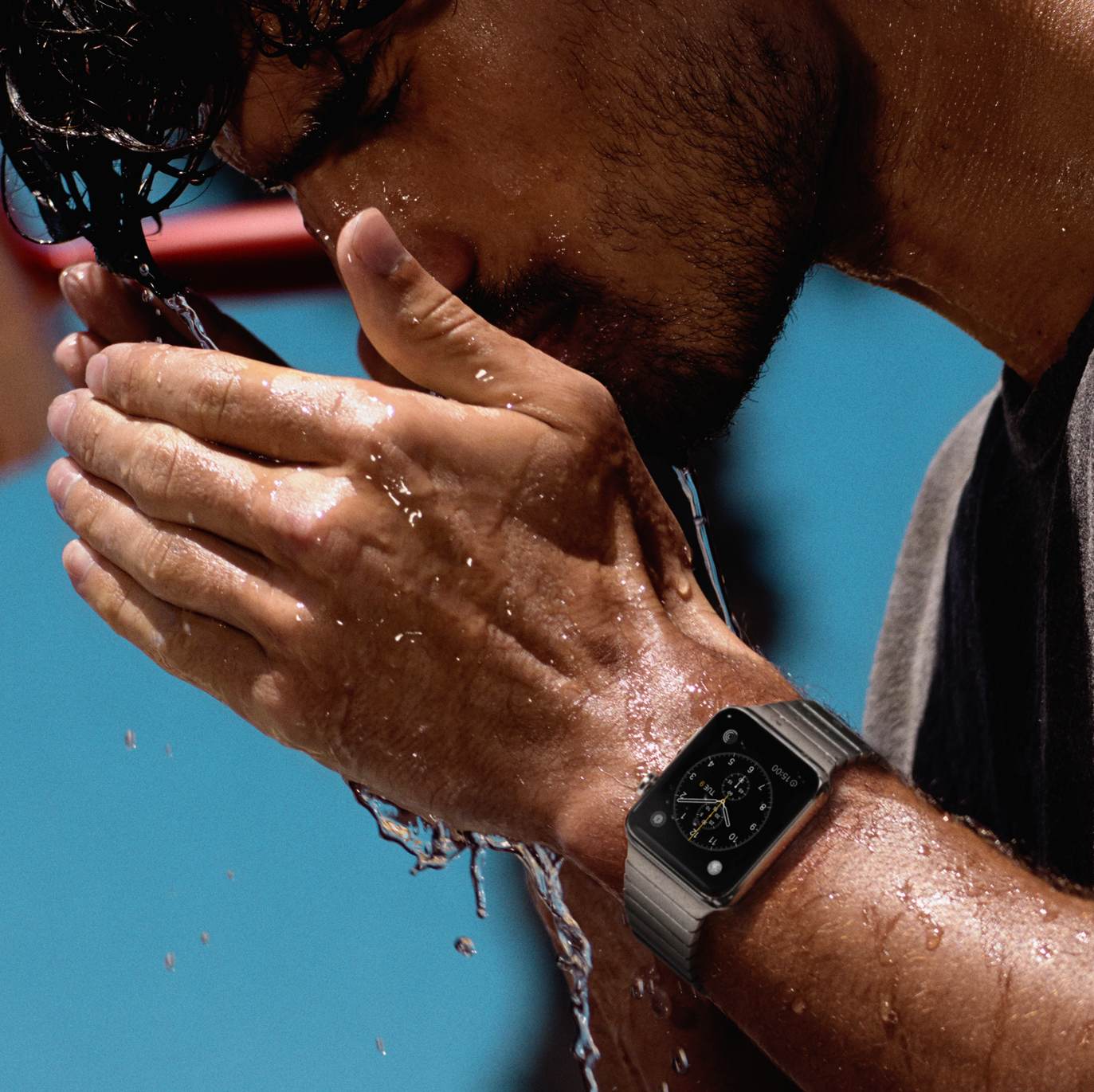
There seems to be a lot of confusion, misunderstanding, and maybe a bit of misinformation when it comes to the water resistance aspect of Apple Watch. Apple itself hasn't been very helpful as the company has been providing contradicting information when explaining what you can and cannot do with your watch. Add those misleading videos of guys jumping in the pool with their Apple Watch, and you can easily understand why one might be puzzled at whether or not it is acceptable to dunk Apple Watch in water. In this post, we'll try to put an end to the speculation about Apple Watch and water.
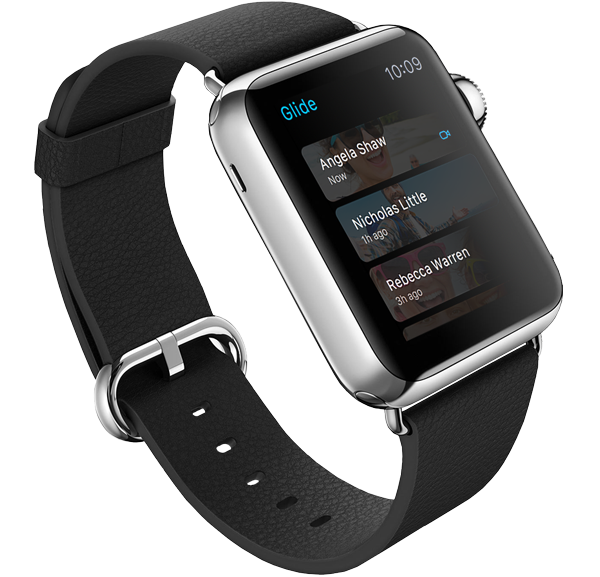
After putting eleven smartwatches through various tests, Consumer Reports rated the Stainless Steel Apple Watch as the best of the category. Putting Apple, Samsung, Pebble, Sony, Martian, Asus, LG, and Motorola in direct competition, the folks at Consumer Reports took the eleven smartwatches through their labs to test for durability, health functionality, readability in bright and low light, ease of use, and ease of interaction.
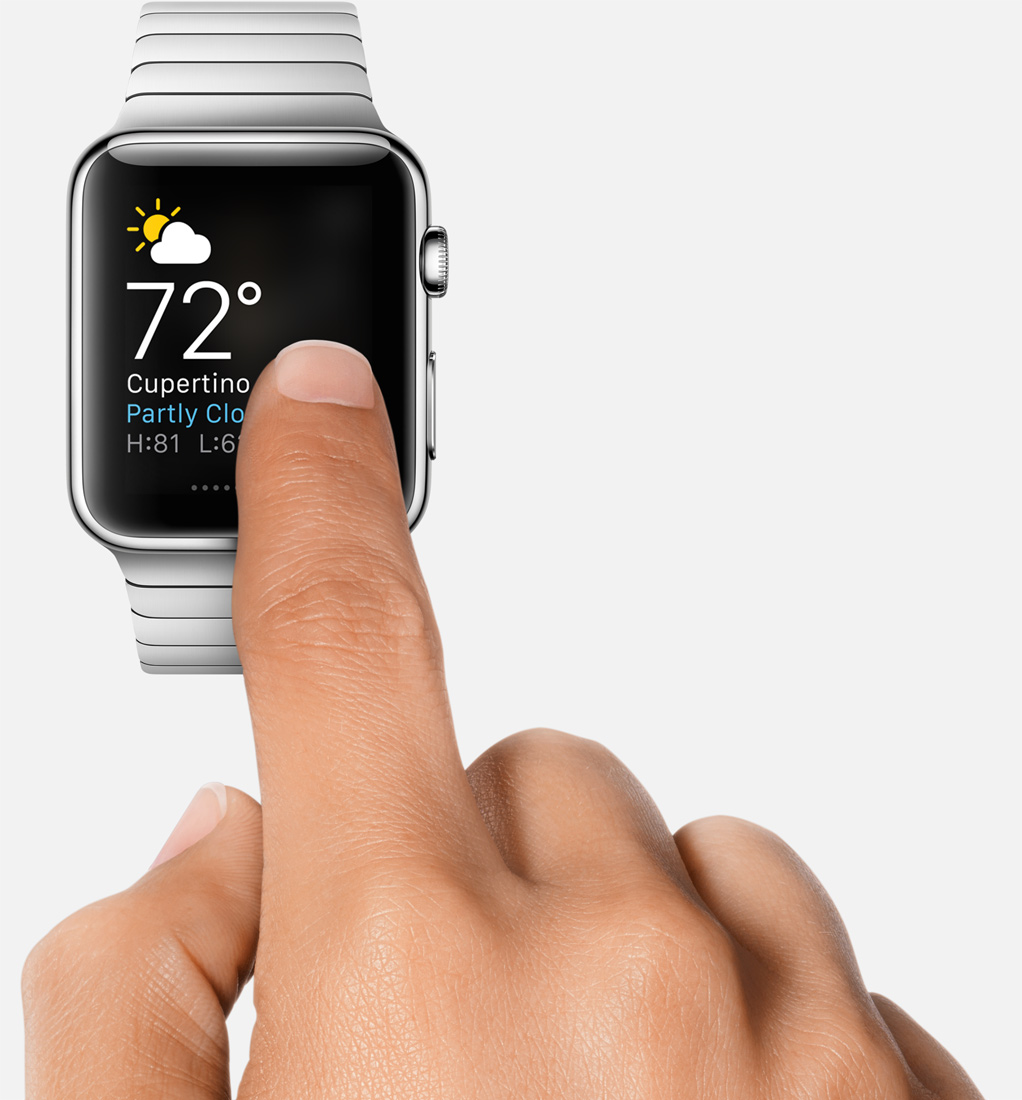
In a post I published before Apple Watch was even released, I noted that the most important features Apple hadn’t emphasized about the device were its convenience, and immediacy. Convenient because it is right there on your wrist, and immediate because everything is one raise of the wrist away.
I stand behind what I wrote at the time, especially now that I’ve had time to actually use Apple Watch and confirm my early beliefs. Something I hadn’t envisaged though is how liberating Apple Watch can be.
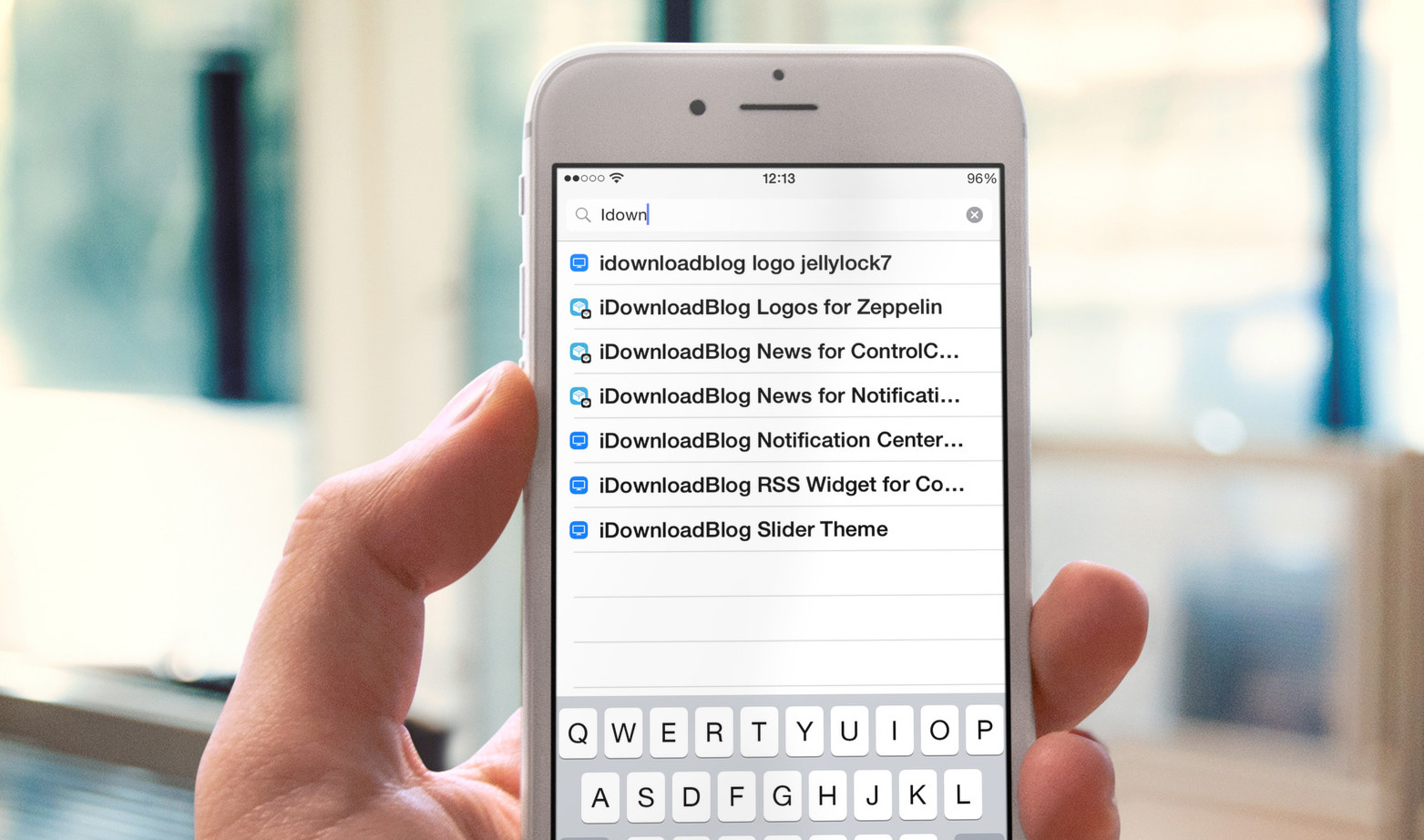
Recently, we've been busy dreaming up the possible jailbreak tweaks for Apple Watch and discussing the topic on Let's Talk Jailbreak, and to be honest, we kind of lost sight of the tweaks for iOS lately. Hopefully we can rectify this as the Apple Watch hype goes down. In the meantime, we listed all the tweaks that were released on Cydia this past week. There aren't many of them, but we do have a couple interesting ones.

Like every Sunday, we get to take a look at some of the most popular posts that were published on iDB during the week that just ended. Whether it is a news item, a new jailbreak tweak, a tutorial, or an app review, we sum it all up in one convenient place for you.
As always, if you like what you're reading, please feel free to spread the love by sharing our posts on your favorite social network.
We're usually hanging out a lot on Twitter and Facebook, more rarely on Google+.
Don't forget to listen to the latest episode of our new podcast, Let's Talk iOS:
Subscribe on iTunes
And of course, make sure to catch up with the new episode of Let's Talk Jailbreak:
Want to support iDB? Download our iOS 8 Interactive User Guide or Yosemite Interactive Starter Guide in the iBooks Store.

Go through these simple power-saving tips to save battery on your Apple Watch if you’re experiencing poor battery life.
https://www.youtube.com/watch?v=IlUPM7s_7_8
Samsung's latest video about the "advanced design and digital craftsmanship of the Samsung Galaxy S6 edge" feels like déjà vu.

With the Apple Watch Home screen, Apple introduced a new layout and design that is a departure from what we have all been accustomed to with iPhone and iPad. Instead of favoring rows and columns of square-ish icons, Apple had to rethink the user interface and introduced us to an infinite and honeycomb-like fluid grid of apps devoid of pages, folders, or dock.
One could argue this design paradigm modernizes the Home screen as we know it, but beyond the new and refreshing look, I've had a hard time getting used to it and actually find it useful. As a matter of fact, I don't find it useful at all. It is absolutely gorgeous to look at, but it is also a terrible mess to use. Organizing apps, looking for apps, and being able to accurately tap on their icons is something that I have had a difficult time with.
Samsung reported its financial results for Q1 yesterday, and the numbers aren't great. The company reported net profits of 4.63 trillion won (about $4.35 billion), representing a 39% drop from the year ago quarter.
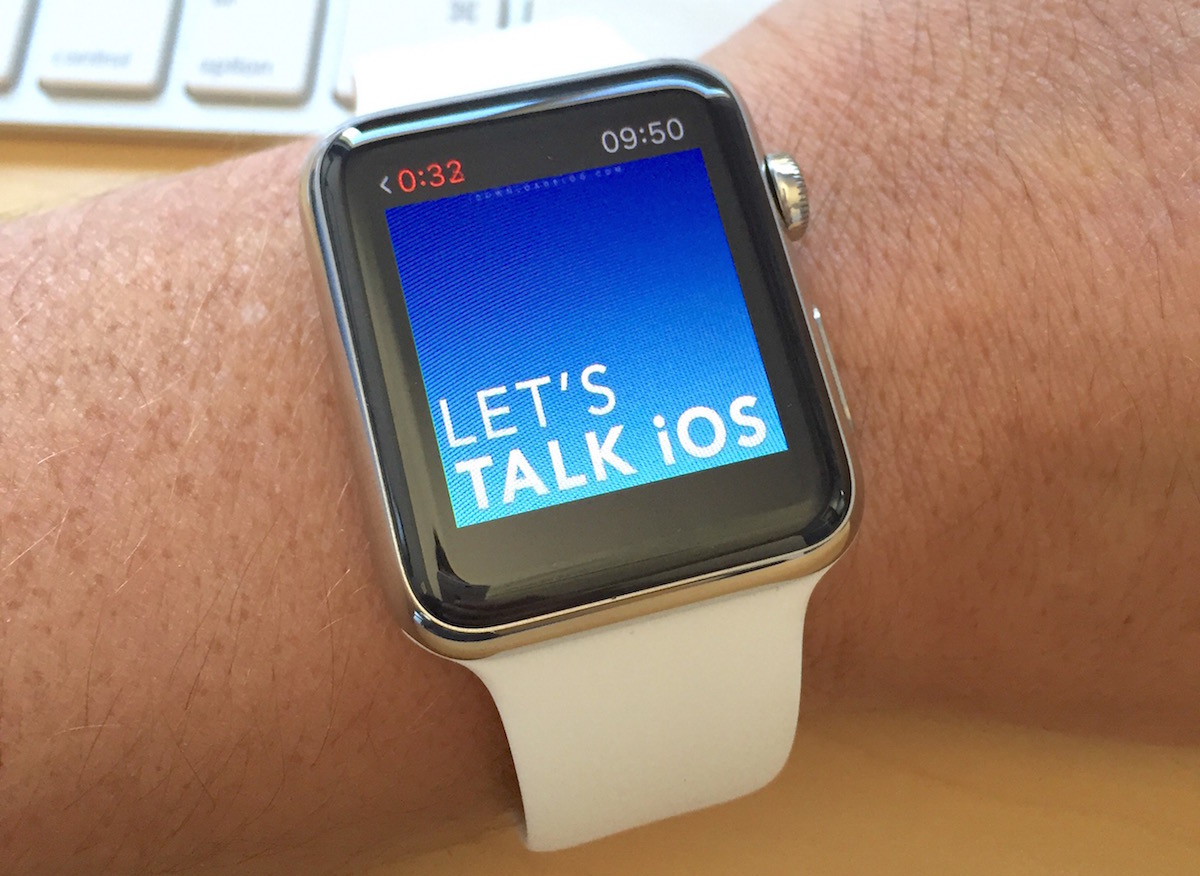
While you can sync music from your iPhone library to your Apple Watch, there is currently no way to sync podcasts, which is something Apple will likely address in a future update. In the meanwhile, podcast listeners must still be tethered to their iPhones to enjoy podcasts on the go with the help of Overcast, which apparently is the only podcast app with support for Apple Watch at this time. But again, it's not really a solution as you have to have your iPhone nearby to listen to podcasts via Overcast on Apple Watch.
However, there is a workaround that allows you to sync podcasts with Apple Watch. Like all workarounds, it's not very straightforward, and to be honest, a bit cumbersome, but if you want to listen to podcasts on your Apple Watch without an iPhone, this is currently your only option. In this post, we'll show you how to sync podcasts with your Apple Watch.
It is an incredibly precise timepiece, a new way to communicate, but it is also a smarter way to look at fitness. Timekeeping and communication aside, early scientific and less scientific tests show Apple Watch is actually very accurate at tracking health and fitness data.