In this tutorial, we explain how to use the Split Screen effect in the iMovie editor on Mac, iPad, and iPhone to display two videos at the same time.
How to create a split screen effect in iMovie on Mac and iOS

In this tutorial, we explain how to use the Split Screen effect in the iMovie editor on Mac, iPad, and iPhone to display two videos at the same time.
Check out these handy tips for using the Search feature in Finder like a pro so you can save time and prevent frustration when looking for the right photos, videos, PDFs, and files on your Mac.
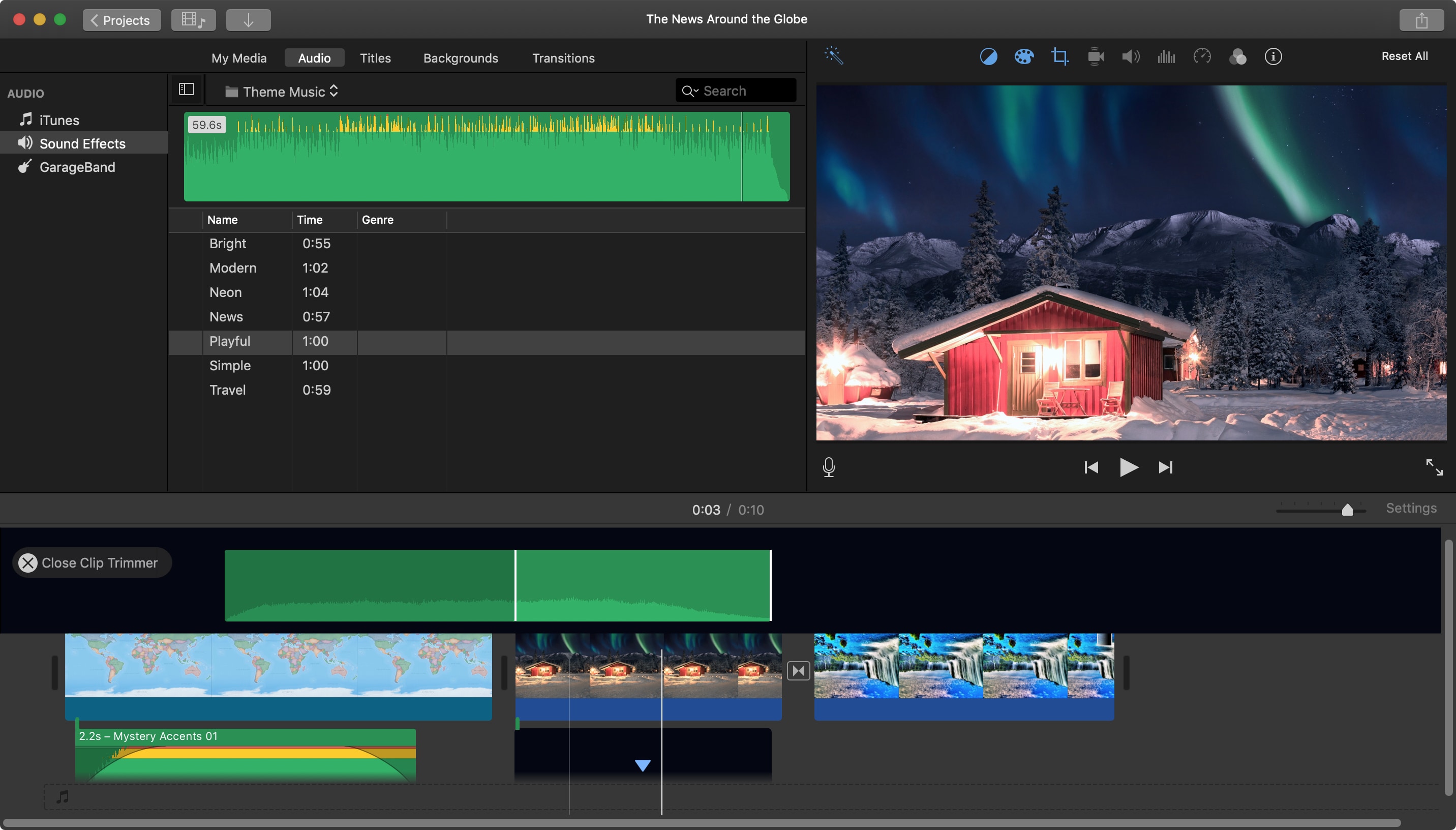
When you add an audio effect or background music to your movie in iMovie, you may want to make some adjustments. Luckily, iMovie provides features for editing your audio clips so that you can trim them, change the speed, and adjust the volume.
For iMovie on both Mac and iOS, this tutorial shows you the basics of how to edit, trim, and adjust your audio clips.
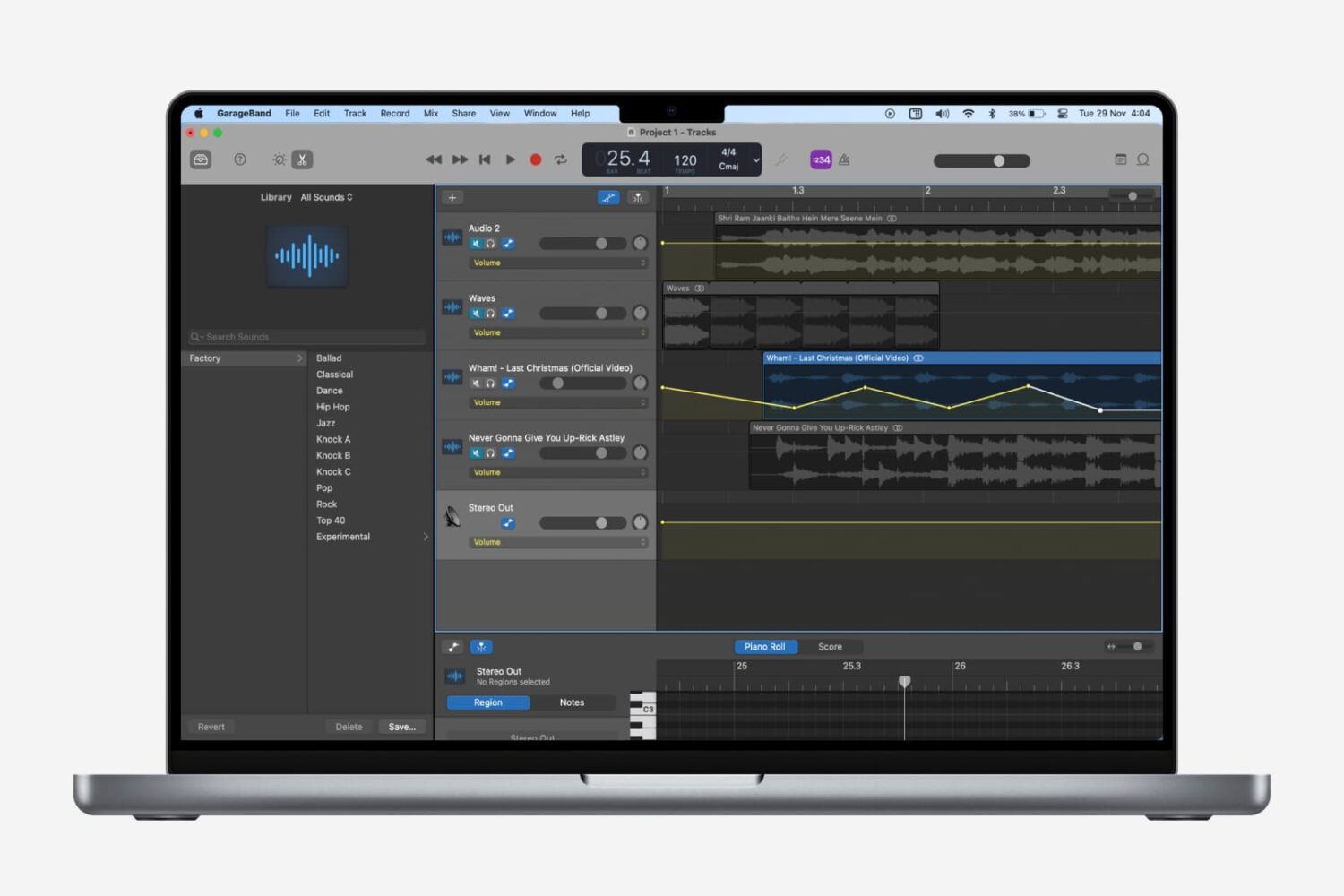
Fading out of a song is something that we hear all the time when listening to our favorite tunes. As the song begins to come to an end, you’ll hear it slowly fade away to silence. If you’re creating your own music in GarageBand, you can add this effect as well.
While fading into a song isn’t as widely used, we’ll show you how to do that on Mac as well. So open up GarageBand on Mac or iOS and then follow our tutorial to add fade out to your songs.
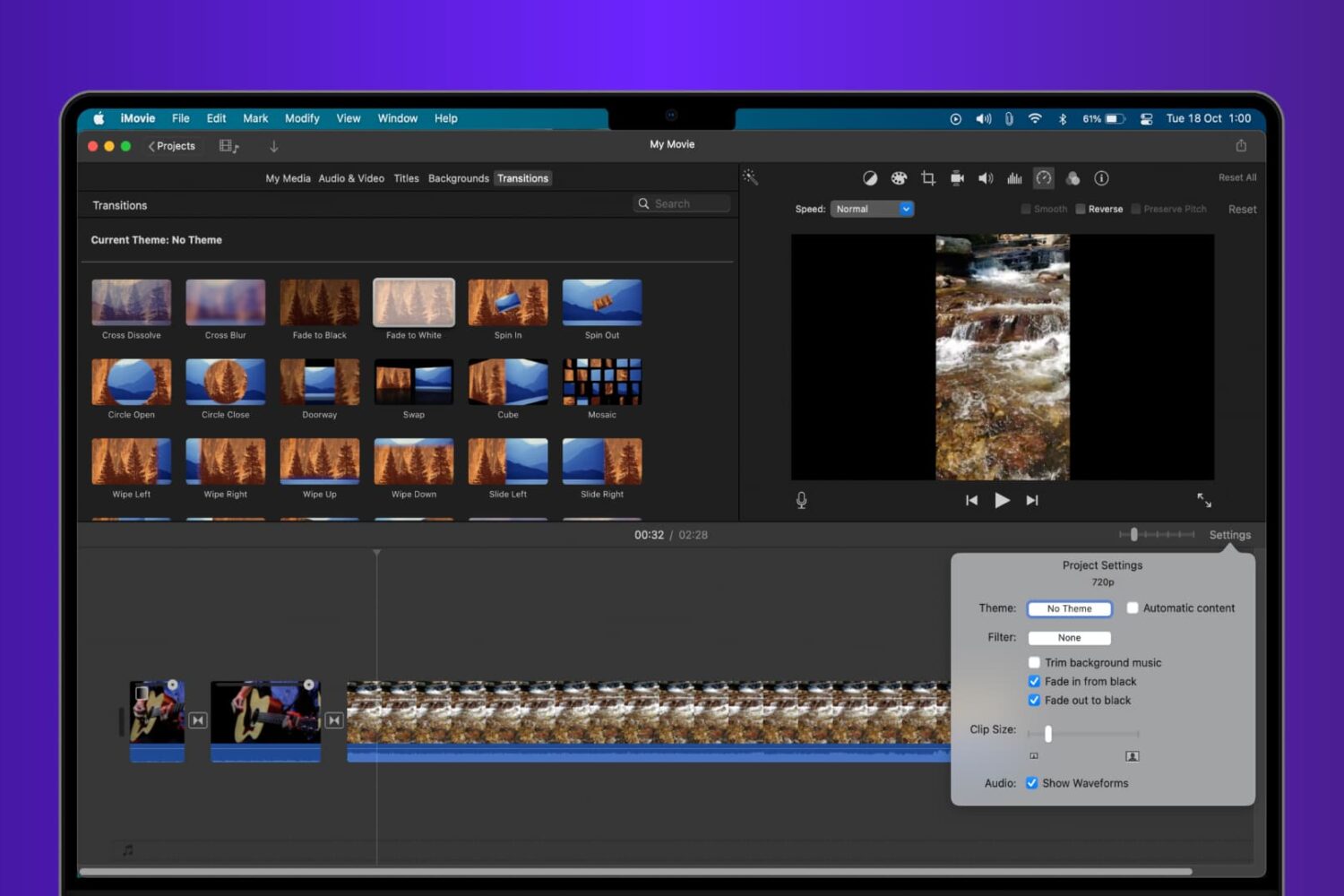
Learn how to add fade transition effects at the beginning, end, or in between scenes in your iMovie video project to give it a polished and professional look.
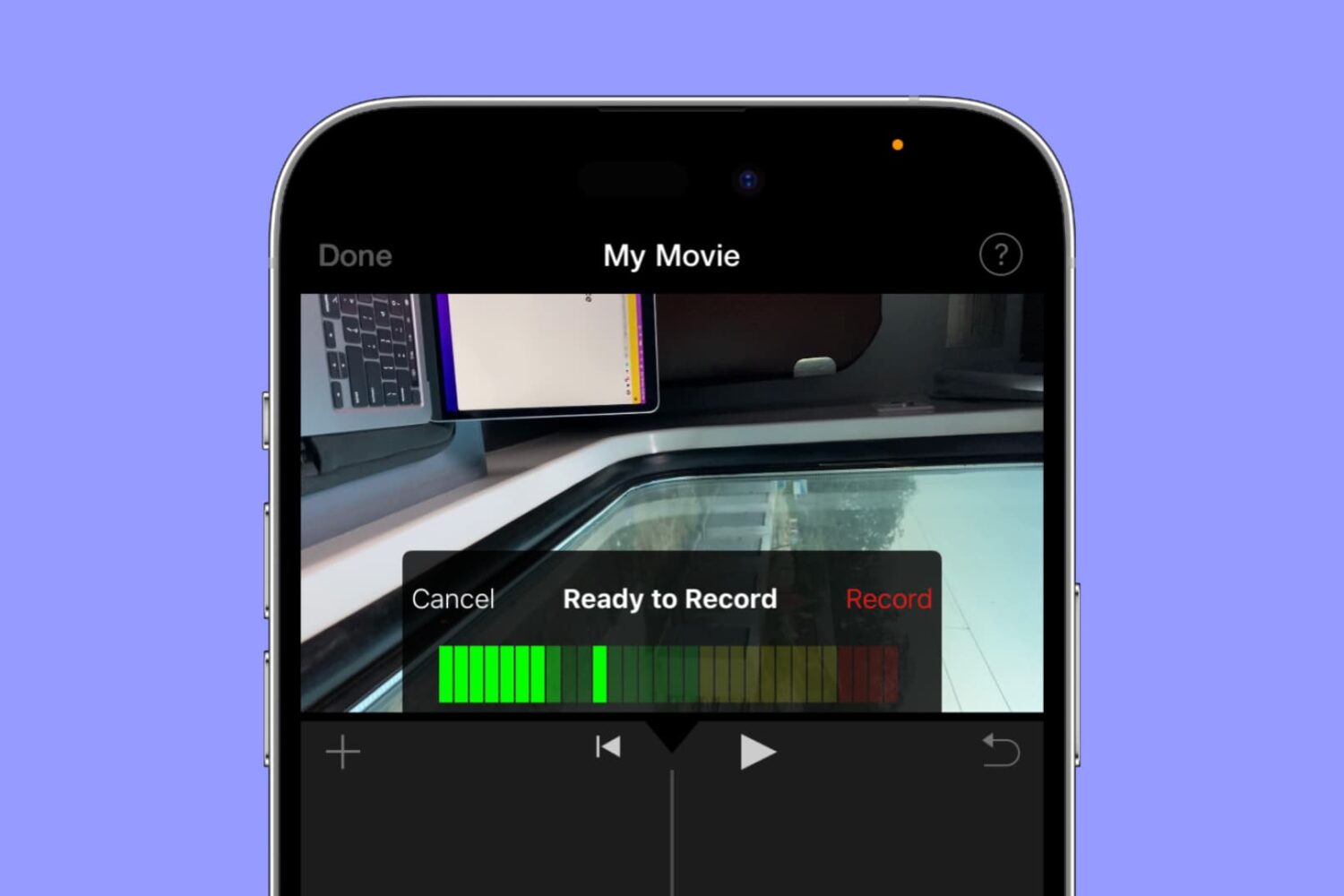
Whether you’re using iMovie on a Mac or an iOS device, you can use its voiceover feature to record your narration or even add a particular sound to the movie.
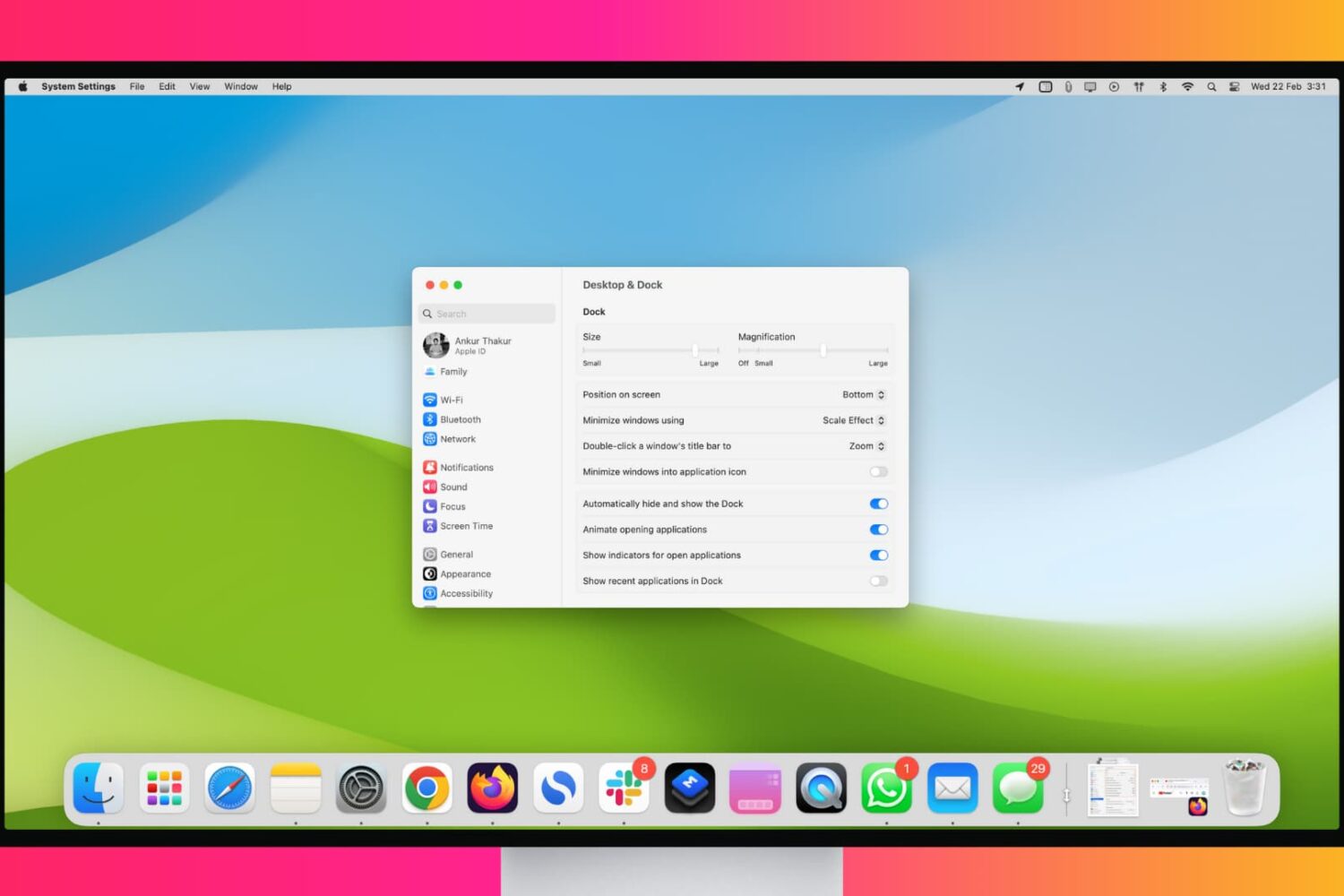
Maximize your workflow with these tips for customizing and using your Mac’s Dock like a pro.

These days there’s no reason to stand in line at the movie theater to purchase tickets. Many theaters let you buy your tickets ahead of time. This saves you time and lets you grab your popcorn and perfect seats while everyone else is still waiting in line at the box office.
Here are some of the best iPhone apps for movie theaters and tickets.
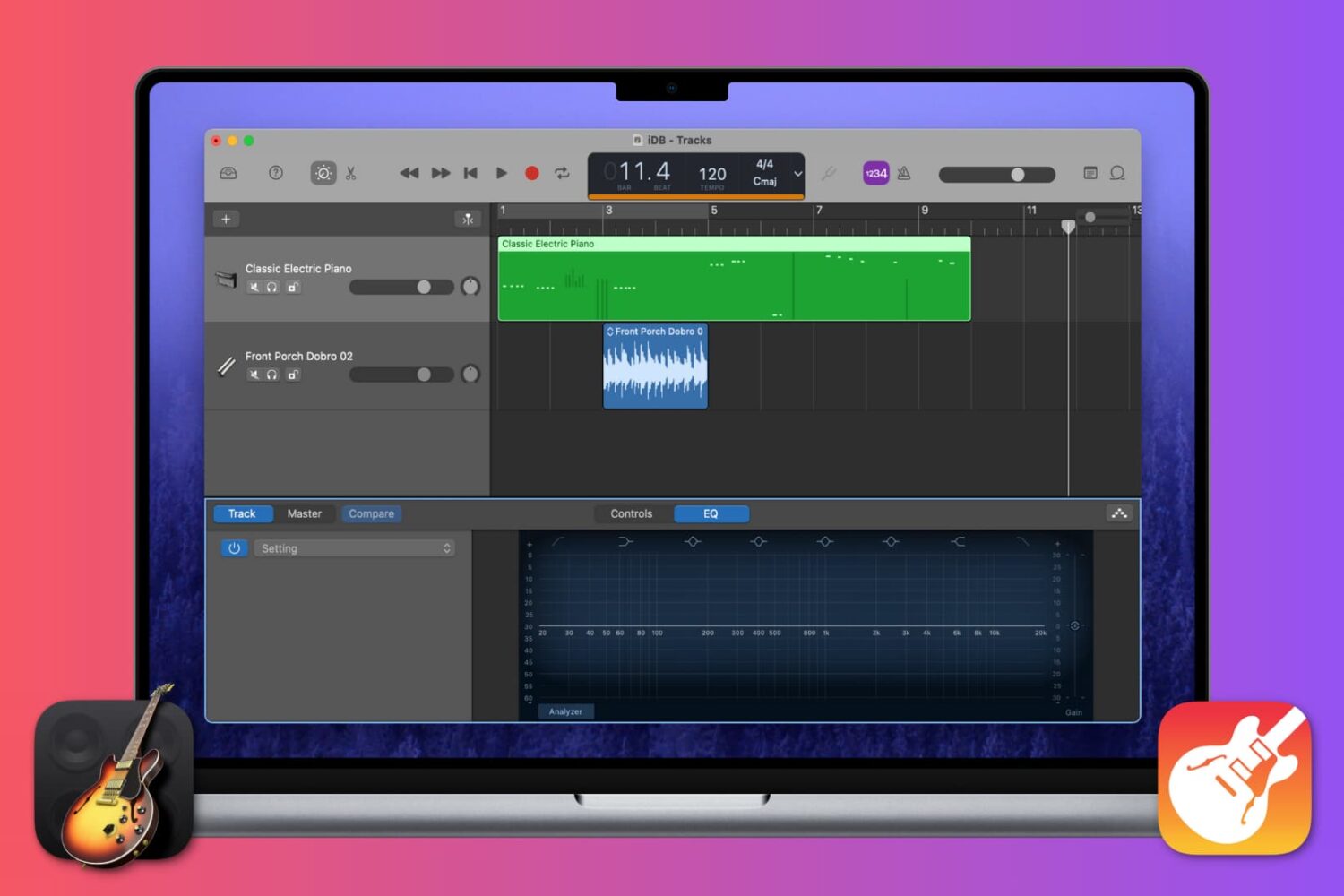
This tutorial walks you will teach you how to work with Regions in GarageBand, including cutting and pasting, joining and splitting, and more.
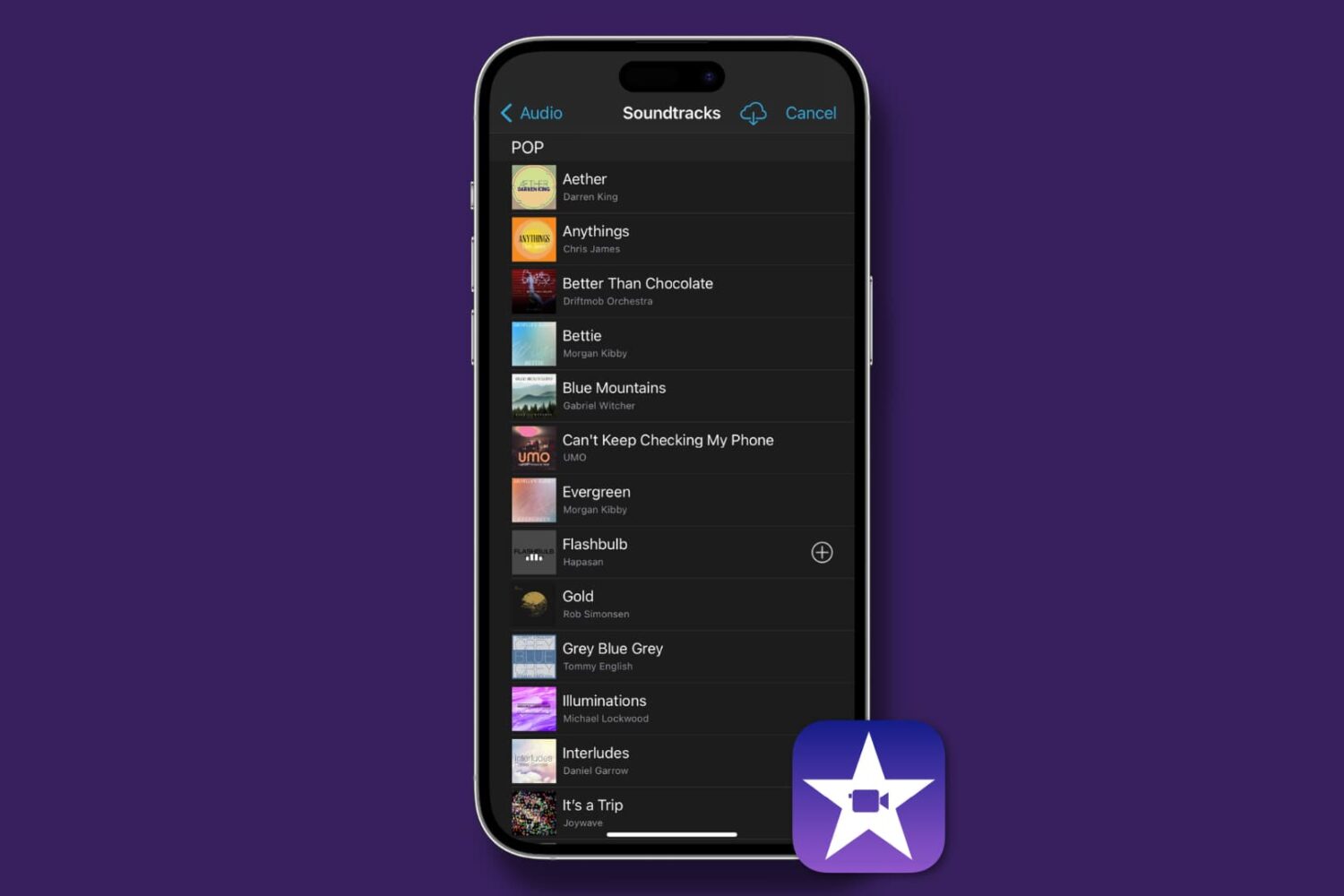
Find out how to add background music and sound effects to your video projects in iMovie on Mac, iPad, and iPhone to make them sound as great as they look!
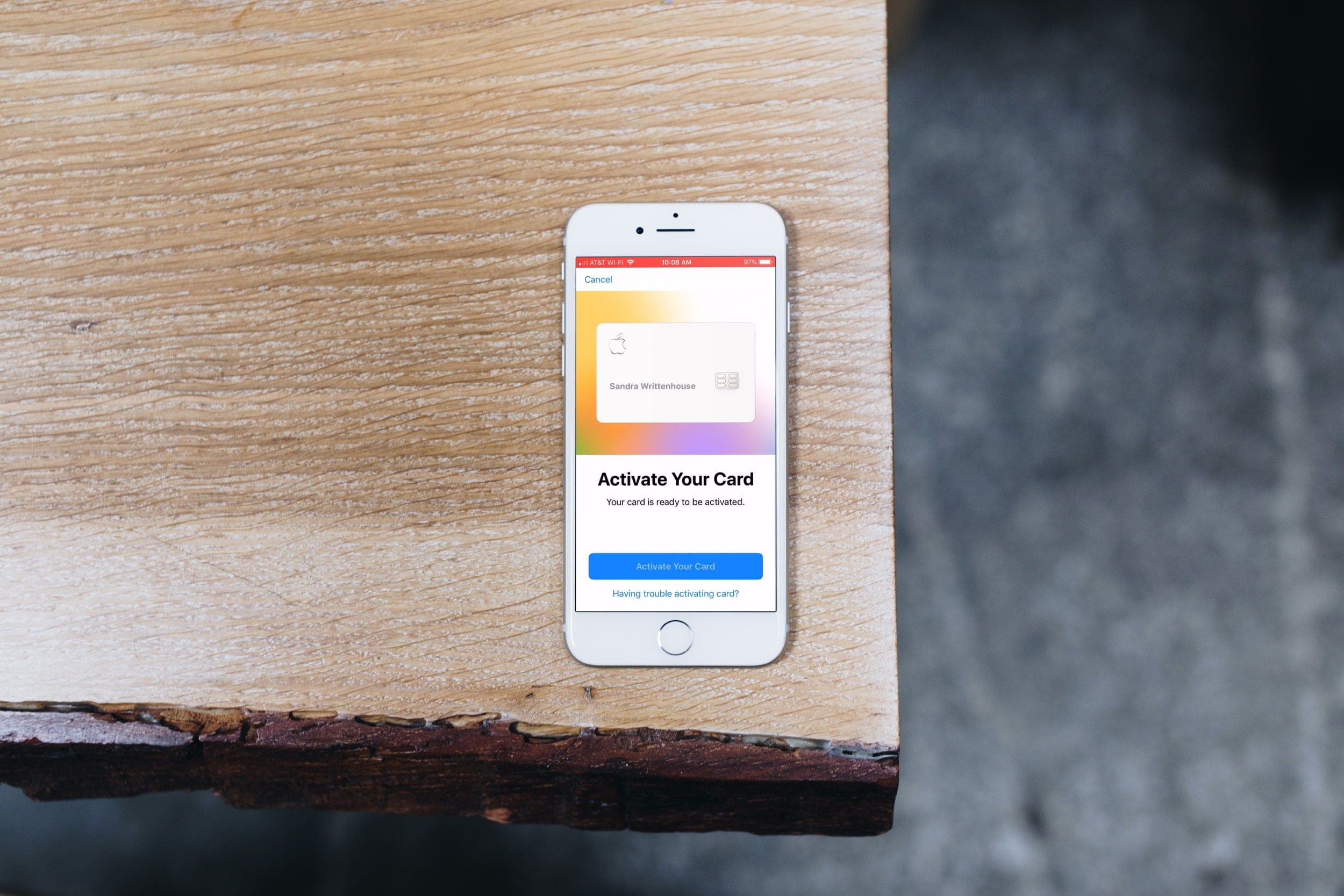
If you’re just now receiving your physical Apple Card, then you’re ready to activate it. And Apple couldn’t have made it any simpler to do so.
But for those who need extra help, this short tutorial shows you how to activate your titanium Apple Card.
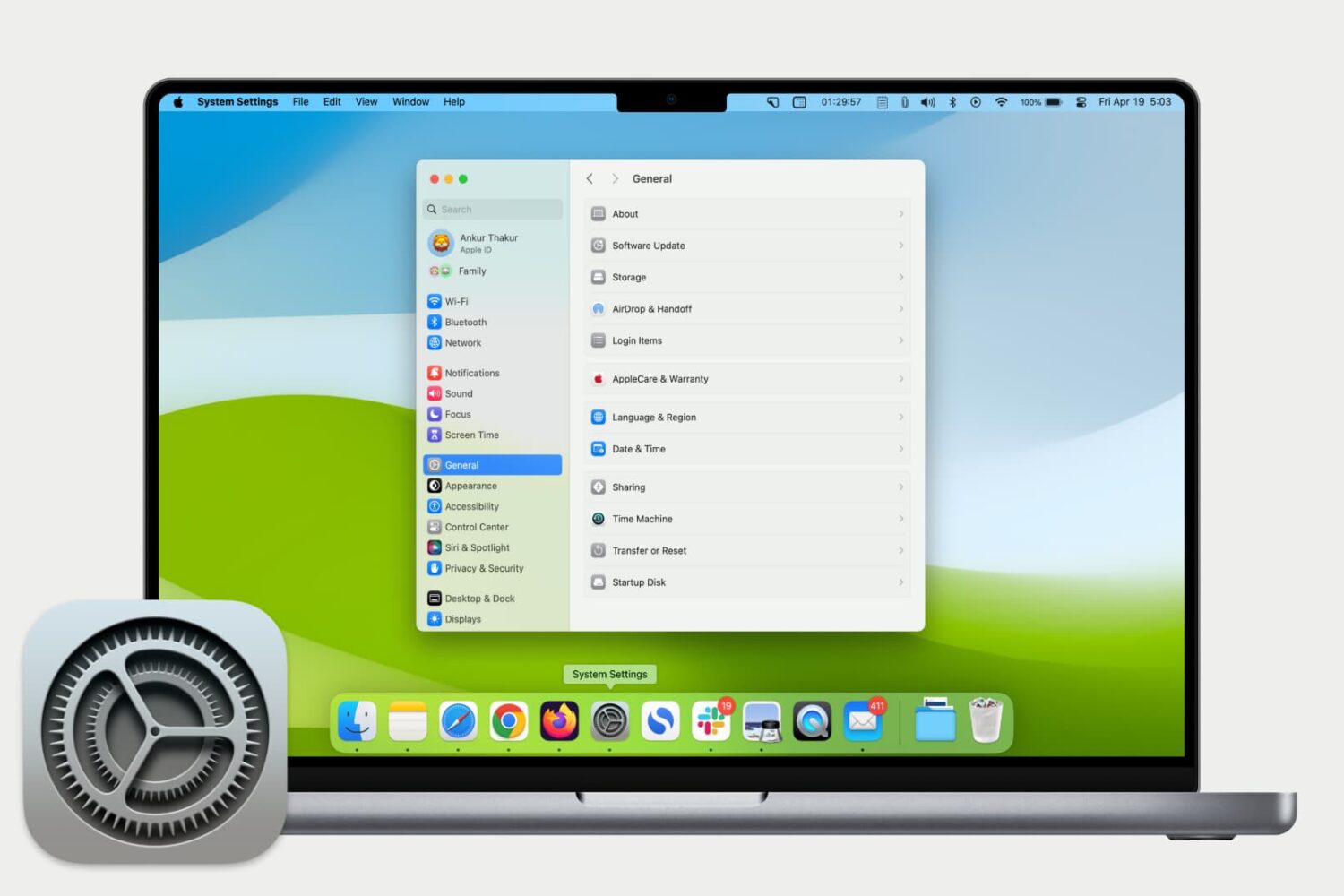
Get used to your Mac System Settings with our helpful guide for accessing, navigating, and finding what you need as a new Mac user.