Jeff Benjamin

Jeff has been with iDownloadBlog since 2010, acting as resident video specialist, and tutorial expert. He earned his degree in Computer Network Systems back in 2001, but decided Cisco routers and the like just weren’t for him. Since then, he’s been heavily involved with online writing. He’s written for numerous tech and video game sites since the late 1990′s, and has a knack for explaining things in a simple, clear, and concise manner. Jeff works primarily from the east coast on his Retina Macbook Pro, and shoots video with a Canon DSLR. During downtime he likes to travel the world, visiting the various Apple Stores across the globe. You can email him at jeff [at] idownloadblog.com and follow him on Twitter @JeffBenjam or on Google+.

More iPhone 6s box art leaks ahead of tomorrow’s launch

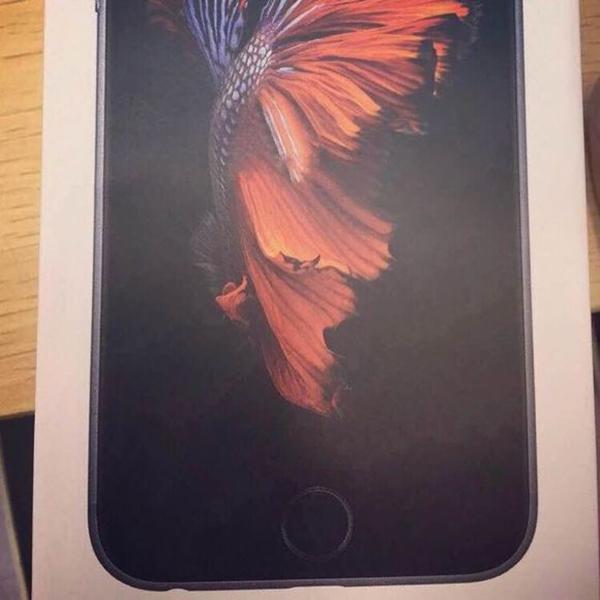
In yet another sign that we're ridiculously close to launch, several images are now floating around the web showcasing the iPhone 6s box, complete with cover art.

The latest box art leak that I've seen is from @alixrezax, and it features what seems to be a Space Grey iPhone 6s. Unlike last year's sparse white box that featured a mere embossed outline of the phone awaiting inside, this year's model goes back to the product shot and wallpaper seen in past iPhone releases.

Keek: the best way to view apps in Control Center

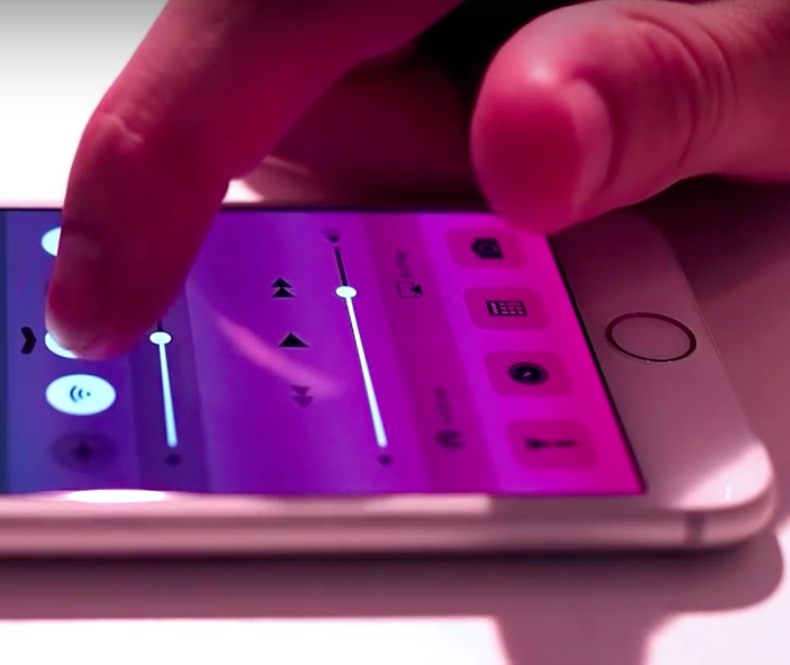
There are several jailbreak tweaks that allow you to view apps in Control Center, CCMore being the latest, but none of them are as good or as well implemented as this tweak.

Keek is a jailbreak tweak that lets you quickly open your most recently viewed apps in Control Center. You can then go back to Control Center, close the app, or launch the app in full screen view. Watch our video walkthrough to see Keek in action.

Pangu team publishes a report highlighting kernel vulnerabilities in iOS 8.4.1

Pangu team member, windknown, has posted a report on the official Pangu blog outlining several vulnerabilities in iOS 8.4.1, the latest public iOS firmware for iPhones and iPads.

The writeup, entitled iOS 8.4.1 Kernel Vulnerabilities in AppleHDQGasGaugeControl, highlights three different bugs found in iOS 8.4.1: a stack overflow bug, an out-of-bound memory access bug, and a heap overflow bug.

Let’s Talk iOS 098: Rose gold is the new black

Episode 98: A final roundup of all of the stuff we can expect to be seen at Apple's upcoming iPhone and Apple TV event on Wednesday.

Subscribe on iTunes

Sponsors: 

Go to WIX.com and create your own stunning website. It’s easy and free! Join iDB’s fantasy football league by going to FanDuel.com/ios.

Snag a $100 iTunes gift card for only $75 (US only)

The folks over at eBay are selling US-only instant $100 iTunes gift cards for 25% off, which makes for a killer deal.

True, $100 is a lot of money, but if you're planning on buying an expensive app in the near future, this deal could save you some major coin.

Say you were in the market for Final Cut Pro X, an app that's $299.99 on the Mac App Store. You could buy three $100 gift cards for only $225. That means you're essentially getting FCP X for $75 below its retail price, a significant savings.

Or perhaps you're in the market for Logic Pro X, Apple's professional DAW. That app runs at $199.99, but with this deal, it could be yours for $50 off. 

Apple adds more “Hey Siri, give us a hint” jokes leading up to its big iPhone event

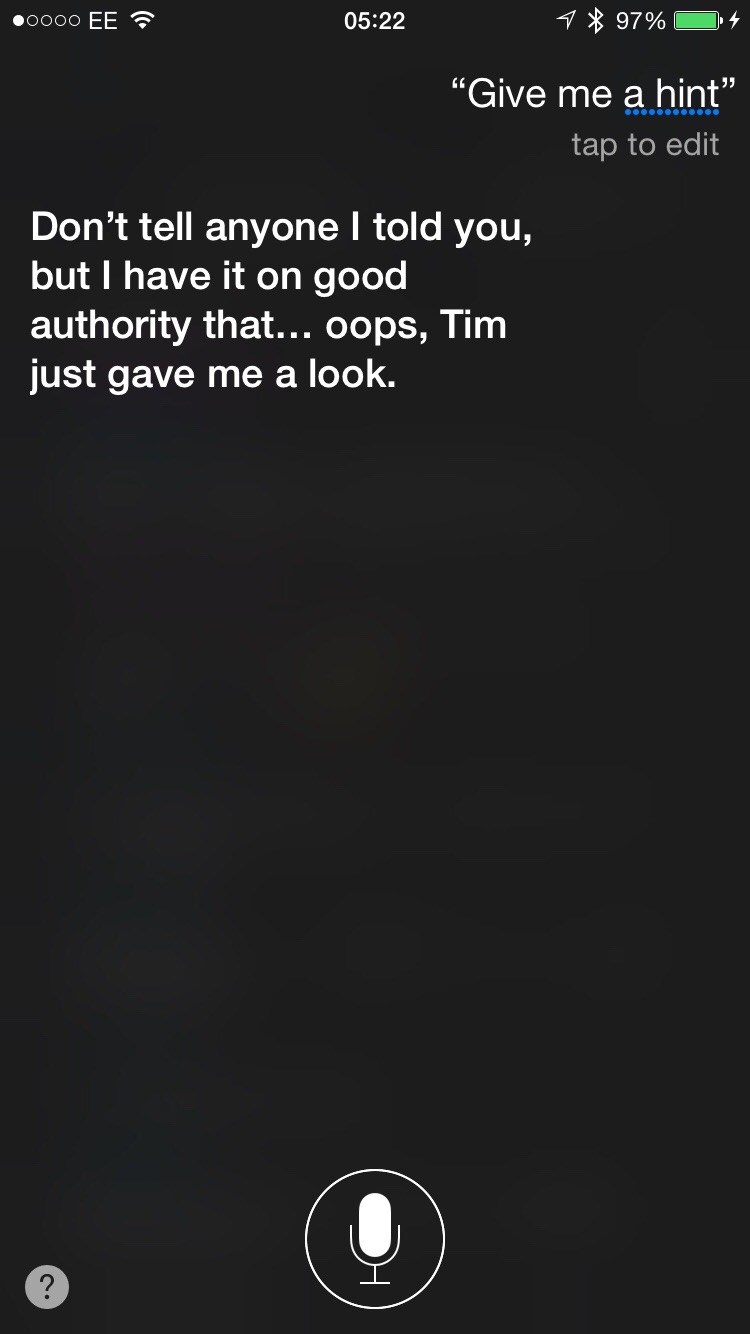
When Apple sent out invitations for its upcoming iPhone and Apple TV event, it included the tagline: "Hey Siri, give us a hint." Asking Siri to lend a hint encourages the personal assistant to troll users with comedic "answers" about the big event.

Well, apparently Apple isn't done having fun, as it's updated Siri's responses with some new answers just ahead of its event on Wednesday. Some of the answers are quite clever, and in one of them, Siri even responds with message in binary.

DaisyDisk: the best app for cleaning up your Mac

As an owner of a Late 2013 MacBook Pro with a measly 256GB of flash storage, space is at a premium for me. Yes, I keep an external drive for all of my video content, but with a drive this small I still find it necessary to keep tabs on my storage space and delete unneeded files on a regular basis.

You can always use the Finder to manage storage space, but that can get tedious. Although it's technically capable of doing so, the Finder isn't the best tool for analyzing your available storage space and deleting files.

Instead, I find that a Mac App Store app called DaisyDisk does a superb job of helping me managing my Mac's storage space. DaisyDisk is a $9.99 Mac App Store app with an awesome looking interface that makes managing storage space a walk in the park.

New report outlines additional iPad Pro details on storage size, screen size, and more

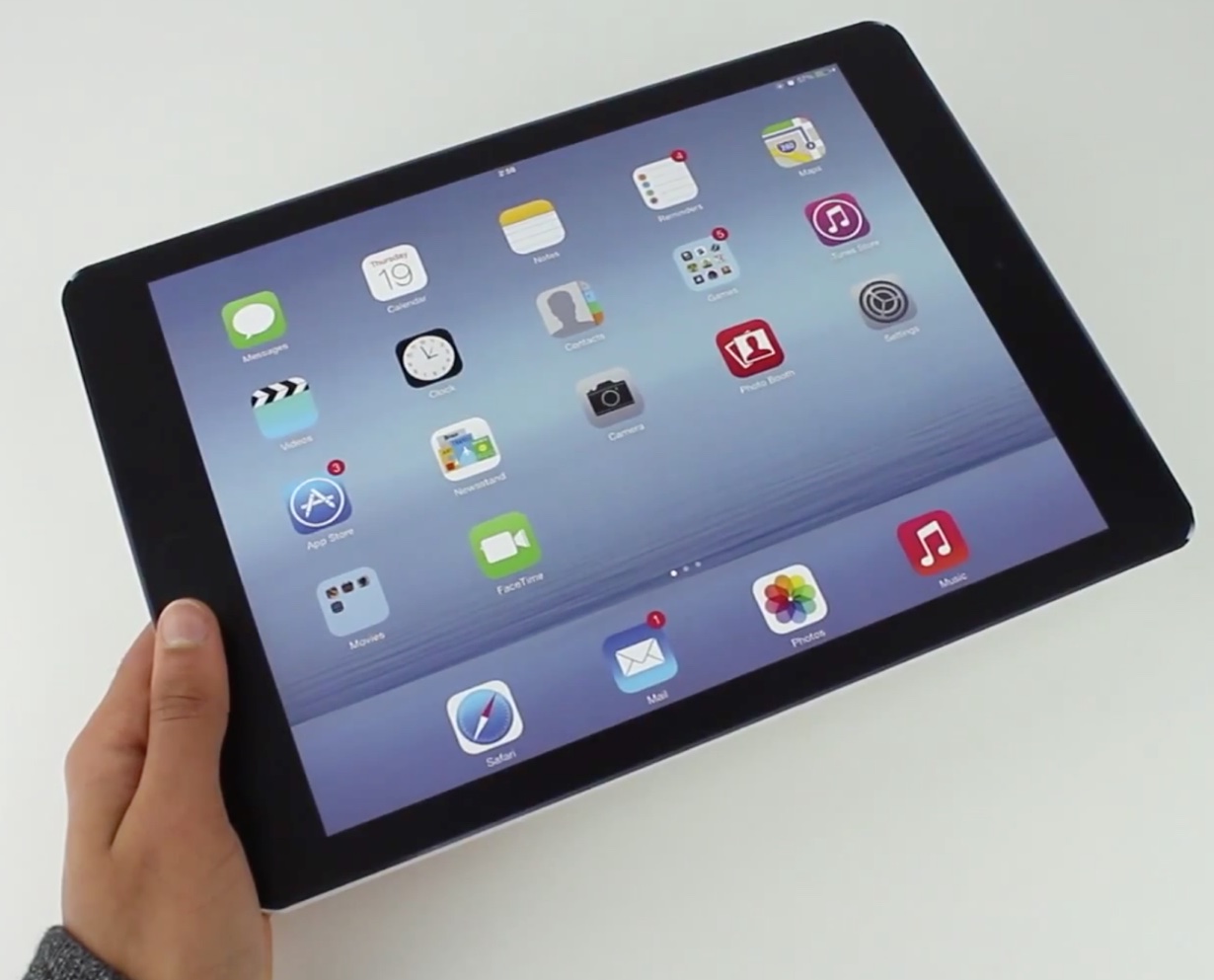
A new report, by well-sourced blogger Mark Gurman, has outlined additional information regarding the upcoming iPad Pro. Just two days from what will likely be the super-sized tablet's first public appearance, details on its storage size, apps, and accessories are revealed in a new writeup on 9to5Mac. What storage size will the iPad Pro start at? How much might it cost? Will it include the long-rumored stylus accessory?

Using BetterTouchTool to cycle through Safari tabs

BetterTouchTool is a free Mac utility that allows you to supercharge your Mac's trackpad gestures. There are literally hundreds of uses for an app like this, but I'd like to share with you one particular use case scenario that I find extremely useful.

I've set up BetterTouchTool to allow my MacBook's trackpad to quickly cycle through all of my open tabs in Safari using a simple two-finger gesture. Have a look at our full demonstration video and tutorial for all of the details.

How to check to see if your iPhone is infected by the KeyRaider malware

DylibSearch is a new jailbreak app that helps you quickly check to see if you have any known malicious tweaks, like KeyRaider, installed on your device. It does so by scanning the contents of the .dylib files contained in the filesystem's MobileSubstrate directory.

By checking for known strings contained in malicious files, DylibSearch can quickly tell you if your iPhone is infected, or if it has a clean bill of health. This open source tweak is available by means of a special third-party repo, which you'll find inside of this post.

The iPhone 6s will reportedly feature a deeper version of Force Touch called 3D Touch

At this point, it's pretty much a given that the iPhone 6s and iPhone 6s Plus will feature some type of Force Touch implementation. Rumors have been going around, analysts have hinted to it, code has been discovered, and parts have leaked out that hint to the inclusion of the new  technology.

What hasn't been as clear is how the adaption of Force Touch will work on a device like an iPhone. For the Apple Watch, Force Touch was pretty much a necessity given that device's diminutive size and limited input options. For the iPhone, a device with way more screen real estate, the implementation of Force Touch can potentially take on many angles.

Earlier Today, 9to5Mac's well-connected blogger Mark Gurman provided some additional details on what to expect from Apple's first usage of Force Touch in its primary money maker. Apparently, Force Touch will actually be branded as the 3D Touch Display, and will include not just two levels of pressure sensitivity—but three.
PhotoDismiss8: add swipe-to-dismiss functionality to the Photos app in iOS 8

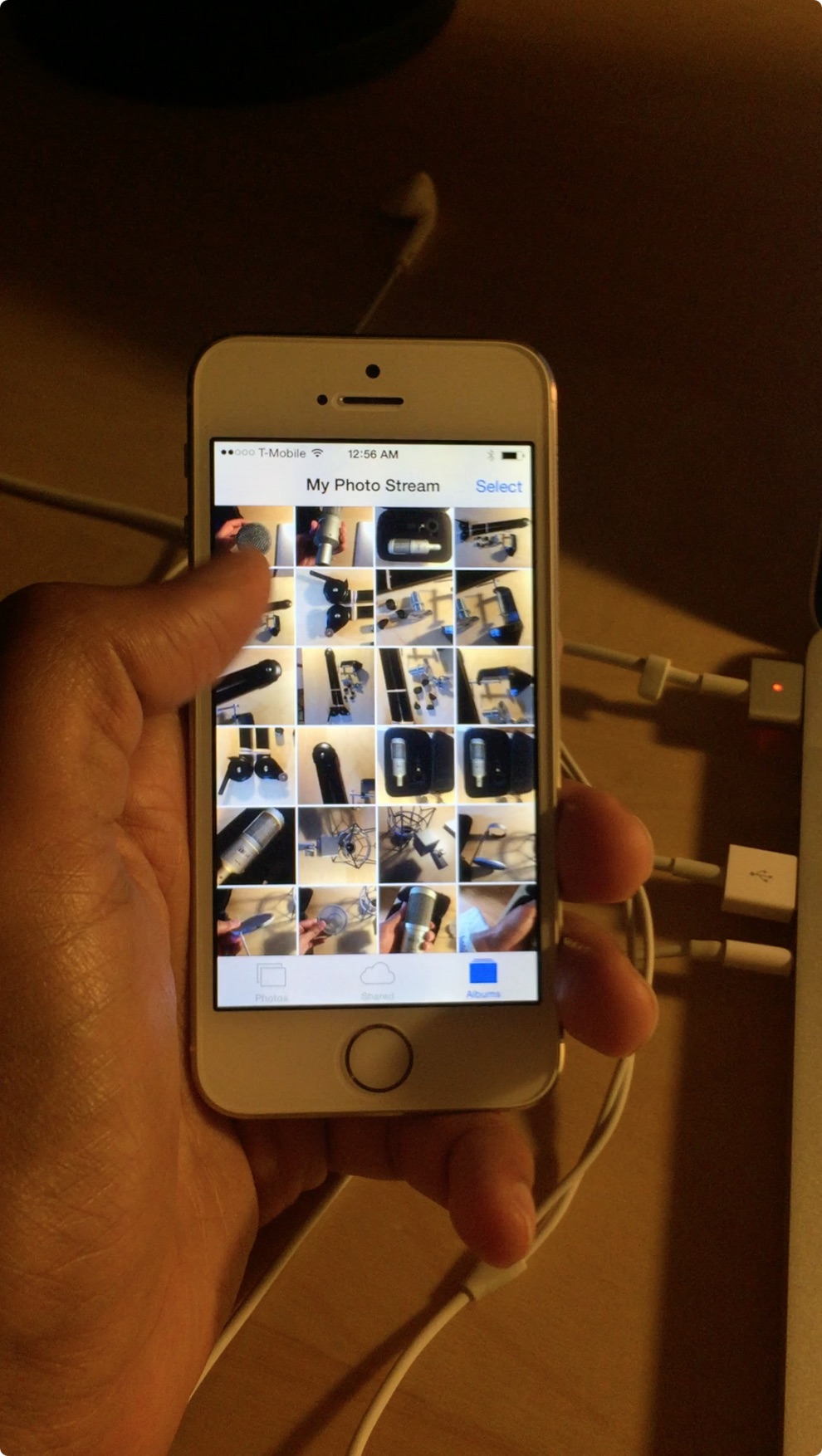
iOS 9 introduces a whole host of new subtle characteristics to the OS, such as swipe-to-dismiss functionality for photo previews in the Camera app. Today, a developer has released a new tweak that brings a similar swipe-to-dismiss gesture to the stock Photos app in iOS 8.

Simply entitled PhotoDismiss8, this tweak is now available for download via developer Andrew Wiik's beta repo. To find out how to add Wiik's beta repo and try PhotoDismiss8 for yourself, read on.