Jeff Benjamin

Jeff has been with iDownloadBlog since 2010, acting as resident video specialist, and tutorial expert. He earned his degree in Computer Network Systems back in 2001, but decided Cisco routers and the like just weren’t for him. Since then, he’s been heavily involved with online writing. He’s written for numerous tech and video game sites since the late 1990′s, and has a knack for explaining things in a simple, clear, and concise manner. Jeff works primarily from the east coast on his Retina Macbook Pro, and shoots video with a Canon DSLR. During downtime he likes to travel the world, visiting the various Apple Stores across the globe. You can email him at jeff [at] idownloadblog.com and follow him on Twitter @JeffBenjam or on Google+.

Kiss Your iPhone Status Bar Goodbye With ‘No Status’

Are you sick and tired of your iPhone's status bar? Perhaps you think it unfairly claims too many pixels on your iPhone's screen?

If you feel that way, then you might think that a jailbreak tweak like No Status would appeal to you. After all, it does allow you to completely remove the status bar from your iPhone.

But it's this functionality that raises an issue far more important than a few pixels lost. You see, No Status doesn't actually claim the lost space back; true it makes your status bar disappear, but you don't get those pixels back; even worse, it interferes with Activator status bar swipe actions...
How to Change Your App Badge Numbers Into Roman Numerals

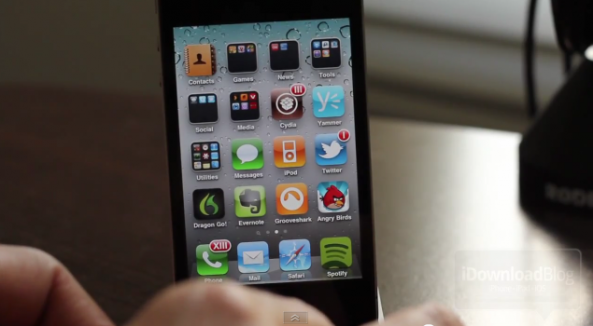
RomanBadge, a recently released tweak on Cydia's Big Boss repo, allows you to add some old school flavor to your iPhone's Home screen.

Though it's highly unlikely you've been searching for a way to change your app badge numbers into those of the first century superpower variety, it is an interesting alternative to the norm.

While admittedly, this tweak won't appeal to everyone, the following video might be enough to convince you to give it a shot...

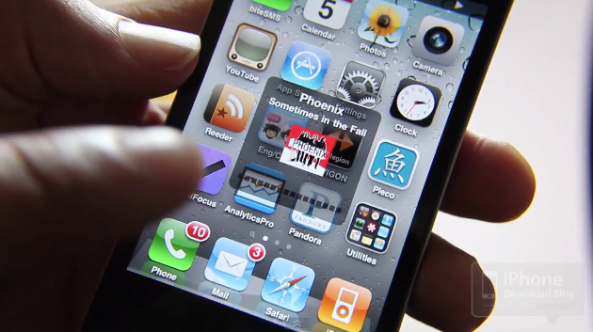
‘Apptivator’ is the Perfect Addon to Activator

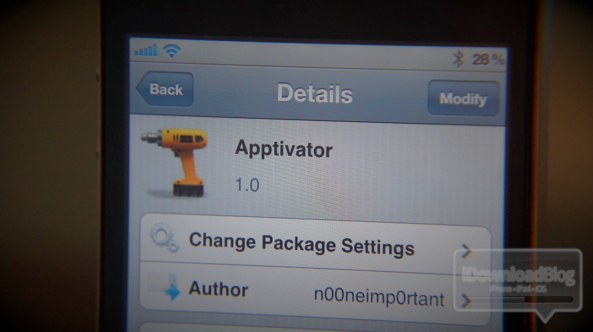
Apptivator...hmm, nice play on words there, if I must say so myself.

Wordplay aside, Apptivator isn't just a cute name; it's a fantastic jailbreak tweak that adds depth to the still-useful, but long in the tooth, Activator.

Activator is the staple jailbreak tweak that allows you to perform actions on your iPhone using a variety of methods from swipes of the status bar, to double taps on the Home button.

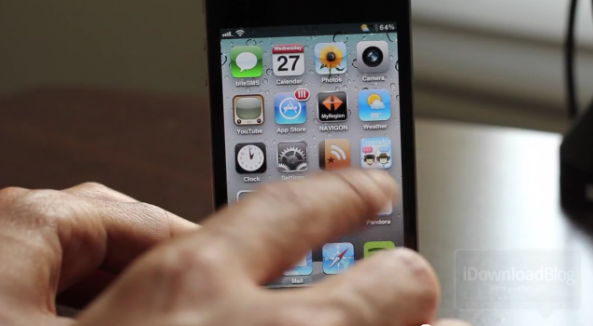
It's an infinitely useful tweak that many other tweaks rely on. Apptivator is sort of like a plug-in to Activator -- it allows you to invoke Activator actions simply by double-tapping an app icon of your choice.

Check inside for a video explanation and demonstration of Apptivator...

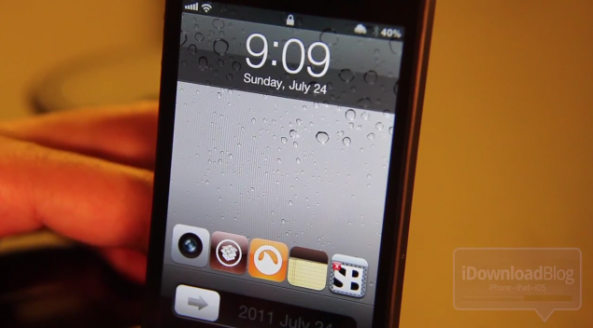
‘LockLauncher’ Adds App Shortcuts to Your Lockscreen

One of the much anticipated features of iOS 5 is the ability to launch the camera app directly from your lockscreen.

That featured spawned the popular jailbreak tweak entitled CameraLock -- a tweak that mimicked the functionality featured in iOS 5.

Now, it appears that CameraLock has gone on to inspire its own derivative of sorts, a jailbreak tweak entitled LockLauncher, which enables you to launch apps directly from the lockscreen.

But it's not just the ability to launch apps that makes LockLauncher special; no, it's the ability to launch multiple apps sequentially that really makes this tweak stand out...

‘HUD Controls Plus’ Allows You to Launch Apps Straight From Your Heads Up Display

Over the years, many a jailbreak tweak has taken advantage of the heads up display that appears when you press one of your iPhone's volume keys; for instance, biteSMS allows you to invoke quick compose for SMS messages by simply tapping the HUD when it appears.

While most tweaks that use the HUD only utilize it for some auxiliary function, HUD Controls Plus focuses solely on the HUD.

With that in mind, it's appropriate to refer to HUD Controls Plus as a supercharger for your iPhone's heads up display...

Add a Free Landscape App Switcher to Your iPhone With ‘Switcherscape’

If you've ever wanted to open up your app switcher in landscape mode like you can do on the iPad, then your only choice is to jailbreak your iPhone.

Up until now, the jailbreak tweaks that enable the landscape app switcher on the iPhone have all been paid tweaks.

Thank's to @chpwn, there is now a free option to enable the landscape app switcher, and that option is aptly entitled, Switcherscape...

‘SBFloatingIcons’ Places Your iPhone’s App Icons Into a Virtual Blender

SBFloatingIcons is a recently released jailbreak tweak that brings a measure of organized confusion to your iPhone's springboard.

In the same vein as tweaks like GraviBoard and others, SBFloatingIcons allows you manipulate all of the app icons on your iPhone's Home screen.

Once installed, you'll be able to add 3D rotation, 2D rotation, and 3D scaling to the icons in both your dock and the home screen. Check inside for a video demonstration of SBFloatingIcons in action...

‘BackForwardEnhancer’ Makes Mobile Safari a Better Browser

Browsing on a mobile device has gotten a lot better over the years, but it still has a long way to go before it can begin to truly rival the desktop browsing experience available on today's modern browsers.

The iPhone's default browser, Mobile Safari, is good, but it does leave a lot to be desired in a few areas.

Navigation is one of the main areas where there's room for improvement. Besides your standard back and forwards buttons, there's just not much there.

BackForwardEnhancer -- a tweak for Mobile Safari -- aims to change this without changing the core browsing experience. Check inside for a video demonstration of how this free jailbreak tweak works...

Add Brightness Controls Directly on Your Home Screen With ‘SBBrightness’

Critics of Apple have long argued that the Cupertino company always puts form ahead of function. While that may be true in a few instances, for the most part I find that their products feature a nice balance of both.

When it comes to jailbreaking, however, a lot of the tweaks that I review are unabashed when it comes to putting function, over form.

Such is the case with this latest jailbreak tweak entitled SBBrightness. It's a tweak that places a brightness slider bar directly on your iPhone's Home screen...

Want Seconds on Your Lockscreen Clock? Try ‘ClockSeconds’

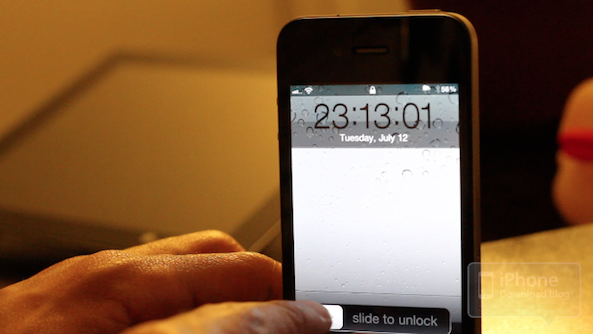
ClockSeconds is a recently released tweak that adds seconds to the clock on your iPhone's lockscreen.

For those of you who are keen on customization, there's also a settings panel added to your Settings app that allows you to modify the color of the clock's numbers.

That's great and all, but there is one major flaw that plagues ClockSeconds, rendering it a lot less practical. Check inside for the full lowdown on this jailbreak tweak's shortcomings...

‘CallBar’ Sets the Bar When it Comes to Managing Incoming Calls

One of the best things about the jailbreak community is when its members listen to the voices of the users, and team up to create something fantastic.

That's exactly what happened with this latest Cydia release entitled CallBar; it's a culmination of teamwork and listening to the feedback from those in the community.

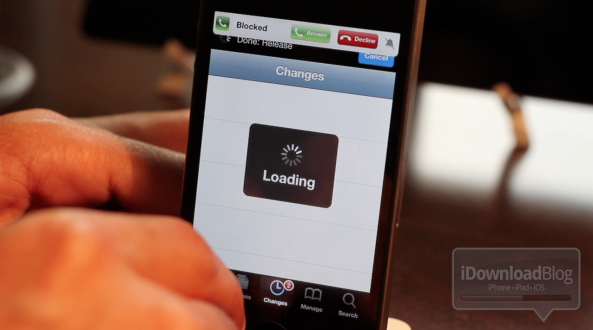
CallBar essentially allows you to manage incoming phone calls -- whether it's strictly a voice call, or a FaceTime call -- without losing the focus of your current task.

Instead of taking up your iPhone's entire screen announcing your incoming call, CallBar adds a subtle, yet noticeable, notification at the top of your iPhone's screen.

The result is a well thought out tweak that greatly improves the experiencing of receiving and managing phone calls on the iPhone. Be sure to check out our full video walkthrough inside...