Jeff Benjamin

Jeff has been with iDownloadBlog since 2010, acting as resident video specialist, and tutorial expert. He earned his degree in Computer Network Systems back in 2001, but decided Cisco routers and the like just weren’t for him. Since then, he’s been heavily involved with online writing. He’s written for numerous tech and video game sites since the late 1990′s, and has a knack for explaining things in a simple, clear, and concise manner. Jeff works primarily from the east coast on his Retina Macbook Pro, and shoots video with a Canon DSLR. During downtime he likes to travel the world, visiting the various Apple Stores across the globe. You can email him at jeff [at] idownloadblog.com and follow him on Twitter @JeffBenjam or on Google+.

MultiWall: Showcase Your iPhone’s Photo Library From the Comforts of Your SpringBoard

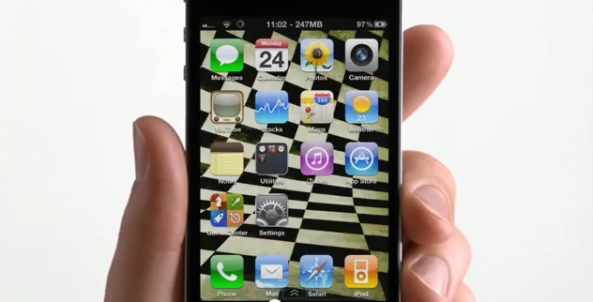
Yesterday, Redmond Pie ran a story on an upcoming jailbreak tweak entitled MultiWall. Its premise is a simple, yet promising one: It allows you to showcase and swipe between the pictures in your Photos app directly from your SpringBoard.

Because it uses two-finger mutitouch gestures, the swiping doesn't initiate page swipes, but instead changes between photos — either left or right — depending on the direction of your two-finger gesture.

According the YouTube video, MultiWall is still in beta stages at the moment. Check inside for a video sneak peak of MultiWall in motion...
‘GravityLockScreen’ Adds a Bit of Physics to Your iPhone’s Lockscreen

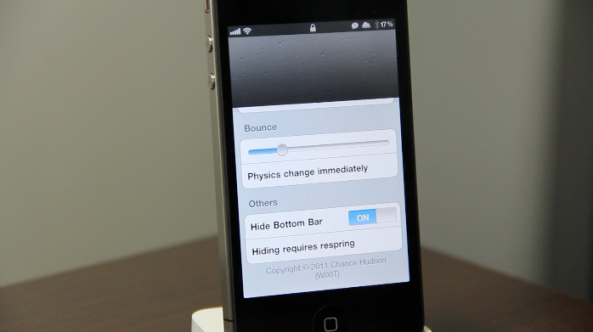
Looking for a new way to spice up your iPhone's lock screen? If so, then Developer Chance Hudson might have the jailbreak tweak for you.

Entitled GravityLockScreen, this tweak allows you to add a measure of physics to your iPhone's unlocking functionality.

The end result is a tweak that allows you to better showcase your iPhone's wallpaper, while altering the manner in which you unlock your iPhone into something a bit more entertaining...

How to Enable Multitasking in Cydia [Video Tutorial]

Isn't it funny that Cydia rarely stumbles into the conversation when someone asks what your favorite jailbreak app is? When you think about it, Cydia is far and away the most important, and well put together jailbreak app of them all. It just so happens that it's also the main source of other jailbreak tweaks and apps.

Saurik's brainchild is the reason that most of us are able to thoroughly enjoy jailbreaking today. We also appreciate how hard he has worked over the years to improve the performance and features of Cydia. The 1.1 update still brings a smile to my face, after all.

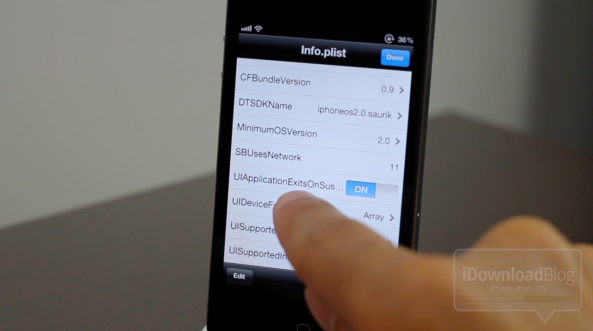
That all being said, one of the main complaints about Cydia stem from its lack of true multitasking. Saurik graciously included a nice resume feature in his previous update, but that still isn't the same as having true multitasking. Thankfully, enabling multitasking is about as easy as it gets. Check inside for a video tutorial that shows you how to enable multitasking in Cydia...

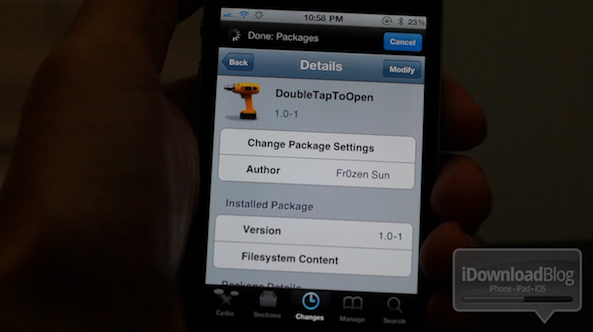
‘DoubleTapToOpen’ Prevents You From Accidentally Opening Apps

Have you ever found yourself opening your iPhone's apps by accident? Perhaps you're navigating from page to page, and you finger slips, launching an app that you had no intention of opening?

If that scenario sounds all too familiar, then DoubleTapToOpen may be just what you need.

DoubleTapToOpen is a recently added tweak to Cydia's BigBoss repo, that requires you to double tap an app icon before it will launch. Personally, I find this tweak to be a bit over-the-top, but check inside and judge for yourselves...

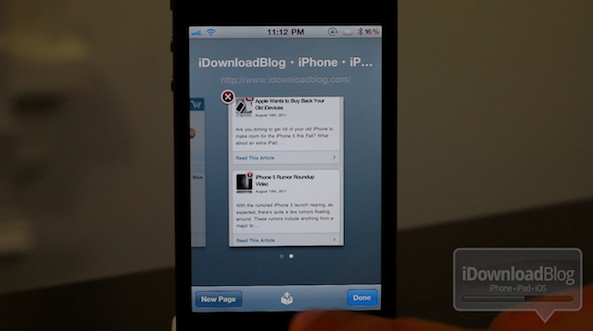
‘RestoreTab for Safari’ Makes Losing Pages a Thing of the Past

Don't you just hate it when you accidentally close out a tab, desktop browser or otherwise? Thankfully, most desktop browsers include provisions to quickly restore a closed tab in an instant. With mobile browsers, however, it's a matter of going back through your history.

That's about to change. Actually, that has changed. Introducing: RestoreTab for Safari — a jailbreak tweak that lets you quickly restore your previously open tabs.

And that's not all; it's a bit more than just restoring your previous tabs, as you'll notice in this video walkthrough...

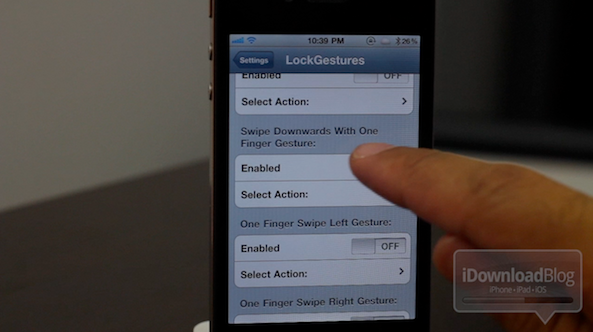
‘LockGestures’ Adds Multitouch Gestures to Your Lockscreen

"Soon we'll need a lockscreen for our lockscreen," states a comment on our YouTube video for LockGestures. Frankly, I couldn't have said it better myself.

LockGestures is a jailbreak tweak for the iPhone and/or iPad that takes the "lock" out of the lockscreen. It's a tweak that adds a plethora of multi-touch gestures right on the area that used to be solely reserved for unlocking your device.

Now, you can do everything on the lockscreen — launch apps, adjust power options, even make a sandwich. Okay, so I'm just kidding about the sandwich part, but you get the idea. Check inside to see the full scope of LockGestures in high definition video glory...

Ask Jeff: Episode 02

I have to admit, the first episode of Ask Jeff was a much bigger success than I thought it would be, but apparently you guys have a lot of questions that you want answered!

In this second episode of what I intend to develop into an ongoing weekly series, I tackle all sorts of questions, and I do mean, all sorts.

If you guys are interested in my favorite jailbreak tweaks, or even my favorite cereal, yes, I said cereal, then check inside for episode 02...

Compass for Maps Fleshes Out the iPhone’s Stock Maps App

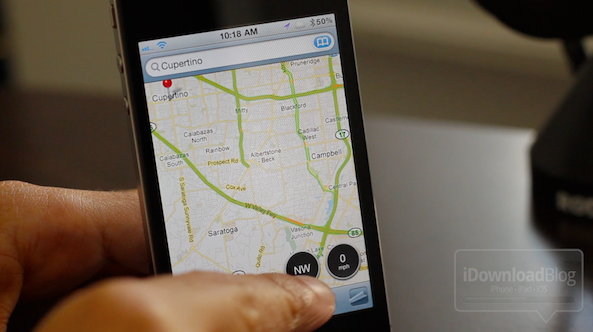
Last week we showcased Speed for Maps, a Speedometer jailbreak add-on for the iPhone's stock maps app. This week, the same developer has followed up with a sequel of sorts, a compass add-on that looks and feels just like his previous work.

The main difference here, is that you must use an iOS device equipped with a digital compass. In other words, when it comes to the iPhone, only the iPhone 3GS and the iPhone 4 qualify.

Check inside for a video demonstration of Compass for Maps in action...

BookBook iPhone 4 Case Video Review

Rarely do I find myself getting overly excited about something as mundane as a phone accessory, a case no less.

The thing is, this isn't just any accessory, it's the accessory. In fact, it might just be my favorite iPhone accessory of all time. It's elegant, it's functional, and it lends peace of mind and simplicity to a life that can seem overly complicated at times.

In my opinion, the hallmark of a great product isn't merely based on its technical merit, its precision, or its beauty. It's a combination of all of those; but most importantly, a great product is one that you don't have to think about, it's just there for you when you need it to be.

That's what makes the Twelve South BookBook case so good. It's extremely practical and functional. It has that old school organic class that's so hard to come by in the silicon world that we've found ourselves forced into. Dare I say it's the James Dean of iPhone accessories; strikingly handsome, a bit gritty, with Oscar winning capabilities. Check out our full video review after the break...

‘IconLock’ Stops Your iPhone’s Jiggle-Mode In Its Tracks

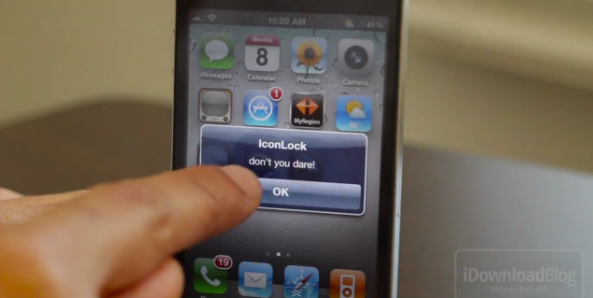
Ready for another interesting way to "secure" your iPhone's app icons? The latest so-called security app on the block is IconLock, and it's a free download on Cydia's BigBoss repo.

While anyone who has any inkling about iPhone jailbreaking will easily compromise your plans to lock down your iPhone, it should be more than enough to keep grandma from accidentally ruining your app icon layout.

Check inside for a full video synopsis of IconLock...

Jailbreak iOS 5 Beta 5 With RedSn0w

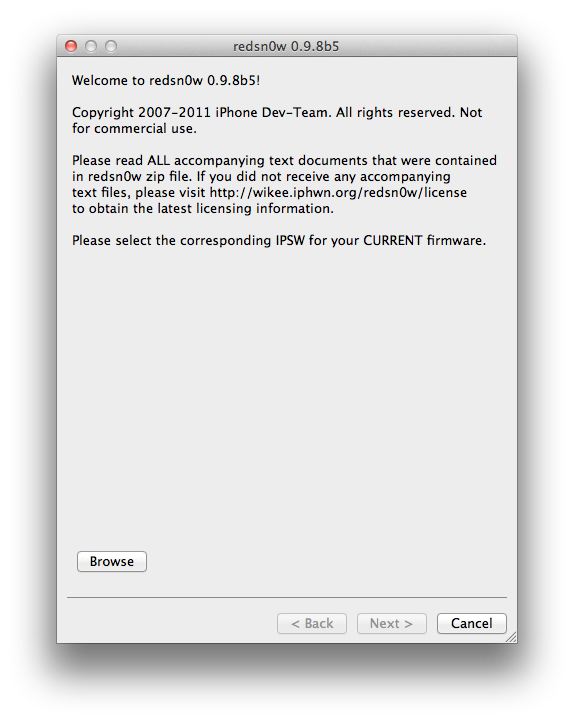
As usual, that didn't take long. Hot of the heels of the Beta 5 release of iOS 5, the iPhone Dev Team has released RedSn0w 0.9.8b5, which, of course, allows you to jailbreak Apple's bleeding edge firmware.

Per the norm, this is a tethered jailbreak, meaning you'll have to be near a computer to perform a tethered boot if you have to restart your device for any reason.

This latest version of RedSn0w is available for both Mac and Windows users. Check inside for more details...

‘Caffeine’ Adds a Convenient Autolock Toggle to Your iPhone

One of my favorite Mac apps has finally made its way to iOS...well, kind of. Caffeine, is a popular Mac app that prevents your Mac from going into sleep mode for a set interval of your choosing.

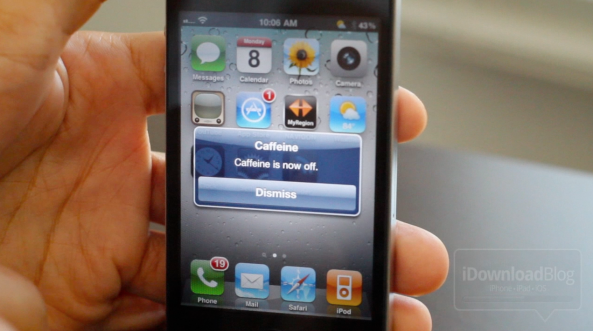
The Caffeine on the jailbreak store isn't related in anyway besides the name, but it aims to do something similar.

The jailbreak version allows you to prevent your iOS device from autolocking by means of a handy Activator action. It's not nearly as polished as the app it borrows its name from, but it's not too shabby either. Check past the jump to see Caffeine in action on video...