Jeff Benjamin

Jeff has been with iDownloadBlog since 2010, acting as resident video specialist, and tutorial expert. He earned his degree in Computer Network Systems back in 2001, but decided Cisco routers and the like just weren’t for him. Since then, he’s been heavily involved with online writing. He’s written for numerous tech and video game sites since the late 1990′s, and has a knack for explaining things in a simple, clear, and concise manner. Jeff works primarily from the east coast on his Retina Macbook Pro, and shoots video with a Canon DSLR. During downtime he likes to travel the world, visiting the various Apple Stores across the globe. You can email him at jeff [at] idownloadblog.com and follow him on Twitter @JeffBenjam or on Google+.

Top jailbreak videos of the week

Last week was all about the new iPad and Apple TV announcements, but despite that, there was some interesting jailbreak news littered in there as well. Most importantly, jailbreaks tool for iOS 5.1 were released to accomplish a tethered jailbreak on the new firmware. We also demonstrate the new Lock screen camera functions for iOS 5.1, along with how to unlock the iPhone 4S..

Please be sure to share our iPhone, iPad, and iOS video guides by spreading our posts on Twitter and Facebook.
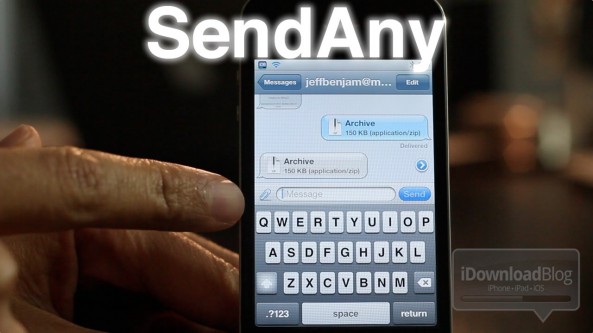
‘SendAny’ and ‘ReceiveAny’ lets you send and receive any file using iMessage

Remember that little feature we showed you with the OS X Messages beta that let you send files to your iDevice straight from the desktop?

Imagine that, but imagine it about 50 times better. That's what you get with the upcoming jailbreak tweaks entitled SendAny and ReceiveAny — they allow you to send and receive any type of file using iMessage.

Check inside for our full hands-on preview of both tweaks in action...

‘TouchPosé’ adds a finger tracking circle to your touch screen swipes

It's like DisplayRecorder — without the recording. TouchPosé is a jailbreak tweak that places a little blue circle on the screen whenever the screen is touched.

You can enable and disable the finger tracking circle using a simple Activator action, but the tweak has no additional settings or options to configure.

Take a look inside for a video walkthrough of TouchPosé in action...

Access your SpringBoard from anywhere using ‘Springround’

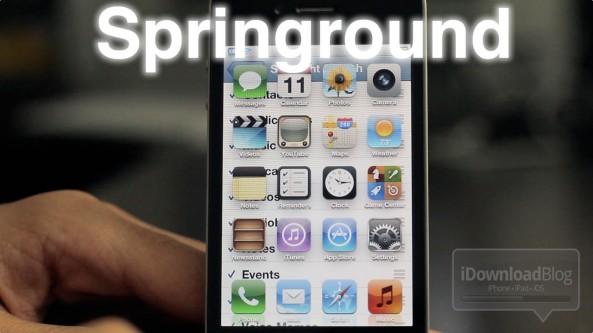
Springround is an upcoming jailbreak tweak that will allow you to access your iPhone's Home screen app icons from anywhere.

In order to accomplish this feat, the developers of Springround employed the trusty Activator, which allows it to be invoked inside any app.

Springround is the perfect mix of function and simplicity as you'll see from our hands-on video inside...

How to jailbreak iOS 5.1 with Sn0wBreeze v2.9.2

Earlier today we brought you details on ih8sn0w's 2.9.2 release of Sn0wBreeze for Windows.

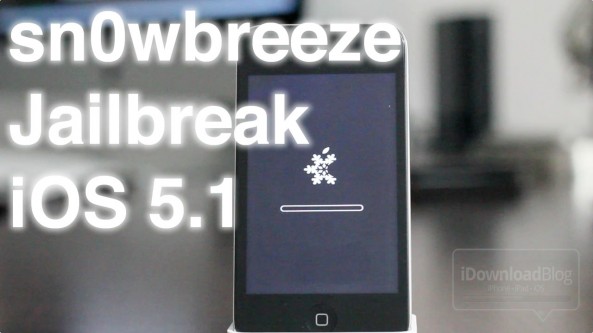
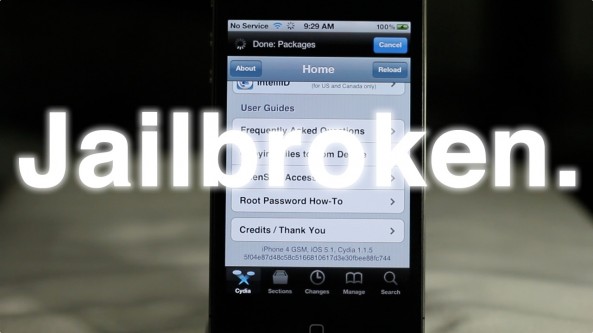
Now we've put together a written tutorial along with a video tutorial that guides you through the entire tethered jailbreak process for iOS 5.1 on Windows.

This is a tethered jailbreak for non-A5 devices only, so it won't work with the iPhone 4S, and iPad 2. If you have an eligible device like the iPhone 4, or iPad 1, then step right inside...

Sn0wBreeze v2.9.2 released to jailbreak iOS 5.1 on Windows

Hot off the heels of Thursday's RedSn0w iOS 5.1 compatibility update comes Sn0wBreeze v2.9.2, which makes the popular Windows jailbreak tool compatible with iOS 5.1.

If you're familiar with previous iterations of Sn0wBreeze, then you're not going to find any surprises here. It's still about creating a custom IPSW and restoring via iTunes to accomplish the jailbreak.

One of the advantages that you have with Sn0wBreeze is that it will preserve your baseband for those interested in maintaining an existing unlock.

This updated for Sn0wBreeze is compatible with A4 devices and below, and is of course, a tethered jailbreak. Check out more details inside...

How to easily track your new iPad and Apple TV order

It's that time of the year again. We're all waiting on pins and needles until March 16th when the new iPad is officially available to the public.

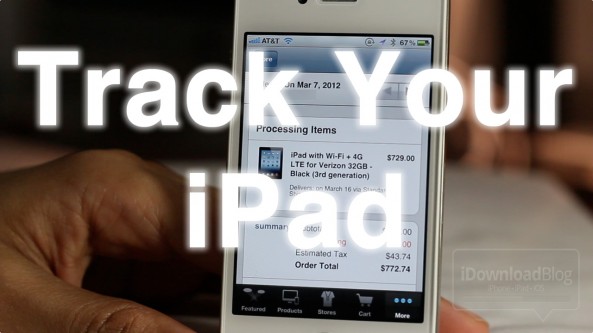
As Cult of Mac's Killian Bell points out, Apple's own Apple Store app is a great way keep tabs on your new iPad and/or new Apple TV shipment.

It's not going to make your new iPad hit your doorstep any faster, but it's a nifty way to ease some of the anxiety of waiting...

Heed the warnings from the iPhone Dev Team regarding jailbreaking

We've heard so many sad stories in the past about ones who accidentally lost their jailbreak, or thought they could go back to a previous firmware when they couldn't.

As jailbreak aficionados that truly saddens us. Hence, whenever we can help get out a warning, we're all about it.

The iPhone Dev Team, the folks responsible for tools like RedSn0w, PwnageTool and more, have sounded a loud warning about the iOS 5.1 firmware, and its implications on jailbreaking.

If you're at all concerned with jailbreaking, we highly recommend you listen up...

How to jailbreak iOS 5.1 with Redsn0w 0.9.10b6

iOS 5.1 has finally dropped, and for the most part we totally recommend staying away from the update if you care anything about your jailbreak, as does the iPhone Dev Team.

That being said, for those with older A4 devices, it is possible to enjoy a tethered jailbreak on iOS 5.1 and still downgrade back to previous firmwares if you have your SHSH blobs for those firmwares.

With A5 devices like the iPad 2, and the iPhone 4S, it is impossible at the moment to downgrade to any older iOS 5.x firmware, even if you have your SHSH blobs saved. So don't upgrade to 5.1, especially if you care about your iPhone 4S jailbreak.

If you have an iPhone 4, iPod touch, iPhone 3GS, or original iPad, then check inside for a tutorial on how to perform a tethered jailbreak on iOS 5.1...

Watch the new iPad TV ad

[tube]DJxZ0HVQXo8[/tube]

Well, the fireworks are over, but the fun stuff is just beginning. Like always, Apple has posted the very first TV spot for their new product on their website, and it promotes the iPad's most compelling new feature.

Indeed, the Retina display plays front man in Apple's new TV spot, as it should; it looks stunning. I think they did a really good job of showing off how incredible the display looks.

Here’s how the iOS 5.1 Lock screen camera works

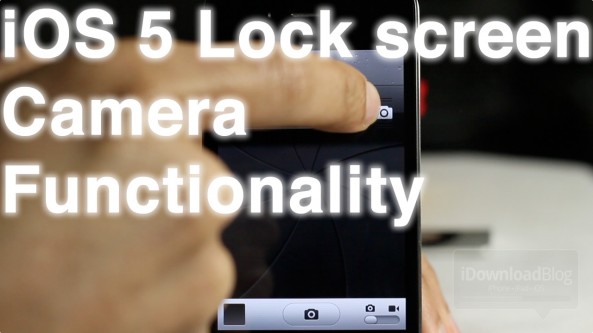
Arguably the biggest change to iOS 5.1 when compared with its predecessors is the Lock screen camera functionality.

Instead of double pressing the Home button to reveal the camera icon on your Lock screen, the camera icon is a permanent fixture.

Revealing the actual camera also works quite differently than in times past. Check out our video walkthrough of the new iOS 5.1 Lock screen camera functions inside...

Hands on with the new Apple TV interface [Video]

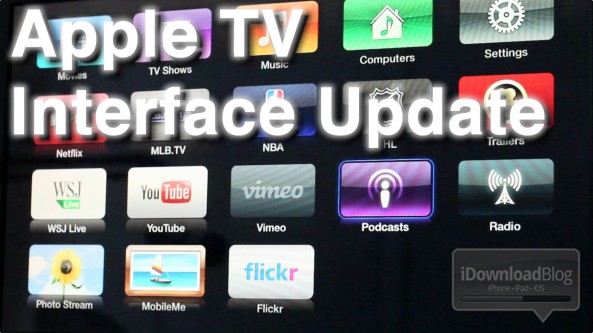
The Apple TV received an update to its interface, shortly after today's iPad media event.

The interface, while nice at first glance, does little more than spiffy up the Apple TV's Home screen. Underneath the friendly bubble based interface, you'll find the same text-based menus of old.

It's basically just a shiny coat of new paint on top of the Apple TV's plain jane UI. It's certainly not a sole reason to purchase an Apple TV, or negate your jailbreak just to enjoy the new UI...