Jeff Benjamin

Jeff has been with iDownloadBlog since 2010, acting as resident video specialist, and tutorial expert. He earned his degree in Computer Network Systems back in 2001, but decided Cisco routers and the like just weren’t for him. Since then, he’s been heavily involved with online writing. He’s written for numerous tech and video game sites since the late 1990′s, and has a knack for explaining things in a simple, clear, and concise manner. Jeff works primarily from the east coast on his Retina Macbook Pro, and shoots video with a Canon DSLR. During downtime he likes to travel the world, visiting the various Apple Stores across the globe. You can email him at jeff [at] idownloadblog.com and follow him on Twitter @JeffBenjam or on Google+.

How to background the Mobile Terminal app

MobileTerm Backgrounder is a brand new jailbreak tweak that allows you to maintain a persistent connection to the Mobile Terminal app. If you've used Mobile Terminal in the past, then you know how frustrating it can be to close out of the app, return, and all of your previous data disappears. MobileTerm Backgrounder is a tweak that works with the jailbroken Mobile Terminal app, and it makes it much easier to continue where you left off when switching between apps. Have a look at our video walkthrough inside to see its ins and outs.

Let’s Talk Jailbreak 20: The circus is coming to town

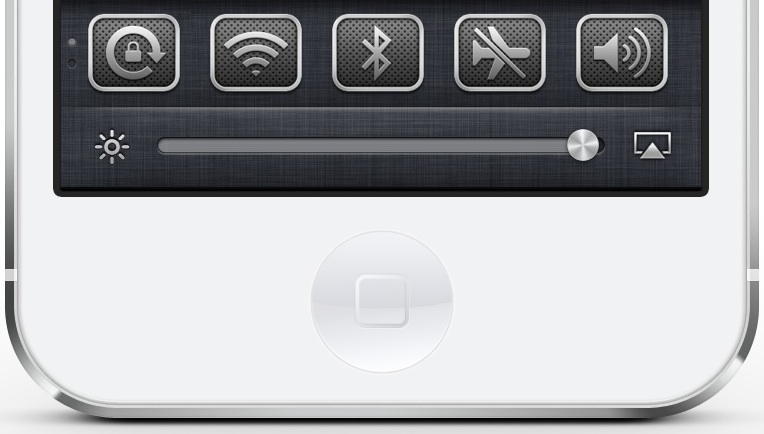
This week, Jeff and Cody chit-chat about Apple's security problems, new carrier upgrade strategies, along with the rumors of a larger iPad. On the jailbreak side of things, we talk about the highly anticipated upcoming update to Auxo, the release of ayra, and a bunch of new tweaks for Spotlight search. Join us for the wild and crazy ride that is Let's Talk Jailbreak episode 20.

Apple Seeds OS X Mavericks Developer Preview 4

Apple has seeded the 4th developer preview of OS X Mavericks, and it's available for download right now. The download, which comes in at about 1.27GB for users of OS X Mavericks DP 3, can be found via the Mac App Store app. For those of you not yet running OS X Mavericks, the download would normally be available through the Mac Dev Center, but it's been down as a part of a well publicized security breach.

‘SmartSearch’ places Google results directly within Spotlight

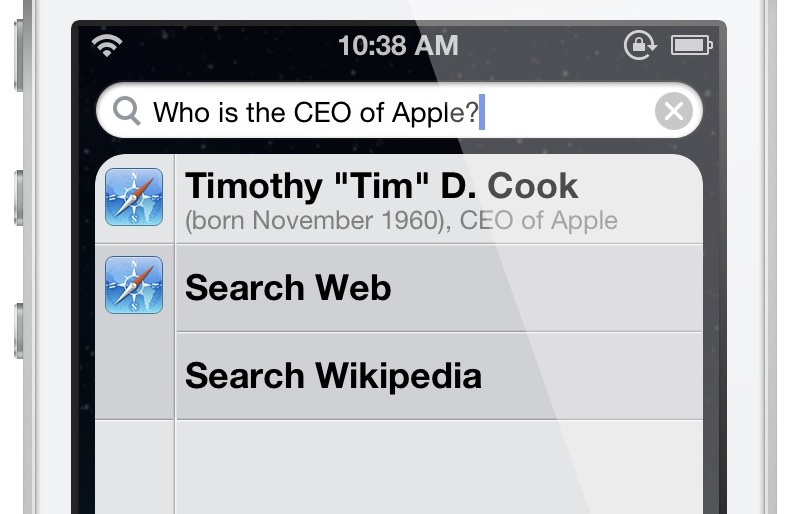
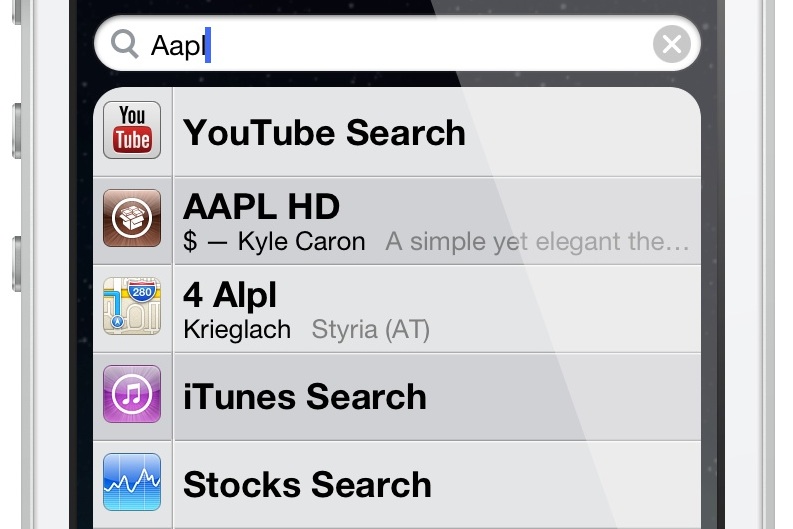
What would it be like to receive instant query results from Google directly from within iOS's stock Spotlight search? A new tweak entitled SmartSearch provides a few clues as to what that might be like. It's far from a perfect execution of the idea, but it's an interesting idea nonetheless. Have a look at our video walkthrough, which shows SmartSearch in action.

How to blur wallpaper when opening a folder

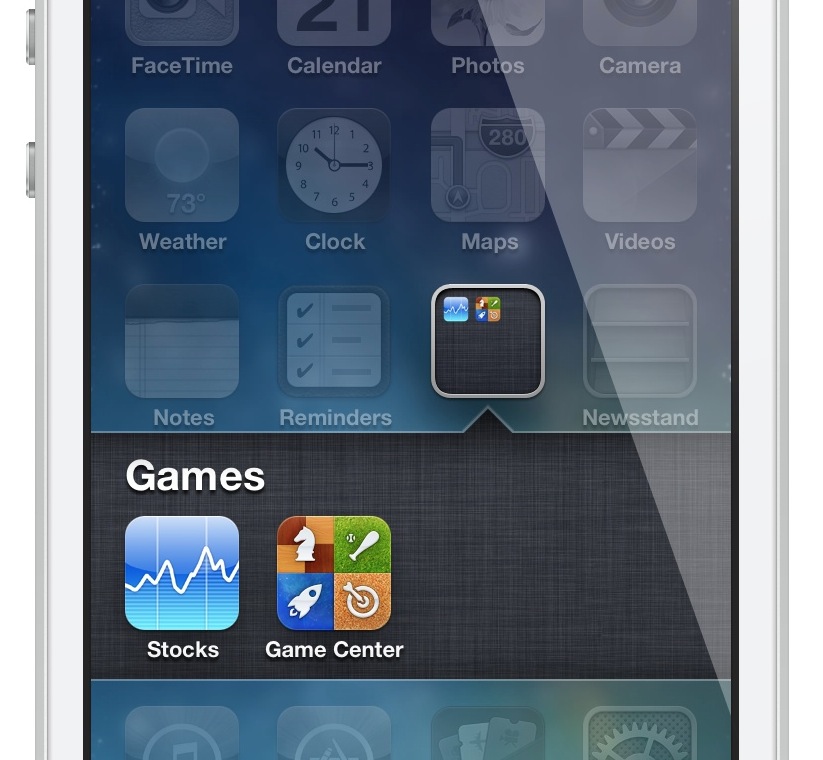
Looking for a way to blur your iPhone's Home screen wallpaper whenever a folder is opened? If so, then check out this brand new tweak from Hashbang Productions. FolderBlur, available on its development repo, is a new release from Hashbang Productions that fills what is obviously a very niche requirement. If you want to take it for a spin, then check out our video walkthrough inside, along with details on adding the development beta repo to your Cydia sources.

Add album art to your iPhone’s wallpaper with ‘HomeArtwork’

HomeArtwork is a newly released jailbreak tweak, which takes the "now playing" album artwork and uses it as wallpaper for the Home screen background. The tweak works with the stock Music app, but I'm also happy to report that it plays nice with streaming services like Spotify. HomeArtwork is a great tweak that allows you to constantly switch up the look of your Home screen wallpaper. Check out our video coverage inside...

Preview: Auxo’s new Slim Mode

If you know me, then you know that I love Auxo; it's one of my favorite jailbreak tweaks and I use it on my daily driver. Auxo is great, because it offers a redesigned app switcher, toggles, and the ability to easily kill apps using gestures. Perhaps the biggest feature of Auxo is its ability to present full previews of apps in the app switcher.

While most users enjoy the privilege of having full app previews, due to the ability to gain context as to what's running on the device, some have balked at the feature. Their beef stems from the fact that the app switcher takes up too much space with Auxo installed, or that it's difficult to quickly identify what's running. Well, folks; the creators behind Auxo have a solution to what ails you. Introducing Auxo's brand new Slim Mode.

‘ayra’ brings slick new features to the iOS Lock screen

Ladies and gentlemen, ayra, one of the more polished tweaks that we've seen in recent weeks, has finally touched down on Cydia. This is a tweak for users of iOS 6, and among other things, brings an iOS 7 inspired Lock screen to the table. Along with its gorgeous Lock screen design, comes the ability to open Notification Center directly from the Lock screen to interface with toggles and notifications.

This is a tweak that has been developed by two well known figures in the jailbreak community — Surenix, the designer of many things, but best known for his legendary ayecon theme, and Bensge, a great developer in his own right, and the mind behind the uber-popular Velox. When you combine good design with good development, then the results are usually more good than bad, and that's exactly the case with ayra. It may not knock your socks off like some of the other projects that these two have been involved with, but it's a solid jailbreak tweak for those of us who are still proudly using iOS 6.1.x as our daily driver.

Of course, I previewed ayra a week ago, but now I've had the oppurtunity to play around with the completed version of the tweak. What did I find? Have a look past the break as it's all broken down via our video walkthrough...

‘SearchCollapse’ allows you to collapse results in Spotlight search

After reviewing SearchAmplius an hour or so ago, it was only appropriate to review its sister tweak, which is entitled: SearchCollapse. SearchCollapse is a tweak that can work in tandem with SearchAmplius, but it should also be noted that it can function on its own as a standalone tweak.

SearchCollapse, as its name not so subtly implies, allows users to collapse their Spotlight search results, either automatically, or by tapping on the app icon associated with the result. Have a look at our video walkthrough inside for more detailed information.

‘SearchAmplius’ brings advanced search features to Spotlight

SearchAmplius is a new jailbreak tweak that brings some really cool new features to the Spotlight search page. Normally, I've found that tweaks of this nature absolutely fail to impress me, but SearchAmplius is one of the rare exceptions to that rule.

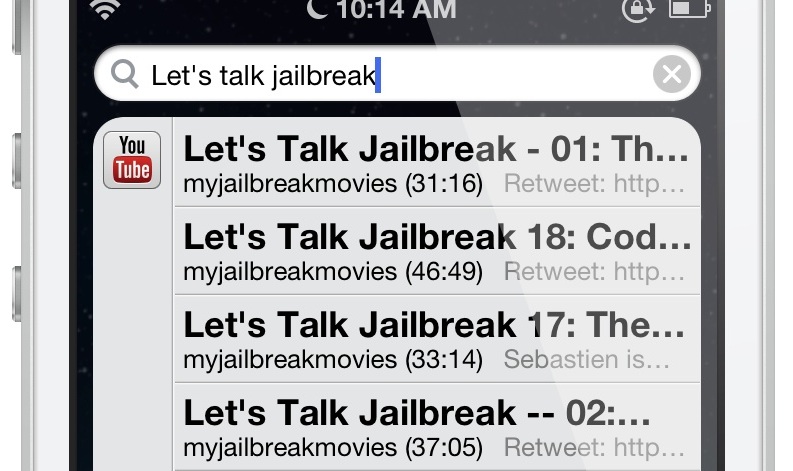
The tweak, which is simple in design, allows you to configure additional search modules for use in Spotlight. For example, you can search YouTube videos directly from Spotlight, and play them via the official YouTube app with just a tap on the search result. You can also search Cydia releases in much the same way, tapping on the name of the release to be whisked away to the Cydia install page for the tweak in question. App Store apps are there, too, and work much the same.

Other tweaks have tried to do similar functions in the past, but SearchAmplius is definitely at the top of the list when it comes to supercharging Spotlight. Have a look at our full video walkthrough inside for more information regarding the tweak.

Let’s Talk Jailbreak 19: No plastic on the couch

Welcome to the 19th episode of Let's Talk Jailbreak. This week, Cody and Jeff discuss some of their most wanted features for the upcoming iPhone refresh. The duo also discusses the phenomenon of trading up for new devices every year, along with the pervasive use of cases on the iPhone. Of course, there is plenty of jailbreak discussion to go around too, as they both break down several new jailbreak tweaks that recently debuted on Cydia.

Add a standalone calendar widget to Notification Center with ‘CalendarX’

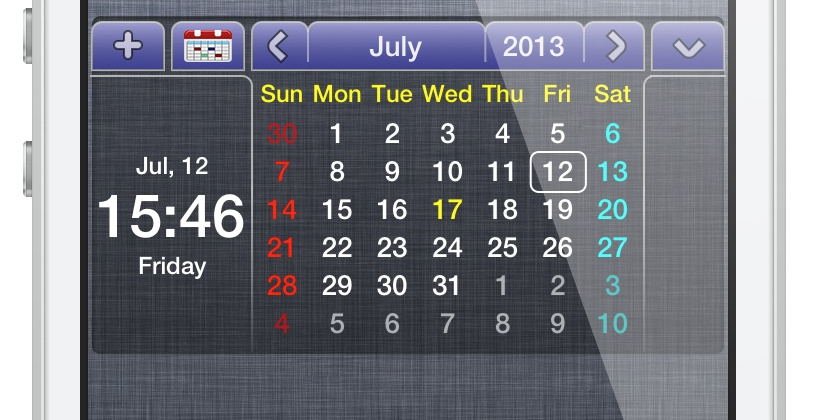
CalendarX is a recently released jailbreak tweak that serves as a widget for Notification Center. It's a very interesting tweak that can be enabled by using the standard Notifications panel in the stock Settings app. The thing that makes CalendarX so unique is that it is a standalone self contained calendar app that doesn't rely on any outside functionality. In fact, none of the calendars or events that you setup within CalendarX will be displayed in the stock Calendar app or vice versa. Again, think standalone here. Depending on your outlook, that could be perceived as either a positive or a negative. Have a look past the break as I go more in-depth with CalendarX on video.