Jeff Benjamin

Jeff has been with iDownloadBlog since 2010, acting as resident video specialist, and tutorial expert. He earned his degree in Computer Network Systems back in 2001, but decided Cisco routers and the like just weren’t for him. Since then, he’s been heavily involved with online writing. He’s written for numerous tech and video game sites since the late 1990′s, and has a knack for explaining things in a simple, clear, and concise manner. Jeff works primarily from the east coast on his Retina Macbook Pro, and shoots video with a Canon DSLR. During downtime he likes to travel the world, visiting the various Apple Stores across the globe. You can email him at jeff [at] idownloadblog.com and follow him on Twitter @JeffBenjam or on Google+.

Let’s Talk Jailbreak 73: Preparing for iOS 8

Episode 73: Cody, Jeff, and Sebastien discuss how to prepare for tomorrow's release of iOS 8. We talk about what you should consider before upgrading, how to keep your jailbreak, the best jailbreak backup methods, and more. We also discuss the latest jailbreak malware, and some of the latest tweaks to hit Cydia.

Subscribe via RSS

Sponsors:

MailRoute - To remove spam from your life for good, go to http://mailroute.net/ios for a free trial and 10% off, for the lifetime of your account. Visit GoToAssist.com and click on the Try It Free button. After your free trial, use the promo code ‘GoToAssist3030’ to receive 30% off the standard monthly rate if purchased before October 31st.

Let’s Talk iOS 046: One more thing

Episode 46: An in-depth look at the new iPhones, the Apple Watch, and last Tuesday's Apple event. Plus, we discuss Tim Cook's interview with Charlie Rose, Samsung's questionable marketing tactics, and Jeff talks about what he's been working on for the last couple of months.

Subscribe on iTunes

Sponsors:

MailRoute - To remove spam from your life for good, go to http://mailroute.net/ios for a free trial and 10% off, for the lifetime of your account. Visit GoToAssist.com and click on the Try It Free button. After your free trial, use the promo code ‘GoToAssist3030’ to receive 30% off the standard monthly rate if purchased before October 31st.

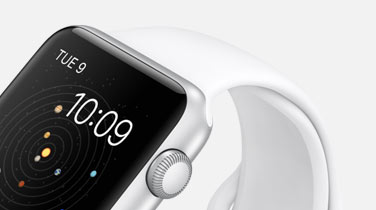
The technology behind the Apple Watch

It's safe to say that no one knew anything about the Apple Watch until it was revealed on stage at Cupertino's Flint Center, just a few hours ago. With that in mind, expectations were varied, and it was hard to guess what type of tech Apple would be putting into its diminutive device.

Sure, we heard rumblings about some of the various sensors that might be included in the watch, and some of it was common sense more than anything. But ultimately, what was just unveiled by Tim Cook and company came as a surprise to us all.

We've already broken down many of the personalization options and design principals, but the technology behind the Apple Watch is especially fascinating. Inside, we'll talk about some of the most prominent technological feats to make its way to Apple's inaugural wearable device.

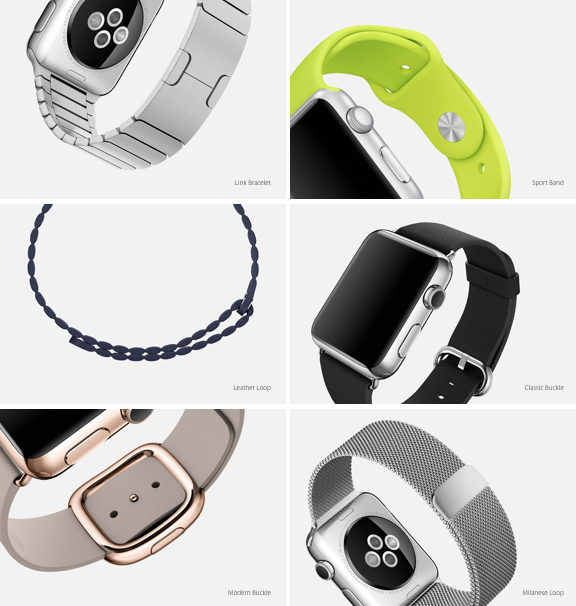
Apple Watch design: 3 collections, 6 finishes, 18 bands, 2 sizes, 11 faces

The Apple Watch is as much about individuality and customizability as it is about technology. Tim Cook and company proudly showcased the many customization options available for the Apple Watch, and it is quite impressive.

Whereas other wearable have launched with perhaps a handful of self-identifying options, the Apple Watch features a gaggle of possible combinations. It's quite possible that everyone in your circle could buy an Apple Watch, and all of them would look vastly different.

The Apple Watch comes in 3 collections, 6 different finishes, a plethora or bands, two sizes, and nearly a dozen faces. Its a mix and matcher's dream, and certainly one of its biggest selling points. Check inside, as we break down all that the Apple Watch has to offer when it comes to personalization.

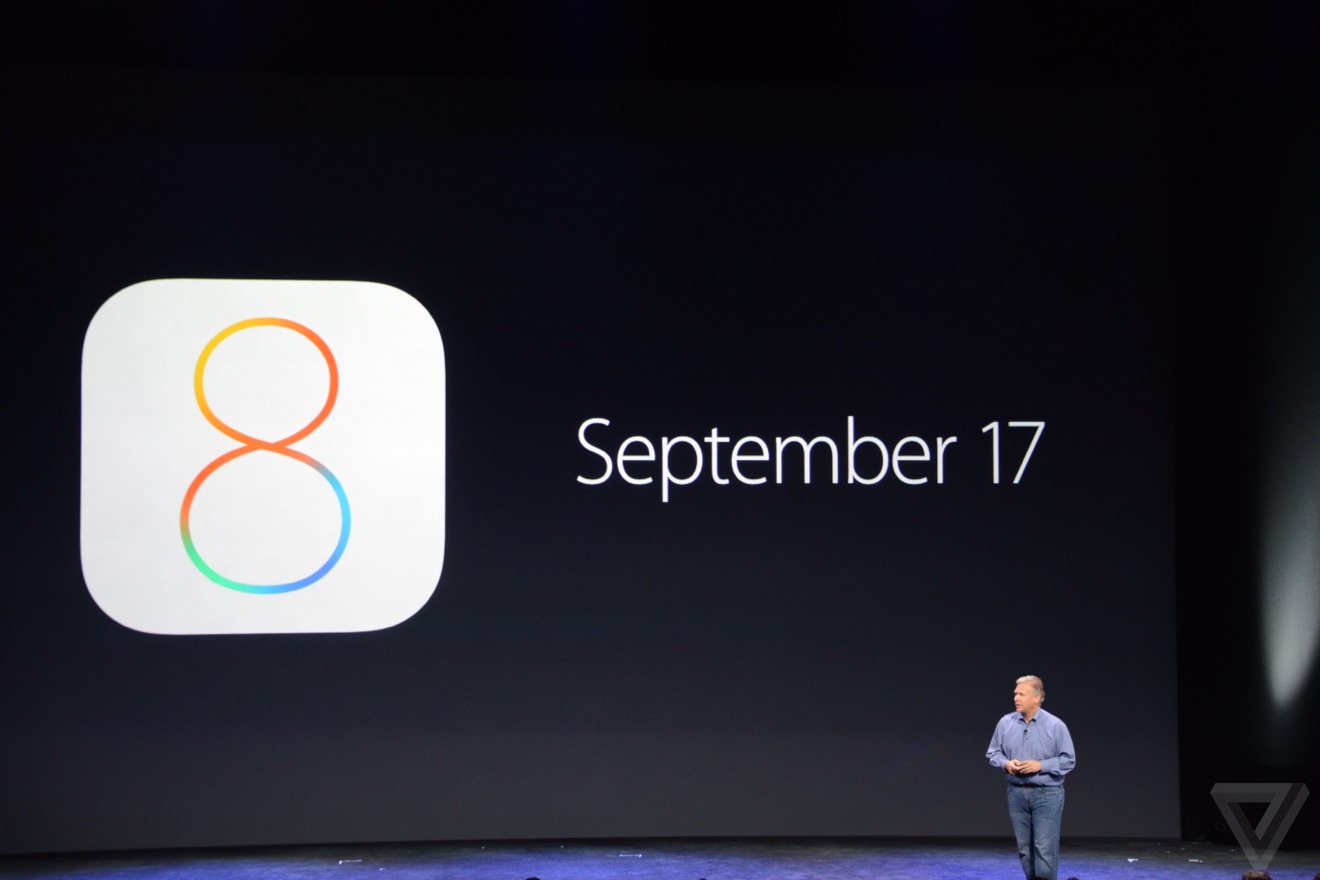
iOS 8 will be available on September 17th

Apple's much-anticipated iOS 8 upgrade will be available on September 17th, just two days before the release of the iPhone 6 and the iPhone 6 Plus. The upgrade will become available as a delta upgrade for existing devices running iOS 7. All iPhone 6 devices will come with iOS 8 preinstalled.

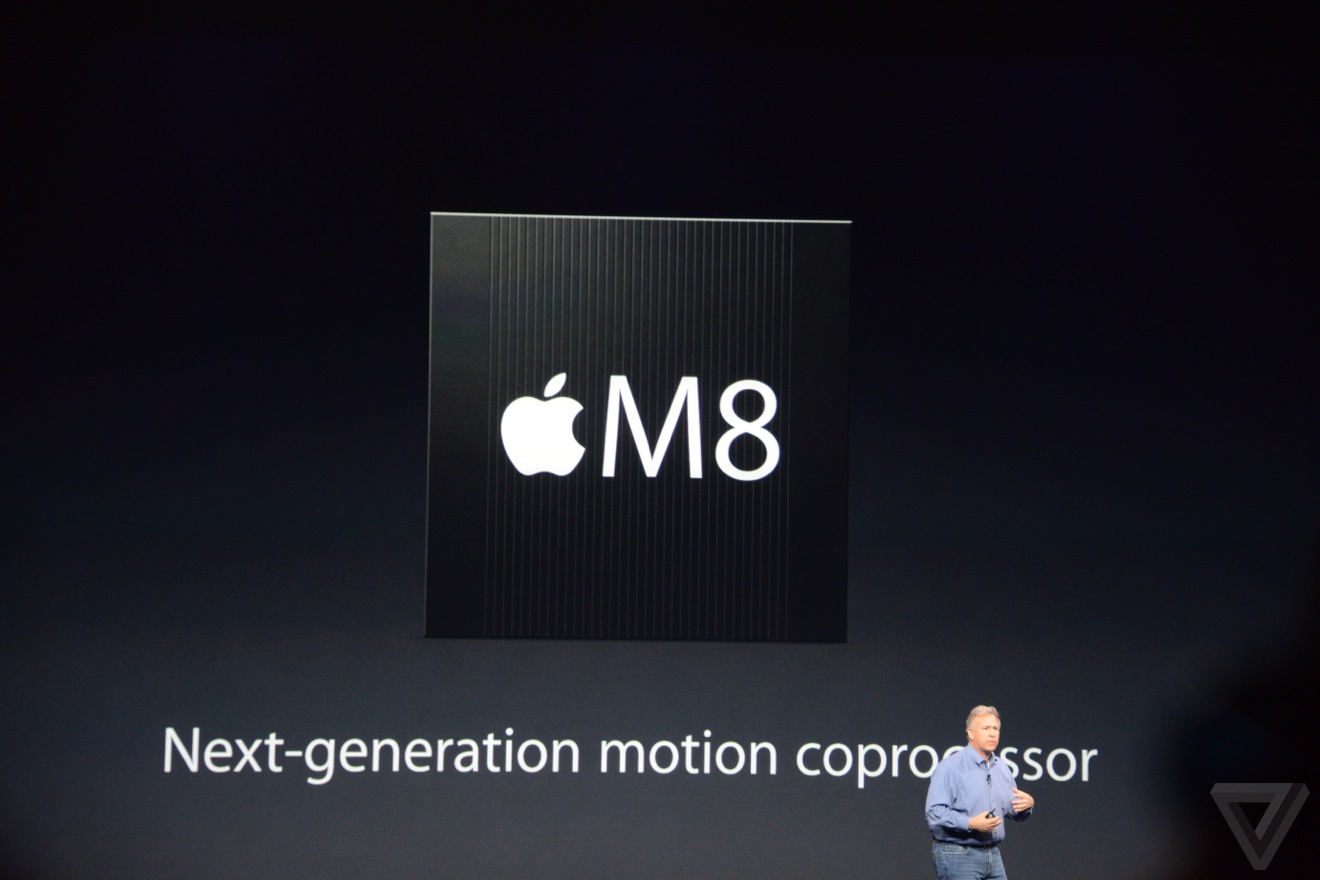
Here is the iPhone 6’s new M8 coprocessor

As expected, Apple has upgraded the M7 motion coprocessor to a new M8 motion coprocessor for the iPhone 6. This coprocessor, which exists separately from the new A8 CPU, allows the iPhone to track movements via continuous measurements from the accelerometer, gyroscope, and compass.

With the iPhone 6, the motion coprocessor's abilities have been supercharged. With the M8 the iPhone 6 can tell the difference between cycling and running. It can also calculate elevation, thanks to a new barometric sensor, and it can track distances travelled as well.

How Apple can improve permission handling in iOS

Every so often, it helps to take a step back and examine the way things are being done. This applies to our day-to-day routine, or perhaps our workout regimen. I've also found that it applies to software.

iOS is no exception to this. Here is a software product that has been through vast changes since its creation. A good majority of the changes have been for the better, and iOS 8, which is mere weeks away, promises to bring more awesome goodies to the table.

But, from time to time, it pays to look at the way things are being done. We have to ask ourselves, "Is this truly the best way?"

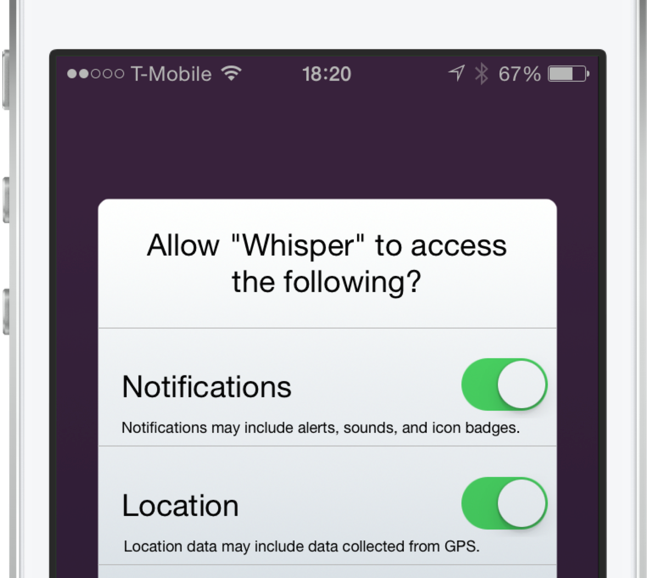
I feel that we've reached that fork in the road when it comes to the way iOS handles permission requests for apps. As more features are added to our devices, more permissions are required for apps that wish to use these features. It's gotten to the point that some apps require you to go through a whole checklist of permissions before you can even begin using the app.

The permission handling in iOS has become a frustrating affair. Not only do the numerous pop-up alerts annoy me, but it irritates me even more when I accidentally decline a permission because of speeding through the app setup process.

As discussed on today's episode of Let's Talk iOS, I'm convinced that there's a better way to handle permissions in iOS. There's a less intrusive, less frustrating way to handle requests for access to the various features on your device. Check out our video inside for an explanation of the problem, and a demonstration of the solution.