Cody Lee

Cody Lee, iDownloadBlog.com’s longest-serving Editor, joined the site in 2008. He specializes in uncovering the best deals on Apple products, apps, and accessories. With years of experience in technology journalism, Cody helps readers save money while staying informed about the latest trends and updates in the Apple ecosystem. Cody’s history with smartphones goes almost as far back as he does. As the son of a Nokia employee, he was exposed early on to handsets like the N91 and the Communicator. He has since been involved in nearly every aspect of the mobile phone industry. While going to college, he worked at a Nokia factory, building handsets, and later moved on to a sales position at a major wireless carrier.

Apple’s free app of the week: Super Arc Light

Apple on Thursday updated its App of the Week promotion with the game Super Arc Light.  This means that for the next 7 days you’ll be able to pick up the popular arcade shooter for free on both iPhone and iPad—a solid savings of $2.

For those who haven't played Super Arc Light, it's a minimalistic radial shooter, in which you must defend your base to the death against waves of challenging enemies. The developer describes it as Super Hexagon meets Geometry Wars.

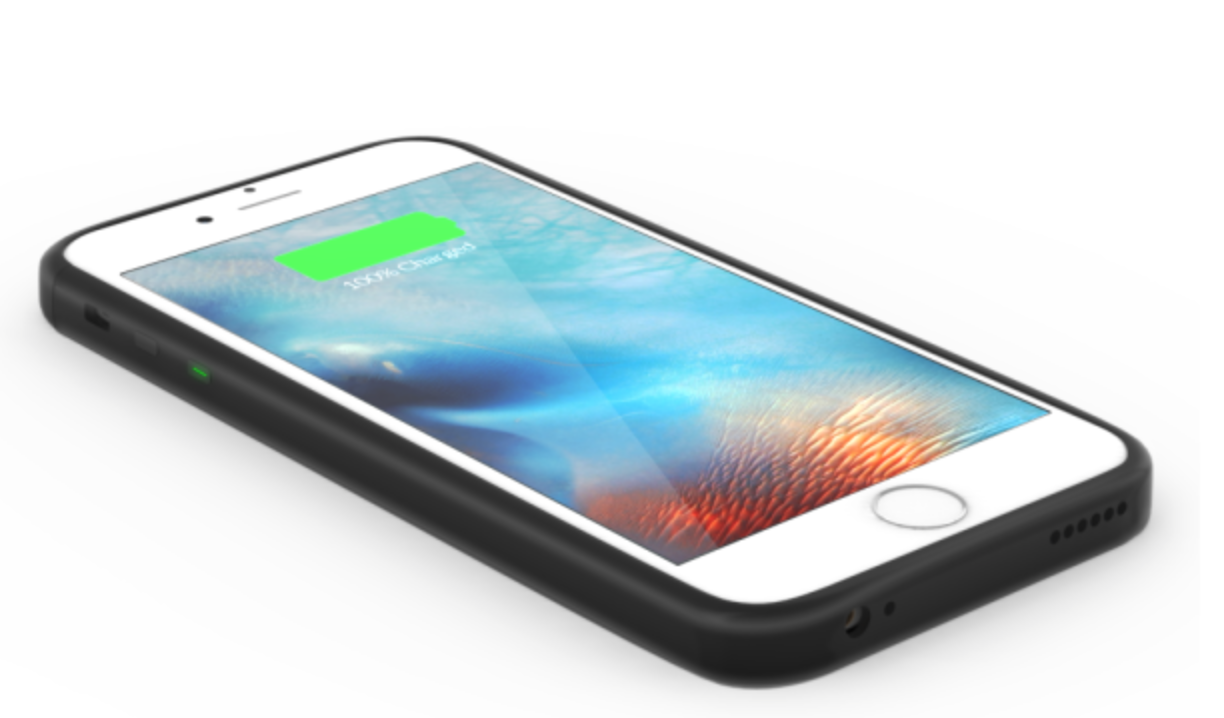
ThinCharge for iPhone review: an extremely slim battery case with a few big caveats

A lot of manufacturers like to claim they make “thin” iPhone battery cases, but it’s really just a marketing gimmick. I’ve tried dozens of iPhone cases with built-in battery packs over the years, and despite having words like “ultra-slim” and “air” in their branding, most of them were still far too bulky to carry on a daily basis.

Enter the ThinCharge case by ChargeTech. The company sells the case as the “thinnest iPhone 6/6s battery case on the market,” and I have to say they might be right. I’ve been using the case on and off for the past several weeks, and I can confidently say that this is—by far—the thinnest iPhone battery case I’ve ever tried.

How thin are we talking? Well the case itself measures just 11mm thick. So if you consider that the iPhone 6s is 7.1mm thick, then the ThinCharge is only adding around 3.9mm of thickness, which is super impressive. Additionally, there’s no ugly chin to be found down around the Lightning port, like on most other cases.

Having said all of this, the ThinCharge is no where near perfect. I ran into multiple issues during my testing, including slow charging rates for both the case and my iPhone, as well as a finicky cover over the charging port and other annoyances. So is the thinness of the case worth these caveats? Read on for my full review.

New feature in iOS 10 warns you if liquid is detected in Lightning port

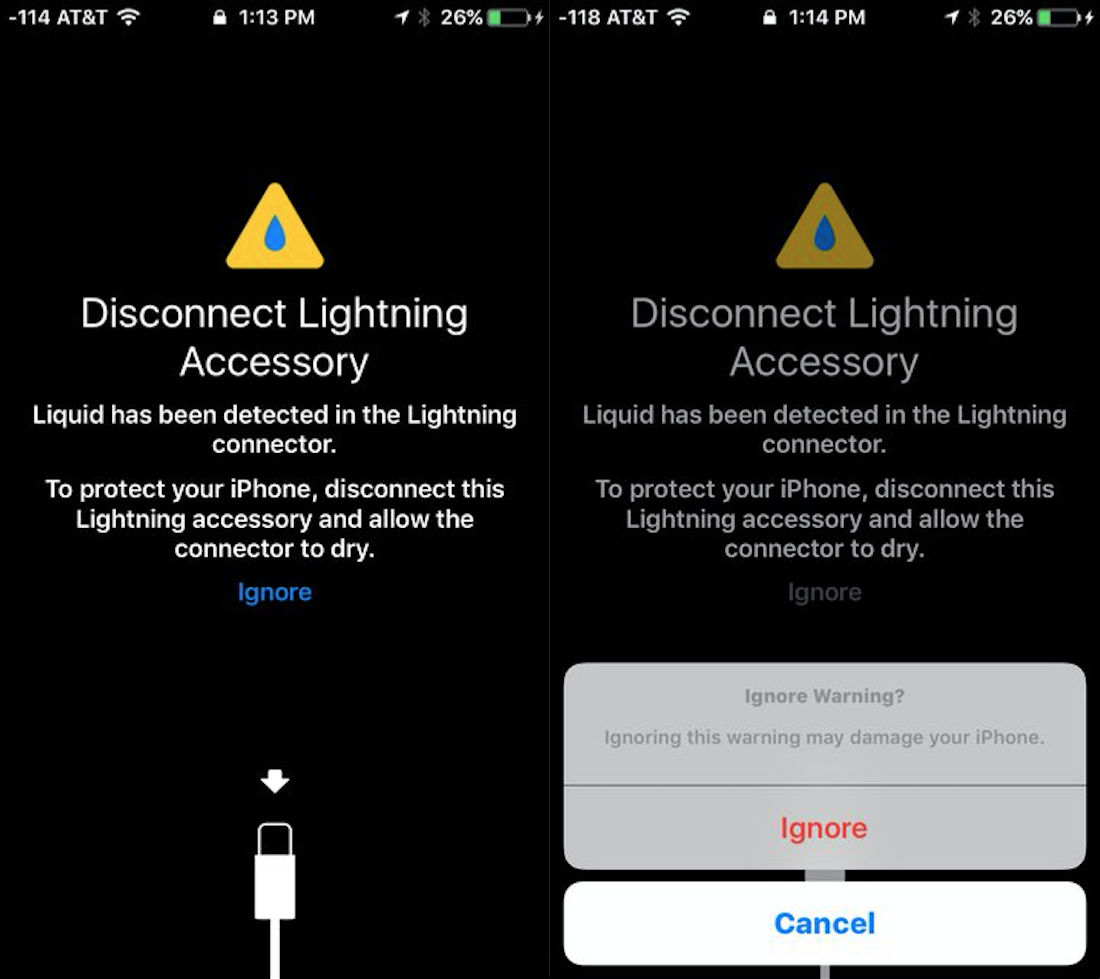
It appears that Apple has added a feature in iOS 10 that can detect if there is liquid in your device's Lightning connector. As seen in the above images, posted to Reddit by u/lucioghosty, if liquid is detected, iOS 10 warns you to keep the port clear until it dries.

The alert takes up the full screen, and apparently stays until you either disconnect whatever Lightning is plugged into the port, or you tap the Ignore button. Note that tapping Ignore pops up another warning saying, "this may damage your iPhone."

Apple posts two new ‘Shot on iPhone’ videos showcasing camera capabilities

Following up the two clips it released earlier this week, Apple on Tuesday posted another pair of new 'Shot on iPhone' videos to its YouTube channel. The new ads follow the now-familiar structure with 15-second runtimes and catchy soundtracks paired with engaging footage.

The first video, shot by Robert S. in Bregenz, Austria, shows a first-person view of Robert zip-lining. The second video has more of an artsy vibe. Shot by Mark Z. in Manhattan, New York, it features a young woman with her hair flowing in the wind, captured using slow motion.

Apple issues beta 3 of macOS Sierra to developers

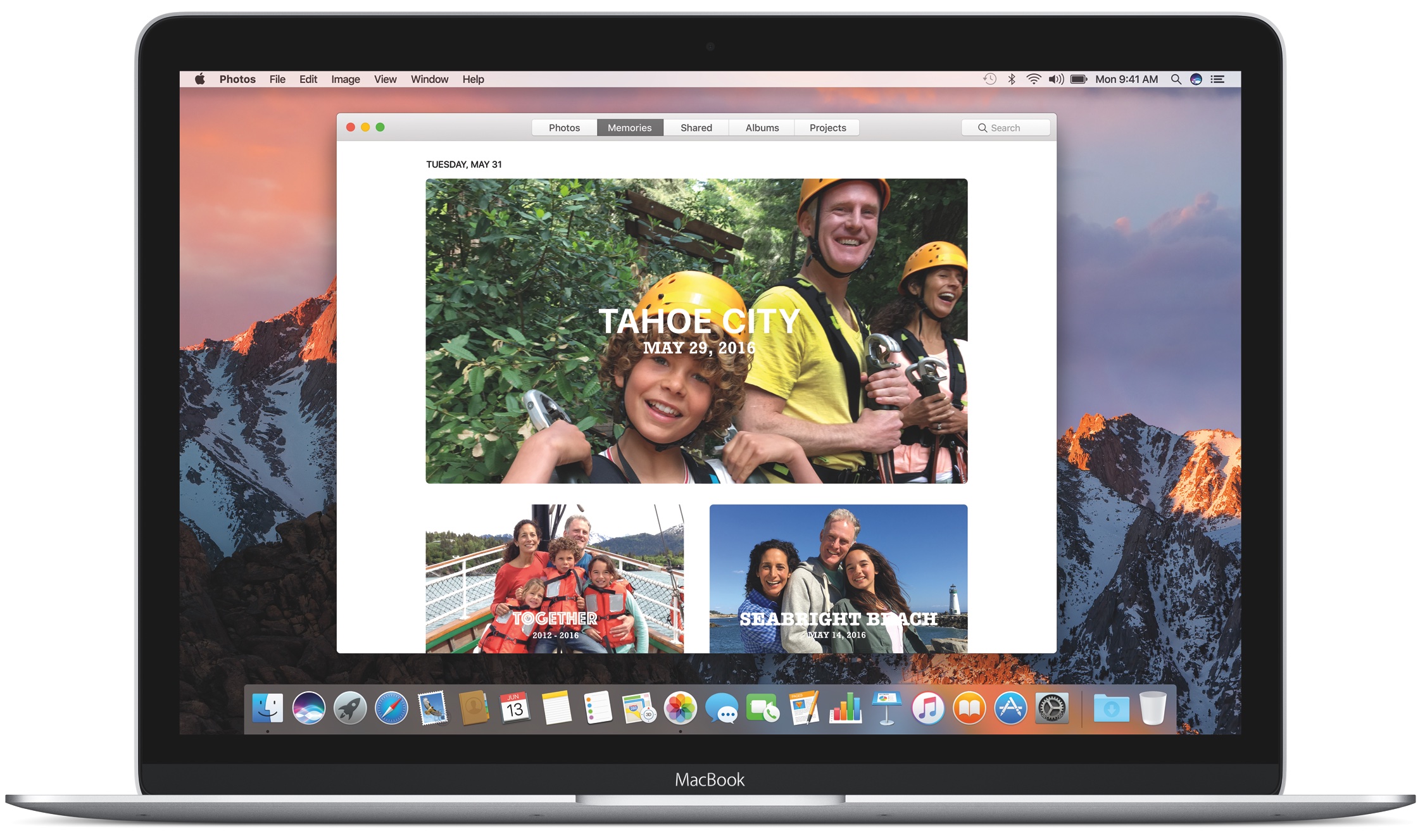
In addition to iOS 10 and tvOS 10, Apple also released the third beta of macOS Sierra to developers on Monday. The update is available for registered Mac developers in either the Updates tab of the Mac App Store, or in Apple's Dev center.

Today's beta 3 release comes just about two weeks after Apple issued beta 2, and just a little more than a month after the original developer beta was made available. The software, of course, was first introduced during Apple's WWDC keynote.

Apple seeds beta 3 of watchOS 3 to developers

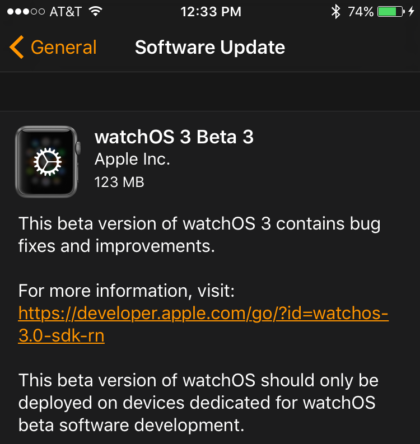
Alongside several other software releases, Apple on Monday issued beta 3 of watchOS 3 for the Apple Watch. Registered developers can download and install the over-the-air update via the Watch app in iOS 10.

Today's beta 3 has build number “14S5290d” and comes nearly two weeks after beta 2 was released, and about a month after the original beta landed. Introduced at WWDC, watchOS 3 brings about a number of new features and improvements.

Apple seeds iOS 10 beta 3 to developers

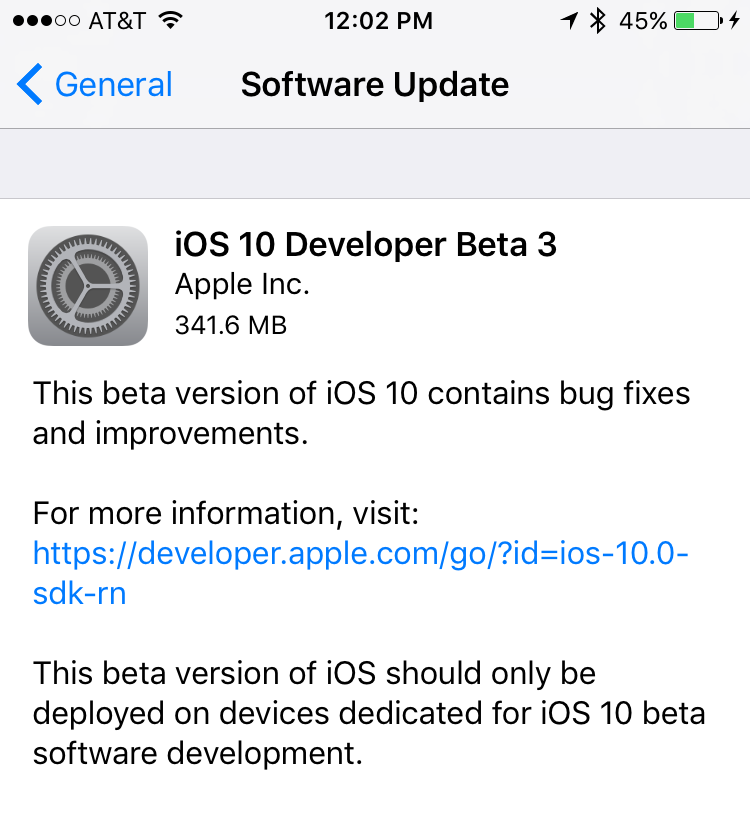
Apple on Monday seeded the third beta of iOS 10 (build “14A5309d”) to developers. The release, which comes roughly two weeks after beta 2, is available to all registered iOS developers through Apple's dev center.

Beta 2 brought about several, though not necessarily significant, changes including a new Rest Finger to Unlock option, and enhancements to Notification Center, Messages and the stock Music app.

Notebook, Darby, Prisma and other apps to check out this weekend

Pokémon Go fever is still in full swing, but for those of you looking to try out different apps and games this weekend, iDB has you covered. In this edition of our Apps of the Week roundup, we have a beautiful new productivity app, a video social network for DIY'ers, a cool new photo editing app, and of course some great new games for you to check out.

Apple’s free app of the week: Super Sharp

Apple on Thursday updated its App of the Week promotion with the game Super Sharp. This means that for the next 7 days you’ll be able to pick up the popular puzzler from hit developer 1Button SARL, for both iPhone and iPad, for free—a solid savings of $2.

Super Sharp is the epitome of the pick-up-and-play puzzle genre. There are no characters or qwerty storylines. Players simply use their fingers to cut through platforms, ropes and obstacles and they attempt to make their way through 120 physics-based stages.

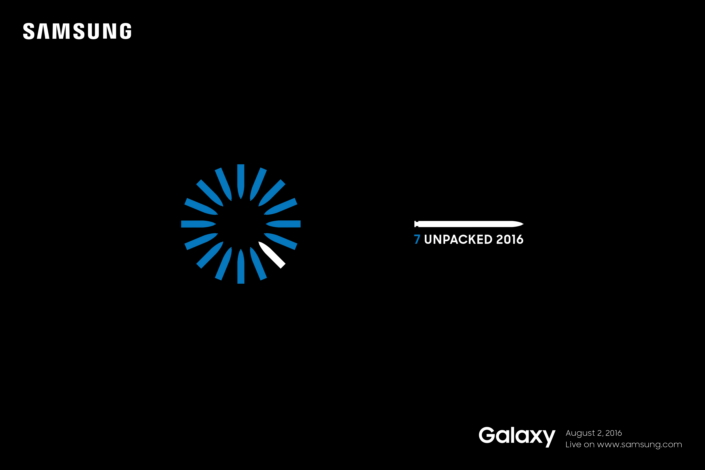
Samsung to unveil Galaxy Note 7 on August 2nd

Samsung has announced that it will be unveiling the next version of its Galaxy Note handset on August 2nd. The company sent out a press release on Tuesday, saying that it will be hosting an Unpacked event in New York, scheduled to begin at 11 am (EDT).

Developer casting call posted for Apple’s ‘Planet of the Apps’ TV show

Television production company Propagate on Tuesday posted an open casting call for its upcoming 'Planet of the Apps' TV show, which it is co-producing with Apple. Developers working on an iOS, macOS, tvOS or watchOS app can apply via the show's website through August 26.

As explained by SVP Eddy Cue back in March, Planet of the Apps will be a nonscripted series about app design and development exclusive to Apple's platforms. Also working on the show are musical artist Will.i.am, and noted TV executives Ben Silverman and Howard T. Owens.

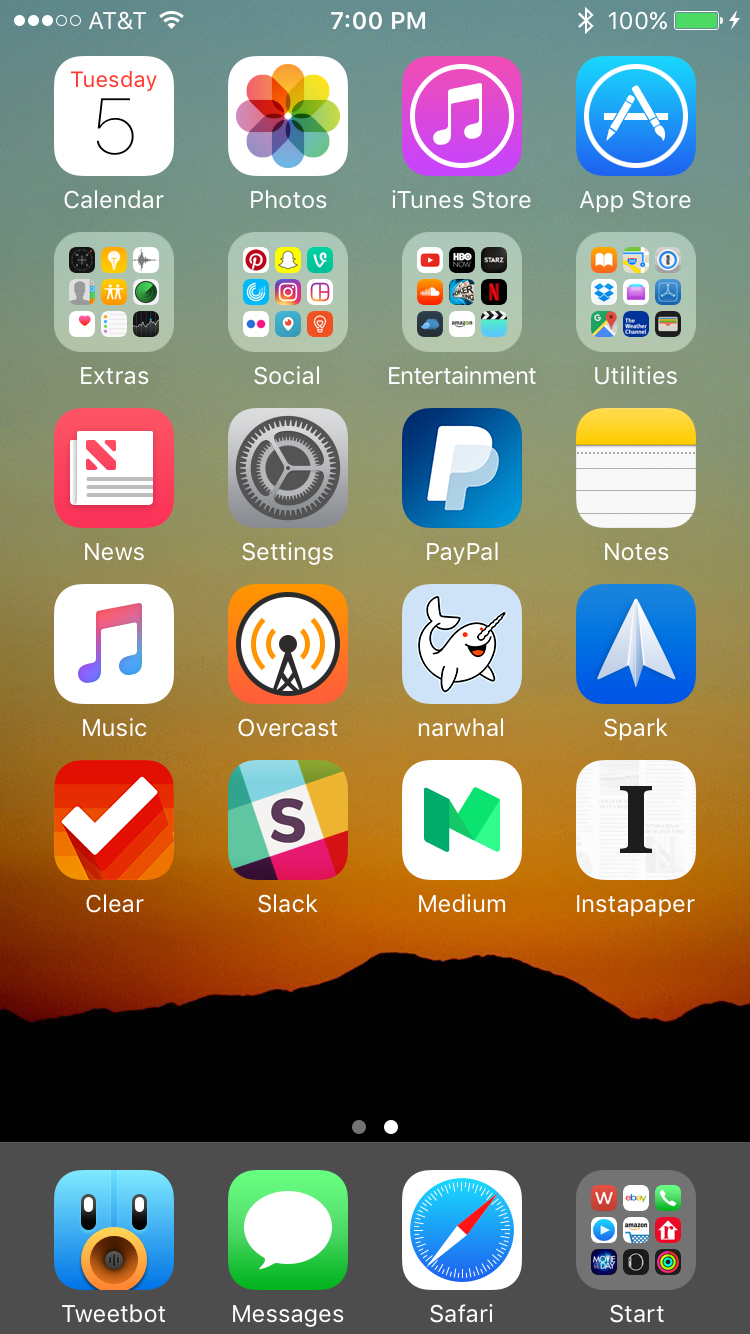
What’s on your Home screen: Cody Lee

I’m a little late to the party, but I wanted to join the rest of my colleagues in sharing my iPhone Home screen. I love looking at others’ setups, and getting inspiration from their apps and wallpapers, so I’m happy to post mine in the same vein.

I’ll start off by saying that my Home screen changes fairly frequently. I’m always installing beta versions of iOS, jailbreaking, and doing other things to my iPhone that prompt complete restores, so I don’t get to enjoy any particular setup for very long. And that’s ok with me, as I like rebuilding my Home screen—it’s like rearranging furniture in a room to find a more optimal layout. It’s sort of cathartic.

My current setup I’ve had for a little over a month now. Knowing that the first iOS 10 beta was coming, I decided to get rid of my jailbreak and update to iOS 9.3.2. Not being jailbroken definitely affects how my Home screen looks—I use tweaks like Springtomize to customize the status bar, remove icon labels and make other small, but noticeable changes—but I don’t regret moving on to iOS 10. It’s been a joy to use thus far.