Anthony Bouchard

Anthony Bouchard joined the iDownloadBlog.com team in 2016 after originally covering Apple and iPhone jailbreak news at ModMyi.com. As an experienced editor, he brings more than 15 years’ worth of jailbreaking knowledge to our in-depth guides, opinion pieces, and news articles. His passion for device customization and user choice sparks his strong push to empower readers with the tools they need to explore and enjoy the freedom that comes with jailbreaking. Anthony blogs about not only jailbreaking, but also Apple software & accessories, drones & photography, and Nintendo gaming systems. Anthony honed his advanced technical knowledge over the years with hands-on projects ranging from gaming PC builds to engine repair mechanics. His never-ending hunger for knowledge is why you’ll always find him tinkering – tearing things apart and putting them back together to understand what makes them tick.

How to stop your iPhone from asking to install iOS updates

iOS can download and install updates without the need to connect to iTunes; this is known as Over-the-Air (OTA) updating.

When you have an OTA update waiting for you, your Settings app typically gets a red badge and iOS will constantly nag you about software updates. The thing is, not everyone always wants to install Apple's updates.

In this tutorial, we'll show you how to disable requests for iOS updates on your iPhone or iPad. This trick will also remove the nagging badge on the Settings app.
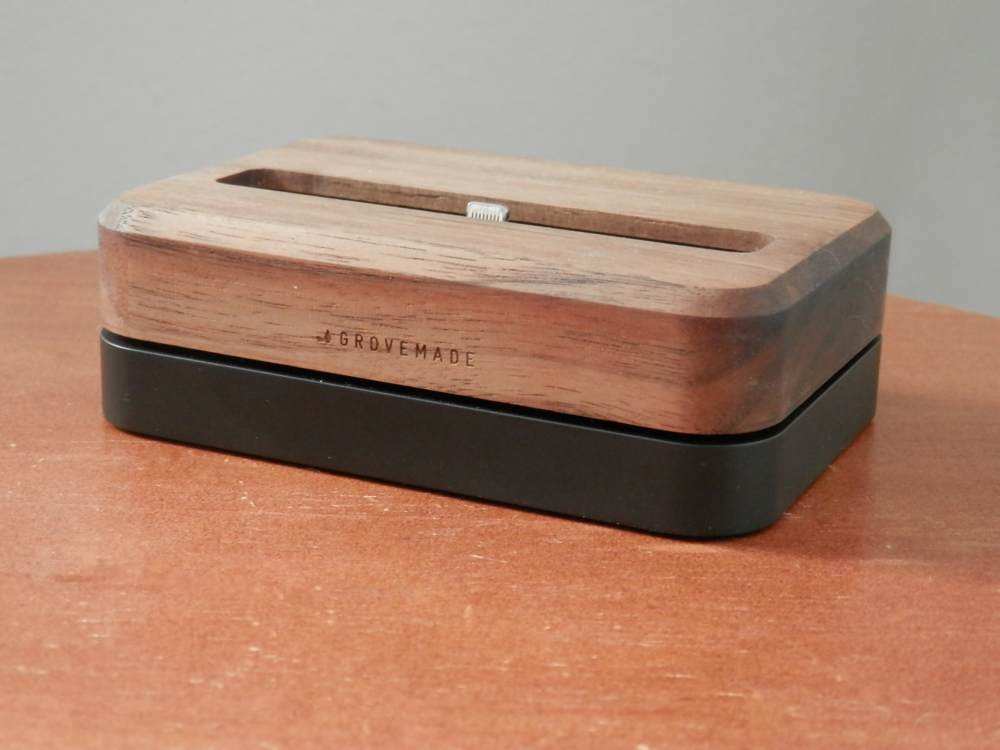

Grovemade’s walnut iPhone dock is built to last and looks stunning

Docks are a great way to store your iPhone on your nightstand overnight or on your office desk while you work on your computer. There are a lot of options to choose from out there with varying degrees of quality, and Grovemade makes a product that you won’t be disappointed in.

In this review, we’ll show you the Grovemade walnut dock for the iPhone 6 Plus/6s Plus, a premium metal and hard wood dock that pays careful attention to detail and looks great anywhere you put it.

AutoPaste makes using GIF keyboards easier on jailbroken iPhones

There are a lot of people out there who love using GIF images as a way of expressing their feelings, and it would seem that jailbreak developer Ryan Petrich is no different.

With a new beta jailbreak tweak release he's calling AutoPaste, he aims to make sharing GIF images in your favorite messaging apps with third-party GIF keyboards from the App Store faster and easier than before.

Envoy lets you remove the unwanted sections from Facebook Messenger

It seems to be a mutual interest of a great number of Facebook Messenger users to remove those unwanted "Favorites" and "Active Now" sections from the Facebook Messenger app.

Although we covered a tutorial in the past on how to remove these features manually for a temporary period of time, they would always come back after a few days or weeks. A new free jailbreak tweak dubbed Envoy aims to change that.

The best tips for saving battery power while playing Pokémon GO

Without a doubt, many who are reading this post right now are huge Pokémon GO fans. The game took the mobile device market by storm and it became an instant hit, topping the application stores on two of the largest competitors on the market today: iOS and Android.

One of the things that can't be avoided while playing Pokémon GO is the battery drain you're going to suffer, and this is because it's a GPS-based game, but there are still some pointers you can follow to help reduce battery drain so you can play as long as possible.

Jailbreak tweaks of the week: 3DAppLock, Iconizer, & more…

Since the launch of the iOS 9.3.3 jailbreak from Pangu, Cydia has been surging with new jailbreak tweak releases. The change in atmosphere has brought an end to the drought, at least for now.

In this roundup, we'll talk about all of the jailbreak tweaks that were released this week, starting with our favorites and then moving on to the rest.

Iconizer: the ultimate Home screen app icon effects tweak?

For some people, adding a touch of personality to their Home screen is one way that they set themselves apart from the stock iOS community. Of course, a touch isn't always enough. If you're looking for something a little more in-depth, then try a new jailbreak tweak dubbed Iconizer.

With Iconizer, you can not only tinker with Home screen app icon animations, but you can also add some catchy-looking effects to your app icons. All of the effects are 100% customizable, and we'll show you what this tweak is all about in this review.

BookmarksIcons displays the actual website icons for your Safari bookmarks

One of the things I find very bland about the Safari web browser for the iOS platform is how all of the bookmarks show the same icon. Not only does this look repetitive and fatiguing for the eyes, but it isn't as friendly to interact with.

Most modern desktop web browsers show the actual website icon when you bookmark a web page, and the mobile Safari web browser should be no different. If you're jailbroken, you can install a new jailbreak tweak called BookmarksIcons to accomplish this.

This tweak lets you unlock your iPhone with Touch ID even without a passcode

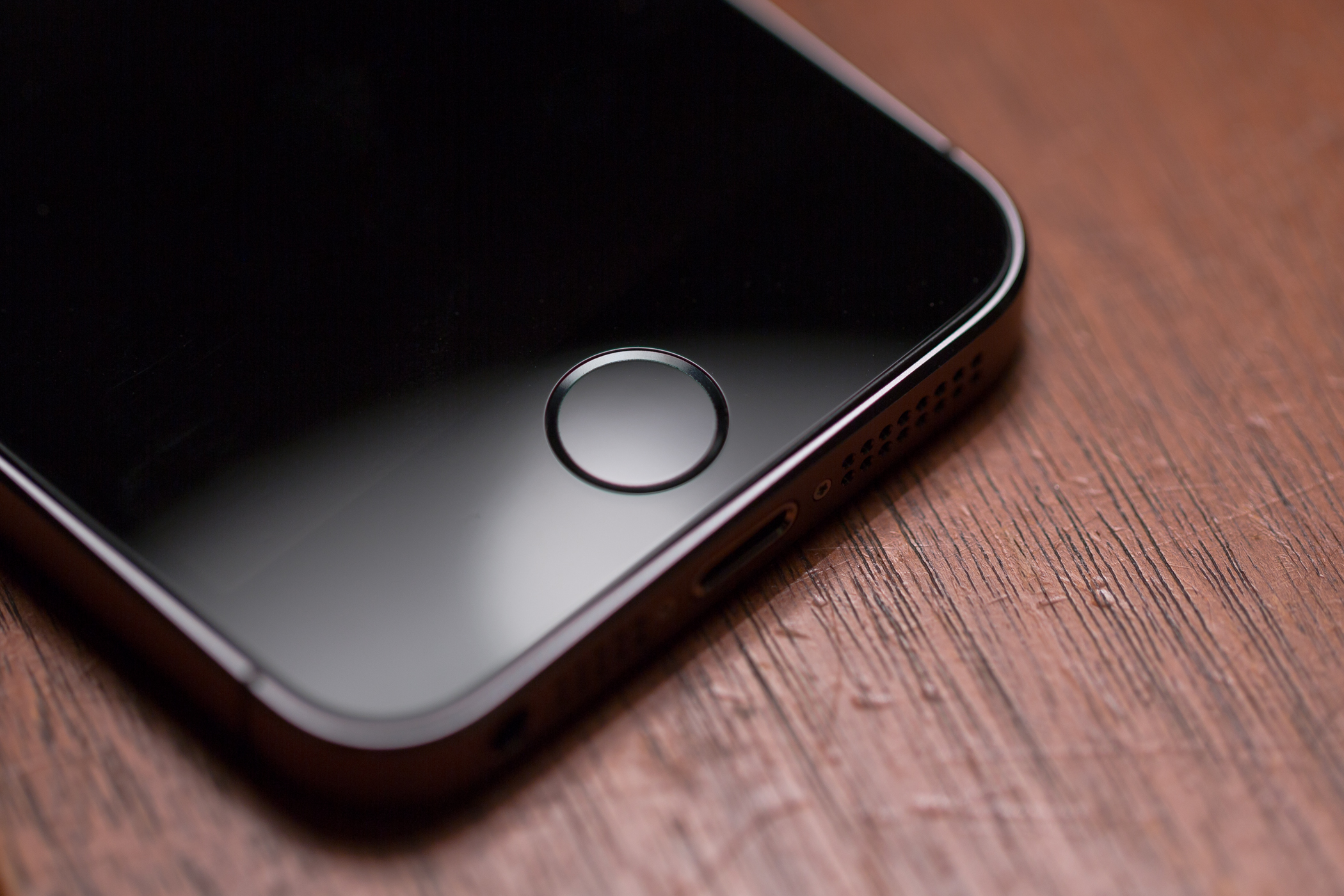
All of Apple's iPhones since the iPhone 5s, and even the latest iPad models, come with Touch ID fingerprint scanners that let you have access to your device almost immediately without the need to waste time entering a password or passcode at the Lock screen.

However, if you never use a passcode anyways, but you still enjoy the functionality of Touch ID, you can use a new jailbreak tweak called AlwaysTouch.

How to un-jailbreak iOS 9.3.3 with Cydia Eraser

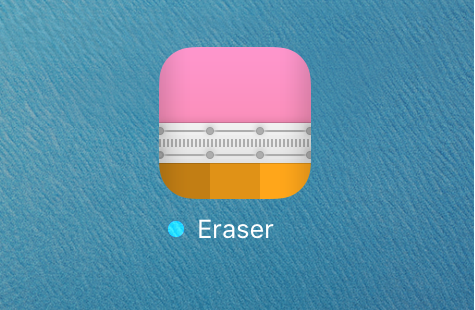
Saurik has officially updated Cydia Eraser this week with support for iOS 9.3.3, which means anyone who jailbroke with the Pangu jailbreak tool now has a way to un-jailbreak their devices without using iTunes to restore and update their device.

In this tutorial, we'll show you how and why to use Cydia Eraser to un-jailbreak your iOS 9.3.3 device.

Go Radar tracks Pokémon locations in real time

Pokémon GO is all the hype right now, and lots of people are enjoying playing it, but there is a substantially high number of people who are upset with the removal of the Footsteps feature in the game, and even more-so game developer Niantic's decision to start shutting down real-time Pokémon trackers.

If you're having trouble finding the Pokémon you want after the update that removed Footsteps, you might consider trying a crowdsourced Pokémon tracker app instead of one that relies on Niantic's servers to feed information.