Anthony Bouchard

Anthony Bouchard joined the iDownloadBlog.com team in 2016 after originally covering Apple and iPhone jailbreak news at ModMyi.com. As an experienced editor, he brings more than 15 years’ worth of jailbreaking knowledge to our in-depth guides, opinion pieces, and news articles. His passion for device customization and user choice sparks his strong push to empower readers with the tools they need to explore and enjoy the freedom that comes with jailbreaking. Anthony blogs about not only jailbreaking, but also Apple software & accessories, drones & photography, and Nintendo gaming systems. Anthony honed his advanced technical knowledge over the years with hands-on projects ranging from gaming PC builds to engine repair mechanics. His never-ending hunger for knowledge is why you’ll always find him tinkering – tearing things apart and putting them back together to understand what makes them tick.

GPS not working on your iPhone? Try this

Your iPhone’s GPS capabilities can be really useful, whether you’re using them to navigate to a special event, play Pokémon GO, or even to just grant your favorite apps your current location so they can do what they were made to do.

Of course, like all things, GPS can sometimes be flaky and it doesn’t always want to work right, causing headaches for you. Fortunately, there is something you can do about it. There are a number of troubleshooting steps you can take that might help your GPS work properly.

NoLockGestures disables most swipe gestures on the Lock screen

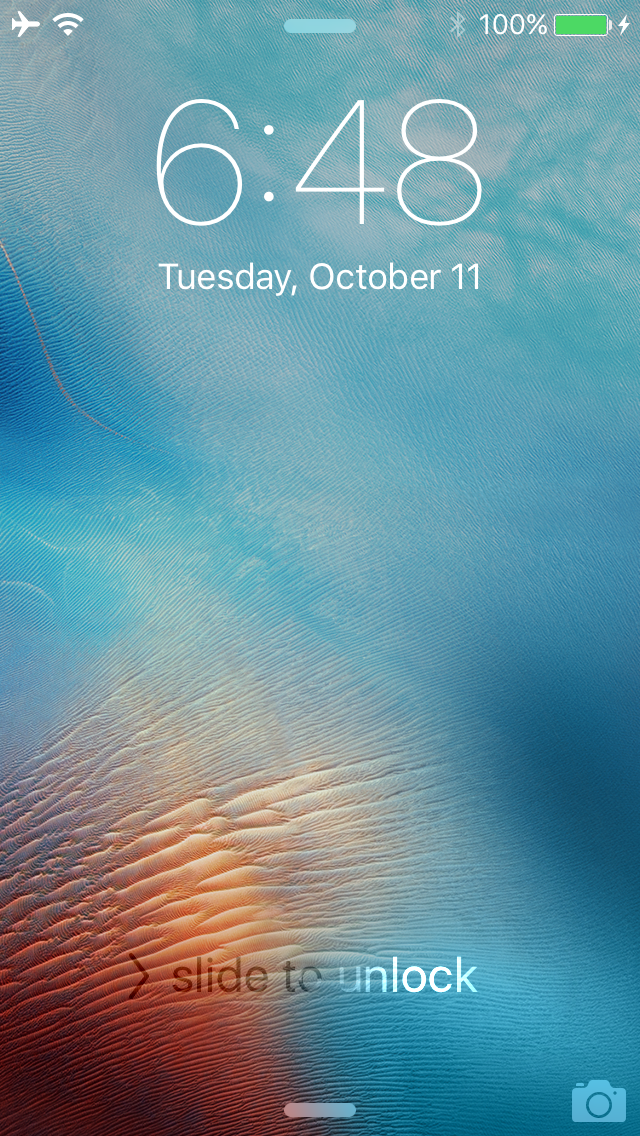
There are all kinds of swipe gestures you can access on the Lock screen, such as opening Control Center or Notification Center and even using the camera grabber to quickly take a point-and-shoot photo.

While some people like these little shortcuts, not everyone wants them there all the time, so a new free jailbreak tweak called NoLockGestures lets you easily disable all these swipe gestures on demand.