Learn what to do if your iPhone screen is too dim or the brightness fluctuates abruptly, affecting your ability to use your phone properly.
iPhone screen too dark or dim? Make it brighter with these tips
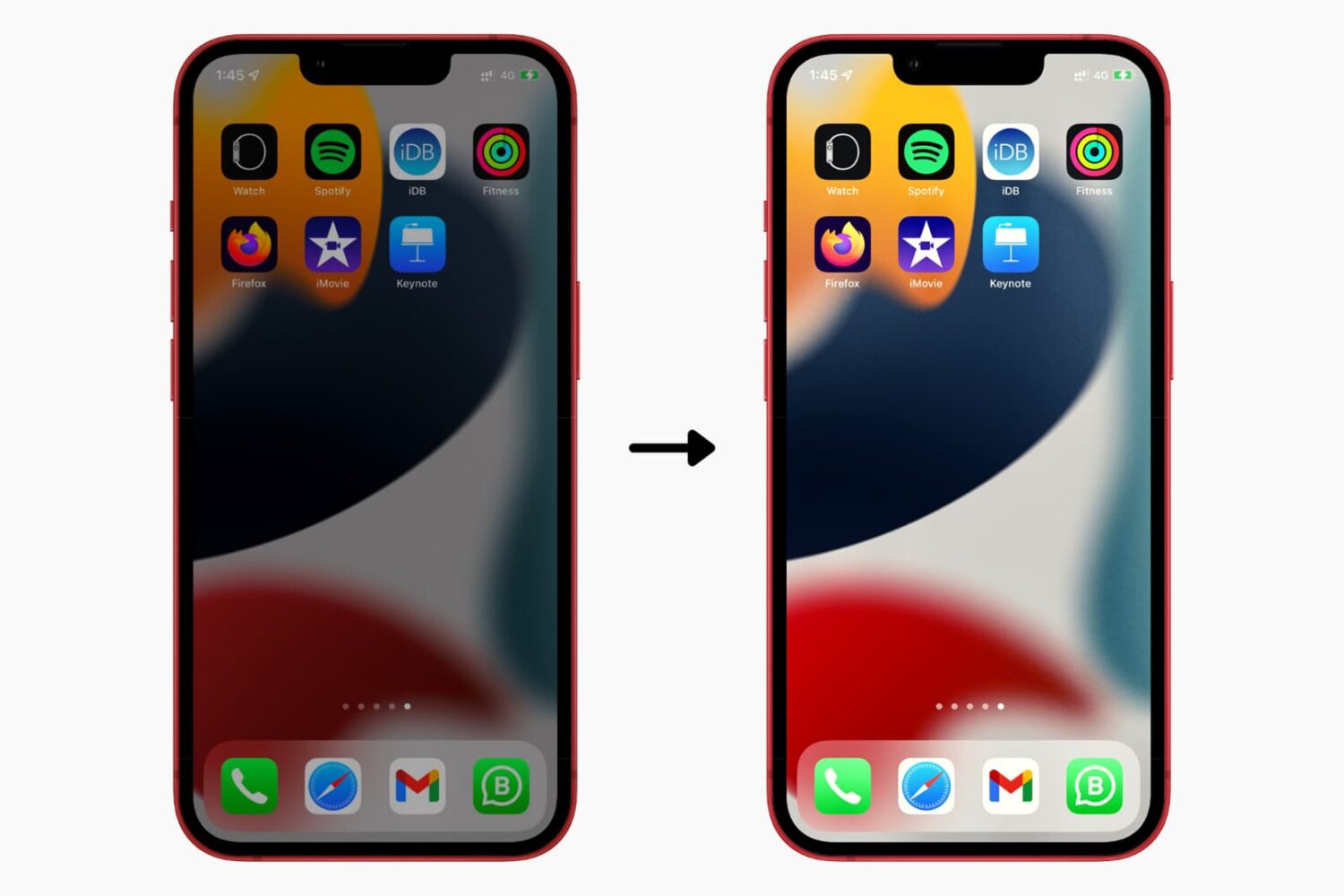
Learn what to do if your iPhone screen is too dim or the brightness fluctuates abruptly, affecting your ability to use your phone properly.
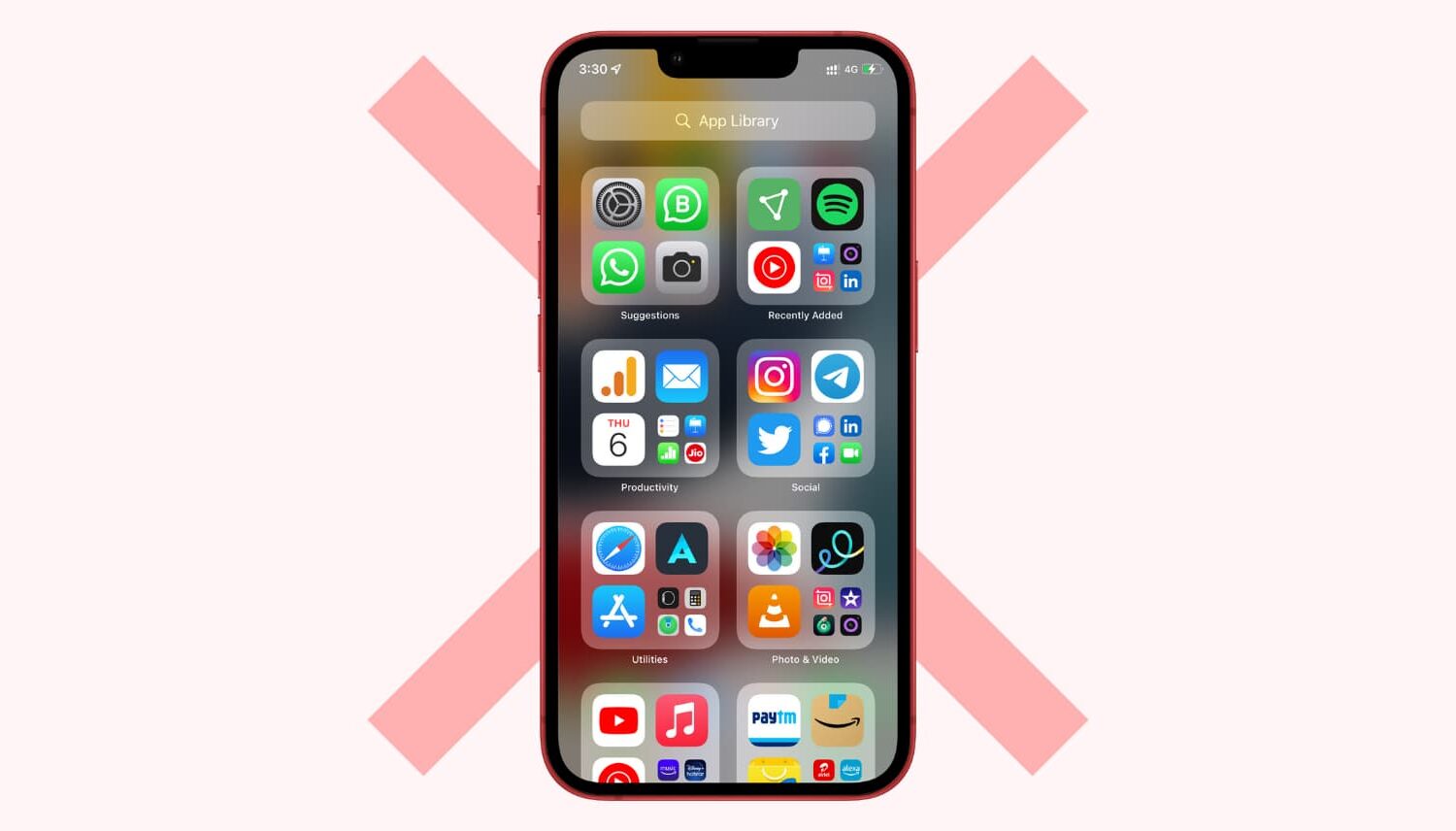
App Library was introduced on iPhone with iOS 14 and iPad with iPadOS 15. Since then, it has stayed on all future versions, including iOS 16. If you aren't a big fan of App Library, you might want to disable it temporarily or turn it off entirely.
The bad news is you can't disable or toggle off App Library on iPhone. But there are some things you can do to make sure you do not have to use it ever. So you can't get rid of App Library, but we show you how to ignore it.
In this tutorial, we will show you how to set your Mac to automatically start playing music when it starts up or after a reboot.
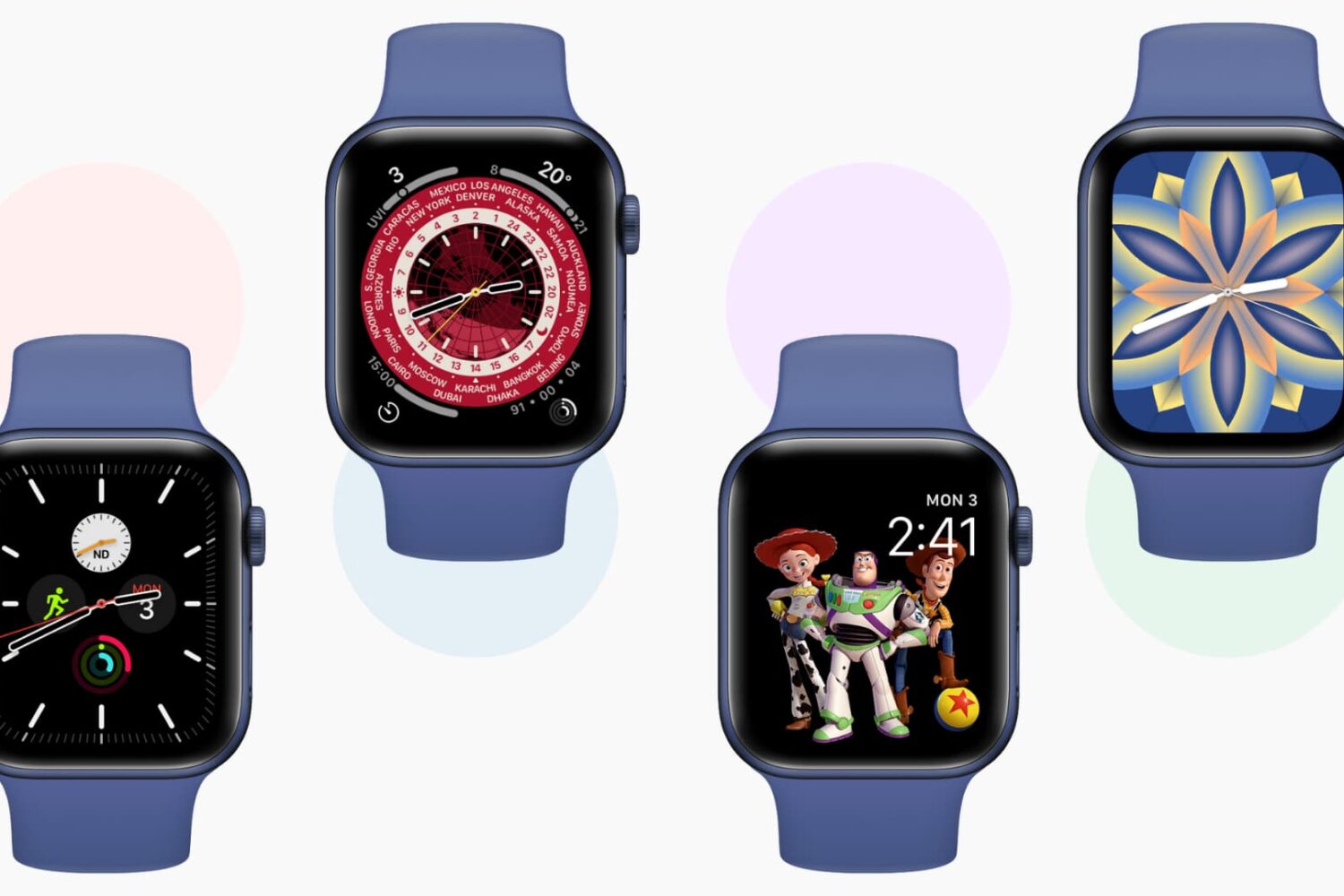
Learn how to add, edit, change, manage, and delete watch faces directly from your Apple Watch or iPhone to keep the look fresh and suitable for different occasions.
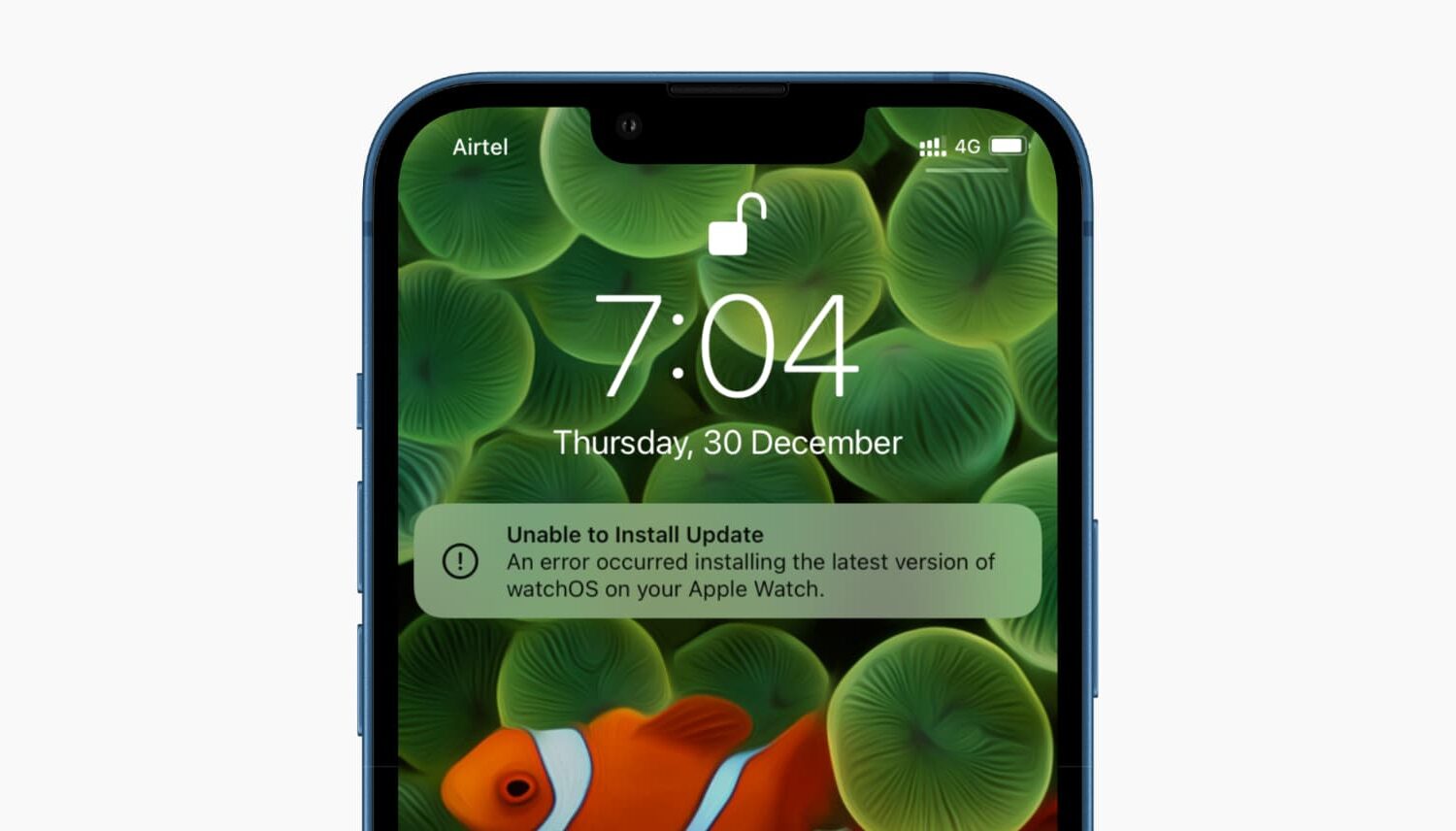
Check out these solutions if your Apple Watch update fails and you’re unable to download and install the latest version of watchOS 26.
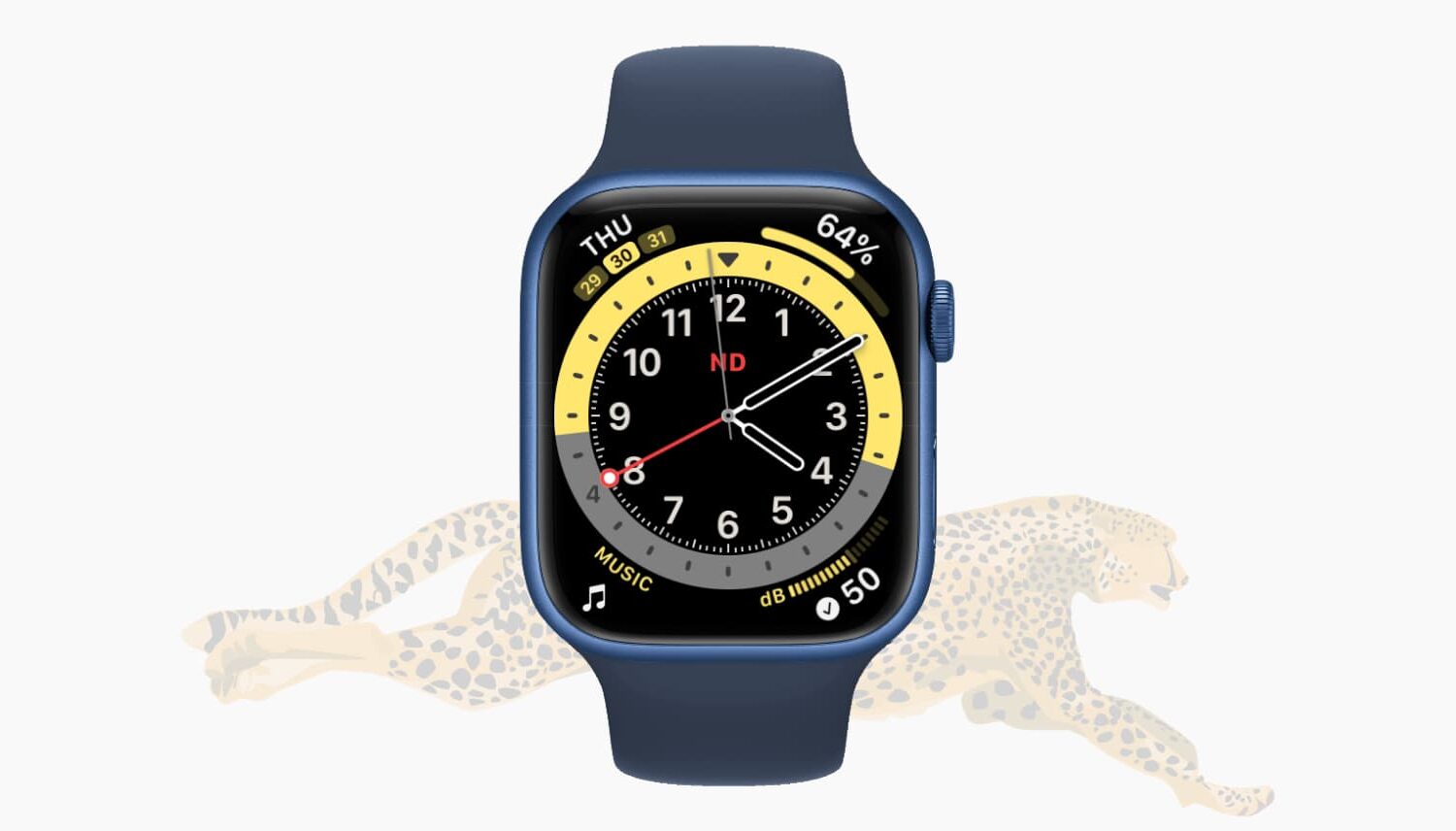
In this guide, we cover several reasons your Apple Watch is slow and share some handy tips to fix it, making your experience faster.

Learn how to reset location, privacy, handwriting, Home Screen layout, eSIM cellular plan, keyboard, network, or all iOS settings on your iPhone and iPad to troubleshoot various issues or to start fresh with the default configuration.
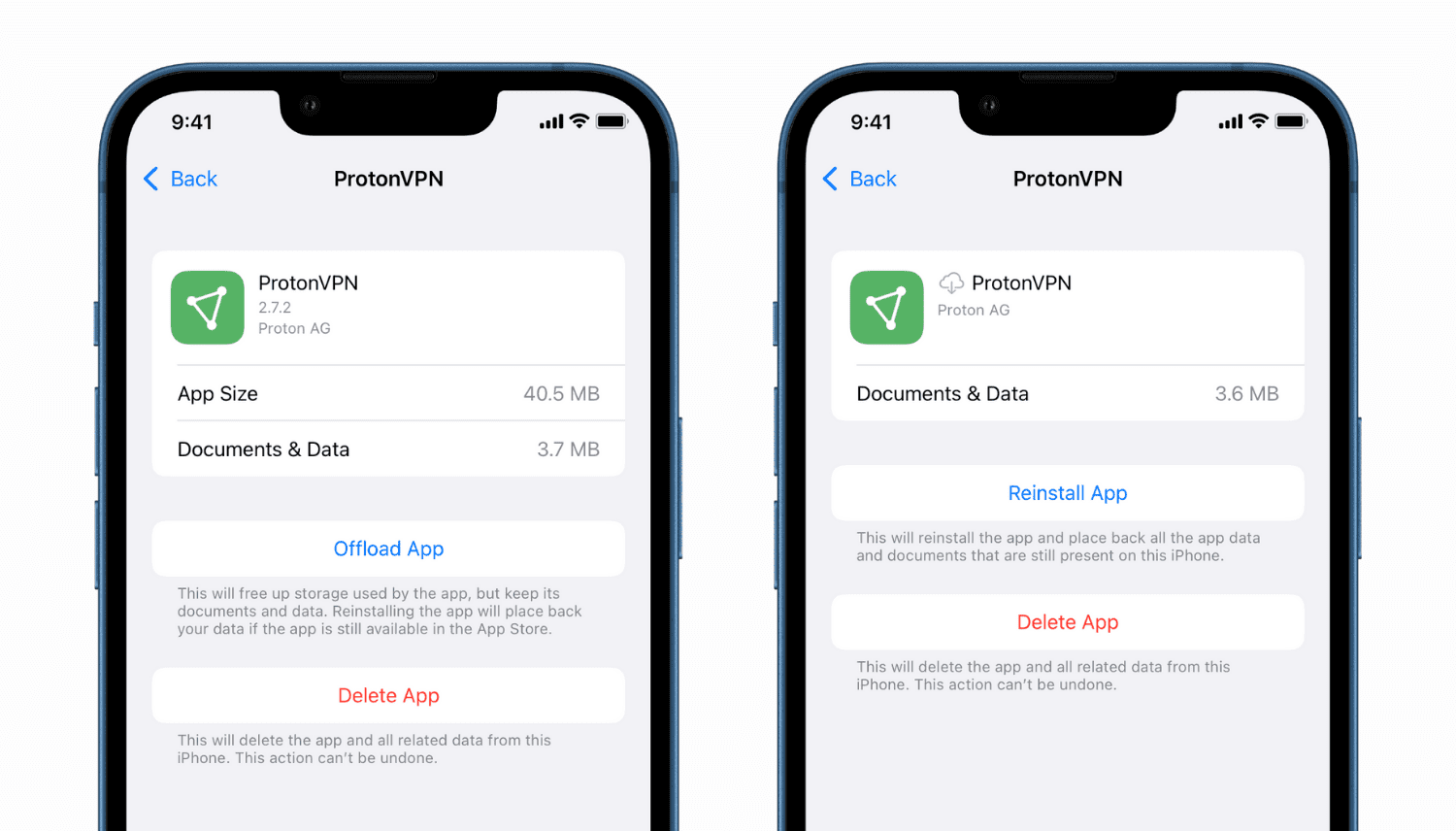
Need to free up storage space on your iPhone or iPad? Learn how to offload apps to regain space while keeping the app data safe.

Is your iCloud storage full? Check out this guide to manage your iCloud storage and free up space using easy tips and suggestions.
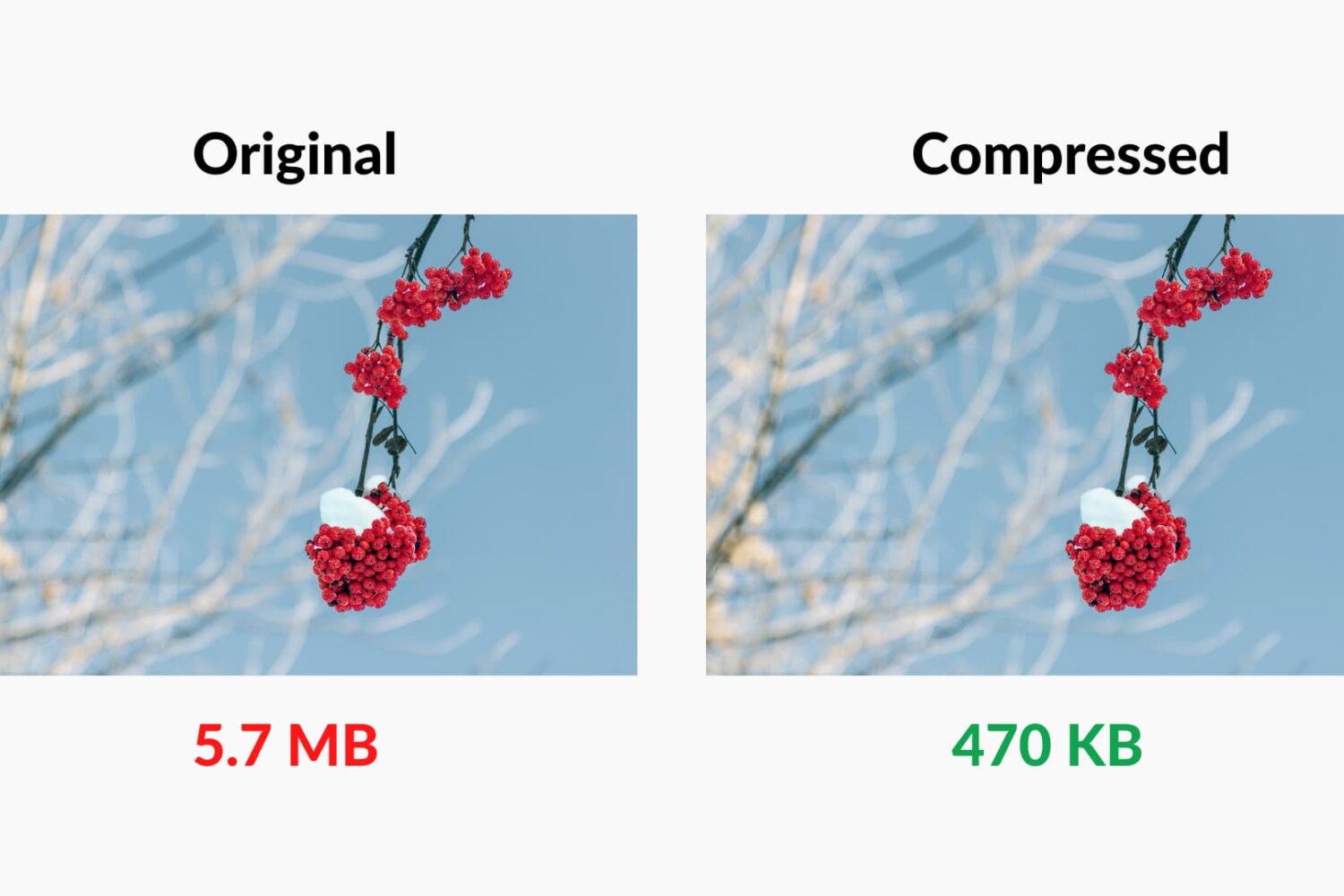
Check out these 7 easy tools to compress images on your Mac to save space without compromising quality.