Learn about the basics of AssistiveTouch on iPhone and iPad, including what it is, when to use it, and how to use it to get things done by interacting with a virtual on-screen button.
How to use AssistiveTouch on iPhone and iPad
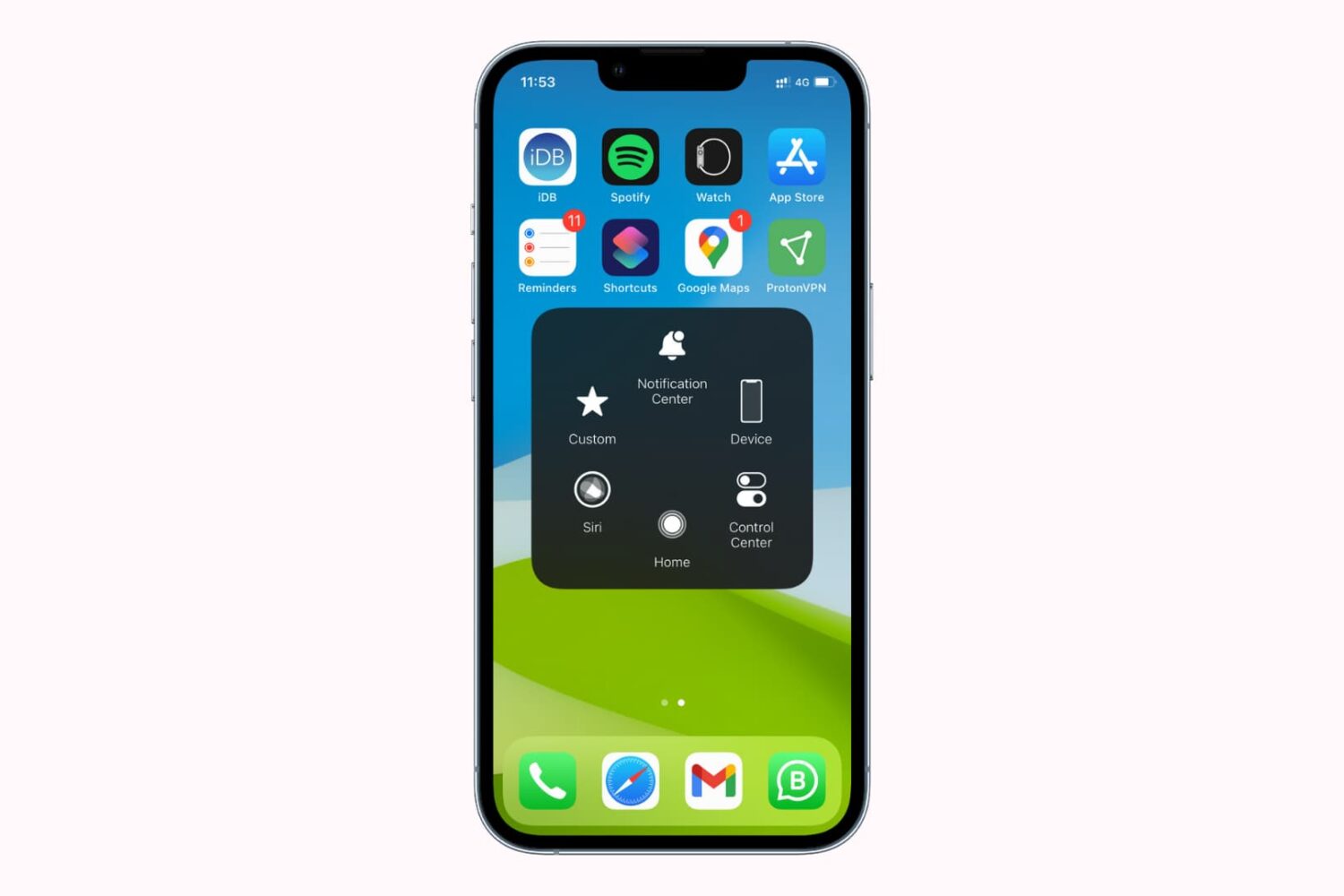
Learn about the basics of AssistiveTouch on iPhone and iPad, including what it is, when to use it, and how to use it to get things done by interacting with a virtual on-screen button.

Check out these great free and paid options for backing up your iPhone photos and videos to ensure your memories are always safe and accessible.
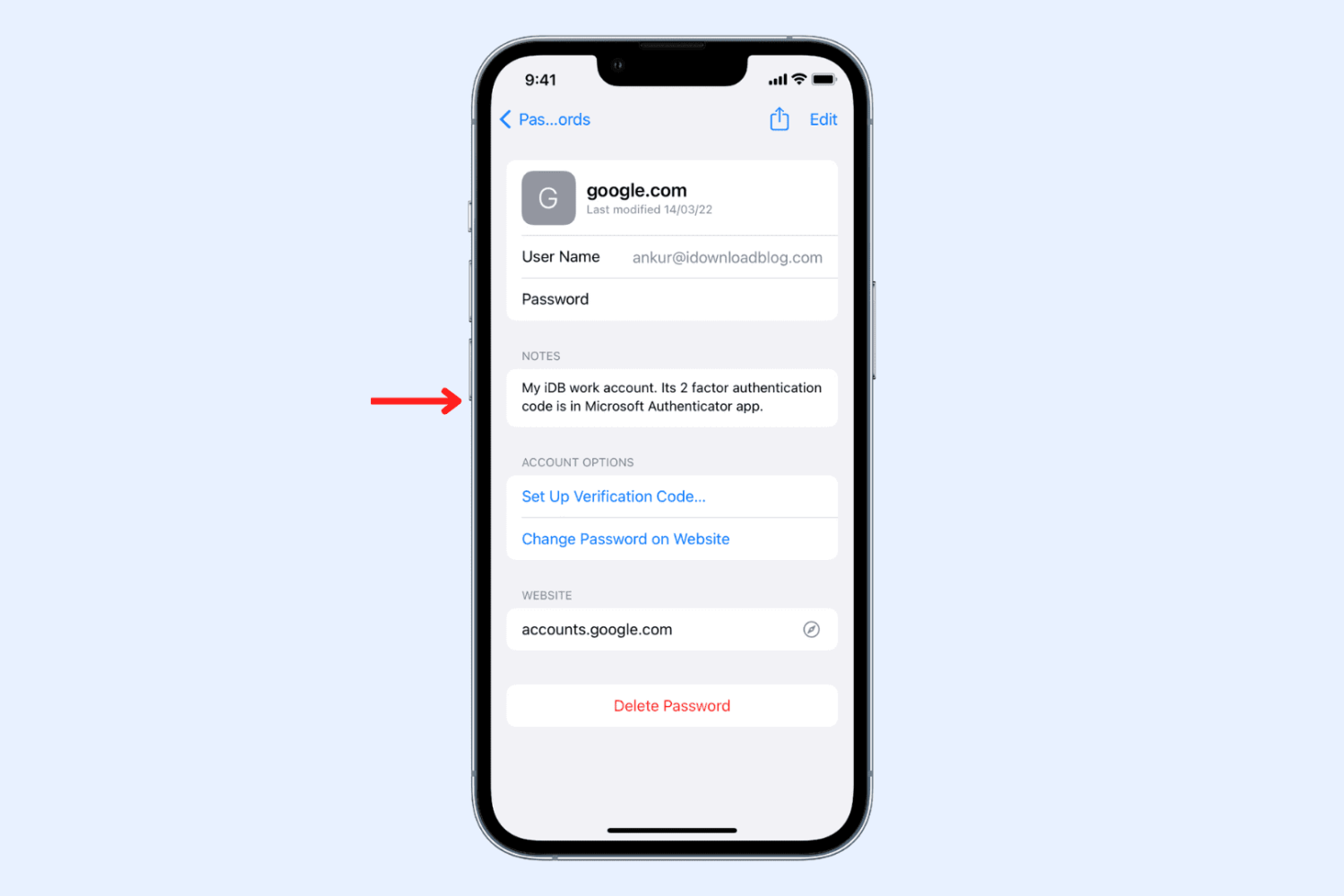
Learn how to add a custom note for a saved account in the Apple Passwords app on your iPhone, iPad, or Mac to securely save valuable information.
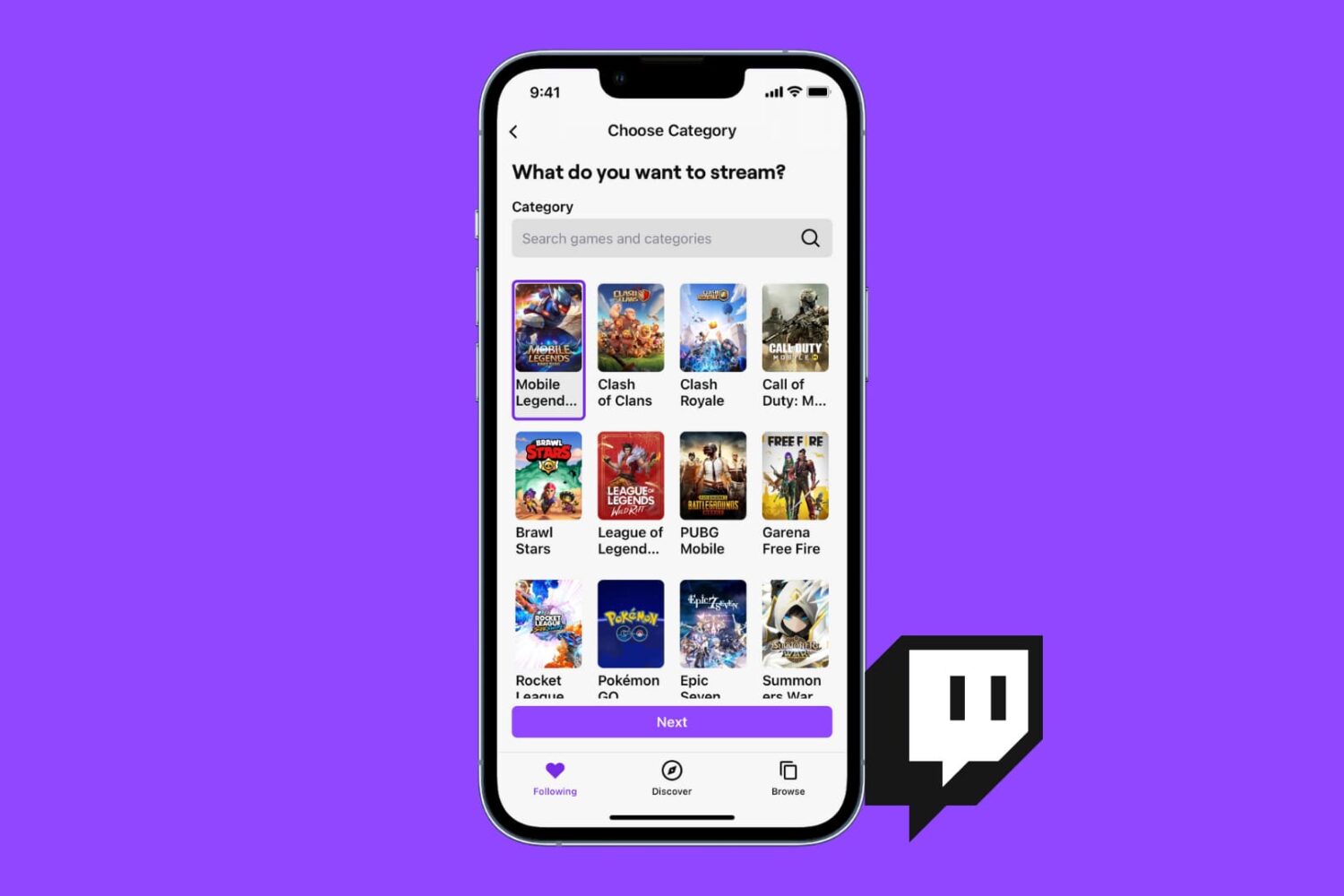
You can stream your favorite games to Twitch or just broadcast yourself talking and having fun, all from the Twitch app on iPhone, iPad, or Mac. This tutorial shows you how to live stream to Twitch with minimal setup and no cost.

Learn what to do if your iPhone or iPad flashlight is not turning on, the button is grayed out, or it’s not working from the Lock Screen or Control Center.
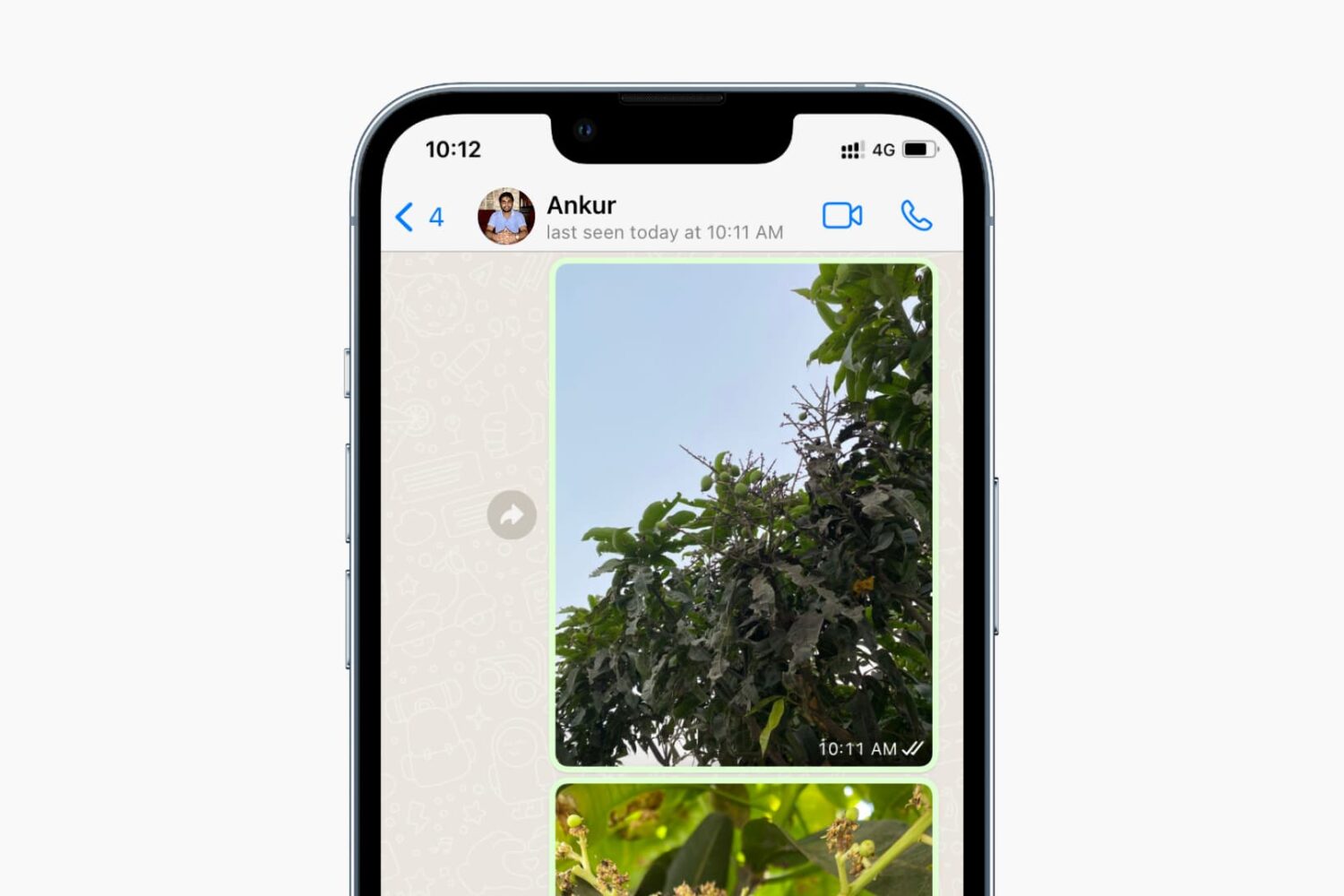
Check out the quick steps to turn off your WhatsApp “last seen” and “online” status from everyone or just specific contacts on your iPhone and Android.

Looking to broadcast on YouTube? In this step-by-step tutorial, we'll show you how you can live stream to YouTube from your iPhone, iPad, Android phone, or computer.
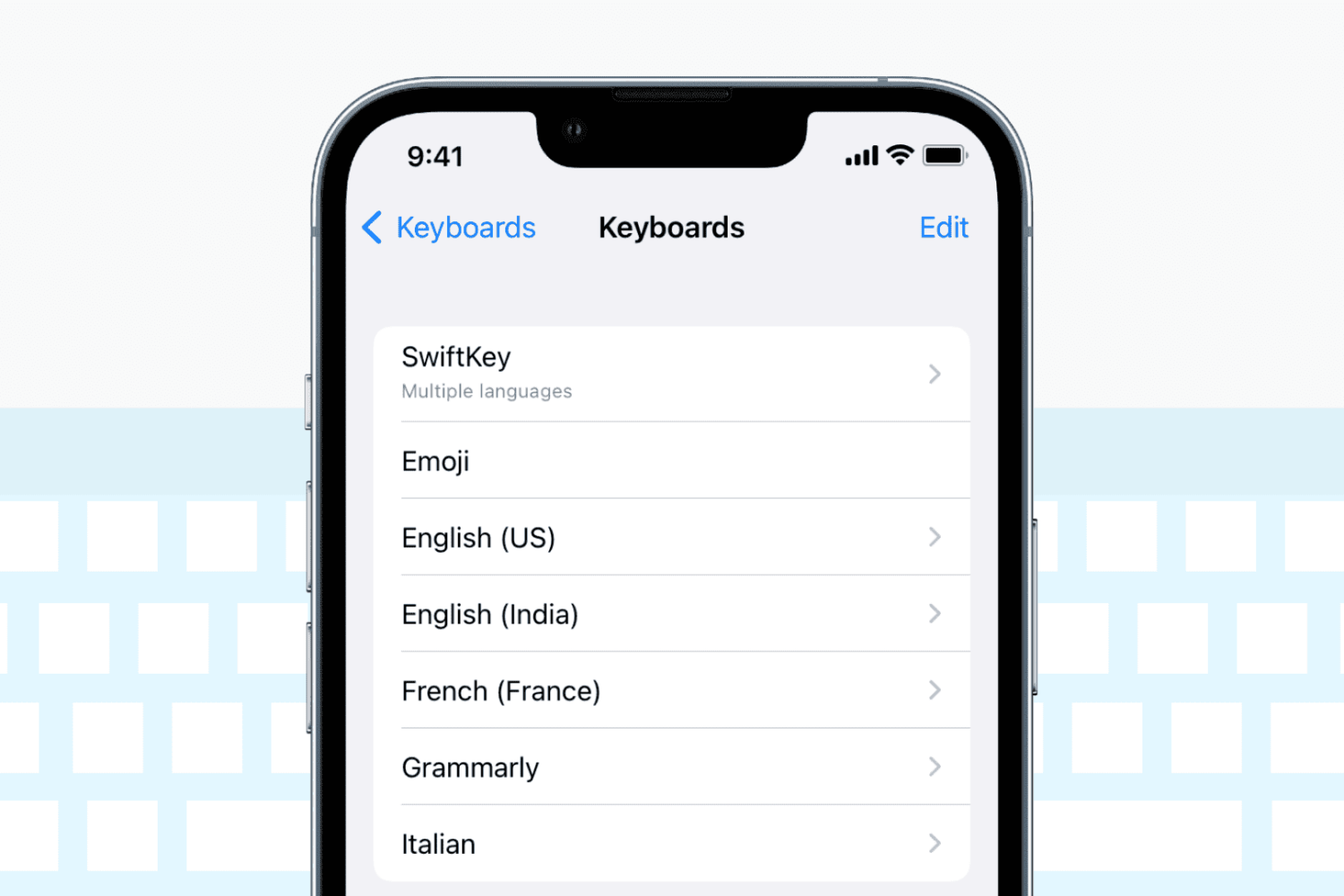
Check out these solutions if the keyboard on your iPhone or iPad stops working, lags, freezes, or fails to enter keystrokes.
Reminders are important to help you start or finish a task on time. If reminders are not working on your iPhone or iPad, here are the reasons for this and the solutions to fix the problem.
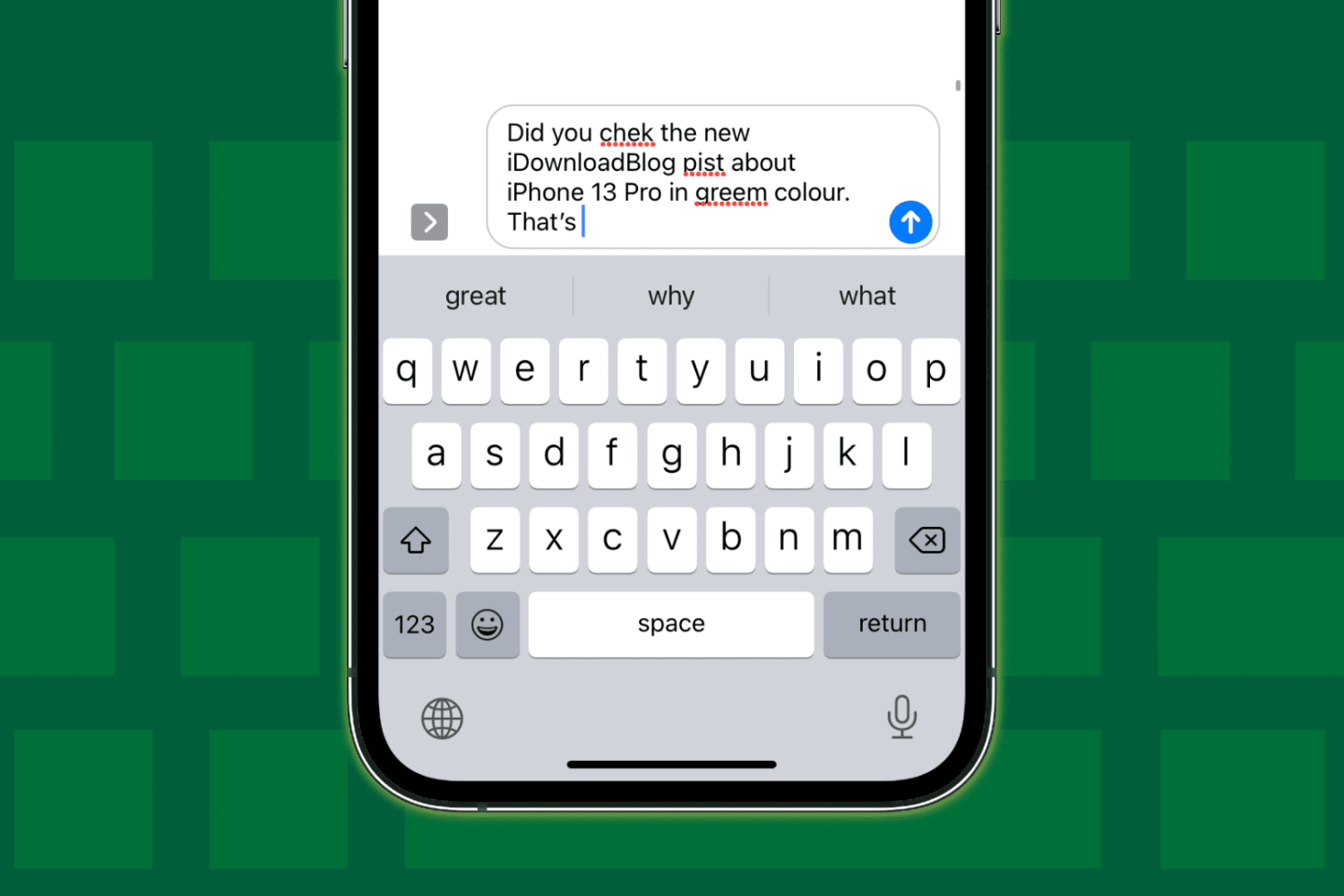
Check out these 12 solutions if auto-correction isn’t working on your iPhone or iPad and fails repeatedly to correct your typing.
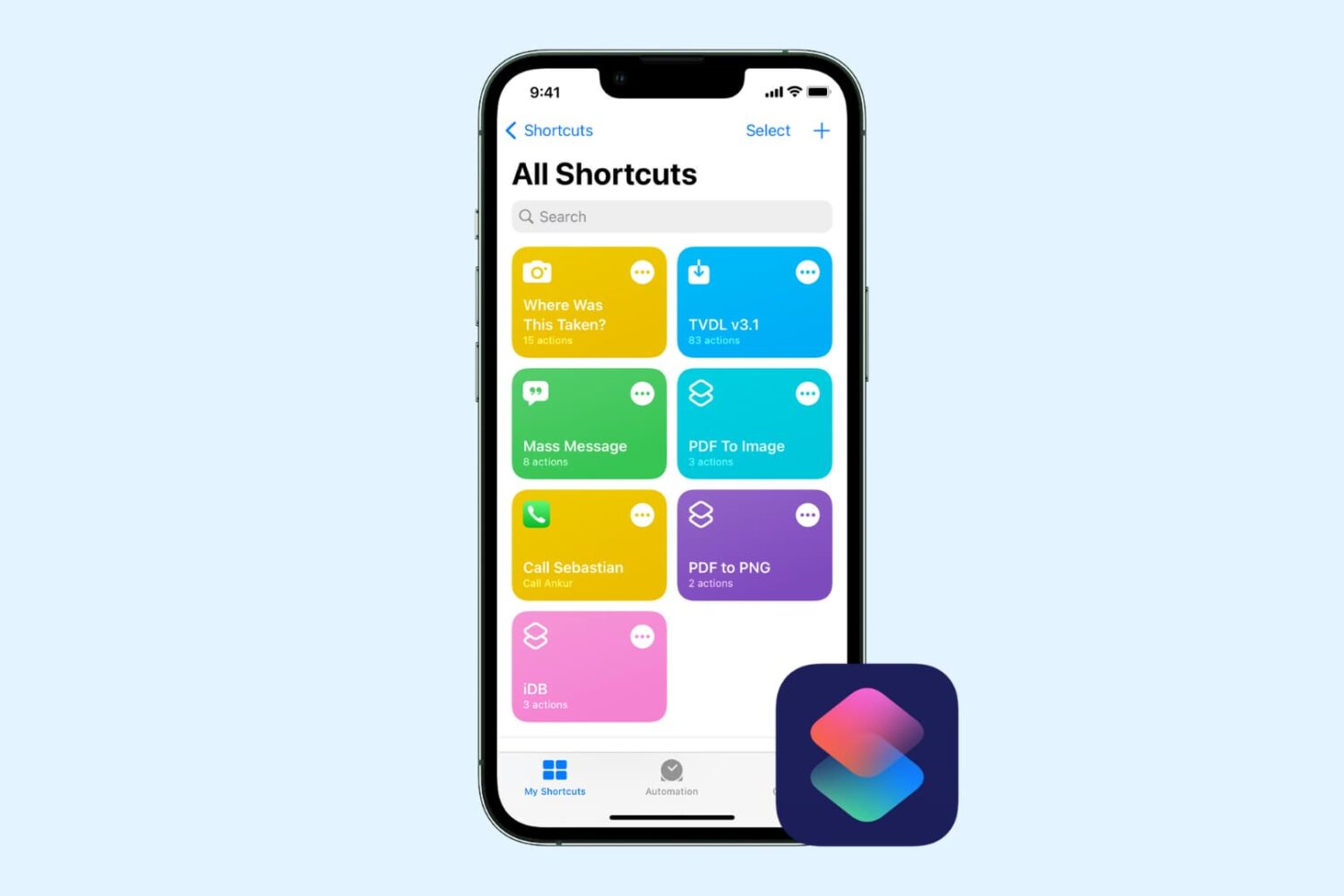
Check out this comprehensive guide to fix iOS shortcuts not working on iPhone or iPad, leaving you confused and unable to perform certain tasks.
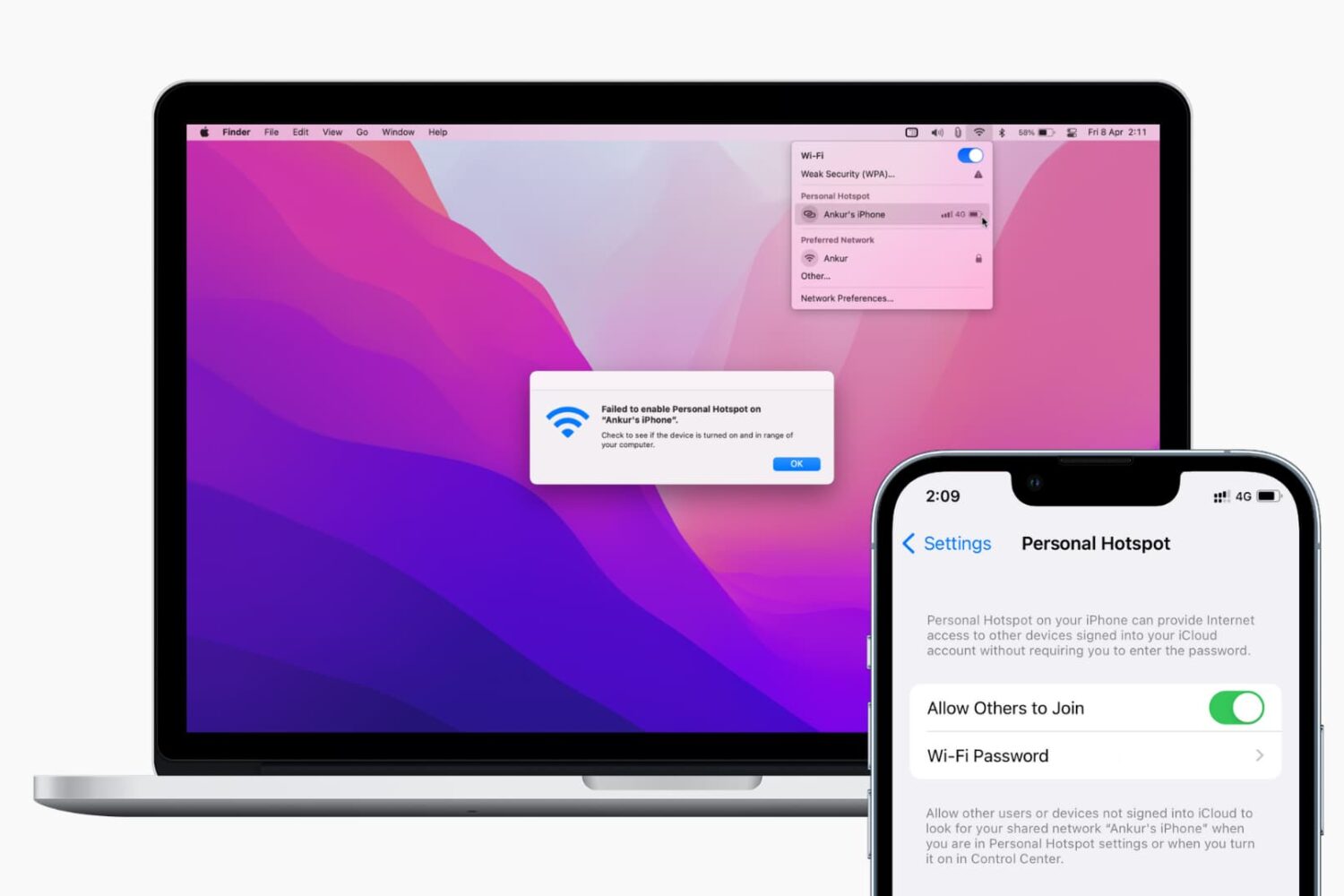
Find out what to do if your Mac isn’t connecting to your iPhone’s Hotspot or keeps disconnecting after every few minutes.