Keep your sensitive information and browsing data safe by ensuring your web browsers are up to date on your iPhone, iPad, and Mac.
How to update Safari, Chrome, and other browsers on iOS and Mac
Keep your sensitive information and browsing data safe by ensuring your web browsers are up to date on your iPhone, iPad, and Mac.
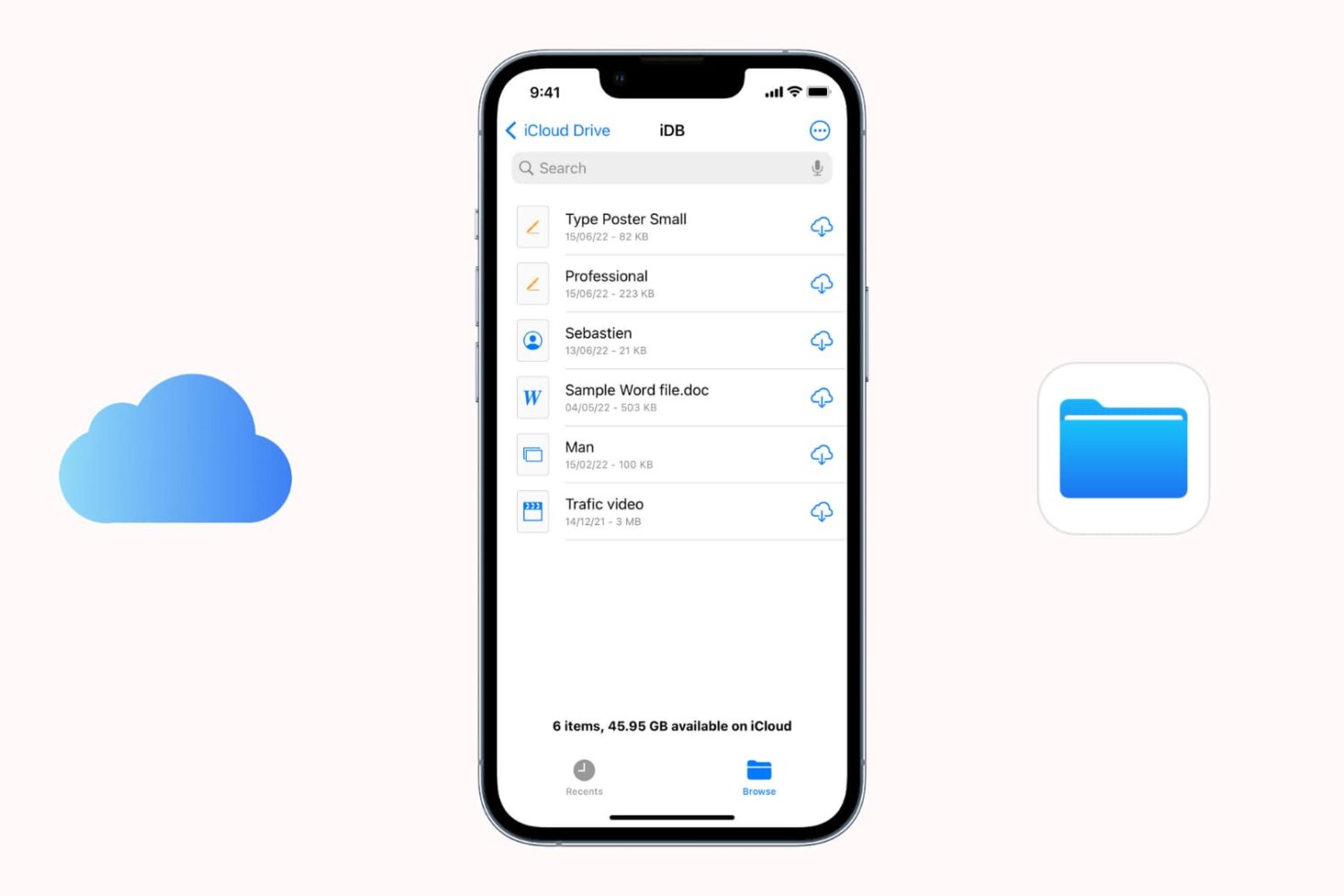
Find out what to do if files aren’t downloading from iCloud onto your iPhone or iPad.

In this tutorial, we show you how to keep the top menu bar visible on your Mac even when you put an app in full-screen mode.
In this guide, we go over 18 expert tips to secure your iPhone or iPad and protect its data from getting misused, hacked, or exploited.
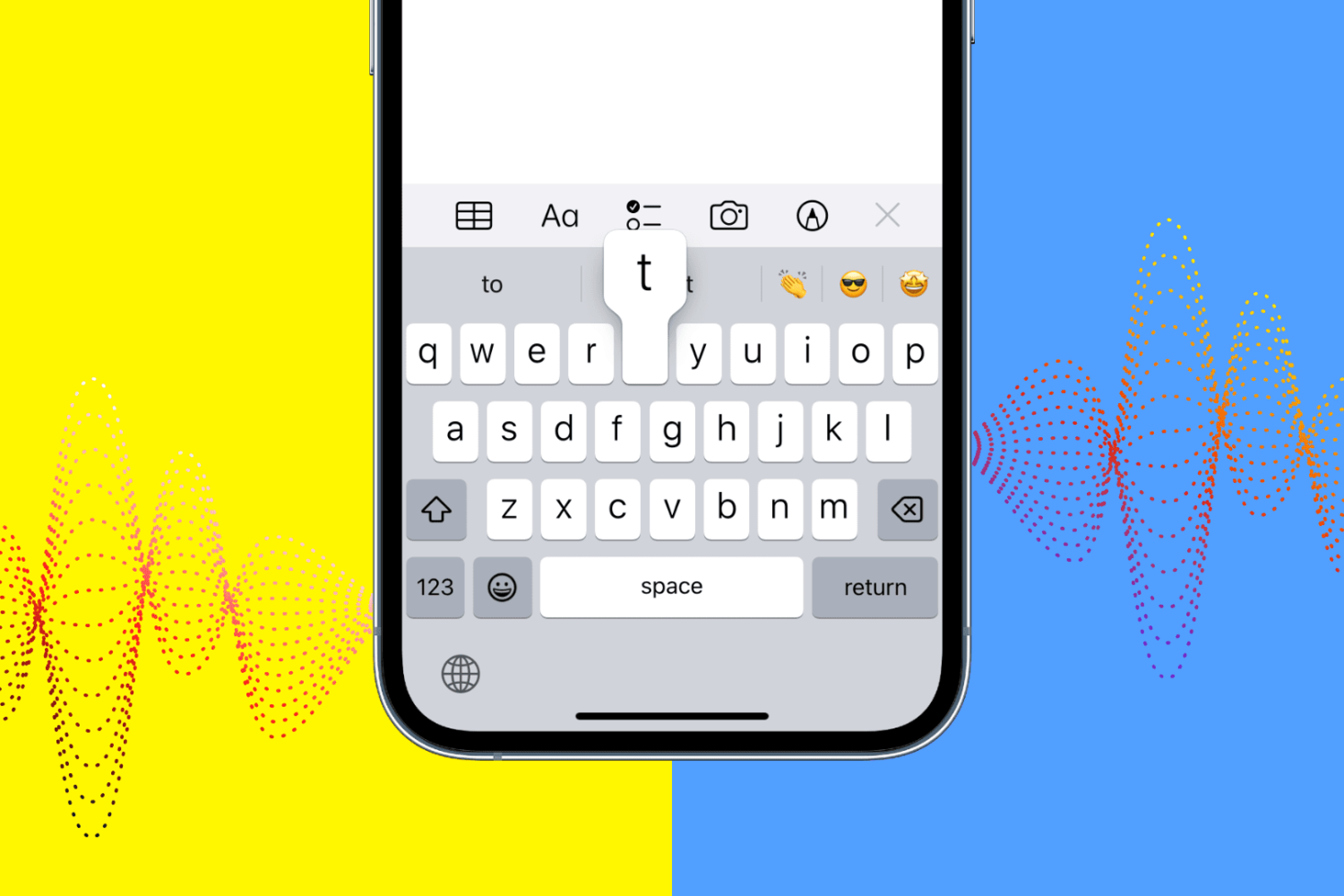
Learn how to enable vibration or haptic feedback for your iPhone keyboard to enhance your typing experience with every keystroke (but at the cost of battery).
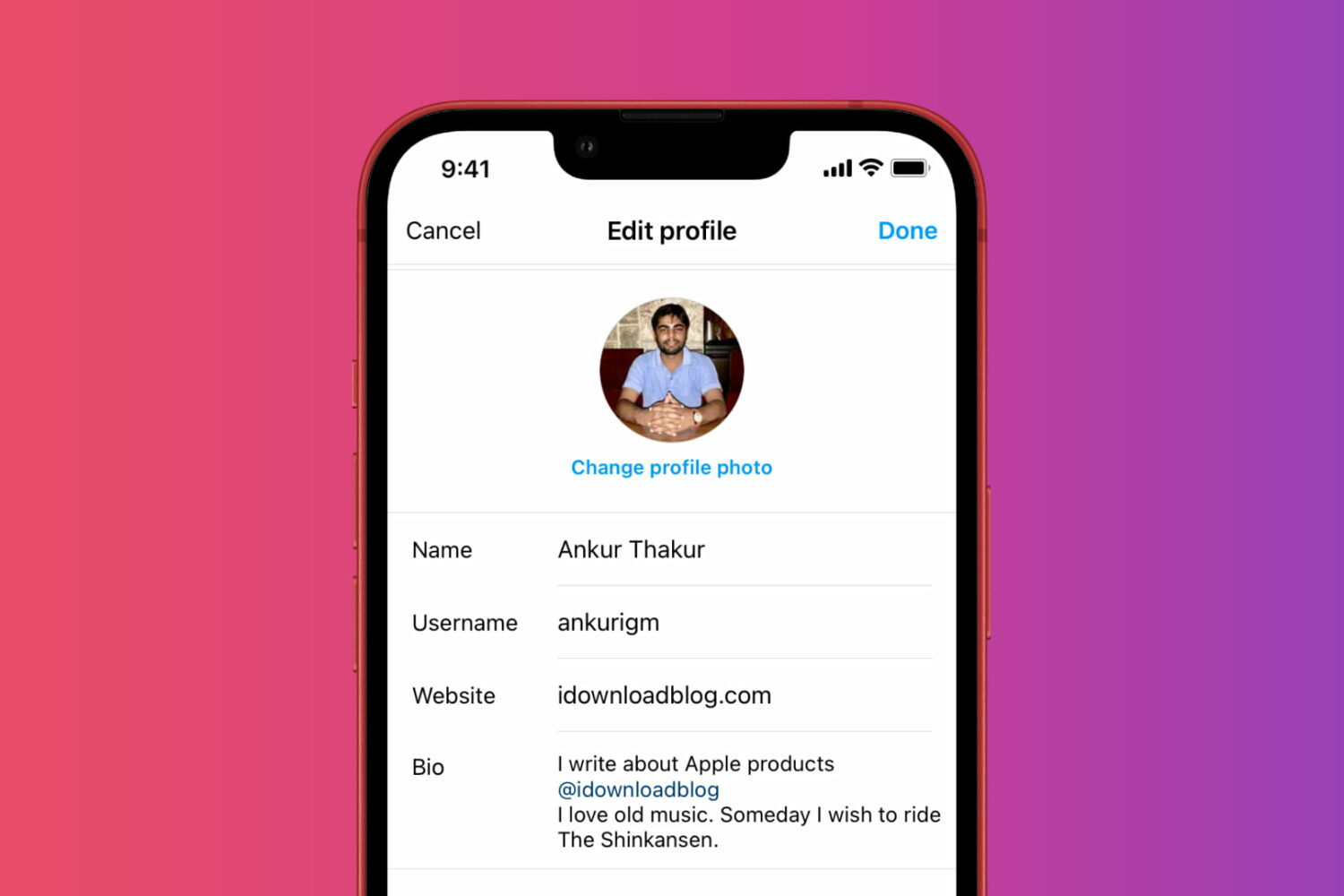
In this tutorial, we'll show you how to view your past Instagram profile bio text so you can reuse them or relive those past memories.
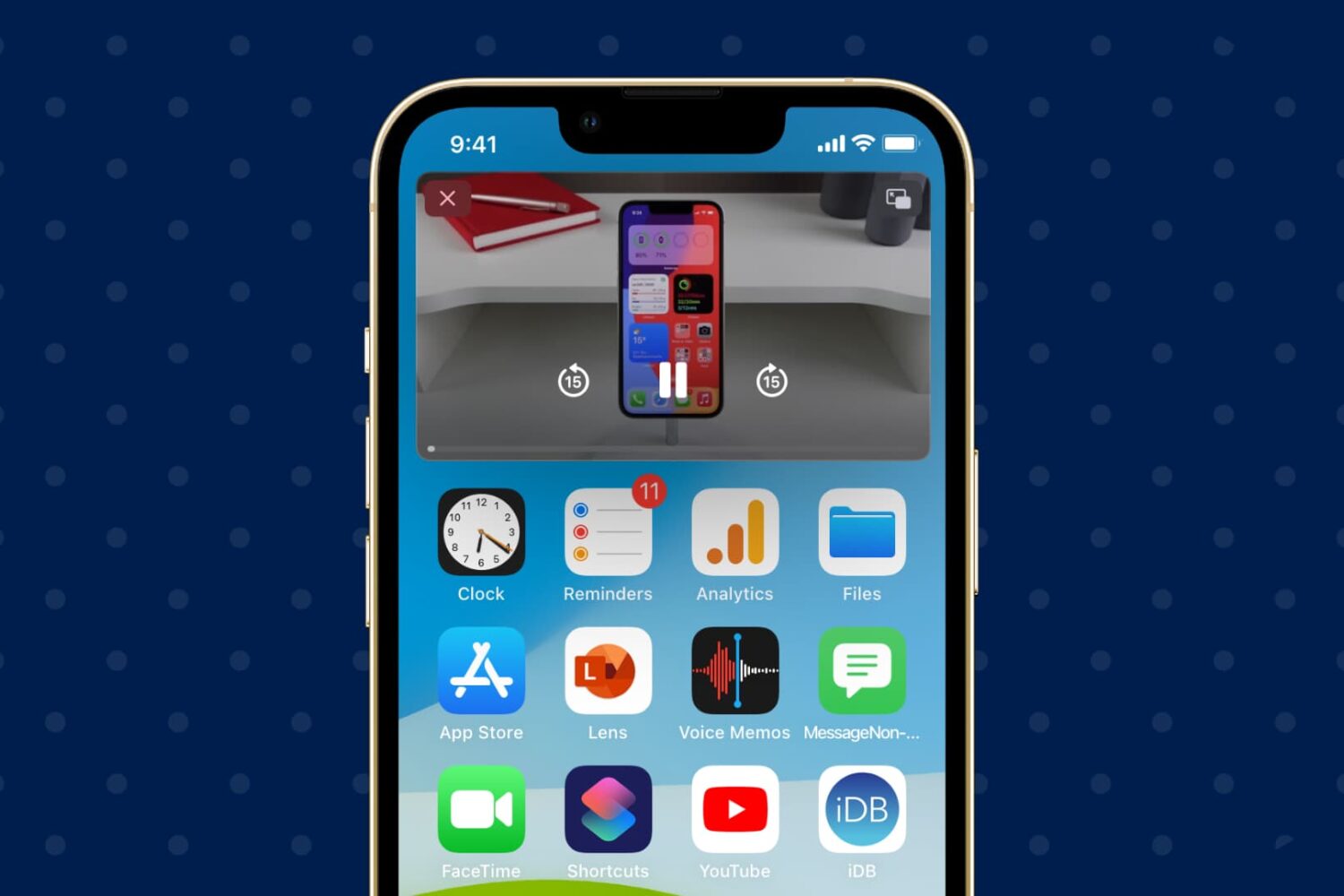
Follow these steps to turn off automatic Picture in Picture if you’re tired of videos playing automatically in a small PiP window on your iPhone or iPad.
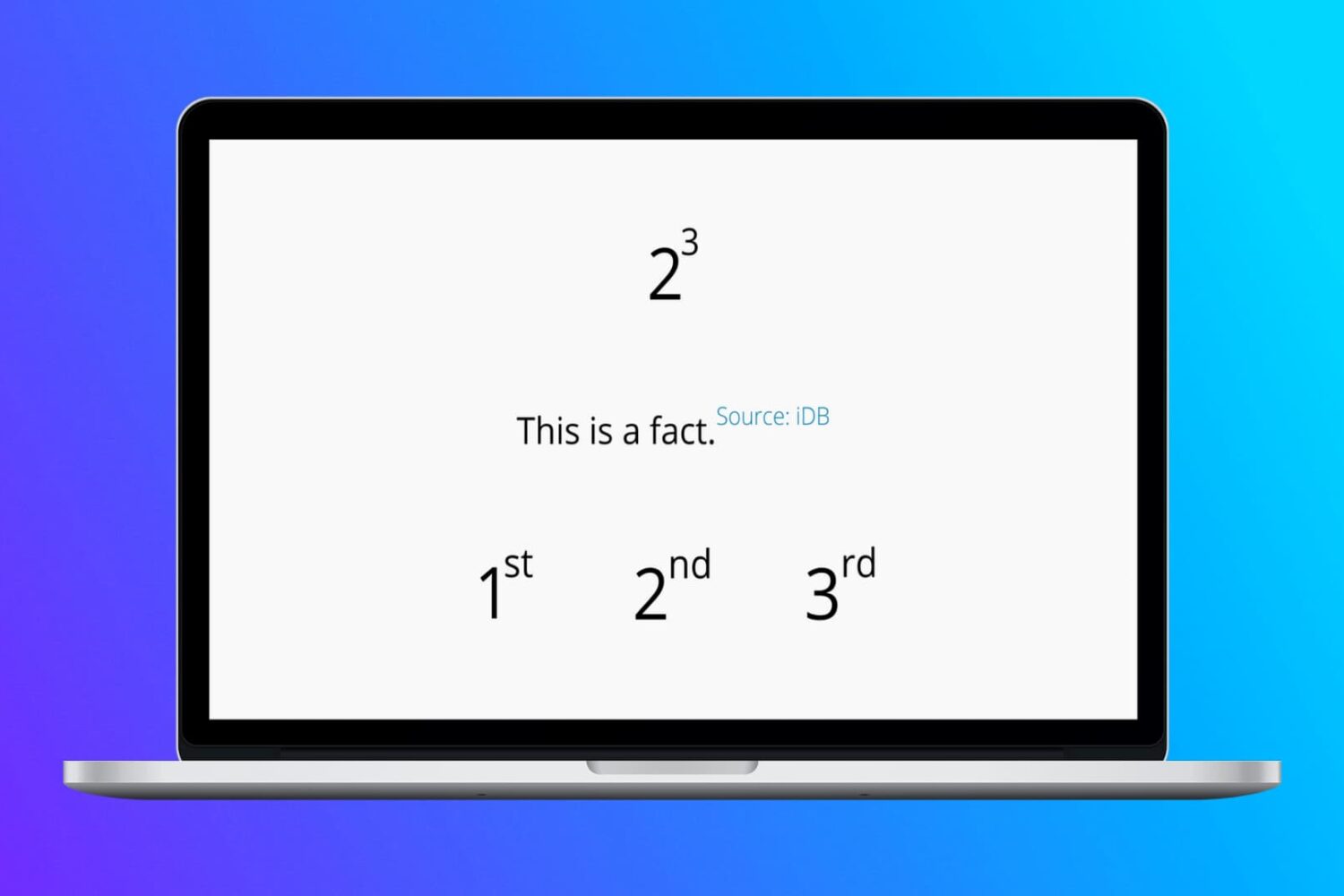
In this tutorial, we show you how to type raised or lowered characters on Mac.
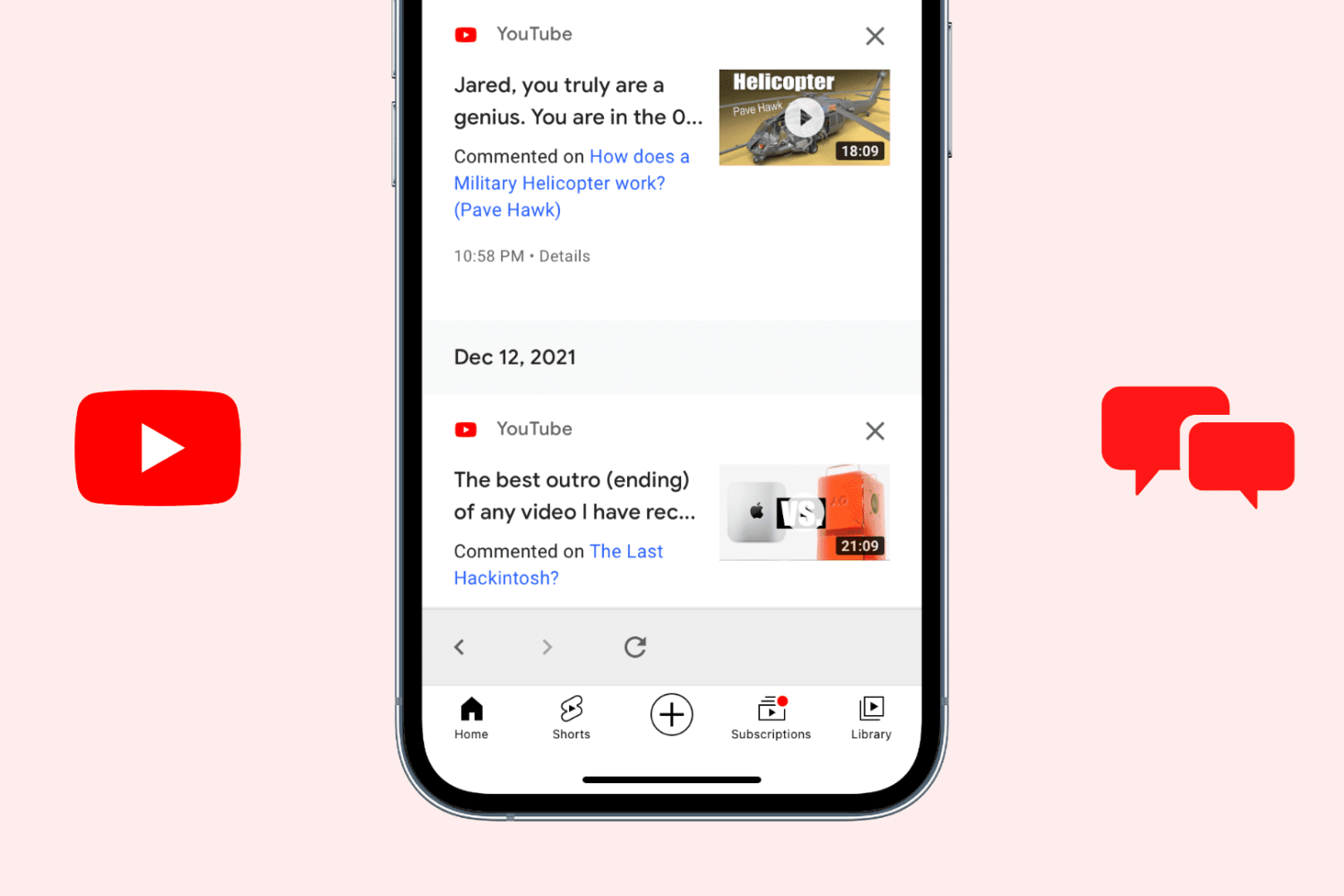
Learn how to go through all the comments you have ever written under YouTube videos and delete or edit them as needed.
Check out these quick tips and ways to open HEIC or HEIF images on your Mac, even if it’s running an old version of macOS.

Learn how to get back the missing emoji button on your MacBook Pro's Touch Bar if it doesn't appear when you're typing in Notes or other apps.