Andrew O'Hara

Andrew has been producing technology videos since 2011. He still runs his own YouTube channel, when not creating content for iDB. He spends free time Scuba diving, taking photos, and working on web/mobile development. You can reach out to him on twitter, @Andrew_OSU

100+ new features in macOS High Sierra

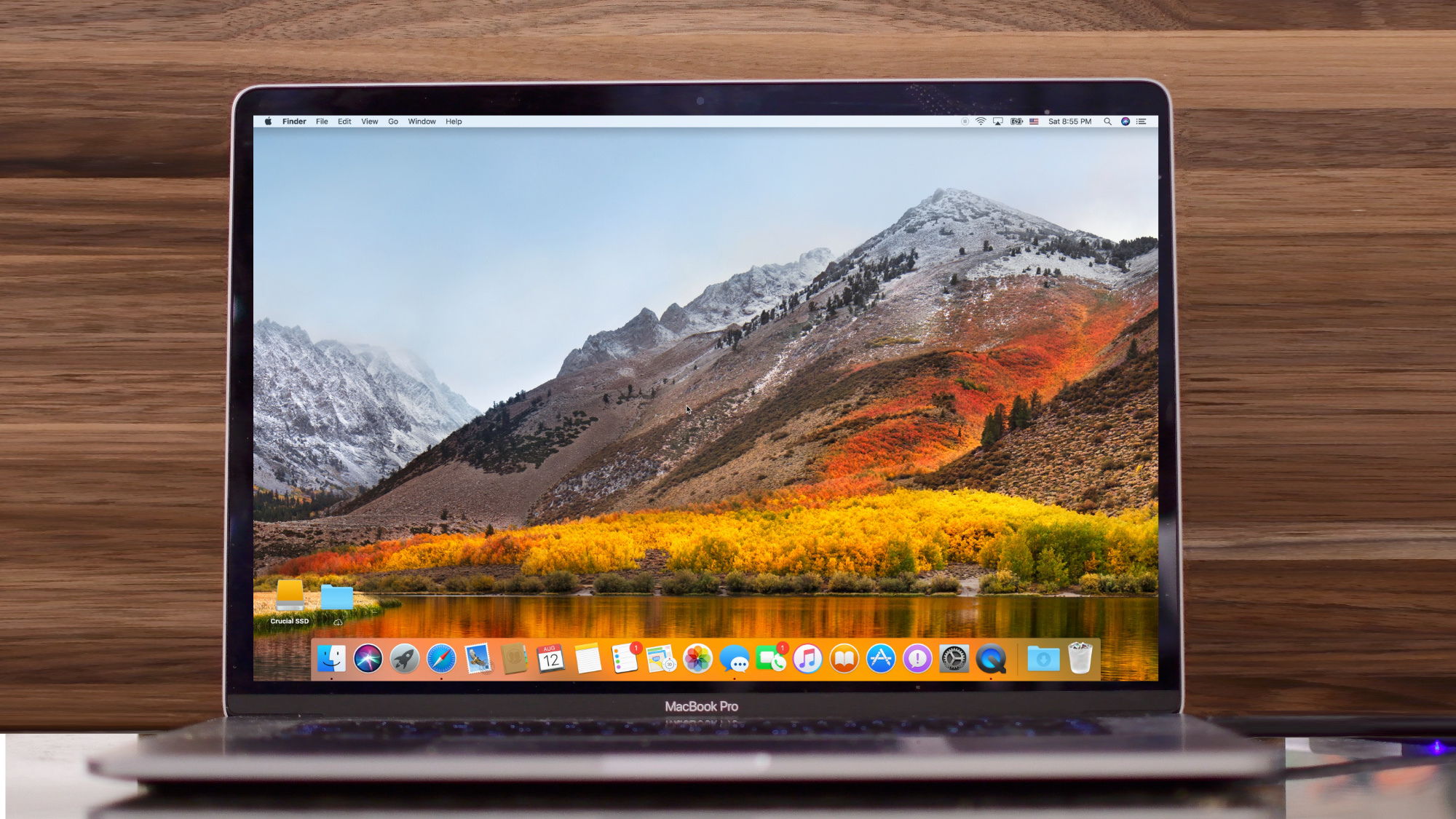
Say hello to macOS High Sierra, Apple's newest operating system update for Macs. Whether you're on an iMac or one of the Touch Bar-outfitted MacBook Pro models, there is a lot to love in this latest release of Apple's desktop operating system.

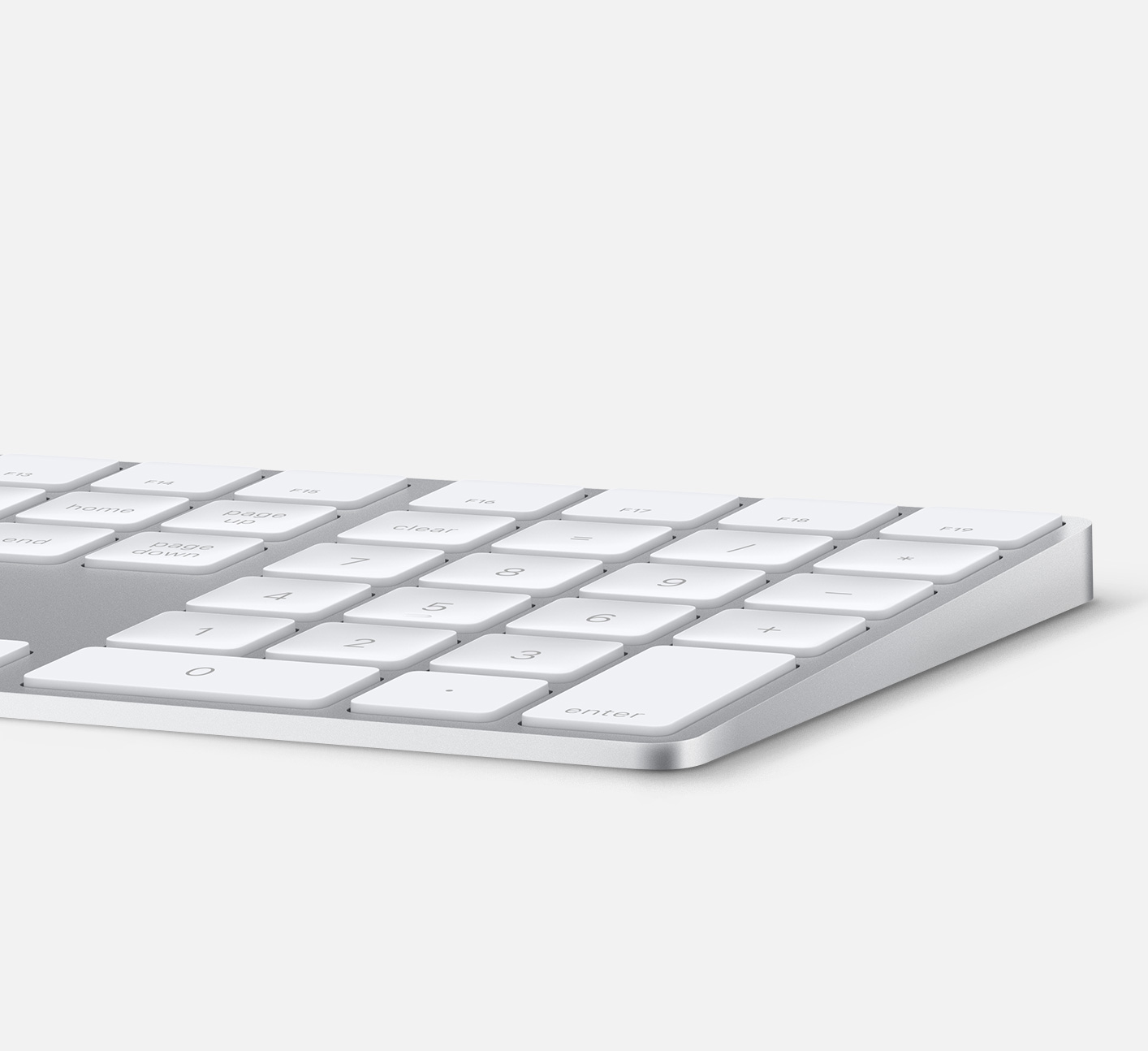
Review : Bolt-S USB-C cable brings MagSafe back to the Mac

Removal of MagSafe from the latest round of MacBooks and MacBook Pros was one of the most controversial changes. MagSafe was life saving when someone inadvertently tripped over your power cable. Preventing your $1,000+ machine from toppling to the ground.

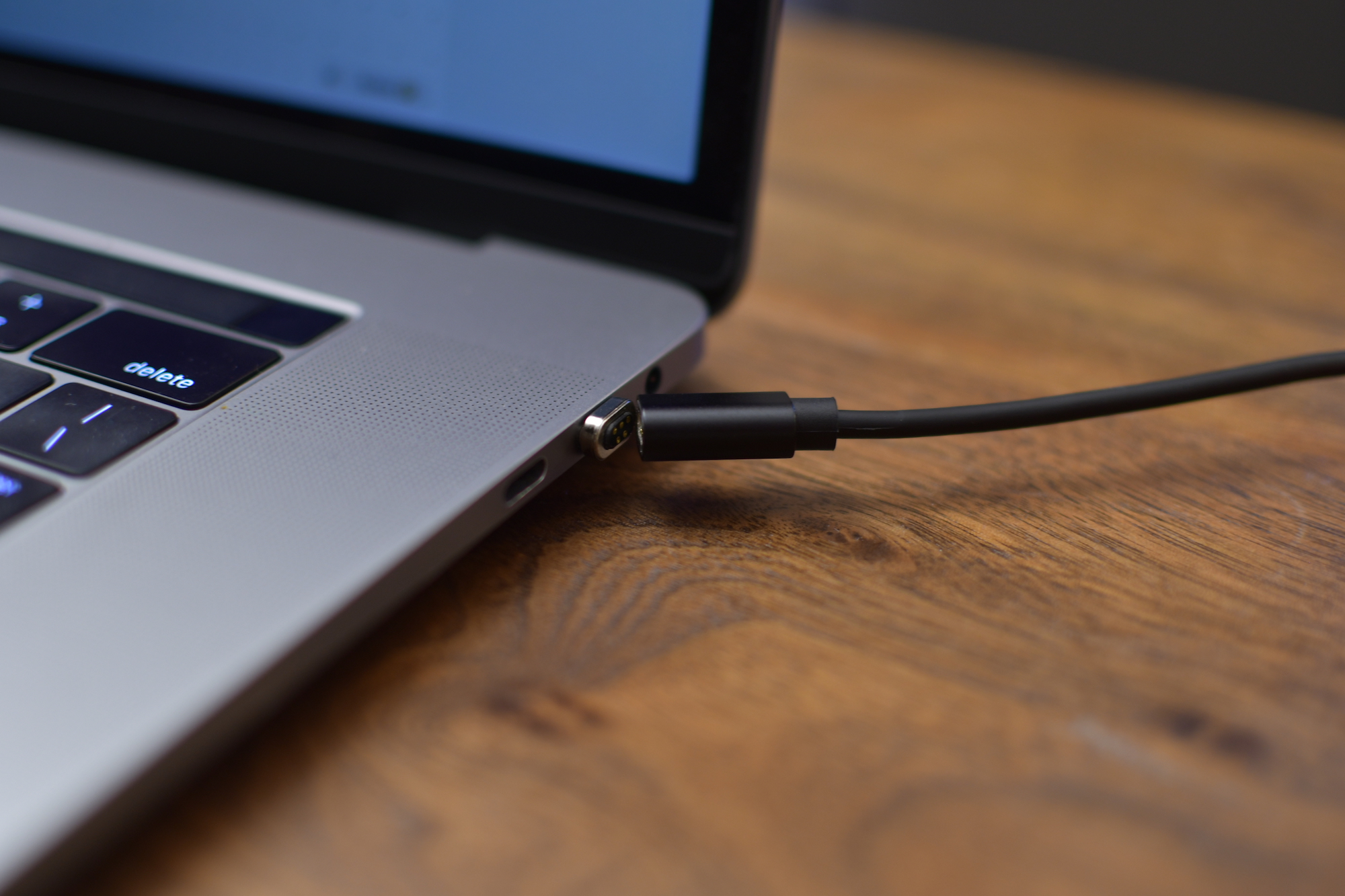
USB-C has quite its list of advantages, but it was still a difficult design decision that still angers people to this day. Vinpok is looking to remedy that with their launch of the Bolt-S USB-C magnetic cable for MacBook and MacBook Pro.

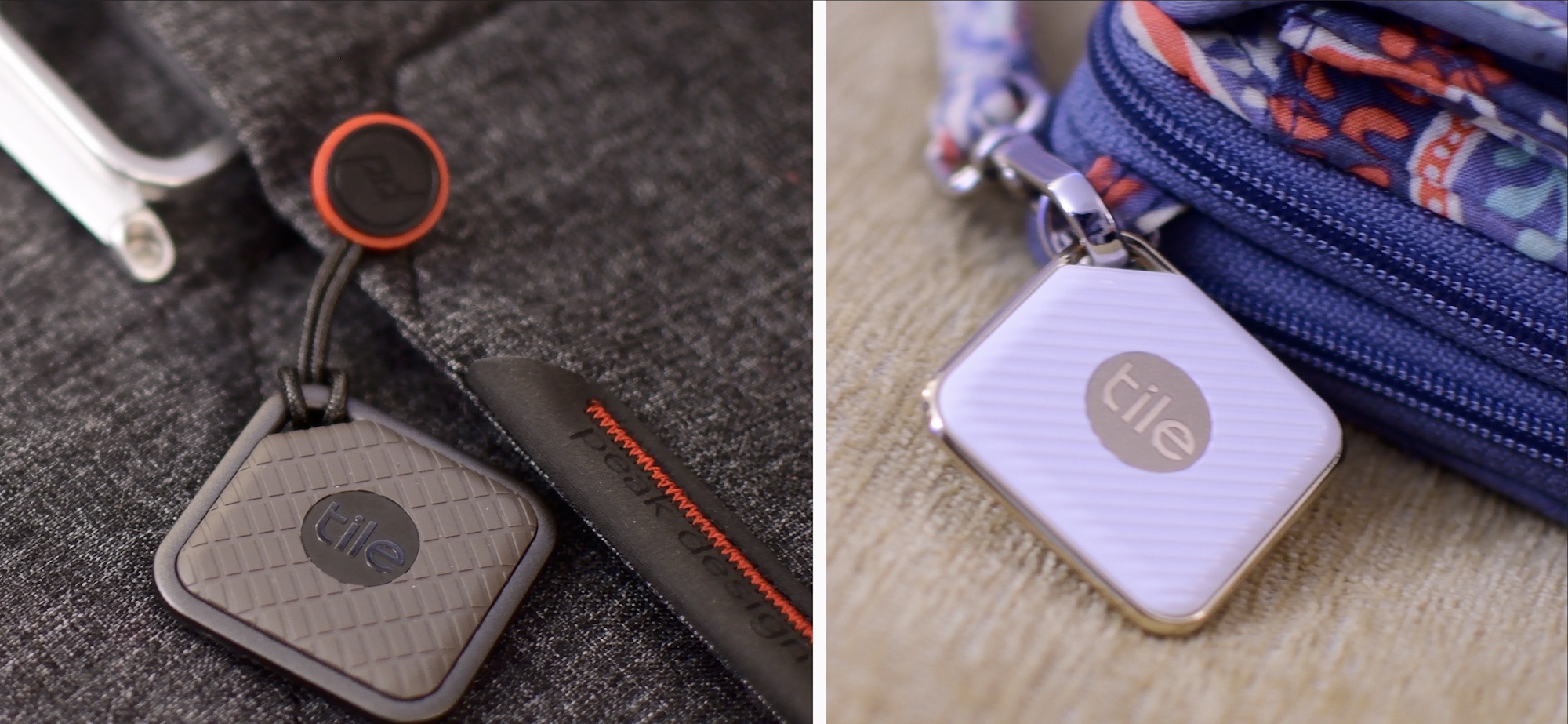
Review: Tile Pro Sport and Style Bluetooth trackers

It wasn't that long ago the Tile released the revamped Tile Mate and Tile Slim, two distinctly different Bluetooth trackers meant for different purposes. One small and tiny, the other larger, but slim enough to slide into a wallet. Tile is at it again with an all new Pro series of the popular BLE locators.

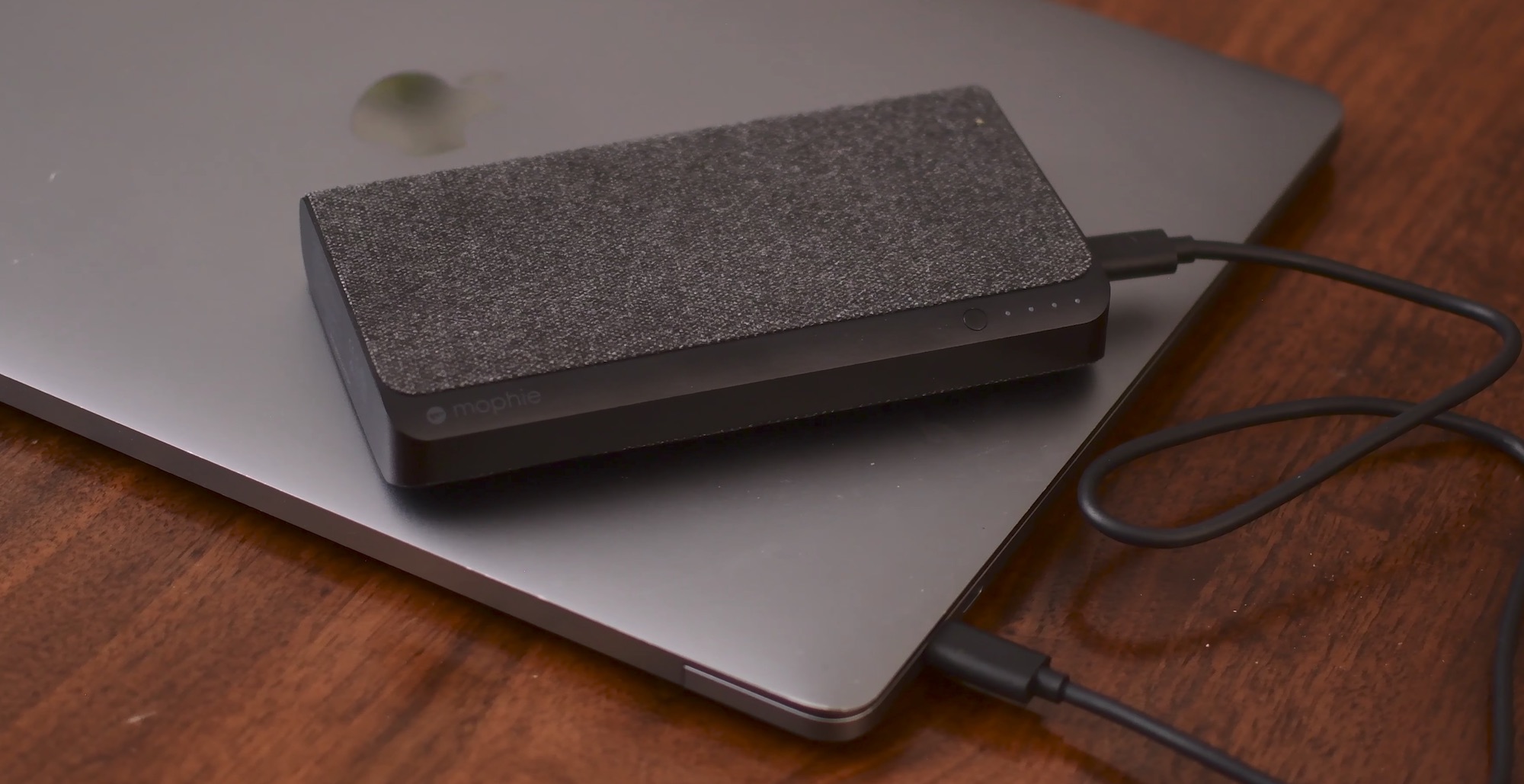
Hands-on with Mophie Powerstation USB-C XXL for MacBook

Since Apple dropped MagSafe in favor of USB-C, one of the big positives was the ability for third-party manufacturers to create external batteries and chargers. There have been a few until now, but recently we've seen several hit the market. Notable entrants from Aukey, RAVPower, Anker, and now Mophie.

Mophie has just released an updated version of their Powerstation XXL, cleverly named Powerstation USB-C XXL. It doesn't differ greatly from the other batteries we've seen in the past, but it is possibly the most well known.

Hands-on with iOS 11 beta 2: DND While Driving and other new features, changes & fixes

Apple (somewhat surprisingly) dropped the second beta of iOS 11 to developers on Wednesday with a myriad of changes and bug fixes. While there doesn't seem to be a huge number of user-facing enhancements, there are still quite a few notable changes and new features in this beta.

A large number of prominent bugs have been fixed that have been plaguing users, like crashing when deleting a voicemail, manual screen brightness not staying set, 3D Touch on phone numbers and addresses not working.

Unfortunately, with all of those bug fixes are several new bugs and known issues.

For instance, an SOS alert may still be sent even though the user cancelled it. This is a good reminder this is an early developer beta that should only be run on secondary devices.

As for the new features, we have the initial implementation of the much touted Do Not Disturb While Driving mode that will lock your phone as well as send a custom auto-reply (customizable in Settings → Do Not Disturb) should someone text you.

Control Center can now be disabled inside of applications, like on prior iOS editions. And far from last, the Files app now has started to show external locations like Google Drive and Box.

New features and changes

This is what you probably wanted to know about iOS 11 beta 2.

CarPlay now has lane guidance in Maps Smaller speed in Maps To edit/add filters in Photos you now tap the edit button in the top right corner instead of the sliders icon Now Playing widget has been tweaked New phone placeholder icon when no album artwork present in Now Playing widget Audio source switcher is now available on Lock screen New orange color for the new Echo effect in Messages Do Not Disturb While Driving is enabled with extra options in Settings Control Center can be turned on or off while in apps New search options within Apple Music You can now select multiple items in Photos Bluetooth widget now works the same as Wi-Fi: instead of turning off, it will just disconnect from whatever is connected to it Notification Center pull down has a gradual blur New Share sheet extension: Save to Files app Safari has new experimental features in Settings Dictation is now available in Hindi New options in Settings to make notification banners permanent or permanent Built-in screen recorder boosts video capture resolution to 1080p

Take a look at our hands-on video to see all of these new features and more in action.

https://www.youtube.com/watch?v=TZ5pwZMPRxI

Subscribe to iDownloadBlog on YouTube

And here's a quick overview of the most important fixes.

Bug fixes 3D Touch data detectors are now working for phone numbers, addresses, etc. Screen brightness stays at set level YouTube search bar has returned More stable Bluetooth connections (Dexcom) Android Migration now works as intended Crashing when deleting voicemails is fixed Lock screen no longer rotates Long exposure photos are now higher quality than in first beta Wrapping it all up

As we conclude our tour of all the changes, fixes, improvements and new features in iOS 11 beta 2, feel free to tell us about your own discoveries and observations in comments or via tips@iDownloadBlog.com.

What's your favorite change in iOS 11 beta 2 thus far, and why?

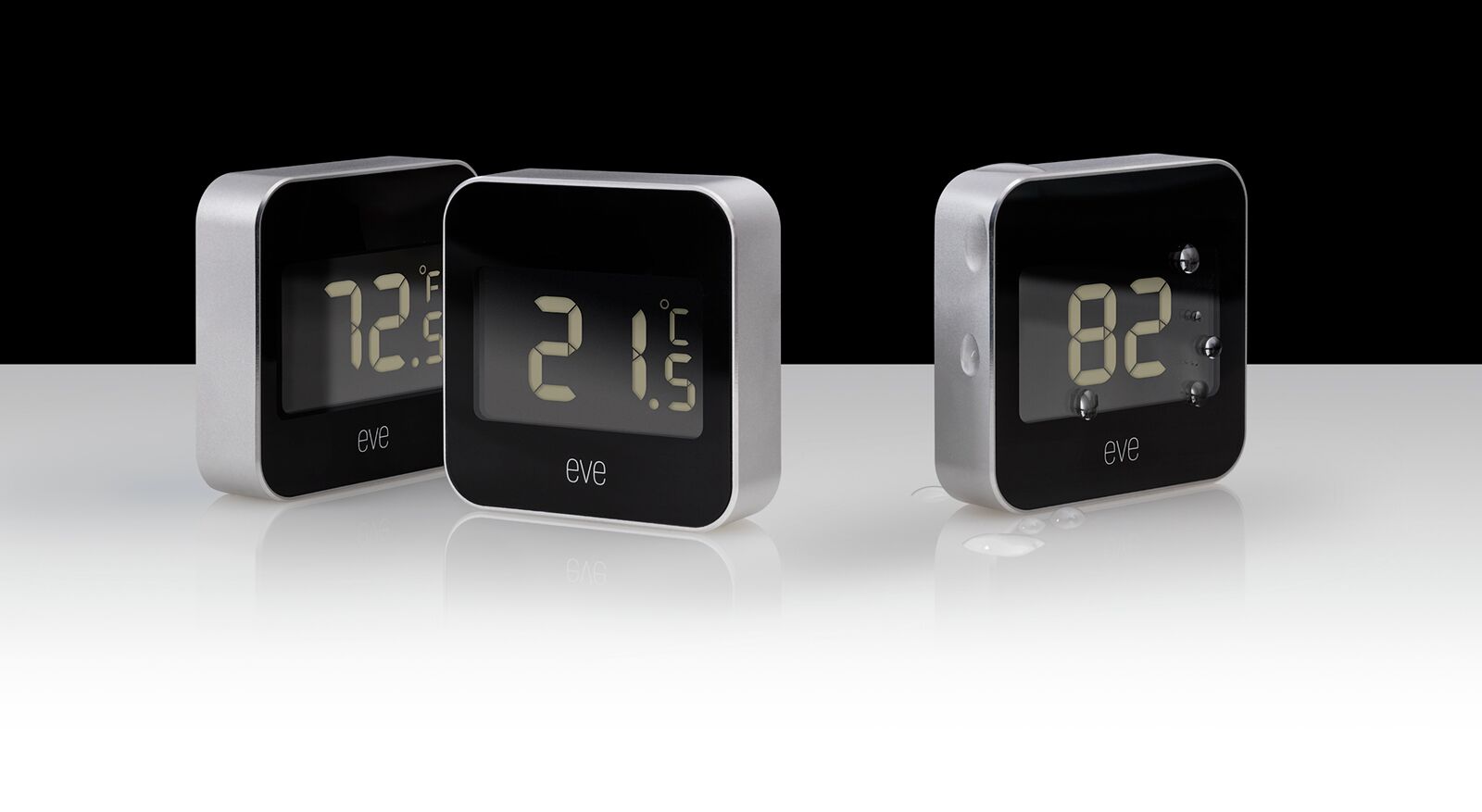
Elgato debuts Eve Degree HomeKit sensor [video review]

Elgato has released the newest edition to their already impressive HomeKit lineup of Eve products, Eve Degree. The Eve Degree is a HomeKit temperature and humidity sensor that connects over Bluetooth Low Energy. It has a new aluminum enclosure, a much better look than the similar Eve Room and Eve Weather, with a large readable screen on the front for glanceable information.

Showdown: who has the best suction car mount? Spigen, iOttie, or Tackform?

This summer, endless people will take to the highways for road trips. Whether family vacations or spring break, when you’re on the road, it can be extremely handy to have a clip to hold your phone. This not only keeps it out of your hands, which helps you not text and drive, but it makes it easy to see your GPS or music.

We took to Amazon and found some of the top-rated clipping car mounts and put them to the test. Granted, there are many types of car mounts. Some are magnetic, some are cradles, some go in the cup holders, but for this, we just looked at just the ones that clip your phone from the sides and suctioned to your car.

We had some basic criteria for our car mounts before we started comparing them. They had to be among the best sellers on Amazon with good reviews, they needed to be suction cups that could adhere to the dash or windshield, be universal and not just for a specific model smartphone, work one-handed, and they needed to clip the phone from the sides. So now lets take a look at each contender on an individual basis.

The best suction car mounts

https://www.youtube.com/watch?v=eY5YO3T5rCI

Individual looks

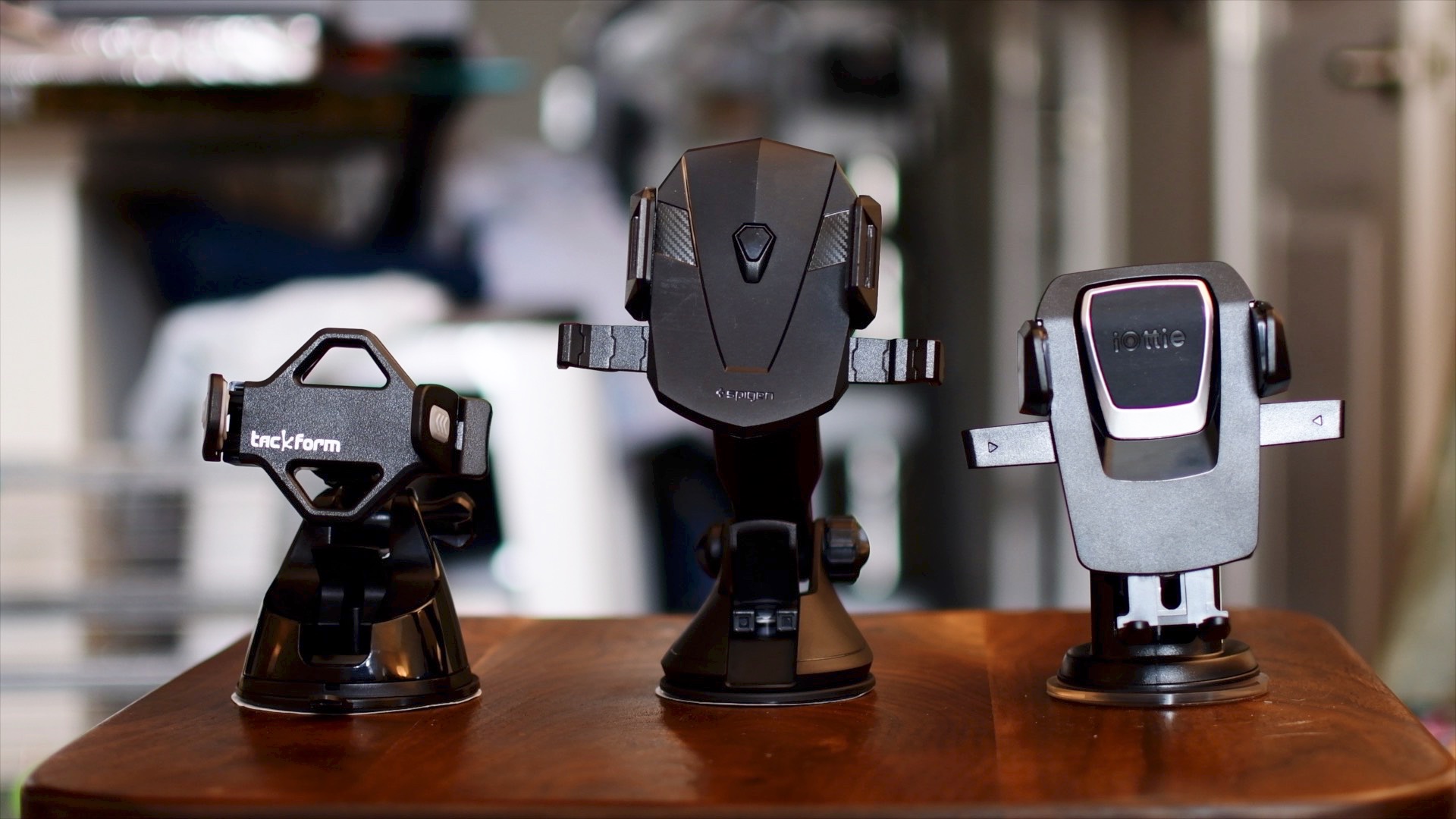
The three car mounts we dealt with were the iOttie Easy One Touch 3, Spigen Kuel OneTap, and the Tackform Ultra Grip Universal Car Mount. To start, lets take a look at each one individually and what makes the unique.

The iOttie Easy One Touch 3 is the 3rd generation of easy to use smartphone car mounts. It has a large extendable arm that reaches out to 8 inches. It also has an extremely easy to use one-touch grip. For those unfamiliar, this clipping mechanism works by having a trigger on the back of the mount. When you place the phone, it hits the trigger, and the sides come in to grab the phone. Then when you need to release it, you squeeze the sides, which releases the clips and you can grab your phone. The trigger is also quite large which makes it very reliable when placing your phone. It is also the only mount that has a positionable foot rest, which helps prevent your phone from dropping.

The Spigen Kuel OneTap car mount has a very similar setup to the iOttie. It has an extendable arm, though it is slightly longer than the iOttie. It also has the same style clip for your phone, though the trigger is significantly smaller, which can make it slightly less reliable to "trip" when placing your phone. A very handy feature is the cord clip on the underside that helps with managing your cables. The big downside, for me, is it actually fell. I could not get the suction cup to stick to my plastic dash. I had no issues with the other 2, but 2 or 3 times the Spigen did fall on me. When it comes to personal preference, that immediately disqualifies the Spigen for me. That said, it still has great reviews, so clearly this is not the case for everyone.

Tackform is the only one that does not have that spring-loaded clip, but it is still easy to use one-handedly. It has an adjustable clip where one side is fixed, and the other expands when you place your phone. The grip itself is very small and can rotate and twist with ease to work in many different orientations. It also does not have an extendable arm and instead goes for an ultra rigid design, meant to stay in place.

Group comparison

We did go hands on, driving around with each of these; GoPro in tow. Check out the video if you want to see for yourself, but to sum it up, all 3 mounts did a great job. They all have their perks, and all have their downsides.

Spigen wins the crown for the longest arm. So if you need that extension, this could be the one for you. It's also super handy when mounting to the windshield because you can mount it farther away, and use the arm to bring it closer to your view. However, those arms come with downsides as both the Spigen, and the iOttie had the most amount of movement while driving on the road. I have a newer car, so someone in an aging vehicle with worn down suspension may have even more movement than I did in testing.

Tackform by far was the most rigid with pretty much zero movement as I drove around. I was very impressed, but of course you lose that super handy spring loaded clip and extending arm for that to happen. Even without the arm, it still has a lot of versatility in the movement of the actual grip itself. Because it loses the arm, it also ends up being the smallest and most compact of all three. Smaller cars could benefit greatly from that.

Summary

So which is the best? Well, iOttie may be the most well rounded. Being stable (more stable with the arm retracted), the most secure section cup, and the biggest trigger for the quick connect clip. It also may be the most well known of the 3. However, with all the benefits, personally I think I am going to stick with the Tackform. The super steadiness is so preferable for me and in my car I didn't have the necessity for the extension arms. The quick connect is super handy on the other two, but it wasn't a deal-breaker for me as I could still use the Tackform one handed.

You probably can’t go wrong with any of these mounts, whether the Spigen, Tackform, or iOttie. Unless you were unlucky with the Kuel like I was, whatever your choice, you will be riding with a great companion for your smartphone.

Buy the Spigen Kuel OneTap for $19 Buy the Tackform Car Mount for $18 Buy the iOttie Easy One Touch 3 for $25

So after reading the reviews and watching the video, which car mount is your favorite? Or instead of the suction cup mounts do you prefer something like a vent clip or magnetic attachment instead?
The best HomeKit products announced at CES 2017

CES has finished up and just like last year, we saw a barrage of new HomeKit items that will be soon coming to market. Last year we saw the additions of a bunch of new products like ceiling fans from Hunter, several new iDevices products, FirstAlert's HomeKit safe, a whole range of switches and sensors from Elgato (that we reviewed), and much more.

This year there are even more new products, which is very promising. Admittedly while there are lots of new entrants, not everything is as original as a ceiling fan or safe. Instead we are seeing a lot of products that are making the HomeKit ecosystem more seamless, and giving you options when you look for something like a lock, thermostat, or wall switch.

First impressions of Super Mario Run on iPhone

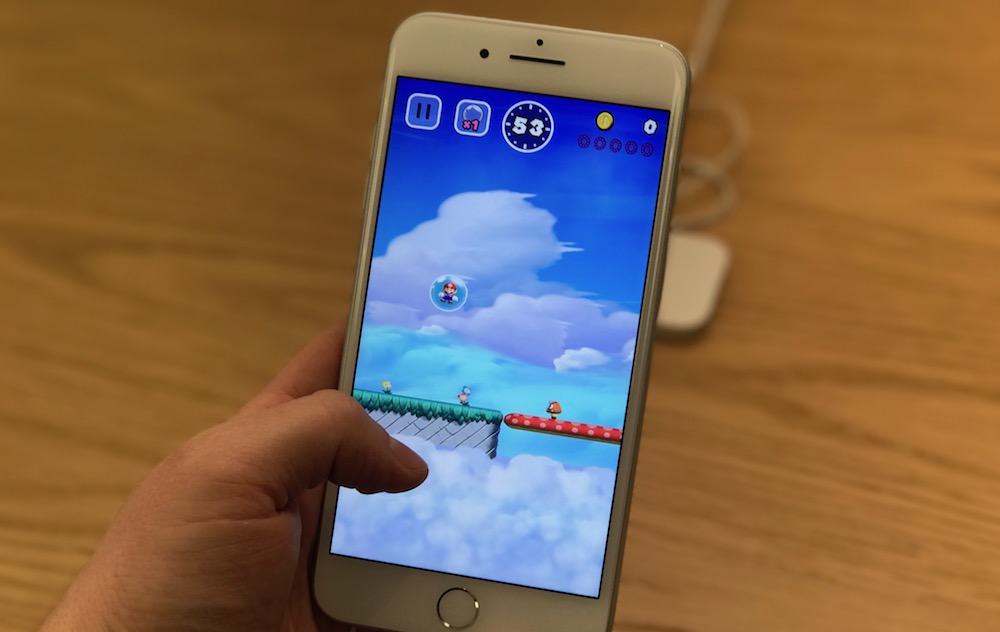
As we noted earlier today, you can now test out Super Mario Run at your local Apple Store. They have preinstalled the game on their demo devices ahead of the games launch on December 15th. I was lucky enough to head over earlier today and put together a video and some first impressions on the upcoming platformer.