Learn how to get iPhone repair manuals from Apple, with detailed steps and screenshots, so you can complete your own repairs through the company’s self-service program.
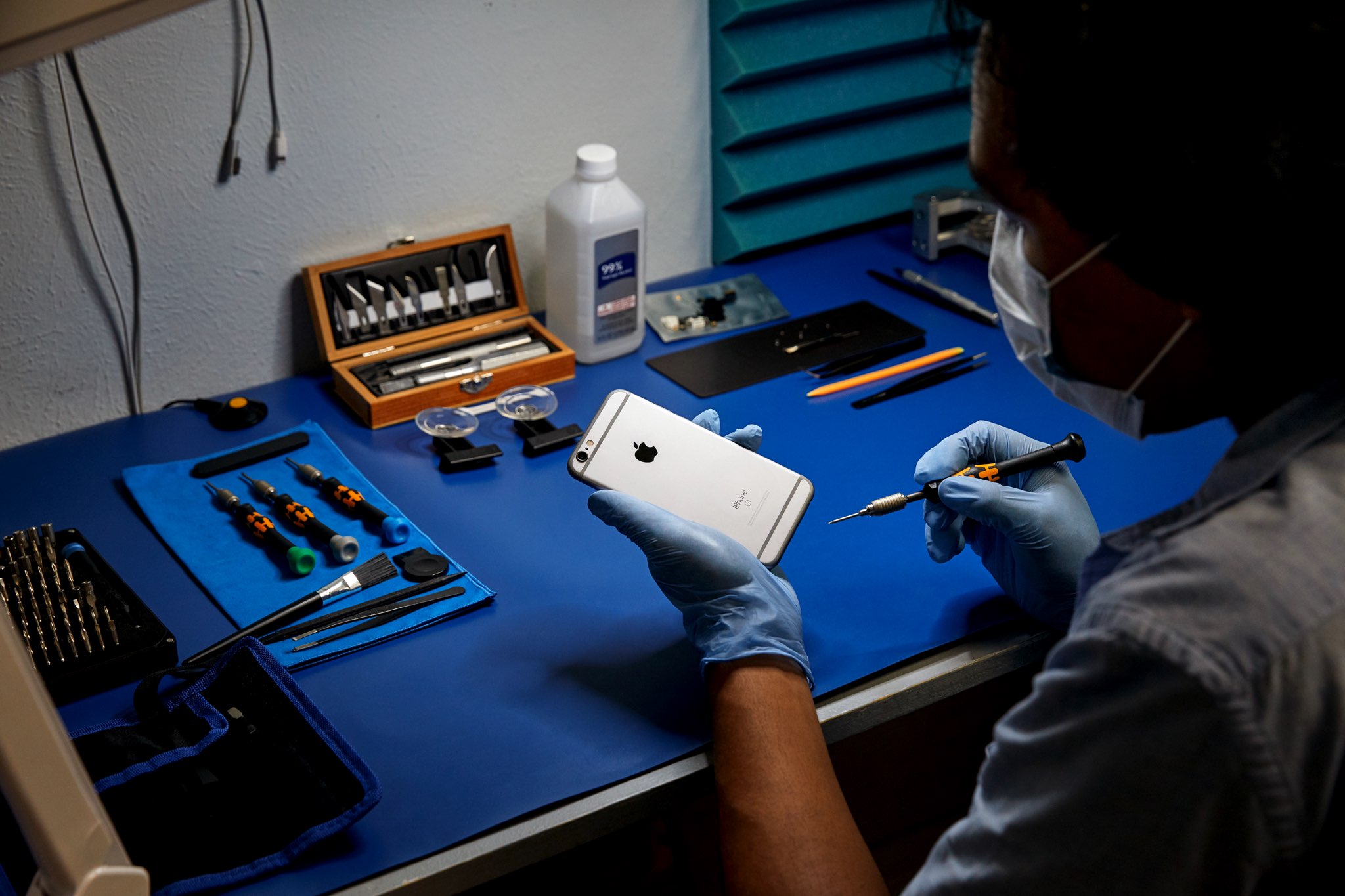
On April 27, 2022, Apple launched its Self Service Repair Store, which aims to make DIY repairs more widely available by permitting anyone to order genuine parts and special tools needed to service iPhones.
You can buy genuine cameras, batteries, screens, Taptic Engines, microphones, speakers, and other components for the iPhone SE 3rd generation, iPhone 12, and later. You could deem it a win for the Right to Repair movement, but iFixit begs to differ.
As part of the initiative, Apple has made all repair manuals for its products available to anyone free of charge. The manuals were only available to authorized technicians, and it’s not hard to see why. On almost every page of detailed instructions, you’ll see some kind of scary warning.
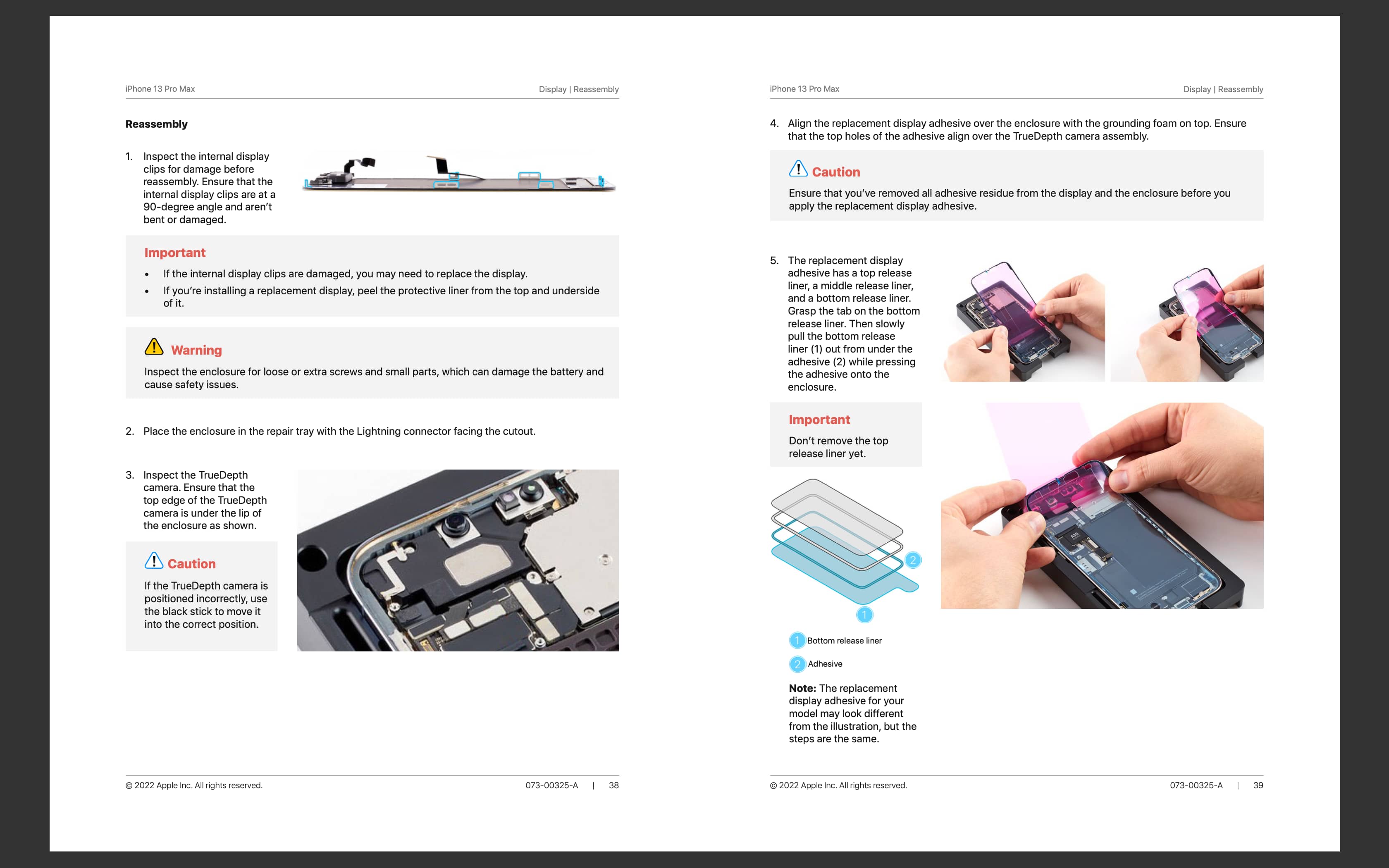
To that point, Apple is keenly aware that a repair “is more likely to be done correctly when it’s performed by skilled, trained professionals using genuine Apple parts engineered for quality and safety, and tools designed for the repair.”
Access official iPhone repair manuals
- Visit Apple’s documentation webpage and select iPhone.
- Select your iPhone model. Remember that repair manuals are only available for iPhone 12, SE 3rd generation, and later.
- Click the link that says “Repair Manual” under the Documents heading.
- You’ll now see the repair manual contents page. Go through it to make your repair. Note that Apple earlier provided PDFs for these manuals, which you could download, but now all you have are webpages. However, you can save the web page as a PDF on your iPhone, iPad, or Mac using the Print option.

Apple also has a Self Service Repair Store website, but when you try to access a manual, it will take you back to Apple’s official store, which we have mentioned above.
We encourage everyone to go through one of these manuals and see for themselves why they’re paying extra to have their iPhones fixed by an authorized technician.
DIY repairs aren’t for everybody
Of course, Apple provides service manuals for more of its products, not just for iPhones. So, if you’re interested in repairing your Mac Studio or Studio Display, for example, there are service manuals for that as well.
All the service manuals are provided by Apple free of charge. You don’t need to be a technician to access these manuals, as anyone can download them.
On a related note: