Learn how to use the secret Safari browser integration on Apple Watch to visit websites straight from your wrist.
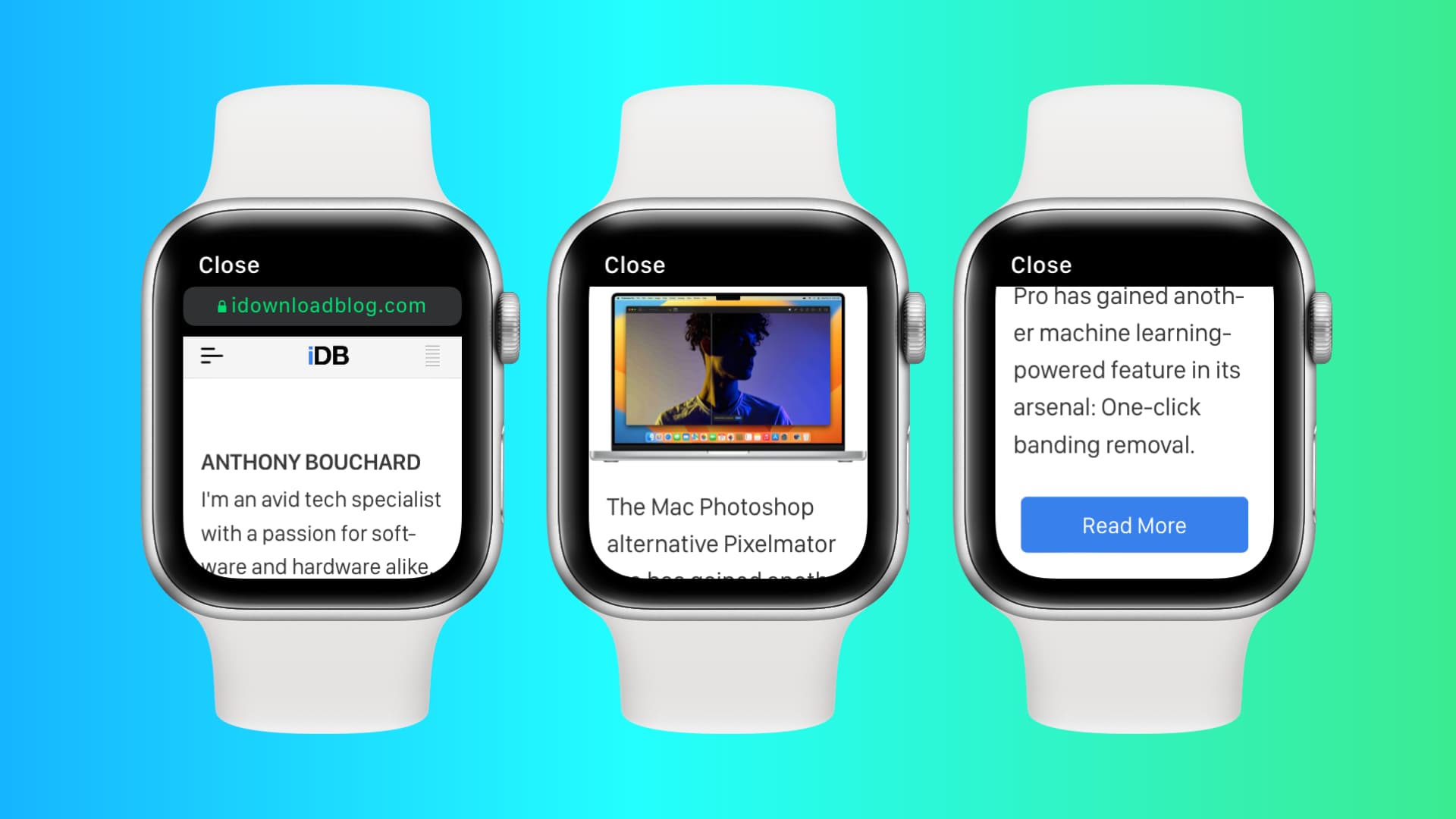
Apple Watch doesn’t have a visible Safari browser. Therefore, you won’t find it in your app list.
However, Apple’s WebKit engine is integrated into watchOS, making it possible to use the internet on your wrist.
How to visit websites on Apple Watch
1) Open the Messages or Mail app on your iPhone and send yourself the link you want to access on your Apple Watch. This also works if someone has already sent you a text or email with a website URL.
2) Open the Messages or Mail app on your Apple Watch and tap the link. It will open that web page.
3) When you’re done, tap the cross icon (X) to exit web browsing and return to the Mail or Messages app.

Controls while web browsing on Apple Watch
You can interact with the web view using these gestures:
- Scroll: Move your finger on the screen or rotate the Digital Crown.
- Zoom: Double-tap to zoom in, and double-tap again to zoom out.
- Follow hyperlinks: Tap a web link to load the underlying webpage.
- Enter text: Tap a text field to type, speak, or spell out some text.
- Back or Forward: Swipe left/right from the edge of the screen.
- Normal Web View or Reader View: Tap the URL bar at the top (this isn’t available for all webpages).
- Reload page: Tap the URL bar at the top.
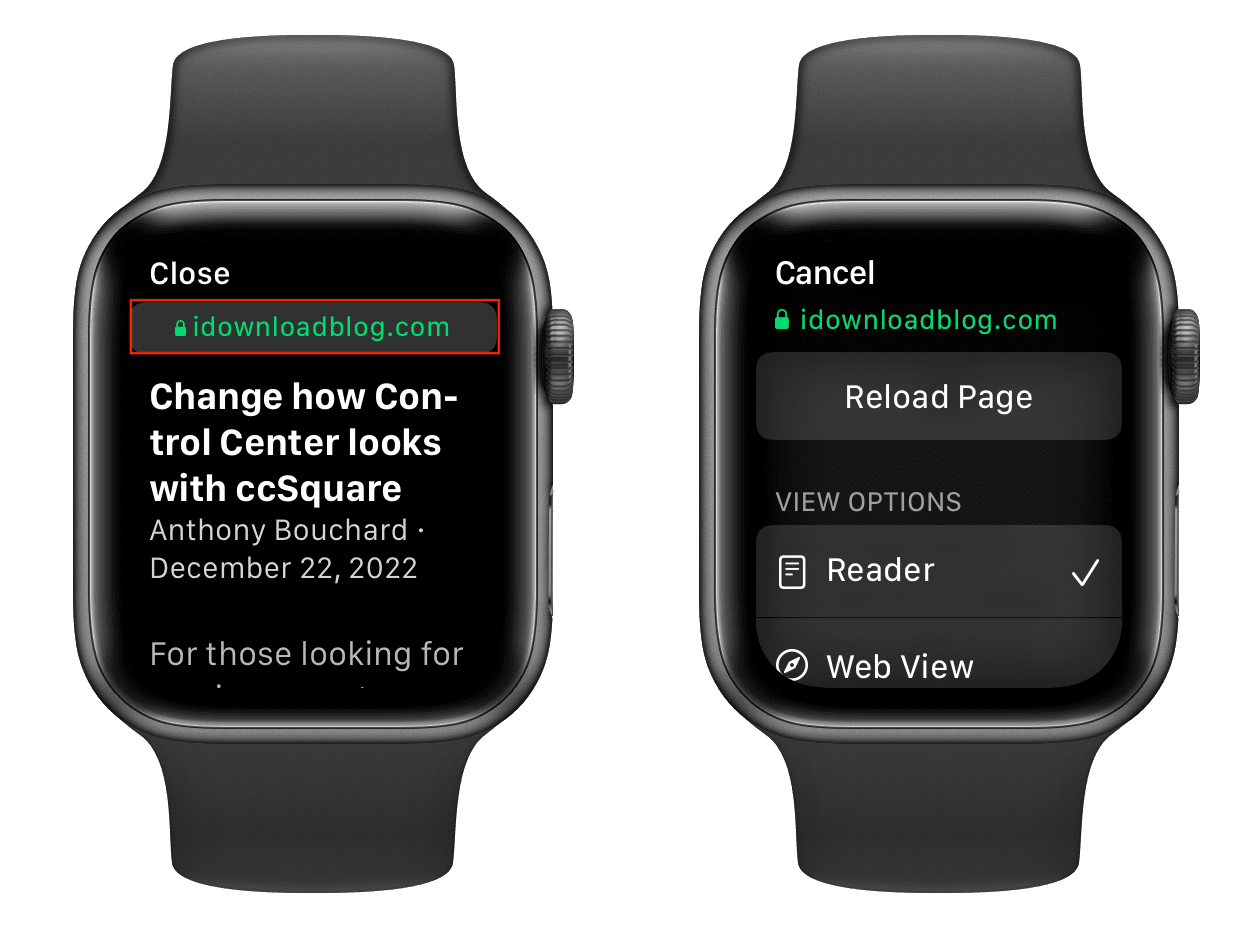
Note: Apple made the right choice by defaulting to Safari Reader. In case you haven’t yet tried Reader Mode in Safari, it strips articles of annoying ads, navigation bars, custom stylesheets, and other distractions, leaving you with pure text and images.
Can I type the URL into the address bar?
Once a web page opens, you’ll see an address bar at the top, which shows the site URL you’re currently on. Unfortunately, tapping that URL box doesn’t open the keyboard, so you can’t manually enter a different site name or address. However, you can tap a link on the current webpage, and it will work. For example, if iDownloadBlog is open on your Apple Watch, you can tap a link you see there (say for a post), and it will open.
How to open Google on Apple Watch
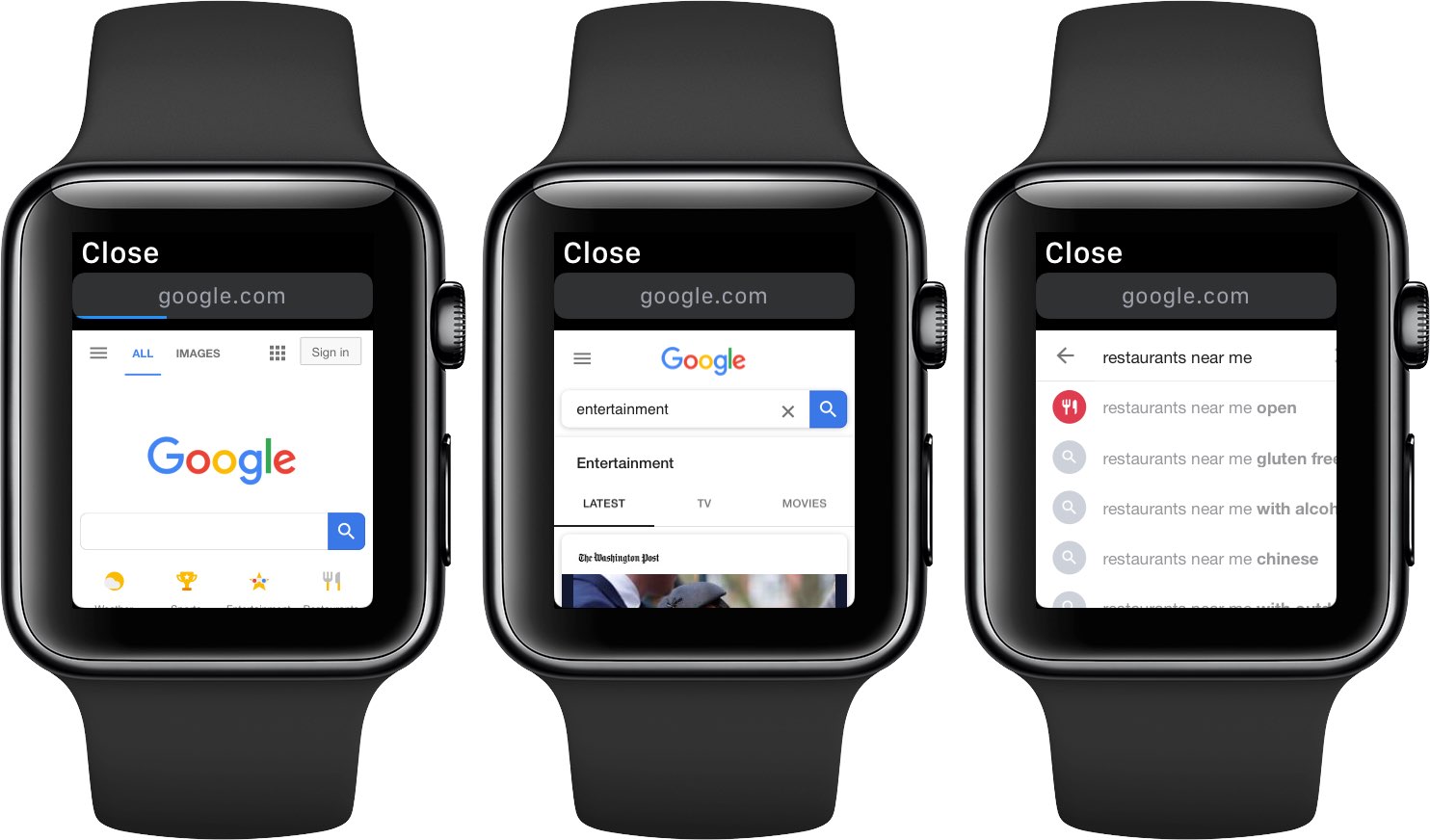
Just send yourself the google.com link and open it on your watch. A mobile-optimized Google search page will show up. You can type your search query in the search box with the QWERTY keyboard (on Series 7 and later), scribble or dictate your query, or select the desired item from the Google homepage.
WebKit integration on Apple Watch: What’s the use?
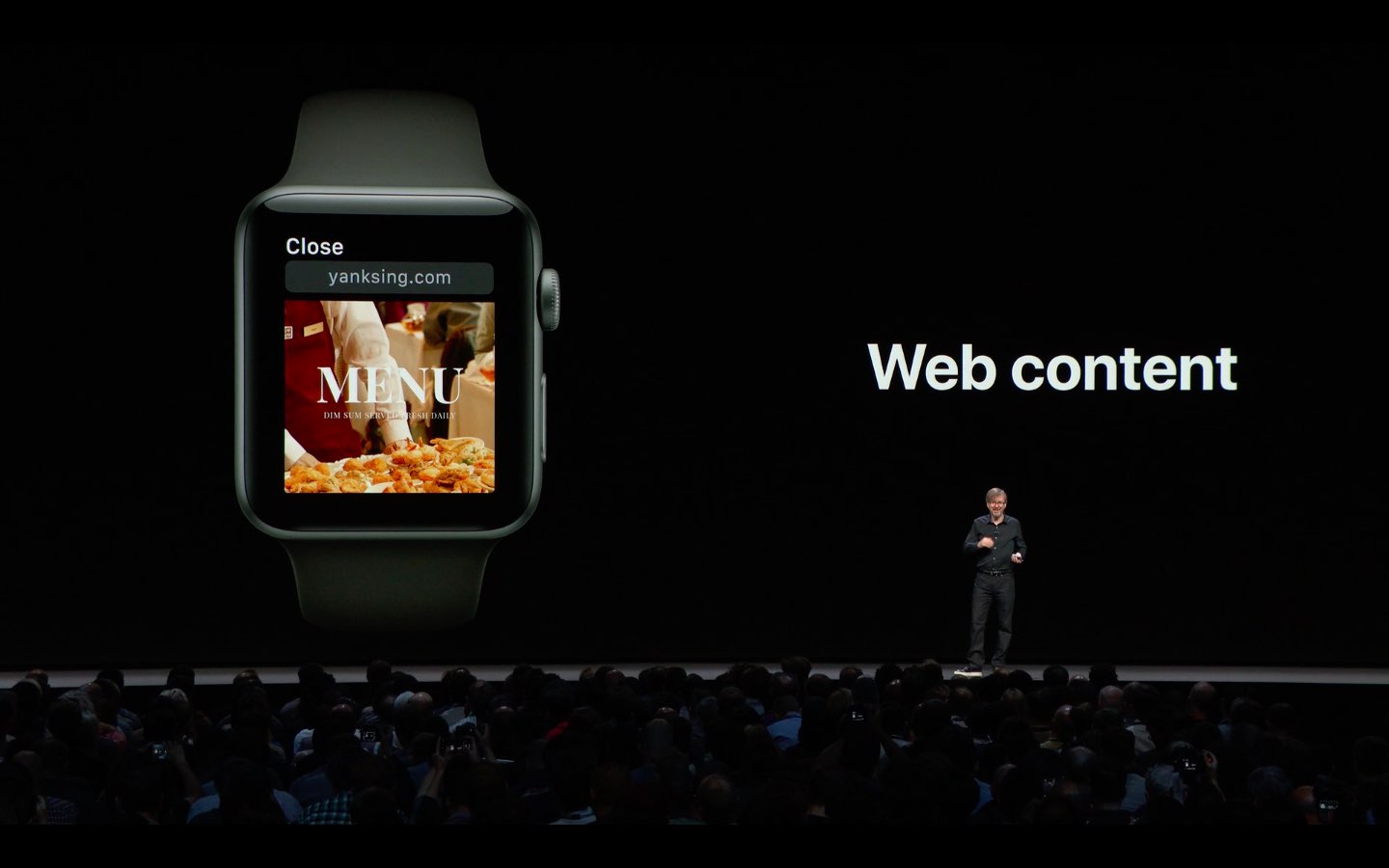
Implementing WebKit support is a monumental achievement. The Cupertino technology giant doesn’t think browsing the web on such a tiny screen makes sense, which is why the Apple Watch doesn’t ship with Safari. That said, your Apple Watch can render web content, albeit in a limited way. For example, you can check out a restaurant menu or read a quick news article without pulling an iPhone out of your pocket.
In other words, the lack of manual input significantly limits web browsing on your Apple Watch. However, if you need to open links on your wrist for any reason, you can send yourself the link via Messages or email and visit it later. Aside from that, if someone sends you a link in iMessage or email, the WebKit integration allows you to have a quick look from your watch, and for a deeper experience, you can always visit that link later on your iPhone.
Old Apple Watch?
Series 2, Series 1, and Series 0 models aren’t supported. Trying to open an attached link on an unsupported model shows an error message: “This link isn’t viewable on Apple Watch, but you can open it on your iPhone.”
Web pages not loading on Apple Watch
Don’t expect the watch to render all websites properly. In our experience, webpages with complex layouts with embedded widgets and JavaScript code might get stuck, resulting in a blank page or refusing to load at all. Still, it’s reassuring to know that limited web content support is available should you ever need it.
Third-party browsers for Apple Watch
Apple doesn’t offer Safari on Apple Watch, but you can use a third-party app to access the web. Here are two mini browsers you can try:
After you’ve browsed a lot of pages on your watch, you can delete your browsing history to clear things.
And did you know that you can even watch YouTube on an Apple Watch?