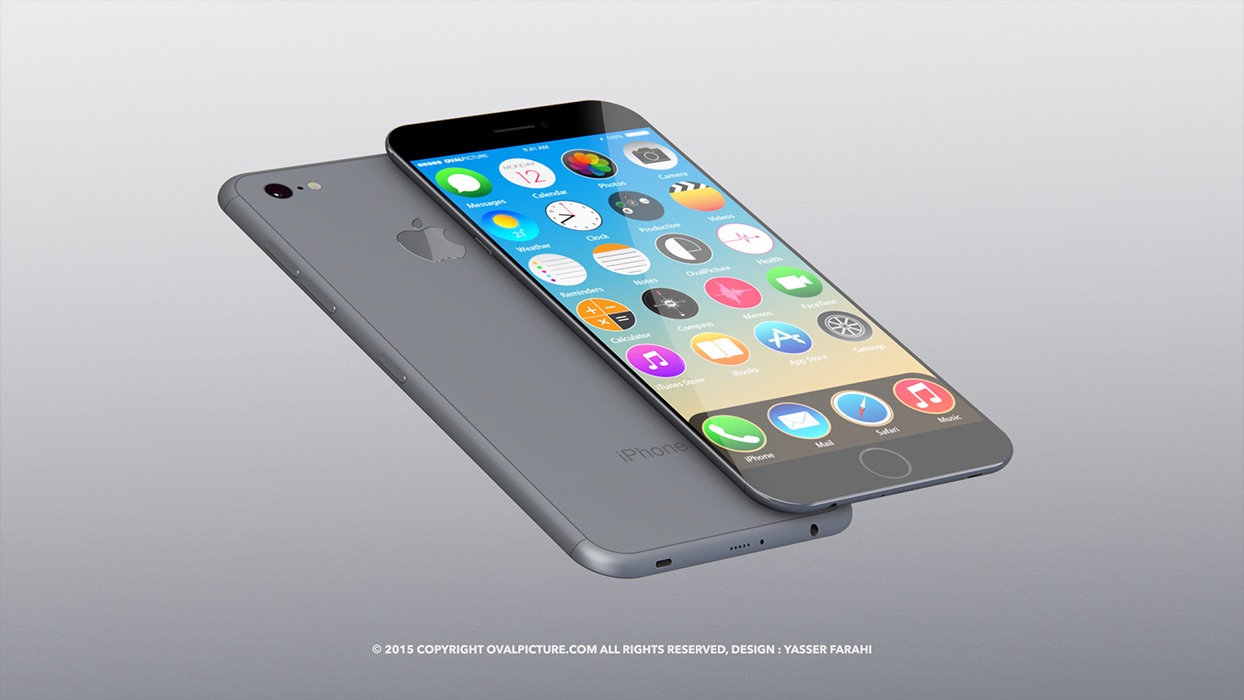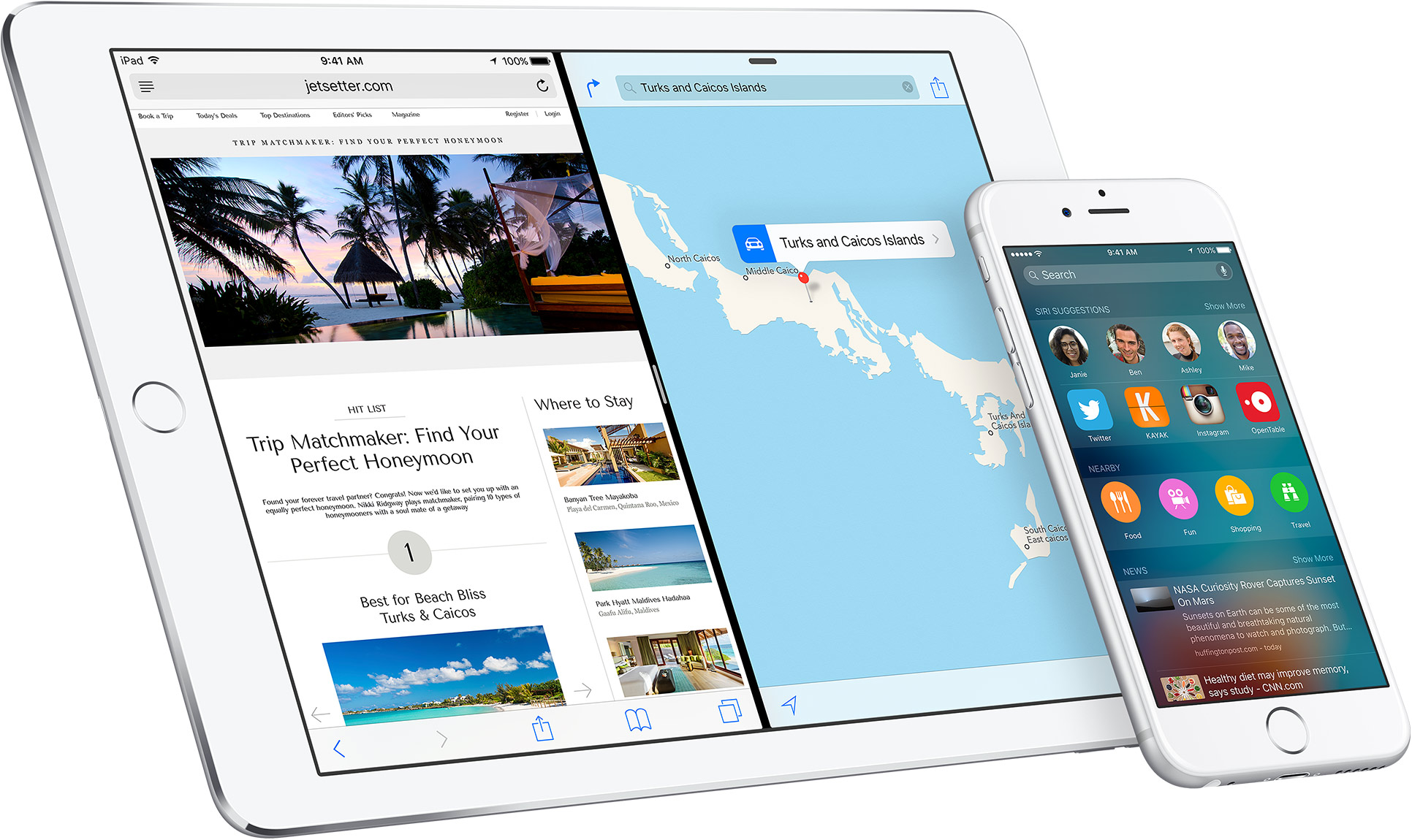
Aside from disabling the iTunes Store, iBooks Store and Podcasts apps on your iPhone, iPod touch or iPad using iOS's Restrictions feature, Apple doesn't yet provide an officially sanctioned way of removing stock apps from your Home screen.
This can be particularly annoying for people who rely on third-party alternatives to Apple's default apps like Reminders, Maps or Calendar.
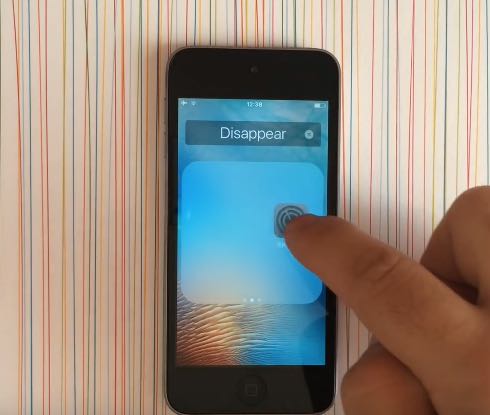
My preferred way of working around this limitation involves tucking away any unwanted stock app inside a “Junk” folder. Thankfully, YouTubber Jose Rodriguez has found a better way to temporarily hide icons of Apple's stock apps on iOS versions from iOS 9 onward using a simple trick that doesn't require a jailbreak.