Year: 2016

The top stories of the week on iDB

Like every Sunday, we get to take a look at some of the most popular posts that were published on iDB during the week that just ended. Whether it is a news item, a new jailbreak tweak, a tutorial, or an app review, we sum it all up in one convenient place for you.

As always, if you like what you're reading, please feel free to spread the love by sharing our posts on your favorite social network.

We're usually hanging out a lot on Twitter and Facebook, more rarely on Google+.

Don't forget to listen to the latest episode of our new podcast, Let's Talk iOS:

Subscribe on iTunes

Want to support iDB? Visit our Deals Store and buy something from us.

What’s on your Home screen: Christian Zibreg

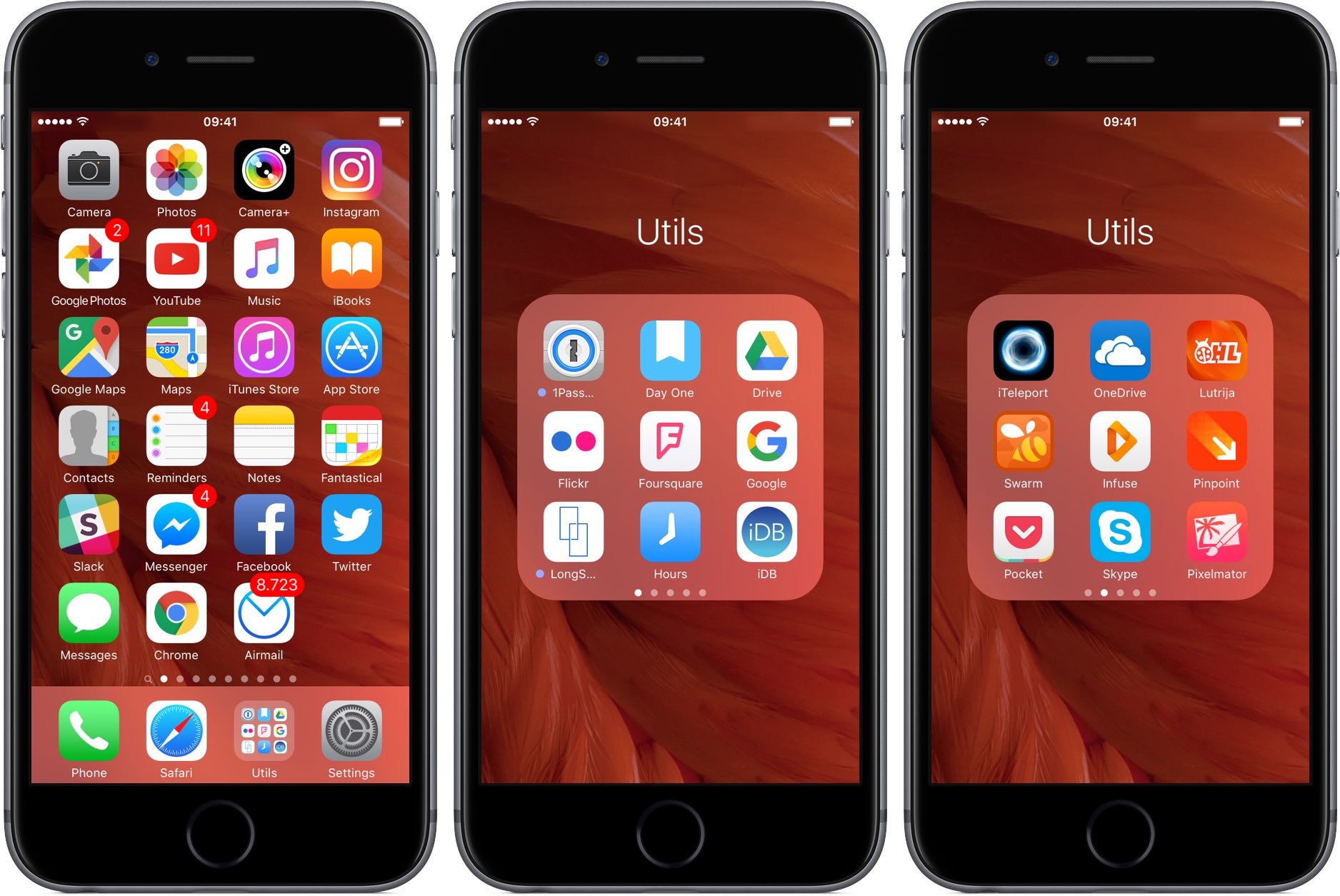
Sebastien tries to keep all his apps and folders on only one screen. I'm like Sebastien, with one difference: I never have more than one folder on the first Home screen. But just because I'm not jailbroken doesn't mean my Home screen is a mess, quite the contrary! As a big believer in efficient organization, I take pride in my Home screen layout.

There's logic behind every app choice and a story to be told behind every icon placement. Without further ado, here's what's on my Home screen, and why.

How to use your iPhone as a keyboard for your Mac or PC

iPhone and MacBook kept on a table

Mobile Mouse Remote is a great app that turns your iOS device into a powerful utilitarian accessory for your Mac or PC. So far, we've shown you how the app can be used as a mouse or trackpad for your computer and how you can use the app as a remote control for your computer, but it also has a lot of keyboard functionality built into it to make your device into a software-based keyboard for your computer.

In this tutorial, we'll show you how you can use Mobile Mouse Remote to type or perform keyboard commands on your Mac or PC directly from your iPhone or iPad.

Give your photos a vintage look with Tonality

We are back with more photo tips today, so if you missed our first two articles, be sure to go back and read them. We covered creating a stunning HDR in under 3 minutes as well as 3 tips for creating eye-popping photos.

If you are like me, you like to experiment with different looks in your photos. That’s part of the beauty of digital photography - you can quickly and easily try out new ideas and processing styles, without permanently altering your original image. While you probably have a “go-to” style, it’s always rewarding when you step outside the lines a little bit and try something new.

I tend to be drawn to bold and expressive colors, so for me, experimenting with muted colors and vintage effects is kind of like a science experiment - it’s not my natural state, but it’s sure fun to mix things up in the digital lab and see what I come up with. I’m often surprised at the results, and I always learn something new.

Today, we will explore using Tonality from Macphun to quickly and easily add a vintage effect to your photos. You can download a free trial of Tonality and follow along with us. Like all Macphun products, the interface is simple and easy to use, yet there is a lot of power underneath the hood. This means you can go as deep as you like and make some significant changes to your photo, or you can do something a little less involved and create a masterpiece in just a few clicks. It’s really up to you.

That’s what we are doing today. We will walk you through some basic edits in Tonality, but just keep in mind that the end result is always wide open, limited only by your interest in experimenting and your own creativity. You can use Tonality as a one-click solution, or you can delve a little bit deeper and customize the look of your photos.

We will start with a one-click solution, and then make a few minor changes to demonstrate how powerful this product really is. Let’s get started!

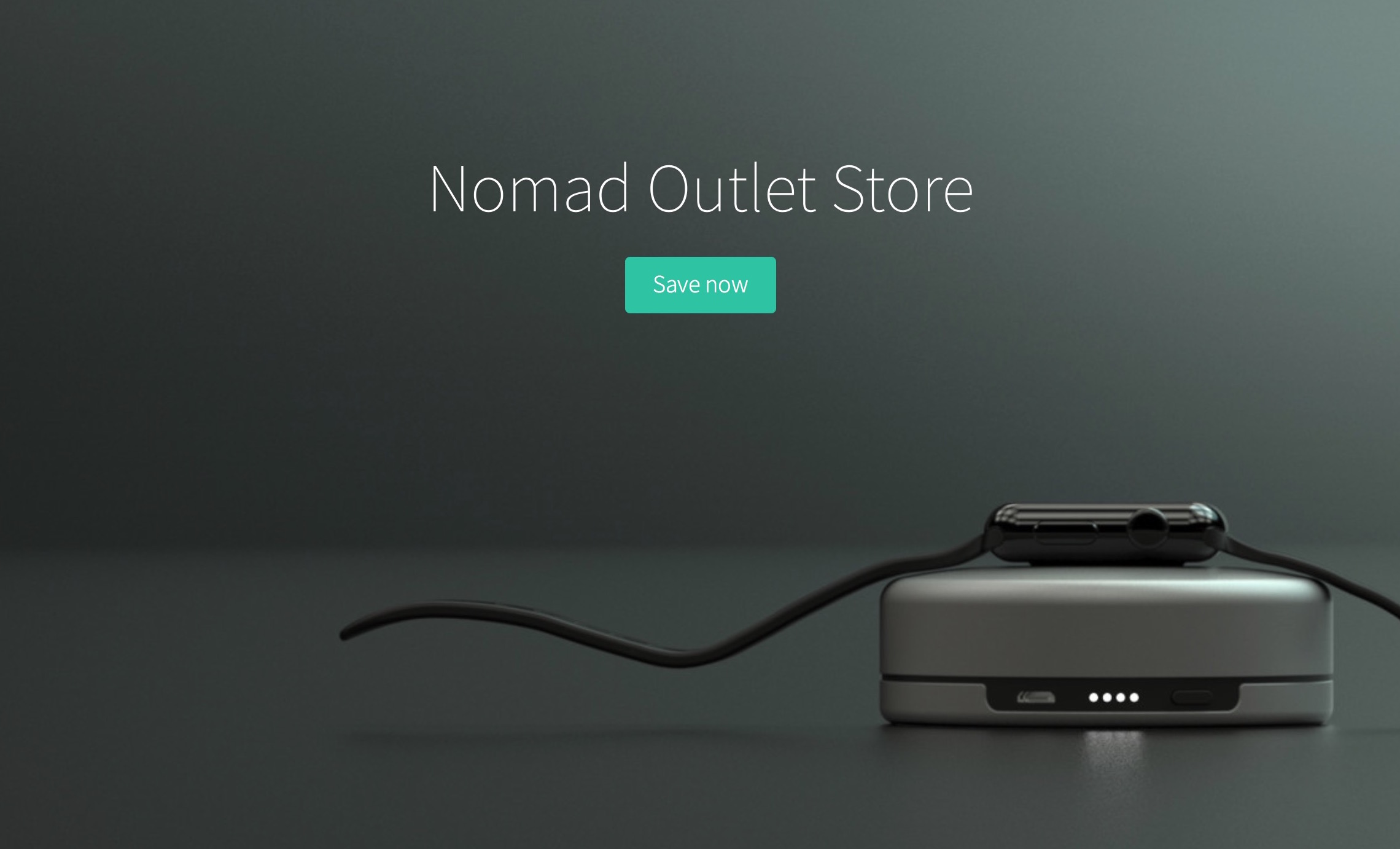
Nomad opens outlet store with huge discounts on some of their products

Nomad recently opened an outlet store where you can get up to 50% off some of their most popular products. Even better, with exclusive promo code idb2016, you can get an extra 15% off your order.

When I asked Nomad if there was anything wrong with these products, I was told they are all brand new, in box, and unopened, so you're definitely not getting some sort of refurbished product here. Just the same product you would get if you ordered from their main storefront, except you get a much better deal.

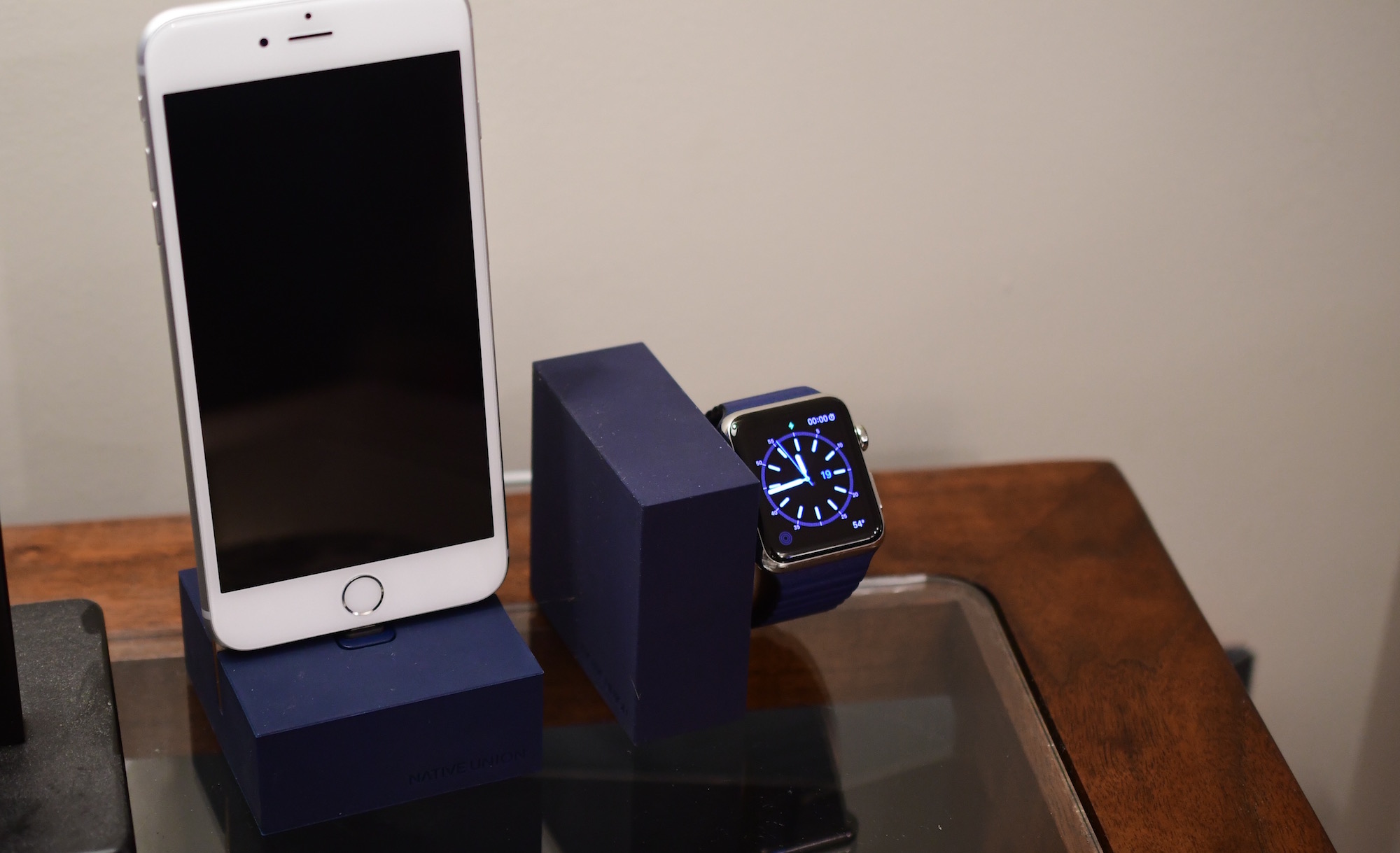
Review: Native Union docks for iPhone and Apple Watch

It isn't often that a single company creates an iPhone dock as well as an Apple Watch dock, and designs them in tandem. They often look entirely different, or the company that makes your favorite iPhone dock, doesn't even make an Apple Watch dock. A company as design-focused as Apple would never let something like that happen, and neither does Native Union. They recently released their new line of docks for iPhone and Apple Watch, and they completely compliment one another.

Tim Cook lays out his vision for India

Right after visiting China on Monday, Apple's boss Tim Cook flew to India the following day. He spent a few days touring the populous country, meeting with decision makers, negotiating with carriers and taking to end users and developers alike.

Speaking with The Hindu, Cook has now laid out his vision and strategy for India, a very important market for Apple where the company, despite a massive population of 1.25 billion people, has a single-digit share of the smartphone market.

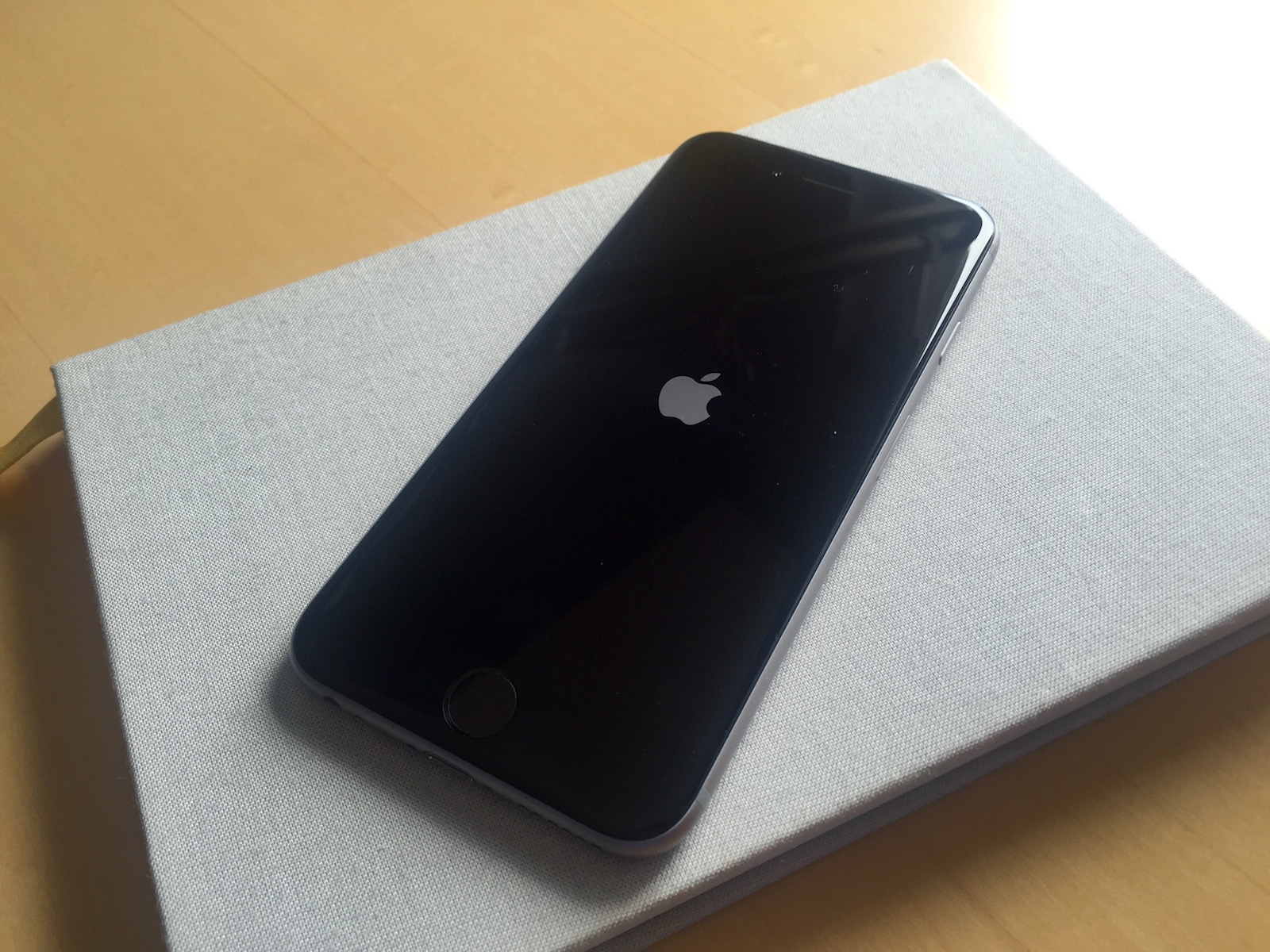
Jailbreakers: here is how to stop your iPhone from rebooting at night

If you're one of those jailbreak users that have been plagued with random reboots of your iPhone when plugged in at night, then we might have a fix for you. As explained by Reddit user TuttoVaBene, those reboots seem to happen as your iPhone exceeds a certain memory limit. While there is no clear explanation of what really happens or why, it appears that manually increasing the memory limit can fix the problem.

Xiaomi’s first drone to take off next Wednesday

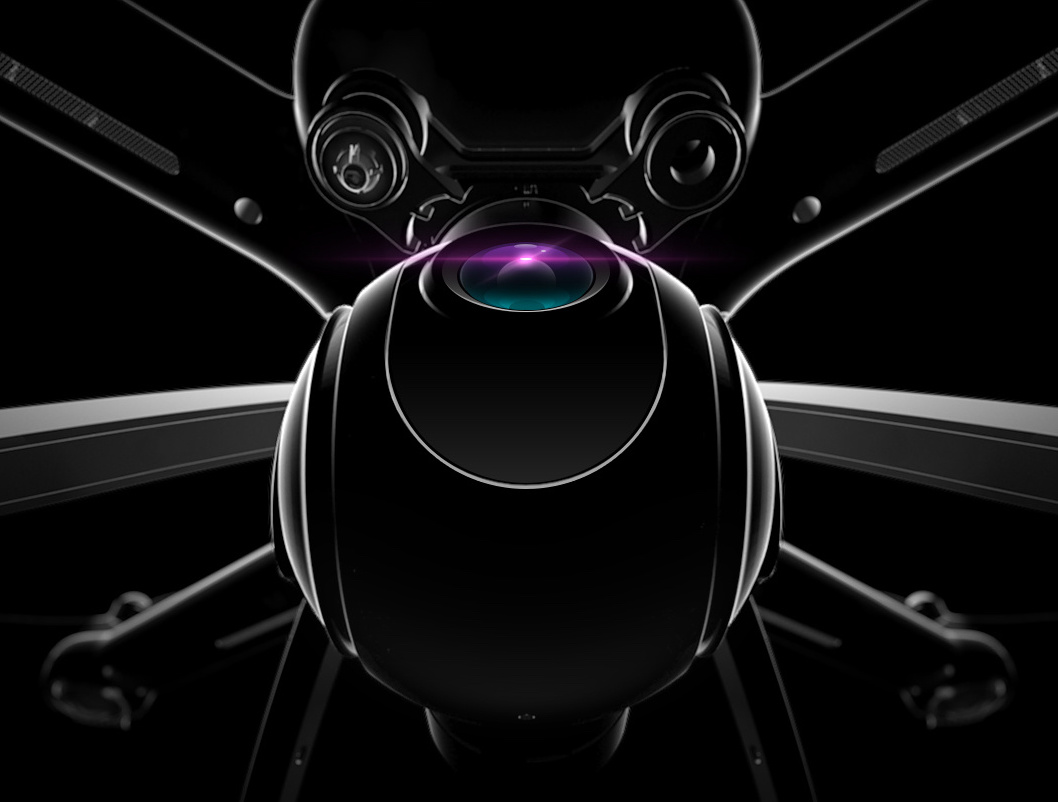
Xiaomi, the ambitious consumer electronics maker from China, is about to release a consumer drone of its own at a media event scheduled for next week.

Writing on its official blog, the Chinese firm said that its first-ever flying machine, a quadricopter, would take off next Wednesday, May 25. A dramatic device image was shared as part of the tease.

Apple pulls iOS 9.3.2 update following 9.7″ iPad Pro bricking complaints

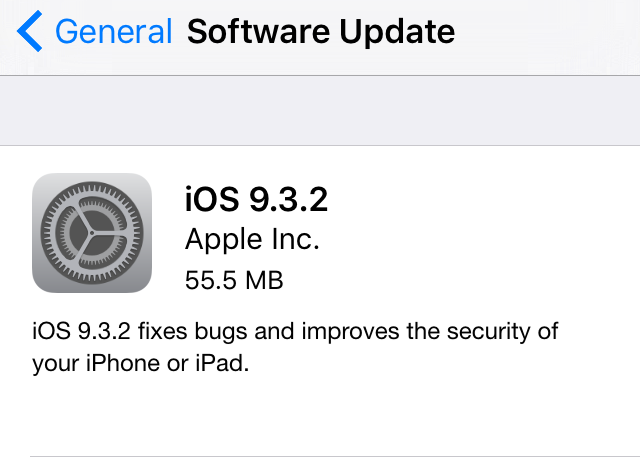
Following an avalanche of complaints from the affected 9.7-inch iPad Pro owners who saw their device bricked and reporting an iTunes error 56 after installing the latest iOS 9.3.2 software update, Apple has now pulled iOS 9.3.2 for that device from its servers. As first noted by MacRumors 9.7-inch iPad Pro owners who have not installed iOS 9.3.2 no longer see the over-the-air update on their tablet.