Month: March 2013

BadgerTweak: an upcoming tweak for quickly viewing notifications

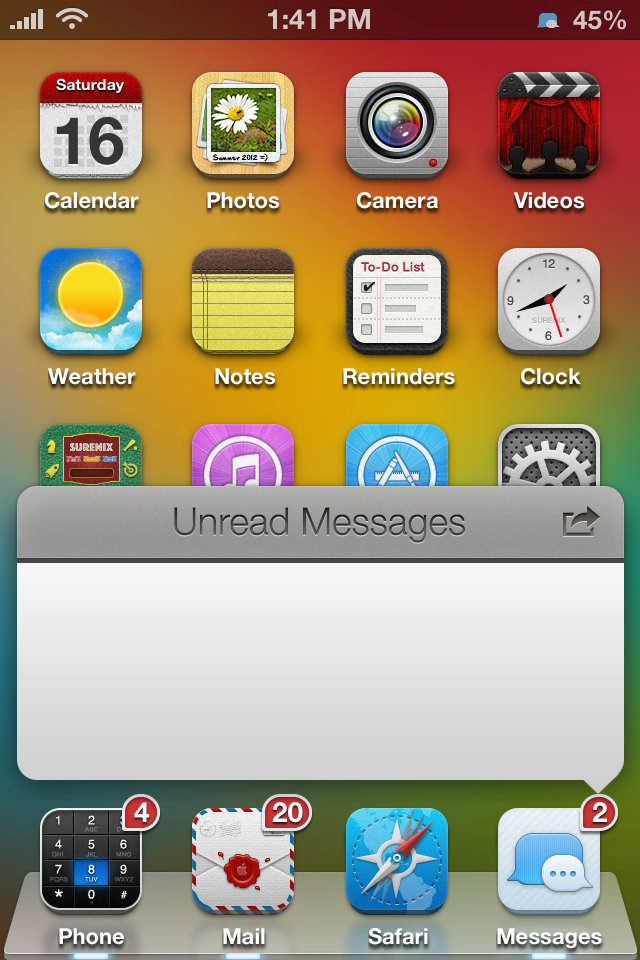
Wouldn't it be cool if you could tap an app badge and be given a synopsis of the app's awaiting notifications? That's the premise behind BadgerTweak, an upcoming endeavor that allows "...users to view notifications by tapping the app's notification badge on the SpringBoard."

According to the tweak's official Twitter account, it's coming soon to Cydia, and will work with more than just the Messages app. Although the tweak is still in development, the team behind it has apparently made a few strides in the developmental process as of late.

Apple launches new ‘Why iPhone’ web campaign

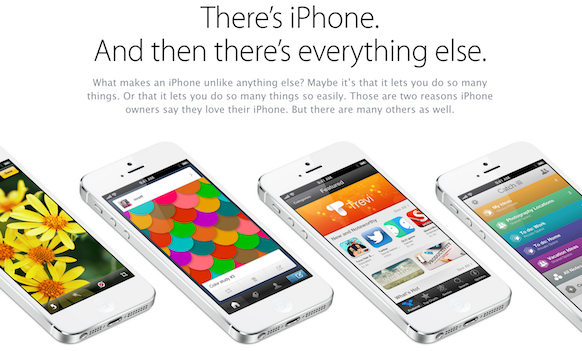
Apple this weekend launched a new advertising campaign for the iPhone showcasing some of the many reasons why the handset is so popular. It's added a new 'Why iPhone' page to its website, and has begun sending out promotional emails.

The 'Why iPhone' page highlights a number of the device's features including its Retina display, the iTunes ecosystem, iCloud and more, and the fact that it's won 8 J.D. Power and Associate awards and it's the most popular camera in the world...

How to set any springboard page as a default page

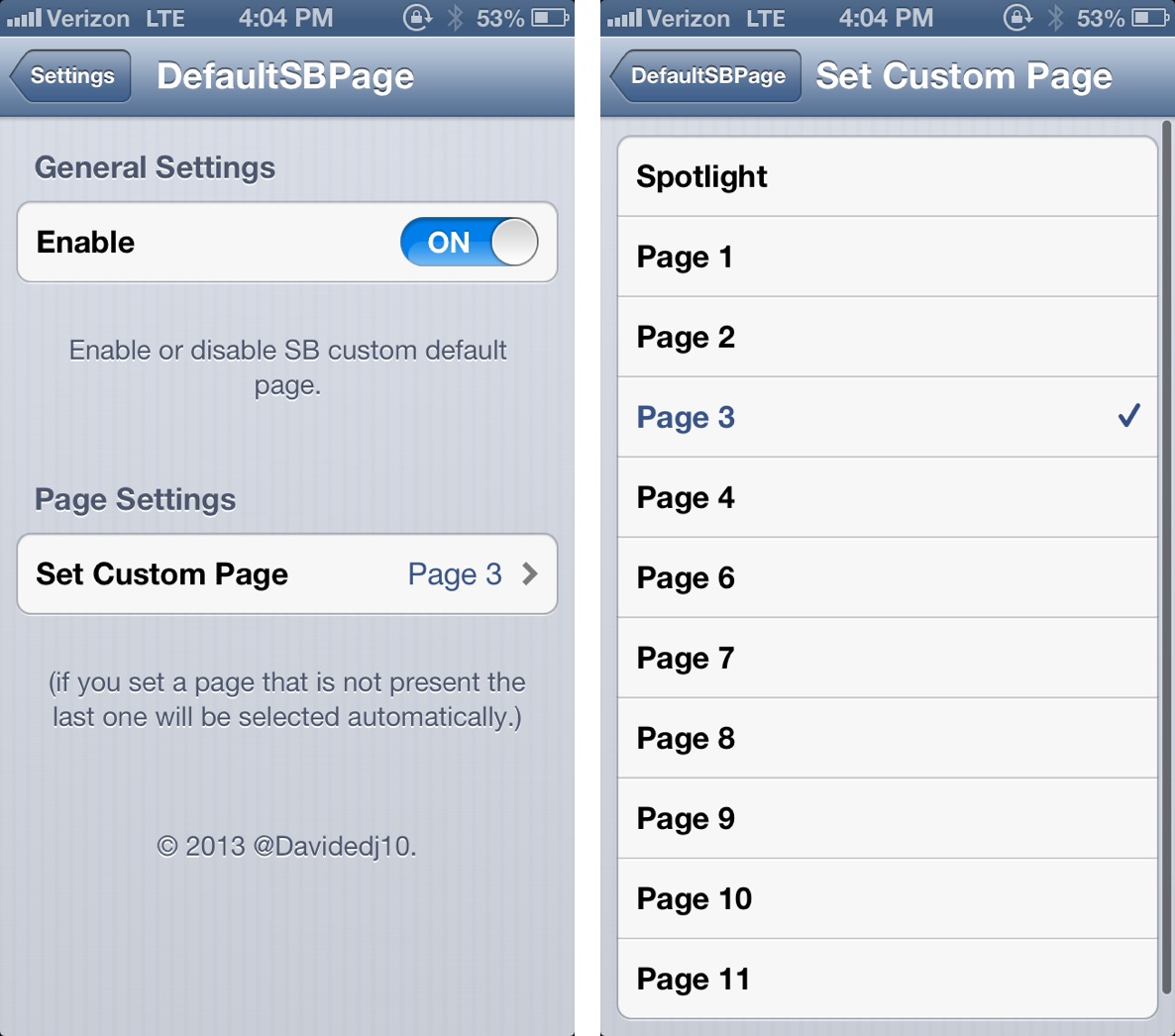
DefaultSBPage is a brand new jailbreak tweak, and it does something fairly awesome. It allows you to select a default Home screen page to land on once your iPhone is unlocked.

Say you have a particular page dedicated to an often used selection of apps; well, instead of having to swipe over to that page every time you unlock your iPhone, you can set that page as the default page. This will force the iPhone to open directly to the page you utilize the most.

As you can probably tell, DefaultSBPage is an extremely simple tweak in function, but it provides some serious utility. Take a look inside for our full video walkthrough, which showcases it in action.

Crescent released on Cydia – here’s our video walkthrough

https://www.youtube.com/watch?v=rwnWtECNqe0 Last night, we brought you Joshua Tucker's video preview of Crescent — a new jailbreak tweak designed by tucker, and developed by Evan Coleman — which allows you to enable or disable Do Not Disturb via voice commands. We're happy to tell you that Crescent is now available for download on Cydia's BigBoss repo, and, as expected, it's totally free. If you have a Siri capable device running iOS 6, then you'll want to try Crescent if you use iOS' Do Not Disturb feature often.

Have you tried it? Let me know what you think about Crescent in the comment section below.

The iDownloadBlog top news stories of the week – March 17, 2013 edition

Like every Sunday, we bring you the stories that were the most popular on iDB during this past week. Whether it is a news piece, an editorial, a tutorial, a new jailbreak tweak, or an accessory review, we sum it all up in one convenient place. If you like what you're reading, please make sure to spread the love by sharing our posts on your favorite social network. We're usually hanging out a lot on Twitter and Facebook, more rarely on Google+...

iDB podcast: Let’s Talk Jailbreak – 01: Thanks Alyssa Milano! Saurik’s new jailbreak tweak lets you queue up music in the stock Music app Peekly – an awesome new Lock screen theme featuring weather, calendar, and more The best iOS 6 YouTube extension: YourTube vs ProTube How to create a makeshift gaming console with a jailbroken iPad mini, an Apple TV, and a Dual Shock 3 14+ Google Reader alternatives New iOS 7 concepts: actionable Notification Center, better Safari Samsung unveils new Galaxy S4 handset Comparison video: iPhone 5 vs Galaxy S4 Harlem Shake (iPhone Edition) Make powerful iPhone photos by focusing on what’s important

We’re social! Find iDB on Twitter, Facebook, Google+, App.net, YouTube, and in your RSS reader. Also make sure to subscribe to our new podcast!
‘TransparentCameraBar’ adds “more” real estate to the stock Camera app

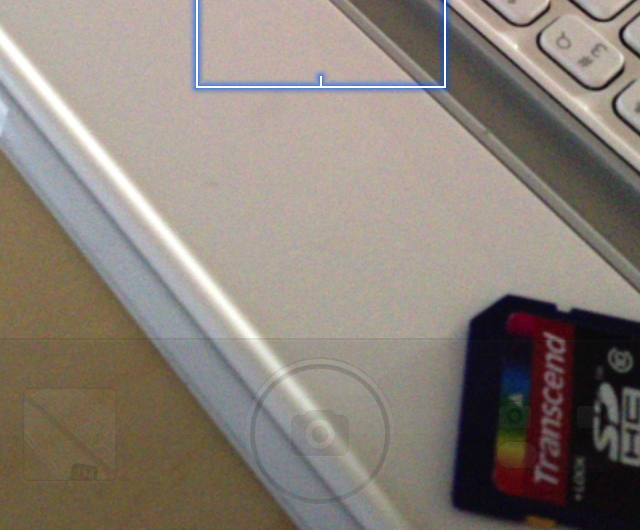
TransparentCameraBar is a jailbreak tweak that allows you to make the UI featured in the stock Camera app transparent. The jailbreak tweak, free on Cydia's BigBoss repo, is a way to trick yourself into having "more" real estate for the view finder.

I should mention that this is more like a WinterBoard theme, than a tweak that impacts the photo's end result. If you take a photo either with, or without this tweak, the end result will be the same. It's simply a visual tweak that zooms in the camera UI to give the appearance of a bigger viewfinder.

Take a look inside for more info...

T-Mobile’s LTE network spotted in New York City

This is kind of interesting. T-Mobile's long-awaited LTE network has been spotted in the wild, offering up super-fast data in a suburb of New York City. The carrier is the only one left of the major four in the US that doesn't offer the 4G tech, but it's expected to finally launch this year. And a curious subscriber just discovered one of its sites in Astoria, Queens...

Supply chain chatter points to Retina iPad mini debut in second half of 2013

I have to admit, it feels kind of weird that we're in the middle of March and there's been no word of new iPads. I know, Apple just released two new ones back in October. But still, there's been an iPad event in the first quarter of every year for the past three years.

We've heard plenty of rumors though. There's been a lot of talk of the 5th-gen iPad getting a design makeover, and Apple's widely believed to give the mini a Retina display. And according to a new report, we can expect the latter in the second half of this year...

Mail Enhancer Pro 2.0 is out with support for iOS 6 and more

/p> Good news on the jailbreak front this week. The popular Mail Enhancer Pro tweak has received a fairly big update, bringing it to version 2.0. The update includes full support for iOS 6, and a handful of other improvements.

For those unfamiliar with the jailbreak tweak, Mail Enhancer Pro, as its name suggests, enhances the stock iOS Mail app by adding features like multiple signatures, custom notifications and sounds, and much more...

NCAA March Madness iOS app updated for 2013 tournament

Great news college basketball fans. NCAA's March Madness Live app for iOS has been updated today for 2013. March Madness is a two week-long affair, with 68 teams playing in a single elimination tournament to find a champion.

Overall, a total of 67 games will be played over the course of the event. And with NCAA March Madness Live, you'll be able to watch all of them on your iPhone or iPad. You'll also be able to check scores, watch highlights, and more...

New iOS 7 concepts: actionable Notification Center, better Safari

http://www.youtube.com/watch?v=NKYvpFxXMSA

What better way to sign off as my weekend starts than a fresh batch of iOS concepts which imagine the capabilities Apple should have long implemented? Above is Shaik Imaduddin's mockup of a more interactive iOS Notification Center with actionable alerts where you could, say, delete email messages, mark them as read and send new ones, all without ever leaving your iPhone's Notification Center.

Very doable and frankly, even Android isn't currently doing that. He's also envisioning making phone calls, responding to text messages (existing tweaks address this) and setting alerts in Reminders to call back a person. The latter makes me wonder how on Earth Apple missed combining Reminders with the Phone app. I've also included a nice iOS 7 Safari mockup right past the fold...