iDownloadBlog
  • Home
  • Jailbreak
    • How to Jailbreak
    • Jailbreak News
    • Jailbreak Apps & Tweaks
    • Cydia
    • JailbreakMe
    • RedSn0w
    • PwnageTool
    • iFaith
  • Unlock
    • How to Unlock
    • Unlock News
    • UltraSn0w
  • iPhone
    • iPhone News
    • iPhone 5
    • iPhone 4S
    • iPhone 4
    • iPhone 3GS
    • iPhone Photography
  • iPad
    • iPad News
    • iPad mini
    • 4th Gen iPad
    • iPad 3
    • iPad 2
  • iTV
  • Download
  • Videos
  • Trending
    • iPhone Photography
    • iPhone 5
    • iPad mini
    • Siri
    • New iPad
    • Rumors
    • Downgrading
    • TinyUmbrella
  • Extras
    • App Finder
    • Downloads
    • iPhone Photography
    • Best Of
    • Themes
  • Store
  • SemiRestore Featured

    This is how SemiRestore allows you to restore without losing your jailbreak

  • iPhone 5 apps

    Don’t know what to do this weekend? Check out these 7 apps

  • Apple TV concept iPad mini remote

    New Apple Television concept surfaces

  • BlackBerry Messenger logo

    BlackBerry Messenger will be iPhone-only at launch


skip to main content

skip to main menu


How to change your iPhone carrier logo without jailbreaking

By Jeff Benjamin on Dec 31, 2012
  • Tweet
  • 142 Comments

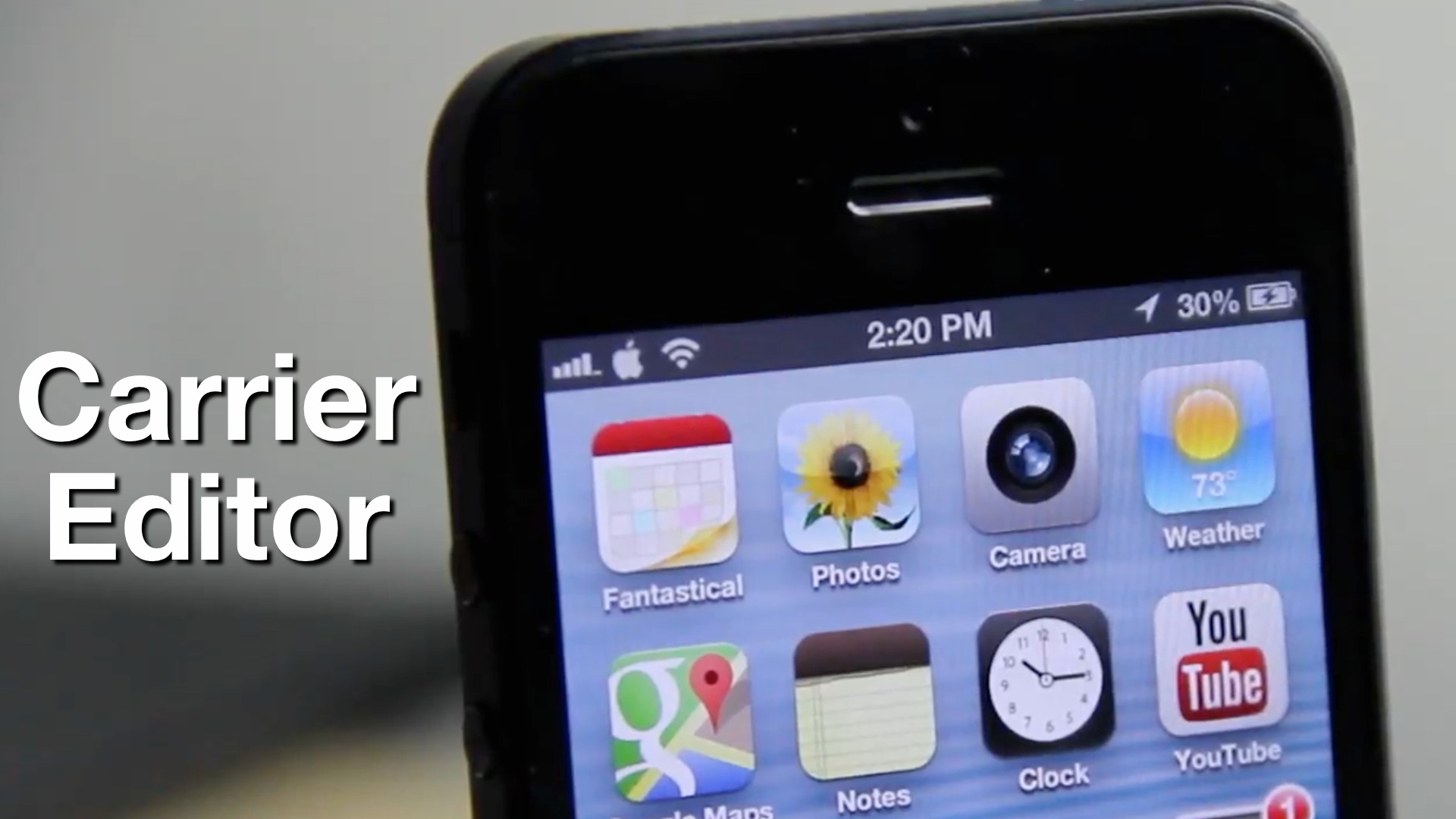
There’s still no way to jailbreak the iPhone 5, or other post-A5 devices running iOS 6, and that makes a lot of people sad, us included. But the lack of a jailbreak hasn’t totally stifled the flow of creativity, as it’s given rise to a bunch of popular “no jailbreak required” hacks and tweaks.

The latest such example is CarrierEditor — an app that runs on OS X that allows you to easily change your iPhone or cellular enabled iPad’s carrier logo without being jailbroken.

There are, of course, plenty of ways to alter the carrier logon on a jailbroken device, but if you’re like many who have the iPhone 5, or a non-jailbroken iPhone 4S, then CarrierEditor is a great workaround until a jailbreak finally touches down. Take a look inside as we step through the complete process of altering the carrier logo on an iPhone 5…

Read More


The Beatles’ Granny Smith apple logo is now a registered trademark of Apple Inc.

By Christian Zibreg on Oct 25, 2012
  • Tweet
  • 4 Comments

UK-based Apple Corps, which handles business dealings of the legendary Liverpool-based pop group The Beatles, has finally ended its dispute with Apple, Inc. of Cupertino, California over use of the Apple Corps’ Granny Smith logo, which was originally owned by The Beatles. According to a new report, Apple for an undisclosed sum has secured rights to use the Apple Corps logo in association with music, computers, entertainment, multimedia and more. Matter of fact, Apple, Inc. has actually gained entire ownership over all trademarks which included or are related to the word “Apple”… Read More


iDB logos for Zeppelin now available in Cydia

By Sebastien Page on Feb 14, 2012
  • Tweet
  • 9 Comments

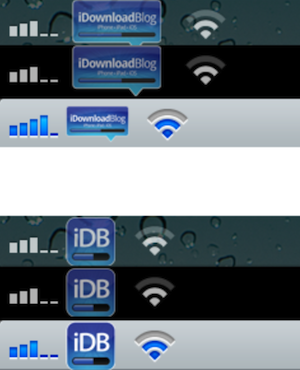
Yesterday we showed you how to manually replace the carrier logo in your status bar with the iDB logo. Today, iDB fanatic reader iPhoneiHelper decided to create his own set of iDB logos and put them on Cydia.

If you have Zepellin installed on your iPhone, go to Cydia and download the iDownloadBlog Logos for Zeppelin pack… Read More


How to Add Animated Boot Logos to iOS 5

By Jeff Benjamin on Jan 31, 2012
  • Tweet
  • 25 Comments

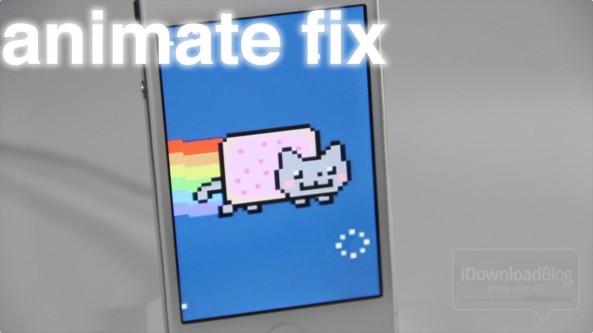
Animated Boot logos can once again be acquired on the latest iOS jailbreaks using a tool from developer iH8sn0w simply called animate fix.

For example, if you’re an iPhone 4S jailbreaker, all you have to do is download and install the animate fix package, select animated logo from the BootLogo settings panel, and restart your device.

This is a great way to add even more customization to your iDevice, as you can probably gauge from the screenshots and video… Read More


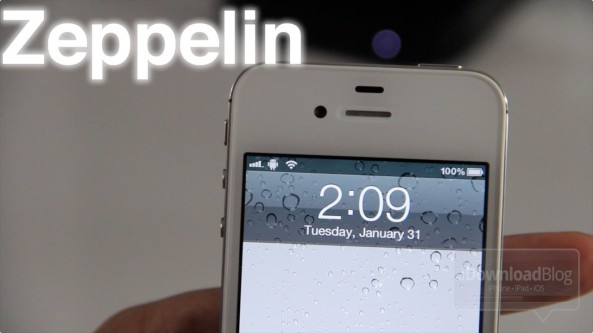
Zeppelin: Add Custom Carrier Logos to Your Status Bar

By Jeff Benjamin on Jan 31, 2012
  • Tweet
  • 41 Comments

I’ve never been a huge fan of carriers advertising themselves by means of the carrier logo in my iPhone’s status bar. For that reason I usually remove them with a tweak like CleanStatus or Springtomize 2.

But Zeppelin — a new jailbreak tweak that just appeared on Cydia — has me considering carrier logos again… Read More


Make the Apple Logo on the Back of Your iPhone 4 Glow with this Magical Mod

By Alex Heath on Sep 12, 2011
  • Tweet
  • 37 Comments

Apple’s MacBooks stand out in a crowd, thanks to their sleek design and bright Apple logo. Apple designed the logo on its laptops to glow, but the iPhone has lacked such a feature. Until now.

iPatch has teased a mod for the iPhone 4 that turns the device’s rear Apple logo into a glowing work of art. Whenever the iPhone’s screen comes on, the Apple logo lights up. Now that’s magical. Read More


iH8sn0w Releases Animate Fix, Animated Boot Logos for All

By Cody Lee on Jul 8, 2011
  • Tweet
  • 32 Comments

Jailbreaking your iDevice gives you the ability to customize it from head to toe. You can change the complete look and feel of the device by editing icons and installing extensions. Another area you can personalize through jailbreaking is the boot screen.

The default boot logo is of course the infamous Apple logo, but with a little tweaking you can change it to virtually whatever you want. In some of the more recent jailbreaks though, the ability to customize the boot logo was compromised… Read More


Show Off Your Jailbreak Spirit With an iDB Boot Logo

By Cody Lee on Apr 9, 2011
  • Tweet
  • 8 Comments

Everything is so much calmer now that the new jailbreak has been released. We’ve all upgraded and re-hacked our iDevices and, if you’re like me, you are still in rebuilding mode. Re-customizing your iDevice can be fun though. You can change almost anything you want, from the icons to the start up screen.

If you’ve been looking for a new start up animation to try out, give our iDB boot logo by Ryan Pushong a try. It’s located in the BigBoss Cydia repo, but there’s just one thing you need to check first… Read More


Sn0wBreeze Untethered Jailbreak for iOS 4.3.1 Updated with Custom Boot Logo Animations and More Options

By Alex Heath on Apr 7, 2011
  • Tweet
  • 23 Comments

Like the newest version of RedSn0w, Sn0wBreeze has been updated with custom boot logo animations. Sn0wBreeze 2.5.1 also adds multiple enhancements and options for those wishing to jailbreak iOS 4.3.1 on Windows.

Sn0wBreeze 2.5.1′s custom boot logo animation option functions in the same way as GreenPois0n’s. Windows users can perform an untethered jailbreak of iOS 4.3.1 with SnowBreeze. Read More


RedSn0w Untethered Jailbreak for iOS 4.3.1 Updated with Custom Boot Logo Animations

By Alex Heath on Apr 7, 2011
  • Tweet
  • 38 Comments

The Dev Team has updated the RedSn0w jailbreak for iOS 4.3.1 to version 0.9.6rc11. The latest version of RedSn0w adds the custom boot logo option we originally saw in GreenPois0n.

Jailbreaking with RedSn0w is still essentially the same process, but the new “allow boot animation” option gives you the ability to install custom boot logos through Cydia. Read More


10 of the Best Custom Boot Logos for the iPhone

By Alex Heath on Mar 7, 2011
  • Tweet
  • 27 Comments

If you jailbreak, you have the option to change your iPhone’s default boot logo. You’ve always been able to do so manually through SSH, but recent jailbreak tools allow you to install custom logos in a much simpler way through Cydia.

If you’re unfamiliar with the term “boot logo,” it simple refers to the icon that displays on your iPhone’s screen during a boot. Through the miracle of jailbreaking, it’s rather easy to replace that Apple icon with all sorts of interesting things to look at.

Here are 10 of the best custom boot logos in Cydia…

Read More


How to Remove the GreenPois0n Animated Boot Logo

By Sebastien Page on Feb 14, 2011
  • Tweet
  • 9 Comments

When it was released a little over a week ago, the GreenPois0n jailbreak for iOS 4.2.1 came with a nice surprise: animated boot logos. We already saw how to add an animated boot logo to your iPhone, and today, we’re going to see how to remove this custom logo.

This is a fairly easy process which will require about a minute of your time, depending on how fast Cydia loads for you at the moment… Read More


How to Add an Animated BootLogo to Your iPhone

By Sebastien Page on Feb 9, 2011
  • Tweet
  • 51 Comments

The latest release of the GreenPois0n jailbreak for iPhone 4.2.1 comes with a nice little surprise: you can now add animated boot logos to your iPhone. We already showed you how to do this manually, today we’re going to show you how to do this directly from Cydia.

In order to do that, you’ll obviously need a jailbroken iPhone on iOS 4.2.1, either using GreenPois0n (see our tutorial), or the tethered version of RedSn0w. You will not be able to install animated boot logos unless you are on 4.2.1 jailbroken iPhone with GreenPois0n or RedSn0w tethered… Read More


How to Activate Animated Boot Logo on Your iPhone Jailbroken with GreenPois0n

By Sebastien Page on Feb 5, 2011
  • Tweet
  • 19 Comments

A few days ago, we reported about the “big surprise” that was going to be included in the latest release of GreenPois0n: custom animated boot logos. Now that GreenPois0n is out, you can fairly easily add a boot logo.

All you need is a jailbroken iPhone, basic SSH knowledge, and about 5 minutes of your time. Without further ado, here are instructions on how to add an animated boot logo to your iPhone… Read More


Google is About to Make Some Serious Money off of the iPhone

By Guest Author on Sep 8, 2010
  • Tweet
  • 10 Comments

Have you ever wondered why Google allowed the iPhone and other iOS devices to use their maps? It turns out that allowing the iPhone to run their location based service is about to become extremely profitable.

CNN has a piece of what Google blogged regarding the advertising it plans on facilitating in the map application: Read More


Does the New iTunes Logo Suck?

By Sebastien Page on Sep 3, 2010
  • Tweet
  • 40 Comments

Besides unveiling a new line of iPods and the new Apple TV on Wednesday, Steve Jobs also launched the new and revamped iTunes 10, which comes with a brand new logo. As always when there is a drastic design change, people are angry and bitch about it.

That’s what adman Joshua Kopac did by emailing Steve Jobs about it. Of course Jobs couldn’t disagree more with Kopac. Here is the full/short email exchange: Read More


Connect with iDownloadBlog

Facebook

Become a fan

RSS

Get the latest news

YouTube

Watch Us

Twitter

Stay up to date

Newsletter

News delivered to you

Google+

Add us to your circle

Search


The most recent headlines

SemiRestore Featured

This is how SemiRestore allows you to restore without losing your jailbreak

skip song

Song skipping feature reportedly stalling iRadio talks

iPhone 5 apps

Don’t know what to do this weekend? Check out these 7 apps

Circul8_Feature

Circul8: an outstanding theme for iPhone and iPad

bang with friends

Apple pulls controversial ‘Bang With Friends’ app from App Store

The latest jailbreak news

SemiRestore Featured

This is how SemiRestore allows you to restore without losing your jailbreak

Circul8_Feature

Circul8: an outstanding theme for iPhone and iPad

LSFlatAlert

LSFlatAlerts improves single Lock screen notifications

imiui 1

Give your iPhone a gorgeous makeover with iMIUI

IPSW

Upcoming app claims to allow for a fresh version of current iOS firmware


iDownloadblog.com
  • About
    • About
    • Contact
  • Keep in Touch
    • Twitter
    • Facebook
    • RSS Feed
    • Email
  • Site Stuff
    • Sitemap
    • Archives
    • Disclosure
    • Privacy Policy
 
Copyright iDownload Blog 2013 by Sebastien Page. This website is not affiliated with Apple.