Learn how to move, copy, and duplicate events in the Calendar app on iPhone, iPad, and Mac to stay organized across all your different calendars.
How to move, copy, or duplicate Calendar events to another calendar on Mac and iOS
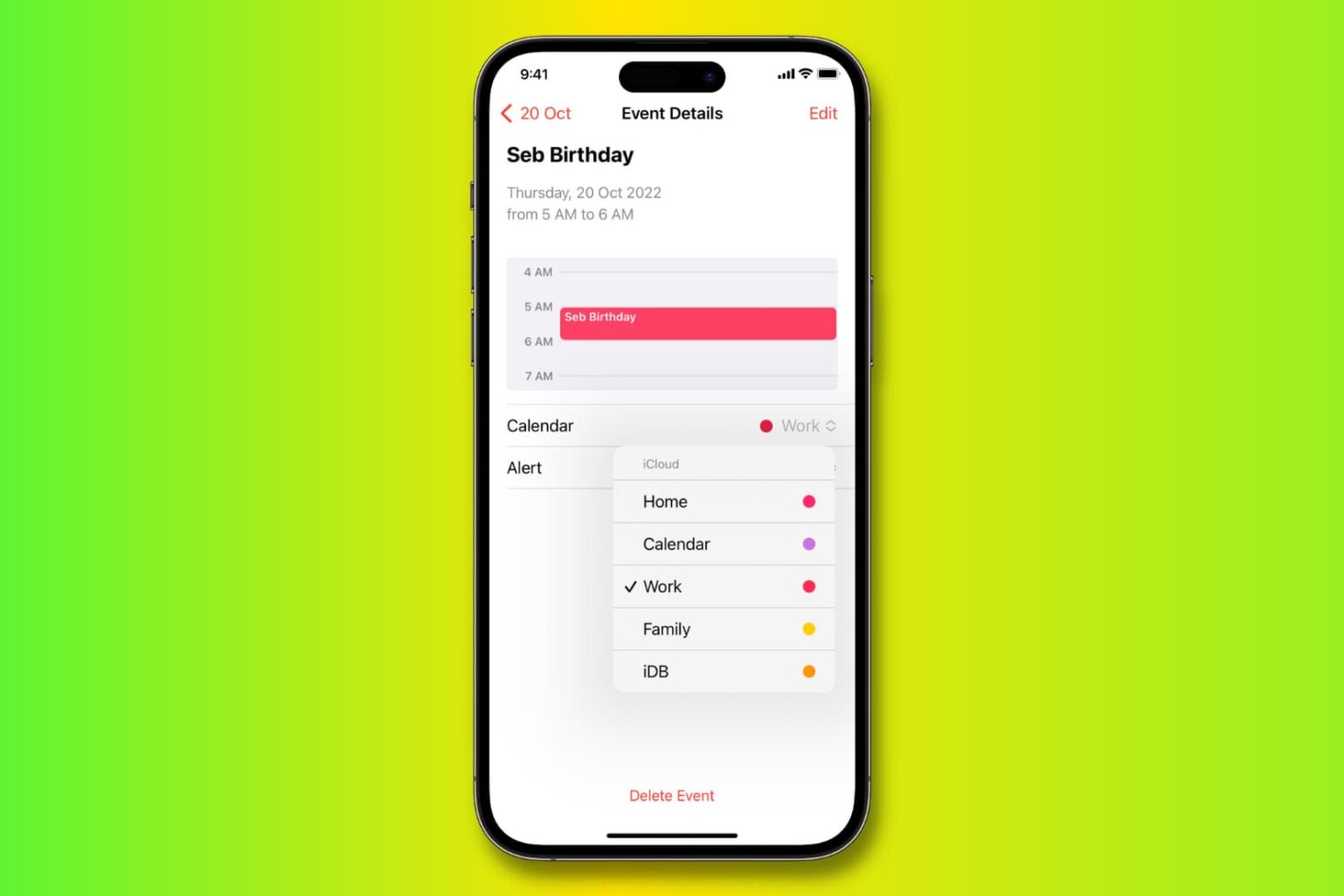
Learn how to move, copy, and duplicate events in the Calendar app on iPhone, iPad, and Mac to stay organized across all your different calendars.
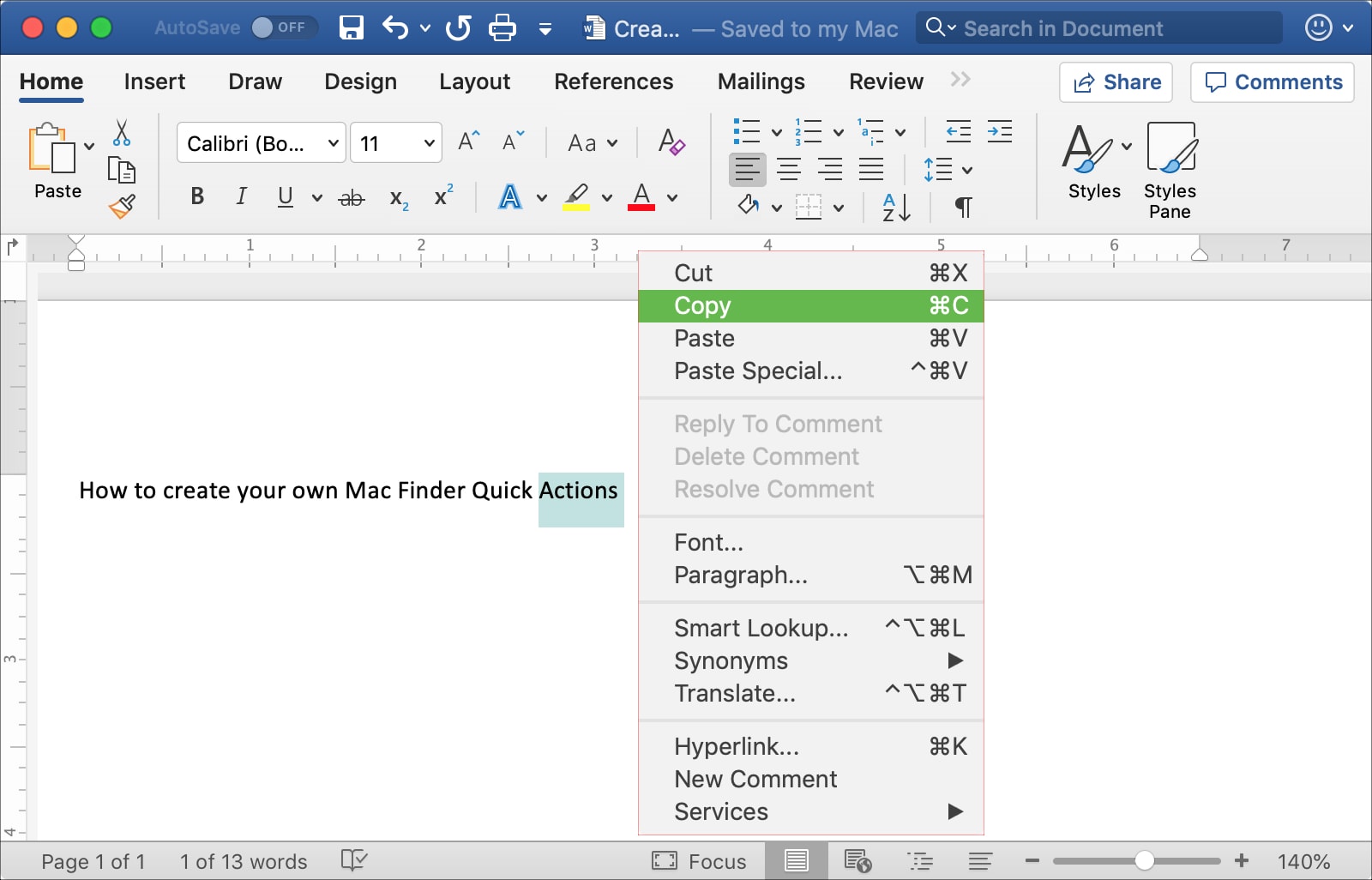
This tutorial shows you three different ways to copy and paste text on Mac using a keyboard shortcut, your mouse or trackpad, and from the menu bar.
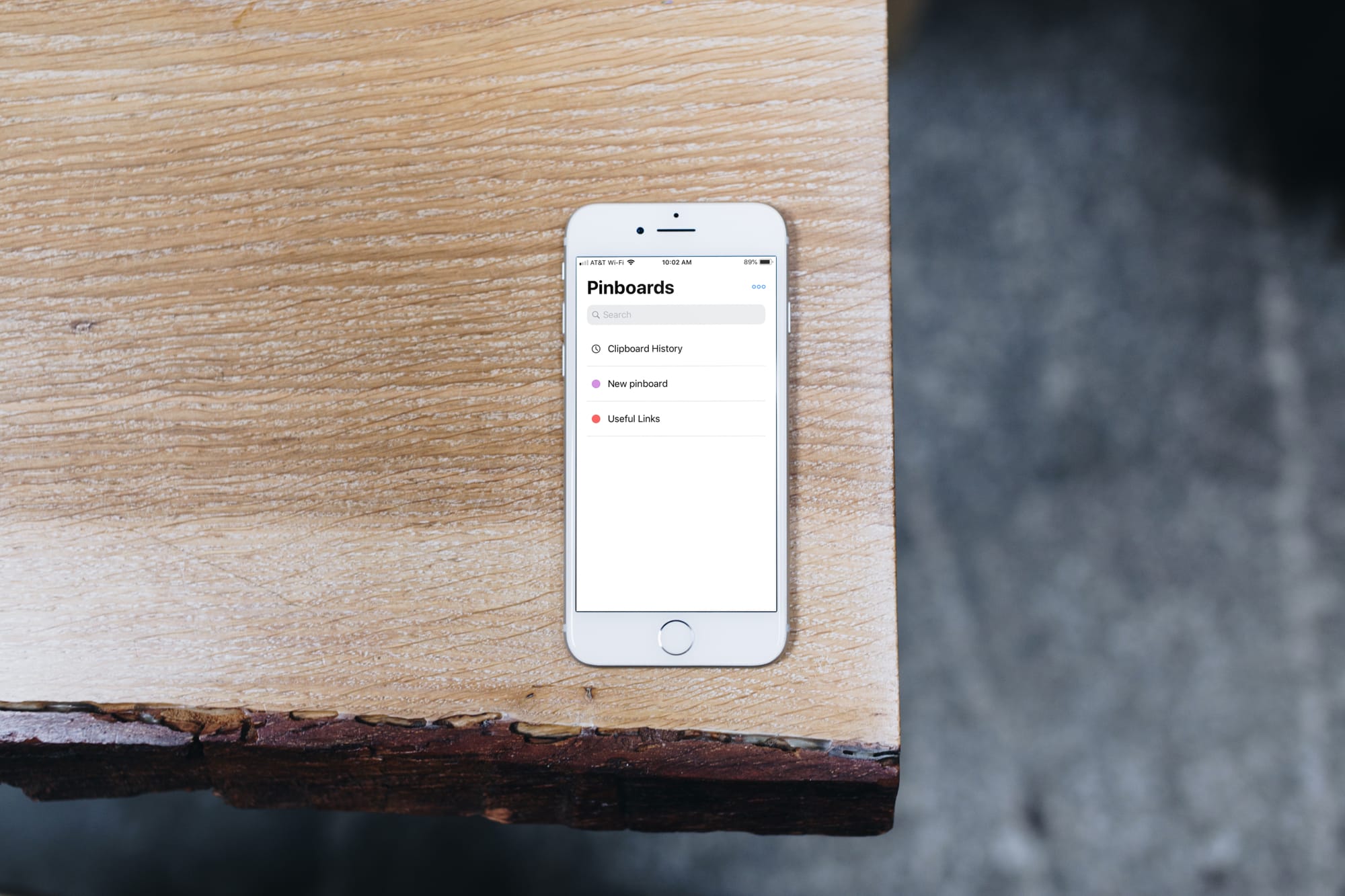
Clipboards are valuable tools for writers, programmers, students, and so many others. Copying references, code, links, text, and similar items and keeping them for later saves us time because we can grab what we want as soon as we see it.
The Universal Clipboard on iOS and Mac is great and lets you copy and paste across devices. The problem is that you only have the last copied item handy. What if you want to save more than that?
This is where clipboard manager apps for iPhone come in to help. You can save and manage all of your clippings quickly and easily. These are the best free clipboard managers for your devices and they each work with the Universal Clipboard as well for an awesome bonus.
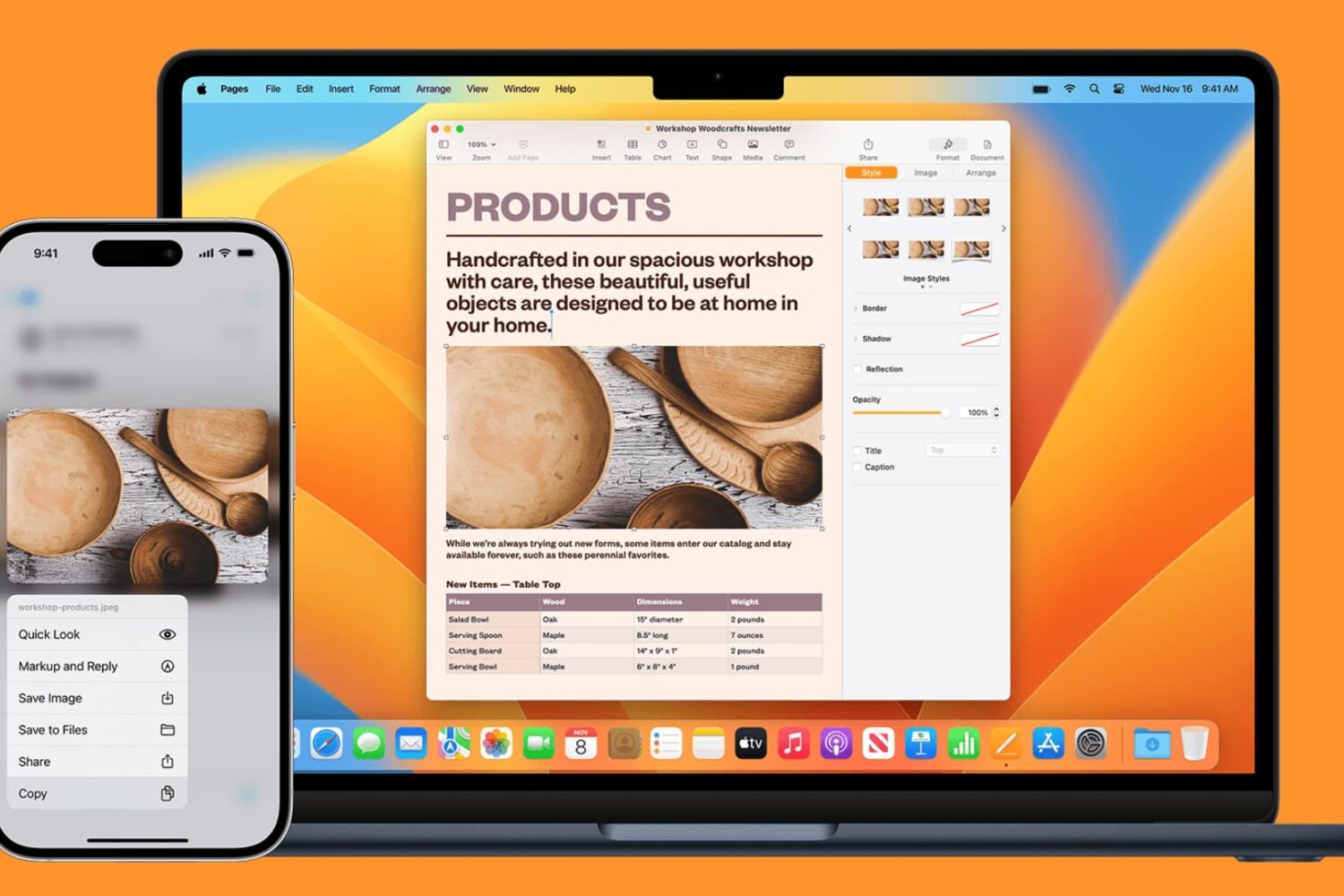
Learn how to seamlessly copy and paste text, images, links, and files across your iPhone, iPad, and Mac using Universal Clipboard.
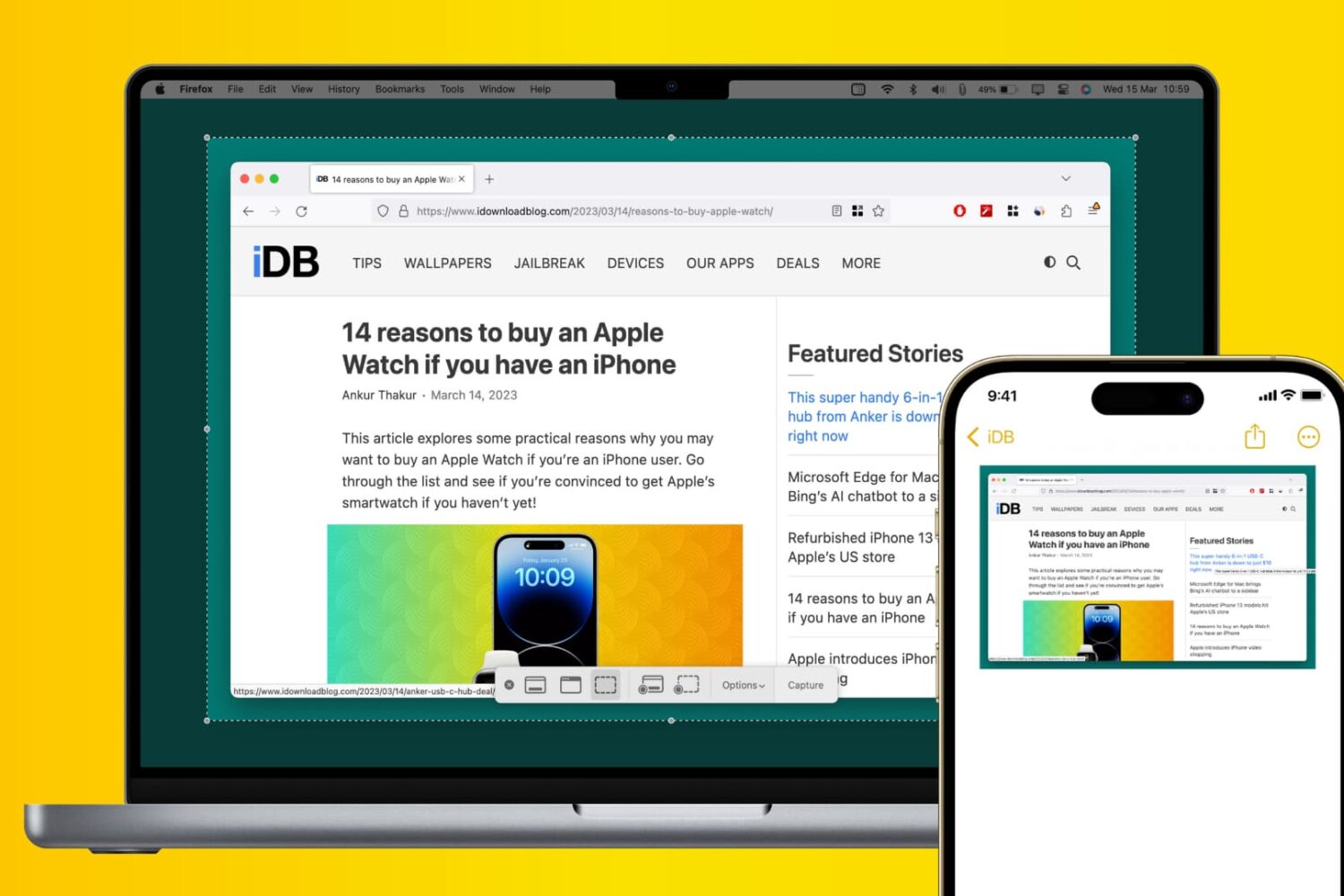
Learn how to use Apple’s Universal Clipboard to copy and paste Mac screenshots into iPhone apps like Notes, Mail, or social media, boosting your productivity.
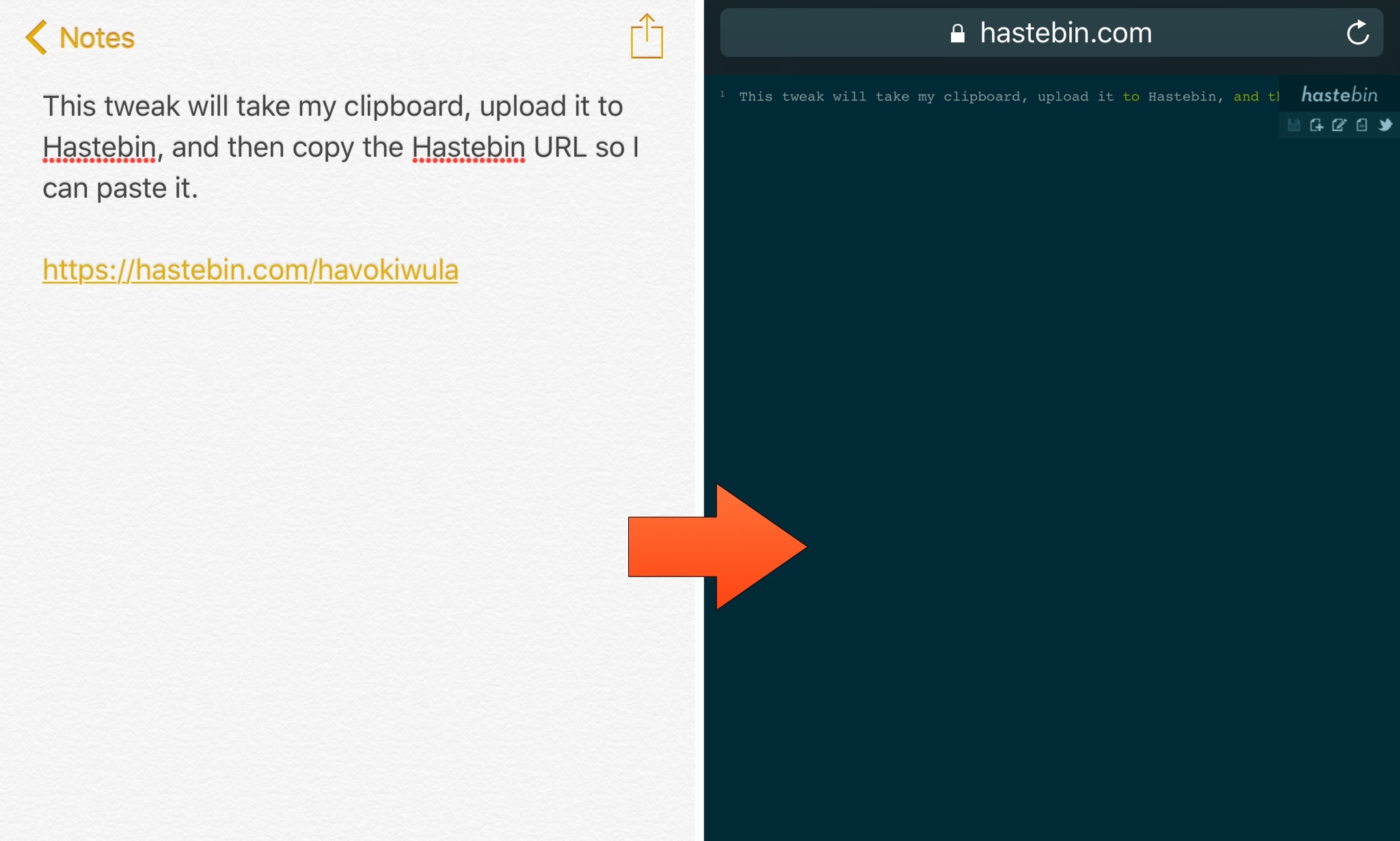
Hastebin is an open-source alternative to the popular Pastebin website that lets you upload snippets of code or text online for more comfortable sharing. It can be a useful tool, so iOS developer ipad_kid came made a new free jailbreak tweak called ActiHastebin that makes sharing snippets with Hastebin even simpler for you power users out there.
ActiHastebin integrates with Activator, a well-established add-on for jailbroken devices. It’s straightforward to use and works smoothly, delivering the results you’d expect on an Apple device.
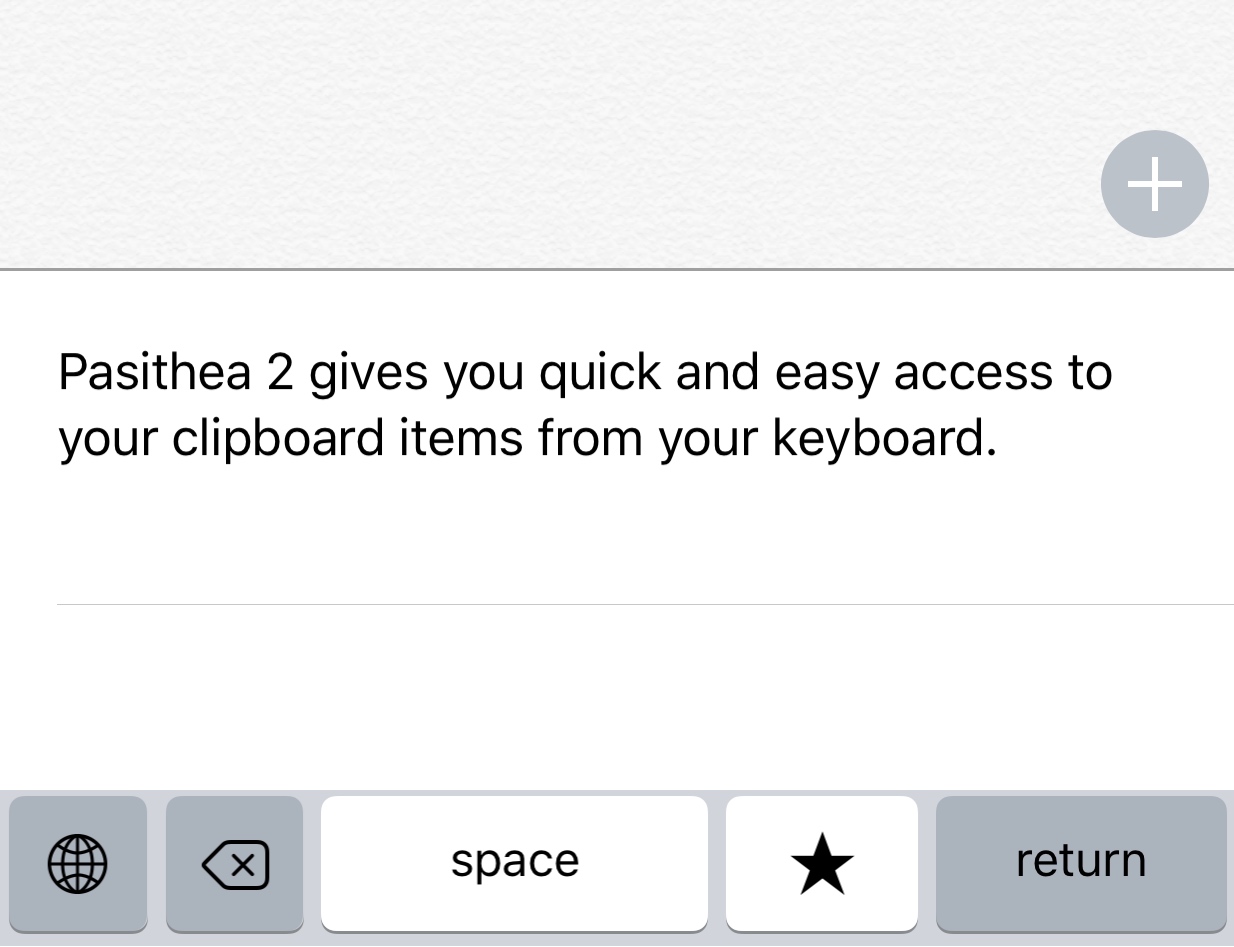
Anyone who does a lot of texting or typing on their iPhone or iPad knows that iOS’ copy and paste system leaves a lot to be desired.
Fortunately, a jailbreak tweak called Pasithea 2 by Cannathea can help make using the pasteboard less of a hassle by integrating it right into the keyboard itself.
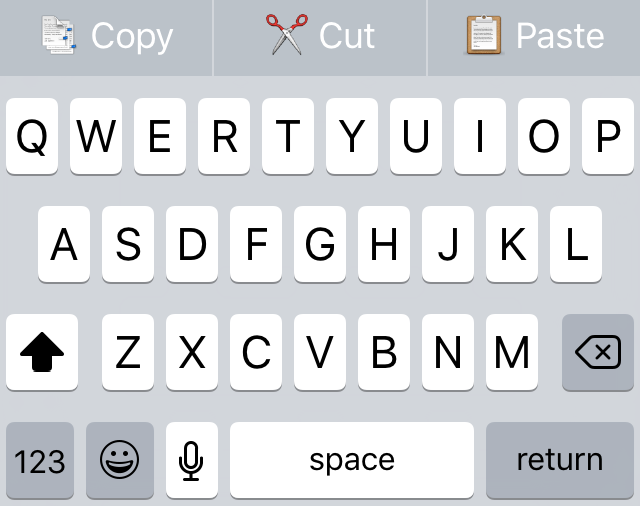
Text editing can be so cumbersome on the iOS platform, mostly because of having to tap and hold on text to select it and then having to wait for the editing menu to appear on the screen afterwards.
Fortunately, a new free jailbreak tweak called PreditctionShortcuts adds cut, copy, and paste options right to the QuickType section of the keyboard for ease of access. Best of all, it doesn't even impede on your ability to use the predictive typing features.
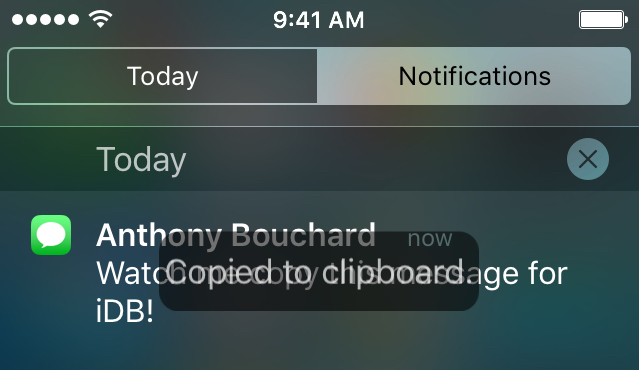
Sometimes you get important information from people in your iOS notifications that you'd like to do more than just read. For these situations, a new free jailbreak tweak called NotiCopy will come greatly in handy.
With this tweak, you can easily copy the information in any notification from your Lock screen or Notification Center to your clipboard so you can paste it later on.
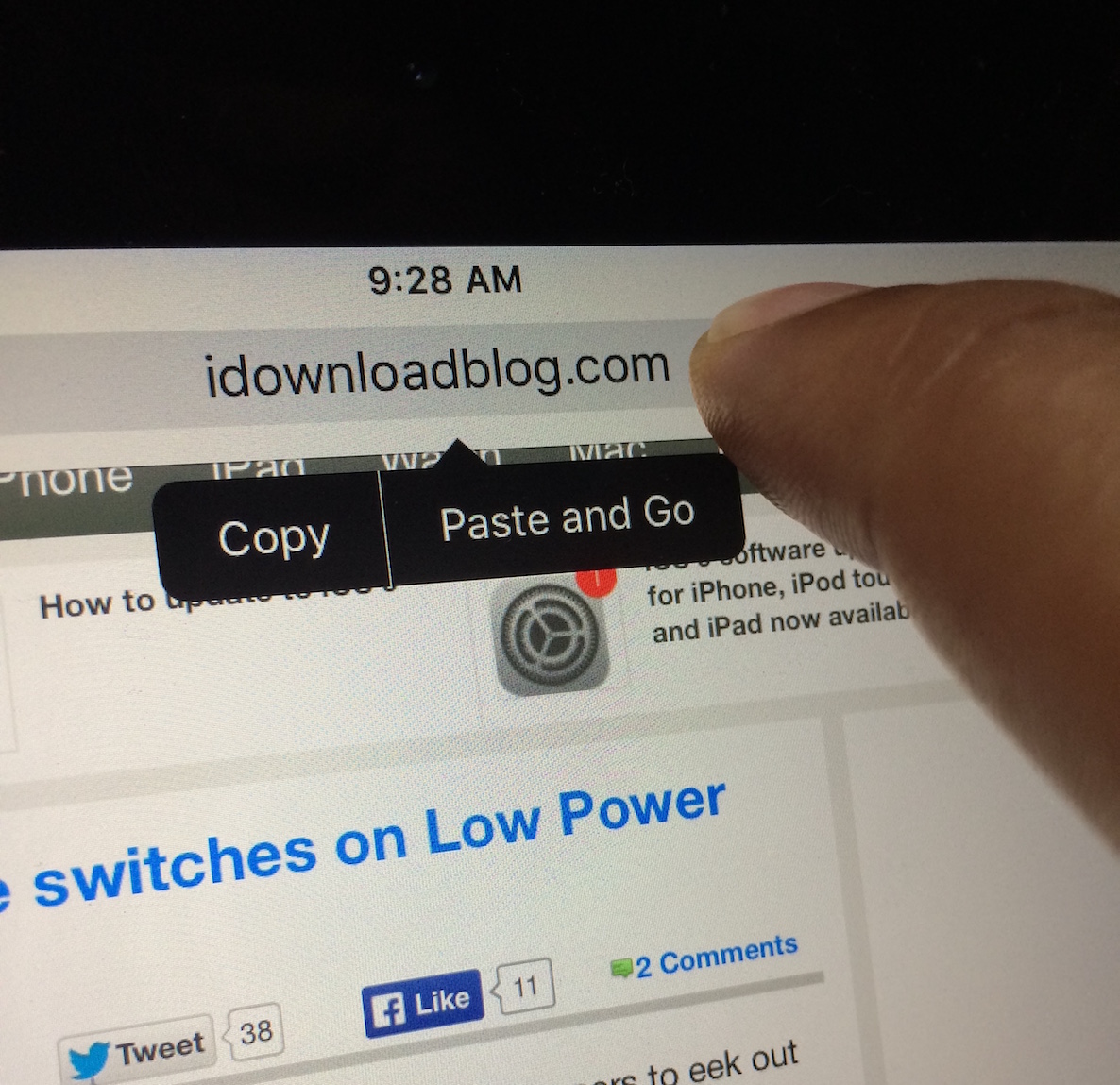
Here's a handy new under-the-radar feature in iOS 9's Safari browser: the ability to quickly paste an item from your pasteboard, and submit a search via Safari. iOS 9 also allows you to quickly paste a URL and submit the URL.
Both of these features require that a user have text copied to the pasteboard, whether that be a full URL, or general text for performing a search. Of course, this isn't a huge groundbreaking feature, but it can save you seconds, and over time, seconds add up.

The Mac’s copy and paste function is generally not something I think about. Sure, I use it. In fact, I use it every single day. It’s just that I never have to think about it. It’s a universal constant. No matter what machine you’re on or what you are trying to accomplish, copy/paste always works the same way. It always does the exact same thing and with the exact same limitations. Dmitry Obukhov’s Paste seeks to change that.

Sometimes, I want to quickly access a very specific or short bit of text, like a phone number from an email that I don’t want to save to my contacts, or a quote from a movie that I want to remember to share with a friend. I will usually copy text and save it in my Notes app, but there is now an easier way to store multiple copied pieces of text without having to even open an app.
Copy & Paste | Clipboard Widget is a simple app with one very useful feature. Copy any bit of text or image and it will automatically be saved in the Today section of Notification Center. You don’t even have to keep the app open in Multitasking for it to work.