Wander: An add-on for Apple’s Shortcuts app to install the Odyssey jailbreak

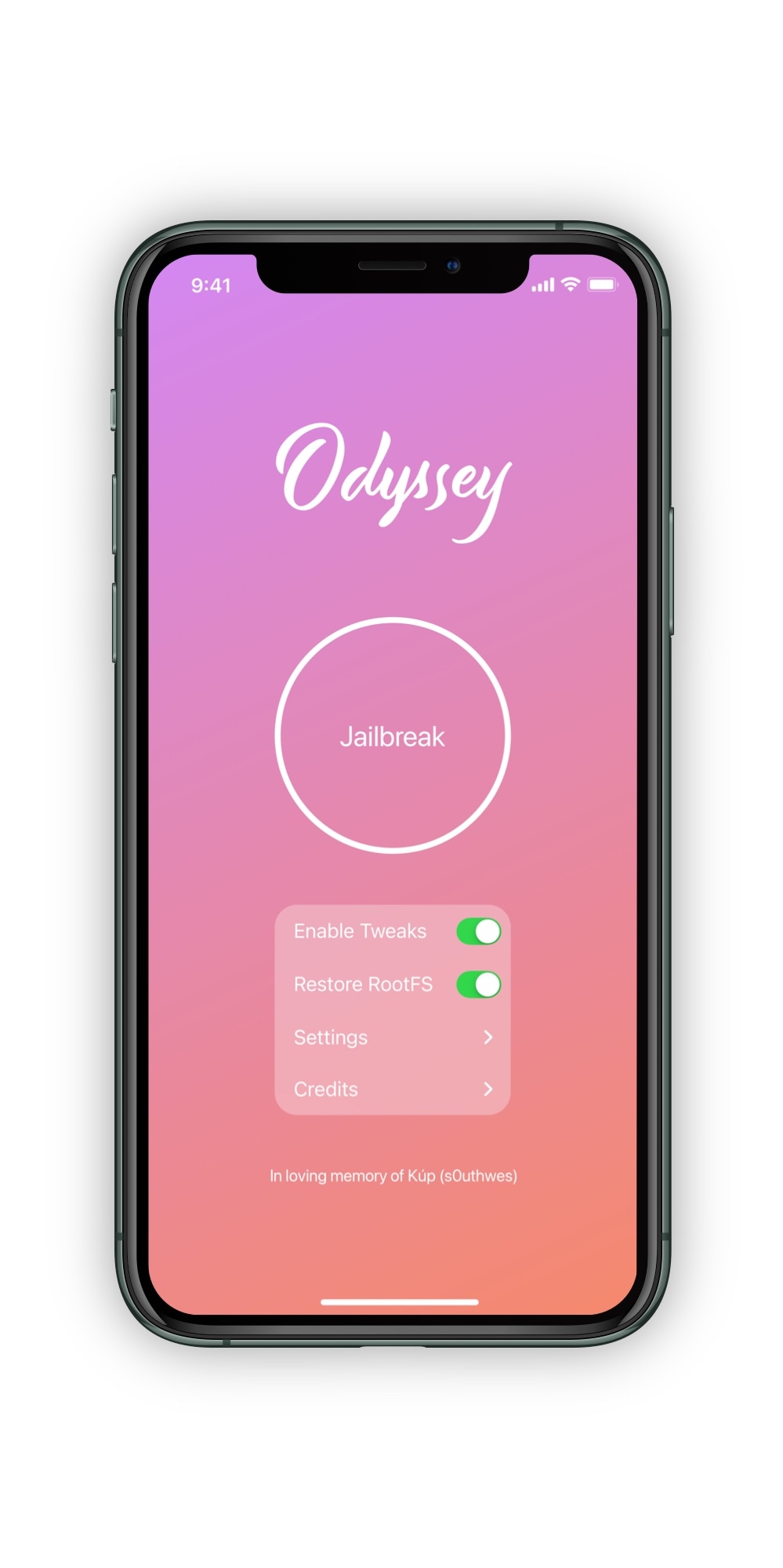
The Odyssey Team officially released the Odyssey jailbreak to the general public last week following a limited public beta testing period. While the Odyssey jailbreak can be installed with the AltStore utility for both Mac and Windows, some users might be excited to learn about a new on-device option dubbed Wander by BurritoSoftware, which can be used to deploy an installation shortcut via Apple’s own free Shortcuts app.

Wander is especially made for iOS 13 devices, which makes it an ideal match for the iOS 13-centric Odyssey jailbreak. The new shortcut installs the Odyssey jailbreak with just a tap, and more importantly, is fully compatible with other side-loading utilities including AltStore, ReProvision, and signing services like Jailbreaks.app. The announcement that it would be used by the Odyssey Team was made via Twitter:

Enlighten improves the low light camera performance of jailbroken iPhones

Every year when Apple announces a new flagship iPhone, you can bet that the company has poured tons of money into research and development to improve the photo quality of the rear-facing camera. While it doesn’t always come by way of more megapixels, the company’s software-centric photo processing can be top notch – except when it’s not.

iOS developer XCXiao recognized that something needed to be done about the iPhone’s somewhat dismal low-light photography performance, and consequently created a new jailbreak tweak called Enlighten to improve this particular aspect of iPhone photography. Examples of the tweak at work, compared against Apple’s existing Night Mode feature, are depicted below.

Check out these streetcars wallpapers

The iDownloadBlog Wallpapers of the Week collection brings you photo quality images for your Home and Lock screens. Today's transportation themed collection highlights the unsung hero of mass transit. Modern or historic, streetcar wallpapers prove this train is quite photogenic in the following downloads.

How to run the checkra1n jailbreak on a Windows PC with bootra1n

If you follow the checkra1n team closely on Twitter and you pay attention to the our news pieces as the team releases updates to the tool, then you’d probably come to assume that you can’t run the checkra1n jailbreak unless you have a Mac or a computer running Linux. While the aforementioned state is still technically true, you can use a helpful utility called bootra1n to run the checkra1n jailbreak on your Windows PC.

While it takes a little more finesse than simply running the checkra1n application on a Mac or a Linux box, using bootra1n is a great way to get jailbroken if you don’t have access to either of the above. In this tutorial, we’ll be showing you how to go about it, step by step.