Google's kid-focused YouTube app received a major update today with a brand new look and feel. Amongst its other enhancements are profiles for each child, plus new parental controls.
YouTube Kids gets new parental controls, profiles & adaptive UI
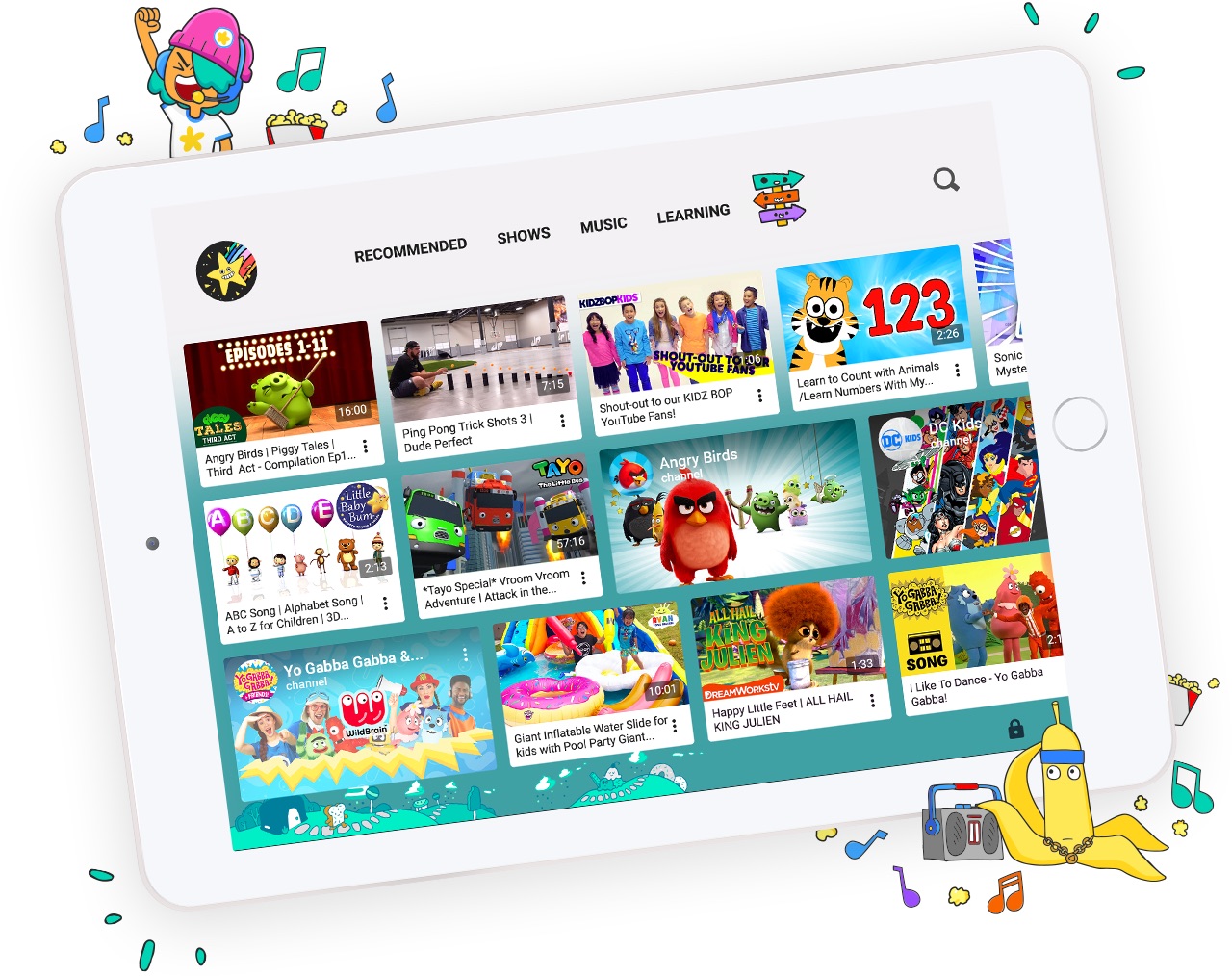
Google's kid-focused YouTube app received a major update today with a brand new look and feel. Amongst its other enhancements are profiles for each child, plus new parental controls.
Billboard has announced a change in the weight it will give to various types of streaming music services in its calculations for its charts. Consequently, Apple Music and other paid streaming music services will soon be receiving a boost in how their listening numbers are used to determine the music charts
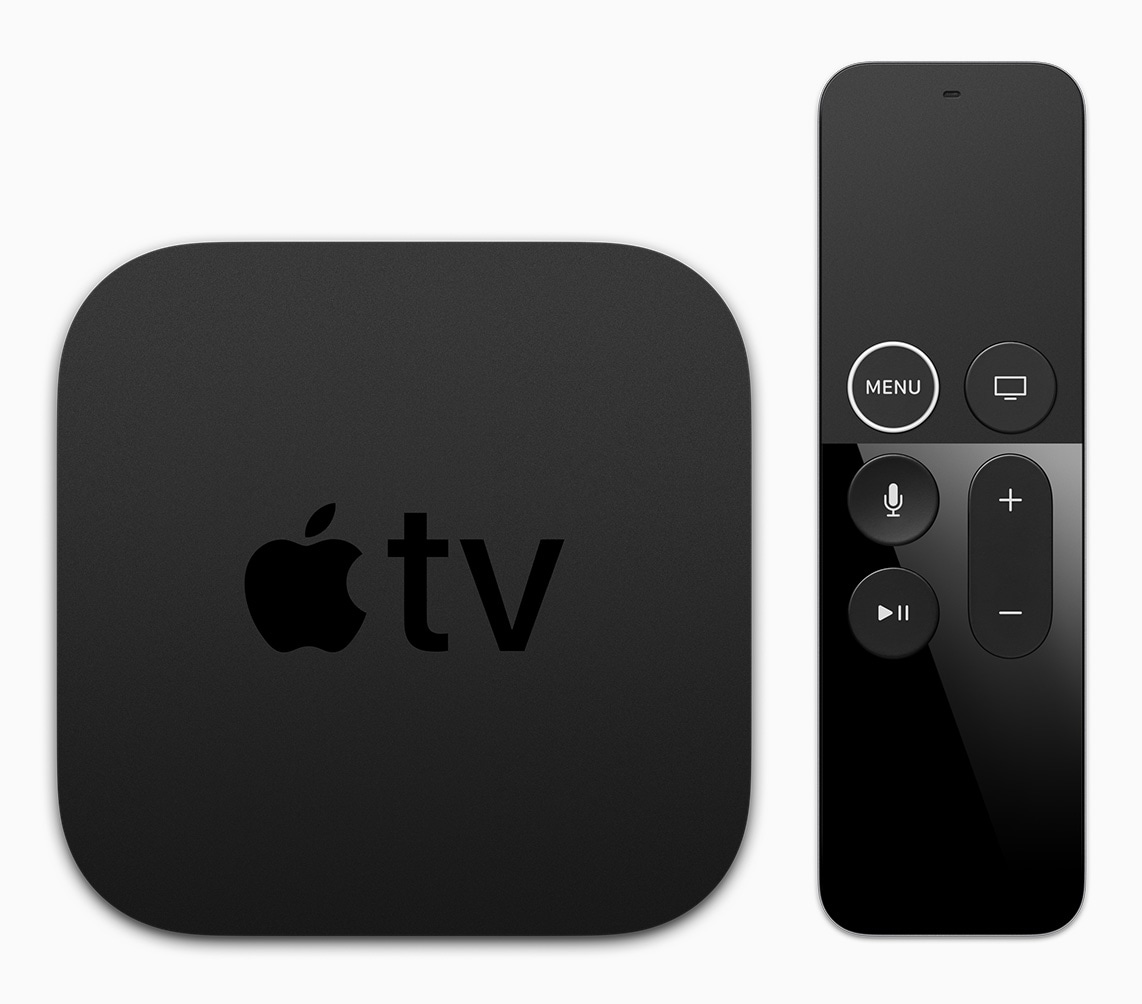
While support for the object-based Dolby Atmos surround sound technology is “on the roadmap”, it's unclear when Google's YouTube app for tvOS might serve 4K HDR video on Apple's upcoming 4K-enabled media streamer.
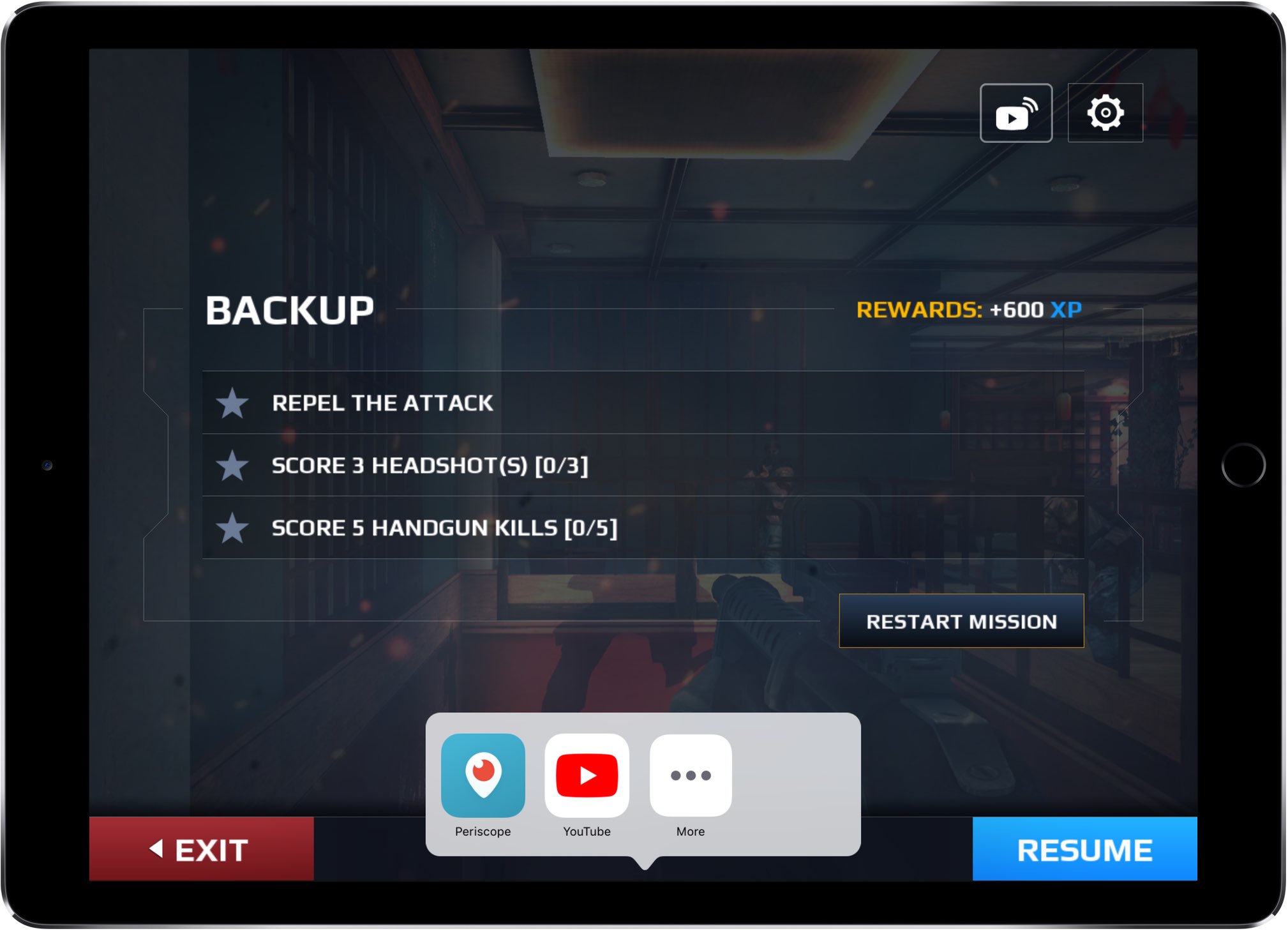
Google today updated its mobile YouTube app for iPhone and iPad with support for live streaming via ReplayKit, Apple's framework introduced in iOS 9 and tvOS 10 that lets you record or stream video from supported apps and games and audio from the microphone.

Learn how to change the playback speed of YouTube videos so you can speed up (up to 4.00x) or slow down (up to 0.25x) the clip to a pace that’s suitable for you. The steps here apply to iPhone, iPad, Android phone, and computer browsers.
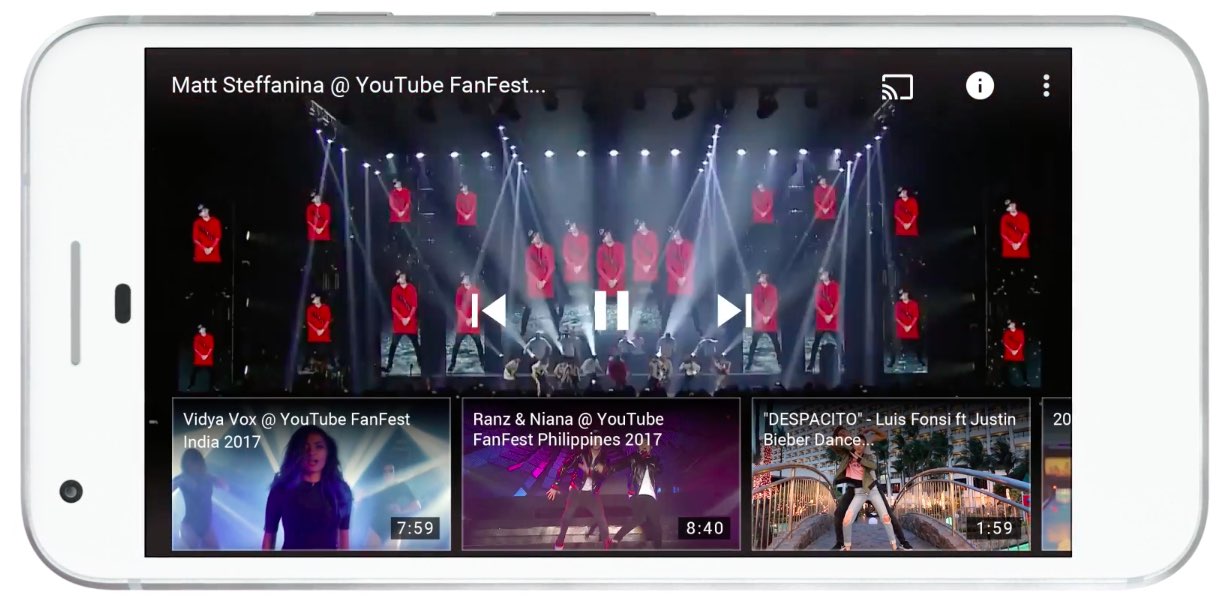
Google's YouTube app for iOS is undergoing some changes amid a broader redesign and rebranding effort reflected in the service's revamped logo and icon, announced earlier today.
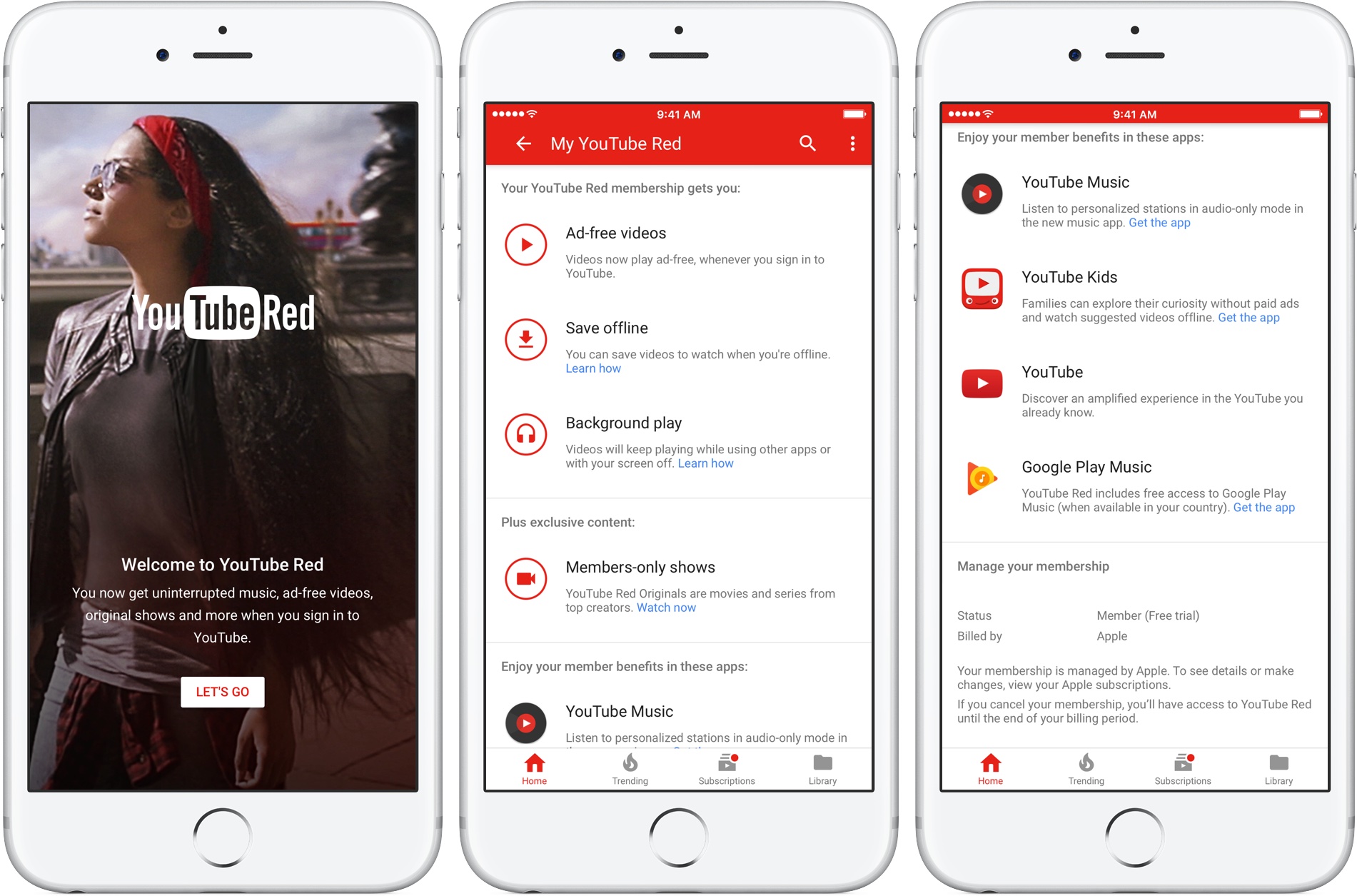
Google will combine its YouTube Red and Google Play Music subscription services into a brand new subscription package, YouTube's head of music Lyor Cohen has confirmed during today's panel session for the New Music Seminar conference in New York.
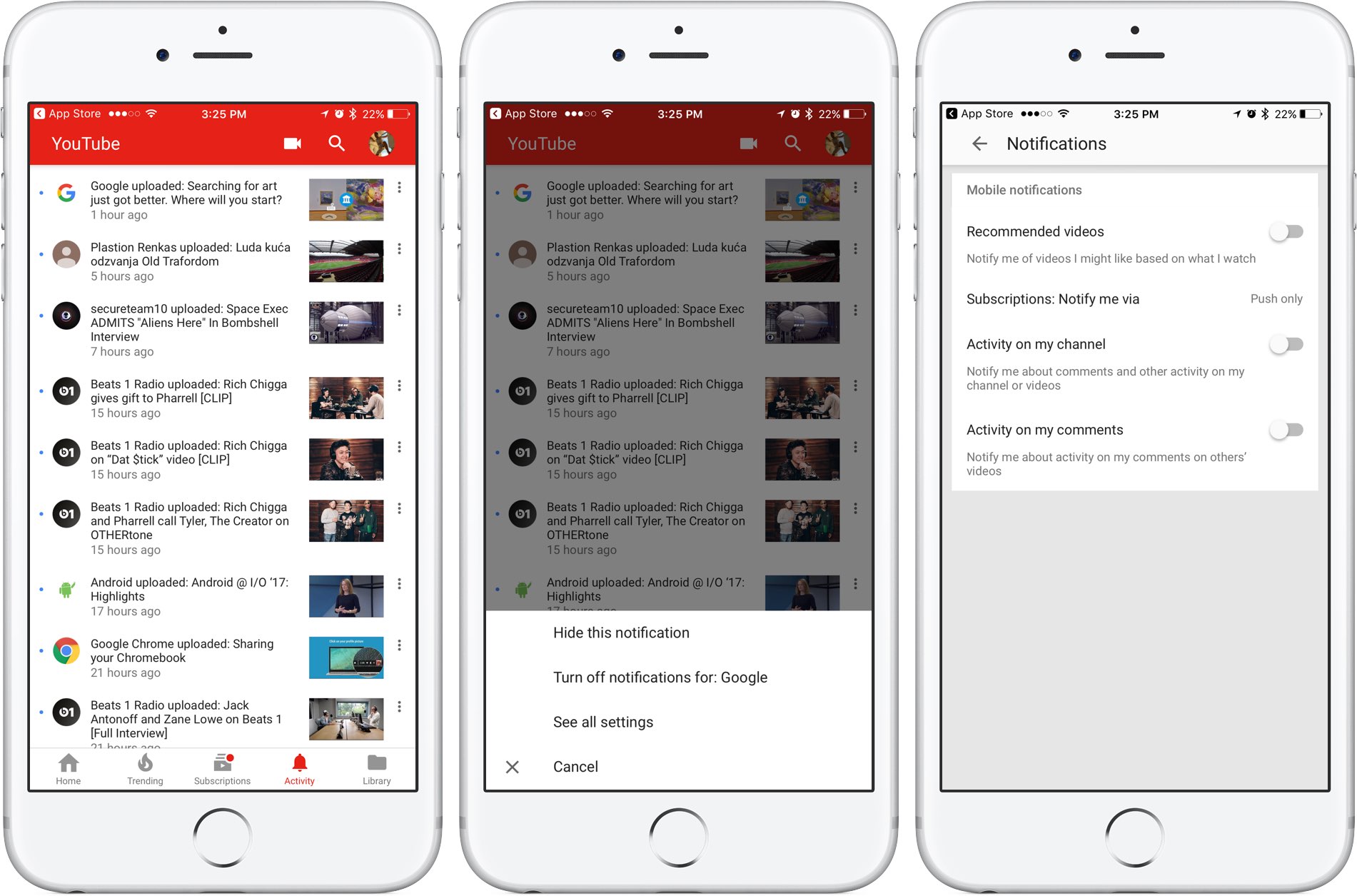
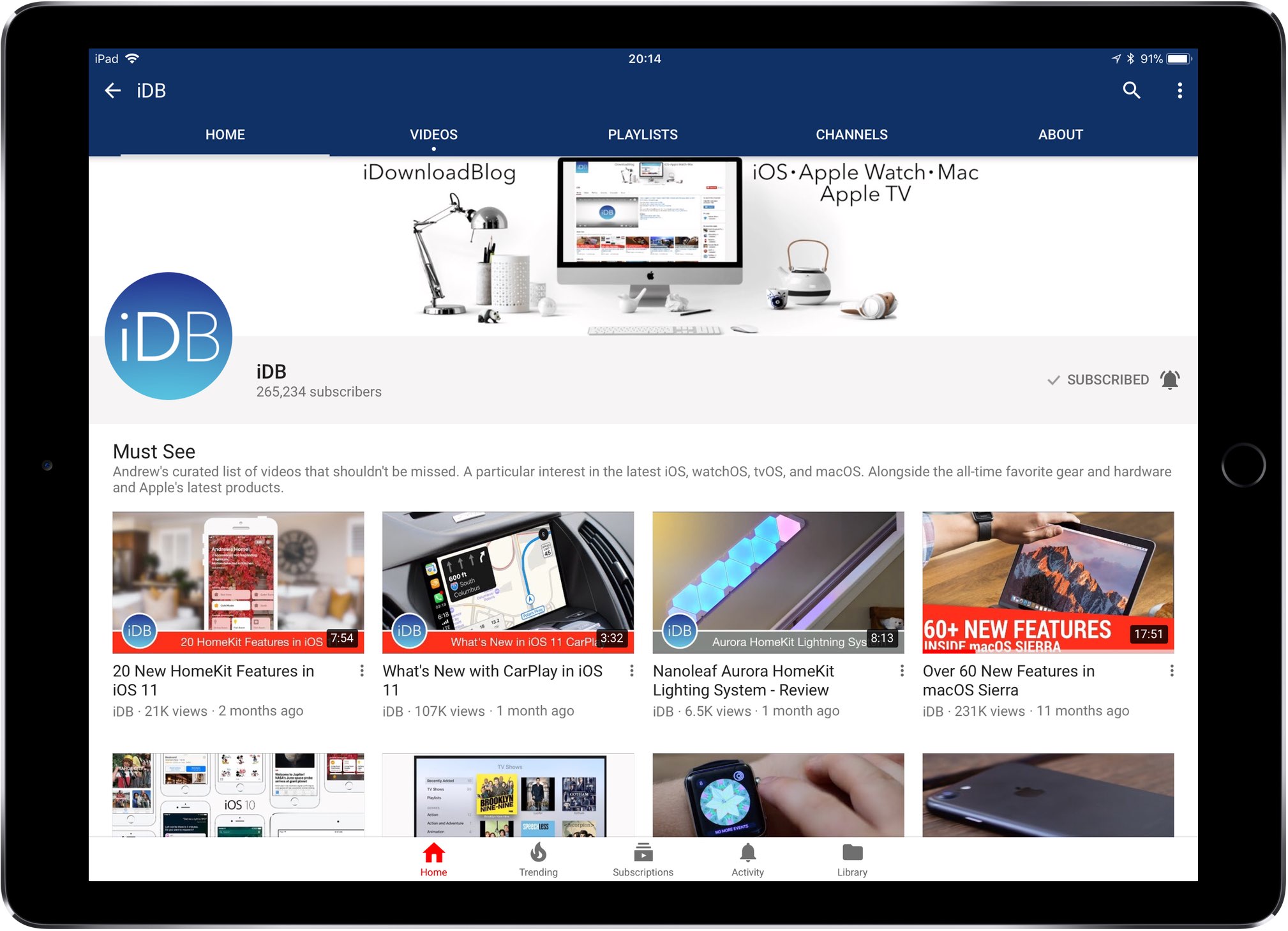
Google is rolling out a small update to its mobile YouTube app for iPhone and iPad, bringing out an all-new Activity tab where you can easily find and control all of your notifications.
Now you can see your notifications, opt-out of receiving alerts from specific accounts and more—all in one central place just a tap away no matter where you happen to be in the app.
The new tab joins the app's existing tabs: Home, Trending, Subscriptions and Library.
Before today, accessing notifications was a multi-tap affair: you were required to tap your profile picture in the app's top-right corner, then hit Notifications (see the screenshot below).
Functionally, nothing has changed drastically—the new Activity section still shows notifications from your favorite accounts in the order they were received.
The old way of managing your YouTube notifications was a multi-tap affair.
Tapping the three dots next to a notification allows you to hide that particular notification, just like before, as well as elect to turn off all future notifications for that account and more.
Tapping the option See All Settings takes you to settings where you can turn notifications on or off for any recommended videos, choose whether you'd like to be notified about activity on your comments or others' videos, select how you'd like to be notified and more.
The new Activity tab requires YouTube for iOS version 12.20 or later.
Grab YouTube for iOS for free form App Store.
Google today updated its official YouTube TV app with support for AirPlay, an Apple technology that lets you play video streamed from your iPhone or iPad on a TV set through your Apple TV.
“Announcing AirPlay! There are a few bug fixes and minor improvements in this thing, too. But mostly AirPlay,” reads the changelog for YouTube TV on App Store.
Prior to today's update, YouTube TV only supported broadcasting content from the app to a television set via Google's Chromecast HDMI dongle.
Google launched its new streaming television service back in April 2017.
In exchange for $35 per month, cord-cutters can enjoy live TV streaming from Fox, ABC, CBS, NBC and other popular cable networks along with content from an additional 39 local broadcast networks and channels, like ESPN.
Some sports channels like Fox Soccer Plus, as well as premium networks such as Showtime, are available for an additional monthly charge. DVR with unlimited storage is included in the subscription at no additional charge.
https://www.youtube.com/watch?v=qediav063xQ
YouTube TV can be used with up to six accounts in a single household without needing to share passwords between family members.
YouTube TV is separate from the YouTube Red service, which costs ten bucks per month.
YouTube TV is currently limited to select cities, like Chicago, Los Angeles, New York City, Philadelphia and the San Francisco Bay Area.
For more information, visit tv.youtube.com/tv/availability.
You can try YouTube TV free for 30 days by signing up at tv.youtube.com.

Back in September 2016, Google's YouTube received its own social network of sorts with the launch of a new Community feature.
With YouTube Community, your favorite creators can better express themselves beyond video by engaging viewers using text posts, GIFs, images and more.
Those types of posts appear in a new Community section on creators' channels and directly in viewers' Subscriptions feed.
In this tutorial, we're going to teach you how to enable or disable posts from the YouTube community in your Subscriptions feed.
The mobile Viber app today received an interesting update that enables a special mode for enjoying YouTube clips without having to leave the app, which resembles iOS 9' picture in picture feature on iPad. As part of Viber versions 6.8.2 for iOS, tapping a YouTube URL sent or received in a conversation now brings up a floating overlay that can be moved around so that you can enjoy the video in minimized view while you do other things within the app.