WhatsApp

Add new privacy and aesthetic options to WhatsApp Messenger with ABetterPrivacyforWhatsApp

WhatsApp Messenger is one of the most popular third-party messaging platforms used on the iOS platform today, but there are countless ways it could be improved.

With a new free jailbreak tweak called ABetterPrivacyforWhatsApp, iOS developer CydiaGeek provides jailbroken WhatsApp Messenger users with the means of customizing their experience, allowing for better privacy and aesthetics in the app.

WhatsApp gains chat pinning, comprehensive file sharing & more in latest update

As part of a broader set of capabilities recently teased for the Facebook-owned WhatsApp messaging platform, the app has now gained a trio of new features in the latest update. WhatsApp version 2.17.40 for iOS brings a chat pinning feature, multi-format file sharing and other improvements.

With the pinning feature, you can make it so your favorite chats remain at the top of the list, so you can quickly find them. To use this feature, just swipe right on a chat in the conversation list, then tap a Pin or Unpin option.

The app has also expanded the file sharing feature, which now allows you to share any type of file with one or more recipients. To send files of any type, open a chat, tap the plus icon at the bottom then choose the Document option.

In the popup menu, select your favorite storage provider like iCloud Drive, Dropbox, Google Drive and so forth (any app that includes an iOS Document Provider extension should be available from the menu).

And lastly, when you receive multiple photos the app now lets you tap and hold on the group of photos to quickly forward or delete all of them in one fell swoop.

Download WhatsApp for iPhone, iPad and iPod for free from App Store.

WAStatusVolume brings a WhatsApp-inspired volume HUD to iOS

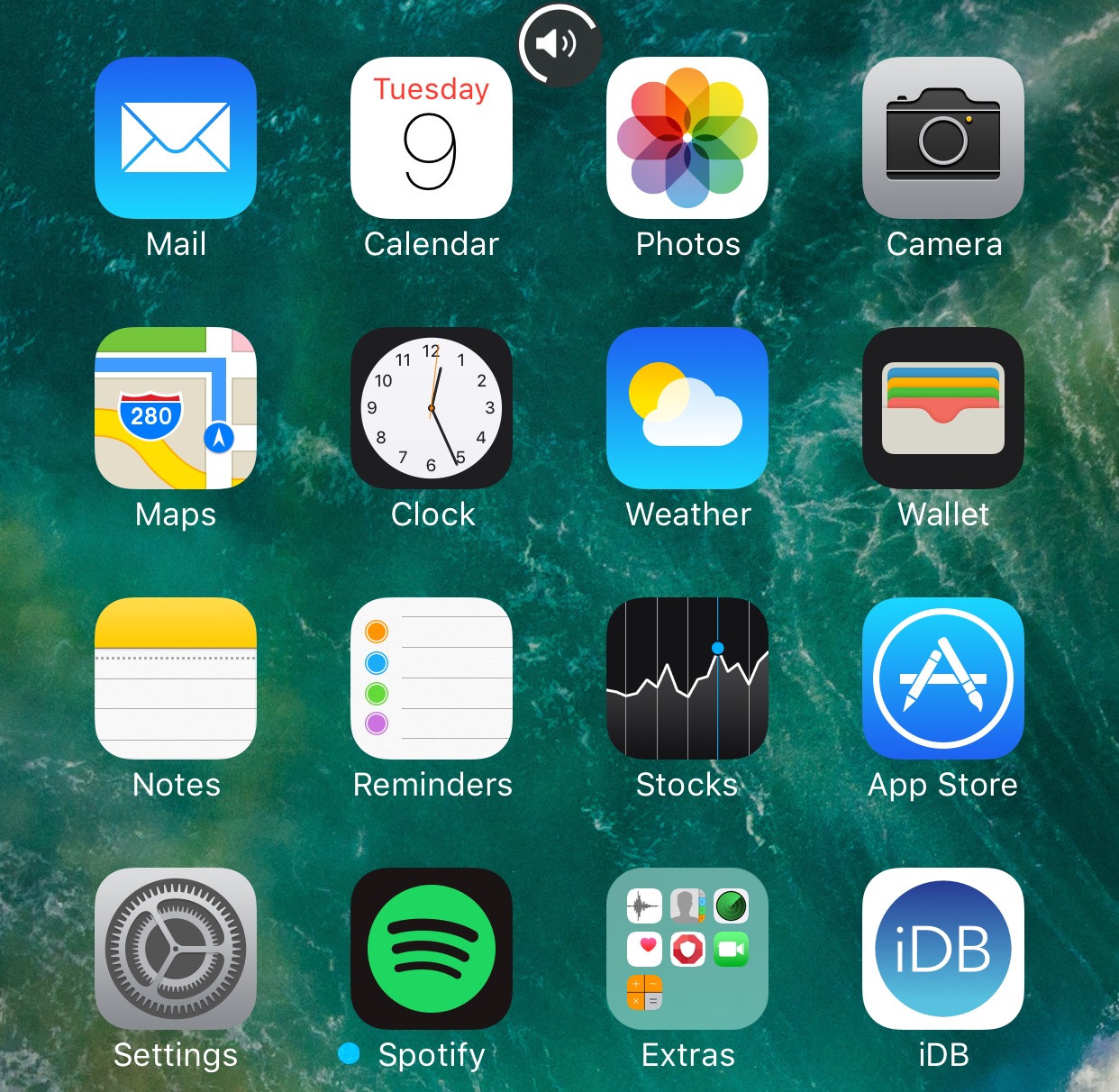
The jailbreak community has brought forth a myriad of different solutions for replacing the ugly stock volume HUD in iOS, but one of my favorites so far is a new jailbreak tweak dubbed WAStatusVolume by iOS developer midkin.

This tweak takes a WhatsApp Messenger-styled approach to making the volume HUD experience better by taking the same volume indicator you’d normally see in the WhatsApp Messenger app and making it available system-wide.

WhatsApp quietly added encryption to iCloud backups in late 2016

WhatsApp last year closed an important security loophole by adding encryption to users' chat backups stored in iCloud. Before the change, hackers could theoretically gain access to WhatsApp chat archives in iCloud using third-party forensic tools to access underlying messages in a readable form.

Rather than rely on iCloud Drive to protect customer data, the Facebook-owned company has added a unique encryption key created by the WhatsApp app.

A spokesperson confirmed iCloud backups are now being encrypted, telling Forbes: “When a user backs up their chats through WhatsApp to iCloud, the backup files are sent encrypted.”

Although Apple holds the encryption keys for iCloud, it's up to app makers to use encryption when sending user data to iCloud. According to TechCrunch, a Russian company called Oxygen Forensics, which supplies mobile and cloud hacking tools, was able to generate encryption keys for WhatsApp's iCloud backups.

The workaround requires that an attacker have access to a SIM card with the same mobile number that the app uses to send a verification code to generate the encryption key for the iCloud backup. Of course, Oxygen still needs a user's Apple ID and password to gain access to their iCloud user space in the first place.

“Then, using the associated SIM, Oxygen said it can generate the encryption key for decrypting the data by passing the verification process again,” explains TechCrunch. Forbes suggests the method could be used by police in possession of a device where the WhatsApp account has been deleted but iCloud backups have not been wiped.

https://twitter.com/FiloSottile/status/861569977681412096

In other words, after realizing that forensic tools could be used to download encrypted WhatsApp data from iCloud backups in a readable form, WhatsApp has beefed up security and quietly rolled out encryption for iCloud backups last year.

You can backup your entire WhatsApp chat archive to iCloud by tapping the Settings tab in the lower-right corner of the app. Now tap Chats, then Chat Backup and finally hit Back Up Now.

By the way, WhatsApp should update the wording of the Chat Backup screen because it states, somewhat confusingly, that “media and message you back up are not protected by WhatsApp end-to-end encryption while in iCloud.”

WhatsApp testing chat pinning, photo albums, message revoking & other upcoming features

The popular messaging app WhatsApp is experimenting with a new pinning feature in the chat list that, when released for everyone, will permit you to stick up to three contacts to the top of the conversation list, regardless of when they last messaged you.

As first noted by AndroidPolice, it was spotted in the latest beta builds of WhatsApp for Android. Other features in an iOS beta of the app include albums, the ability to revoke a message after it's been sent, sending your real-time location to friends and family and more.

WhatsApp Albums, another upcoming feature, is in its early stages of development. Eventually, it will let you create custom albums of photos for sharing with individuals and groups.

Like other WhatsApp features, albums use end-to-end encryption.

According to WABetaInfo on Twitter, the unsend feature may be remotely enabled in the latest stable version of WhatsApp. Full support for rich notifications is being worked on, too.

Recent WhatsApp updates brought us improvements like the ability for Siri to read aloud newly received messages, text-only statuses, two-step verification for your account, sending messages offline, searching for animated GIFs from Gify and more.

You can join the WhatsApp for Android beta channel on Google's Play Store, by tapping Join Beta at the bottom of the listing. WhatsApp for iPhone betas require a jailbroken device.

WhatsApp for iPhone gains Siri voice support for reading new messages & other new features

The popular messaging app WhatsApp for iPhone was update yesterday with a few new features, bringing the ability to have Siri read new messages you have received via the service. The Facebook-owned software now supports the Persian language while the Group Info, Contact Info and Calls sections have been revamped to make them easier to use. WhatsApp's two-factor authentication interface was tweaked as well.

WhatsApp brings back text-only status, adds new features in latest update

A few weeks ago, WhatsApp rolled out auto-vanishing slideshows with photos, videos, emoji characters, drawings and more. Called Status, it supplanted WhatsApp's text-only feature that's been part of the app since its inception. Turns out many users are hating the change, turning to social media to express their disdain with WhatsApp's relentless cloning of Snapchat. WhatsApp developers responded by promising to bring back text-only statuses.

Today, WhatsApp for iPhone was updated with the addition of text-only statuses, called About, whilst gaining a few new features.

WhatsApp to bring back its original text-only status feature

WhatsApp's longstanding text-based status feature was recently supplanted by Snapchat-esque slideshows containing auto-vanishing images, photos, emoji, drawings and other multimedia items. Our tutorial explains how to use this new feature, but it seems many users are unhappy with the overhauled status. If you count yourself in this group, you'll be delighted to learn that Facebook is working on bringing back the original status feature, called About.

WhatsApp gains offline message sending, overhauled storage usage screen & more

Facebook-owned WhatsApp was refreshed on App Store this morning with a few new features. Bumped to version 2.17.1, the iPhone application now lets you queue up messages while offline to be delivered when the device regains an Internet connection.

WhatsApp's storage management screen has been redesigned and now allows you to selectively delete specific media file types on a per-chat basis.