Video

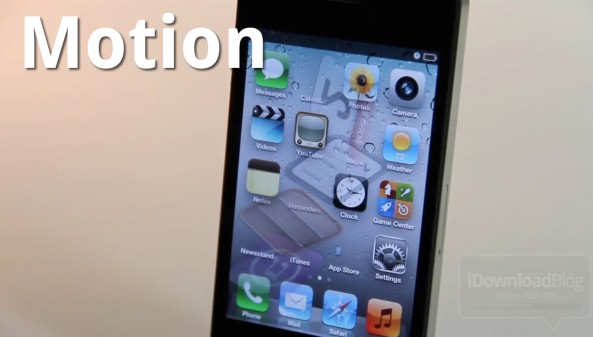
Motion Adds Visual Mayhem to Your iPhone’s Home Screen

Motion is a new jailbreak tweak that can seriously spice up your iPhone's Home screen, if you're into that sort of thing. The tweak does this by adding quite a few animation options to the app icons on your Home screen.

Best of all, Motion clocks in at a reasonable $1 on the Cydia Store. Should you try it out? Check out our hands-on video inside and judge for yourselves...
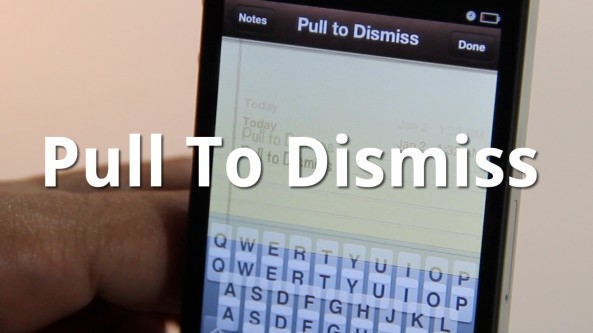

Easily Dismiss Your Keyboard With Pull To Dismiss

Is your iPhone's keyboard getting in the way? If so, then you may want to give Pull To Dismiss a try.

Pull To Dismiss is the latest jailbreak tweak from Ryan Petrich that allows you to easily dismiss your iPhone's keyboard with a simple pull. It works similar to pull to refresh, except instead of refreshing the content on the page, it dismisses your keyboard...

How to Set Up Spire [Video Tutorial]

A few days ago chpwn released Spire, a legal Siri port for the iPhone 4 and other devices. The release was met with much excitement, and likely just as much confusion. How does it work? Can it work with an existing Siri Proxy?

Getting Spire working on your non-iPhone 4S device may seem daunting, but it's actually fairly straight forward, especially if you've successfully followed our Siri Proxy tutorial in the past. The Spire setup pretty much involves the same steps needed to get Siri Proxy working, with a few notable differences thrown in.

Check inside as I show you how to get Siri running on your iPhone 4 using Spire. This should also work for other devices, like the fourth-generation iPod touch...

MapReminders: Setup Location Based Reminders Using Maps

The location-based aspect of the Reminders app is convenient but limited. As of now, all you can really do is setup reminders based on your current location or the contents of your Contacts app.

With MapReminders, you can peruse an entire map to setup reminders for certain locations easily. Check out our video walkthrough of this upcoming jailbreak tweak...

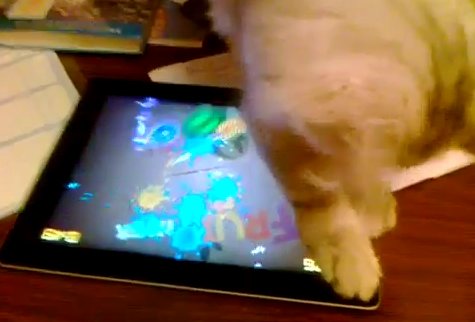
Cat Playing Fruit Ninja is Super Awesome

We've conducted extensive tests here at iDB, and we have come to the cat-egorical (see what we did there?) conclusion that there is nothing more awesome on this planet than cats. Ceiling cat, keyboard cat, the list goes on.

Now we can add Fruit Ninja cat to the growing list of fantastic felines, after a video surfaced of one such feline showing that fruit just who the boss really is.

Just watch this video, we dare, nay double-dare you to not raise a smile. Perhaps even giggle a tad...

LocationHolic: Fake Your iPhone’s Location [Sponsored]

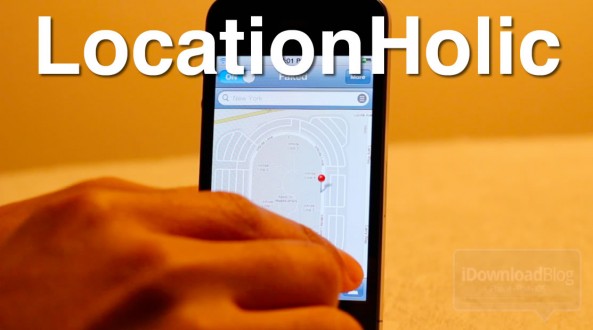
Want to travel across the globe without leaving the confines of your humble abode? If so, then look no further than LocationHolic, a location-spoofing jailbreak tweak for the iPhone, iPod touch, and iPad.

LocationHolic works by essentially overriding your device's location data with a location of your choosing. Choosing the location is as simple as searching or even placing a pin on a map. It really doesn't get any simpler than LocationHolic, as you'll see in our video walkthrough...

How to Save Favorites Notes to Your Home Screen With SBStickyNotes

The Notes app is a great app for saving quick items that you need to get back to later, but often it's easy to forget that you wrote anything down in the first place.

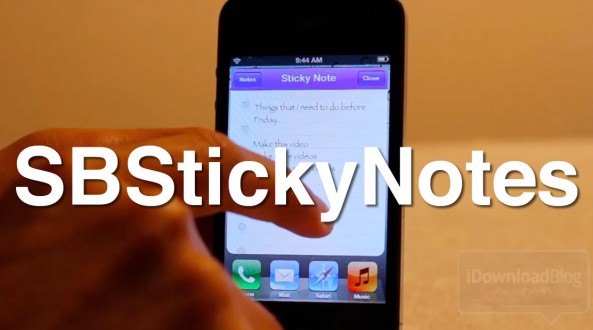
With SBStickyNotes, forgetting just became a tad more difficult. That's because this tweak allows you to save favorite notes to you Home screen as a bookmark.

We've gone hands-on with SBStickyNotes on video; check inside to view the full walkthrough...

How to Enable Multitasking Gestures on Your iPhone With Zephyr

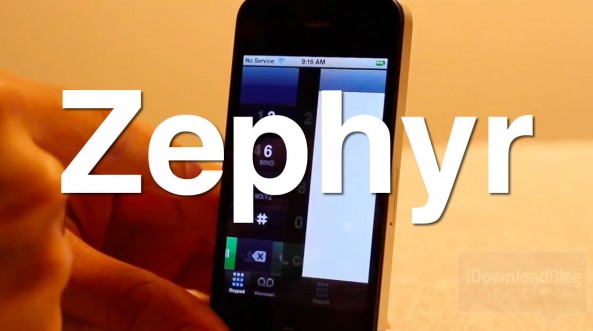
Yesterday we told you about chpwn's new jailbreak tweak entitled Zephyr. It's a tweak that can easily enable iPad-esque multitasking gestures on all iOS devices running iOS 5.

Inside, we personally demo how easy it is to get multitasking gestures on iOS 5. It's as simple as jailbreaking your device, and installing chpwn's excellent tweak. You don't want to miss this...

How to Jailbreak iOS 5.0.1 Untethered And Preserve Your Unlockable Baseband

Today, as we're sure you're aware of, the untethered jailbreak for iOS 5.0.1 was released. Tools like RedSn0w and packages like Corona were released to take advantage of pod2g's untethered exploit.

If you've had an iPhone 4 since launch, then it's entirely possible that you've preserved your baseband up until now for unlocking and resale value.

If your primary concern is preserving your baseband for an UltraSn0w unlock, then you'll be happy to hear that PwnageTool is back, and it packs full iOS 5.0.1 compatibility in tow...

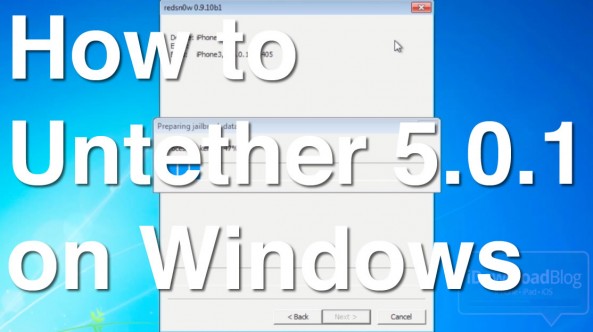
How to Perform an Untethered Jailbreak on iOS 5.0.1 Using Windows

Jailbreaking iOS 5.0.1 is about as easy as it can get on both Mac and Windows, but Windows users might encounter a couple of hiccups along the way if you're not careful.

The main thing to remember is that RedSn0w works best on Windows when you use XP Compatibility Mode and run it as an Administrator. By following those handy suggestions, the jailbreak process on Windows is just as easy as it is on the Mac.

Check inside for a video tutorial that shows how to perform an iOS 5.0.1 untethered jailbreak on a Windows 7 machine...

How to Get the iOS 5.0.1 Untethered Jailbreak Using RedSn0w

By now you've probably read our earlier report that there is finally an untethered jailbreak for iOS 5.0.1. This is thanks to the amazing work of iOS hacker pod2g, but also thanks to GeoHot, who found some of these exploits a while back.

As we mentioned in our previous post, there are two ways to untether iOS 5.0.1. If you're already jailbroken, you may want to use Corona Untether 5.0.1. If, however, you're still running a stock iOS 5.0.1 version, then this RedSn0w tutorial is for you...