Video

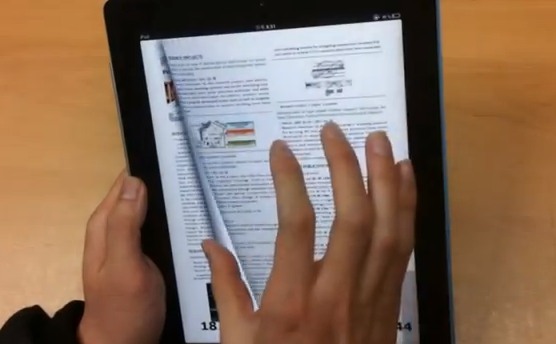
Flipping Through the Pages on an iPad eBook, Just Like You Do on a Real Book

Apple's recent release of iBooks 2 has truly revolutionized the textbook industry, but the multi-touch experience in iBooks could use some major improvements. As it stands, Apple's official eBook app is limited to one basic swiping motion between pages. The KAIST Institute of Information Technology Convergence's new patented multi-touch interface for eBooks, on the other hand, is quite the contrary.

The prototype has several new multi-touch gestures that allow for you to flip through pages, bookmark with your fingers, turn through multiple pages at once, write page numbers, and more. You have to watch the video demonstration for yourself...
How to Install Mobile Terminal for iOS 5 on Your iPhone

Those of you who use Mobile Terminal know that the version currently in Cydia hasn't been updated in a while, and currently doesn't support iOS 5 and above. As usual, we have a fix for you.

As a matter of fact, we had a fix for you three months ago, when we first published a tutorial on how to install MobileTerminal on your iPhone running iOS 5...

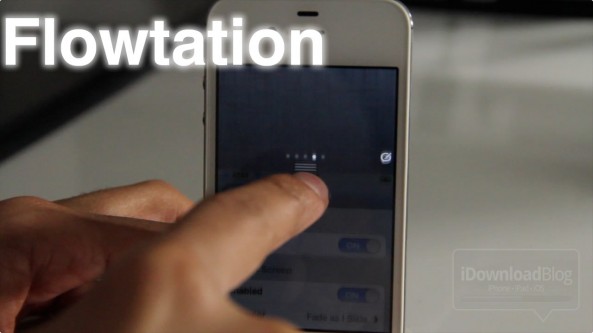
Flowtation: A Stylized Take on Notification Center

Looking to add a bit more style to Notification Center? If so, then you've come to the right place.

Flowtation is a recently released jailbreak tweak that does just that, adds visual style to the way Notification Center behaves when revealed.

Instead of Notification Center overlapping the current content on your screen, it physically pushes the content out of the way when displayed.

It's not the easiest concept to explain with words, but that's what video is for...

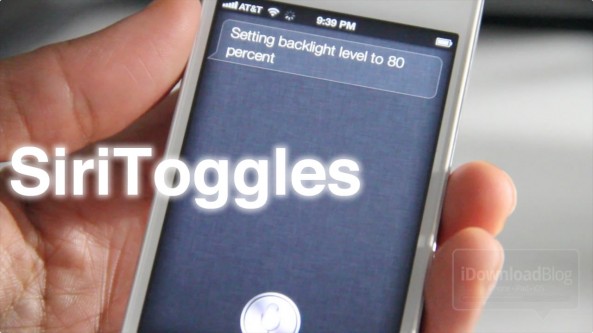
SiriToggles: Launch Apps, Control Brightness, and Toggle Settings Via Siri

It has barely been a day, and we've already seen a plethora of new jailbreak tweaks to take advantage of Siri in new ways. The latest is SiriToggles, and it looks like it could be one of the most promising thus far.

SiriToggles is like SBSettings for voice. You can literally control most of the vital aspects of your iPhone that you normally adjust on a day-to-day basis. Things like brightness, Wi-Fi, 3G, Bluetooth, and more can all be controlled using Siri commands.

Even better, Siri Toggles allows you to launch apps; and when we say launch apps, we mean every app, jailbreak or otherwise. Folks, you do not want to miss our preview of this jailbreak tweak if you're in possession of an iPhone 4S. This is going to make your lives a whole lot easier...

How to Jailbreak the iPhone 4S and iPad 2 With Absinthe for Windows

Alright all of you Windows users, as promised, the Chronic Dev Team has just released a Windows version of its new jailbreak utility, Absinthe. The software works on both the iPhone 4S and the iPad 2.

The program is pretty straight-forward. So if you're a veteran jailbreaker, feel free to grab Absinthe from our Downloads page and get started. But for those looking for help, here's an easy to follow step-by-step tutorial...

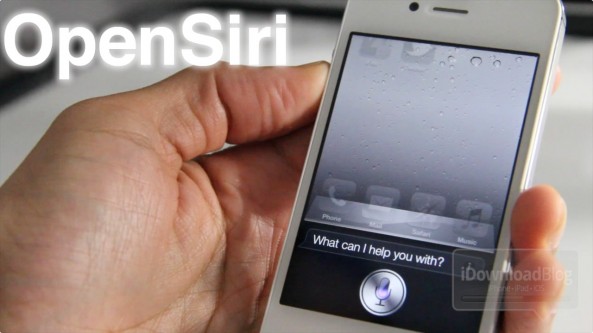
OpenSiri: Launch Apps Natively Using Siri

Didn't we tell you? The floodgates are opening for Siri tweaks now that the iPhone 4S jailbreak is available.

OpenSiri is among the Siri tweak freshman class, and it allows you to launch stock Apple apps, plus Facebook and Twitter apps using nothing but your voice.

Check out our hands-on video of OpenSiri in action...

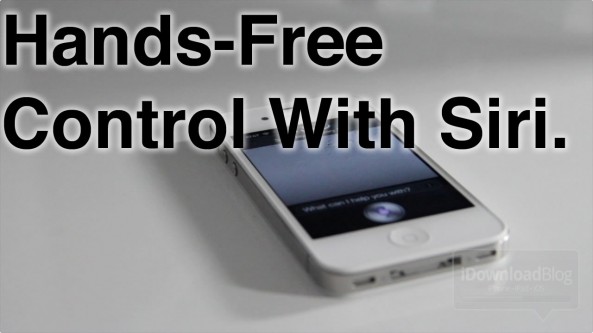
‘Hands-Free Control’ Takes Siri to the Next Level

The potential is startling. Once you play with Hands-Free Control in a true Siri environment on the iPhone 4S, it really hits you how much potential jailbreaking adds to Siri. Truly, the sky's the limit here as far as voice recognition and the like are concerned.

Imagine laying in bed with your iPhone half-way across the room. Problem: You forgot to set the alarm. Actually, no problem at all. With Hands-Free Control, Siri is always at your beckoning call...

Having Problems With Your Jailbreak? Try These Tips

Lots of happy people have successfully jailbroken their iPhone 4S and iPad 2 over the last 24 hours or so, but some are still having problems pulling off a successful jailbreak on both Mac and Windows.

We understand the frustration that some of you have been experiencing, and we really want to help you. True, the Windows Command Line Utility isn't exactly the easiest tool to jailbreak with, but it can be done, and has been done successfully by many of our viewers and readers.

That being said, there are still quite a few that seem to be having issues, so if that describes you, step inside, and let's discuss some things that might help...

VoiceUtils: Execute Custom Siri Commands on a Jailbroken iPhone 4S

Folks, the madness has started. One of the first jailbreak tweaks featuring custom Siri commands has officially made its way to the Cydia store, and it's called VoiceUtils.

VoiceUtils allows you to respring, reboot, power off, and enter safe mode — all via Siri. You're definitely going to want to check out our video of it in action...

How to Change Your Siri Microphone Color

Now that the iPhone 4S jailbreak is finally among us, it's time to start the fun. One of the most obvious features to tweak is Siri, the extremely popular personal assistant that's pretty much exclusive to the iPhone 4S outside of tweaks like Spire and the like.

One of the first tweaks available for Siri customization is Siri Mic Colors; in fact, this tweak has its own dedicated repo that houses multiple tweaks to alter the color of Siri. And we've got it all on video, check it out inside...

How to Jailbreak the iPhone 4S and iPad 2 Untethered With Absinthe

Ladies and gentlemen, boys and girls. The moment you've all been patiently waiting for. This iPhone 4S untethered jailbreak and iPad 2 untethered jailbreak have been released.

Indeed, as we initially told you just a few minutes ago, you can now download Absinthe and jailbreak your iPhone 4S or iPad 2 untethered.

Check inside as we guide you through the entire jailbreak process step-by-step...

iBooks Educational Event Wrap Up

There's been quite a bit to digest today regarding Apple's excellent educational event. I think the rumors that we'd see a "Garageband" for iBooks pretty much panned out like we expected.

To sort out all of the details, we've compiled a post explaining the highlights from Apple's event, along with details on the software involved and videos plus download links.

If you're at all behind on Apple's Media event this morning, don't worry, we've got you covered.