Video

How to open Home screen shortcuts with Google Chrome

Earlier in the day we covered BrowserChooser, a jailbreak tweak developed by Ryan Petrich, which allows you to assign Google Chrome as your default web browser.

It's a great tweak, and works exactly as expected; it was even recently updated with a few new additions such as the ability to have a dialogue to select your browser of choice when opening a link, and the ability to make the dialogue sheets say "Open with Chrome" instead of "Open with Safari".

One thing BrowserChooser doesn't do, however, (at least for the time being that is) is allow you to open Home screen shortcuts/bookmarks created via Safari with Google Chrome. Browser Changer is a tweak that's been around for a very long time, and it was recently updated to allow you to do just that.

Check out our hands-on walkthrough inside...

Top 10 Google Chrome features for iOS

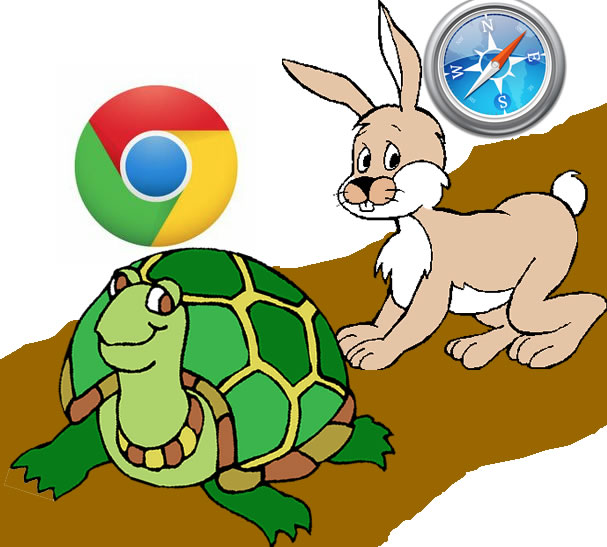
As we reported yesterday, Google Chrome was released on iOS and it was met with much fanfare. Although it's not, and probably never will be as fast as Safari (unless Apple decides to even the playing field), it tries to make up for the speed difference with awesome features like cross-platform syncing, the Omnibox, and much more.

With this in mind, we've decided to cover 10 of our favorite things about Google Chrome for iOS. Who knows? Perhaps there will be a few items on the list that you weren't even aware of...

Make Chrome your default browser in iOS with BrowserChooser

So that didn't take long. It hasn't been 12 hours since Chrome popped up in the App Store, and there's already a jailbreak tweak available that allows you to make it the default browser in iOS.

BrowserChooser comes courtesy of jailbreak developer Ryan Petrich. And if you're a fan of Google's mobile browser, you're going to want to download this package as soon as possible...

Google Chrome vs Safari speed test on iPhone

It's funny to hear so many reports about how much slower than Safari Google Chrome will inevitably be, due to its lack of access to the Nitro Javascript engine. While that may be true from a technical standpoint, and no doubt data heads will be able to show me numbers that back that fact up, in real world usage, such stats tend to be tossed to the sidelines.

I'm not going to claim that the following speed test is anything close to scientific, but it will give you a decent idea as to what to expect from Google Chrome.

So, who won our speed test? Check inside for the details...

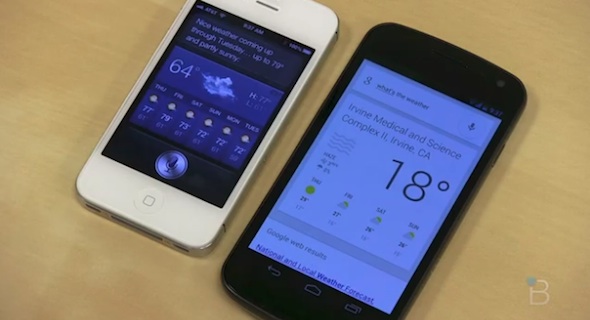
Google Now pitted against Siri in voice assistant face-off

Google announced a lot of shiny new things yesterday during its mid-morning media event. Among those, was the next version of Android OS with a built-in voice assistant.

The company's Google Now voice commander is the latest in what's becoming a long line of "Siri competitors." But it looks like this one might actually be up to the task...

Hands on with Google Drive [Video]

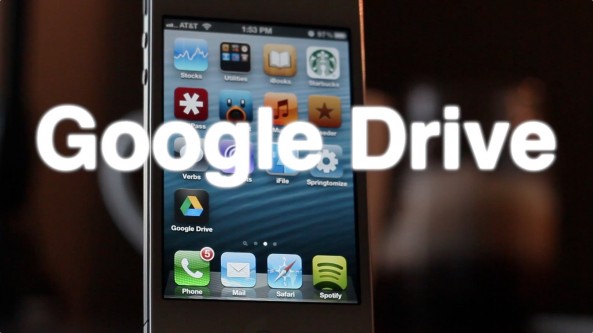
A few minutes ago, Google released their official Google Drive app on the App Store. We've since then downloaded the app and have put it through its initial paces.

What we found was a first offering that's lacking a whole lot of what makes other apps like DropBox great. You can easily view your files, but that's where most of the fun ends.

Sadly, you can't create new documents, or even upload photos via this initial version of Google Drive. The interface is decent, and the app seems solid from a stability perspective, but there really isn't a compelling reason to choose it over something like DropBox thus far...

iOS 6: Shared Photo Streams

Shared Photo Streams is a new feature in iOS 6 that allows you to selectively share photo albums with friends and family of your choosing. Unlike the My Photo Stream feature which is geared only towards individual photo sharing amongst iOS devices and computers owned by you, Shared Photo Streams brings a social element to iOS photography.

The streaming element comes from the fact that you can dynamically add or remove photos from a shared album and they will almost instantaneously appear or disappear on demand. Album viewers can also comment and like your photos, and you will receive push notifications any time someone does so.

Take a look at our full video walkthrough above for a look into how Shared Photo Streaming works.

How to enable Passbook in iOS 6

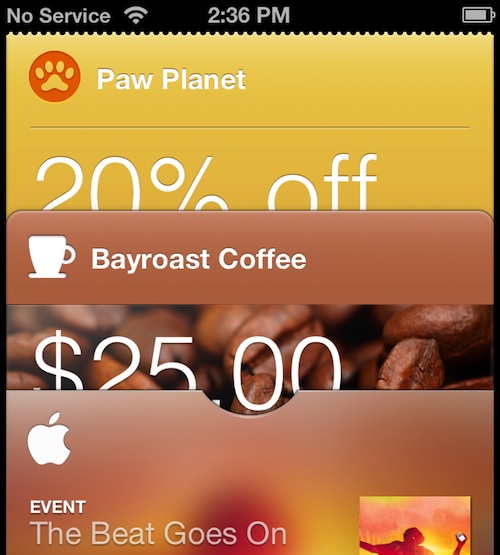
One of the more intriguing iOS 6 features that Apple announced at WWDC was the new Passbook application. The app is essentially Apple's first go at a digital wallet.

But unfortunately, Passbook is broken in the developer beta — it's just a splash screen. So there's no way to play with it. That is, unless you follow these few easy steps...

How to jailbreak iOS 6 beta 2 with RedSn0w

As you may have guessed, you can jailbreak iOS 6 beta 2 with RedSn0w 0.9.13dev1. This is a tethered jailbreak, and since the iPhone Dev Team has not updated RedSn0w to work with this latest firmware version, you will need to point to the prior beta firmware in order to jailbreak iOS 6 beta 2.

Check inside for the full step by step tutorial to learn how to easily jailbreak your iOS 6 beta 2 installation.

LockSpring adds a respring button to your Lock screen

LockSpring is a free jailbreak tweak that adds a respring button and toggle to your Lock screen. It's an incredibly simple tweak, and chances are you already have the same functionality in another tweak installed on your iDevice. For that reason, most won't see the value in adding a standalone tweak like LockSpring to their repertoire.

On the other hand, if you're looking for a singular tweak that performs a respring function only with no extra fluff, then LockSpring may be worth taking a look at.

Deck HD released on Cydia

[tube]http://www.youtube.com/watch?v=NwWTDyg_saY[/tube]

Deck HD - the iPad version of the popular Deck tweak for the iPhone - has finally made its way to Cydia for download.

A while back we posted a full walkthrough showcasing Deck HD in action. What we found was a tweak that worked just as well as the iPhone version, and in fact felt even better to use due to the extra screen real estate, and exclusive iPad customizations.

Deck HD can be downloaded from Cydia's ModMyi repo for $1.99. If you decide to try it, be sure to share your experience in the comments section.

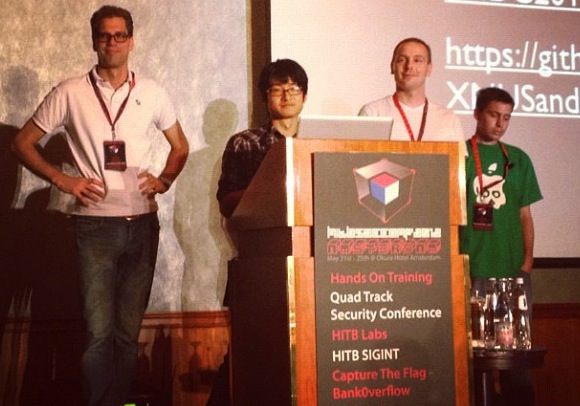
Watch part 2 of the Dream Team’s HITB talk

Yesterday, we showed you part one of the Dream Team's talk at this year's Hack In The Box conference. The section covered the exploits that were used in Corona, and other A4 jailbreak details.

Part two of the talk went live today, and in our opinion it's much more interesting. In it, the Team discusses the A5 jailbreak, and throws in a nice little 'one more thing' announcement at the end...