UI

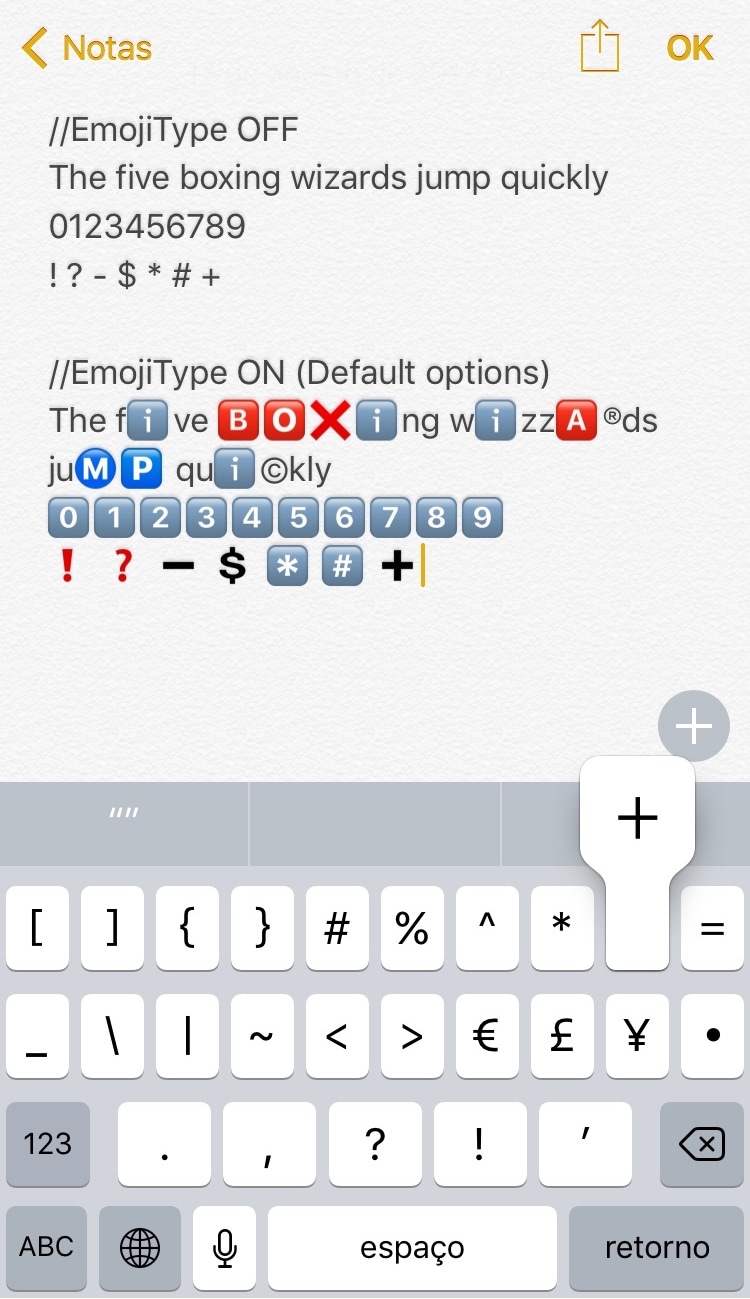
EmojiType inserts relevant Emoji in the place of plain text characters

As you type with your iPhone's keyboard, standard plain text characters appear on the screen, but that's not always enough if you're a heavy Emoji user. To insert Emojis, you need to visit the Emoji keyboard and tap on them manually, while the predictive keyboard suggests relevant Emoji from time to time. Nevertheless, it won’t automatically-insert them for you.

If you wish things worked a little differently, then a new free jailbreak tweak called EmojiType by iOS developer Adriano Junior is now available that automatically replaces certain text characters with relevant Emoji characters.

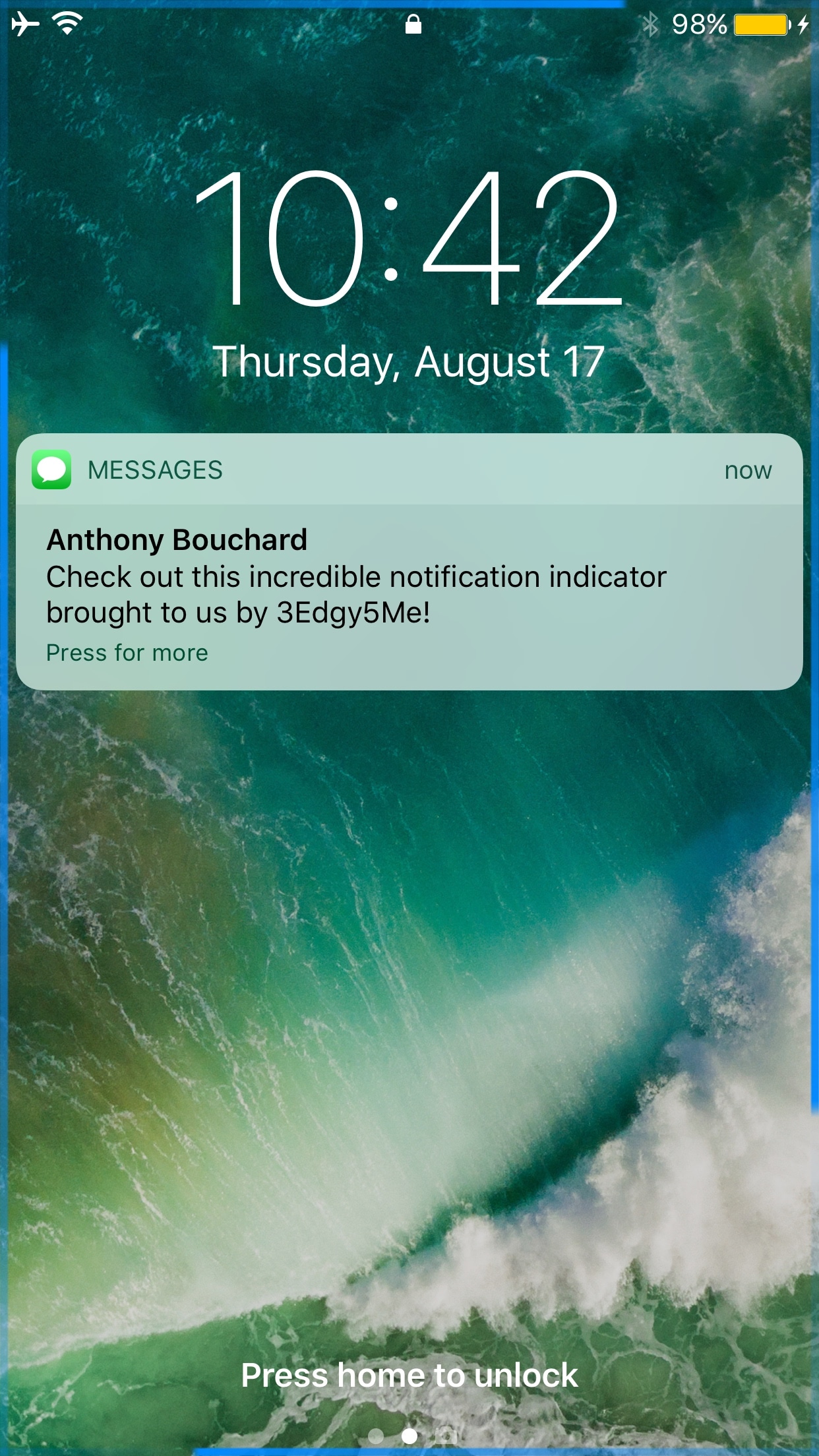
3Edgy5Me brings Galaxy S8-inspired notification animations to the iPhone

Out of all the smartphone choices out there, it’s probably not wrong to say that iOS has one of the most uninteresting notification systems of them all. Fortunately, those who sport jailbreaks can spice up the notification system up a bit with add-ons.

One of the latest jailbreak tweaks to do just that is a new release called 3Edgy5Me by iOS developer Will Smillie, which brings customizable Galaxy S8-style notifications to iPhone and iPad.

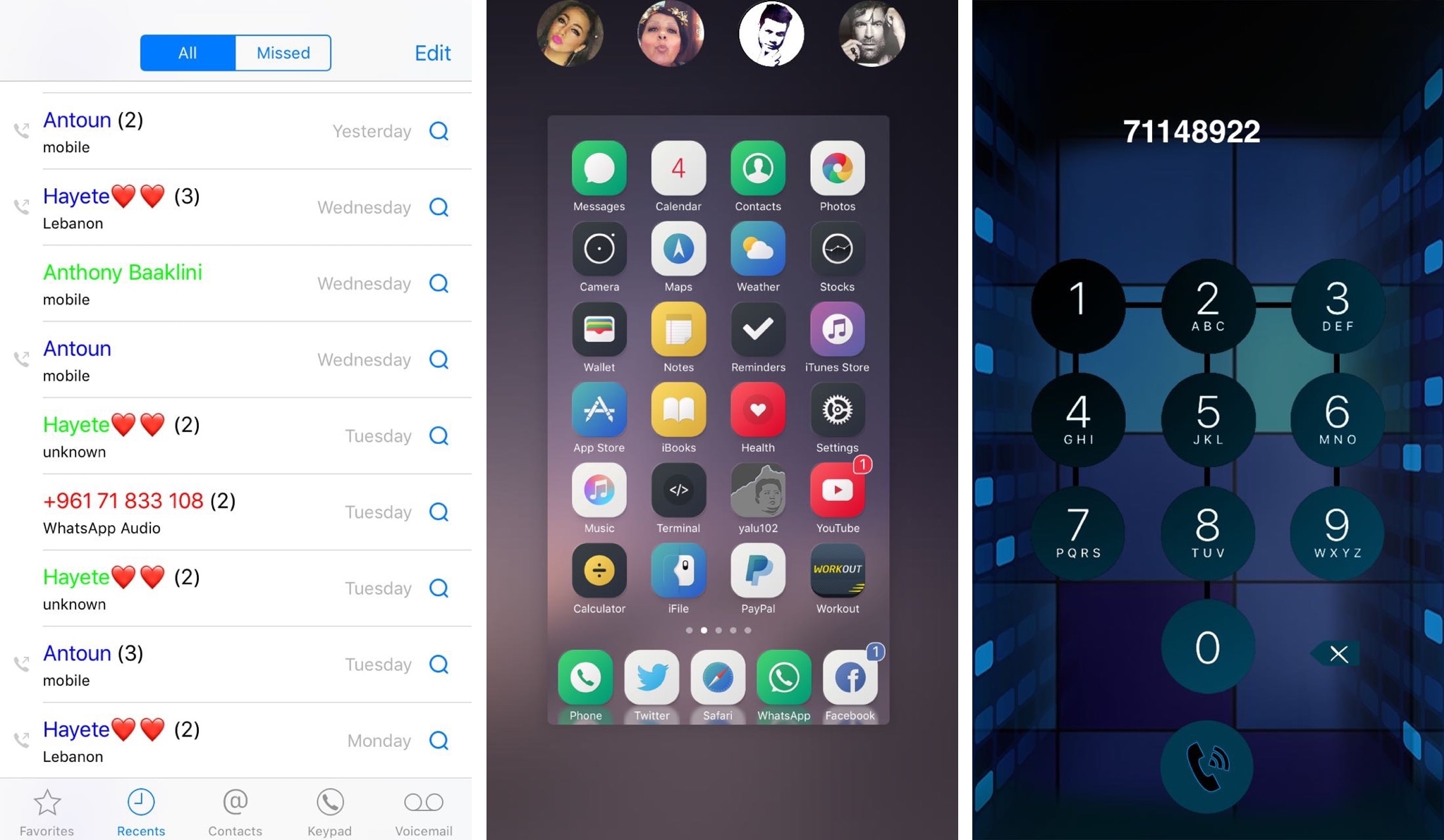
CallPlus improves the Phone app on jailbroken iPhones

If you have an iPhone, then chances are you rely on the built-in Phone app to handle your inbound and outbound calls. While the app is useful, it’s also barebones by nature and could do with some improvements.

A new jailbreak tweak dubbed CallPlus by iOS developer Elias Sfeir supercharges the Phone app, giving you more features than you’re probably accustomed to out of the box.

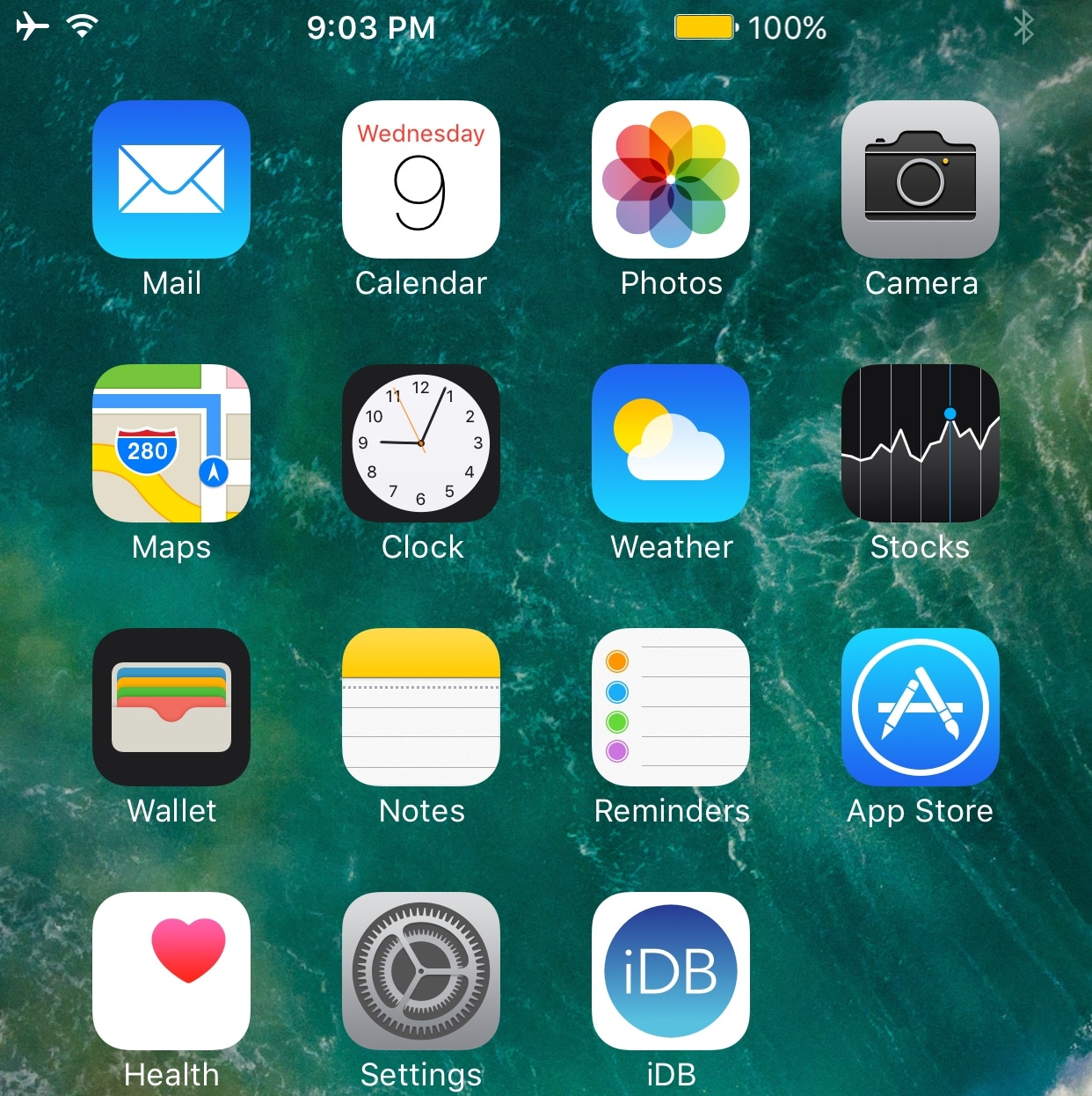
Turn your Status Bar icons into fully-functional shortcuts with Hera

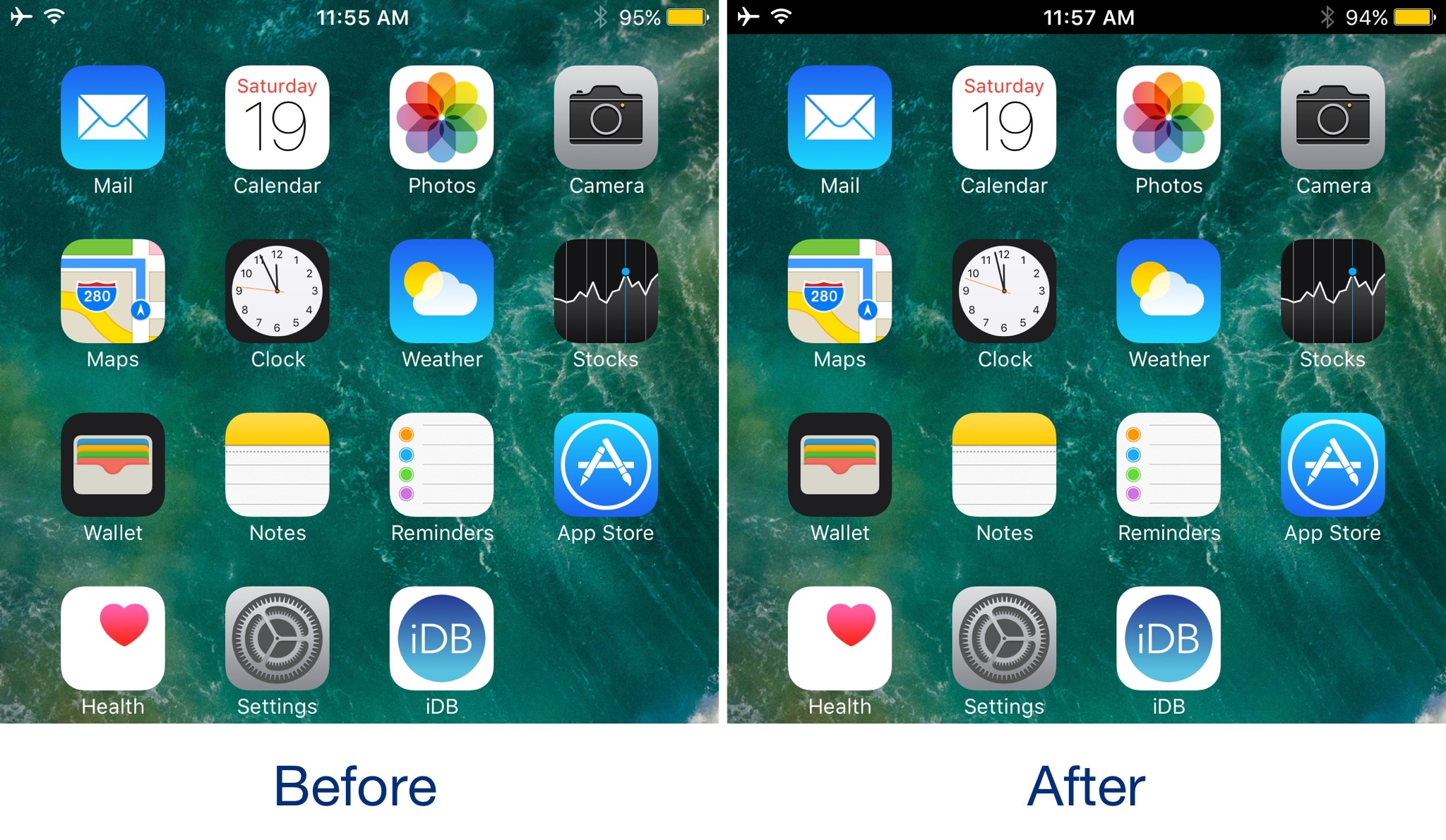
Your Status Bar displays relevant information about your device in every interface, including its battery level, signal strength, and the system time. On the other hand, it has so much untapped potential in its stock form.

With a new jailbreak tweak called Hera by iOS developer Maximehip, you can supercharge your Status Bar with new shortcuts and customization features.

Miss Priority Hub because you’re on iOS 10? Try Atmos

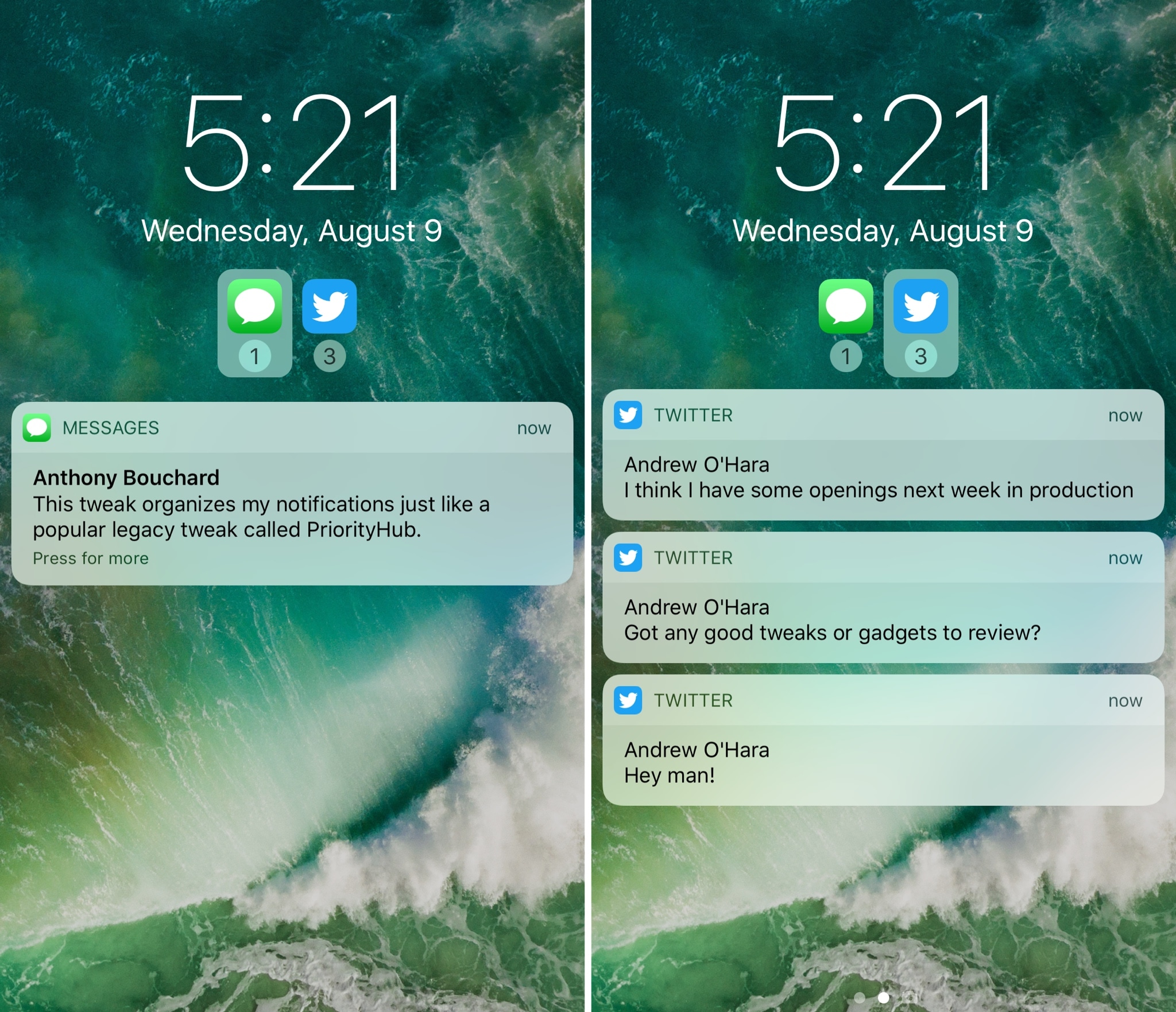
One of my long-time favorite jailbreak tweaks for organizing my incoming notifications is Priority Hub, but the tweak was never updated to support iOS 10. If you’re in the same boat and miss this classic tweak, then you might want to try a new release called Atmos by iOS developer Antique.

After you install Atmos, your notifications are grouped by app both on the Lock screen and in Notification Center. With this sort of organization, you can focus on what’s important rather than looking at a chaotic menagerie of mixed notifications.

SlideToUnlockX brings the classic ‘slide to unlock’ to iOS 10

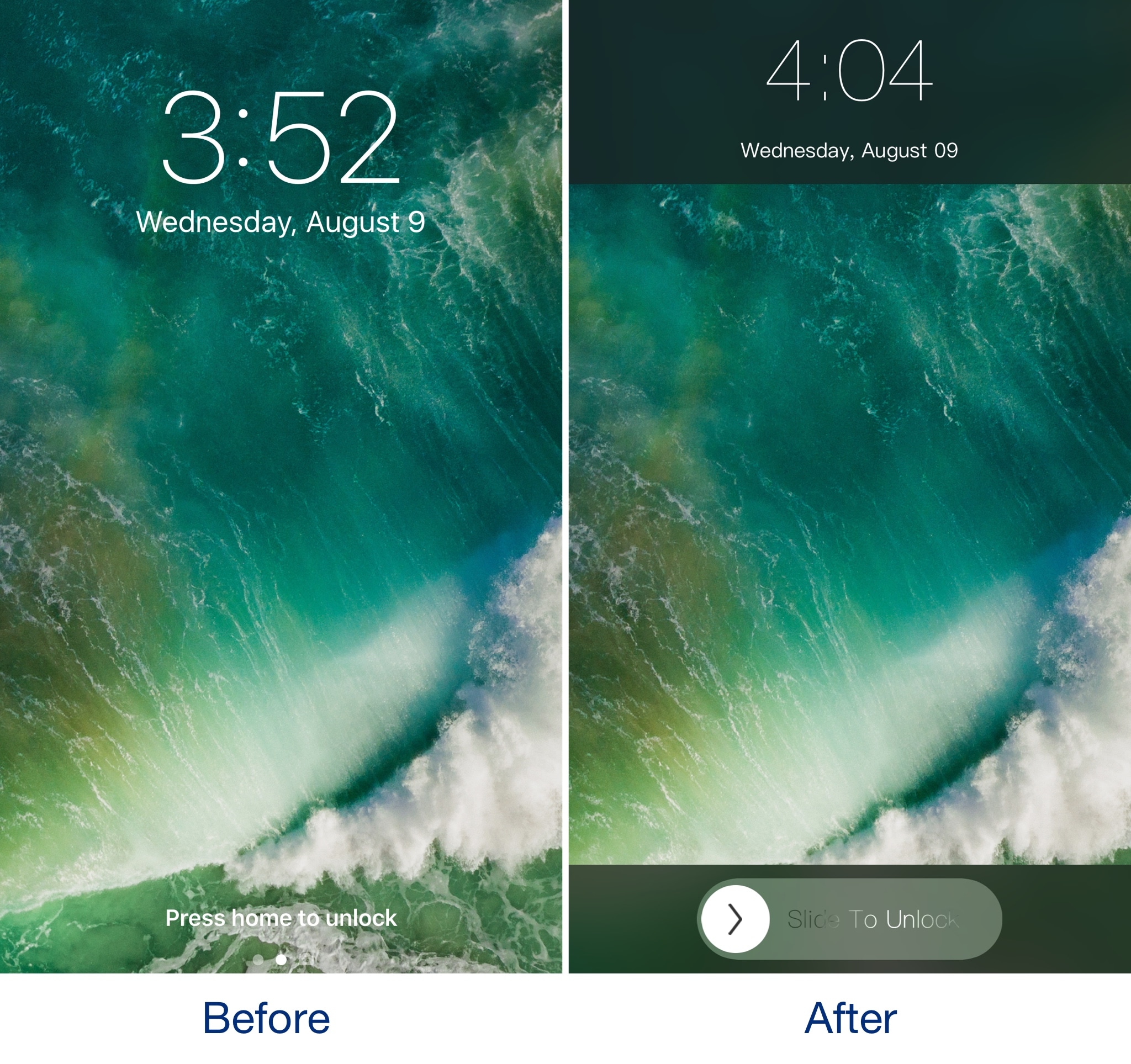
If you've got nostalgia for the good old days when you would use 'slide to unlock' to access your iPhone, then you should check out a throwback jailbreak tweak dubbed SlideToUnlockX by iOS developer XCXiao.

Once you install SlideToUnlockX, you can bring this classic unlock style to your jailbroken iOS 10 iPhone or iPad and cure your nostalgia.

Backspace+ gives you finer control over backspacing in iOS

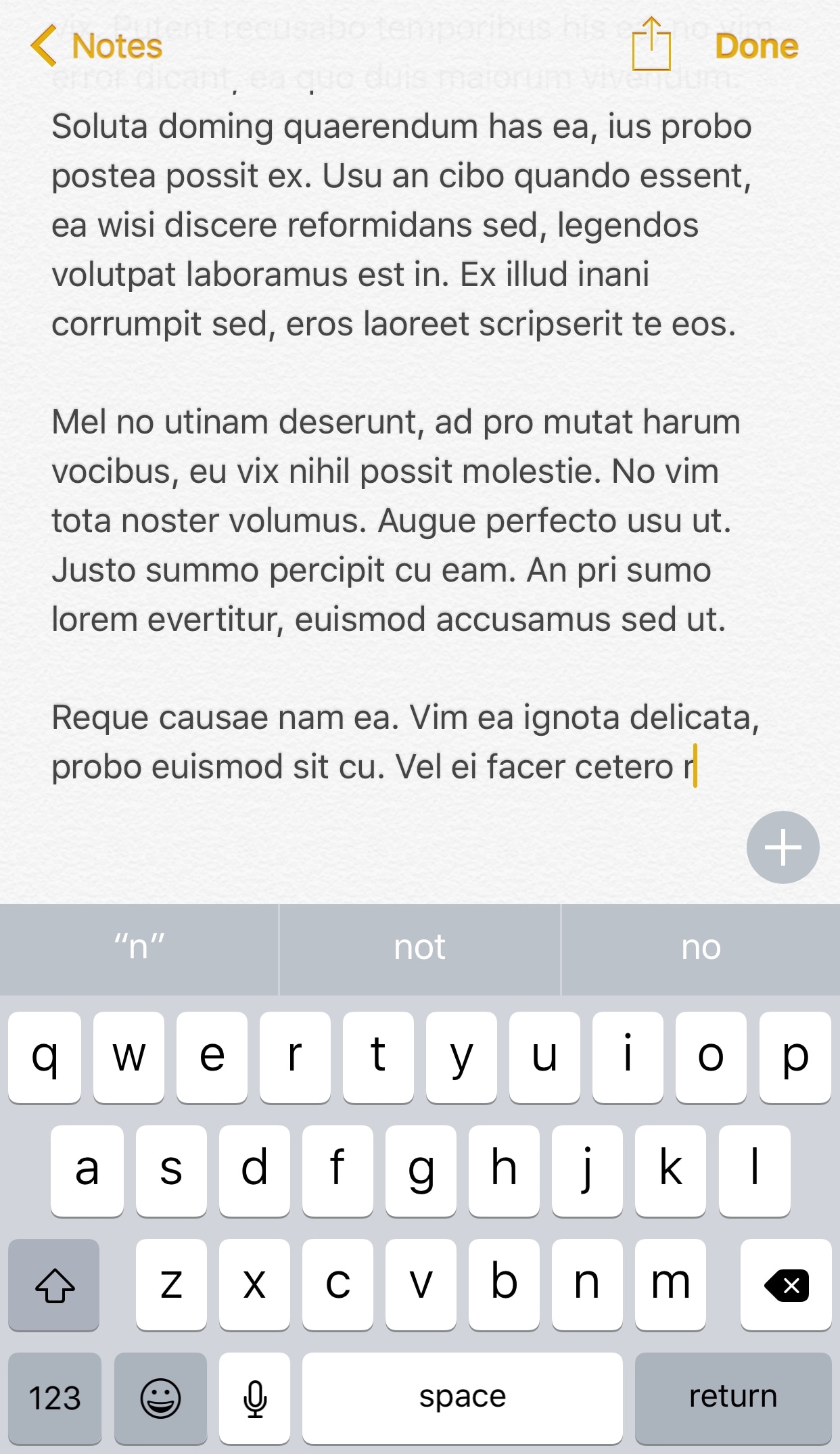
I can’t even begin to tell you about the countless times I’ve accidentally backspaced an entire body of text when I only wanted to remove a few words from a sentence. It seems like iOS’ automatic backspace acceleration that kicks in when you tap and hold on the backspace key can get a little too excited at times.

Fortunately, a new free jailbreak tweak called Backspace+ by iOS developer Justin Petkovic provides some relief from this issue and makes text-editing more feasible on iOS devices.

Animate your notification badges with BlinkBadge

If you’re not gluing your eyes to your iPhone all day long, then chances are you unlock your device to a plethora of notification badges from time to time.

On a stock device, the badges sit there and do nothing until you open the app to ackowledge them, but with a new free jailbreak tweak called BlinkBadge by iOS developer NeinZedd9, you can animate them to make things more exciting.

Colorize your Instagram app’s user interface with InstagramUICustomizer

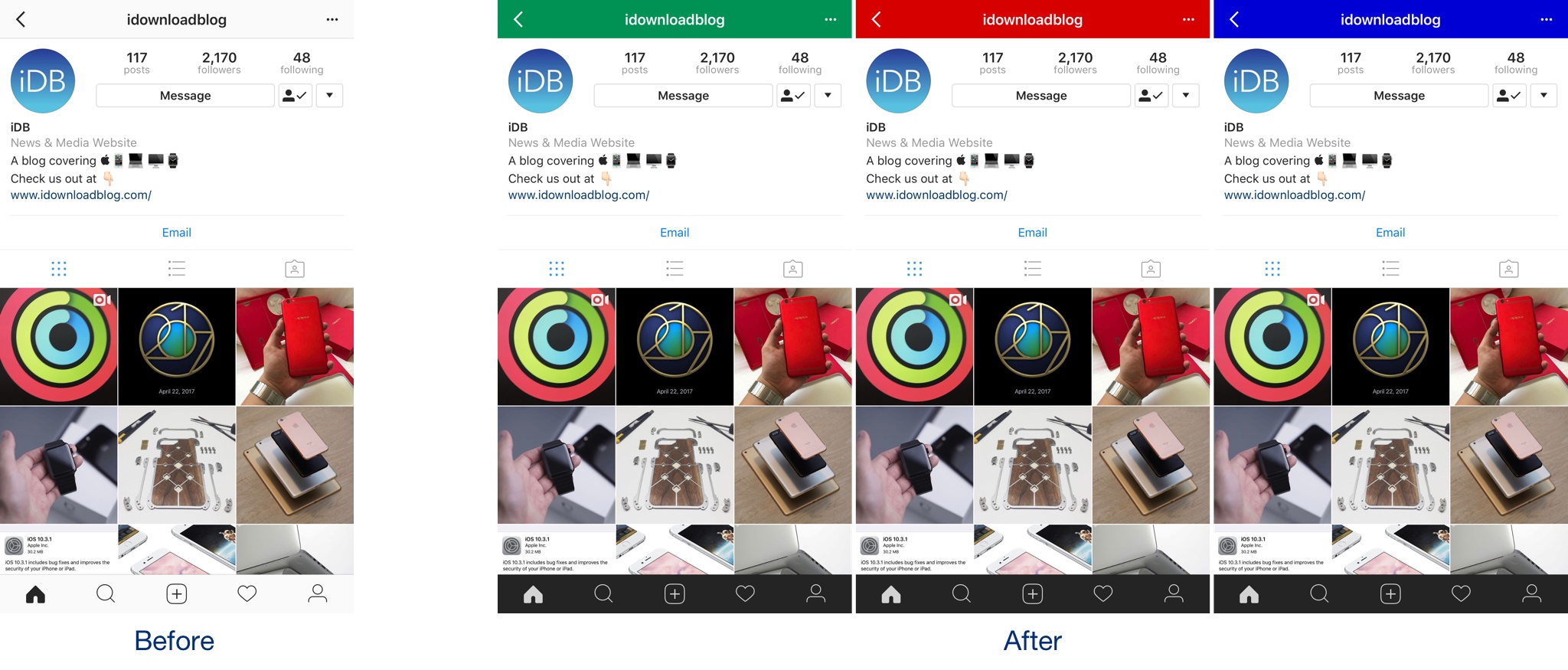
If you want to colorize your Instagram app’s UI to something other than the bland white it comes with out of the box, then we’d recommend trying a new free jailbreak tweak called InstagramUICustomizer by iOS developer Wylliam Altman.

Once installed, you can change the default navigation bar color of your Instagram app to anything you’d like and choose whether the tab bar at the bottom of the app will be light or dark.

Boxy 3 lets you customize your Home screen layout

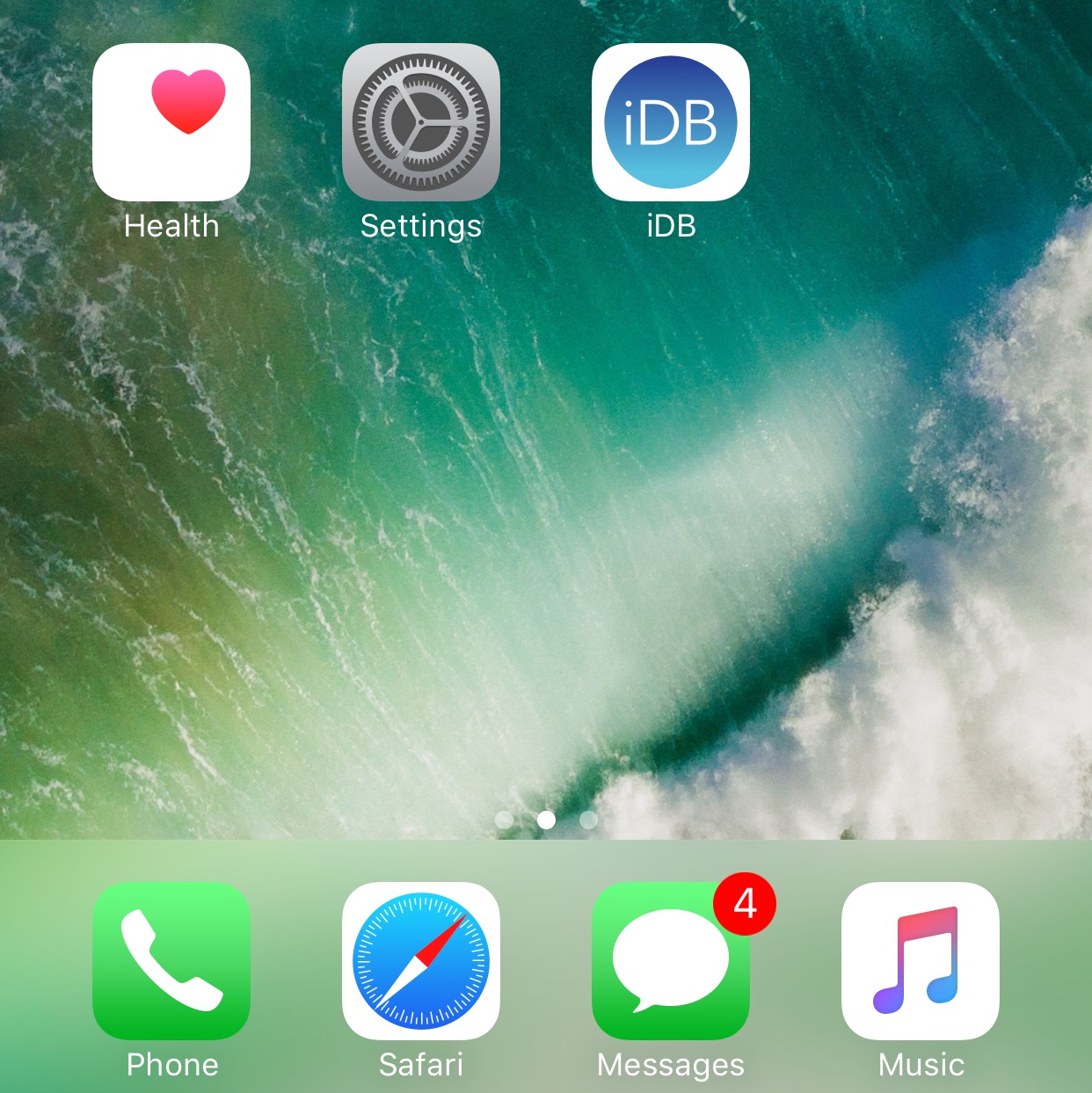
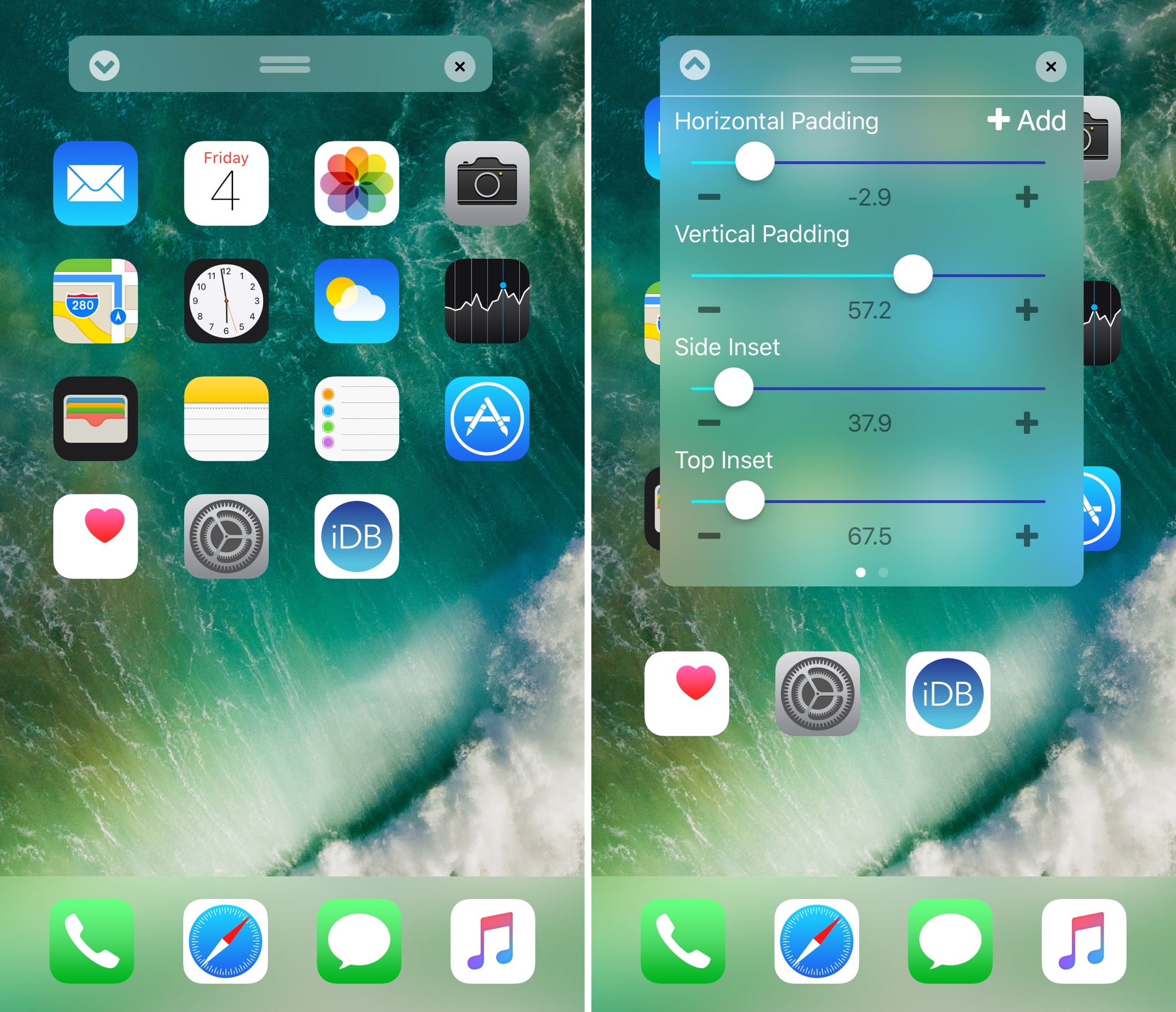
Perhaps one of the most popular things people do after jailbreaking their device is modify their Home screen app icon layout. Jailbreak tweaks of this nature have been released for almost every jailbreak iteration to date, and iOS 10 is no different.

With a new jailbreak tweak dubbed Boxy 3 by iOS developer William Vabrinskas, you'll have access to a whole host of Home screen app icon layout settings to your device.

Musubi brings an Android-style passcode screen to jailbroken iOS 9 devices

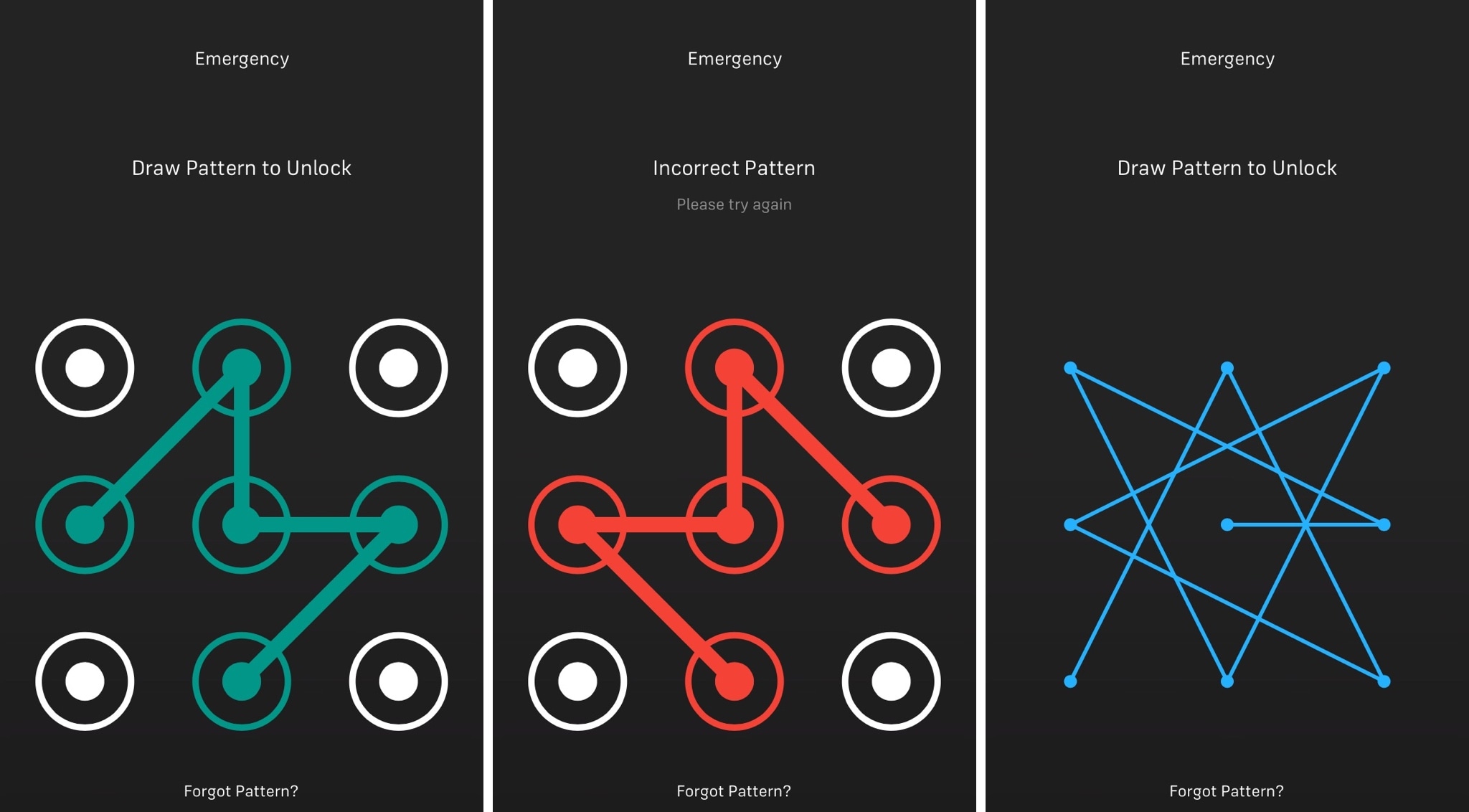
iOS has had the same boring numeric passcode interface for what seems like an eternity, but other operating systems like Android let users ‘draw’ patterns to unlock their device instead.

Although most people are using Touch ID to unlock their Apple devices today, jailbreakers can now use a new free jailbreak tweak dubbed Musubi by iOS developer c0ldra1n to bring an Android-inspired pattern passcode interface to iPhones and iPads.