UI

This tweak adds more bounce to your iPhone’s Reachability interface

Reachability is a convenient way to make one-handed usage easier on Apple’s larger handsets; regrettably, the interface lacks any exciting characteristics.

A new free jailbreak tweak called BounceReachability by iOS developer CydiaGeek aims to help with that problem. It applies an impressive new bounce effect to the Reachability interface any time it’s invoked, supplying you with something that’s both fun and quirky to look at.
This tweak hides features in the Apollo Reddit client that don’t work on jailbroken devices

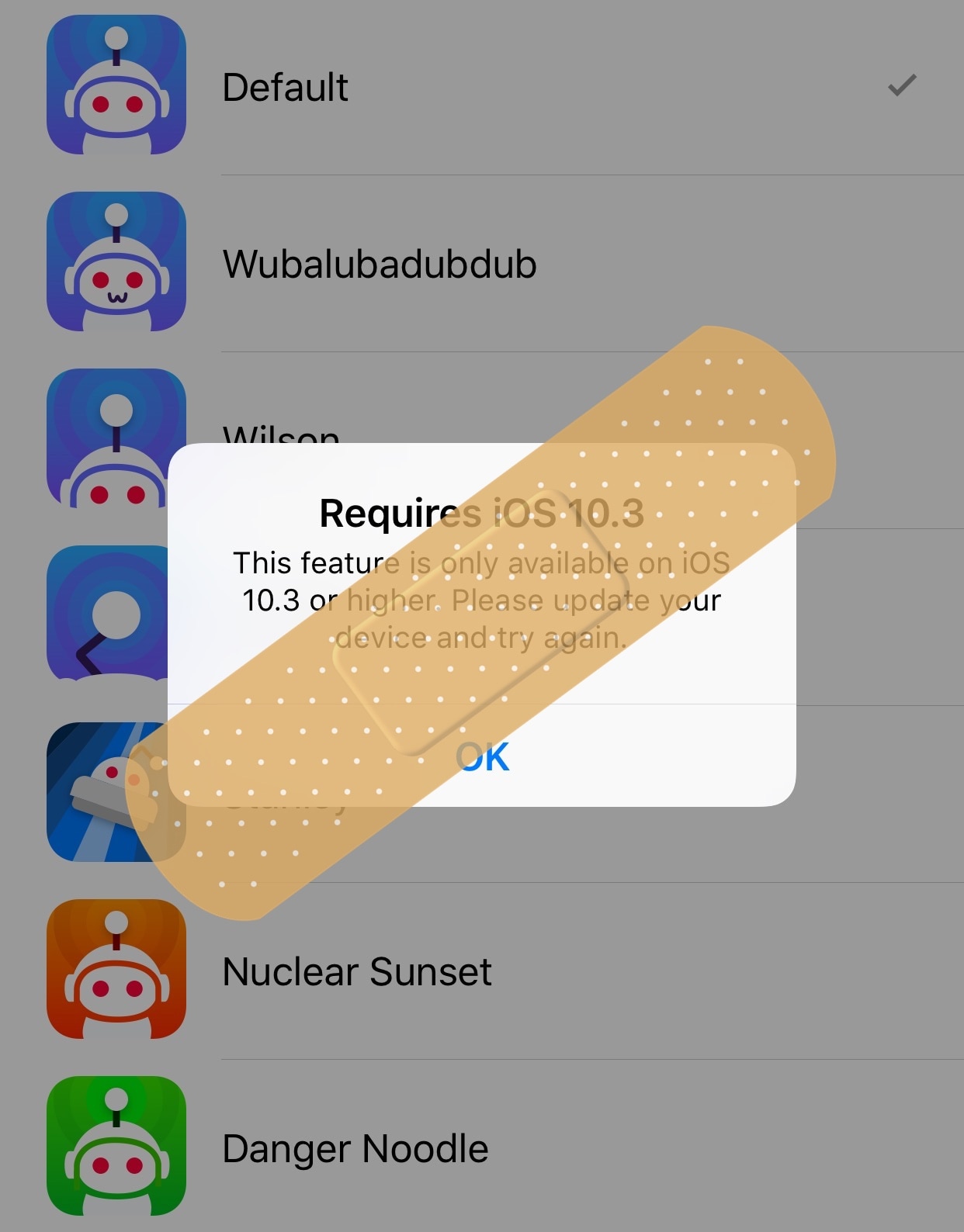
A plethora of Redditors are already content with the new Apollo client released earlier this week, but jailbreakers are learning that not every feature included in the app works on their devices because some require iOS 10.3 or later.

If you find yourself in this predicament, then you might want to try a new free jailbreak tweak called ApolloJustCompatible by iOS developer Squ1dd13, as it hides those features on devices that run earlier versions of iOS.

Simplify the Contacts app interface with TinyContactView

If you own an iPhone, then the native Contacts app is your go-to storage vault for all the contact information for friends and family. Out of the box, the app doesn’t look that bad. Nevertheless, tweak developers still come up with ways to tweak the interface ever so slightly.

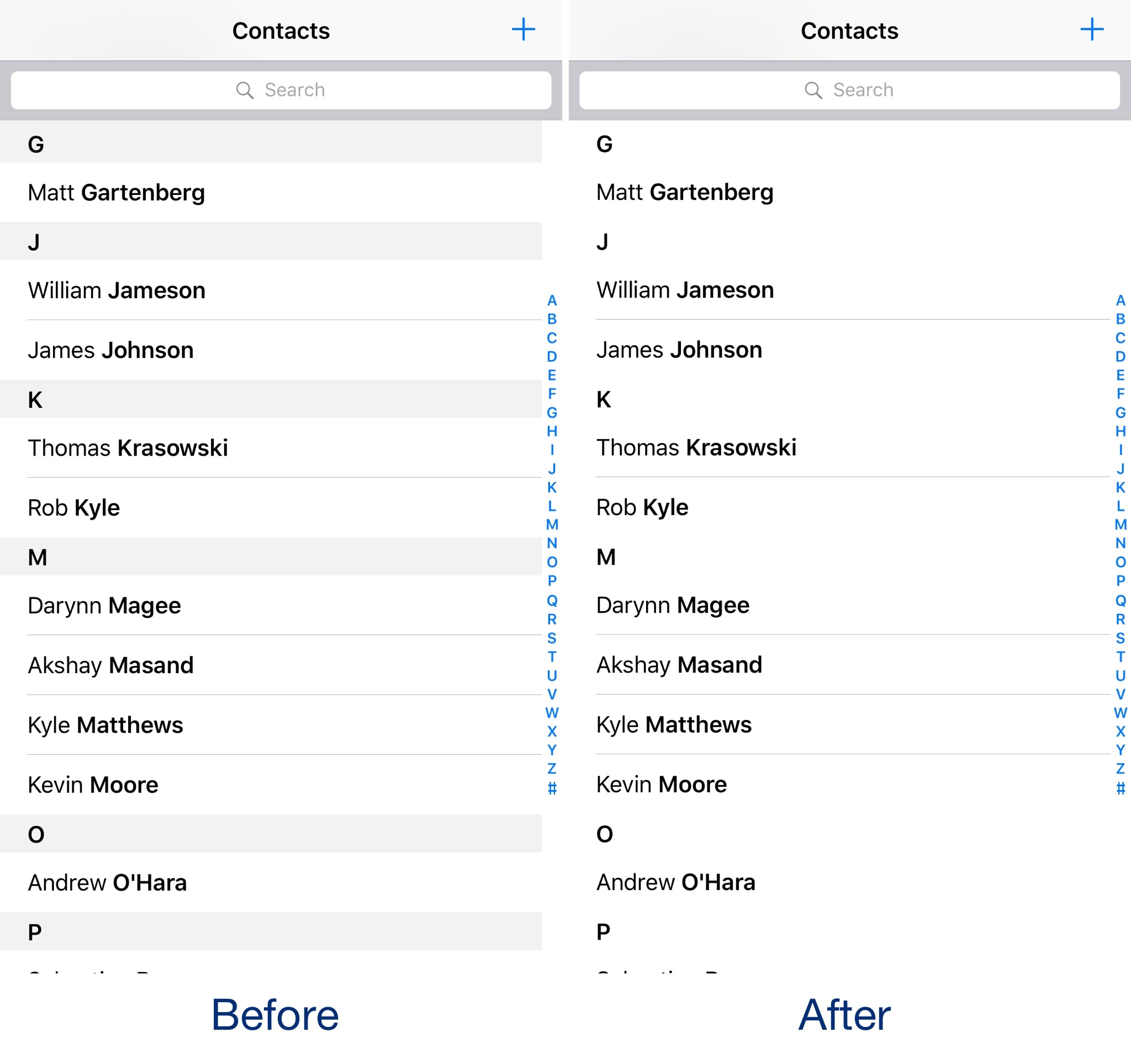
One of the newest of such tweaks to hit the Cydia store is a new free jailbreak tweak called TinyContactView by iOS developer CydiaGeek. Once installed, parts of the native Contacts app UI vanish from sight.

MicroPlayer is a snazzy new mini-player tweak for jailbroken devices

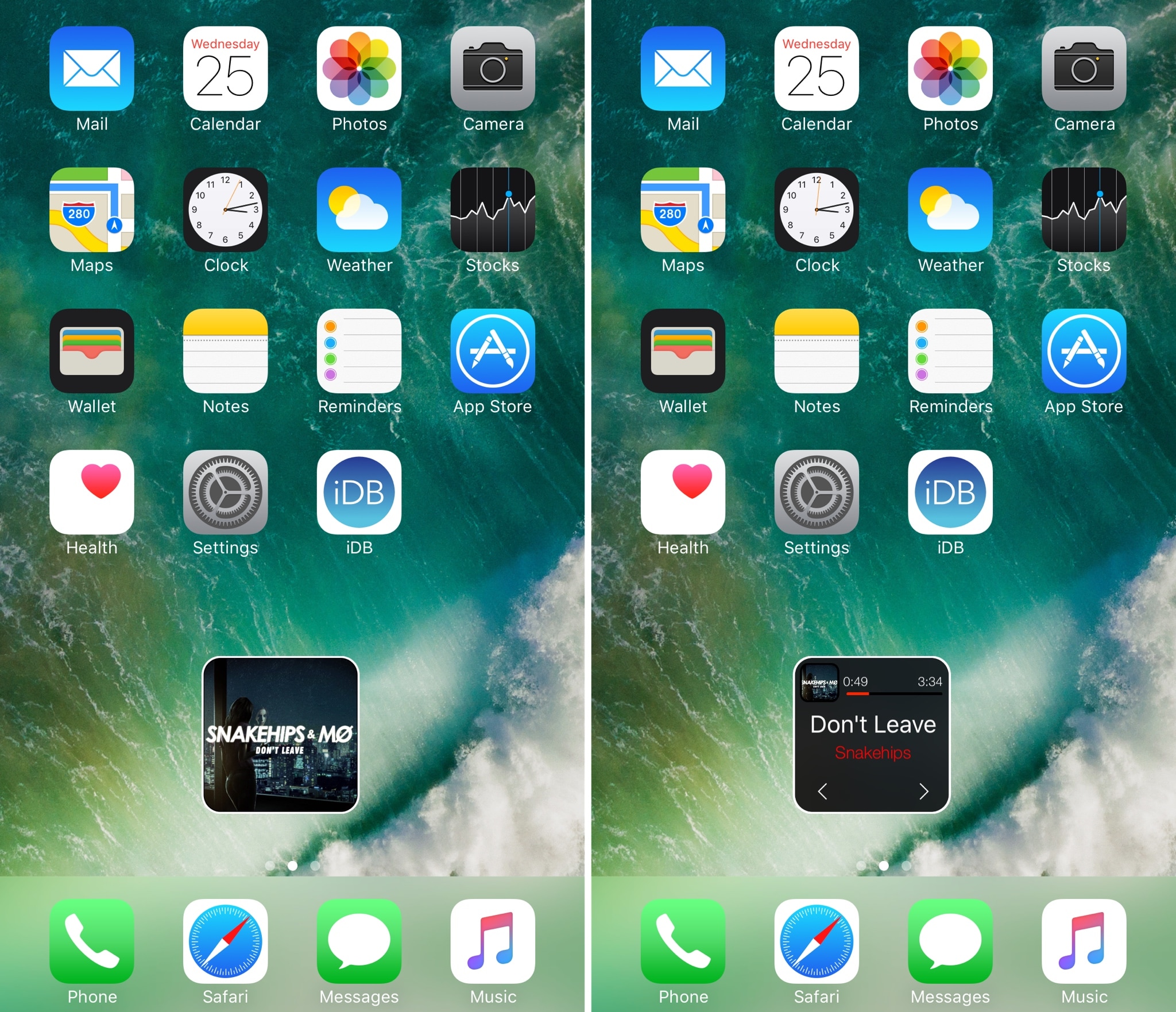
If one thing’s for sure, it’s that little music player interfaces are popular projects for jailbreak community developers. Continuing the long bloodline of these kinds of releases is a new jailbreak tweak called MicroPlayer by iOS developer IndieDevKB.

As the name implies, MicroPlayer is essentially a tiny music player interface that you can use to control your music whenever it’s playing.

Simple WorldClock adds a World Clock display to your Lock screen

If you keep track of several time zones around the globe, then the World Clock tab in the native Clock app can be your best friend. Nevertheless, it takes an effort to find, launch, and check the Clock app whenever you want to know what time it is in another part of the world.

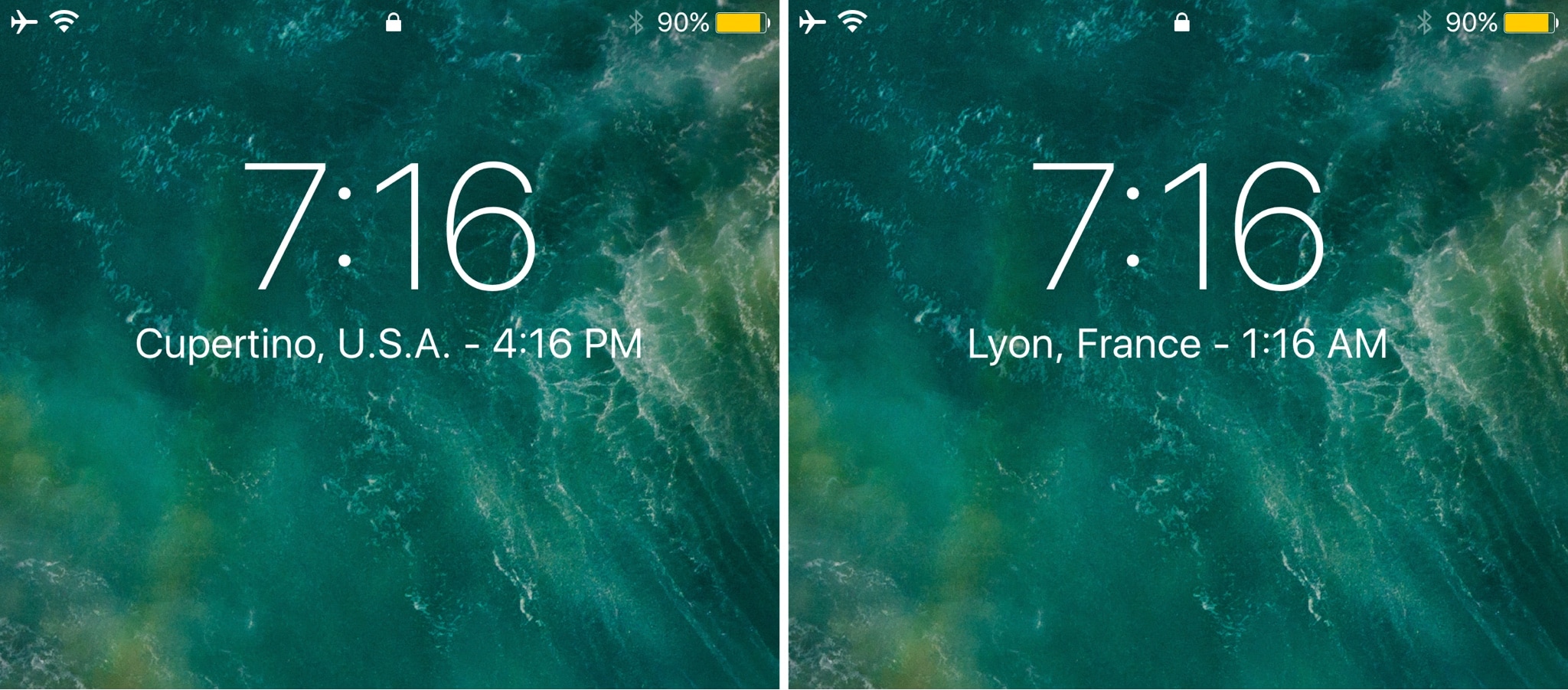
Enter Simple WorldClock, a new free jailbreak tweak by iOS developer NeinZedd9 that puts all your World Clocks under the large time display on the Lock screen.

Vision transforms your Home screen icons into moving 3D shapes

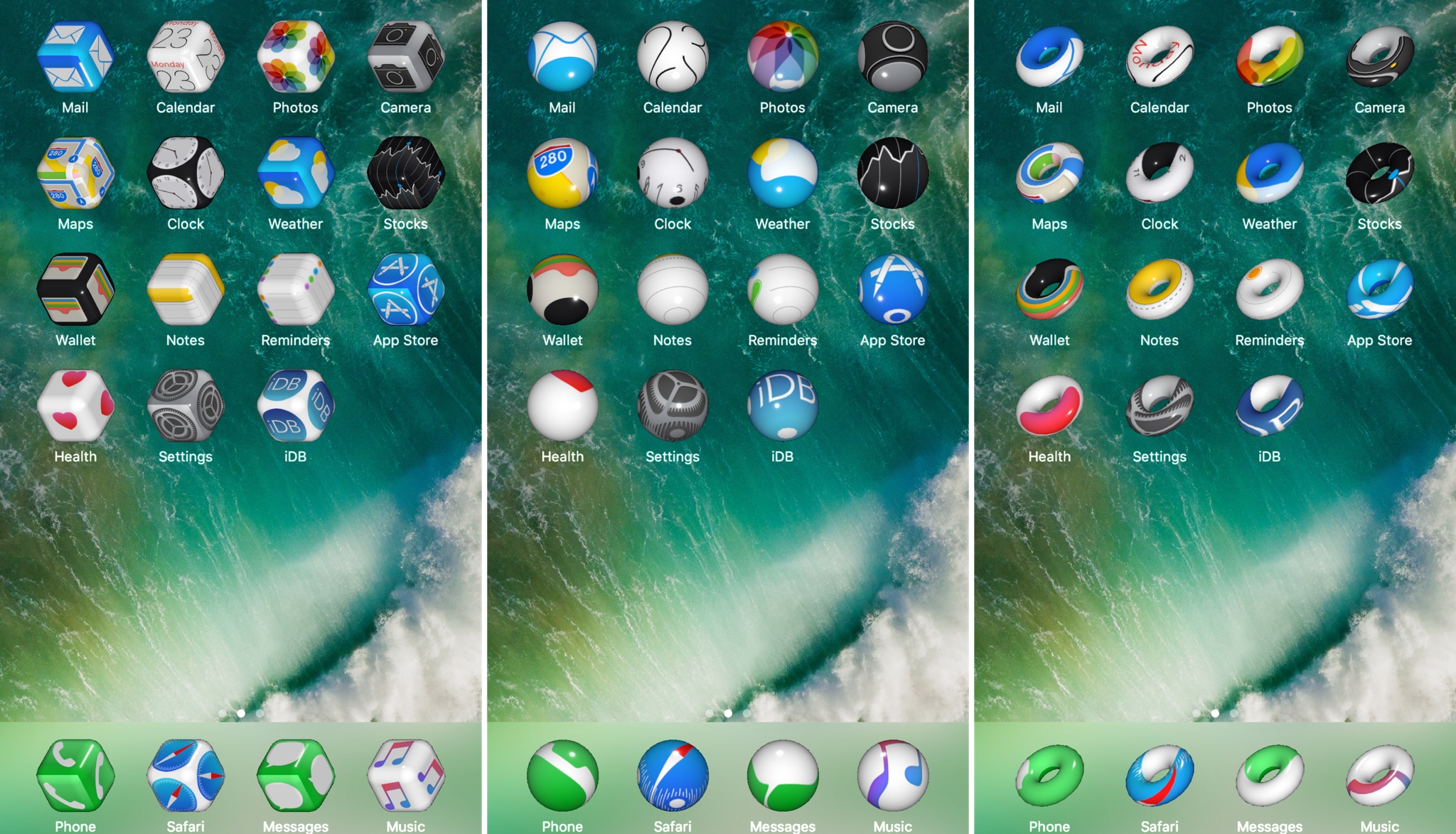
Looking for a unique way to spice up that jailbroken device of yours? Then look no further than a new jailbreak tweak called Vision by veteran iOS developer Elias Limneos.

Vision gives your Home screen icons a three-dimensional makeover and makes them responsive to movement. Best of all, the effects provided by the tweak are fully customizable.

DarkAppleStore gives the Apple Store app’s tab bar a darkened makeover

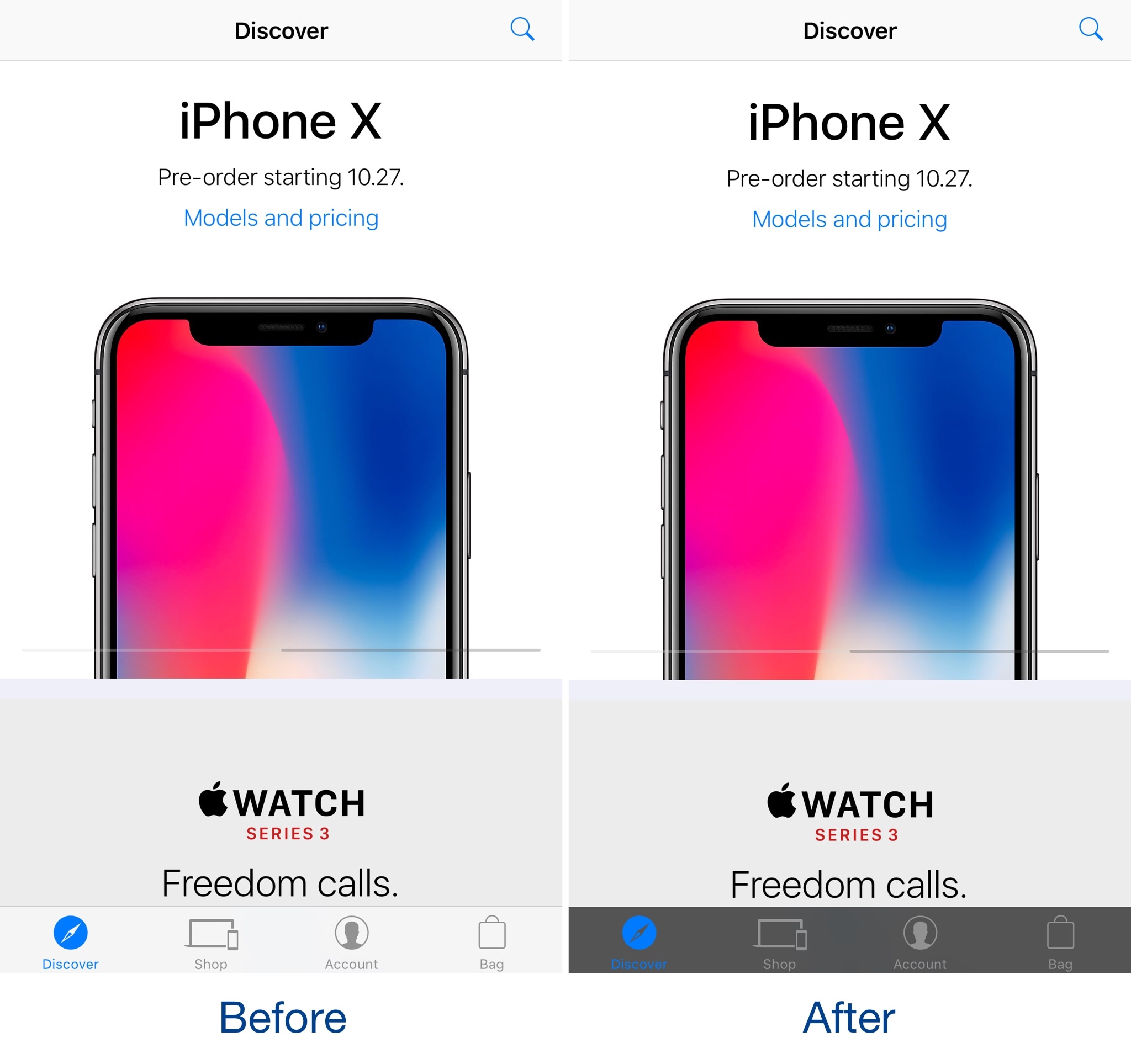
Jailbreakers that use the Apple Store app to browse Apple’s product offerings can take advantage of a new free jailbreak tweak called DarkAppleStore by iOS developer CydiaGeek to spice up its user interface.

Post-installation, DarkAppleStore applies a darkened blur to the translucent tab bar at the bottom of the app, causing it to resemble the before and after images you see above and below.

Simplify your Compass app’s user interface with sleekCompassView

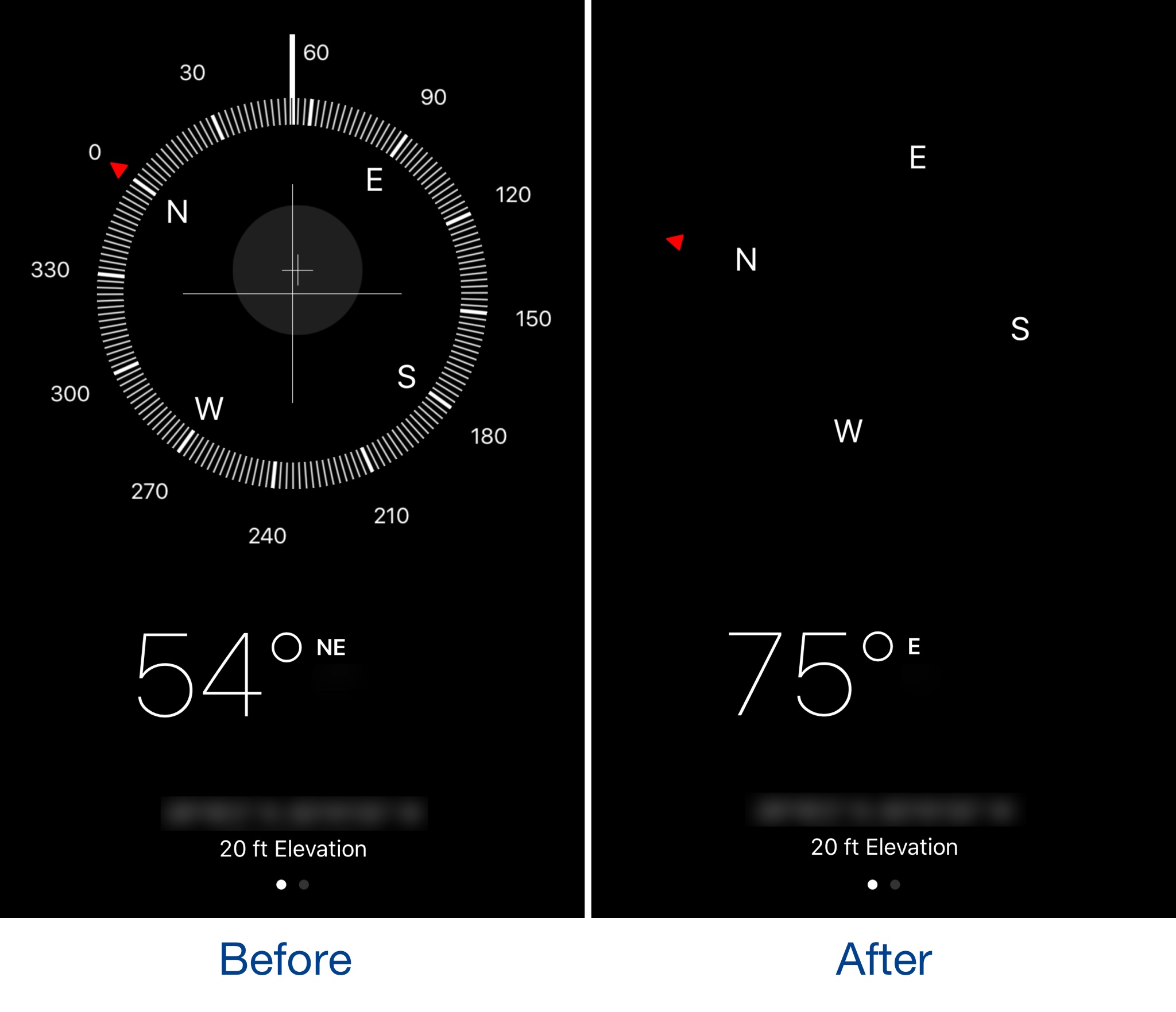
The Compass app might be one of the most under-appreciated stock apps on an iPhone, but it can be exciting to use if you’re hiking and don’t want a map to spoil all the fun. Nevertheless, the app has a somewhat over-developed user interface.

A new free jailbreak tweak called sleekCompassView by iOS developer CydiaGeek simplifies the Compass app’s user interface by removing some of the unnecessary interface elements.

This app adds haptic feedback to your MacBook Pro Touch Bar keys

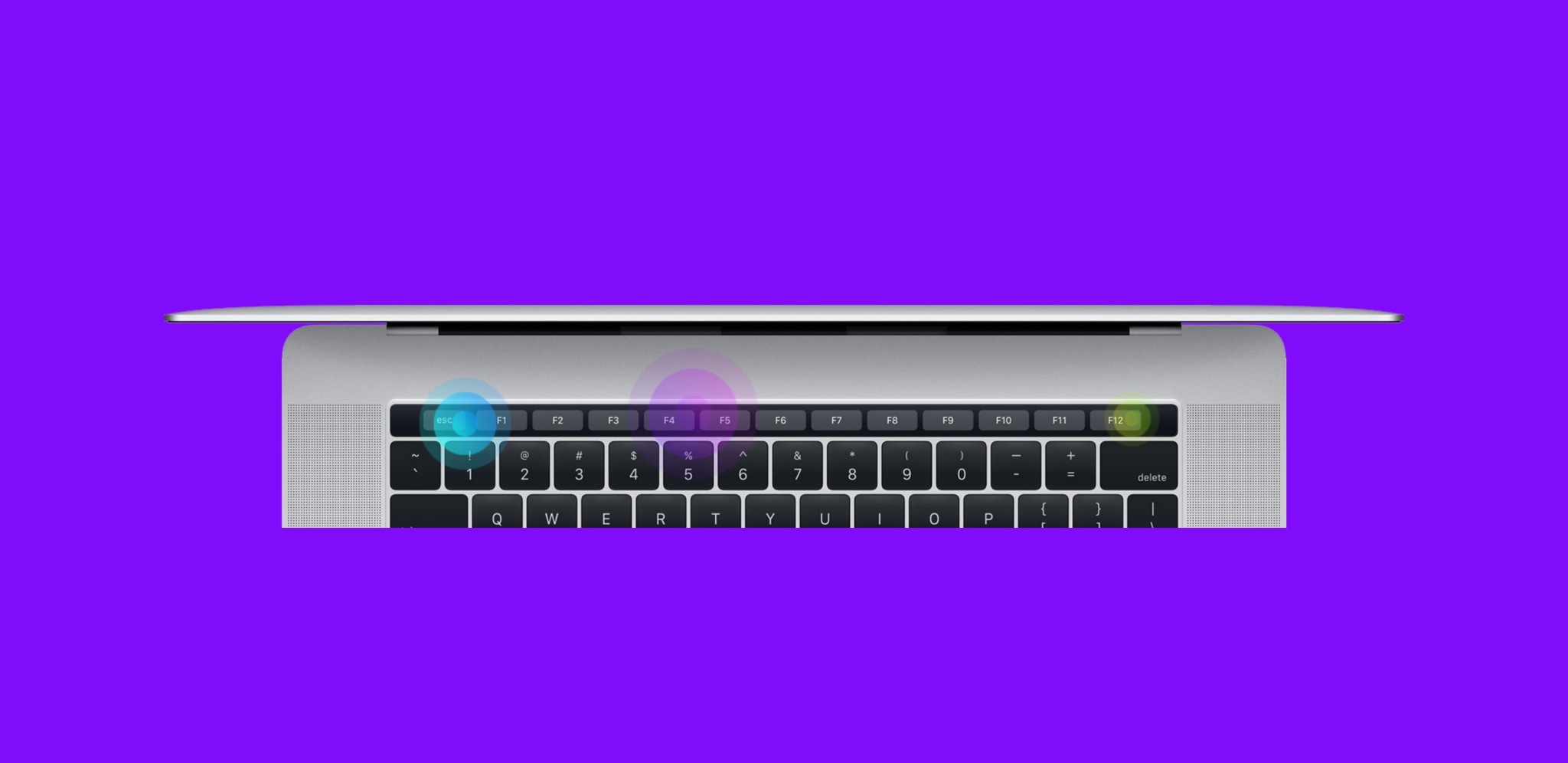
Haptic Feedback on MacBook Pro Touch Bar

Apple’s latest line of MacBook Pros sports an OLED Touch Bar just above the physical keyboard. The point of the Touch Bar is to offer a dynamic, programmable strip that acts as both an extension of your keyboard and an auxiliary input device for select apps on your Mac.

As incredible as the Touch Bar is, one feature that Apple seemed to skim across when designing it was haptic feedback.

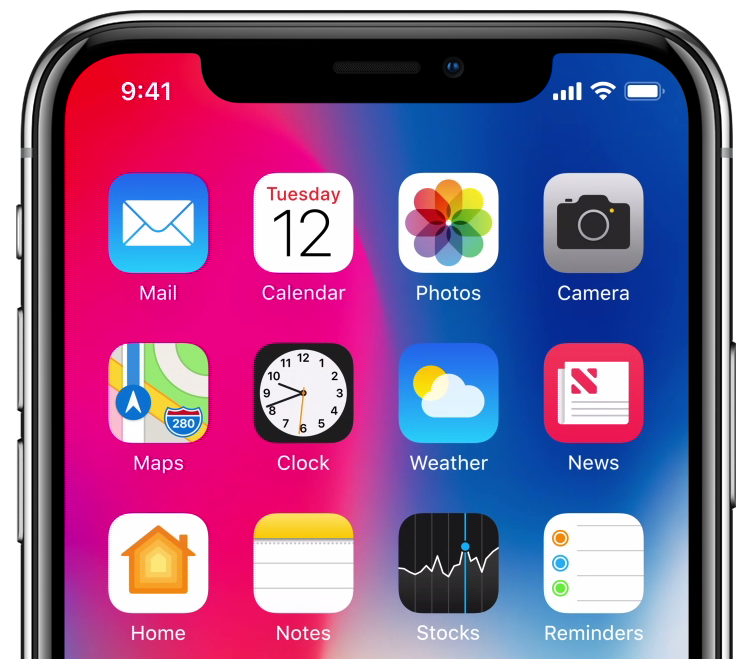
Will the iPhone X’s notch be a problem for day-to-day landscape mode use?

I’m avidly waiting for Apple’s new iPhone X, just like many others, but one of the controversial qualities about the upcoming handset is the ‘notch’ at the top of the display; this is where Apple keeps its TrueDepth camera system and many of the iPhone’s other vital sensors.

Because the iPhone X has a gorgeous edge-to-edge OLED display, I’m thrilled to see how developers will adapt apps to work with the notch. Apple will unquestionably govern for how developers will be allowed to interact with or 'hide' the notch, so it should be fascinating to see how creativity will manifest itself.