UI

Nostalgic for the classic iOS 6 Lock screen? Try this jailbreak tweak

iOS underwent a seriously polarizing redesign as it transitioned from iOS 6 to iOS 7, and for the most part, Apple still maintains the flat UI aesthetic over the older skeuomorphic design to this very day.

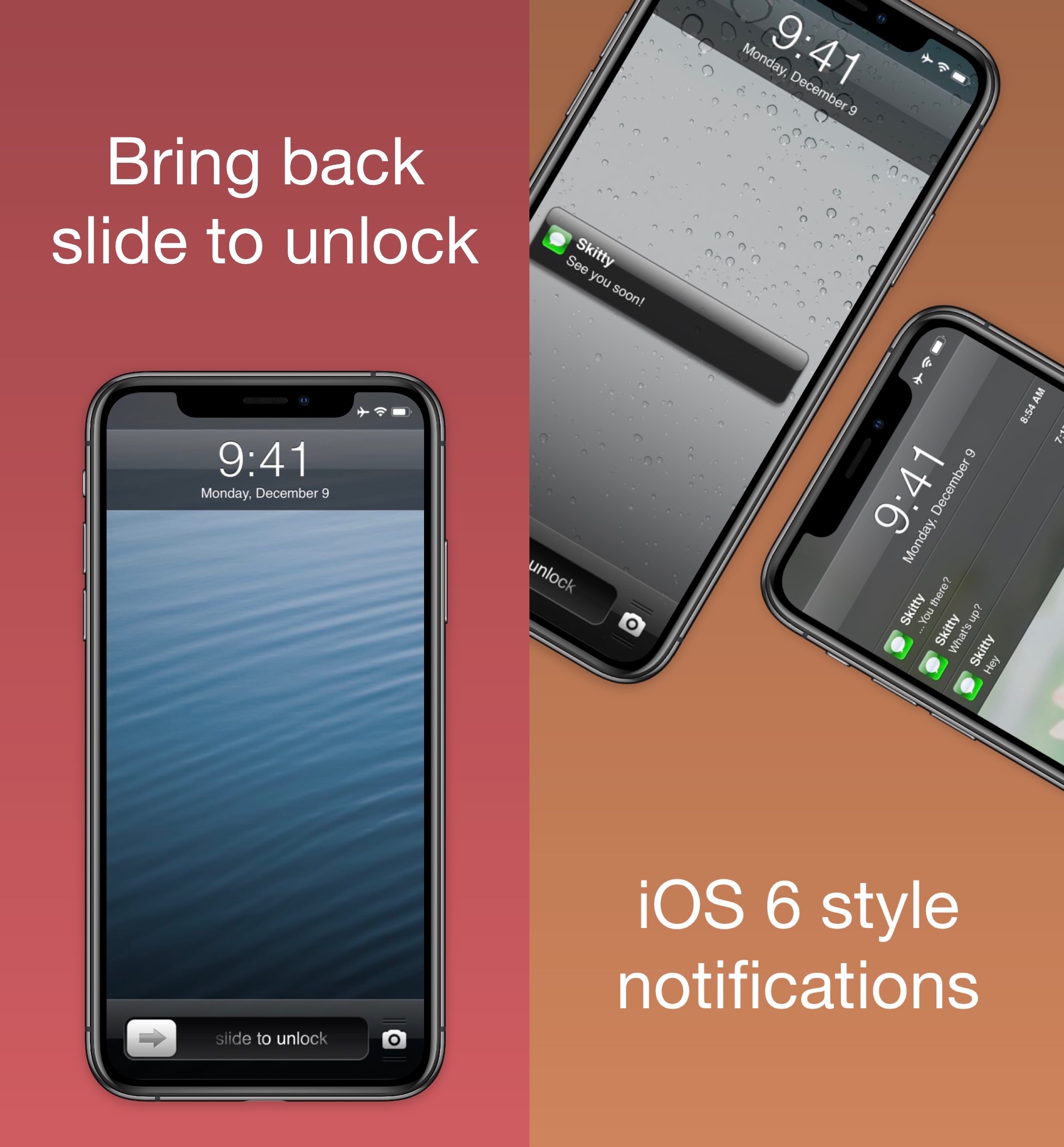
But for those who might be nostalgic of the good old days, a free jailbreak tweak dubbed Six (LS) by iOS developer Skitty ports the iOS 6-esque Lock screen with the classic ‘Slide to Unlock’ slider to even the latest iOS devices.
This tweak automatically turns off your iPhone’s LED flashlight if you forget it

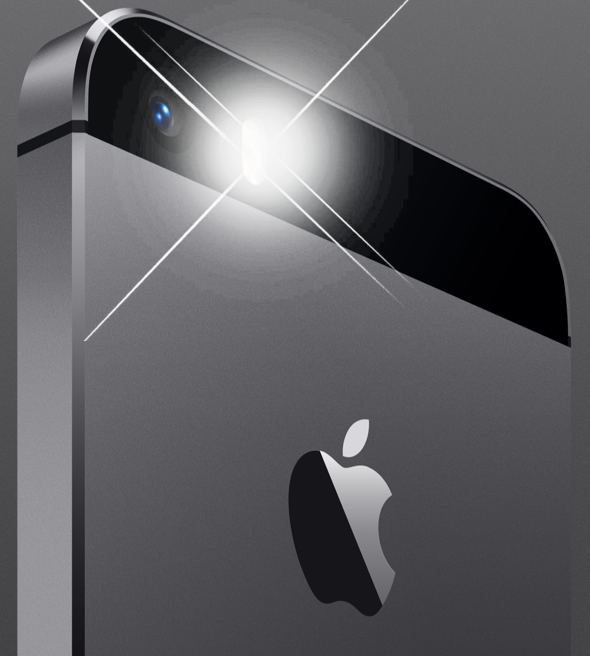
iPhone 5s LED flashlight.

Your iPhone’s rear-facing LED camera flash becomes an excellent makeshift flashlight in a pinch, but have you ever glanced at your handset’s battery level after accidentally leaving your LED flash turned on? I have… and it wasn’t pretty.

With a newly-released jailbreak tweak dubbed OhMyFlash by iOS developer NoisyFlake, you can prevent this from happening. The tweak implements a customizable timeout period, after which your iPhone’s rear-facing flash is automatically turned off.

DragEnabler enables iPad-like Drag and Drop functionality on iPhones at no extra cost

iPad users have long been able to enjoy multitasking-centric features such as Drag and Drop and multi-window interfaces, but iPhone users have been somewhat unlucky in this department, mostly because Apple limits these features to the iPad since it’s marketed as a mobile productivity device.

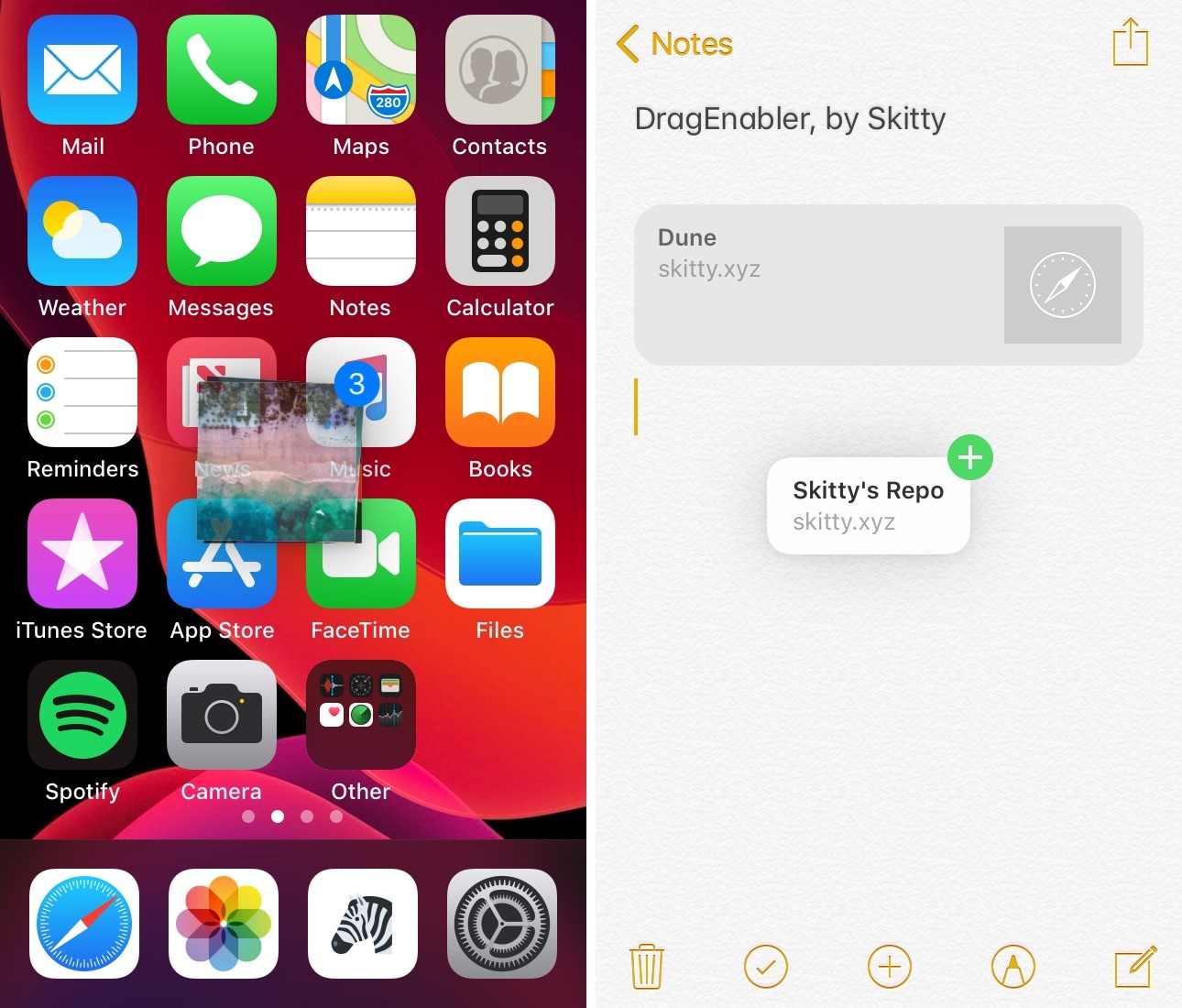
If you’re jailbroken, however, then you don’t need to play by these asinine limitations. A newly-released and free jailbreak tweak dubbed DragEnabler by iOS developer Skitty permits iPad-like drag and drop functionality on unsupported devices, including the iPhone and iPod touch.

Give your 3D Touch menus a makeover with Baylor

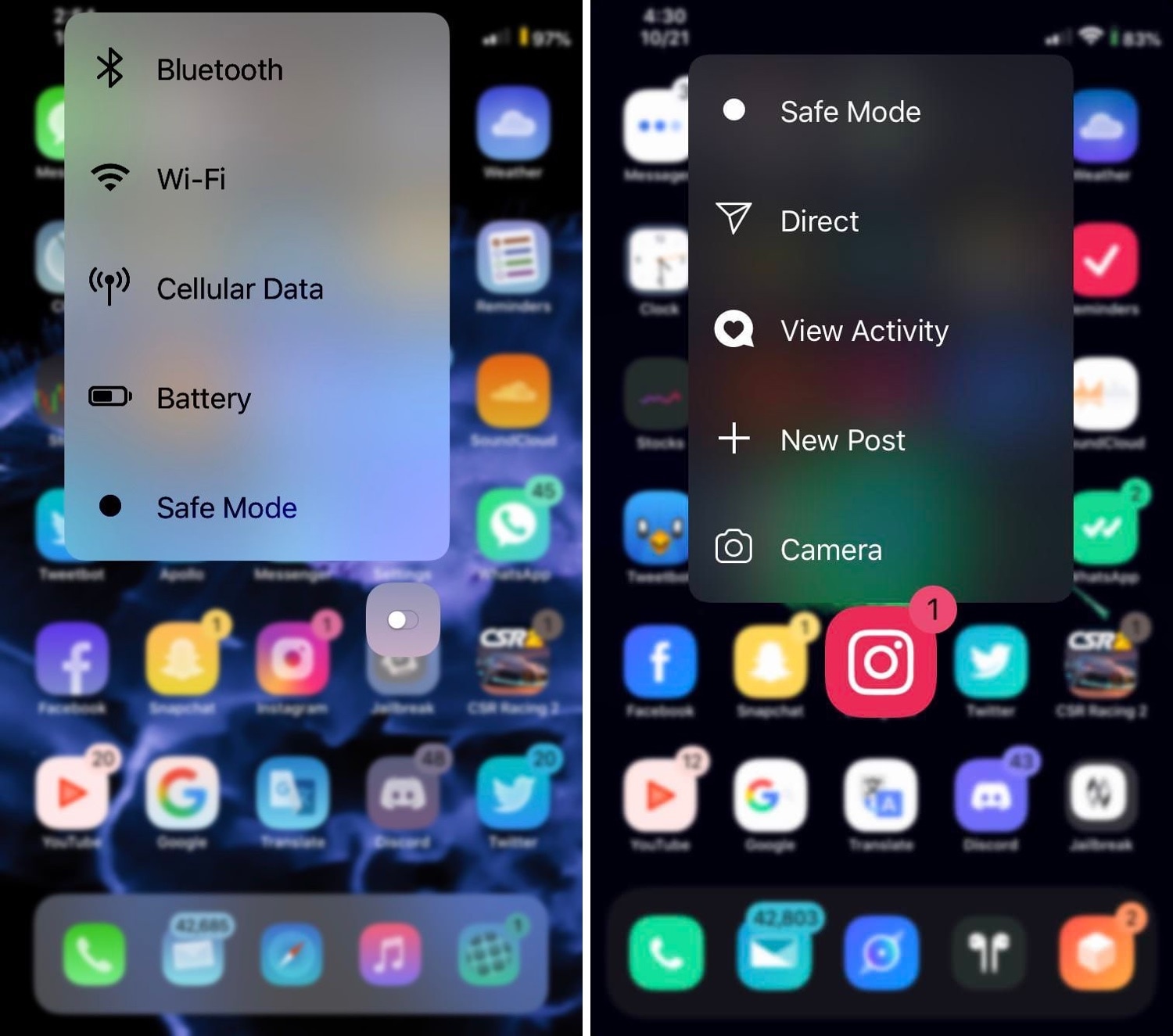
You can press firmly on your Home screen’s app icons on any 3D Touch-compatible handset to access handy shortcuts pertaining to that specific app, and while they can be useful at times, it’s equally valid that Apple provides little or no customizability in this department.

If you’re in the market for a way to make your handset’s 3D Touch menus stand out from the rest of the crowd, then you just might come to appreciate a newly-released jailbreak tweak called Baylor by iOS developer dpkg_.

This tweak plays a Live Photo of your choice when someone calls you

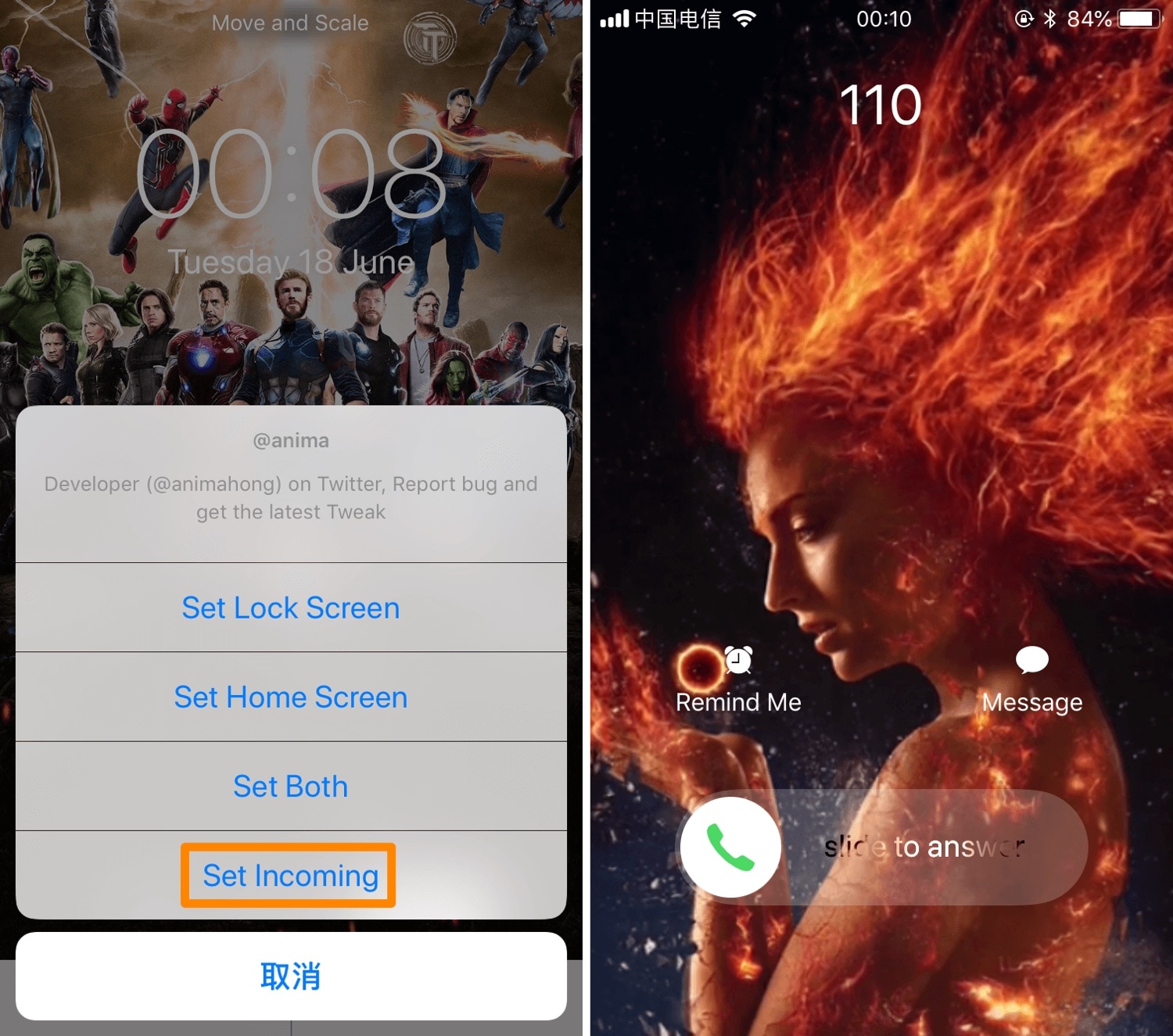
iOS’ native incoming call interface can be somewhat bland at first glance, and that’s precisely why iOS developer Anima has released a new jailbreak tweak dubbed Incoming Call LivePhoto (A12 Support).

Just as the name implies, Incoming Call LivePhoto replaces the bland incoming call background with a Live Photo of your choosing, ensuring that you always have something cool to look at when your iPhone starts ringing.

NotchControl expands your iPhone’s notch with more features

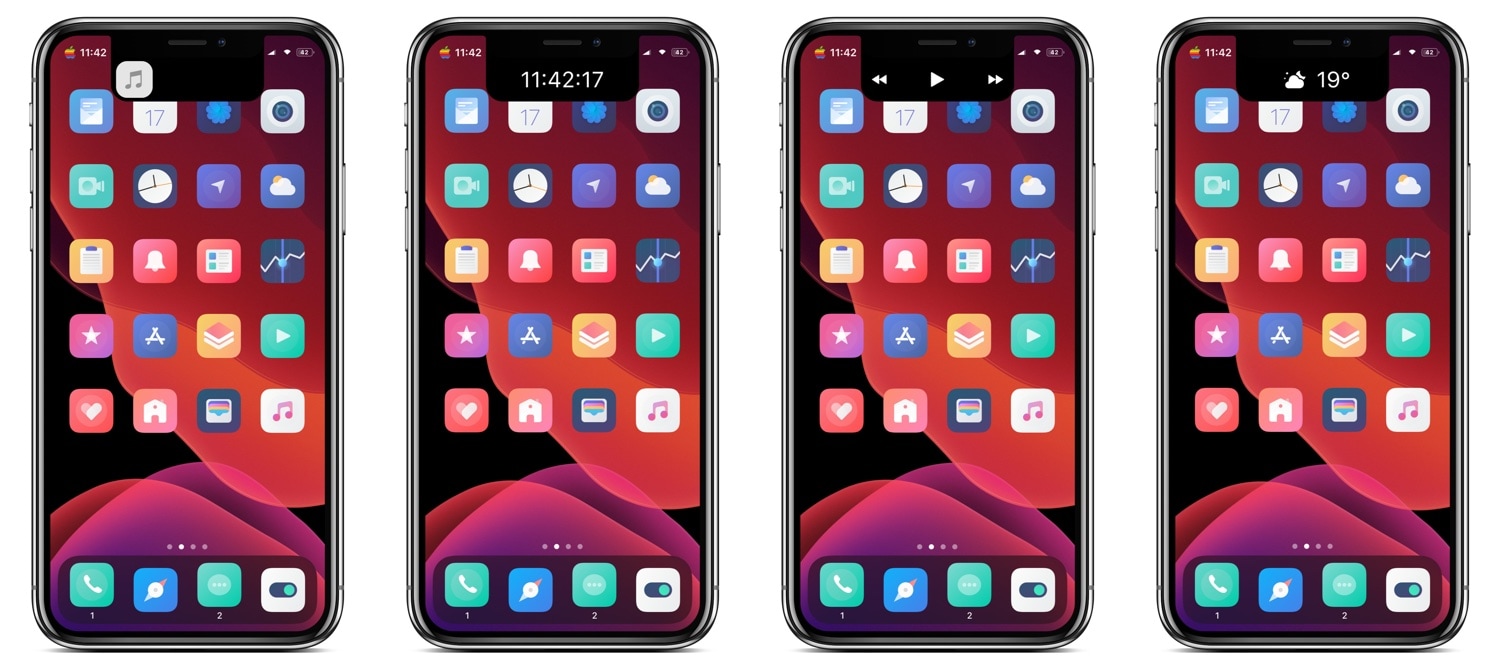
Love it or hate it, most of Apple’s modern-day mobile devices come standard with a top-of-display notch that houses the TrueDepth camera system used by Face ID for biometric authentication and for selfie images. Now that the notch has become the norm, the best thing you can do is embrace it; but why not go a step further and expand it?

NotchControl is a new free jailbreak tweak by iOS developer PeterDev that builds upon the notch’s native aesthetics and functionality. With it, you can incorporate new controls and information displays into the notch, such as things that pertain to music, time, or weather.

Shenmue ensures that you won’t forget upcoming plans or events ever again

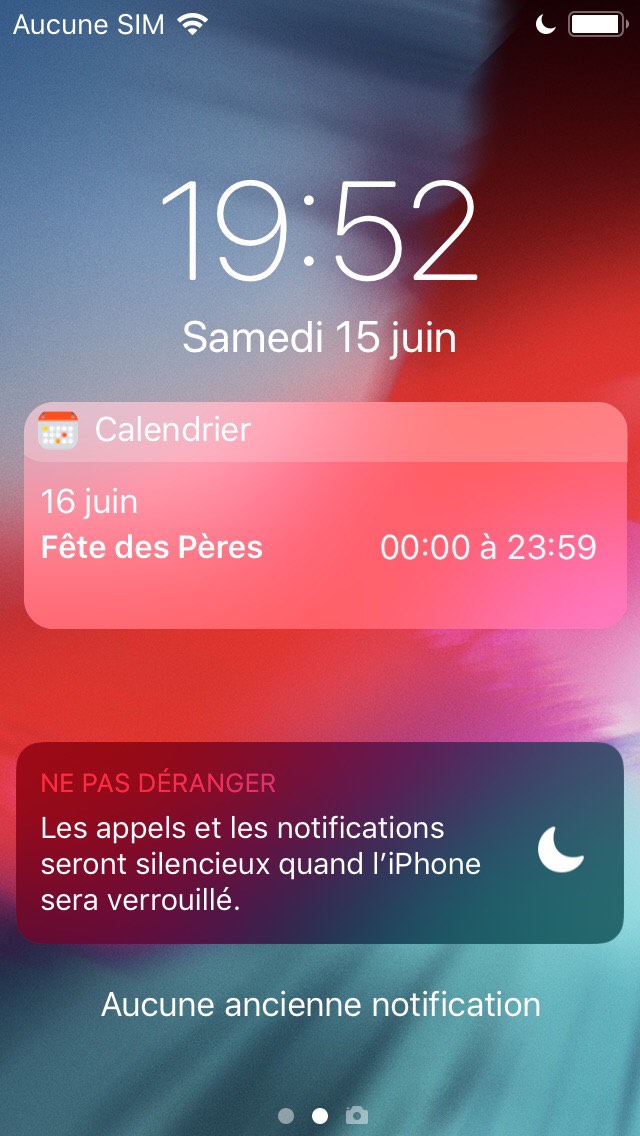
Lots of people pack their iOS handsets’ Calendar app with upcoming plans and events, and we find it particularly alarming that Apple still doesn’t persistently display those plans and events on the Lock screen to prevent users from forgetting about them as the week goes on.

Given the circumstances, we’re particularly excited to show you a newly-released and free jailbreak tweak called Shenmue by iOS developer maximehip, which resolves the aforementioned problem by displaying a specialized event widget on the Lock screen with a persistent reminder regarding what’s still to come.

LastUnlock displays the last time your iPhone was unlocked on the Lock screen

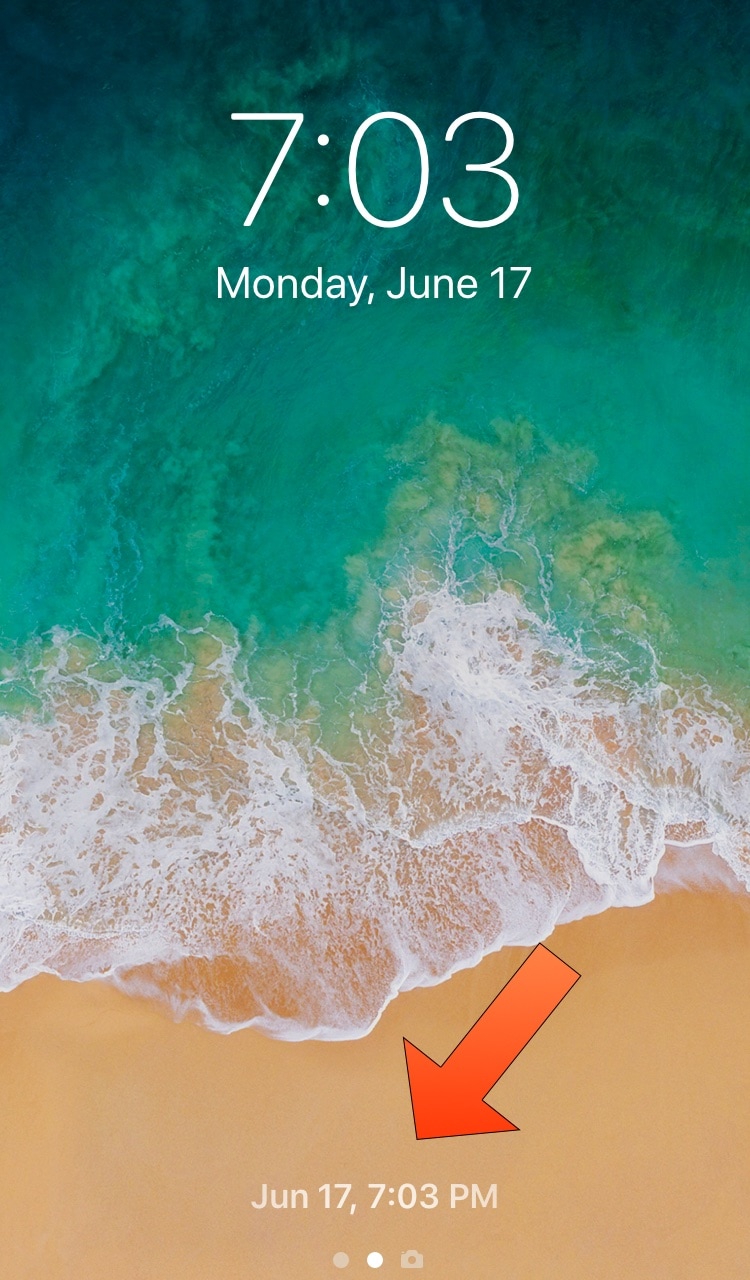
If you have a jailbroken handset in your possession and you’re paranoid that someone might know your passcode and that they might be logging into your device when you aren’t looking, then you just might come to appreciate a newly-released and free jailbreak tweak dubbed LastUnlock by iOS developer Smokin1337.

As indicated by the screenshot example above, LastUnlock records the most recent date and time that your handset was unlocked (whether it was by you or someone else) and displays it on the Lock screen where the ‘press Home to unlock’ or ‘swipe up to unlock’ text would typically appear.

Colorize your iOS apps’ activity indicators with Spoke

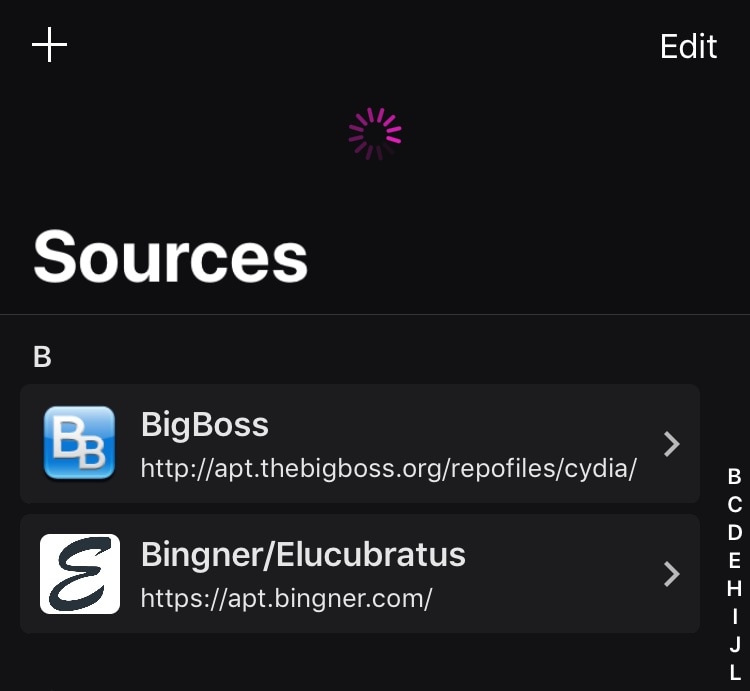
As you use iOS, you’ll become accustomed to seeing activity indicators in many of your apps. The activity indicator is denoted by a spinning wheel, such as what you might see when certain apps load or begin communicating with the internet.

iOS’ activity monitors are typically monotonous, serving no other purpose besides letting you know that an app is doing something; but that doesn’t mean they need to be boring. A newly-released and free jailbreak tweak dubbed Spoke by iOS developer Unicorn808 lets you colorize these activity monitors.

InstallProtect12 makes you authenticate yourself to install or uninstall jailbreak packages

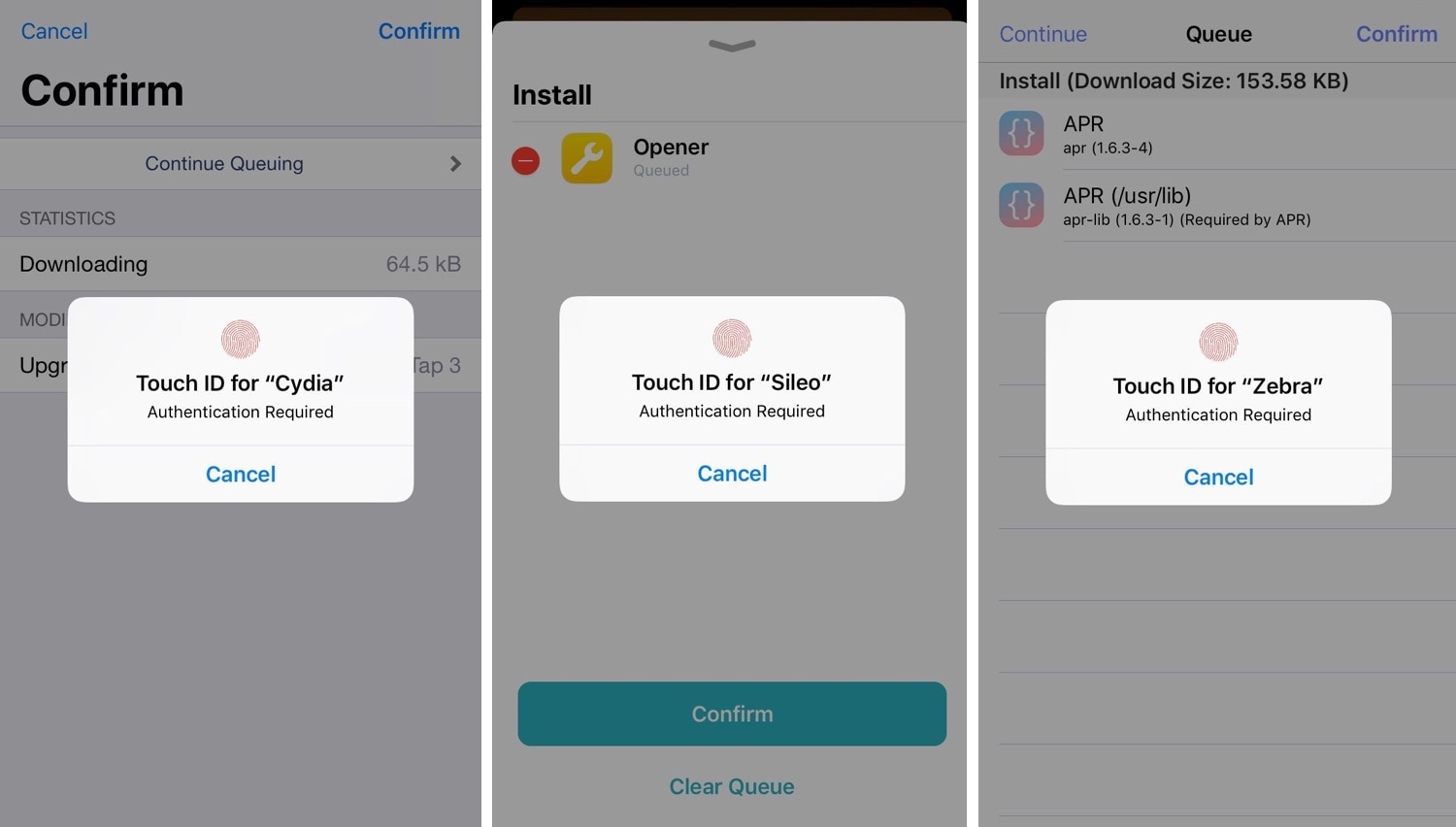
InstallProtect12 is a newly released and free jailbreak tweak created by iOS developer Castyte, and we’re particularly excited to show it to you.

While most jailbreak tweaks are somewhat subjective depending on the user, this one seems like a no-brainer for most as it seriously augments the jailbroken handset experience on all fronts. More specifically, it necessitates biometric authentication to manage packages in three of the most popular package management apps, including Cydia, Sileo, and Zebra.

Dapple lets you colorize your iPhone’s Status Bar

One of the most exciting things you can do with a jailbroken handset to help it stand out from the crowd is customize its aesthetics. There are many ways you can do this, from applying themes to installing tweaks that change system colors and more.

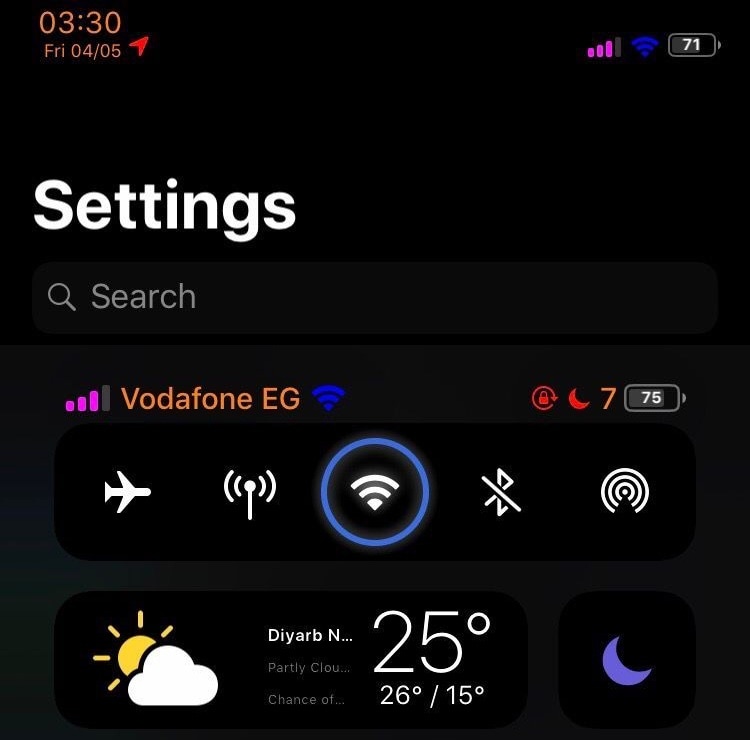
One of the latest releases that can help in this department is a jailbreak tweak called Dapple by iOS developer dpkg_, which lets users colorize their iOS device’s Status Bar on a per-item basis.