UI

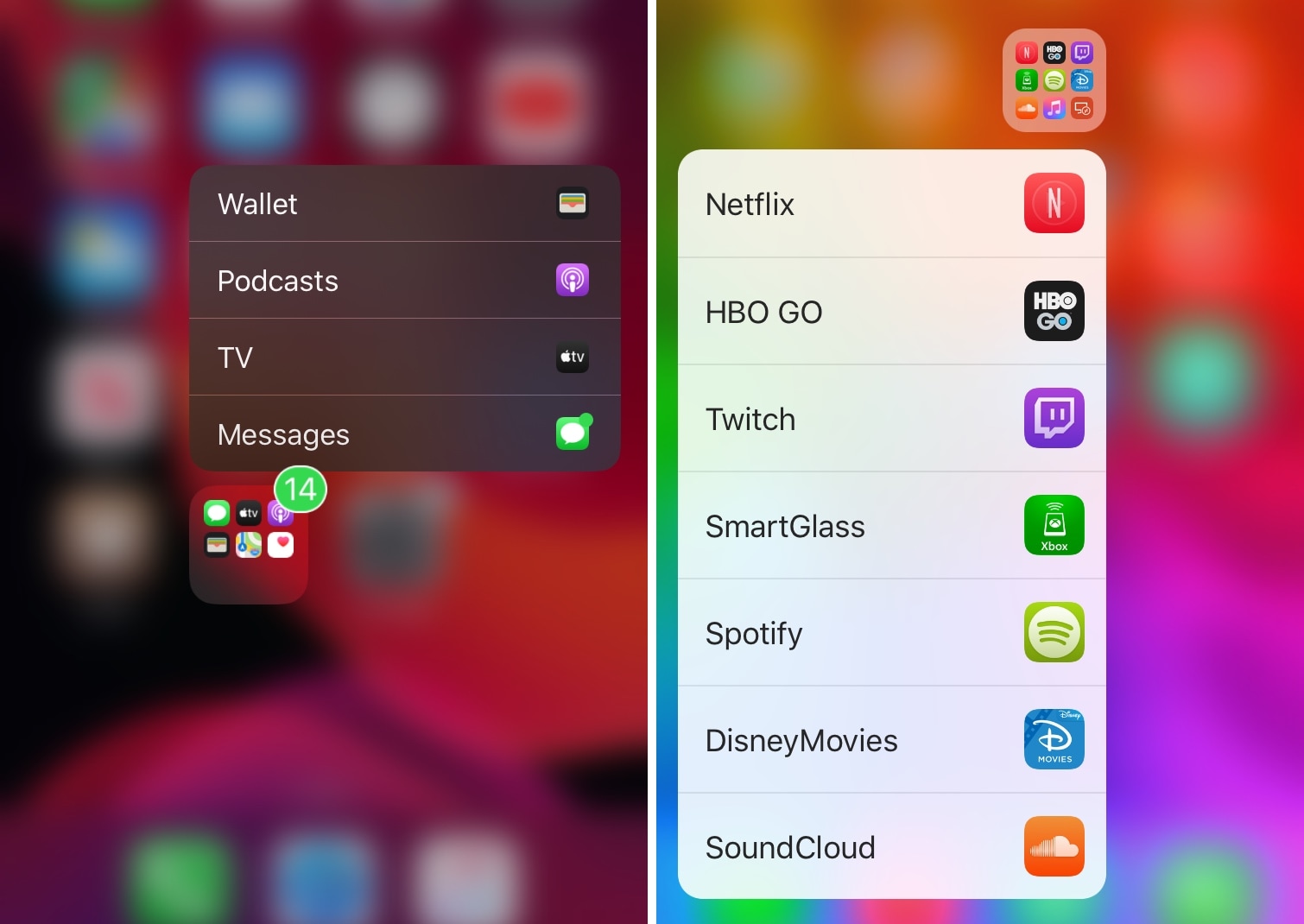
Manila lets you use 3D Touch or Haptic Touch to launch apps in folders

If your iPhone’s Home screen is chock-full of application icons, then you might use folders to help you organize them. On the other hand, having too many folders can quickly create the illusion of an application labyrinth that makes navigating your Home screen more confusing than it’s worth.

Those familiar with the circumstances described above just might take a liking to Manila, a new and free jailbreak tweak by iOS developer David Goldman that lets you launch apps from your folders with a Haptic Touch or 3D Touch gesture.
Jailbreakers can now customize iOS 13’s native dark mode with Noctis Neo

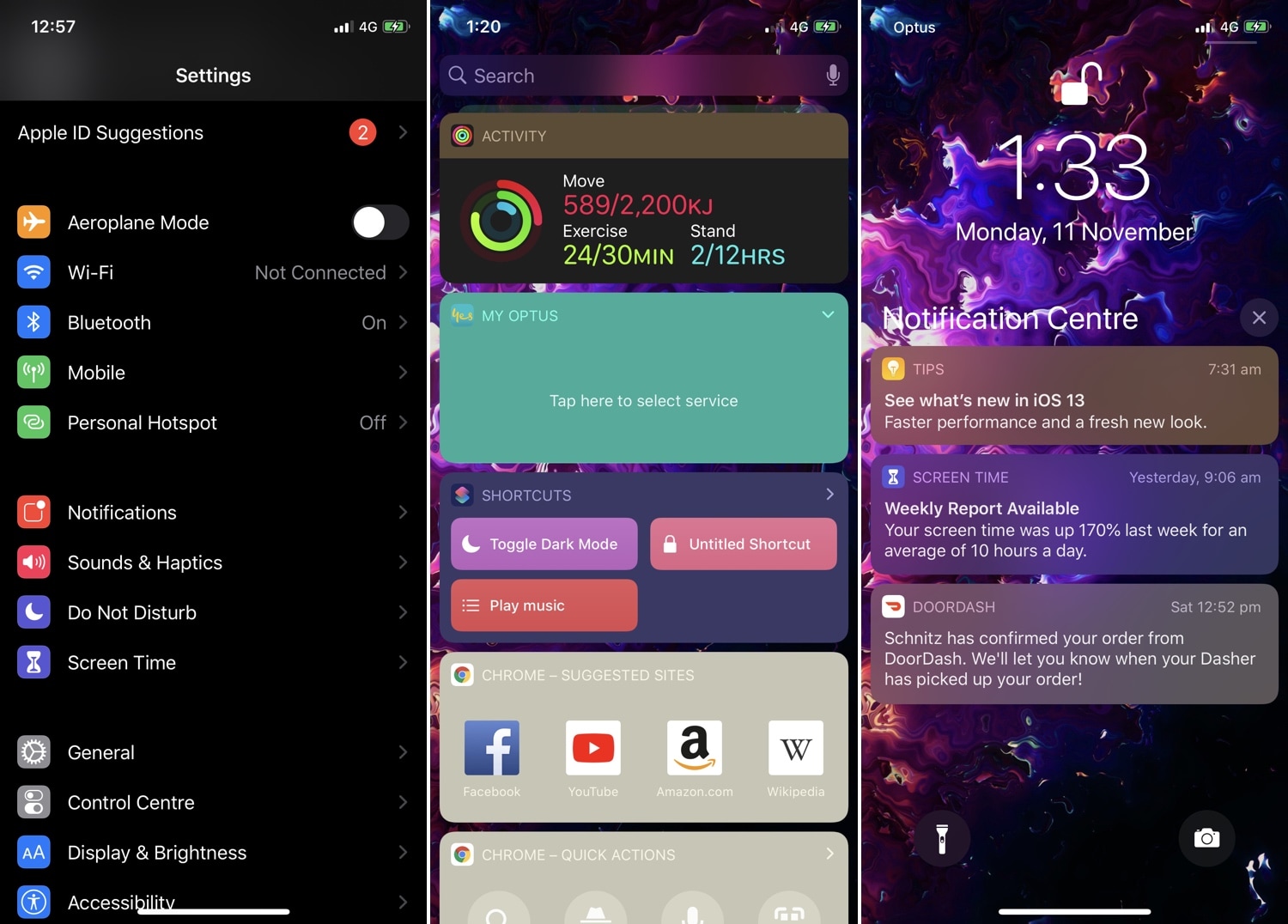
Jailbreakers have had access to dark mode for years, but Apple is just now implementing it out of the box with the launch of iOS 13. Unfortunately, native dark mode in iOS 13 isn’t quite as dark as some users would prefer, and that’s why iOS developer LaughingQuoll has released a new jailbreak tweak called Noctis Neo.

Noctis Neo, much like older iterations of Noctis, lets users enable and configure dark mode with or without custom color accents and tints. You’ll notice in some of the screenshot examples above that Noctis Neo can make iOS 13’s dark mode a truer black than it comes out of the box, but that’s not the only thing it can do.

Daisy brings audio route icons to Control Center on jailbroken handsets

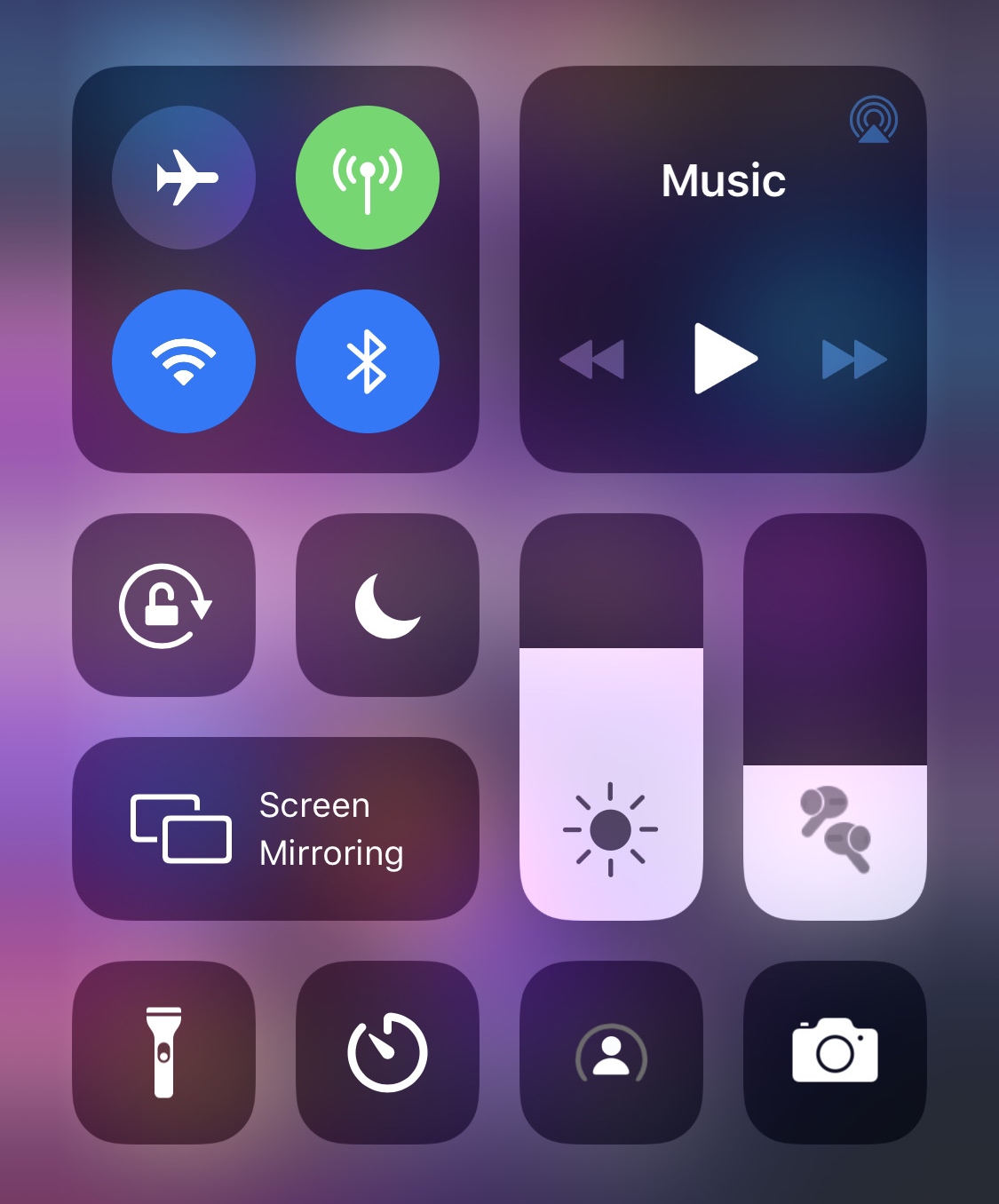
If you’re jailbroken on iOS 11 or 12 and actively looking for a fun and quirky way to style up the Control Center interface when listening to music with your favorite Bluetooth headset or speaker, then you’re probably going to enjoy a new and free jailbreak tweak release called Daisy by iOS developer LaughingQuoll.

As depicted in the screenshot example above, Daisy populates the volume slider in Control Center with a meticulously crafted glyph that represents the type of Bluetooth device you’ve connected to when listening to audio. Notably, the glyph still appears when the volume slider gets expanded to full screen.

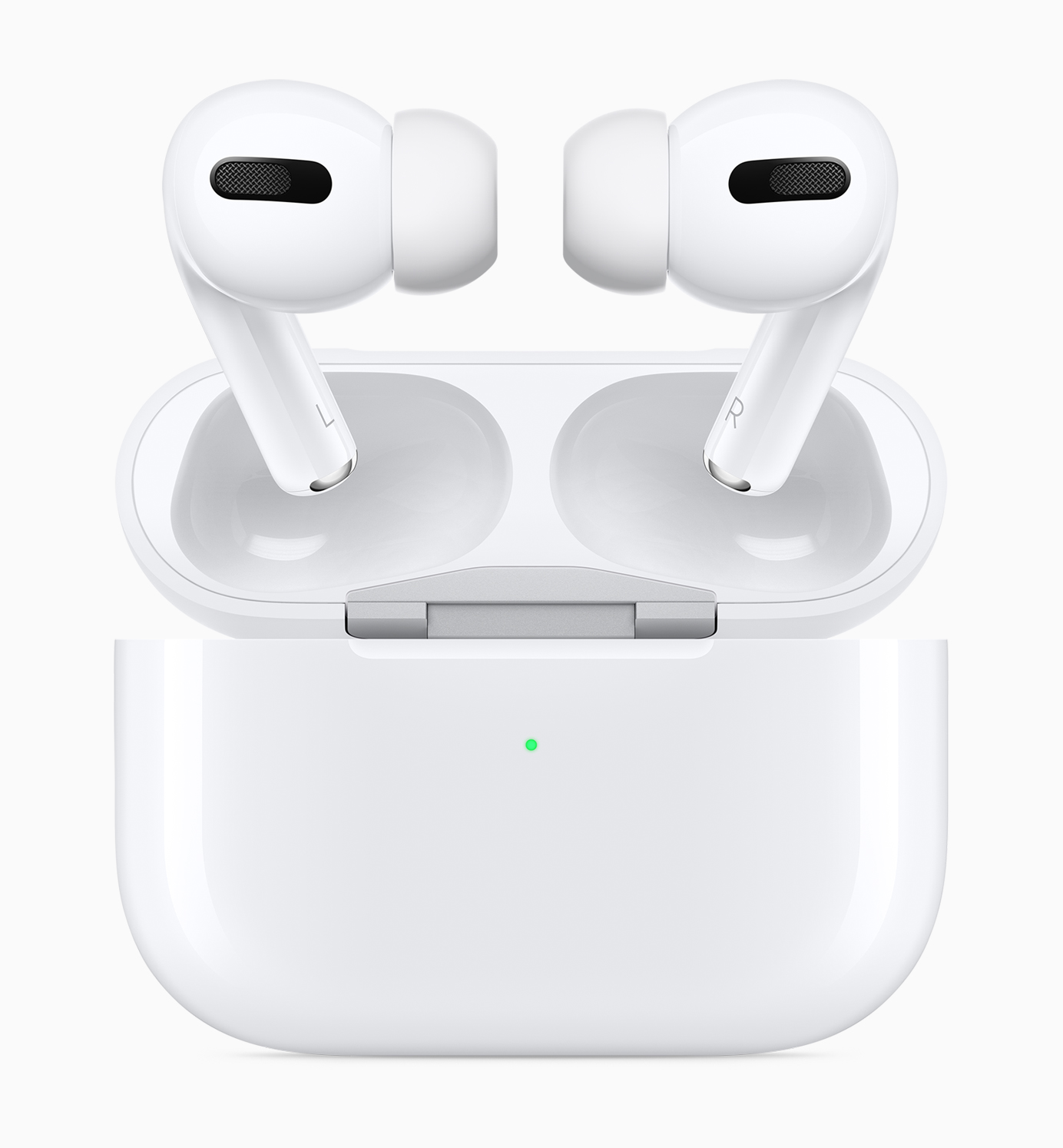
Customize AirPods Pro behavior with the new Siliqua Pro jailbreak tweak

It can be seldom that jailbreak-oriented software supports any of Apple’s latest hardware, but perhaps one of the most renowned exceptions to this rule of thumb lies with that of first-party accessories, much like Apple’s AirPods. One great example of this was a previous jailbreak tweak release called Siliqua by iOS developer LaughingQuoll, which offered deeper gesture customization for AirPods users in possession of a pwned device.

Siliqua has since seen its second iteration, but now that Apple launched an entirely new product called the AirPods Pro, it shouldn’t come as much of a surprise to anyone that LaughingQuoll released a new tweak to go along with it. Enter Siliqua Pro, an add-on just like Siliqua, but designed especially for Apple’s latest and greatest first-party wireless earbuds.

Give notification badges a custom aesthetic with BadgeMe

The infamous notification badge has looked almost the same on the iOS platform for more than a decade. The single most significant transformation befell with the release of iOS 7 when Apple nixed skeuomorphism from the bulk of iOS’ user interface, but even then, it didn’t change much.

The circumstances are absolutely astounding, but they aren’t hopeless. Those lucky enough to have a pwned handset in their possession can change how their notification badges look right this very second with the help of a newly released jailbreak tweak called BadgeMe by iOS developer Sirius24.

ScreenSafe protects your iPhone’s display from burn-in with screensavers

Handsets equipped with OLED displays are particularly adept at displaying high-contrast colors due to the true blacks they exhibit, especially when compared to handsets sporting traditional LCD displays. On the other hand, OLED displays are also notorious for screen burn-in issues, and that’s where screensavers come in.

Modern iPhones such as the iPhone X, XS, and 11 Pro (including their larger counterparts) come standard with OLED displays, and while Apple has already done plenty to mitigate screen burn-in with these devices, they haven’t yet adopted screensavers on the iOS platform. With that in mind, a new jailbreak tweak release called ScreenSafe by iOS developer Kushy comes off as particularly interesting.

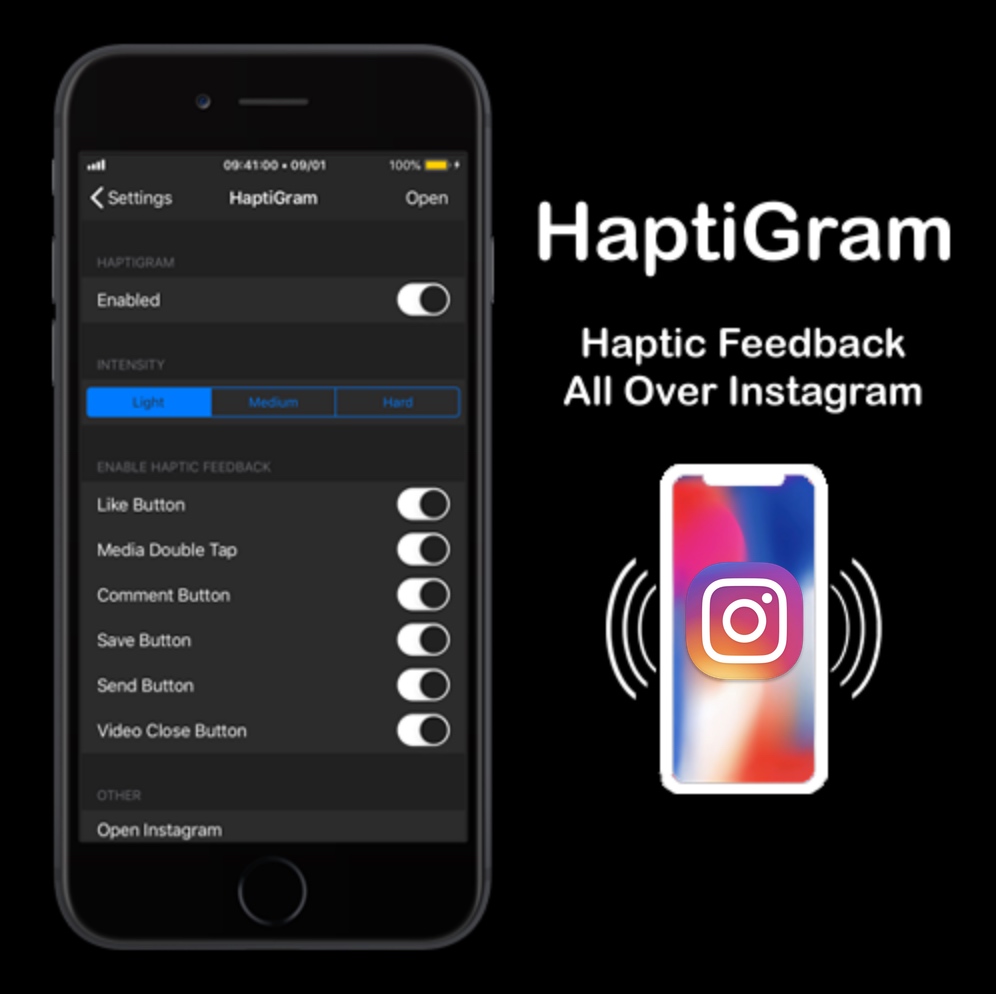
Add haptic feedback to the Instagram app with HaptiGram

If you’re a jailbreaker that uses the Instagram app and also happens to enjoy subtle vibrations when performing actions (better known as haptic feedback), then we think you’ll take a particular liking to a newly released jailbreak tweak called HaptiGram by iOS developer iCraze.

As you may have inferred already from the context clues above, HaptiGram integrates haptic feedback into various actions performed in the official Instagram application for iOS. According to the developer, haptic feedback can be felt when doing any of the following things:

This tweak forces the Twitter app to show the ‘Latest’ Tweets at all times

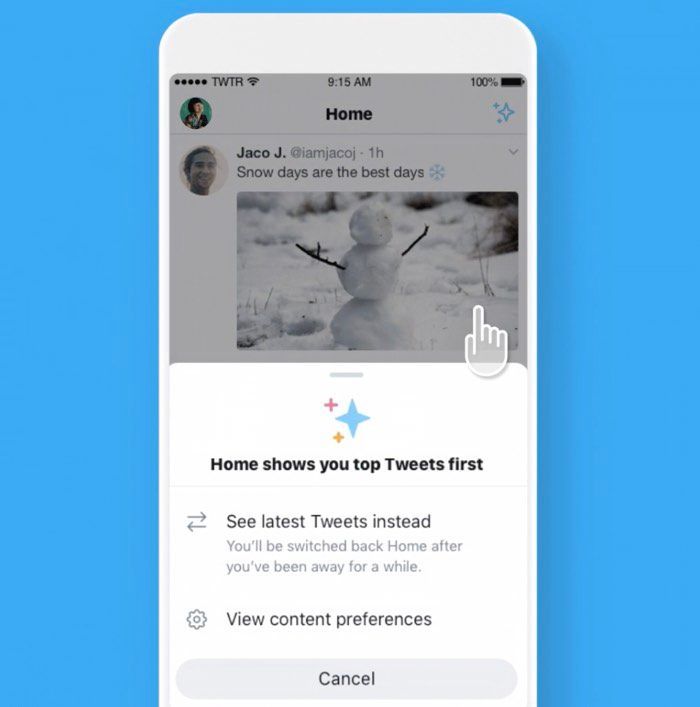
Twitter users who use the social network via the official app will notice that it seems to favor “Top” Tweets over “Latest” Tweets in your News Feed. In some cases, it even switches you from Latest to Top without your consent. It’s easy to switch back, but it can be annoying to deal with nonetheless.

I’ve always disliked this about the Twitter mobile app, and for that reason in particular, I’m excited to show you a newly released and free jailbreak tweak dubbed AlwaysLatestTimelineTwitter by iOS developer aesthyrica.

Take Home screen customization to the next level with IconTweak

The Home screen is something you interface with every single day. That said, wouldn’t it be nice if Apple allowed you to do more with it than simply change the wallpaper image and move the app icons around?

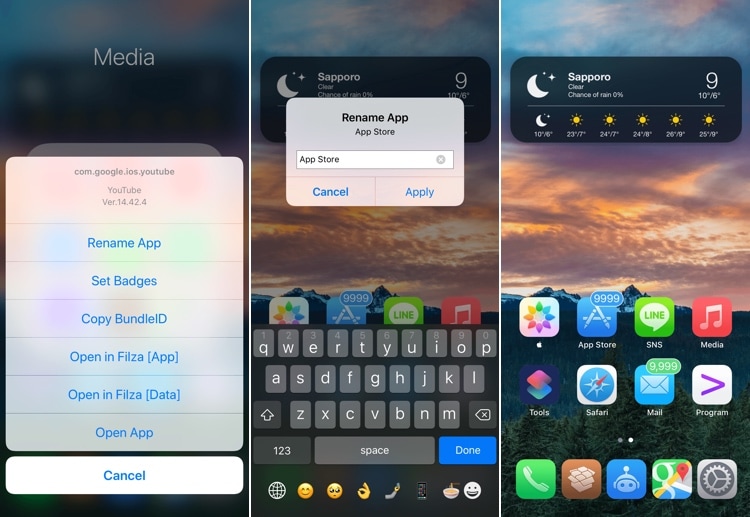
If you’re onboard with the aforementioned idea, then you’ll probably take a liking to a new jailbreak tweak called IconTweak by iOS developer ichitaso. With it, you can customize your Home screen’s app icons in new and exciting ways.

Safari Electro supercharges the iOS web browsing experience

Apple pours tons of developmental resources into its mobile Safari web browser to make things as fluid as possible for the end user, but that doesn’t change the fact that Safari lacks some features that might be considered useful, especially when moving from Safari for iPad to Safari for iPhone.

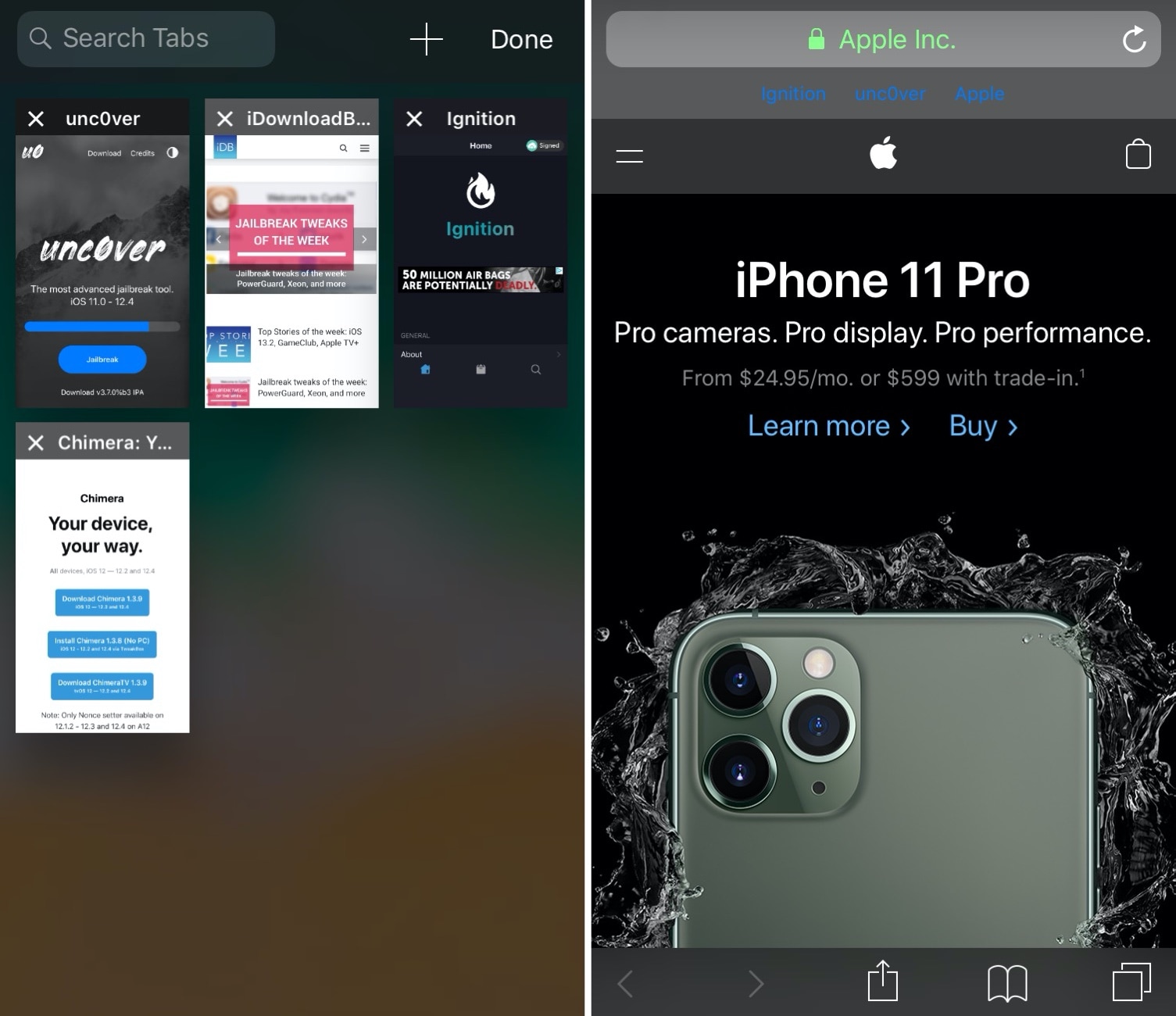
If you agree with the statement above, then you’ll want to check out a newly released jailbreak tweak dubbed Safari Electro by iOS developer Minazuki. As you may have inferred from the screenshot examples above already, this tweak supercharges the mobile Safari web browser on the iPhone and iPad with power user features.

PureFocus productively mitigates distractions on jailbroken devices

Smartphones can be incredibly useful tools in day to day life, but let’s face it, they also impose a substantial distraction that can cause even the slightest of procrastinators evade meaningful productivity. For that reason, it’s a good idea for students and professionals to use focus-oriented software.

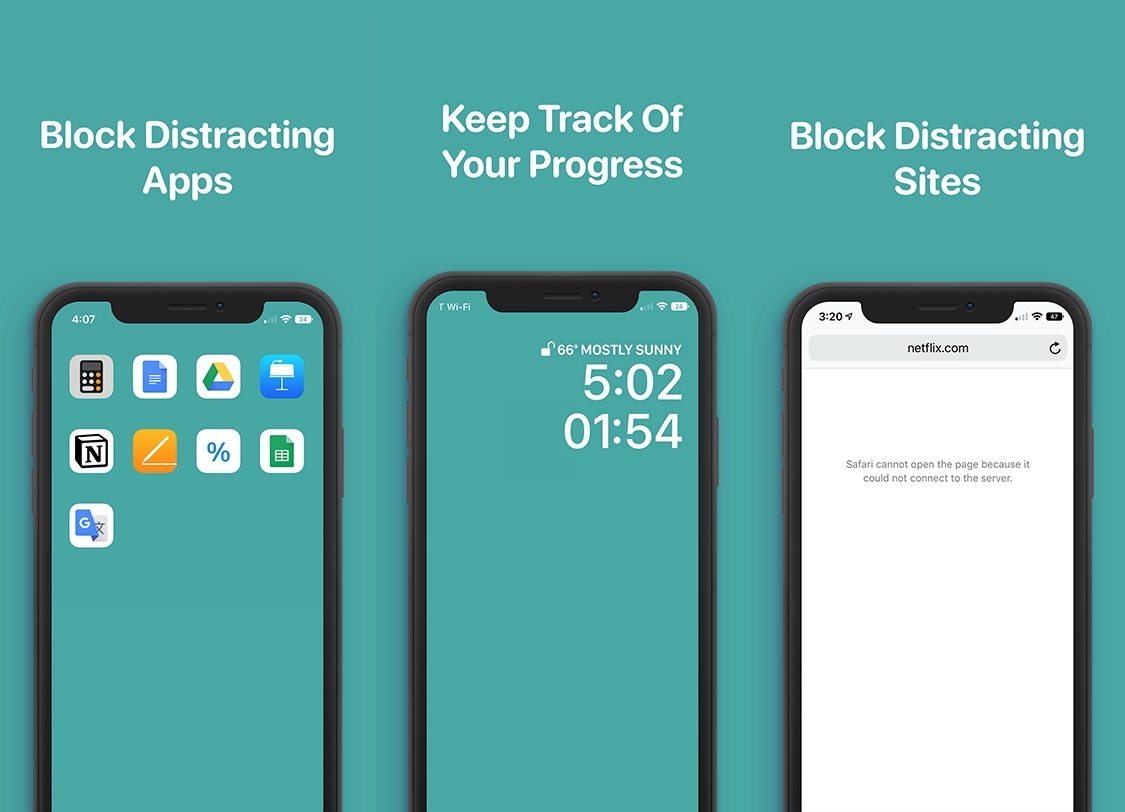
PureFocus is a newly released jailbreak tweak by iOS developer Dave Van Wijk that helps improve productivity by filtering out distractions on your pwned handset for a user-defined amount of time.

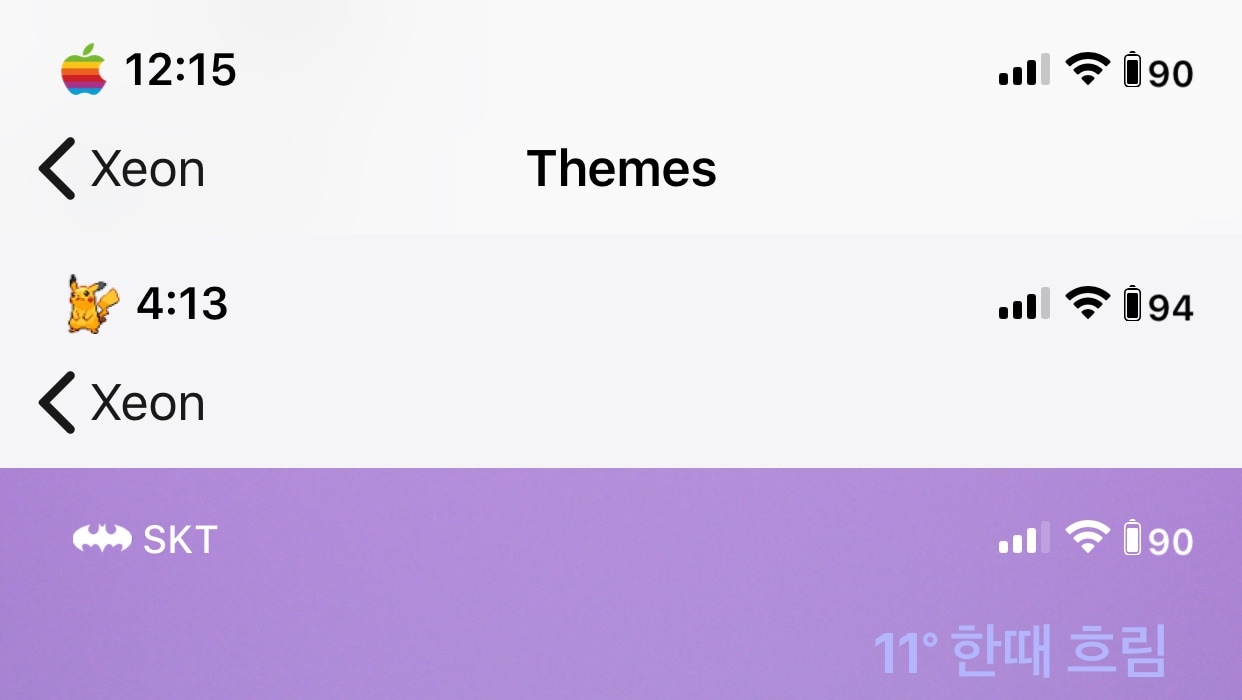
Supercharge your jailbroken iPhone’s Status Bar with Xeon

There are countless ways of customizing a jailbroken iPhone or iPad. A great place to start, especially for novices, is the Status Bar, and I say that because it’s something users will see almost everywhere throughout the mobile operating system.

Those looking for a rock-solid Status Bar customization tweak need only turn their attention to a newly released and free jailbreak tweak dubbed Xeon by iOS developer PeterDev.