UI

Springtomize 5 brings advanced Springboard customization to jailbroken handsets

Those who’ve been with the jailbreak community for as long as I have should be vividly familiar with the name Springtomize. It’s perhaps one of the most notorious all-in-one jailbreak tweaks ever released, and it’s always receiving updates year after year with support for Apple’s latest and greatest operating system as new jailbreaks find their way into existence. This time around is no different.

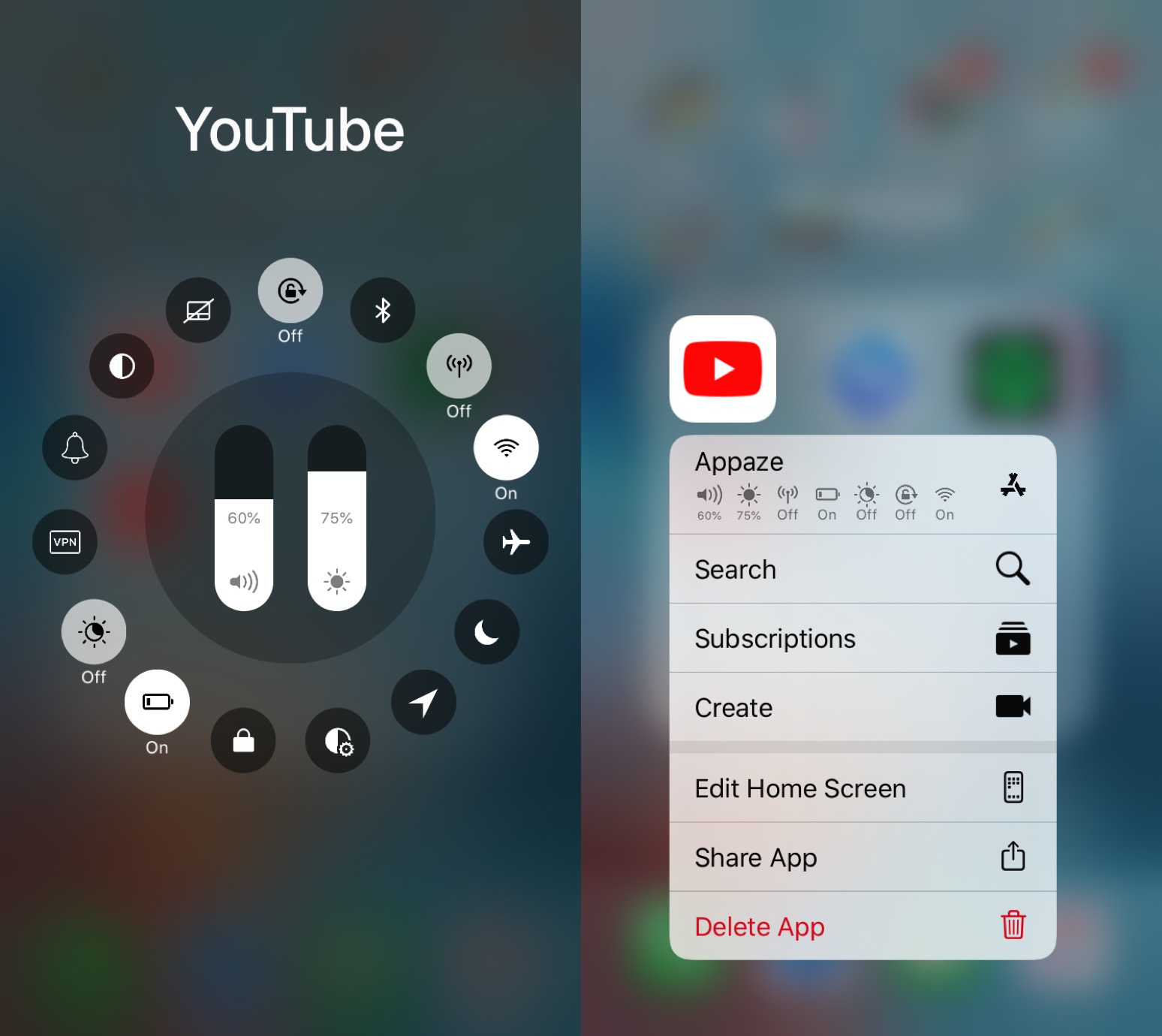
Configure Various system settings on a per-app basis with Appaze 2

If you’re anything like me, then you might use particular device settings in certain apps to get the most out of using said apps. For example, perhaps you use maximum brightness in YouTube and a lower brightness in Safari; alternatively you might use Rotation Lock in Safari, but not in YouTube.

Assuming the aforementioned behavior describes you in any capacity, you might want to turn your attention to a newly released jailbreak tweak called Appaze 2 by iOS developer AnthoPak. This tweak lets you configure system settings on a per-app basis to make using those apps as comfortable as possible.

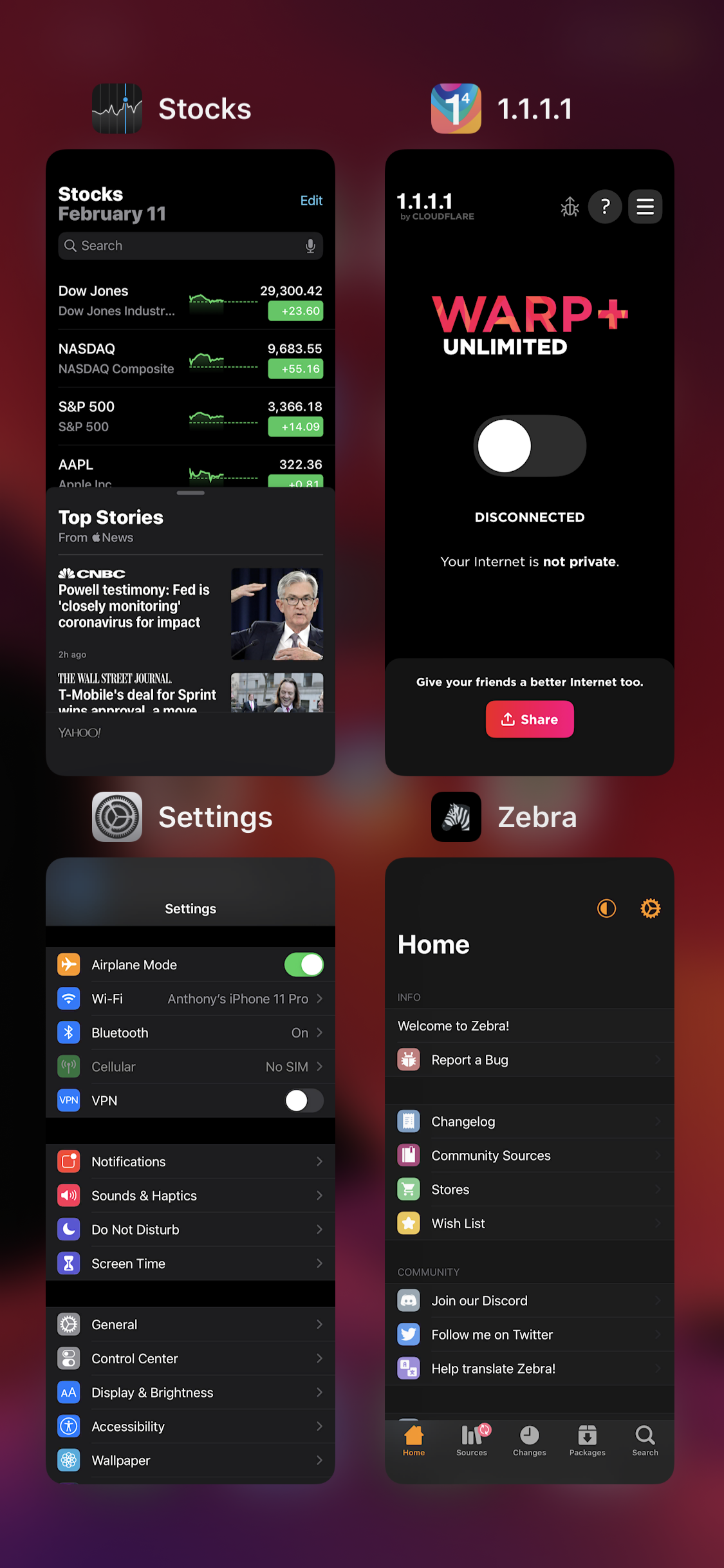
Castmary gives your iPhone an iPad-like grid App Switcher

The App Switcher experience on the iPhone leaves a lot to be desired, especially if you’ve ever used an iPad before. That said, it’s mind-blowing that Apple hasn’t done anything about this yet.

If you’re tired of waiting for Apple to implement an official solution, then you can now take advantage of a new free jailbreak tweak called Castmary by iOS developer Simulation to get an iPad-style grid-based App Switcher on your iPhone or iPod touch.

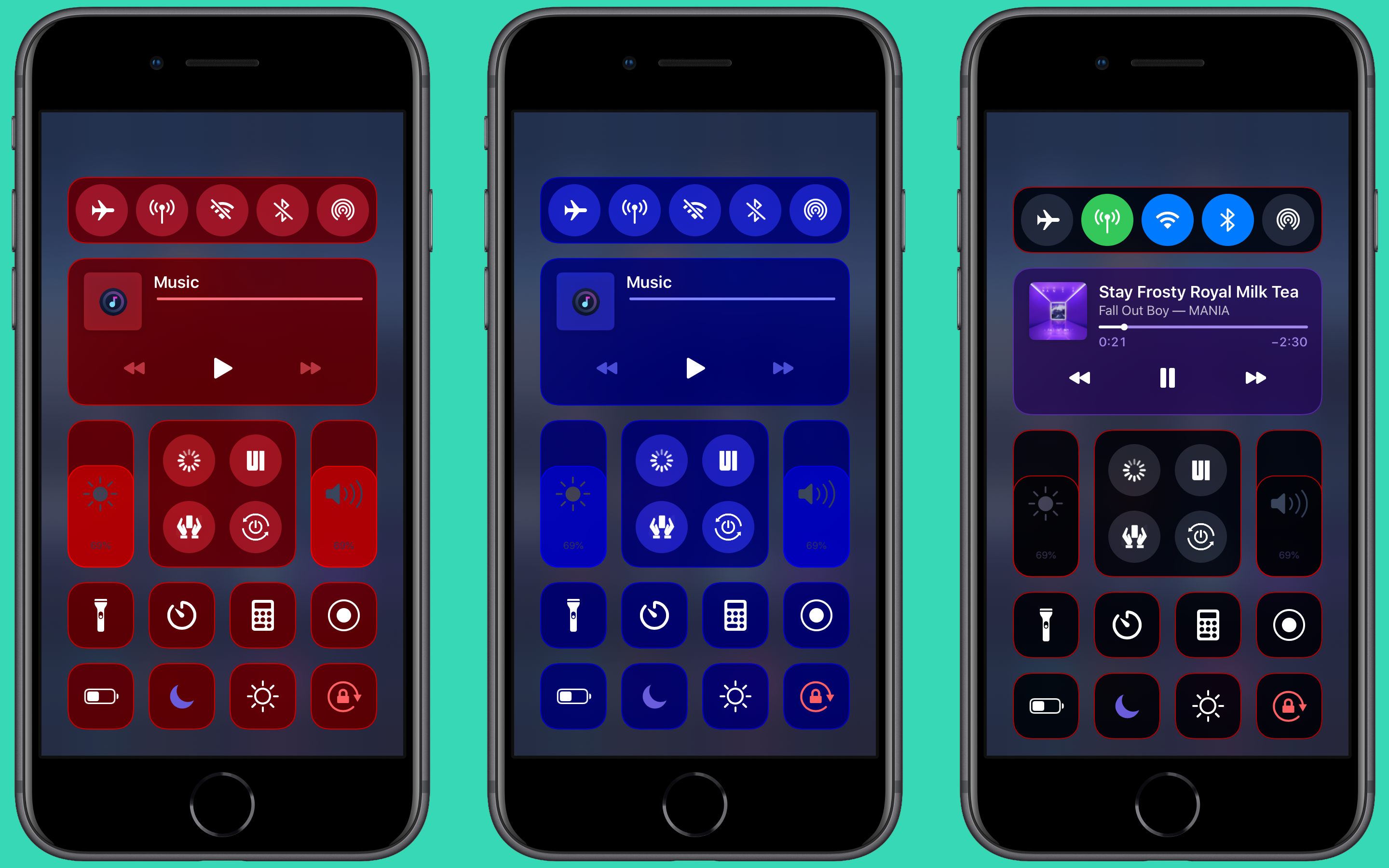
ColorMeCC lets you colorize iOS’ Control Center for free

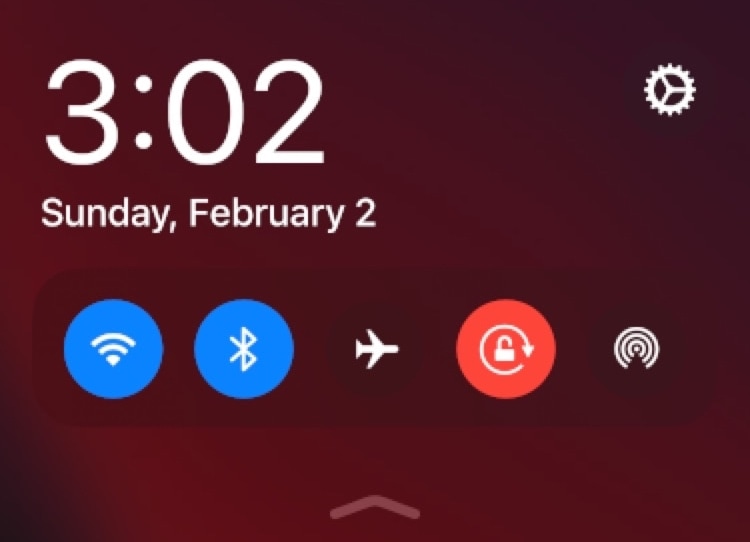
Jailbreakers who enjoy theming and adding their own personal splash of color to the native iOS user interface to make it distinguishable from the crowd won’t want to pass up on a newly released and free jailbreak tweak called ColorMeCC by iOS developer MrGcGamer.

As you might’ve inferred from the tweak’s name and the aforementioned context, ColorMeCC lets you colorize the Control Center interface in ways that aren’t possible on a stock device. The tweak incorporates a plethora of options for personalizing the Control Center interface, as you’re about to see.

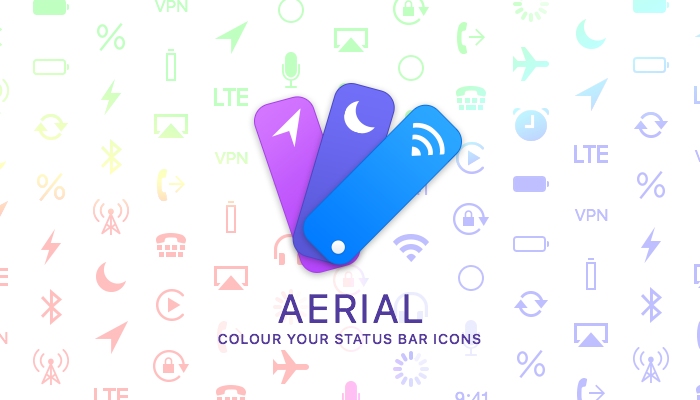
Colorize your iPhone’s Status Bar icons with Aerial 2

The Status Bar is something that iPhone and iPad users will interact with on a daily basis, and that’s why those looking to add a touch of personalization to their pwned handsets should consider checking out a newly released jailbreak tweak called Aerial 2 by iOS developer PolyTweaks.

As you might’ve ascertained already from the name, Aerial 2 is the reincarnation of a tweak that was initially released three years ago. Just like the original, the newer tweak lets users colorize their Status Bar’s icons however they want with individualized color pickers.

Customize your iPhone’s Dock with Dockify

If you’re in the market to change the look and feel of your iPhone’s application Dock on the Home screen, then you might feel right at home with that of a new jailbreak tweak release called Dockify by iOS developer burrit0z.

After you’ve installed Dockify, you’ll find a dedicated preference pane in the Settings app with a myriad of different customization techniques for your Dock:

This tweak lets you launch the Camera app from anywhere in iOS

One of the best reasons to own an iPhone is to have one of the world’s greatest point-and-shoot cameras at your disposal. But even better, those with jailbroken iPhones can augment their camera’s capabilities on top of all the killer features Apple provides out of the box.

Enter Fisting, an unfortunately named, but free jailbreak tweak by iOS developer kremedved that makes accessing your iPhone’s Camera app a cinch no matter where you are in the operating system.

AutoScroll prevents finger fatigue when scrolling a lot on your iPhone

As Steve Jobs once said, your finger is the best pointing device for your iPhone. But with enough manual scrolling effort, it may not take long before you start to experience finger fatigue, especially when reading lengthy websites or eBooks.

Those looking for a solution to the finger fatigue problem when scrolling endlessly may enjoy a newly released jailbreak tweak called AutoScroll by iOS developer pxcex. Just as the name implies, this add-on incorporates automatic scrolling into iOS.

Carbonite enriches the Reachability interface with new functionality

Reachability is a feature Apple put into iOS to make using taller iPhones easier with just one hand, especially for the small-handed folk out there. But if you have the ability to reach that high up with just your thumb when using your iPhone one-handed or you want to make better use of the space when using two hands, then you might view the Reachability interface as a complete and utter waste of space.

If you identify as the latter category, then you’ll probably come to appreciate that of a newly released jailbreak tweak dubbed Carbonite by iOS developer Antique. This tweak aims to make the Reachability interface more useful by filling it with toggles and shortcuts that can make your life easier in day-to-day usage.

This tweak lets you colorize your iPhone’s selected text highlights

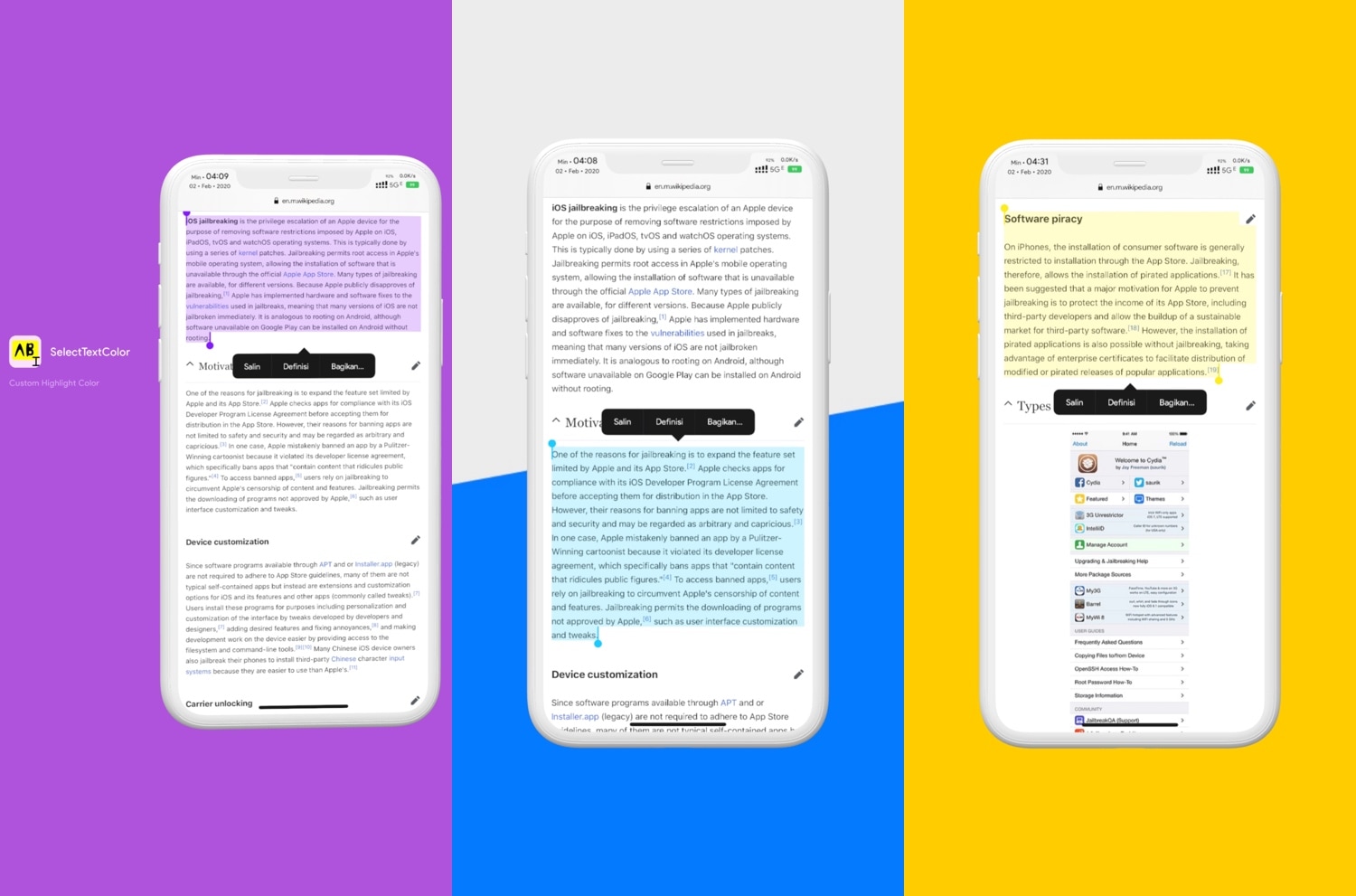
As you select bodies of text in iOS, whether that’s from a website, a text-editing app, or somewhere else, you’ve probably gotten accustomed to seeing a light blue highlight designating the text you’ve selected. I love that I can select text to copy and paste elsewhere in iOS, but I generally wish Apple provided more aesthetic customization in this department.

Enter SelectTextColors, a newly released jailbreak tweak by iOS developer pxcex that responds to this longstanding request by letting users customize their selected text highlighting colors.

SmartNetwork helps you manage your iOS device’s network connections

Your iPhone and iPad are wireless communication devices that use either Wi-Fi or cellular connections to maintain a continuous flow of data to and from the device. But wouldn’t it be nice if Apple gave users more control over their handset’s network parameters?

Those looking to obtain more fine-grained control over their iPhone or iPad’s wireless networking may take a liking to a newly released jailbreak tweak called SmartNetwork by iOS developer Elias Sfeir. As the name implies, this tweak offers a suite of features that let you manage your handset’s connections more effectively.

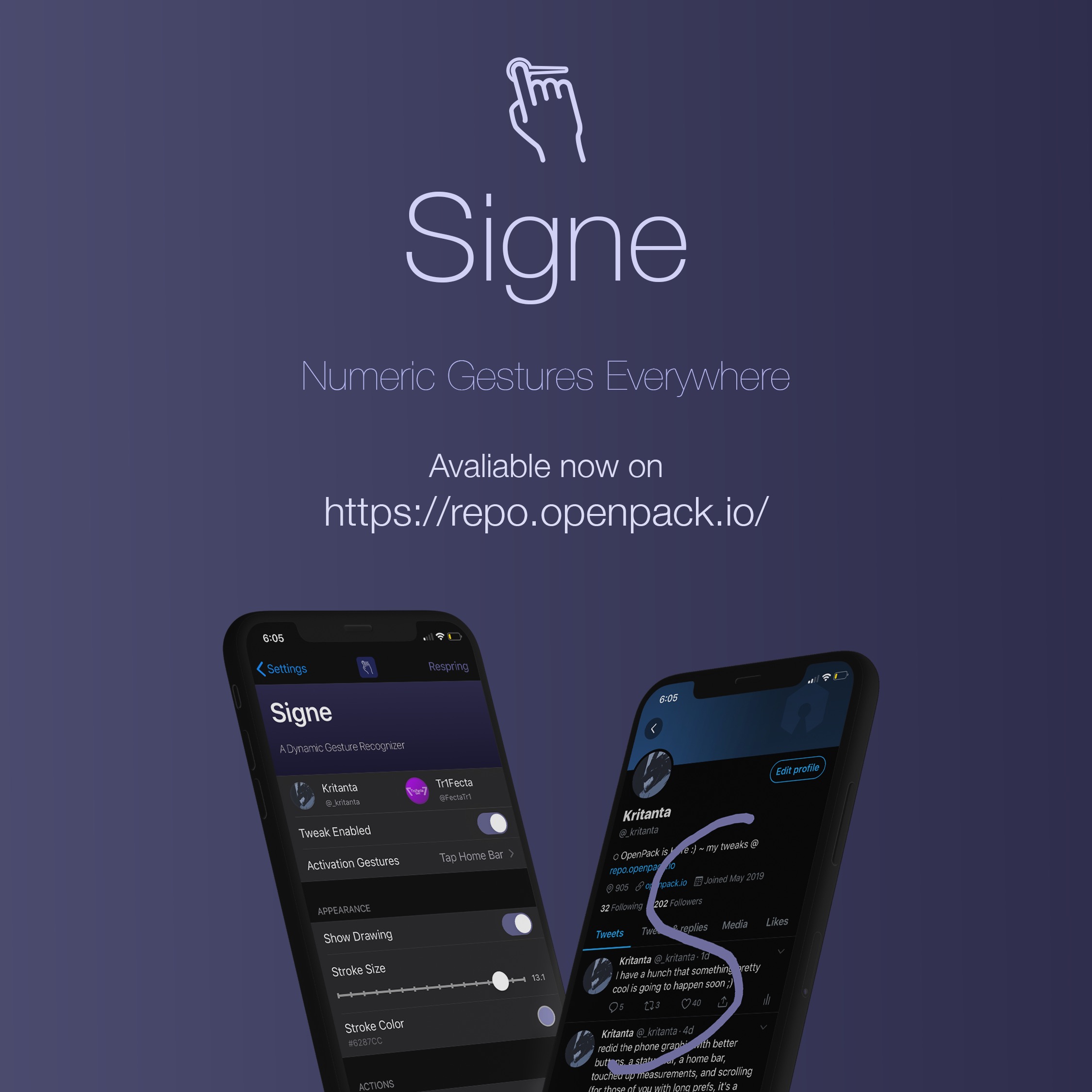
Signe lets you use numeric gestures as shortcuts to apps and websites

Having a jailbroken handset means that you can install third-party add-ons that permit you to take advantage of features that otherwise wouldn’t be available to you on a stock device. Shortcuts that make accessing your most-used features are a wonderful example of this.

Those wishing that their iPhone or iPad would give them fast and easy access to their favorite apps or websites from anywhere in iOS might want to take a minute out of their busy day to check out a newly released and free jailbreak tweak called Signe by iOS developers Tr1fecta and Kritanta.