Twitter

HapticTwitter brings haptic feedback to iOS’ official Twitter app

I give credit where credit is due, and I'd have to say Twitter’s official app is a solid way to use Twitter on the iOS platform. Nonetheless, there are still a few ways it could be enhanced, and jailbreak developers are continuously exploring ways to do just that.

With a new free jailbreak tweak entitled HapticTwitter by iOS developer Squ1dd13, you can introduce a bevy of new haptic feedback triggers to the official Twitter app.

Twitter revamped with dynamically updated Reply/Like/Retweet counts, Safari Reader support & more

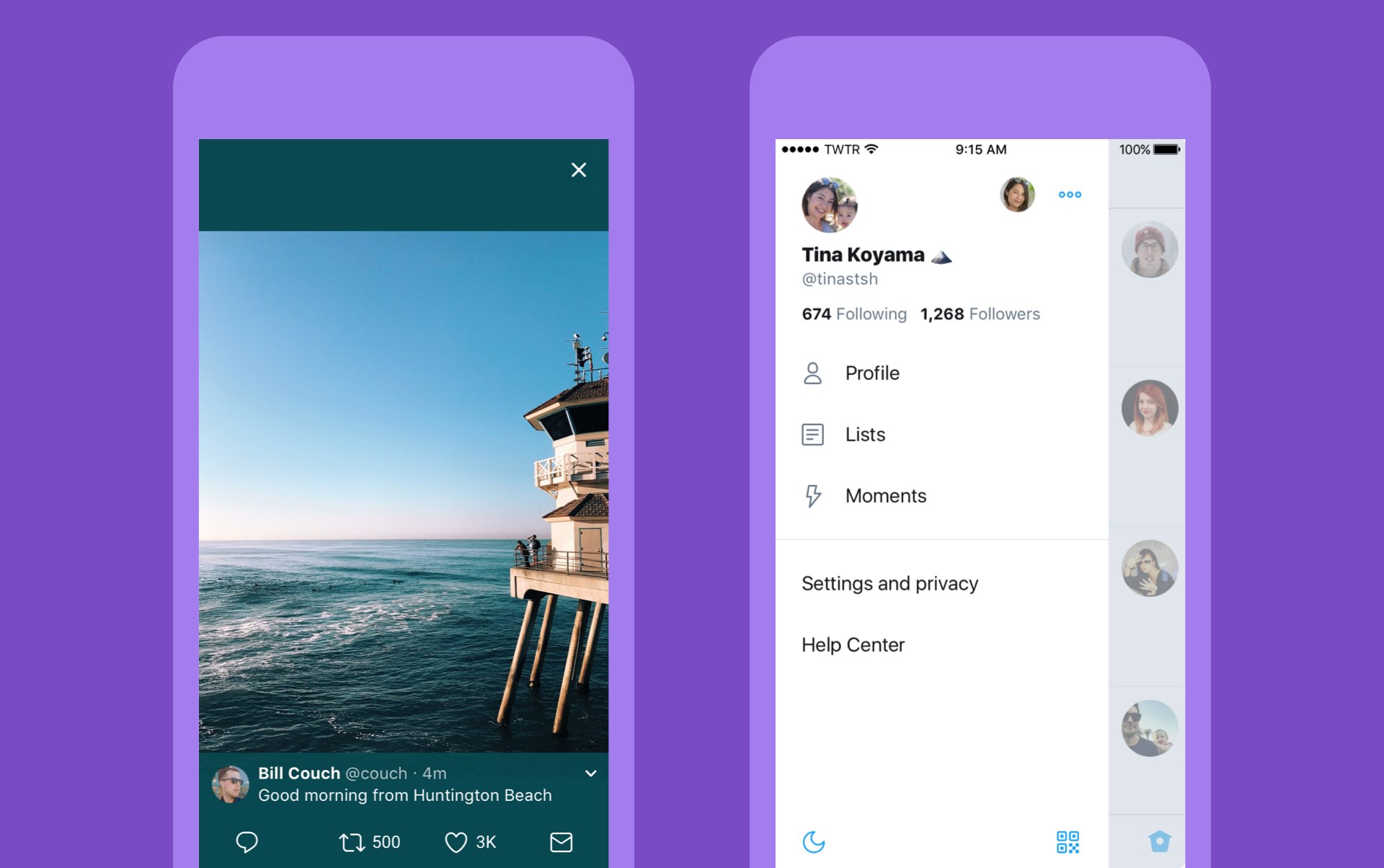
Twitter today announced a major overhaul, making the app feel lighter, faster and easier to use with faster navigation via a new side menu, bolder headlines, revamped icons and more.

The new side navigation menu lets you quickly access your profile, accounts, settings and privacy. As a bonus, you can now add filters and stickers on your profile image, if you'd like.

Tweets now update dynamically with Reply, Retweet and Like counts so that you can easily see conversations as they’re happening, in real-time. The app now features support for opening links to articles and websites in Safari’s in-app viewer.

This lets you log in to websites using your saved Safari passwords and enjoy articles in the browser's Reader mode, all within the Twitter app.

New switches in Twitter's settings interface let you turn on increased color contrast, decided whether or not you'd like links to open in Safari's Reader View and more.

Accessibility settings are now in a more prominent location.

So fresh. So clean. So live.

Check out our new look.https://t.co/ClWbwi8CEH pic.twitter.com/nR27POQkEi

— Twitter (@Twitter) June 15, 2017

Here's an overview of the new features and design:

Profile, additional accounts, settings and privacy—all in one place. A new side navigation menu and fewer tabs at the bottom of our app=less clutter and easier browsing. You told us you loved this change on Android last year and we’re excited to now bring it to iOS. Links to articles and websites now open in Safari’s viewer in the Twitter app so you can easily access accounts on websites you’re already signed into (iOS only). We’ve refined our typography to make it more consistent and added bolder headlines to make it easier to focus on what’s happening. Also, rounded profile photos make it clearer to see what’s being said and who’s saying it. More intuitive icons make it easier to engage with Tweets—especially if you’re coming to Twitter for the first time. For example, people thought the Reply icon, an arrow, meant delete or go back to a previous page. We switched to a speech bubble, a symbol most know and love. We also made the icons lighter for more seamless interaction Tweets now update instantly with Reply, Retweet and Like counts so you can see conversations as they’re happening, live (not available on twitter.com and Twitter Lite).

The aforementioned changes are rolling out across twitter.com, Twitter for iOS, Twitter for Android, TweetDeck, and Twitter Lite over the coming days and weeks.

Twitter for iOS is a free download from App Store.
SaveBot lets you save videos from your timeline in Tweetbot

A good chunk of Twitter users use Tweetbot instead of the stock Twitter app because it has a unique appearance and a bevy of useful features. Nevertheless, some would say it could be better.

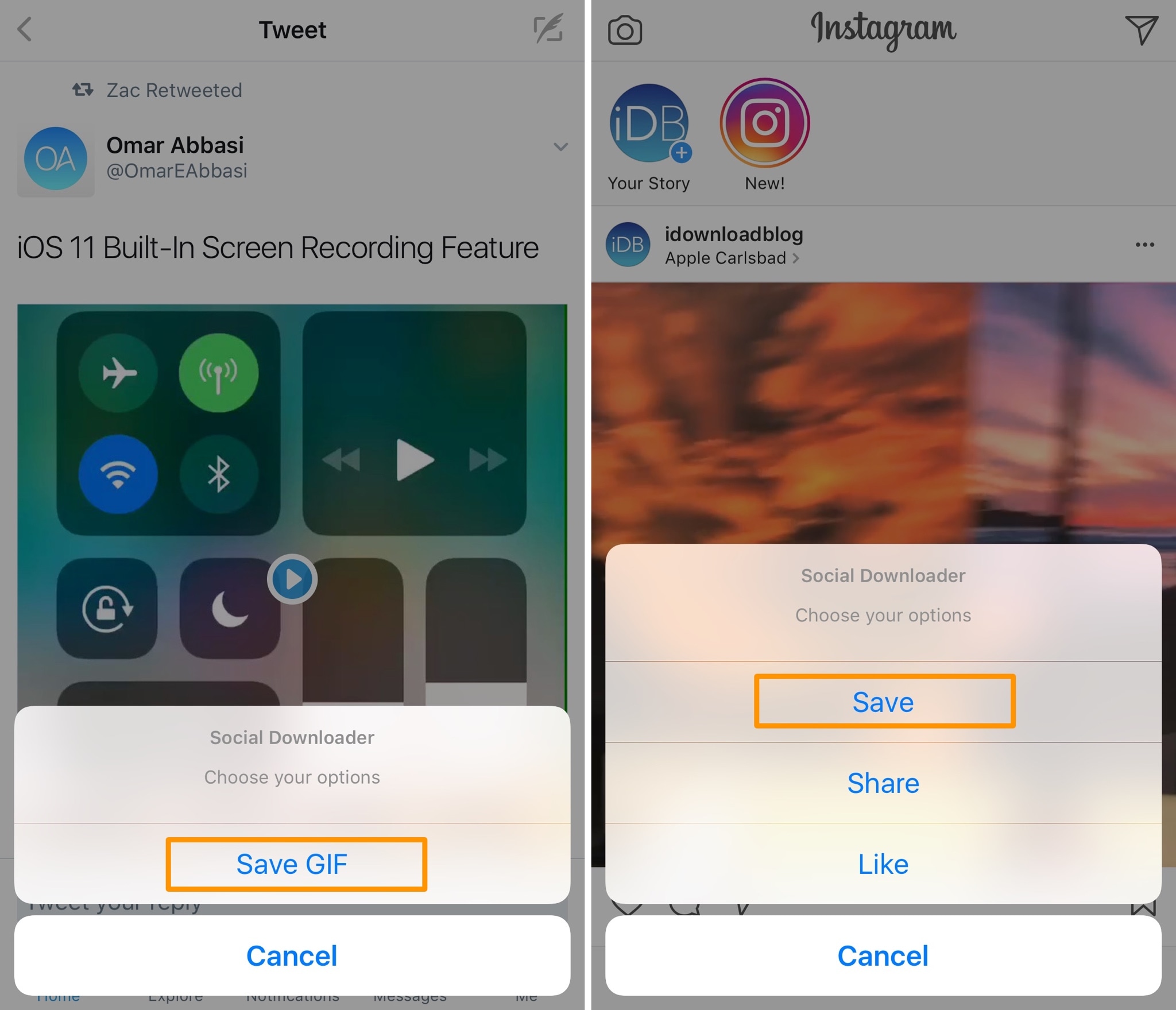
A new free jailbreak tweak called SaveBot by iOS developer iTheGentle expands upon Tweetbot’s functionality by empowering users with the ability to save videos directly from their timelines.

Twitter’s inbox now separates out messages from people you don’t follow

Twitter's bird logo set against a transparent background

Twitter is rolling out a new inbox section which it says is designed to separate direct messages from people you do and don’t follow, making it easier to accept or delete unsolicited chats.

“If you’ve opted-in to get Direct Messages from anyone, messages from people you don’t follow will go into Requests in the Messages tab,” wrote the company in a tweet yesterday.

New group chats you’re added to by people you don’t follow will also appear in Requests.

Upon entering the chat, you'll be asked to either Delete or Accept the message. Accepting the chat moves it to your inbox, allowing you to continue the conversation with that person.

“Please note that they will not know you have seen the message until you have accepted their request,” said Twitter. All media will be hidden prior to accepting the message.

If you wish to view any hidden media, tap the View Media option.

https://twitter.com/Twitter/status/869608493548011520

Conversely, deleting the message removes it from the inbox although that account is still able to message you in the future unless you block or report it. These new features are available on the mobile Twitter app for iOS and Android and on twitter.com.

TUTORIAL: How to find Messenger chats you didn't know existed

Facebook-owned Messenger introduced a similar feature back in October 2015, replacing the “Other” inbox with a Message Requests section that brought all the messages from people you’re not friends with on Facebook in one central place, separate from your regular chats.

Grab Twitter for iOS for free from App Store.

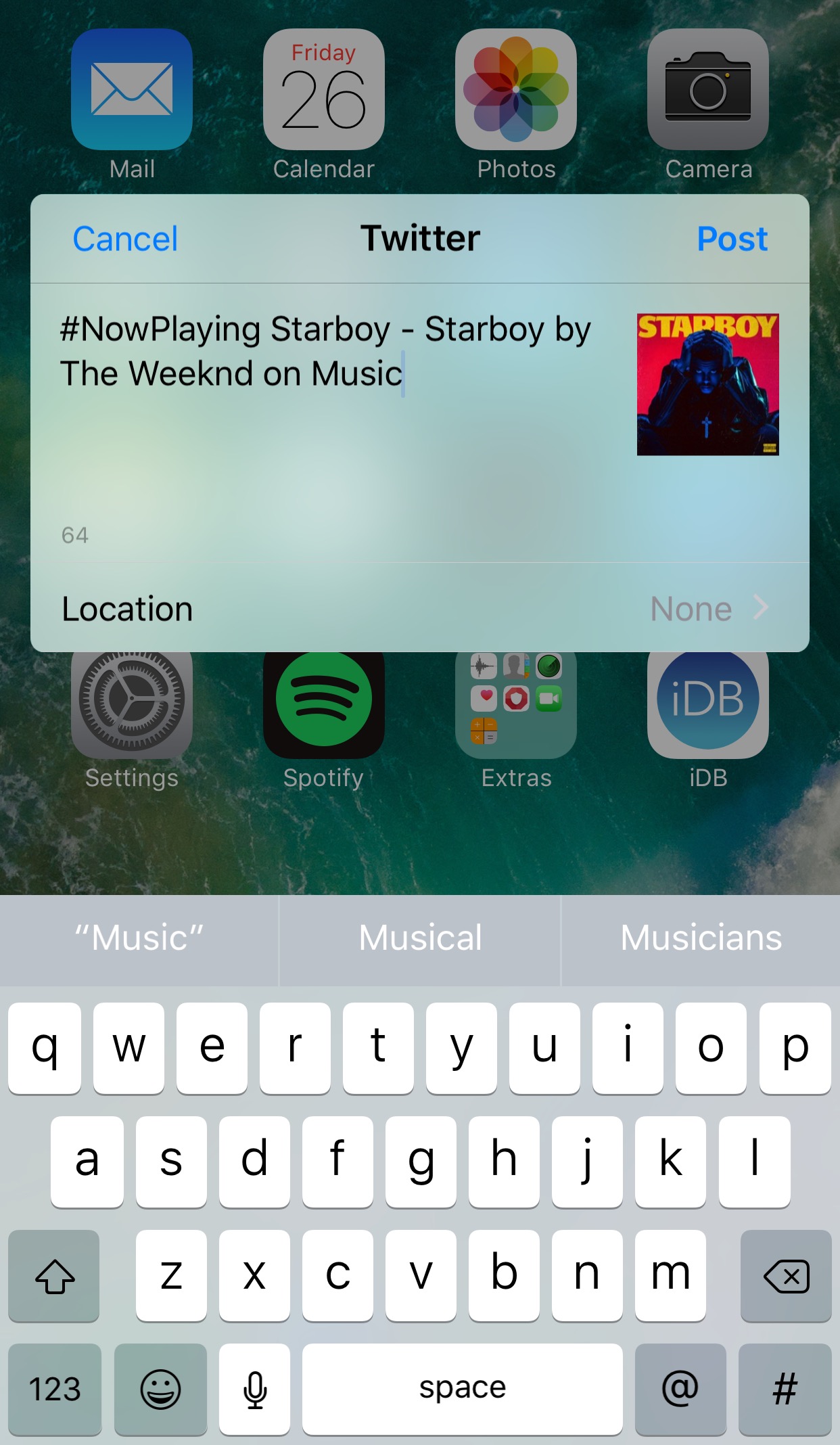
Tweet your Now Playing music from anywhere with NPTweet

The rhythmic souls out there who listen to their songs on a daily basis generally like to talk about and share their music with other connoisseurs.

Fortunately, a new free jailbreak tweak dubbed NPTweet by iOS developer ichitaso is now available that makes it super easy to Tweet a Now Playing track from anywhere in iOS by calling upon the help of Flipswitch.

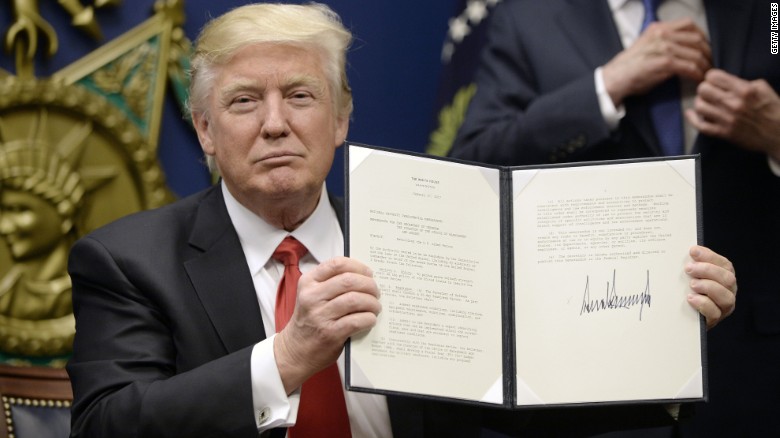
Can you guess what the only app on Trump’s iPhone is?

Of course you can, it's Twitter.

Axios reporter Mike Allen wrote on Thursday that he learned from White House officials that the key to forcing a more disciplined President Trump is limiting his screen time. “In Trump's case, it's curtailing his time watching TV and banging out tweets on his iPhone,” he wrote.

Here's an excerpt from the report:

Trump himself has been pushing staff to give him more free time. But staff does everything it can to load up his schedule to keep him from getting worked up watching cable coverage, which often precipitates his tweets. It has worked well overseas so far.

During last year's campaign, Trump tweeted from an Android device.

After The New York Times described Trump's Galaxy S3 phone as an “old, unsecured” device posing a hacking risk because it had not received a security update since 2015, Trump switched to an iPhone this summer.

In terms of security and software updates, iPhone has a distinct advantage over Android.

iOS software updates are immediately available across all supported devices in the wild because carriers don't get to vet them.

iPhone is also a better pick than older Android devices in terms of security.