Tweak

‘iStartupMovie’ Adds a Customizable Boot Up Movie to Your iPhone

Not too long ago we posted an article and video about iStartupSound, a jailbreak tweak that allowed you to add custom boot up sounds to your iPhone upon restart or respring.

Now, the jailbreak community has taken the next obvious step by allowing full startup movies to accompany your restarts and resprings.

Logically, the tweak is called iStartupMovie, and it works somewhat similar to its audio only predecessor. Check after the break for an in-depth video walkthrough of iStartupMovie in action...
Now You Can Send a Screenshot Along With Your Links From Safari

Who else thinks that links are about as entertaining as a watching linoleum warp, paint dry, or grass grow? Couple that with the fact that I'm always hesitant to click a link, because most of the time I have no clue what trifling thing is waiting for me on the other side.

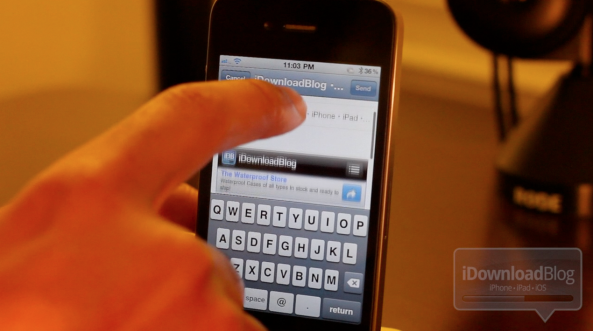
Save your friends and family from the guesswork, and try out Email Safari Screenshot, a brand new jailbreak tweak available on Cydia.

Just as its name says, when you share a link via Mobile Safari, a screenshot of the page you're linking to is included right along with it. Check out my video walkthrough of this awkwardly name tweak inside...

GroupTones: Assign Ringtones to Your Contact Groups

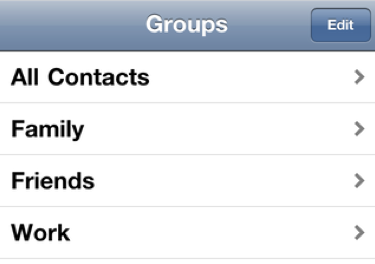
If you've gone through the process of dividing your contacts into groups on your iPhone, you'll love this next jailbreak utility. Though there's not a direct way to create groups on your device, you can create them on your Mac or PC and sync them using iTunes.

GroupTones allows you to assign specific ringtones for each of those groups, so you can tell callers apart without looking at your phone. This would help you to instantly identify if the person calling you is a friend, a co-worker, or one of your kid's playmates...

KillBackground: Kill All Running Apps from Your Multitasking Bar

Although Apple took a couple of years to implement system-wide multitasking in iOS, it seems to do the trick. It's easy to access the multitasking bar from any application, and for the most part, apps running in the background don't slow you up.

Note that I said for the most part. It seems like once you have 10 or more apps running, your iPhone starts to feel a bit sluggish. And to close them all one by one can be a tedious task. So why not download a jailbreak utility that'll do it for you in one step?

Put Your Apps in Stealth Mode With ‘Empty Folder Icons’

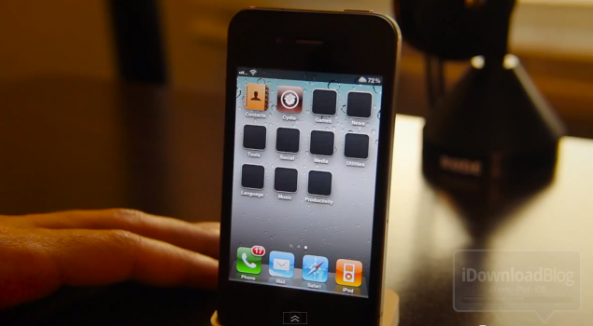
Empty Folder Icons is a new jailbreak tweak for the iPhone that makes your iPhone's folders appear as if they contain nothing. For someone new to the world of iOS, this may seem like a pointless tweak, but all of us iOS users know that it is otherwise impossible to create an empty folder on the platform.

That is, of course, still impossible to do -- all that this tweak does is give the appearance of an empty folder.

If you're looking to add something different to your iPhone, or you're just tired of those nearly indistinguishable mini representations of your apps cluttering your folders, then you may want to check this free jailbreak tweak out...

Clear Your iOS App Icons Badges with BadgeClear

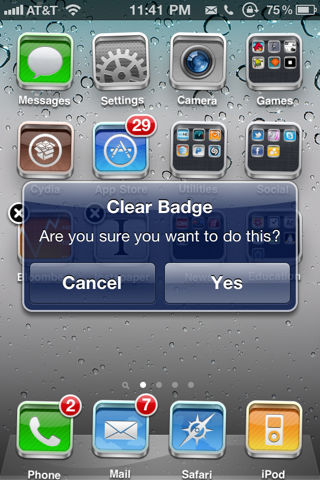
BadgleClear is a new jailbreak application, and I'd put in the same category as No Badges and No Folder Badges. Just like its name implies, BadgeClear will clean up your iPhone or iPad apps icons badge notifications at the tap of a button.

Unlike the 2 apps mentioned above, BadgeClear actually lets you choose what badges you want to clear up. Simply bring your icons to wiggle mode (tap and hold), then tap any badges you wish to remove. BadgeClear will even clean out all the icon badges inside Folders if you tap a Folder's badge...

Jailbreak Tweak Adds Speedometer to Your Maps App

The jailbreak community is responsible for creating many extremely useful utilities for our iDevices. This however, is not one of them.

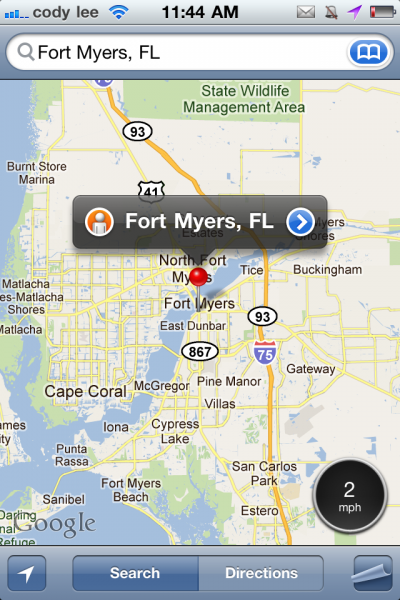
Speed for Maps more likely falls in the "Hey, that's kind of cool" category. This new jailbreak tweak installs itself in your native Maps application, and it places a speedometer in the bottom right corner...

‘Webscrollian’ – Funny Name – Awesome Functionality

Webscrollian is a brand spanking new jailbreak tweak from a staple in the jailbreak community, @chpwn.

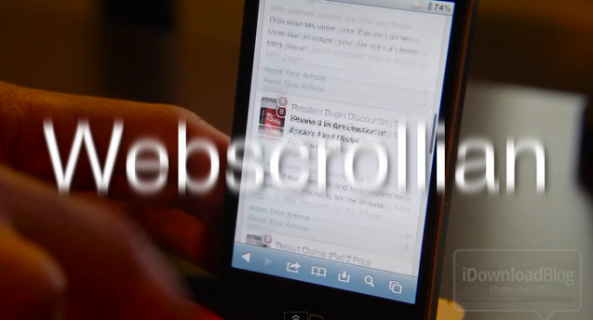
Webscrollian is his latest concoction, and it brings significantly faster page scrolling to web views, i.e. Mobile Safari.

Want to see how a stock Safari browse stacks up against a a supercharged Safari browser with this TweakWeek entry installed? Check inside for the head to head comparison...

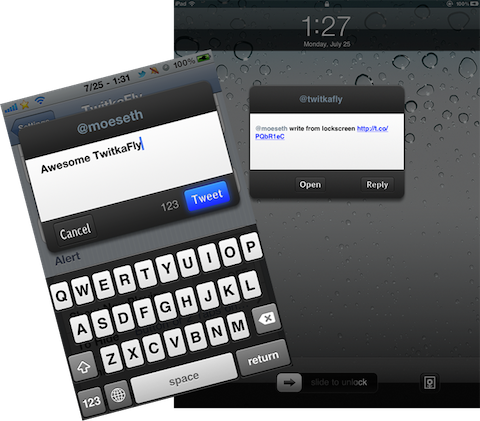
TwitkaFly 2.0 Adds a Slick New Interface and Support for Tweetbot

As Jeff highlighted in the latest edition of "What's On My iDevice?," TwitkaFly has been updated to version 2.0. If you haven't heard of TwitkaFly, it's a jailbreak tweak for the iPhone and iPad that lets you tweet quickly through a super fast and easy Activator shortcut.

TwitkaFly 2.0 brings a slick redesign of the tweet compose window, and it also adds support for Tweetbot. If you like to tweet from a jailbroken iDevice, TwitkaFly is an essential tool...

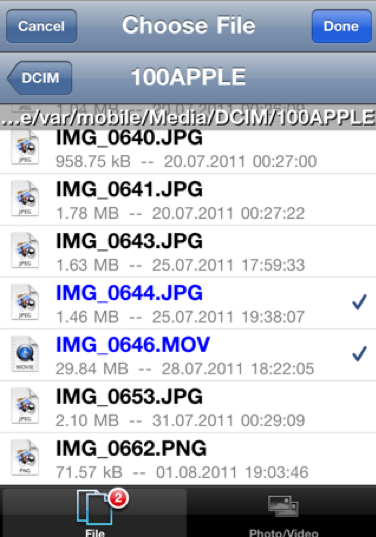
‘Safari Upload Enabler’ Lets You Upload Files from Your iPhone

With jailbreak utilities like iFile and Safari Download Manager, your iDevice can seem more like an actual computer than a phone or MP3 player. The two apps allow you to manually download files, edit them, and move them around from folder to folder.

However, there hasn't been a convenient way to natively upload files in iOS (that I've known of), until now. Safari Upload Enabler just surfaced in Cydia, and it allows you to upload content from inside Mobile Safari...

Ask Jeff: Episode 01

Welcome to the inaugural episode of the question and answer video feature, Ask Jeff.

Here is where I will do my best to answer at least five questions each episode that you, the readers and viewers, ask.

Most of the questions that I select to talk about on air will be iOS related questions, but feel free to ask my anything about tech in general, and we'll see if I can squeeze in a few auxiliary questions per episode.

So, without further delay, the first episode of Ask Jeff...

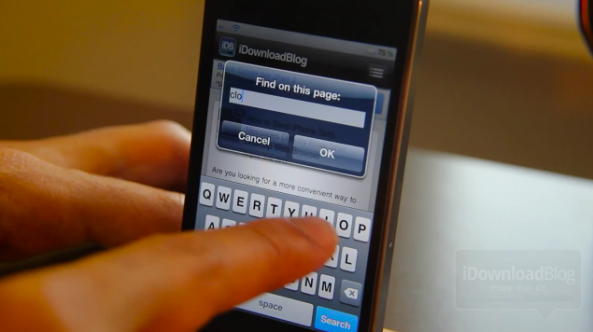
‘EasyFindOnPage’ Brings Dedicated Safari Find Button to the iPhone and iPad

While it's true that Safari has a way to search for specific words on page, it's not the most efficient implementation in the world.

Apple decided to combine the web search with the search on page, resulting in a clumsy feeling page search that works; it's just not that fun to use.

EasyFindOnPage fixes this problem by placing a dedicated search button directly on your Safari browser's tool bar.

Want to see it in action? Check inside for the full lowdown...