Tutorial

Learn how to master your Apple devices with our comprehensive tutorials. From iPhone and iPad to Mac, Apple Watch, AirPods, and more, our expert guides will help you unlock the full potential of your Apple products. Discover new features, tips, and tricks each day to enhance your user experience.

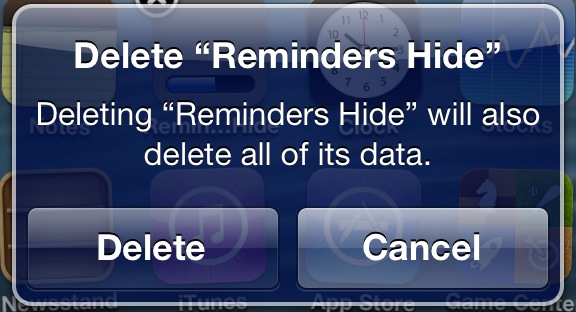
How to hide multiple app icons, no jailbreak required

A while ago we told you about StifleStand — an app for Windows or Mac that allows you to hide Newsstand without the need for a jailbreak.

Now there's another option for hiding Newsstand, along with a host of other default iOS apps. Again, like StifleStand, no jailbreak is needed for this method either.

In the following video walkthrough, we'll provide you with a demonstration of Rag3Hack, a new website dedicated to hiding stock iOS apps on any device, regardless of whether or not the device is jailbroken.
How to jailbreak iOS 5.1.1 on Pre-A5 devices using backup and restore

We've been stressing how many new features were packed into the new RedSn0w, and we weren't kidding. Another under the radar feature that's been added to the new RedSn0w is the ability to jailbreak iOS 5.1.1 untethered on Pre-A5 devices in A5 Non DFU style.

This is accomplished using the same method used for jailbreak tools like Absinthe, which utilizes backup and restore instead of the typical DFU ramdisk method. This is a great feature that speeds up the jailbreak process on Pre-A5 devices running iOS 5.1.1. Check inside as we give you a video demonstration and tutorial showing how it works.

How to downgrade pre-A5 devices easily with RedSn0w

RedSn0w 0.9.15b1 was a gargantuan update. In fact, we're still trudging through all of the new features. One new addition that has us really excited is the new direct restore option for pre-A5 devices.

This new restore option allows you to downgrade your device without having to fool with host files, stitching, Pwned DFU, iTunes, or anything else that made downgrading so incredibly cumbersome in the past.

We've made a step-by-step tutorial that shows you how to use this new restore feature, along with getting by those pesky Mismatched APTicket errors. Check inside for the full tutorial.

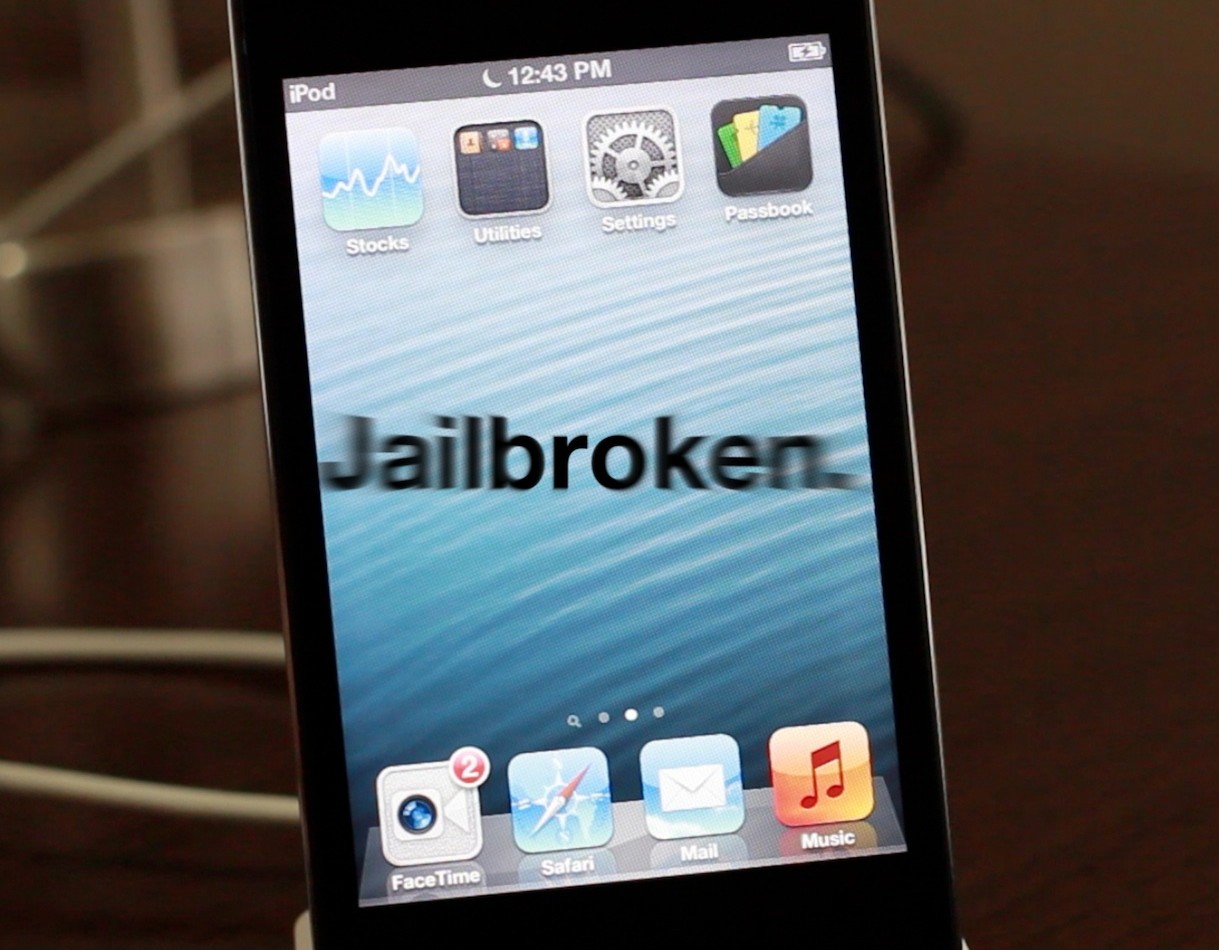
How to jailbreak iOS 6 with RedSn0w 0.9.15b1

As we reported a couple of days ago, RedSn0w 0.9.15b1 is now available to jailbreak A4 devices and below running iOS 6. This latest version is a pretty massive update with a lengthy change log, but the most important aspect about the update is the ability to jailbreak iOS 6 and install Cydia.

Previous iOS 6 jailbreaks required users to install Cydia manually, but the latest public version of RedSn0w works just as you might expect it would. Take a look inside for our full tutorial.

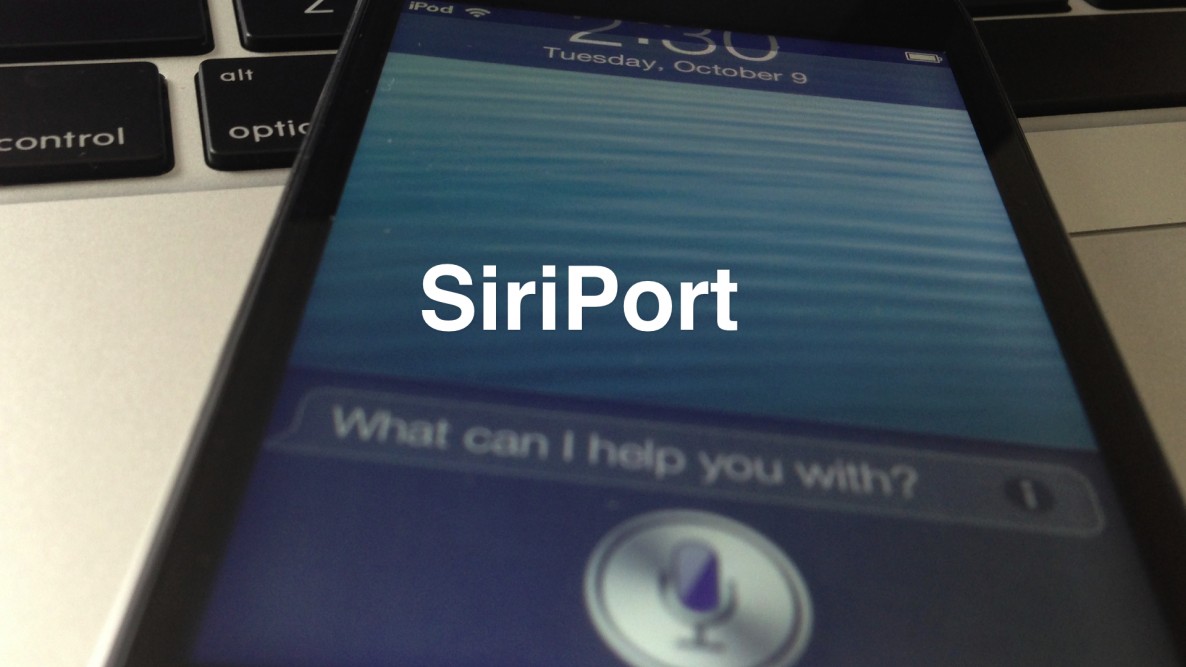
How to install Siri on iOS devices running iOS 6

Would you like to use Siri on your old iPod touch 4th generation or iPhone 4 running iOS 6? The first thing you need to do is jailbreak your device, and then install Cydia.

Once you've jailbroken your device and installed Cydia, you can then add the necessary Cydia repo to install the package needed to configure Siri on these devices.

Check inside for our full tutorial.

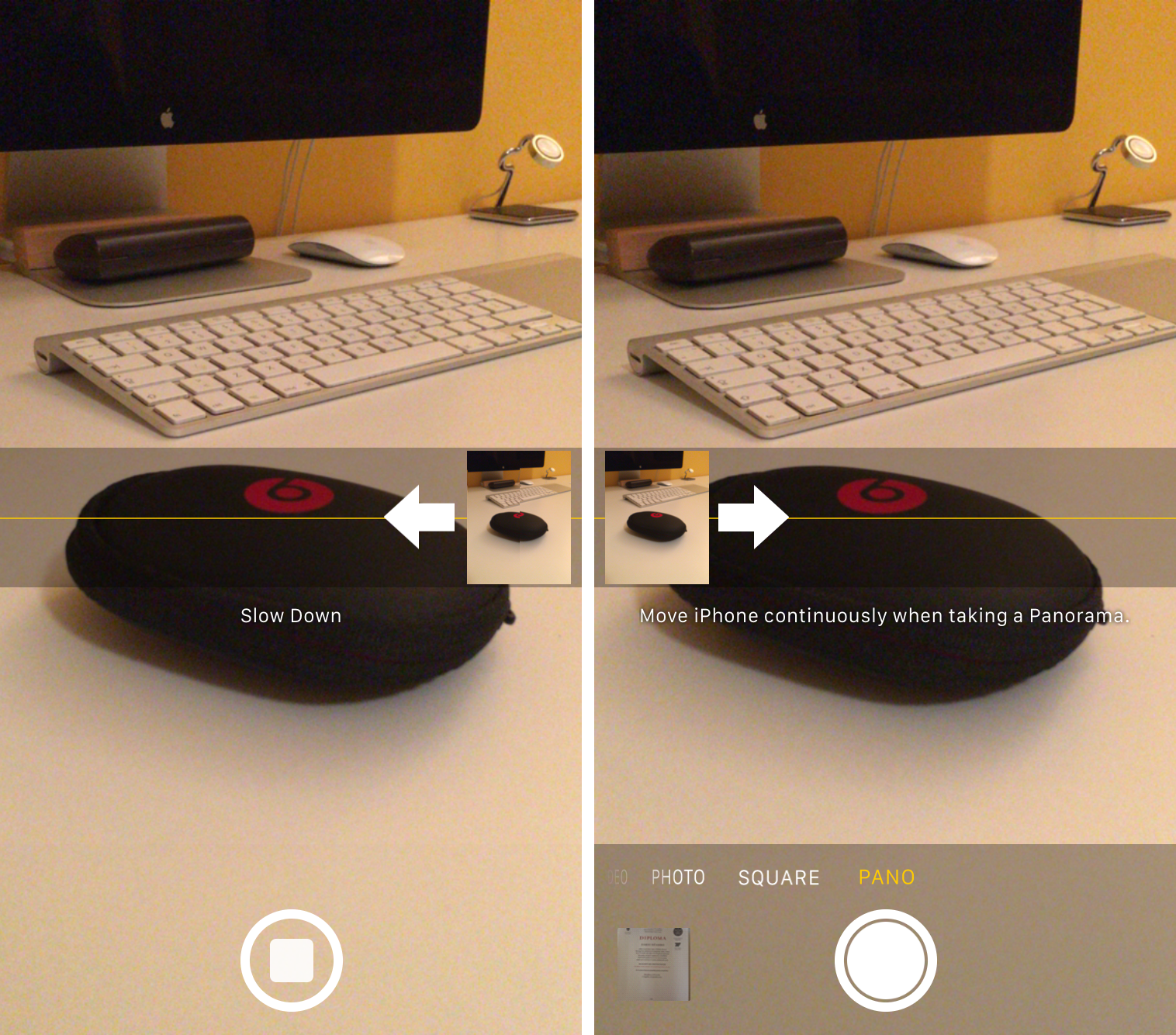
How to change the direction of Panorama mode

One of the headlining new additions in iOS 6 (headlining, as in featured in its own TV ad) is the Panorama camera mode. Once activated, the feature allows you to easily take extra-wide panoramic photos.

By default, Panorama mode has you pan your iPhone from left to right as it captures the image. But did you know there's an easy way to change it so you can pan from right to left?

How to downgrade iOS 6 to iOS 5.1.1 on A4 devices

Have an iPhone 4, iPod touch, or below running iOS 6, and would like to downgrade back to iOS 5.1.1? Doing so is easy is you have your SHSH blobs saved for iOS 5.1.1 and can follow the steps inside. Unlike the beta period of iOS 6, you must have your SHSH blobs for iOS 5.1.1 save for you device now, because Apple has stopped signing iOS 5.1.1.

To downgrade, you will need the latest public version of RedSn0w. We will use the SHSH Stitching feature to combine the appropriate IPSW file for 5.1.1 and your corresponding SHSH blob for the device you wish to downgrade. It may sound a bit confusing, but it's extremely easy if you follow along carefully.

Take a look inside for the full walkthrough and video how-to.

How to jailbreak iOS 6 and install Cydia

iOS 6 was just released a while ago, and now we're going to show you how to jailbreak it.

First of all, please note that this is a tethered jailbreak, and it only works with A4 devices like the iPhone 4.

Secondly, since there currently isn't any jailbreak tool that will install Cydia just yet, we're going to have to go about installing Cydia using a manual process.

Still game after all of those asterisks? Then come inside, as we show you how to jailbreak iOS 6 final...

Here’s how Passbook works in iOS 6

If you've been using iOS 6 beta, they you're probably pretty familiar with the default Passbook screen that prompts you to open the App Store. Prior to iOS 6's release just a few hours ago, the App Store page wouldn't load, or at the very most remained blank.

Today, all of that changes. If you open the App Store link from the Passbook app, you'll be presented with a introductory list of apps that currently support the fledgeling venture.

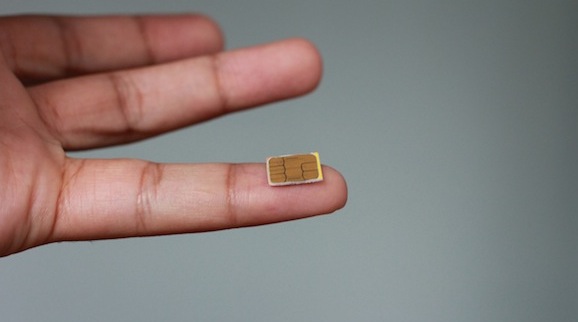
How I converted my Micro SIM into a Nano SIM

Before I get this party started, I just want to say that no, I don't have an iPhone 5 to absolutely guarantee it'll work in the device, but all that's really involved is some pretty basic math.

In this tutorial, I'll show you how I cut and shaved my Micro SIM down to Nano SIM sized specifications. It's not a 100% 1:1 ratio, but the size is very comparable to what you will find in an official Nano SIM. For that reason I'm feeling pretty confident that it will work with my iPhone 5 next Friday.

Take a look inside for the step-by-step video walkthrough that shows how I converted my Micro SIM card to a Nano sized SIM card.

How to jailbreak iOS 6 GM with RedSn0w

iOS 6 GM was released yesterday, and it was shortly followed up by a release of the RedSn0w 0.9.13dev4 jailbreak tool.

Again, as with all RedSn0w releases for the iOS 6 beta, this tethered jailbreak will not install Cydia, but instead provides SSH access for developers.

Take a look inside for our full walkthrough that shows how to jailbreak iOS 6 GM with RedSn0w...