Tutorial

Learn how to master your Apple devices with our comprehensive tutorials. From iPhone and iPad to Mac, Apple Watch, AirPods, and more, our expert guides will help you unlock the full potential of your Apple products. Discover new features, tips, and tricks each day to enhance your user experience.

How to enable text selection in Quick Look on Mac

Anyone who has used a Mac for more than a minuscule amount of time has more than likely come across Quick Look, the pop-up window that is invoked with a press of the space bar when a file or folder is highlighted on the desktop or in Finder. Quick Look's usefulness becomes evident when file names aren't descriptive enough by allowing users to view the contents of many different types of files without having to open them in a full-fledged application like Pages for documents or Preview for images.

By default Quick Look can only display a static view of a file that only grants users a peek at the contents without any real function. Imagine, however, being able to copy a document's text without having to open it in TextEdit or Pages. This is incredibly useful in a variety of situations, from dealing with templates to Word documents to code snippets, where having multiple applications and documents opened shouldn't be necessary for copying from one location and pasting to another. The good news is that this functionality is completely possible and perfectly easy to enable.

How to watch The Interview on your iPhone, iPad, or Apple TV

Although The Interview won't be screened in most theaters around the country, you can still show your support for this over-hyped movie by watching it online. The movie is available for rent or purchase right now from several places, including, YouTube, Google Play, and Xbox.

If you have an iPhone, iPad, or Apple TV, this is the best way to watch The Interview.

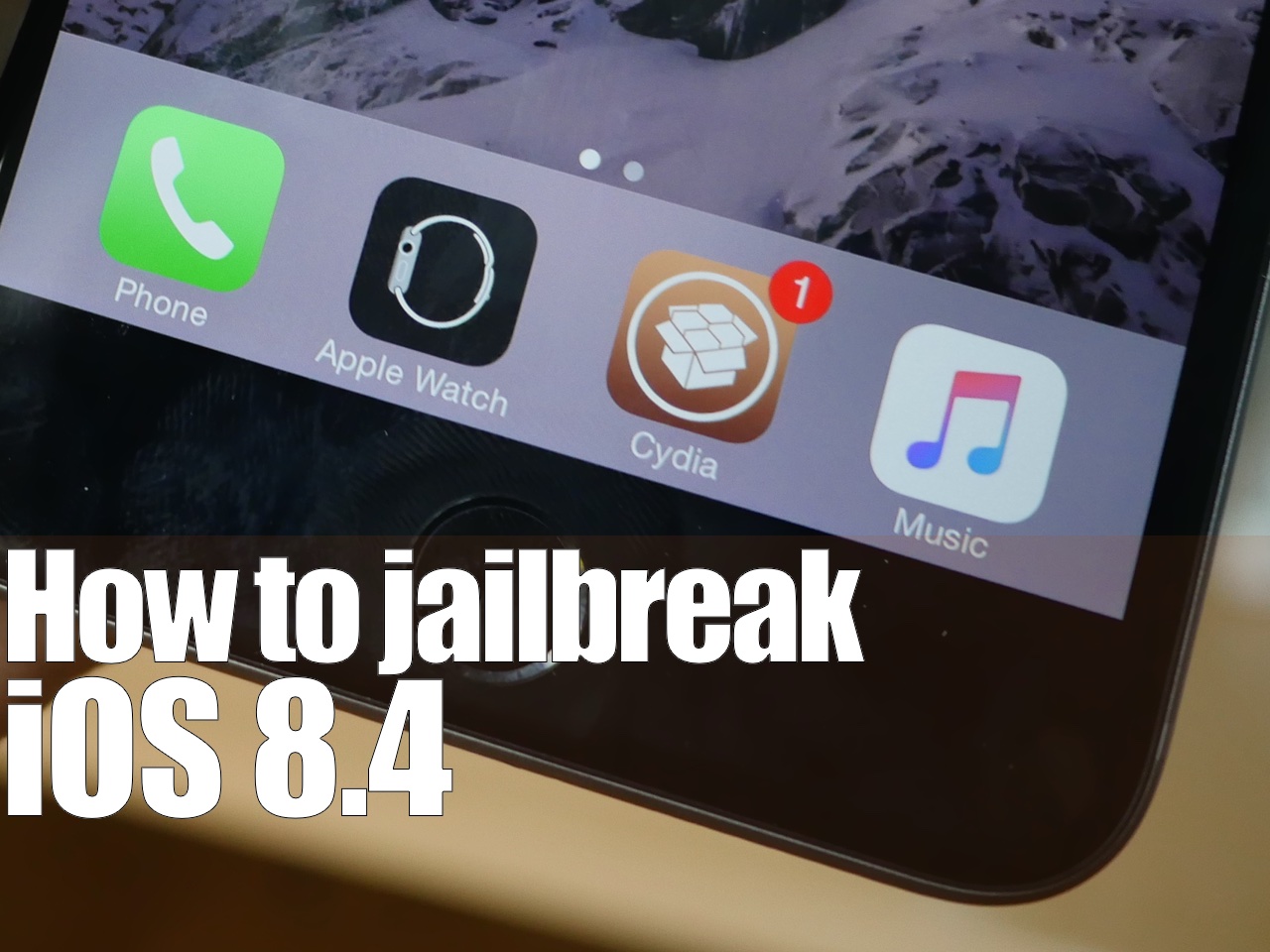
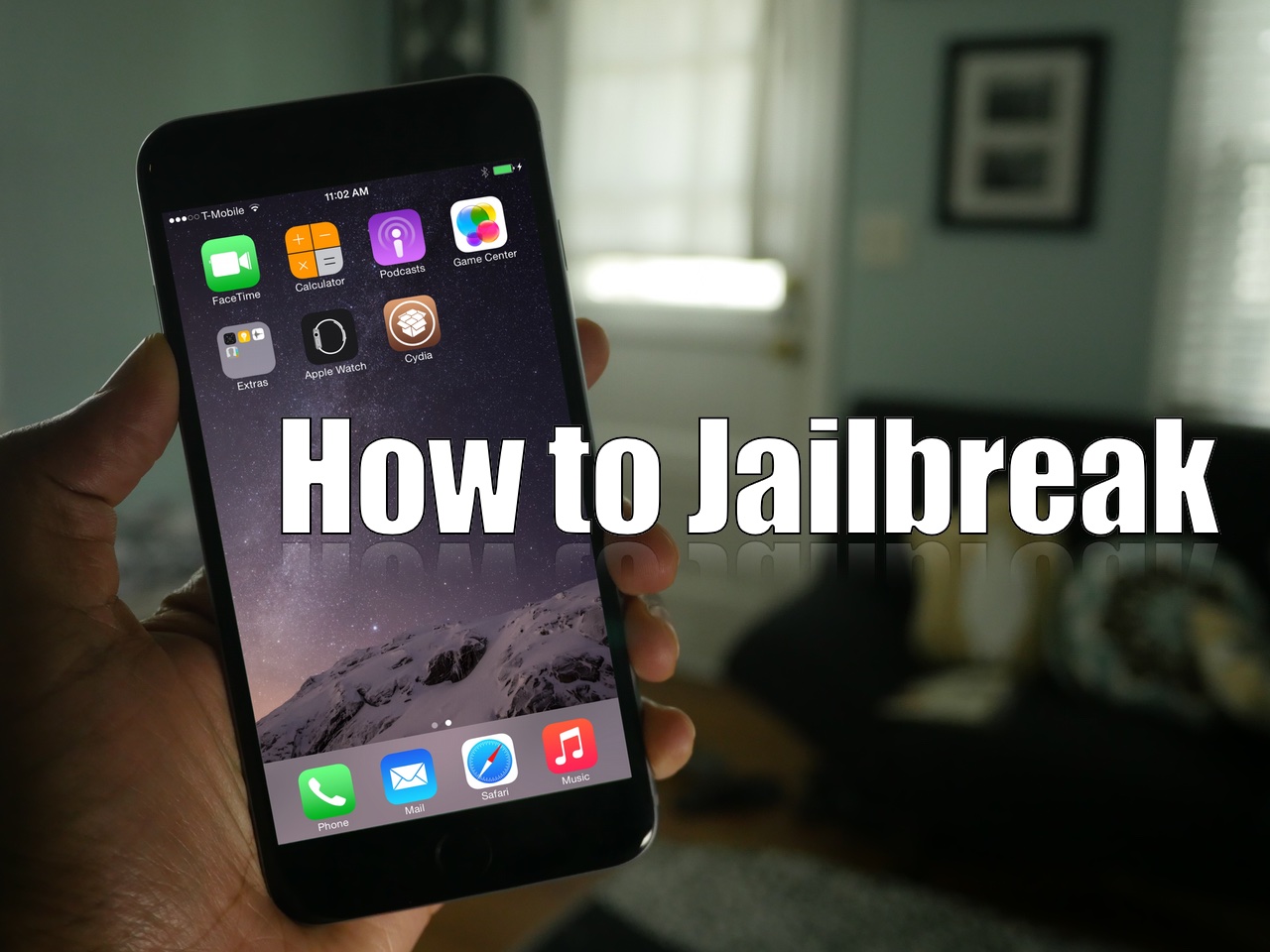
How to jailbreak iOS 8.1.2 with TaiG 1.2

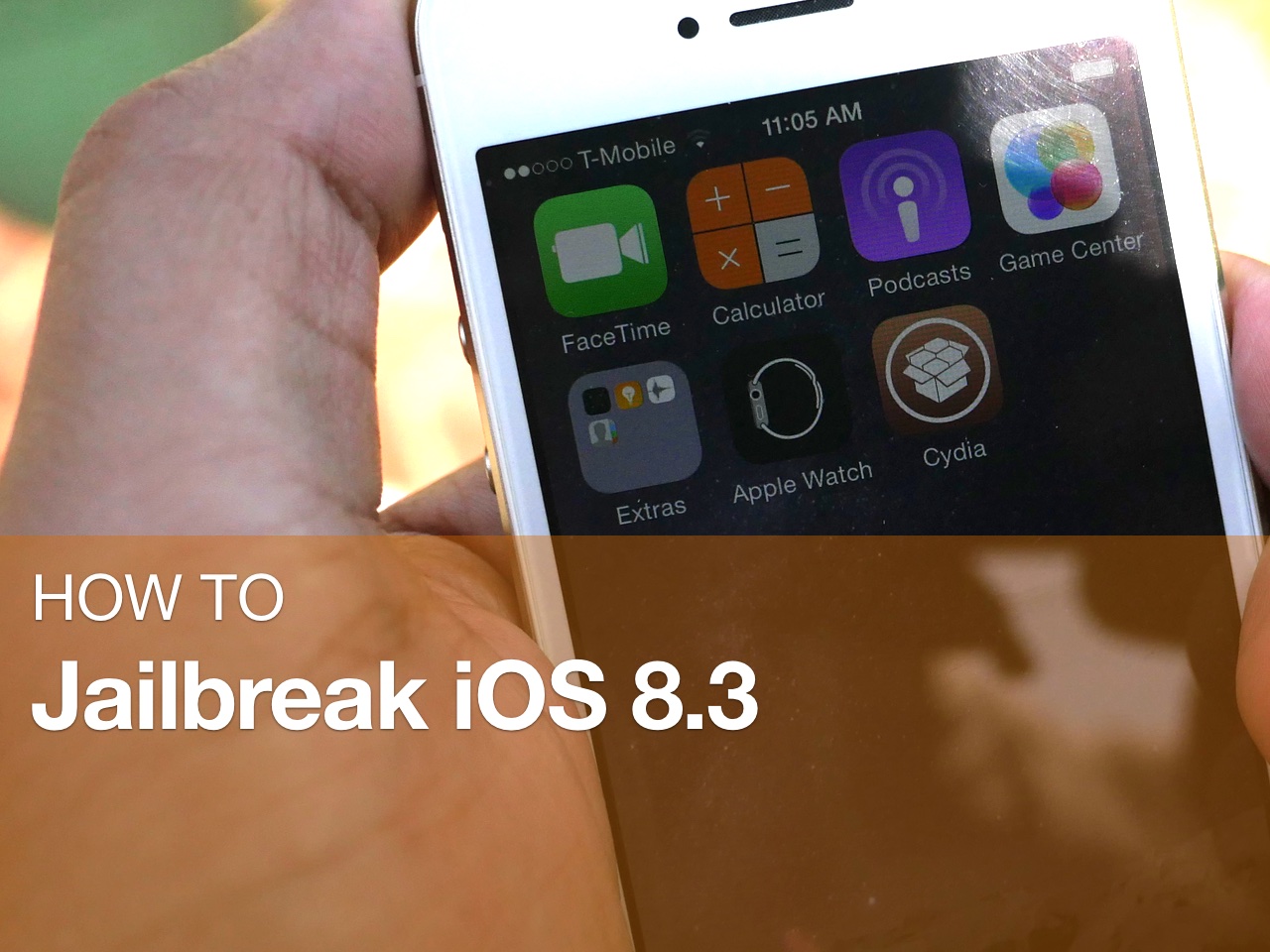
TaiG has released version 1.2 of its iOS 8 jailbreak tool, and it's now capable of jailbreaking iOS 8.1.2. As has been the norm with the past few jailbreak releases, this is a Windows only jailbreak tool. If you're running Windows, you can follow our step-by-step tutorial. If you're on a Mac, you can use our virtual machine tutorial to run Windows on OS X and jailbreak.

How to jailbreak iOS 8.1.1 or iOS 8.1.2 on Mac OS X using a virtual machine

As has been the norm as of late, OS X releases of the latest jailbreak tools have lagged behind their Windows counterparts. The TaiG jailbreak, which released to much surprise early this morning is no exception.

But what if you're an OS X only user who doesn't have access to a Windows machine? Are you left out in the cold waiting until TaiG decides to release an OS X version of its tool? Not necessarily.

Inside, I'll show you how easy it is to run a Windows virtual machine on OS X absolutely free of charge. Doing so will allow you to jailbreak iOS 8.1.2 even if you only have a Mac. Best of all, it's absolutely free to do so. Check out our video tutorial after the break for the full how-to.

Update: this post was originally created for iOS 8.1.1, but you can follow the same steps to jailbreak iOS 8.1.2 using the latest version of TaiG.

How to jailbreak iOS 8.1.1 and iOS 8.1.2 with TaiG

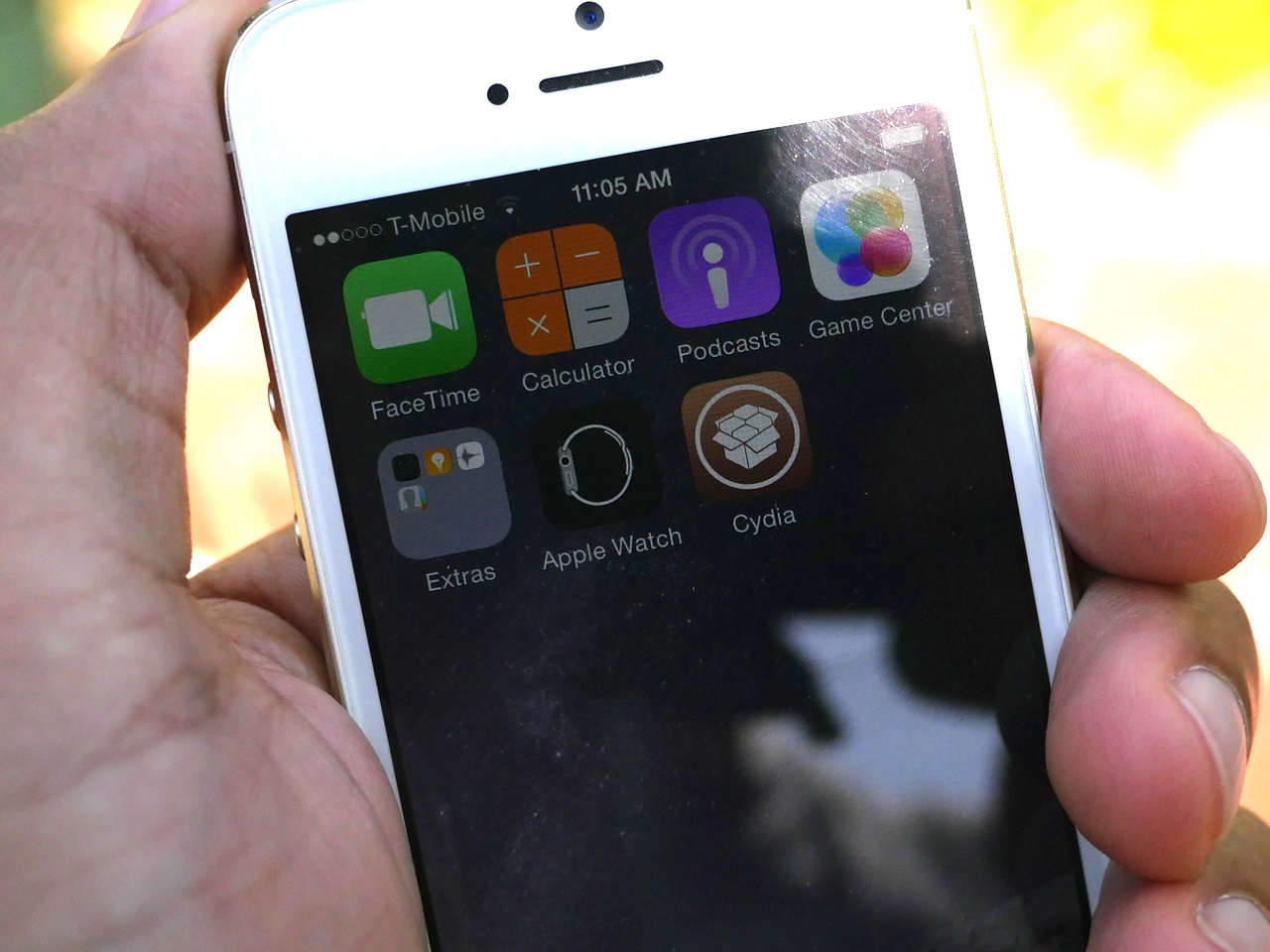
iOS 8.1.1 is now officially jailbroken, and it's one of the easiest jailbreaks that I've experienced in my long history of jailbreaking. As we first noted, the TaiG team, not the Pangu team, is responsible for the iOS 8.1.1 jailbreak, which was released for Windows users early this morning.

I've personally tested out the TaiG jailbreak tool for iOS 8.1.1, and can report that it works. In fact, it installs Cydia straight out of the box, and it's super easy to follow along, even though the tool hasn't been translated to English. In this tutorial, we will show you how to use TaiG to jailbreak iOS 8.1.1.

Update: This tutorial was written for iOS 8.1.1, but you can follow the same directions to jailbreak iOS 8.1.2. Simply make sure you use the latest version of TaiG.

Black Friday guide: how to separate the deals from the duds

It's that time of year again. Thanksgiving is tomorrow, which means we are now less than 48 hours away from Black Friday. On this day, thousands of retailers will be hosting flash sales in an effort to lure customers into their stores. Some even plan on starting their promotions tomorrow, and others have already begun.

For many people, the whole thing is execrable—unruly shoppers standing in long lines just to save a measly couple of dollars on useless items—but it doesn't have to be. If you know what to look for, you can actually save good money on good products, and in many cases avoid the crowds.

How to use Facebook profile pictures for your iOS contacts

I have dozens of contacts in my iPhone that don’t have a picture attached to them. Sometimes, I’ll get a band’s information at a show and will even forget who they were months later. Pictures always help in situations like these. I’m better with faces than I am with names.

For a while now, Apple has included the ability to merge your friends’ Facebook information, including updated profile pictures, to your contacts in iOS. It only takes a few seconds and we’ve got a short tutorial for you below.

How to jailbreak iOS 8.1 with Pangu for Mac [video]

The Pangu Team released their Pangu utility for Mac earlier today, so Mac users who were waiting for compatibility with their operating system have no excuse to not jailbreak any longer.

In this post, we will show you how to use Pangu for Mac to jailbreak iOS 8.1. This post was created for an iPhone, but note that the steps are exactly identical, no matter what device you want to jailbreak (ie. an iPad or iPod touch). Likewise, any iOS 8 firmware version can be jailbroken using this tool, including iOS 8, and iOS 8.0.2.

How to disable Notification Center and Control Center on the Lock screen

By default, access to Notification Center and Control Center is available system-wide on iOS, meaning that you can access both features from the Lock screen, from the Home screen, and from any app. These two features are very convenient, but can also represent a security or privacy concern. With that in mind, iDB reader Eric asked us this morning on Twitter how to disable both grabbers for Notification and Control Center on the Lock screen. In this post we will show you how to do just that.

How to jailbreak iOS 8 and install Cydia using Pangu 1.1.0 on Windows [Video]

The definitive version of Pangu for Windows is here. This version, as you've likely read, is complete with a bundled Cydia installation and English text. There are also a few differences in some of the screens that you'll encounter during the jailbreak process.

If you've yet to jailbreak iOS 8, then you no longer need to wait around for anything (outside of a version for the Mac). This is the complete version of Pangu, that makes it super-simple to jailbreak just like jailbreaks of old. Pangu 1.1.0 is a great tool, and it works very well.

Check out our final complete Pangu 1.1 iOS 8.x jailbreak video tutorial inside. It only takes 8 easy steps.