Use two simple tricks to lower your iPhone’s screen brightness even further than what’s normally allowed using the brightness slider in iOS Control Center.
2 ways to lower iPhone screen brightness beyond the minimum

Learn how to master your Apple devices with our comprehensive tutorials. From iPhone and iPad to Mac, Apple Watch, AirPods, and more, our expert guides will help you unlock the full potential of your Apple products. Discover new features, tips, and tricks each day to enhance your user experience.
Use two simple tricks to lower your iPhone’s screen brightness even further than what’s normally allowed using the brightness slider in iOS Control Center.

Learn how to show the full file path in the title bar of the Finder windows on your Mac so you can always see your current location within the folder you’re navigating.

Learn how to preview several selected photos or files at once in Mac’s Quick Look so you can see them all at the same time and supercharge your workflow.

Since last year's iOS 8.3 software update iOS devices have had the ability to stop asking for a password when downloading free applications from the App Store. Soon after, that feature found its way into iTunes and iBooks for Mac.
As electronic books are no longer managed through iTunes, disabling password prompts for iBooks Store downloads is now handled in iBooks for Mac. In this post, you will learn how to disable Apple ID password prompts when downloading free electronic books from Apple's iBooks Store, and we'll also show you how you can manage password settings for paid items.

Periscope, a Twitter-owned live video streaming app, was launched in March 2015 and by August 2015, just four months since its inception, the service had surpassed ten million accounts.
On Periscope, which is also available through the fourth-generation Apple TV, over 40 years of video is being watched every day. But such a dizzying array of real-time broadcasts can become quite overwhelming after a while.
Has Periscope been tiring you lately? Are you considering leaving the service? If so, this tutorial will help you delete your account with Periscope, explain how deleting your Twitter account affects your Periscope experience and more.
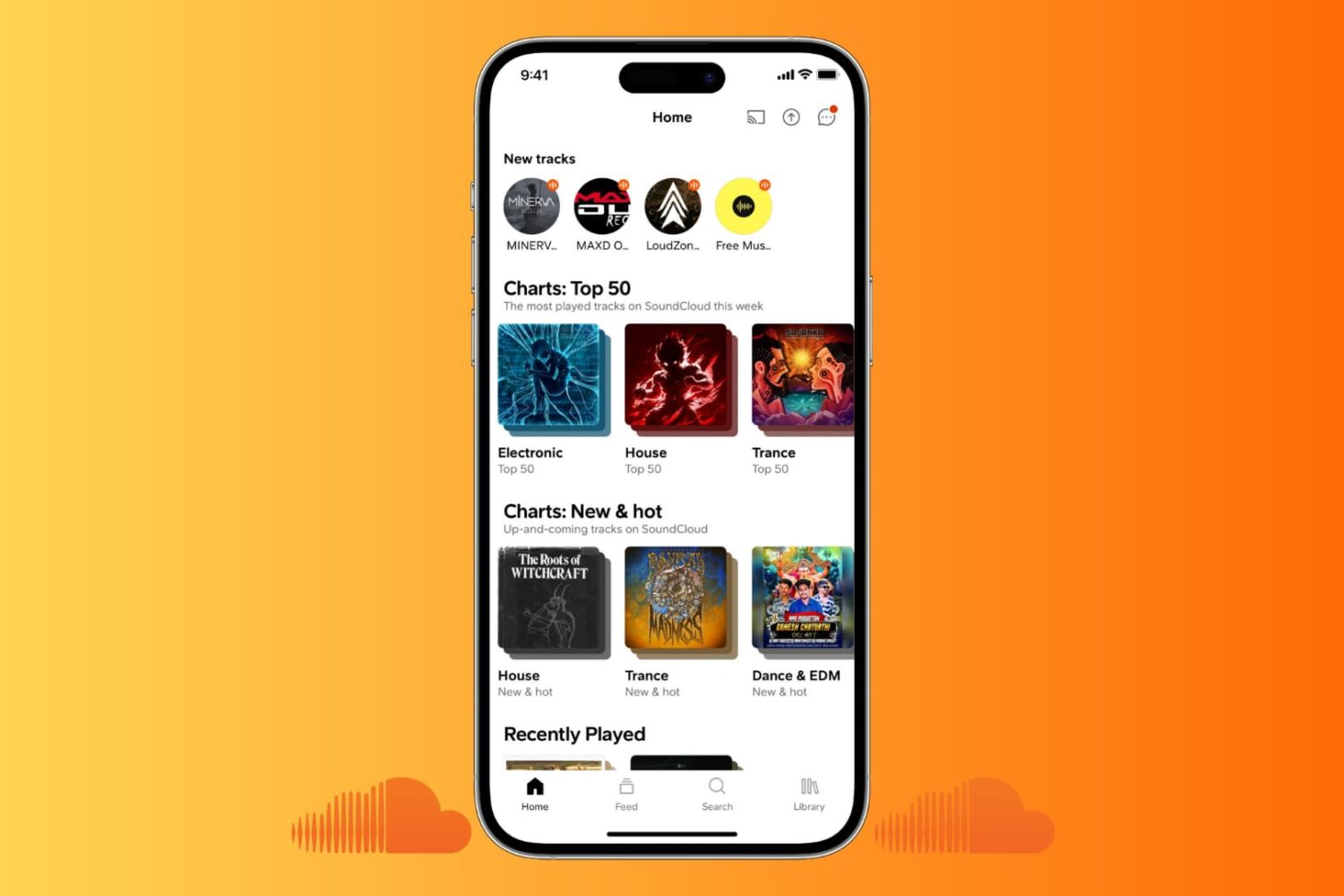
SoundCloud is popular with independent musicians and content creators who want to reach millions of unique monthly listeners. But if you have moved to other platforms like Spotify or YouTube, no longer use this service, or just have a burner account that you want to get rid of, it’s easy to do so.
This action will delete your SoundCloud account, all the music you have uploaded to it, comments you have made, and all other data.

In this tutorial, you will learn how to prevent your Apple TV from going to sleep after a set period of inactivity so the screen never goes all black automatically.

Learn how to deactivate or delete your X account and data on a phone, tablet, or computer to stop using this social platform.

I think you'll agree with me that Vine has become quite a phenomenon. A short-form video sharing service owned by Twitter, Vine is the place where many people go to share and watch six-second looping video clips, some of which are quite amusing and engaging.
But if you've watched one too many vines and have decided that you won't be active on the service going forward, it might be a good idea to deactivate your account.
In this post, you'll learn how to deactivate your Vine profile through the mobile app and permanently delete all its underlying data.
If you use Vine, sooner than later your feed will become polluted with reposts (revines, in Vine talk) from those you follow on the service. Besides, it's really annoying having to scroll through a hundred or more revines from a user before getting to one of their own clips.
Thankfully, reducing information overload on Vine isn't as hard as it sounds as the app lets you block revines from a person and show only their original posts.
In this tutorial, we'll teach you how to hide revines from anyone you follow on the service with just a few taps. This should help make your Vine experience a little more focused and less cluttered.
Who knew 6-second-long looping video clips would turn out to be so much fun? If you're into short-form entertainment, there's probably no better place to get your daily fix of user-posted clips, some of which are quite interesting—I've seen whole how-tos compressed into six seconds—than Vine.
The problem is, both Vine the website and mobile app prohibit you from saving your favorite clips to your computer or mobile device. Thankfully, there are apps for that, too.
In this tutorial, you'll learn how to save Vine videos to your iPhone, iPod touch, iPad or Mac using a nifty little utility and a free of charge web app.

Some people prefer Viber for their instant messaging needs. Those pondering leaving Viber might be wondering if they can deactivate their account and delete their data. In a word, yes. In this tutorial, we'll tell you everything about deleting a Viber account, guide you through the account deactivation process, and inform you about what happens to your data after the account is killed.