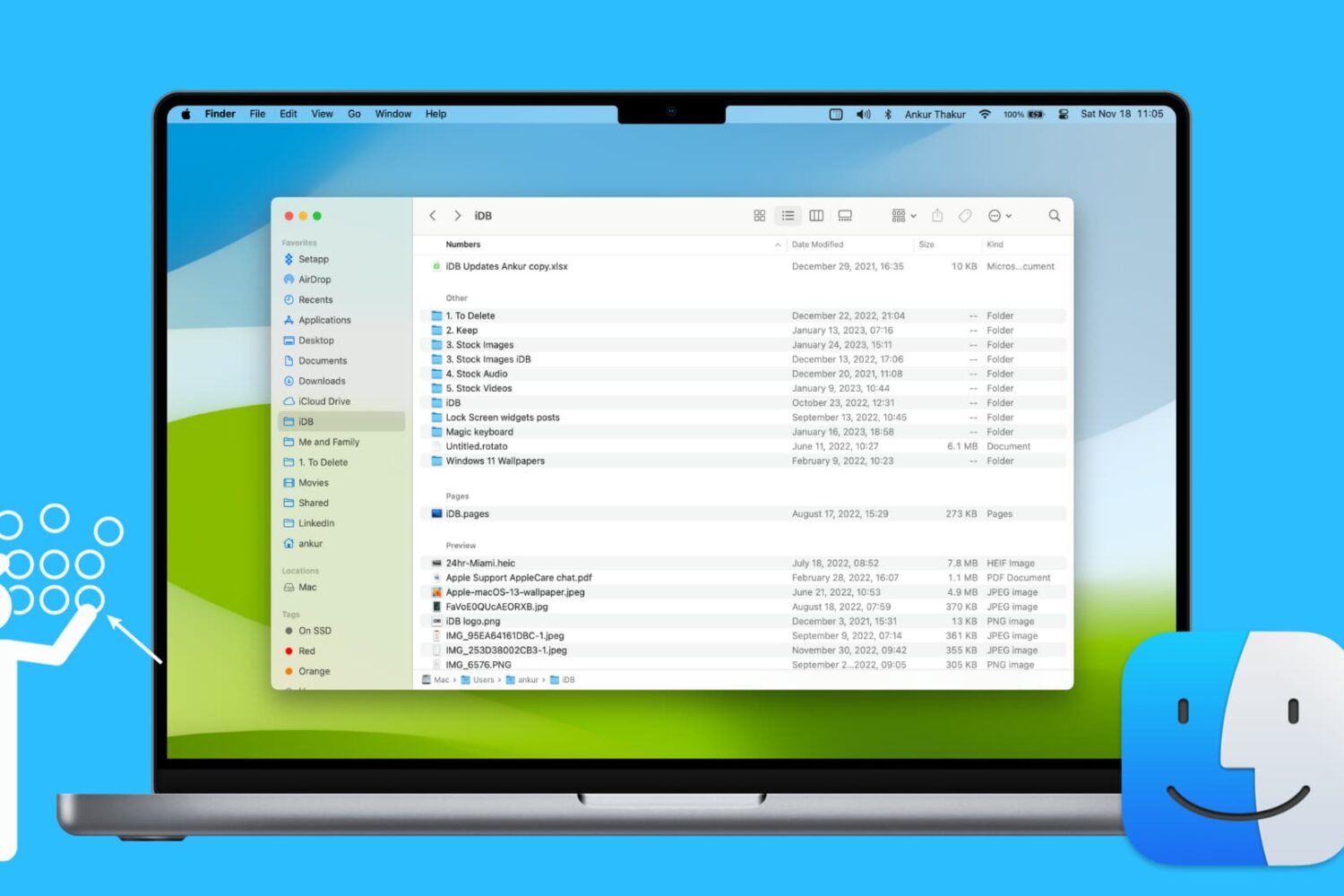
Learn how to use groups in Finder on your Mac to easily sort and manage files for a more streamlined and efficient experience.
How to use groups in Finder on Mac for simpler file sorting
Learn how to master your Apple devices with our comprehensive tutorials. From iPhone and iPad to Mac, Apple Watch, AirPods, and more, our expert guides will help you unlock the full potential of your Apple products. Discover new features, tips, and tricks each day to enhance your user experience.
Learn how to use groups in Finder on your Mac to easily sort and manage files for a more streamlined and efficient experience.
Want to view your spreadsheet data in different ways? In this tutorial, we will show you how to use basic categories in the Numbers app on your Mac.
Learn how to use the hidden Secure Notes feature of the Keychain Access app on your Mac running an older version of macOS to store confidential notes, private text, PINs, credit card numbers, 2FA backup codes, cryptographic keys, etc.
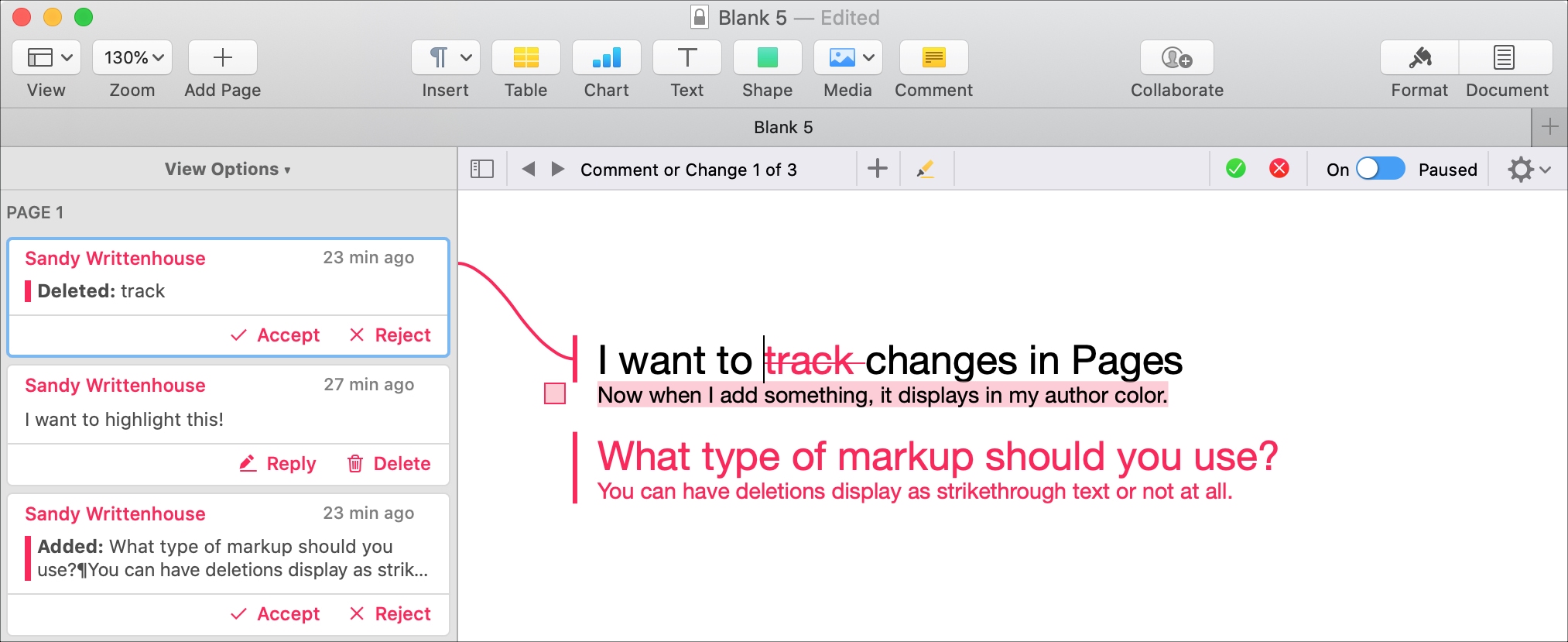
If you and your coworker are collaborating on a document in Pages, using the feature to track changes can be helpful. This will display the text from each person adding or changing the document in a different color. So, you can easily see who does what.
In addition, you can see comments, replies, and changes in a handy sidebar and accept or reject individual or all changes to the document. If you’re using this feature for the first time, we want to help. Here’s how to track changes in Pages on your Mac.

Learn how to deactivate the camera shutter sound on your iPhone so you can take pictures quietly, without disturbing others.
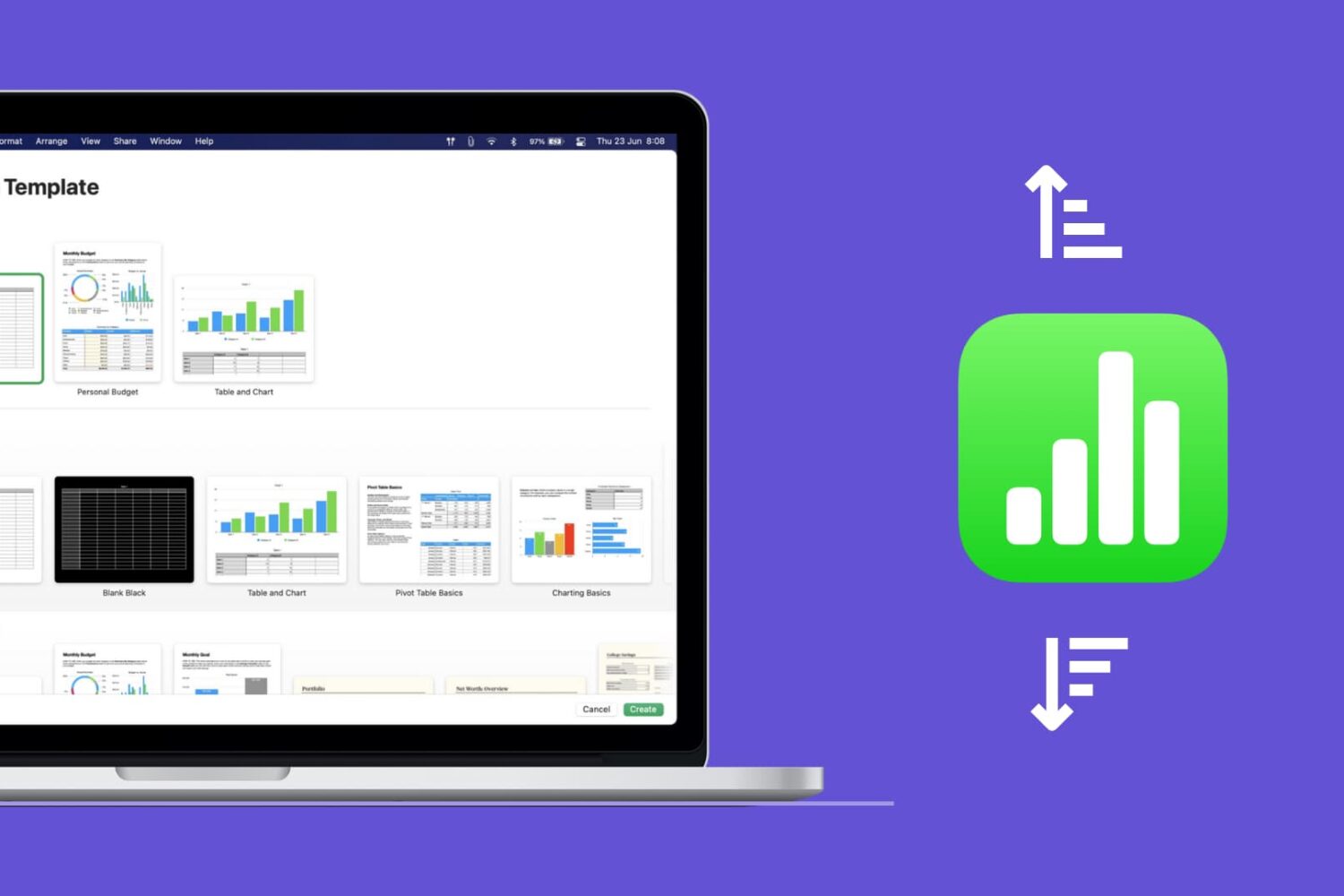
Learn how to quickly sort your data in the Apple Numbers app on Mac, whether by column, value, or custom order.
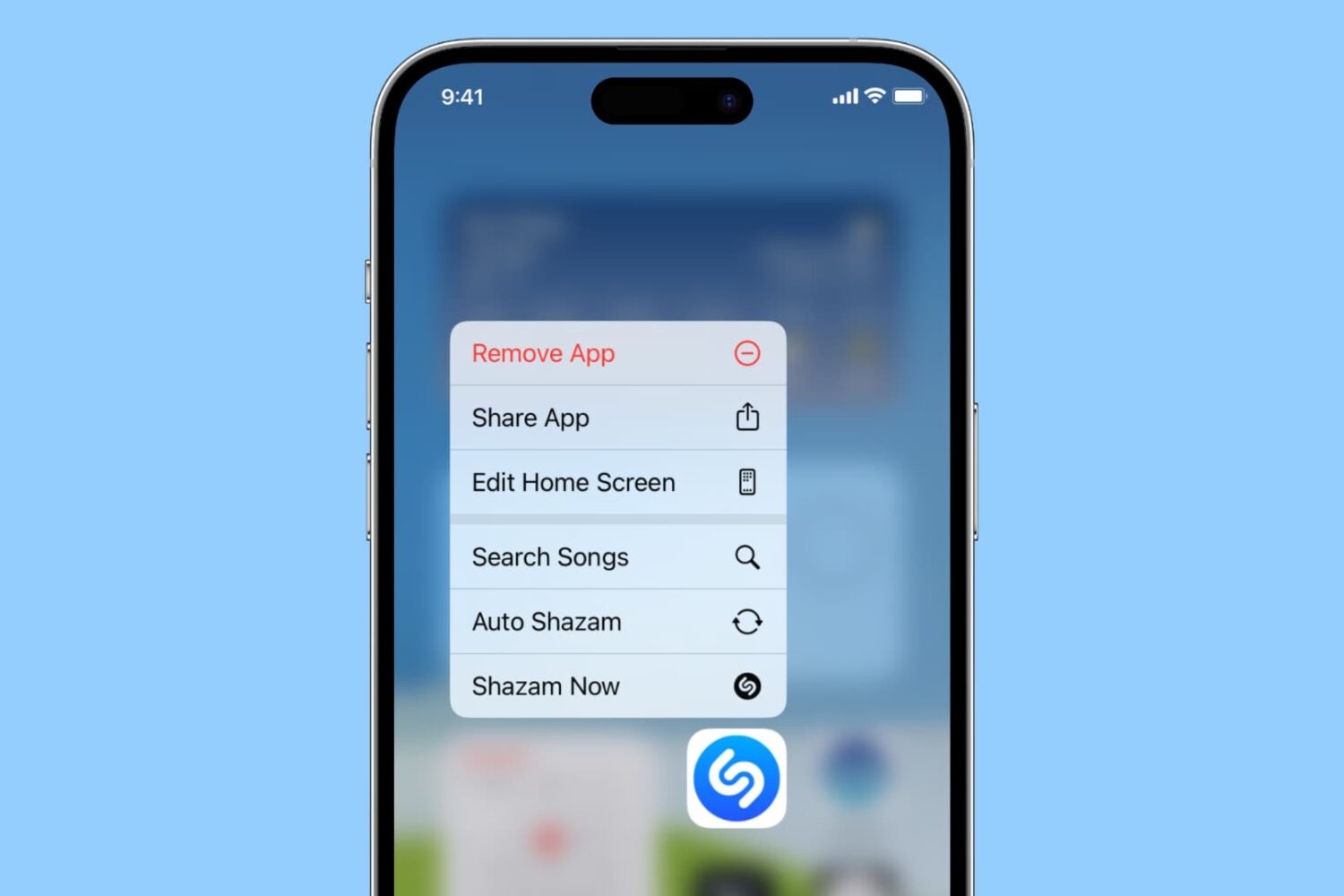
Learn how to do things faster by pulling up quick actions for your iPhone and iPad apps with a simple touch & hold gesture!
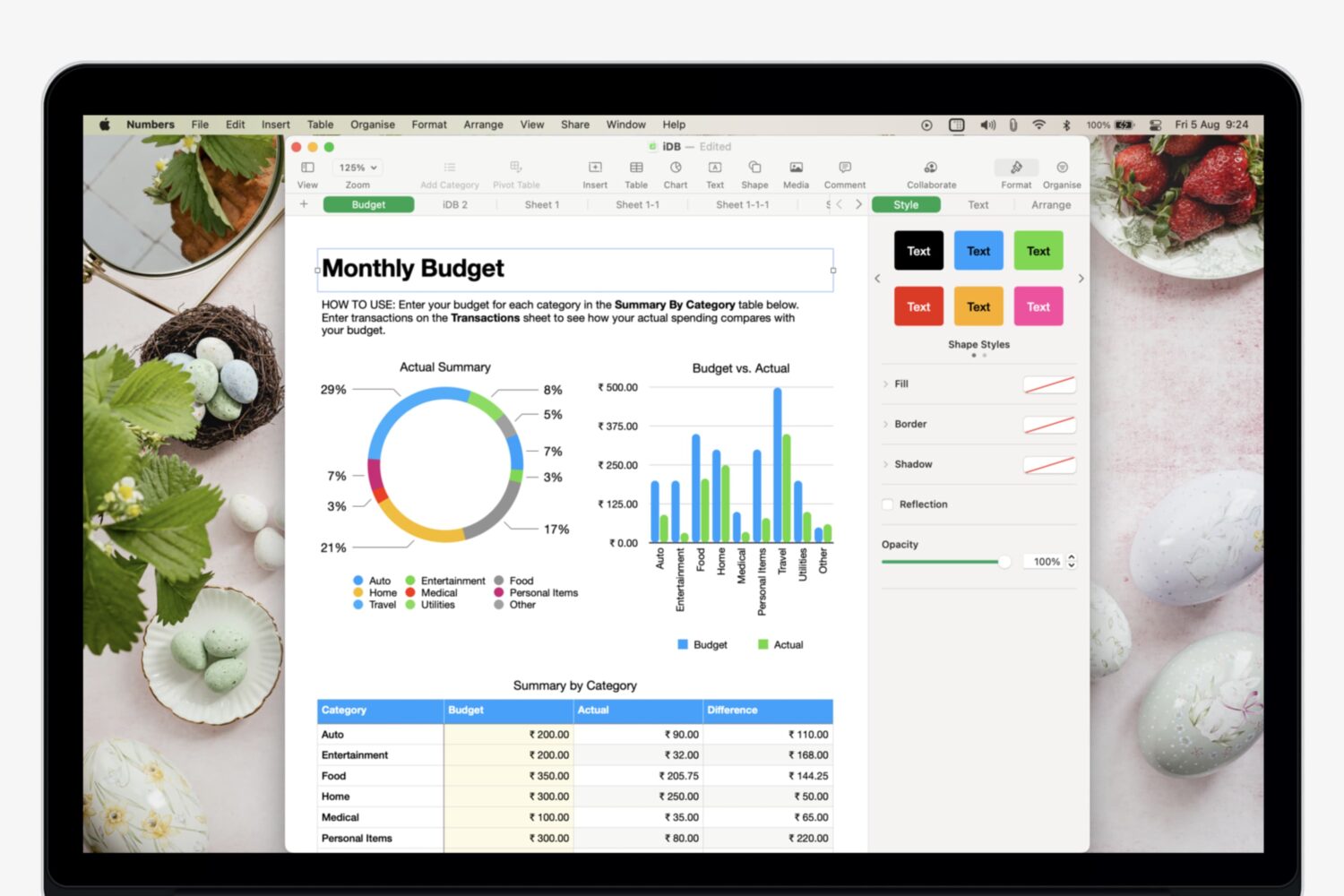
Learn how to add, manage, and use multiple sheets in Numbers to organize your data and make it easily accessible.
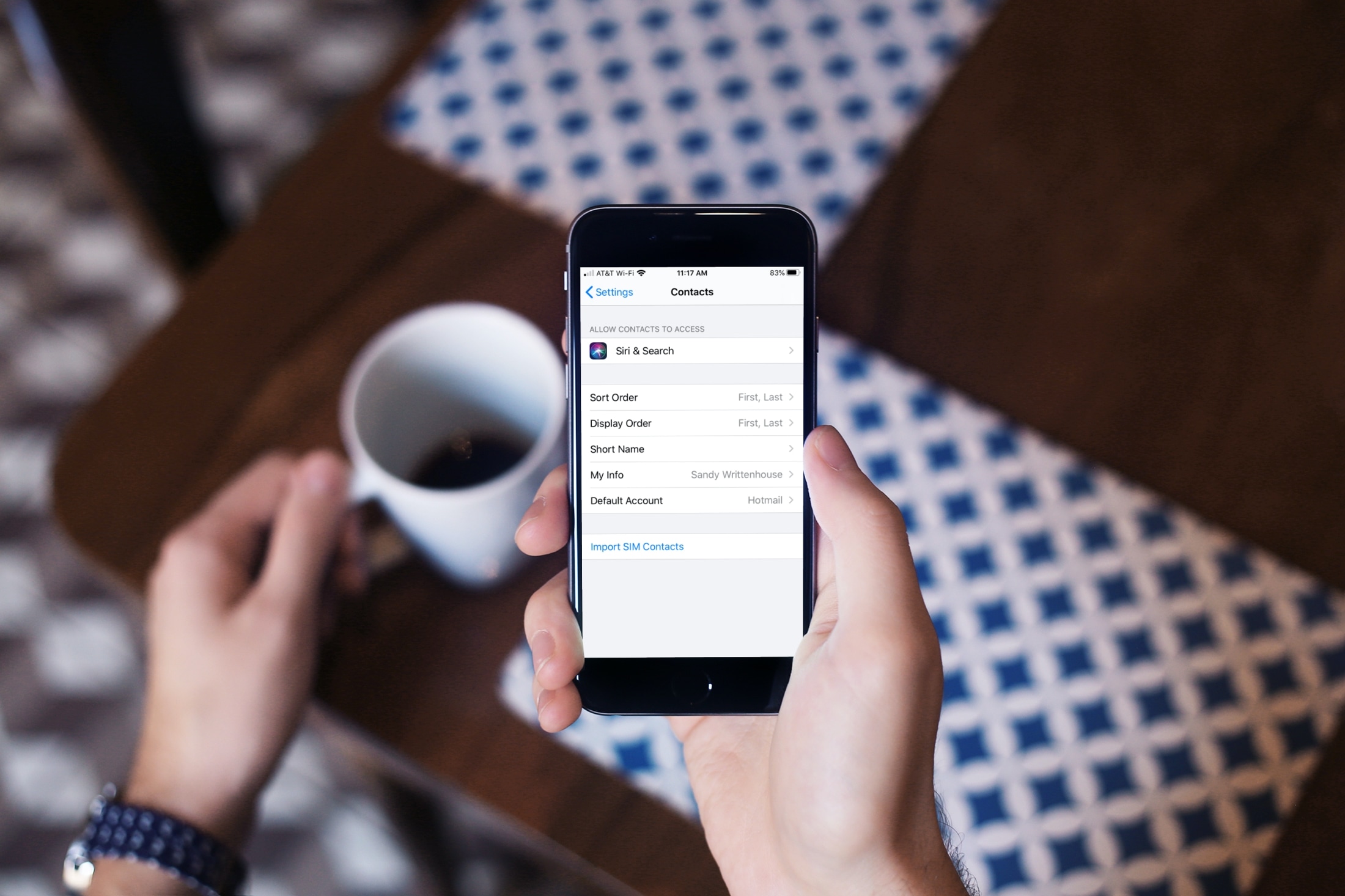
Learn what to do if contacts are saved in your physical SIM card and you want to have them on your iPhone.
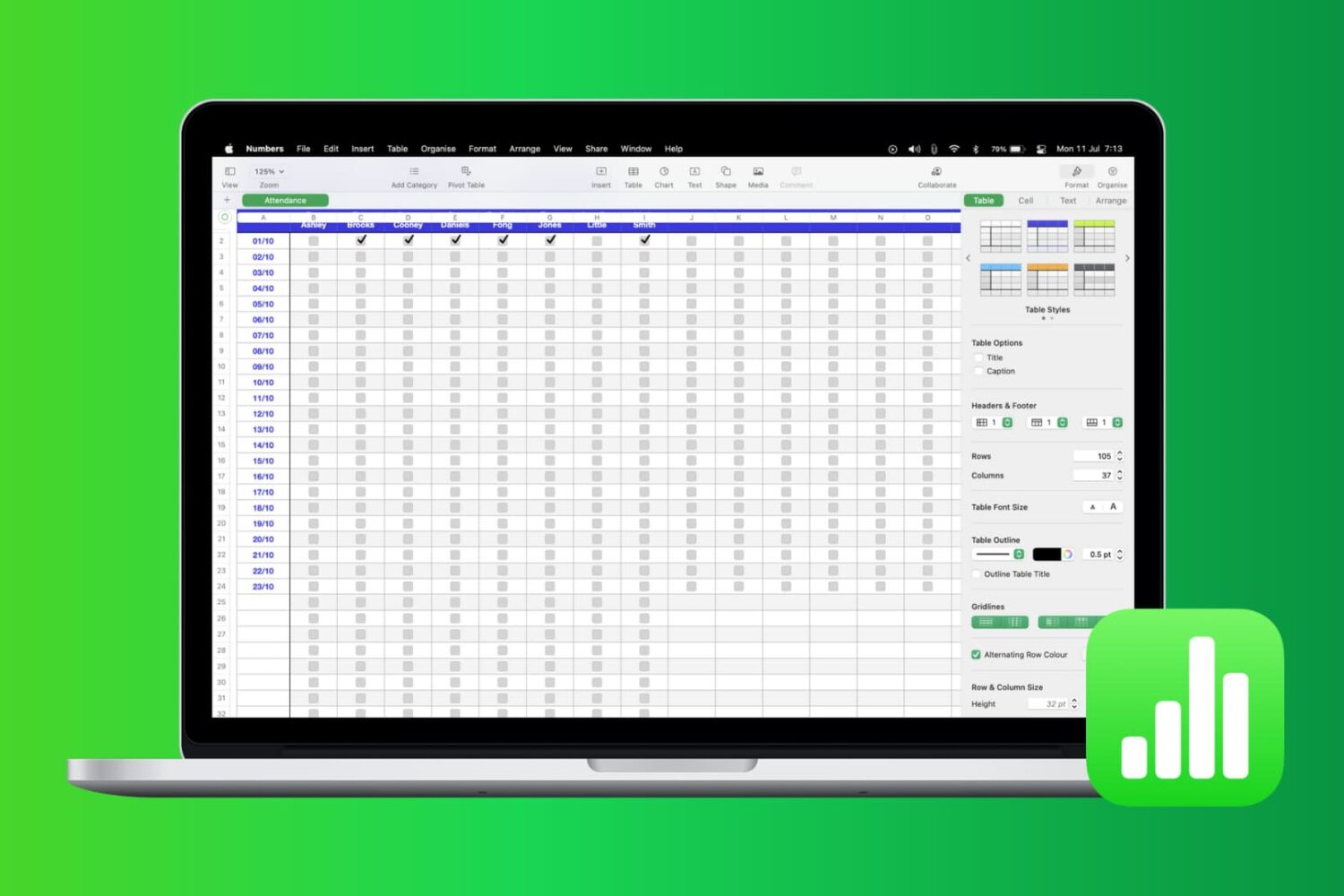
Most times, there’s more to the data you add in Numbers than just entering it. You may also want to analyze it. Whether it’s company sales, personal financials, or customer records, you can use filters to display only the data you want to see.
Numbers has features that let you apply a quick filter or set up filtering rules. Both of which are handy depending on the amount of data you have and the data you need. This tutorial shows you how to filter your data in Apple Numbers.

Check out this list of fun Terminal commands for a quick and quirky way to entertain yourself when you are bored and want to tinker around on your Mac.

Are you looking for the best iPhone Home Screen app arrangement? Explore some simple ways to arrange your Home Screen on iPhone and iPad, for a perfect mix of productivity and aesthetics.