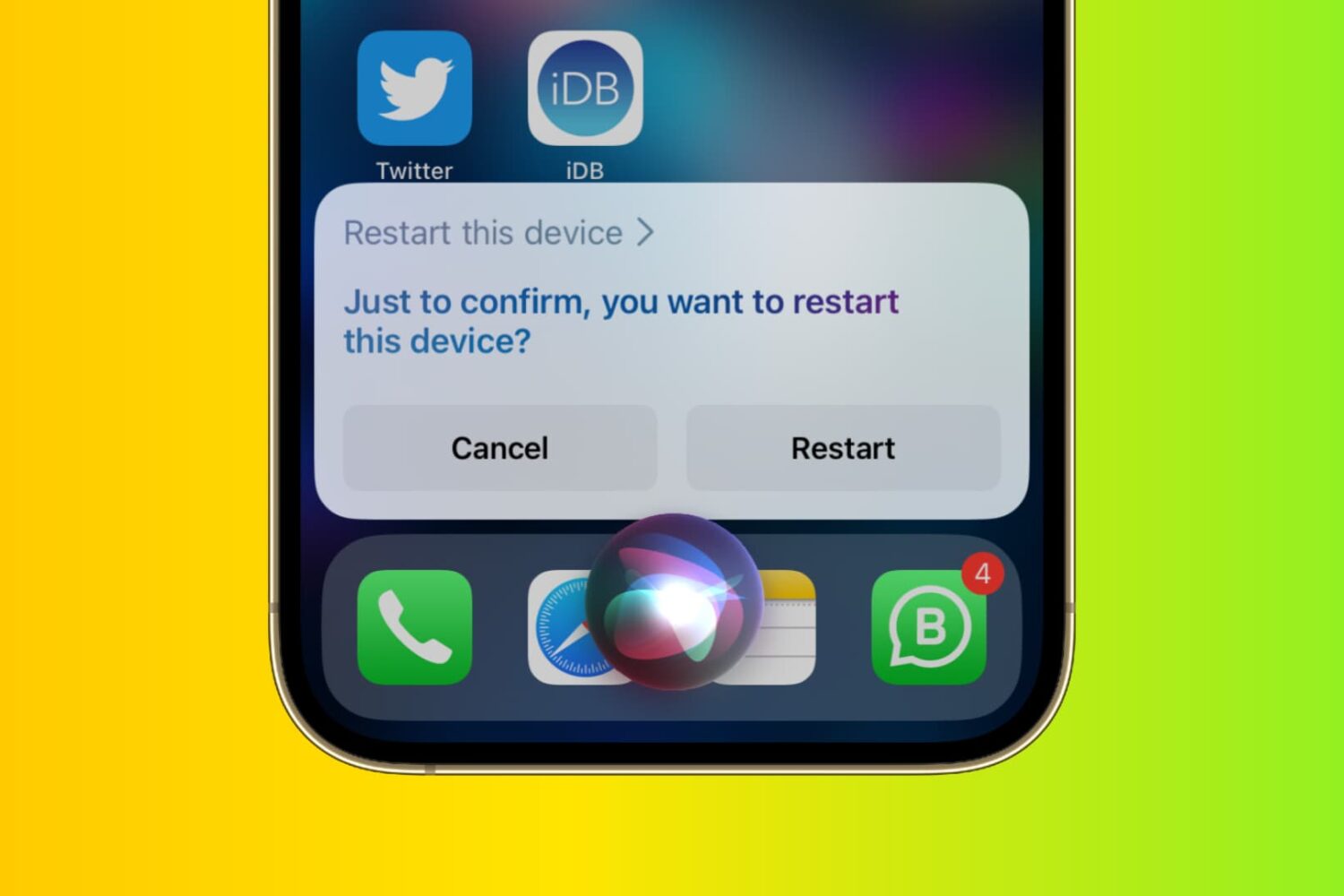
In this beginner’s guide, we’ll show you all the ways you can shut down your iPhone, iPad, or iPod touch and power it back on. The steps apply to all models!
All the ways to turn off and turn on your iPhone or iPad
Learn how to master your Apple devices with our comprehensive tutorials. From iPhone and iPad to Mac, Apple Watch, AirPods, and more, our expert guides will help you unlock the full potential of your Apple products. Discover new features, tips, and tricks each day to enhance your user experience.
In this beginner’s guide, we’ll show you all the ways you can shut down your iPhone, iPad, or iPod touch and power it back on. The steps apply to all models!
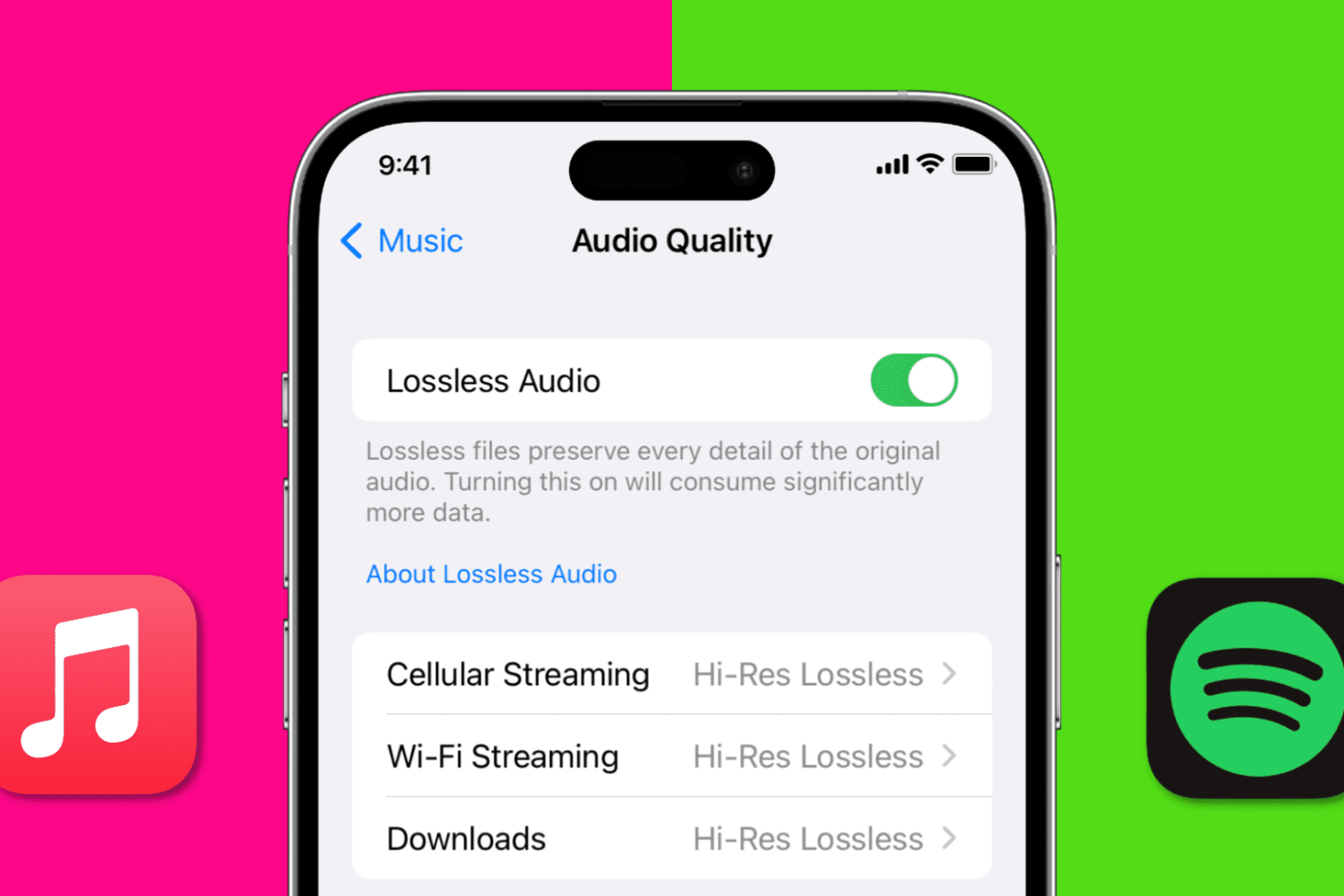
In this quick guide, we show you how to stream Apple Music and Spotify at the best possible audio quality, covering everything from settings to equipment to best practices.
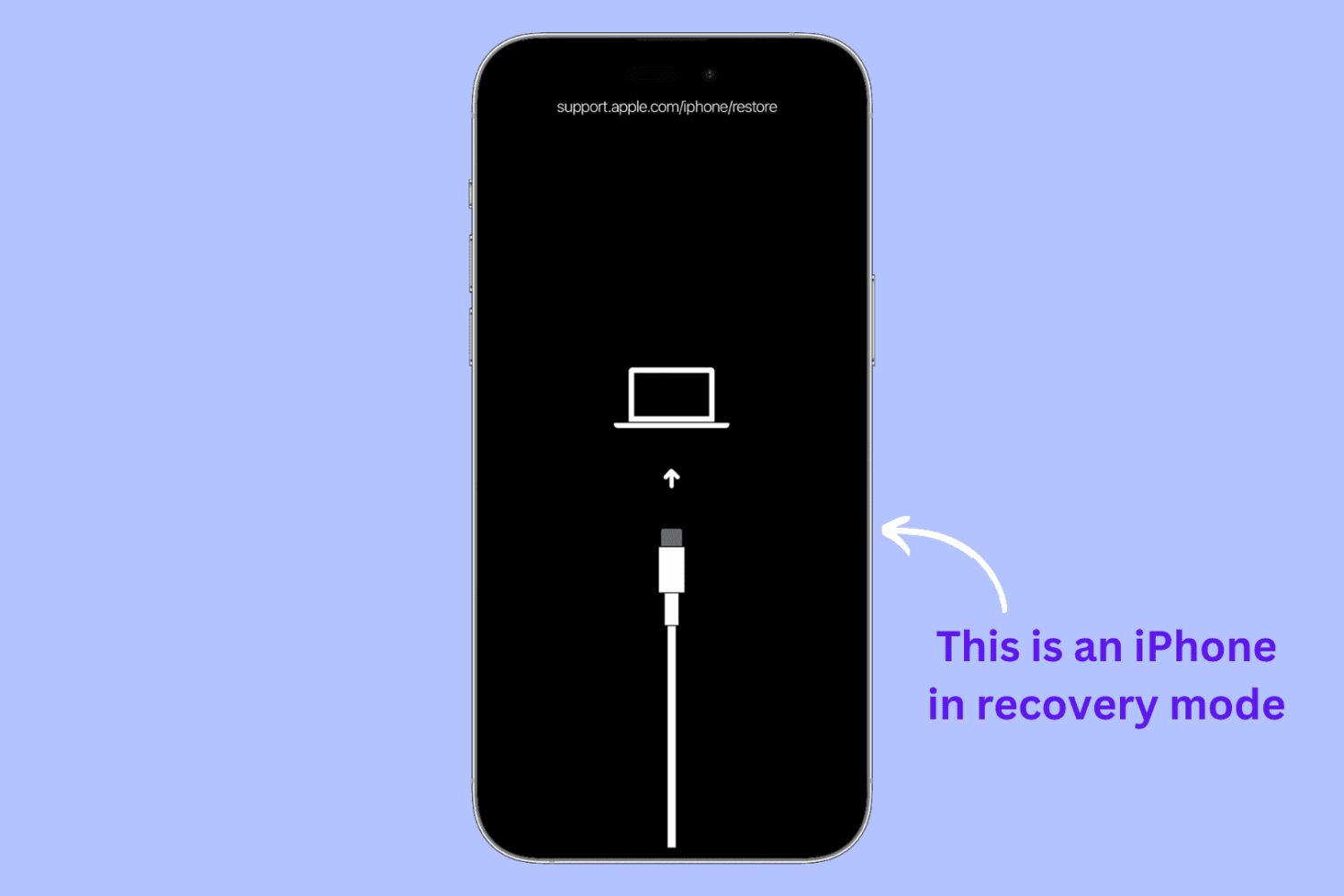
Whether you’re having problems with your iPhone or iPad or perhaps would like to start anew, recovery mode can be a helpful solution.
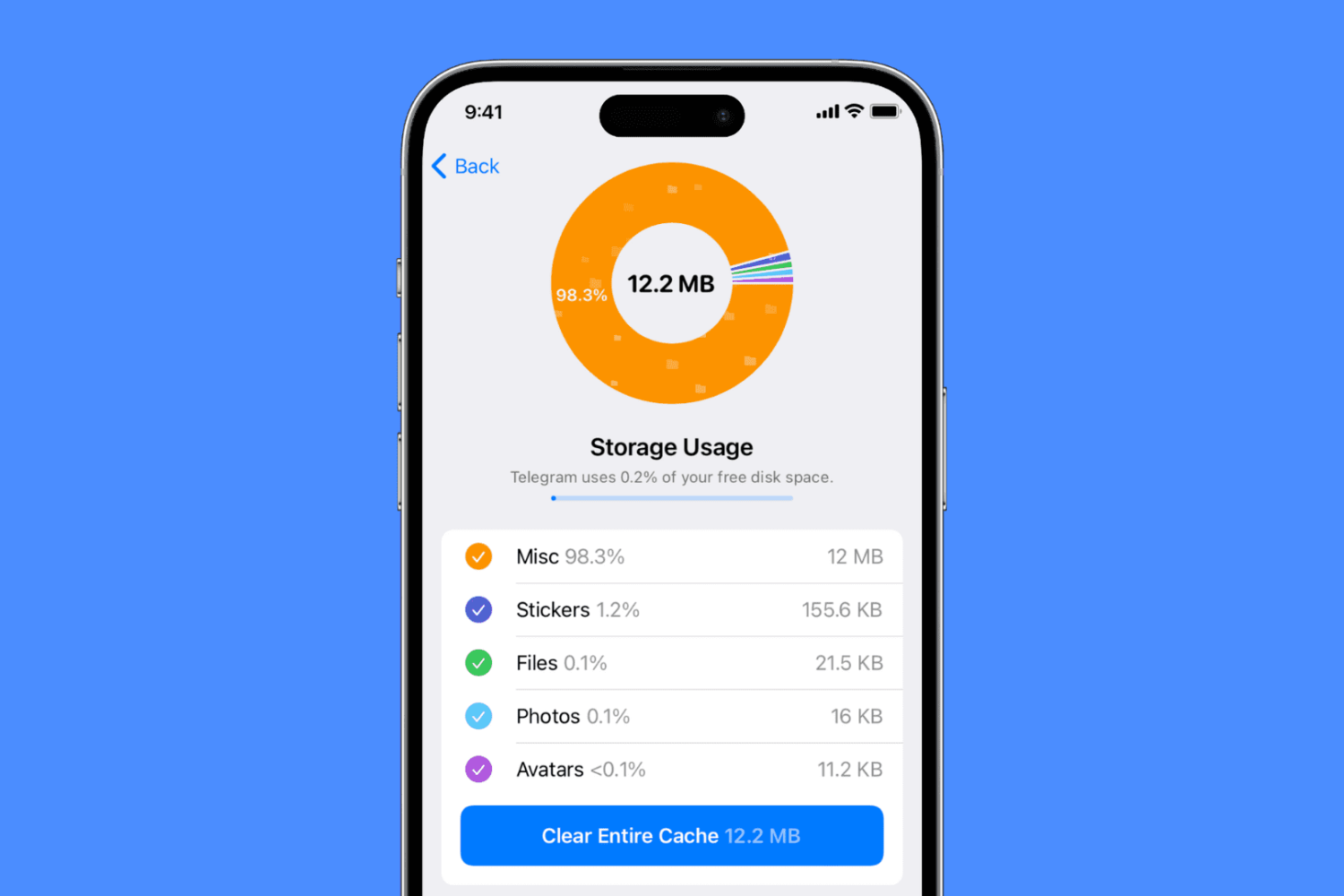
Learn why you should clean your iPhone cache and how to do that for several popular apps such as Safari, Chrome, X (Twitter), Amazon, Dropbox, Spotify, Snapchat, Telegram, Firefox, and more.
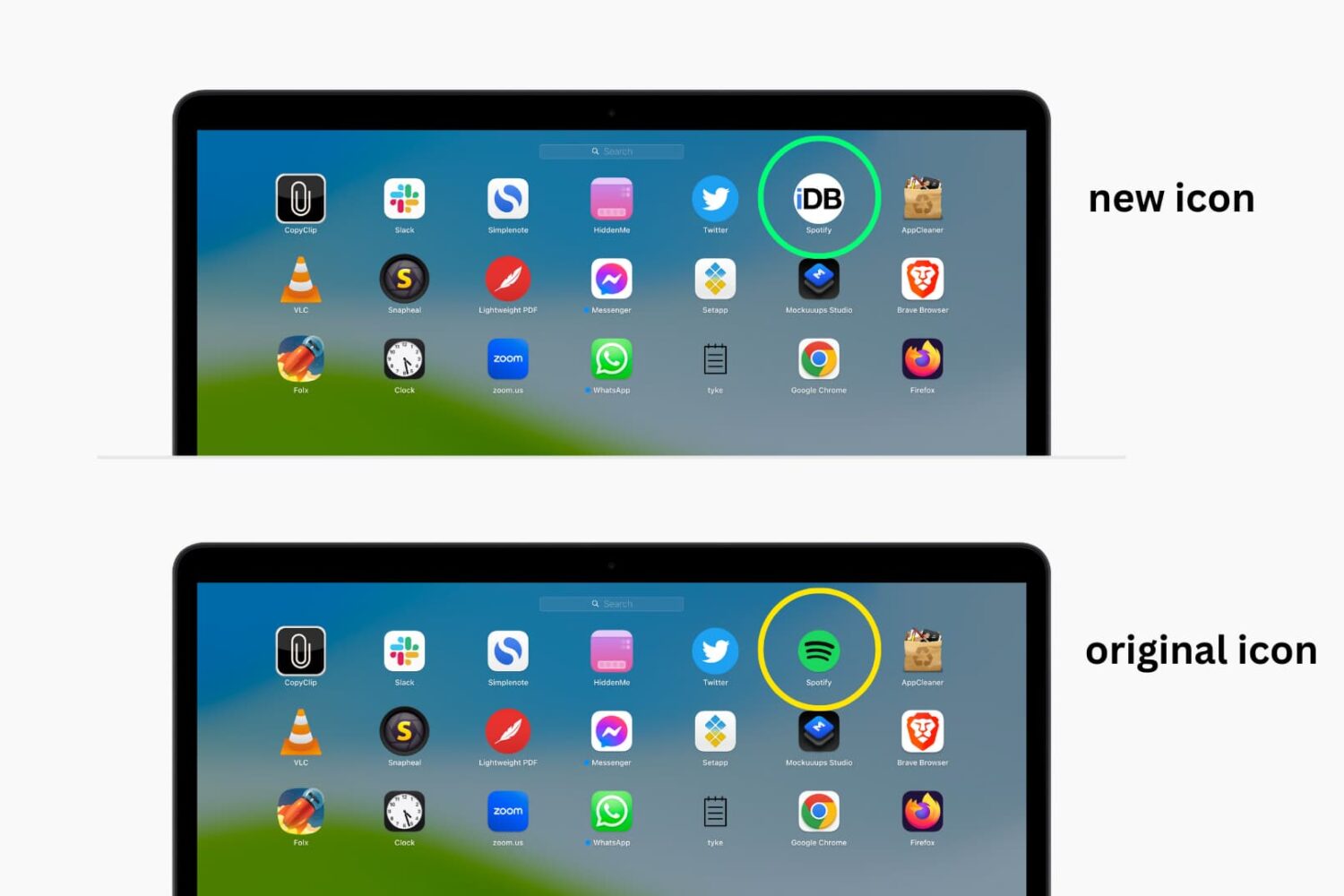
In this tutorial, we’ll walk you through the steps to change the default icons for your Mac apps to something more custom and unique.
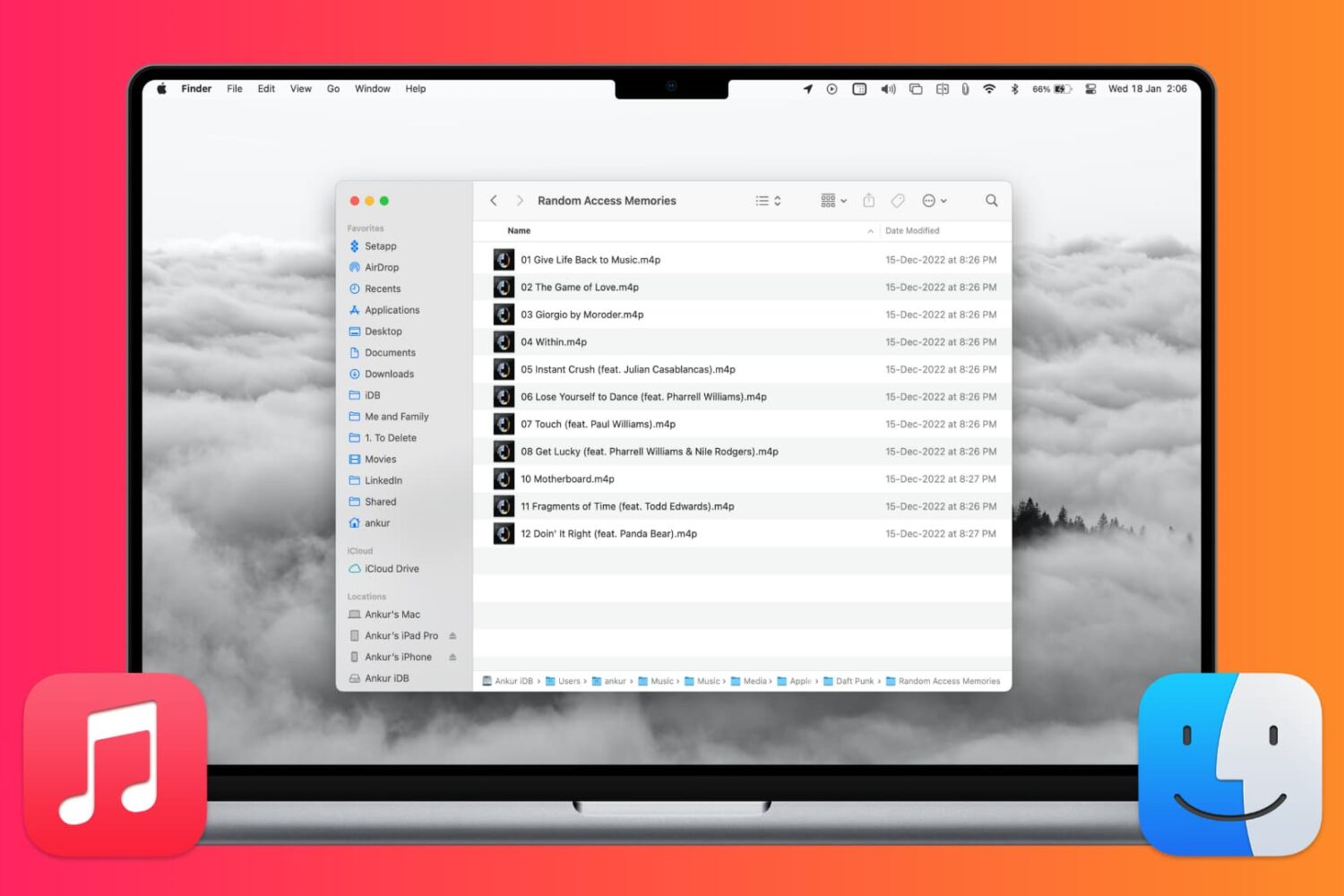
In this tutorial, we’ll show you how to locate where songs, videos, and Apple Music files from the Music app are saved on your Mac.

In this tutorial, we’ll show you how to watch MKV video files on your iPhone, iPad, Mac, Android (phone, tablet, TV), and Windows PC without converting the MKV file first!
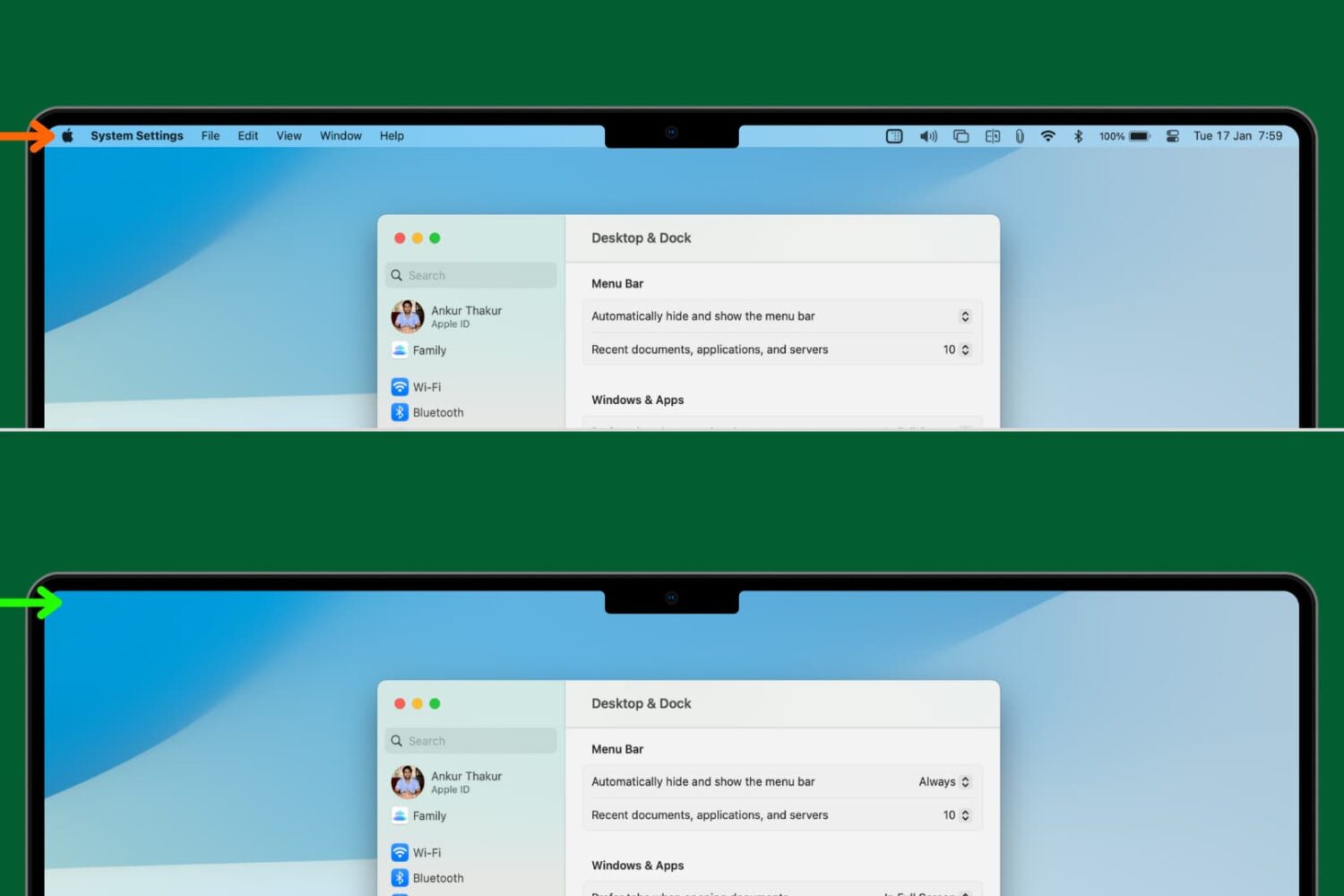
Learn how to set your Mac to automatically hide and show the menu bar, making a little more space for your apps and windows.
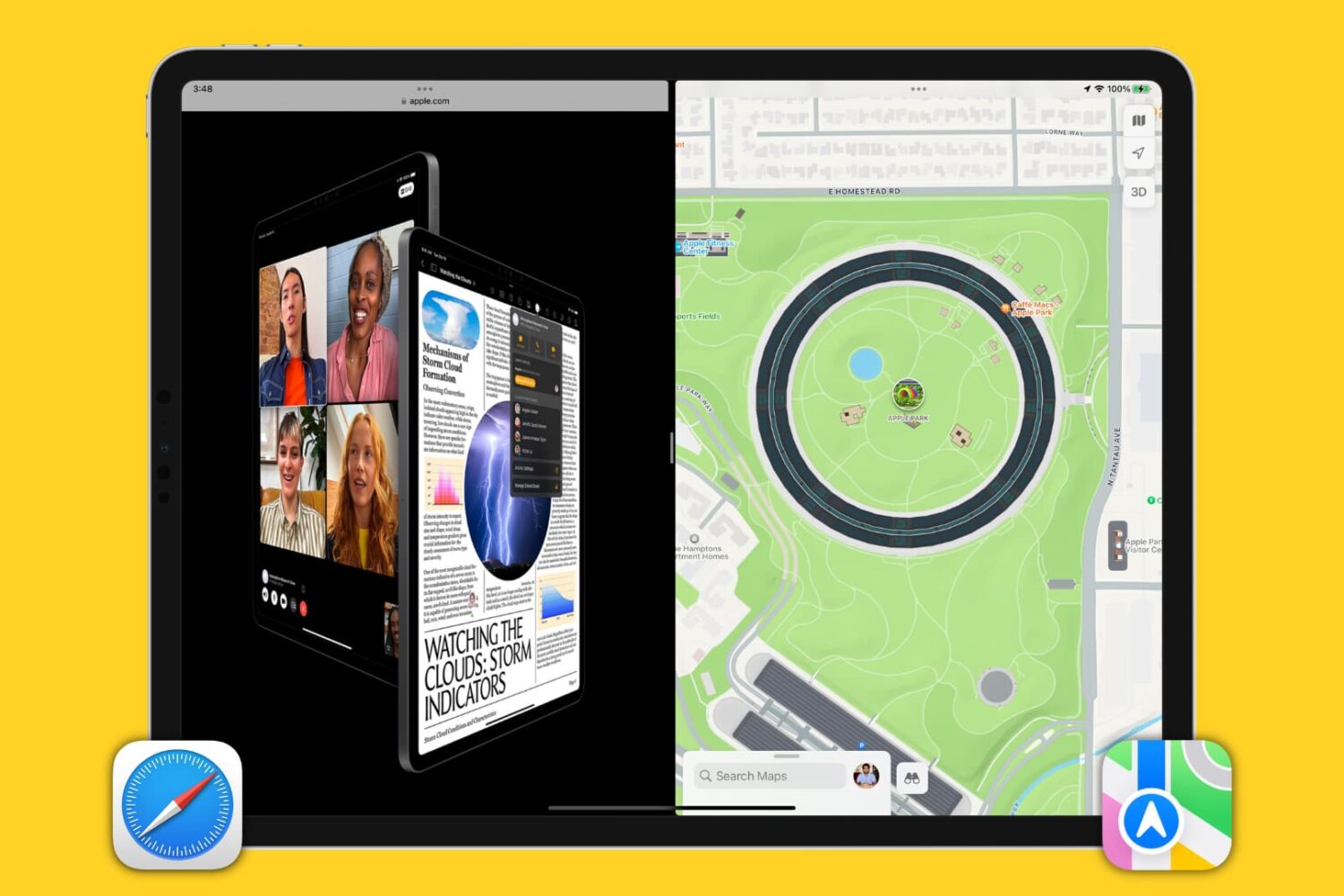
Learn how to use Apple's built-in Split View feature to run two iPad apps side-by-side for a superior multitasking experience.
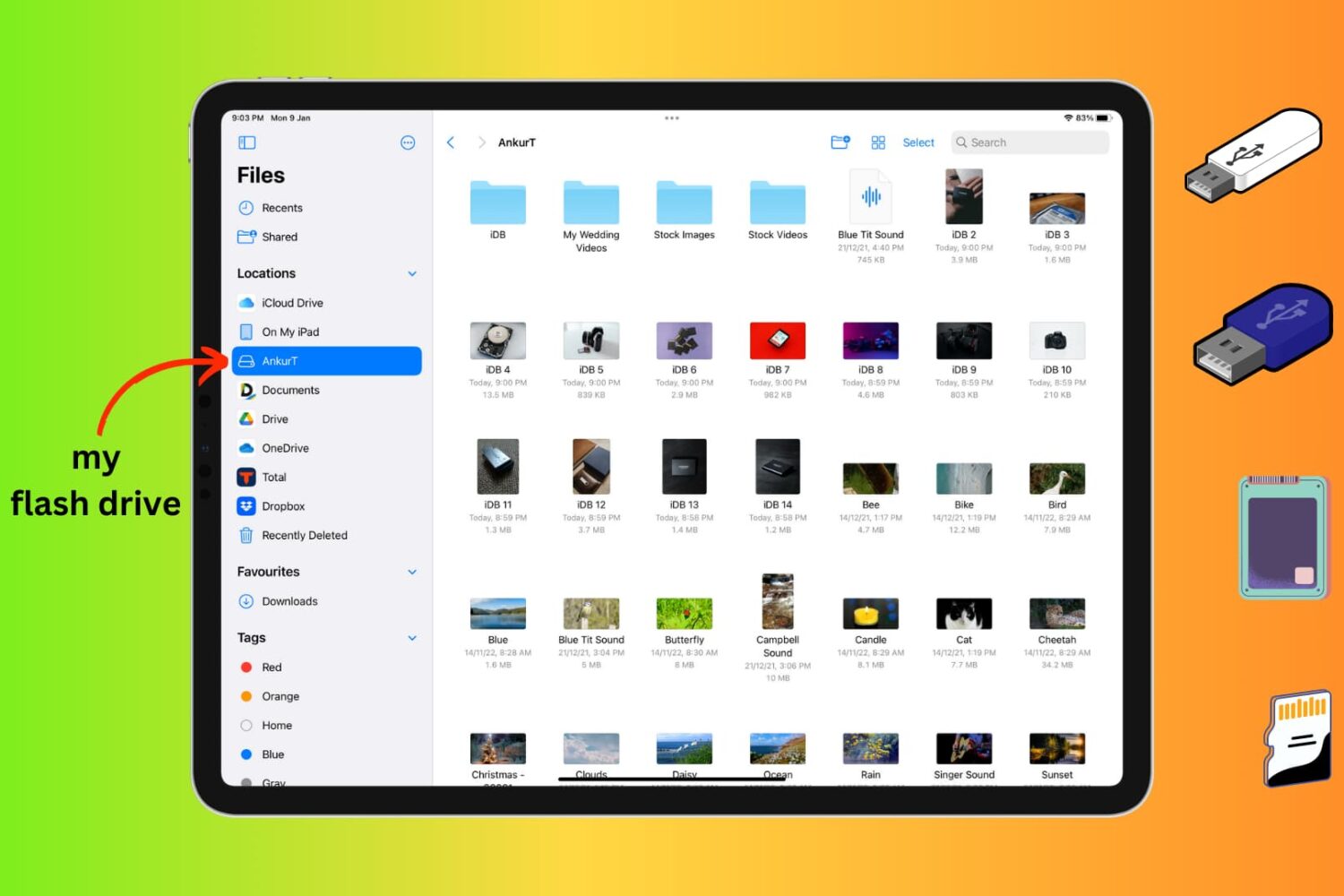
Learn how to connect an external storage device like a flash drive, SSD, SD card, etc., to your iPhone or iPad to store files on it.
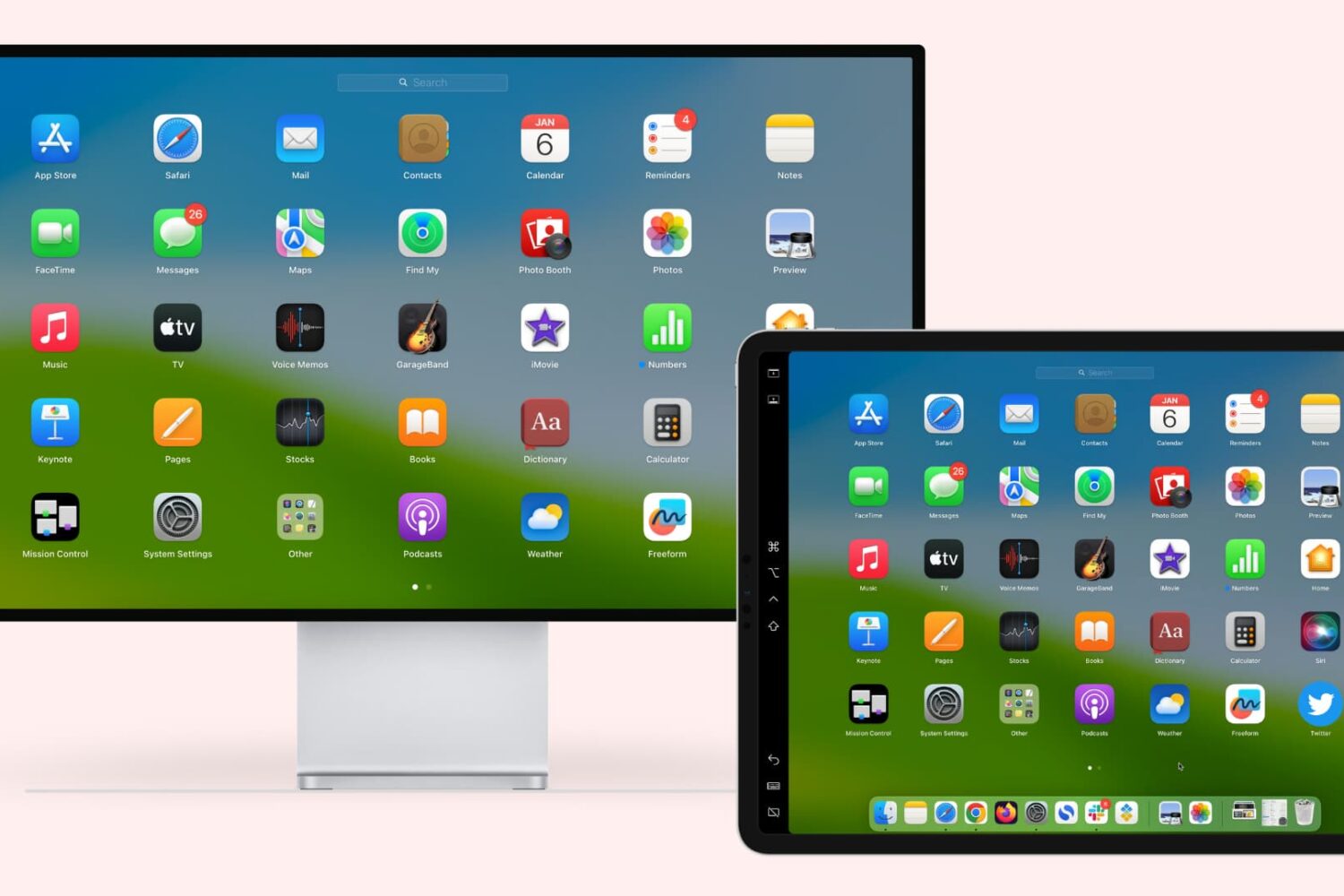
Learn how to extend or mirror your Mac’s display to your iPad wirelessly or via USB, without requiring third-party apps!
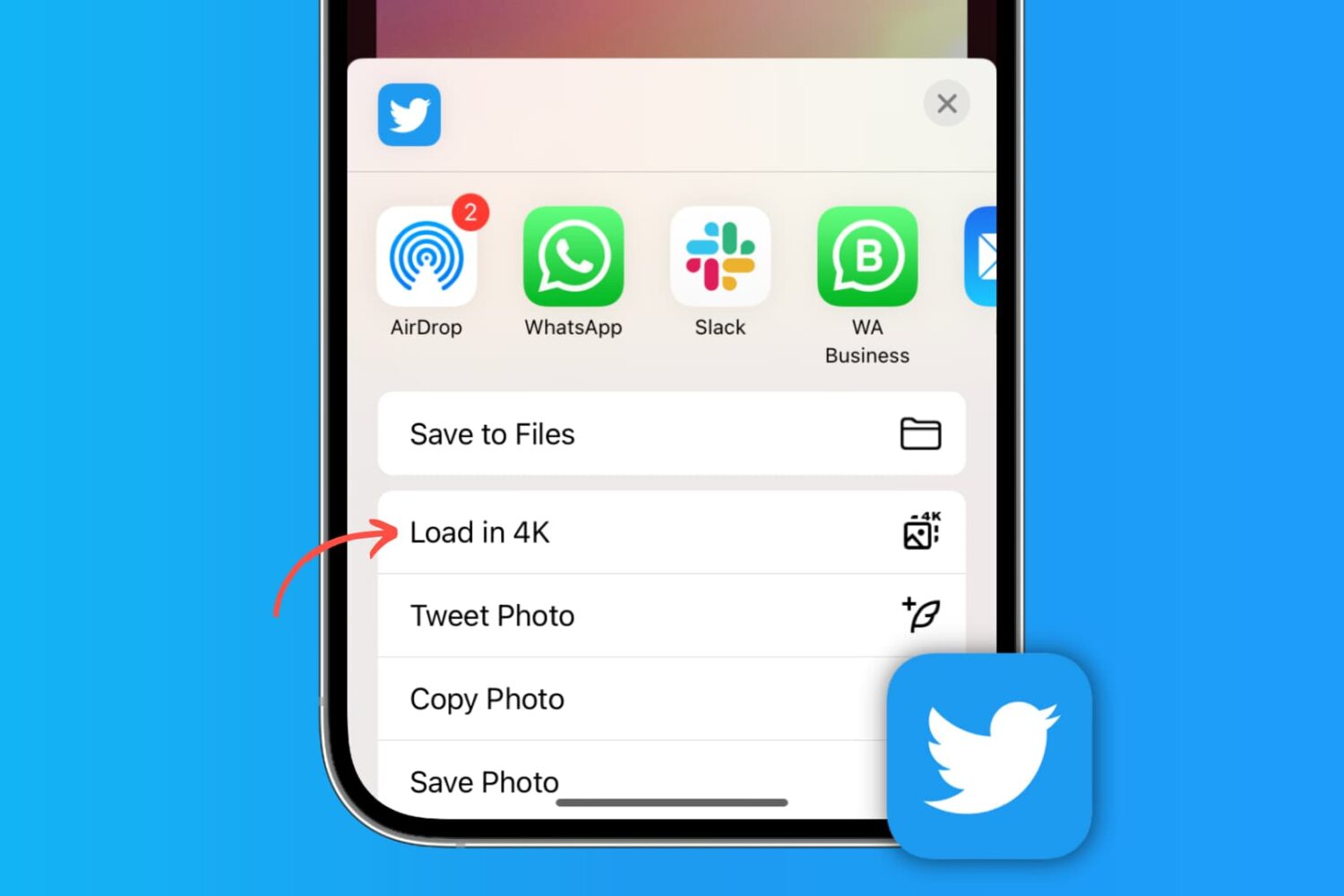
Learn how to post high-quality images to X (formerly Twitter) and download photos from there in the best resolution on your phone or computer.