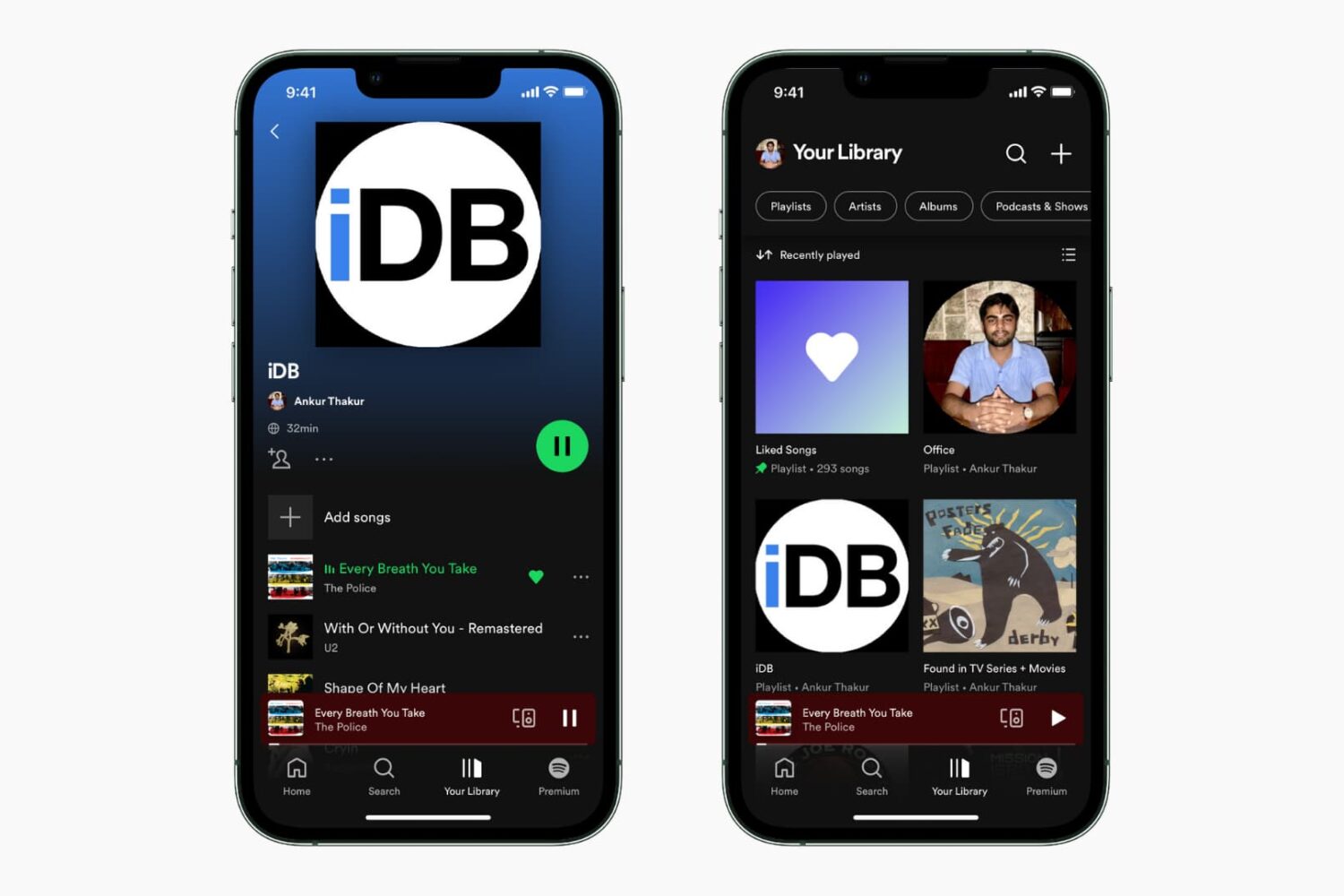
Learn the quick steps to change a playlist cover image on Spotify and use your own picture for a personalized app experience.
How to change a Spotify playlist cover image in the app or the web
Stay up-to-date on the latest Mac news, and tutorials. Get expert tips and tricks to optimize your Mac’s performance and learn about the latest Apple products and software updates. Discover the best Mac apps and accessories to enhance your user experience.
Learn the quick steps to change a playlist cover image on Spotify and use your own picture for a personalized app experience.
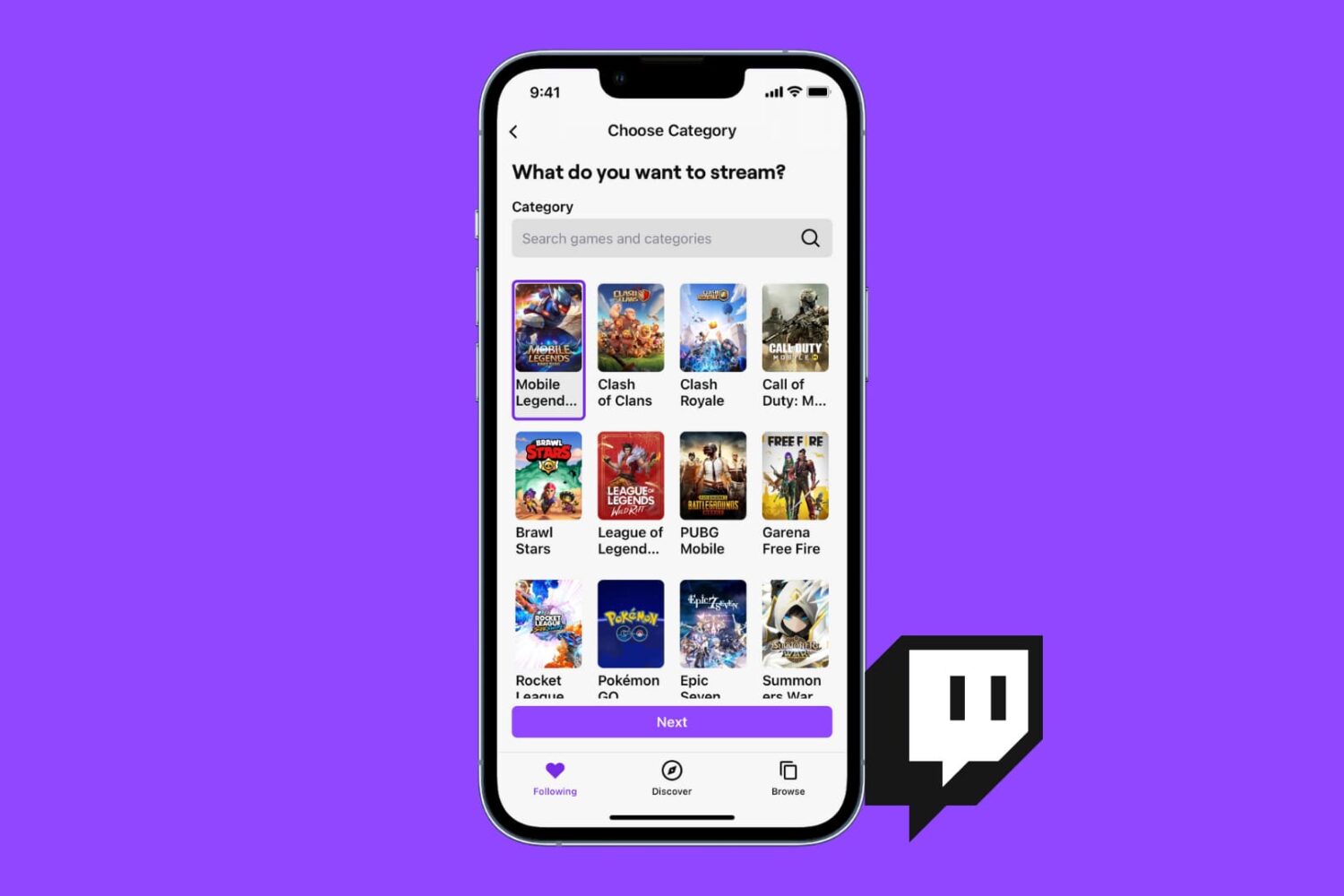
You can stream your favorite games to Twitch or just broadcast yourself talking and having fun, all from the Twitch app on iPhone, iPad, or Mac. This tutorial shows you how to live stream to Twitch with minimal setup and no cost.

Looking to broadcast on YouTube? In this step-by-step tutorial, we'll show you how you can live stream to YouTube from your iPhone, iPad, Android phone, or computer.
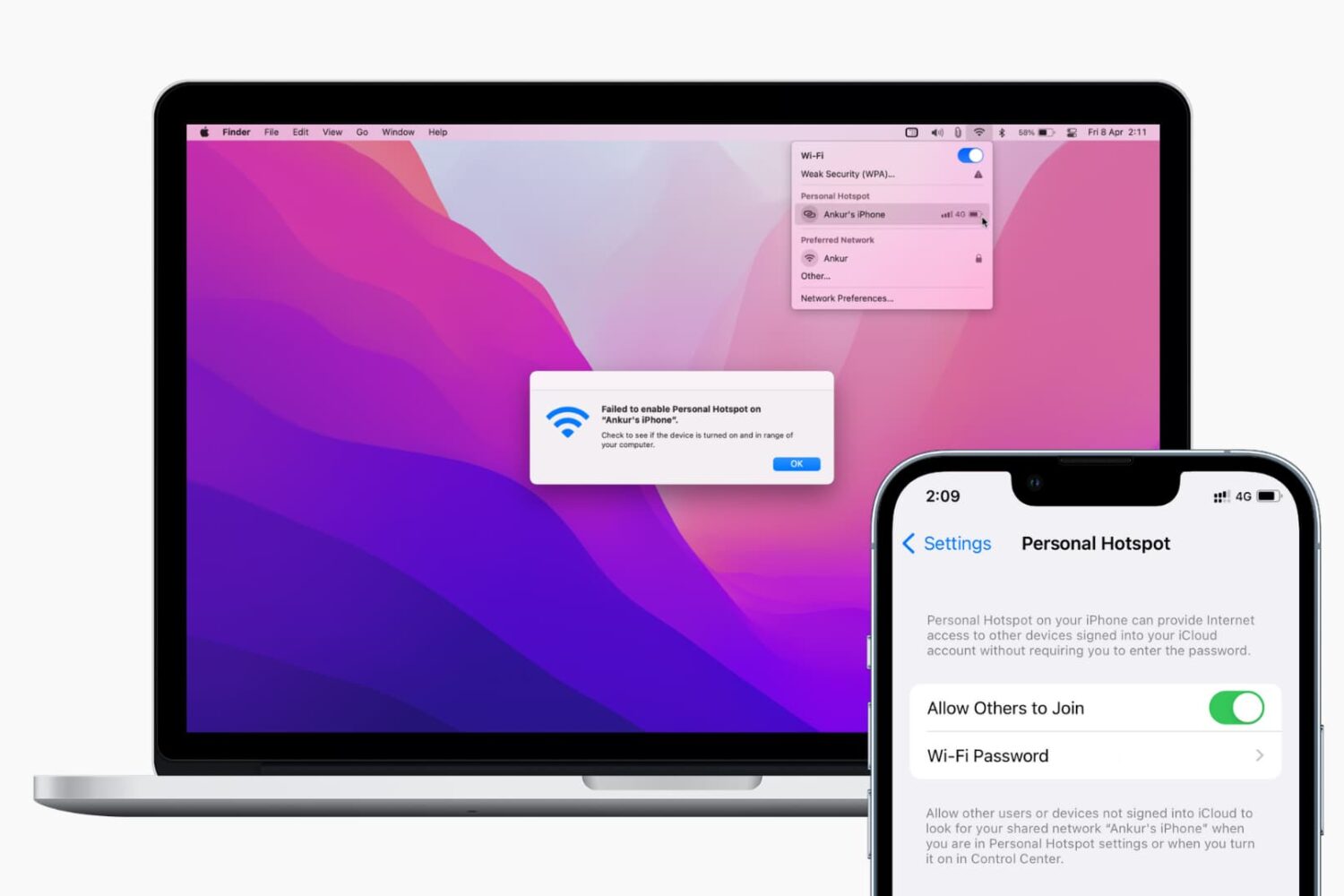
Find out what to do if your Mac isn’t connecting to your iPhone’s Hotspot or keeps disconnecting after every few minutes.
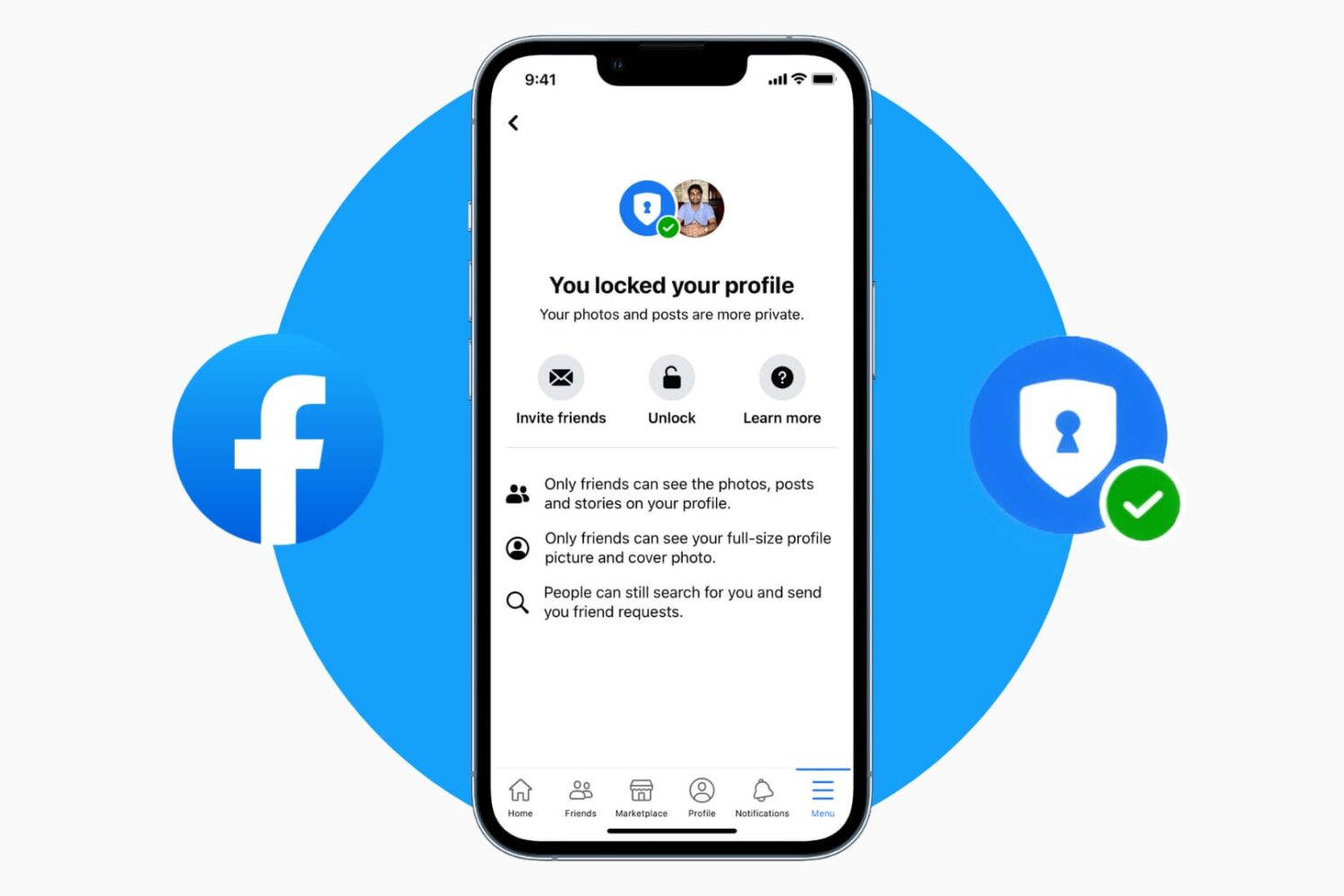
Learn how to lock your Facebook profile to make your profile photos and posts private and visible only to your friends and nobody else.
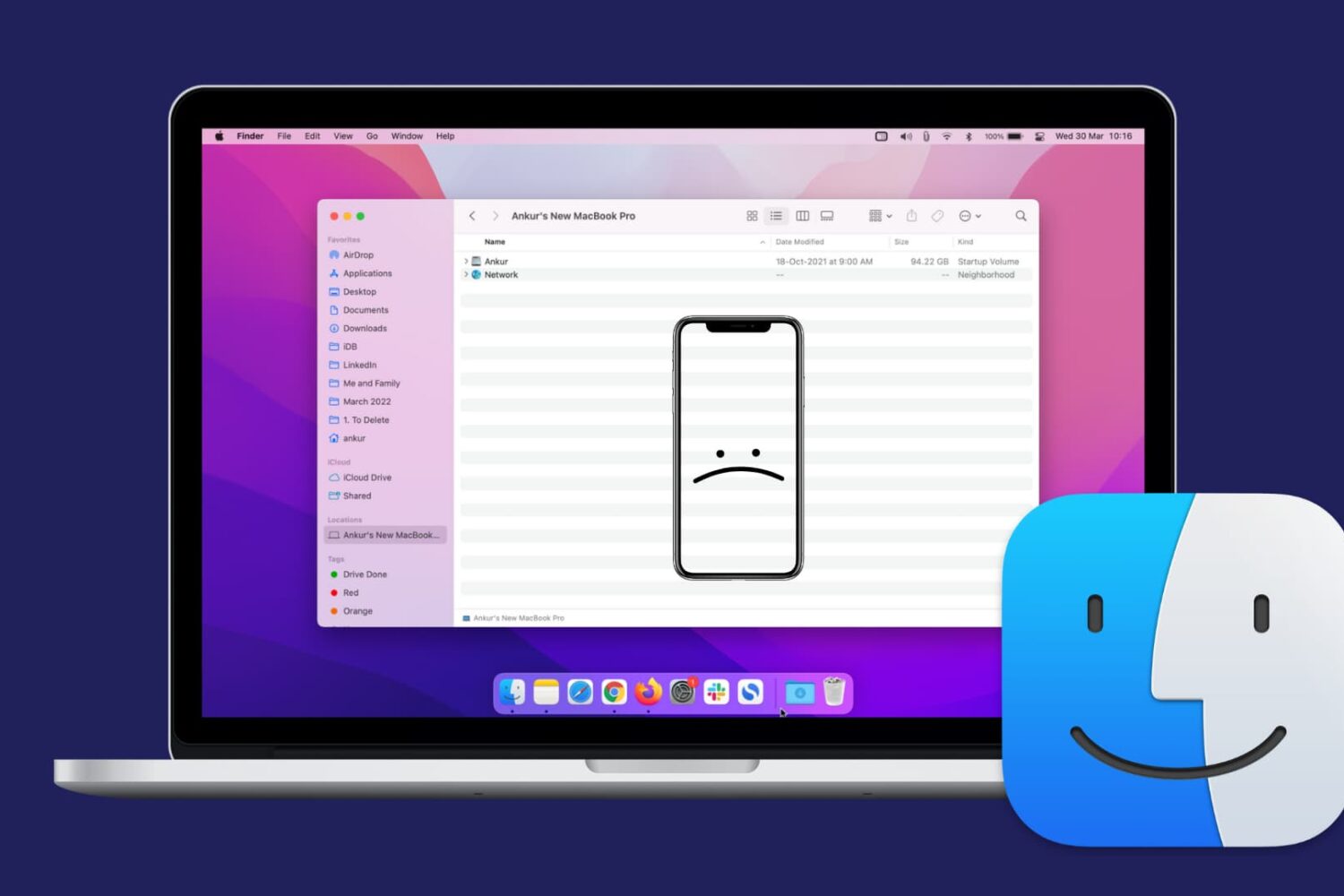
Check out this comprehensive guide on how to fix the issue of your iPhone or iPad not showing up in Finder on Mac.
Check out the solutions to fix dictation issues on your iPhone, iPad, Apple Watch, and Mac.
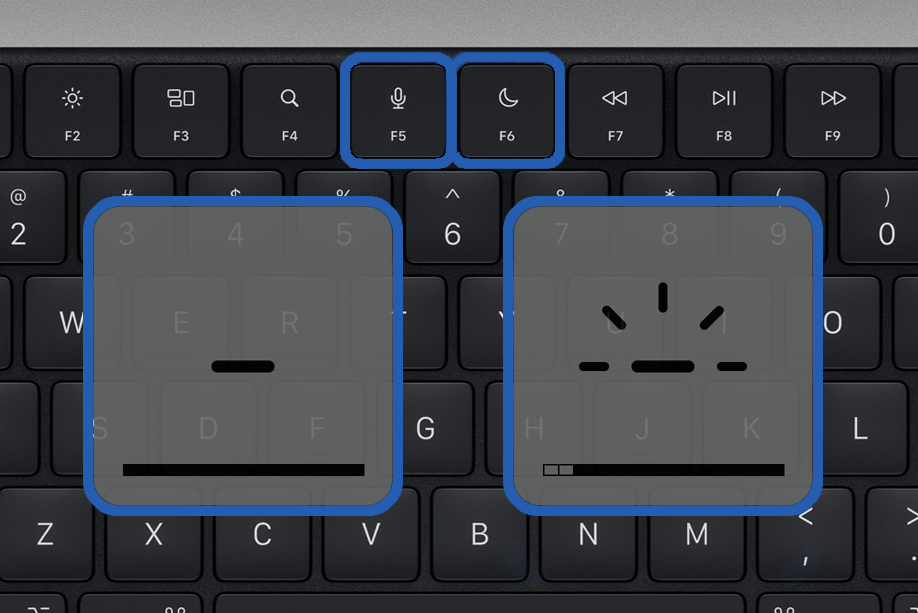
Apple's new laptops have a revamped keyboard layout with more dedicated function keys, but some previous options didn't make the cut.
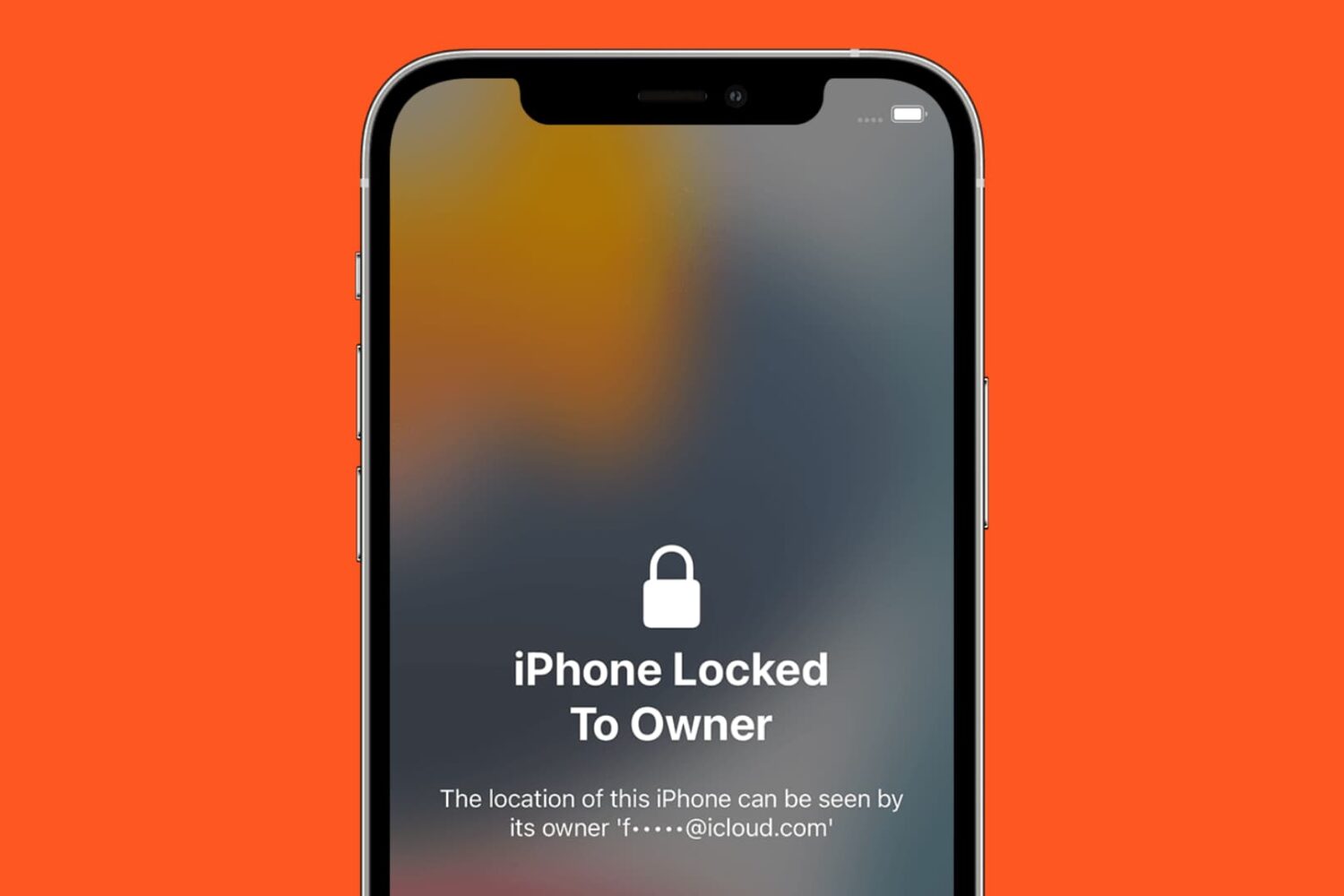
Learn how to check the Activation Lock status before using a used/pre-owned iPhone, iPad, Mac, Apple Watch, or Apple Vision Pro to ensure a safe purchase.
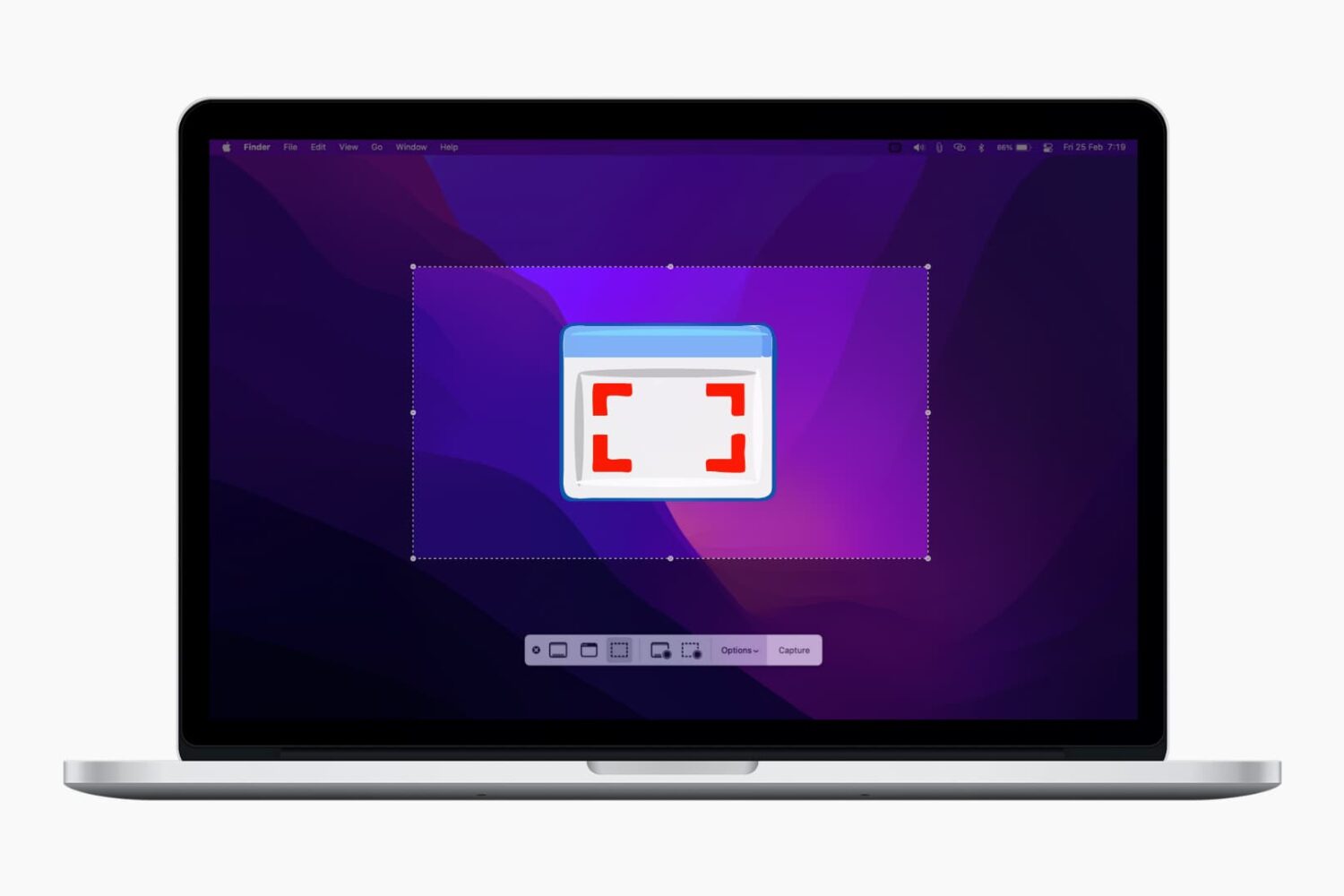
In this comprehensive guide, we’ll show you how to take screenshots of full or selected portions of your Mac’s screen without having to download third-party applications.
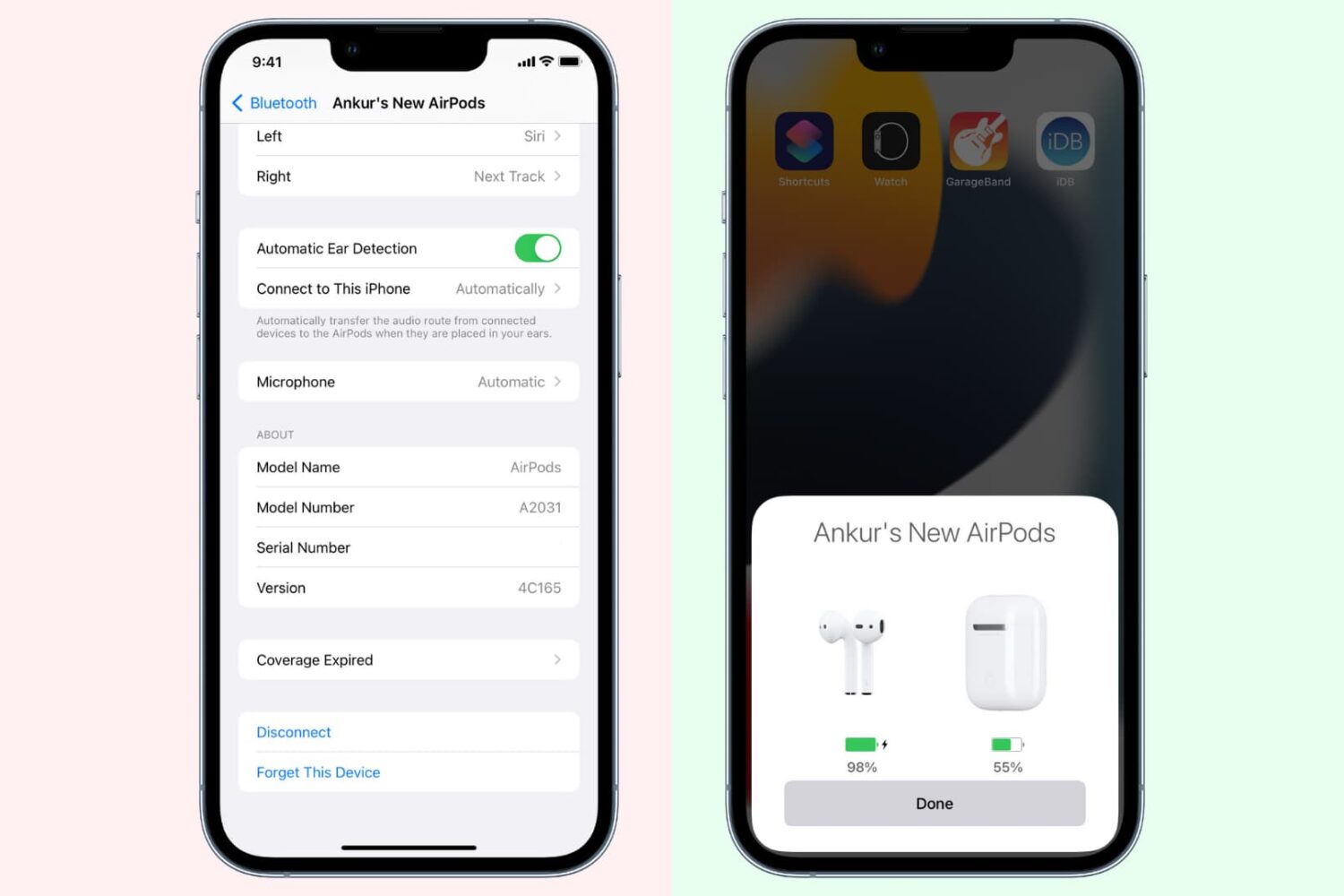
When your AirPods aren't working properly, one of the recommended solutions is to unpair and re-pair them from your iPhone, iPad, or Mac. Forgetting and re-connecting the AirPods usually fixes the issue, and we'll show you how to get it done.