Learn how to list specific people as important senders so their emails are always delivered to the VIP mailbox in Apple Mail on your iPhone, iPad, and Mac.
How to add or remove VIPs in the Mail app on iOS and Mac

Stay up-to-date on the latest iPhone news and learn new tips and tricks with our comprehensive tutorials. From software updates to new features, we’ve got you covered.
Learn how to list specific people as important senders so their emails are always delivered to the VIP mailbox in Apple Mail on your iPhone, iPad, and Mac.
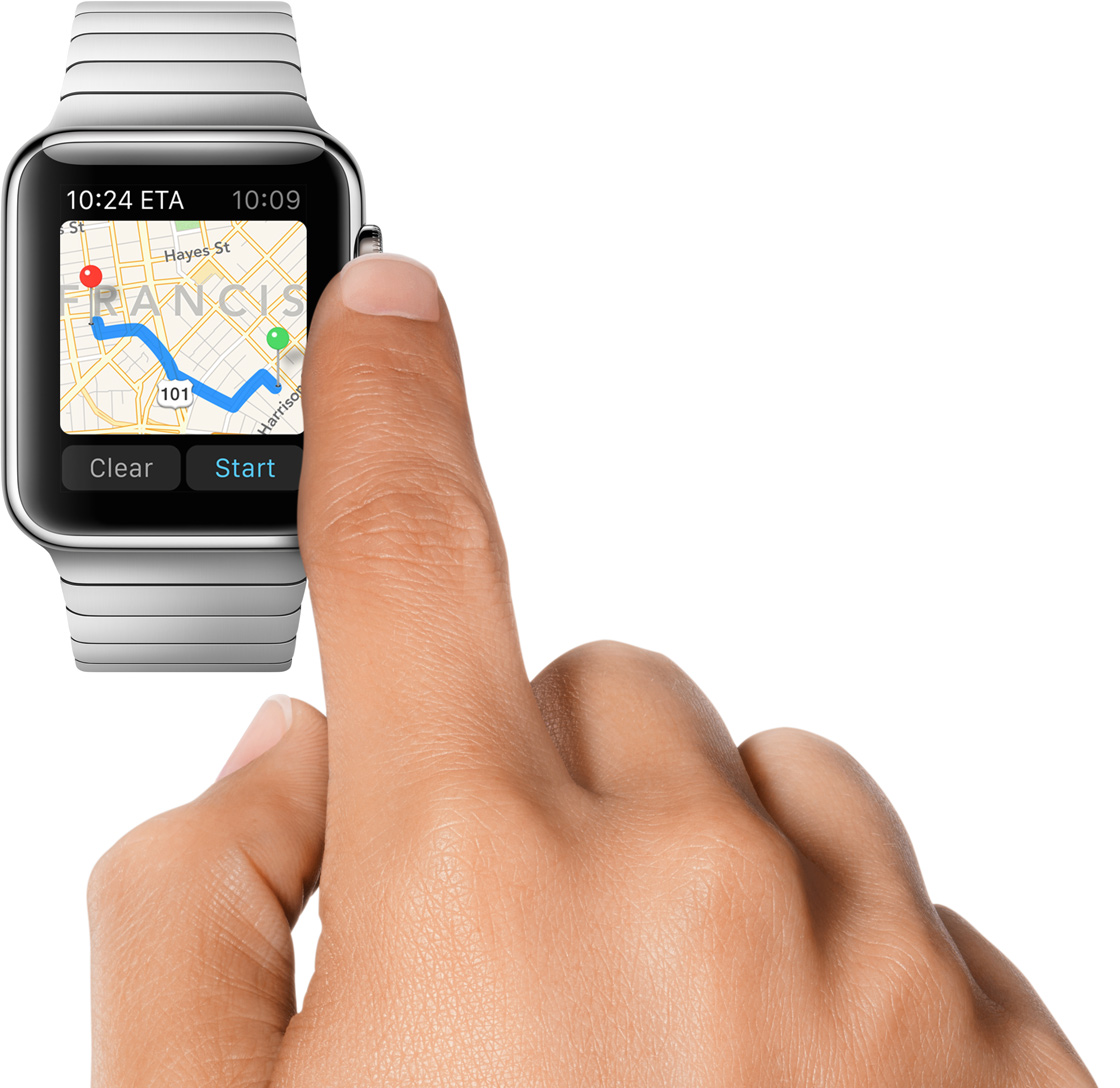
watchOS 5 brings some tweaks to the Maps app on your wrist, like choosing to show or optionally hide Maps when using Apple Watch stepping directions. For those times when you might want to toggle off this feature, follow the instructions in this step-by-step tutorial.
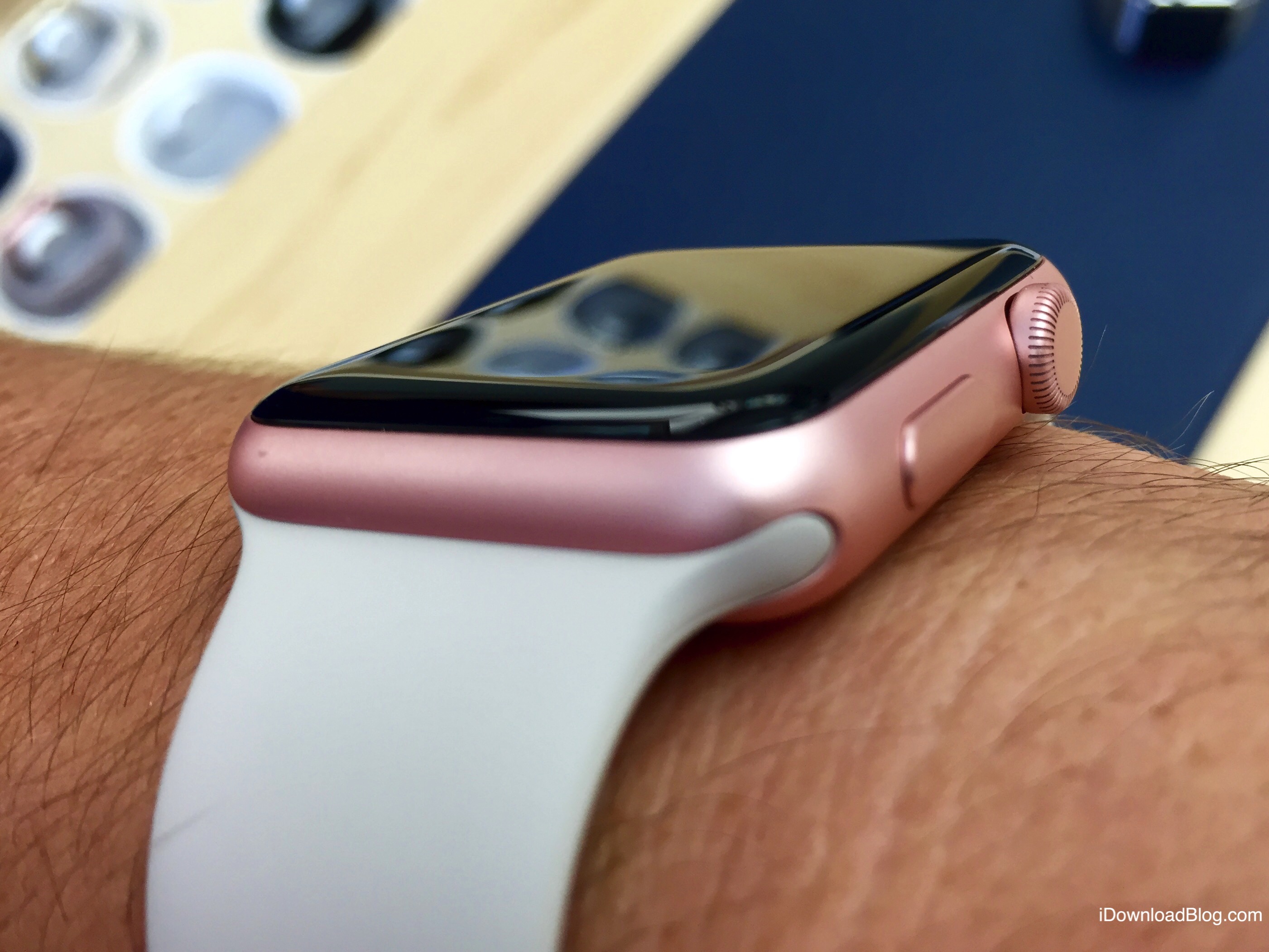
In this tutorial, we will share how you can personalize the Maps app turn-by-turn navigation alerts on your Apple Watch when you're driving, using CarPlay, walking, or cycling.
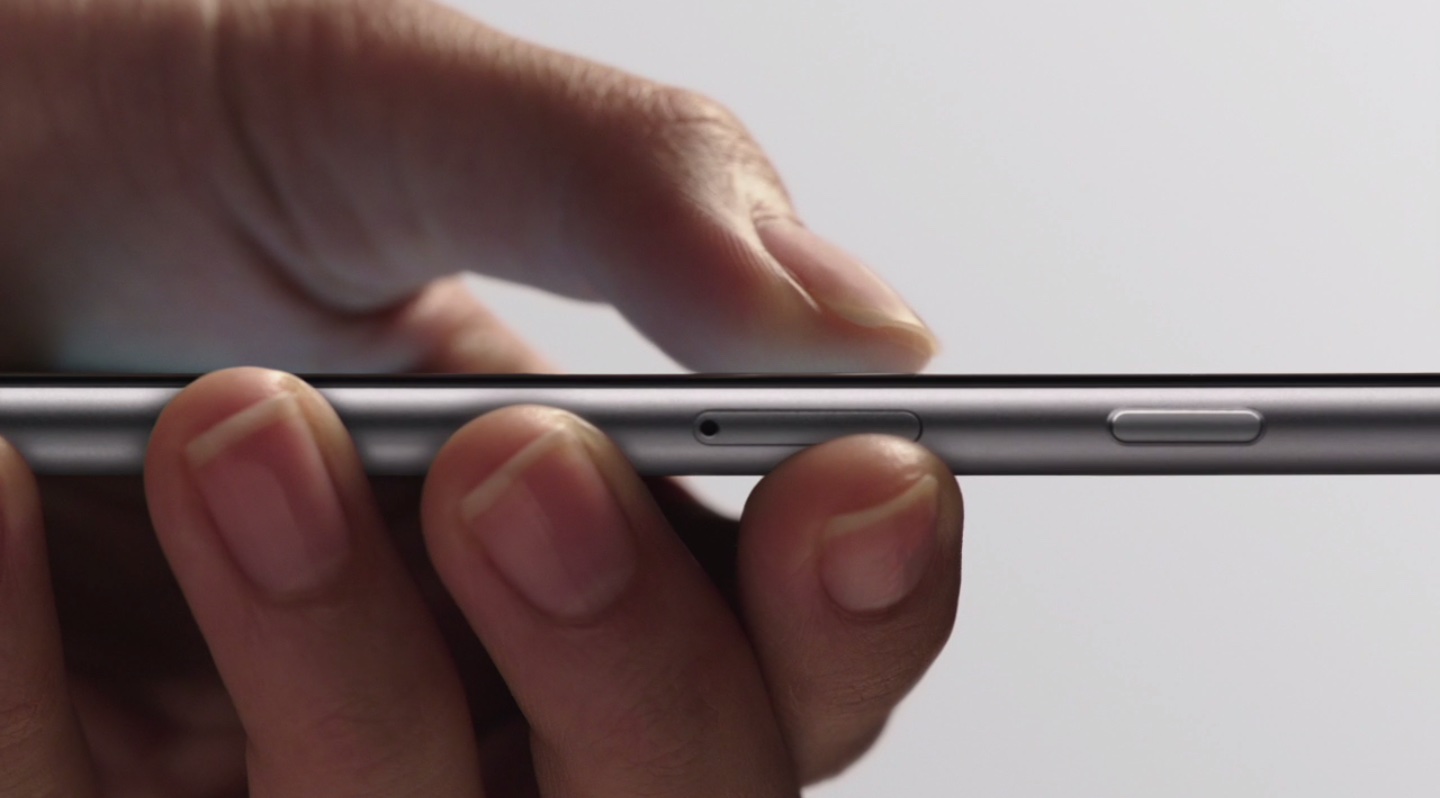
Learn to position the cursor precisely and quickly select text passages by turning your iPhone's stock keyboard into an effortless virtual trackpad.
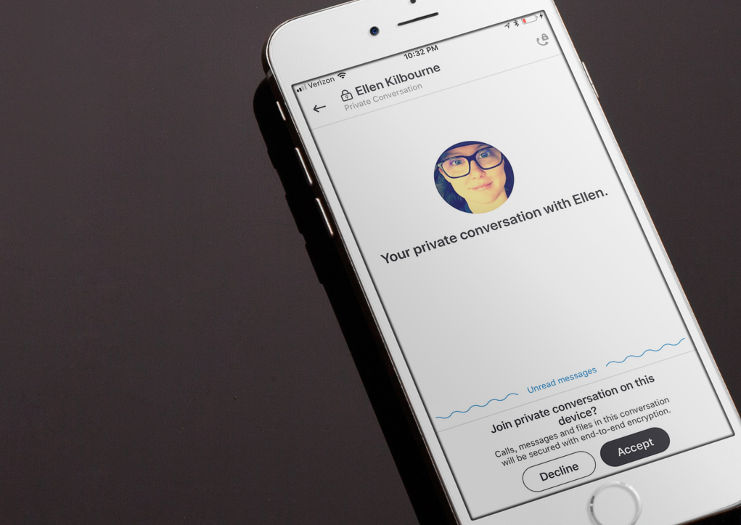
End-to-end encryption protects your sensitive Skype text messages, VoIP calls and more from eavesdropping. Here's what you need to know about setting up and using this optional feature, called Private Conversations, in Skype's iPhone, iPad and Mac app.

Learn how to protect your sensitive information by locking your notes on iPhone, iPad, and Mac to keep them safe from prying eyes.
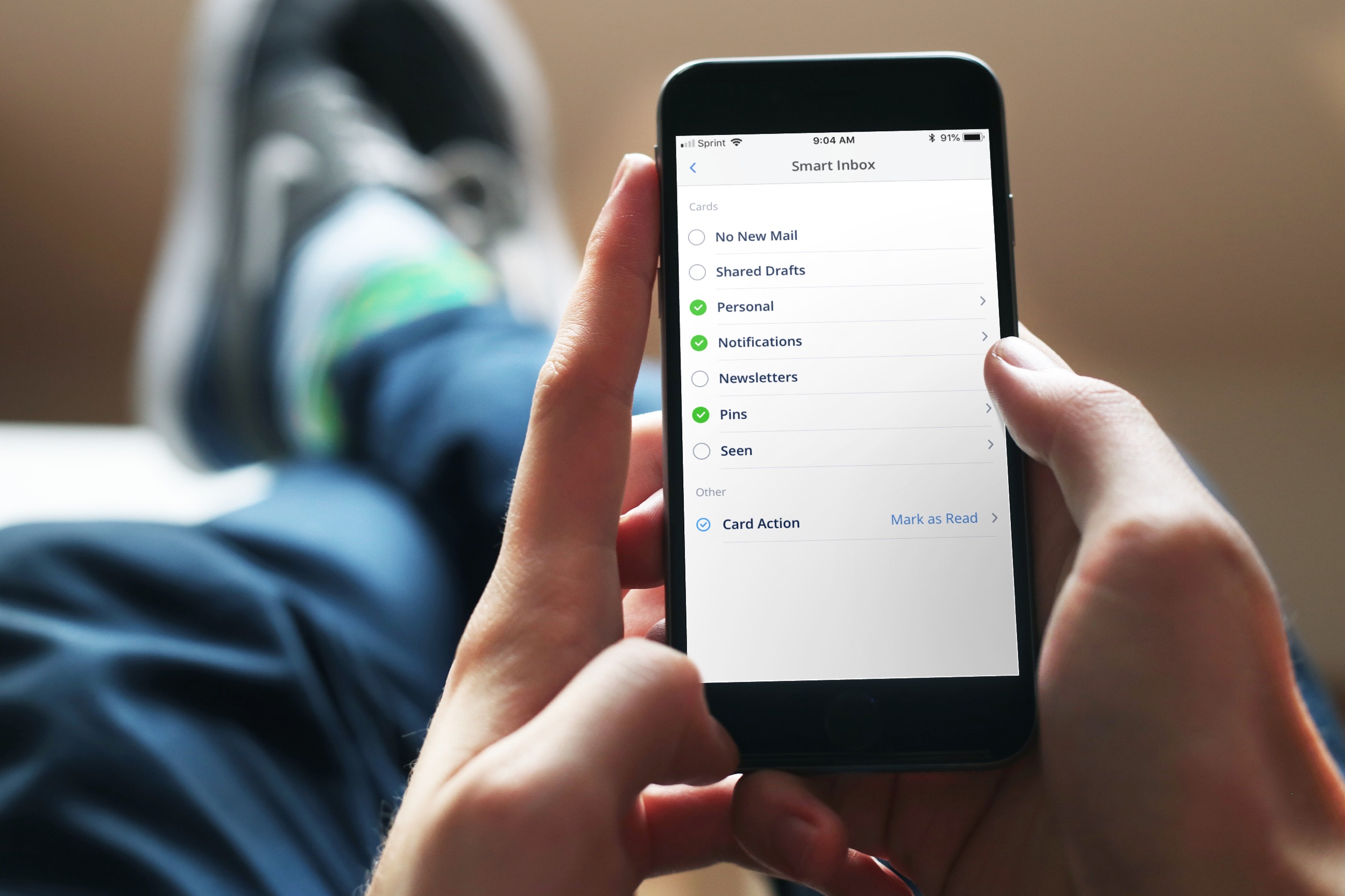
Spark is a great email solution if you want to move past your default Mail app on iPhone, iPad, or Mac. It offers a host of helpful features and one of them is the Smart Inbox.
The Smart Inbox is a spot in the app that gathers emails from your various accounts and categorizes them for you. This gives you a fast and easy way to zip through your inbox. The key is configuring it to work for you and here’s ways you can do that.

In this tutorial, we'll show you how to add your favorite Apple Music playlists, albums, or artists to the your iPhone or iPad Home Screen so you can play them directly from there in just one tap.
These will also work if you are not an Apple Music subscriber but have songs saved locally in the iOS Music app.
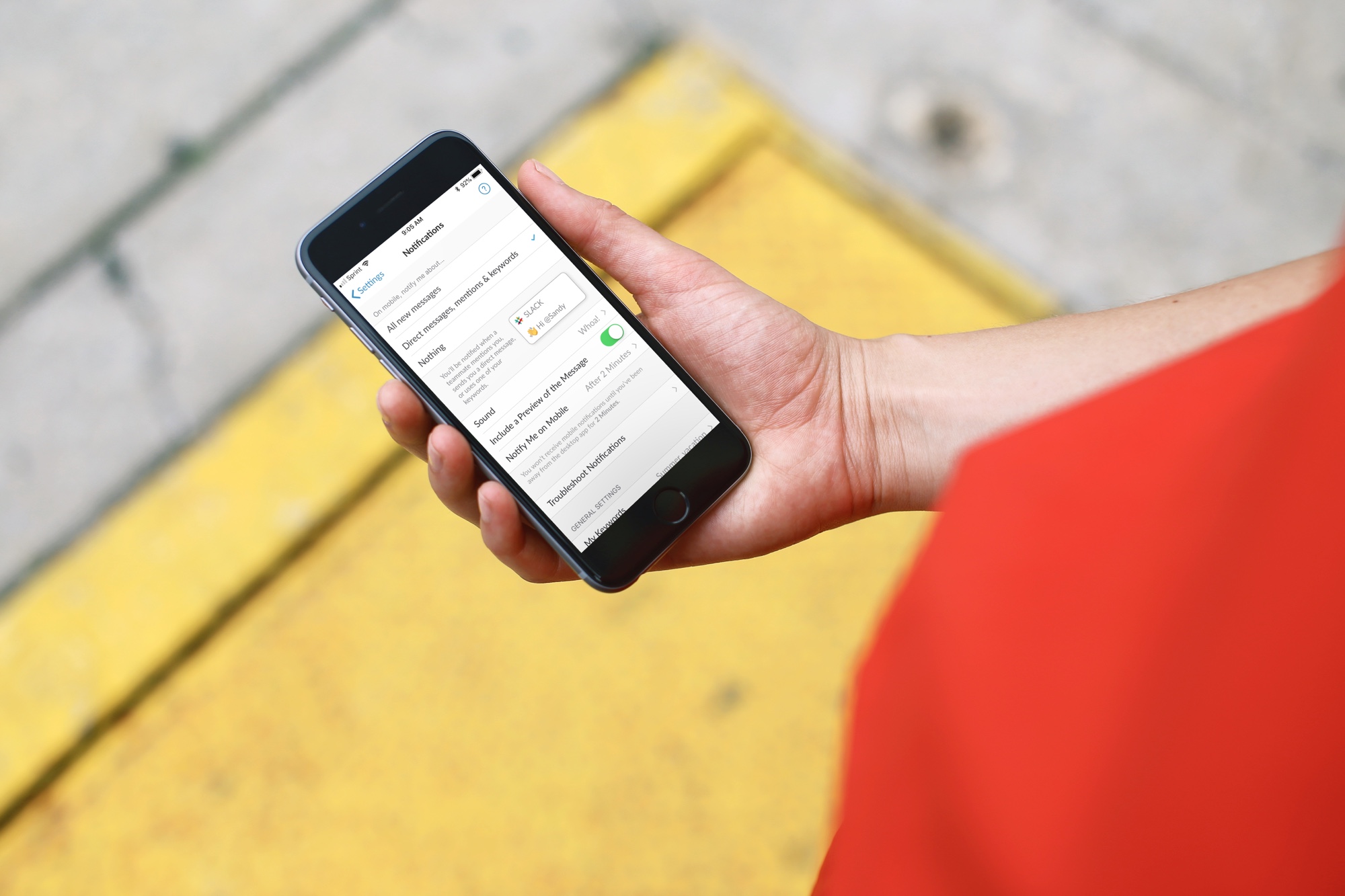
Get only the notifications you want, when you want them by customizing Slack notifications on iPhone or iPad.

Learn how to use tables in the Apple Notes app on your iPhone, iPad, and Mac to present information more clearly in a structured format.

Learn how to set up and customize subtitles and captions on your iPhone, iPad, Mac, and Apple TV to better enjoy your favorite shows and movies if you’re deaf or cannot hear properly.
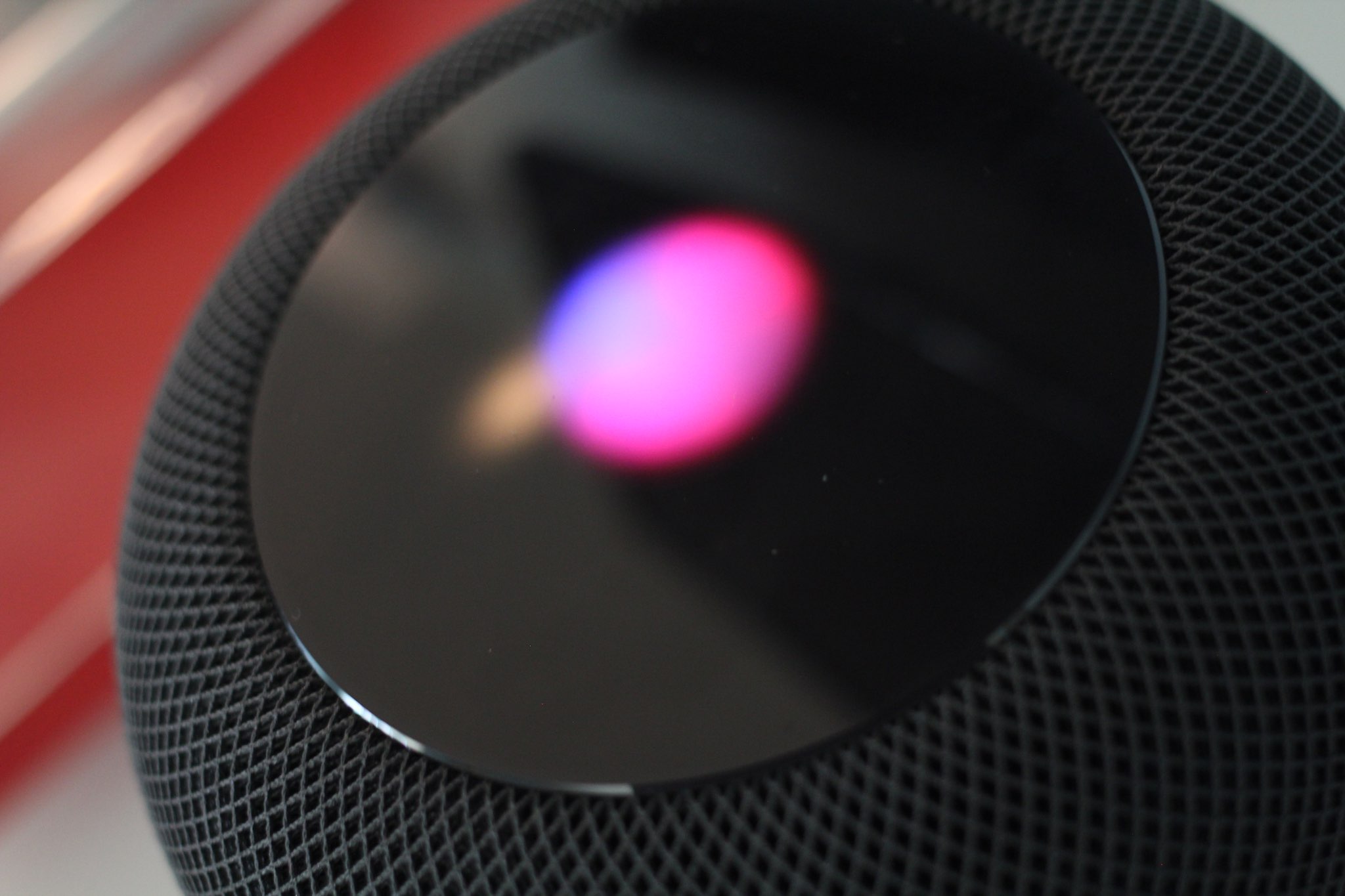
Learn how to properly use the hands-free “Hey Siri” or “Siri” feature in a multi-device environment so that only the right Apple device responds to the wake-up phrase.