Tricks

What to do if you can’t make or receive FaceTime calls iPhone or iPad

Have you ever received one of those annoying messages that basically tells you FaceTime is having problems on your iPhone, iPod touch, or iPad? They can be incredibly annoying, but usually they're easy problems to fix.

In this piece, we'll talk about why you might be getting FaceTime errors on your iOS device and walk you through some ways to correct the problem.

Fun with iPhone: how to swap two faces in a photo with FacePlant

Sometimes there's no greater humor than that of which you can dish out by way of photo editing.

If you've ever wanted to swap two faces in a photograph for the giggles you know it's going to bring to the table between yourself and other people, then you've come to the right place.

In this tutorial, we'll show you how you can use a simple and free iPhone app to quickly swap two faces in a photograph right from your device.

Finding your Mac model number

Not too long ago, we shared how you can find out what version and build of macOS you're running on your Mac, but another important piece of information you should know is the model number of the Mac you're using.

This is an important piece of information that is used by Apple to identify exactly when your computer was launched and what hardware it has inside of it.

In this tutorial, we'll show you how you can find the model number of your Mac.

How to use your iPhone as a mouse or trackpad

Your iOS devices have some of the best touch screens out there. As a matter of fact your iPhone screen makes for a great mouse, or trackpad.

The idea of using iOS devices as a trackpad for your computer isn't new, but Mobile Mouse Remote is a great app that provides this kind of functionality with ease of use in mind. It even packs some useful bonus features.

If you're interested in this kind of functionality for your iPhone, iPod touch, or iPad, then this is something you're going to want to check out.

What to do if music, videos, and other content disappear after an iTunes update

It's not that uncommon for the music, videos, and other content in your iTunes folder to disappear after updating iTunes. It doesn't seem to happen to everyone, but as many internet stories will tell you, it does occur to a number of users on some occasions.

In this tutorial, we'll show you how to get your iTunes music, videos, and more back when you notice it has gone missing after installing an iTunes app update.

How to login with Comcast Xfinity on unsupported Apple TV apps

I've been catching up with AMC's The Walking Dead on my iPad because AMC didn't offer a dedicated Apple TV app until last week. As soon as the Apple TV app was made available, I tried logging in using the same Comcast Xfinity credentials I used on the iPad app, but to my surprise, Xfinity was not an option.

How could Xfinity be an option on the AMC app for iPad but not for Apple TV? Does it have anything to do with rights and what devices can be used to watch certain shows? Honestly, I have no idea, but as I complained about this issue on the latest episode of Let's Talk iOS, a listener was quick to email me with a simple workaround.

Changing your Apple ID payment method on Mac or PC

Not too long ago, we showed you how you can edit your Apple ID payment information from your iOS device, but the same task can also be accomplished from your Mac or PC in a similar number of steps.

Whether you've received a new credit card that you want to use, or you wish to change the credit card you have on file for your Apple ID, changing your payment information allows future purchases made through Apple's online stores, such as the App Store, Books Store, or iTunes Store, to be billed to the new credit card you're adding.

In this tutorial, we'll show you how you can change your Apple ID payment information from your Mac or PC.

How to convert text into a spoken iTunes track on Mac

Whenever you want to save a block of important text to your Mac, you probably copy and paste it into the Notes app or into a text editor to save it as a text document. But, did you know you could save any body of text on your Mac as a spoken iTunes track instead?

In this tutorial, you will learn how to convert any highlighted body of text into a spoken iTunes audio track.

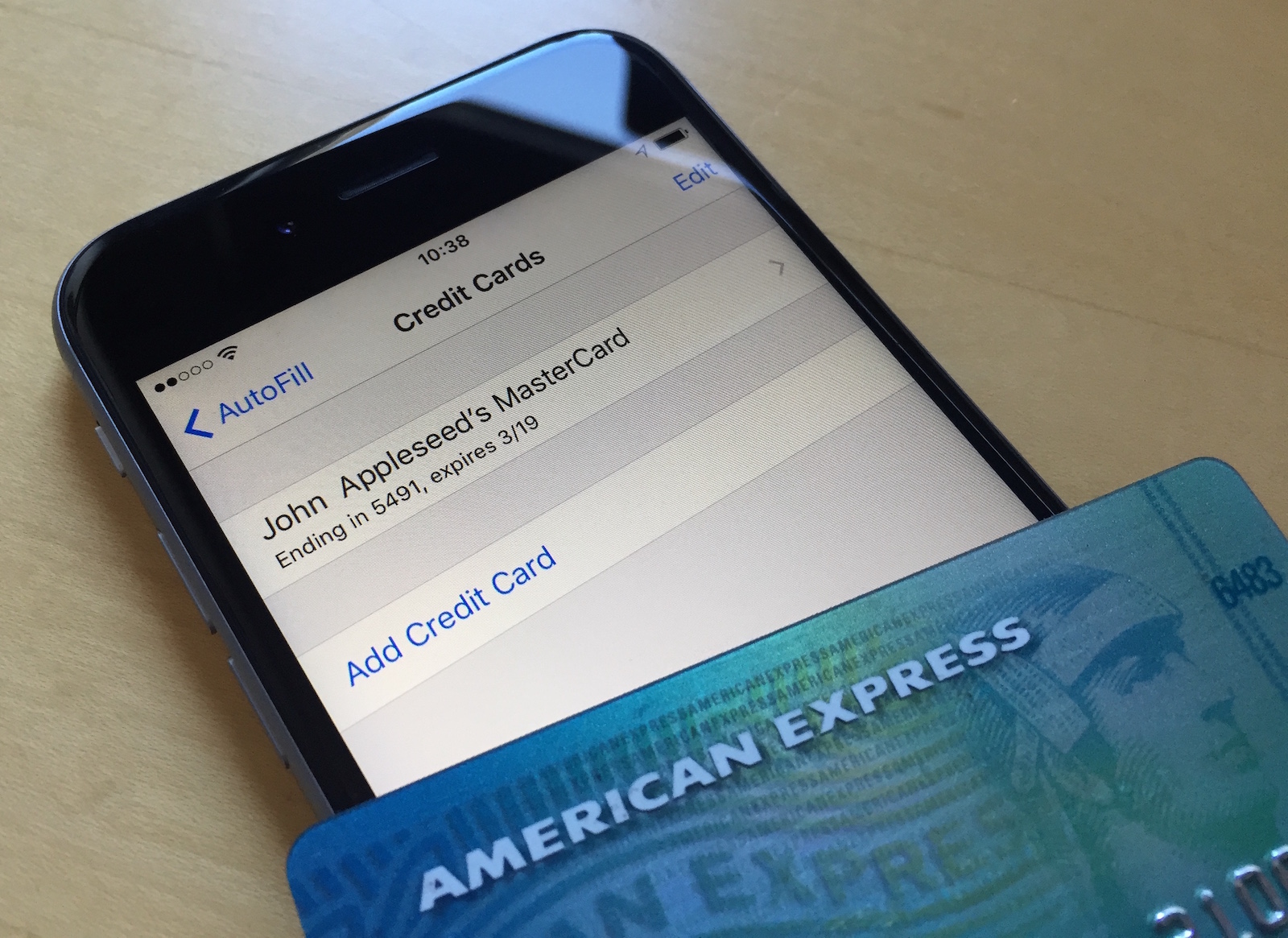
Changing your Apple ID credit card info directly from your iPhone

Your Apple ID is used whenever you want to make purchases from one of Apple's online digital content stores. This includes the App Store, Books Store, and iTunes Store.

From time to time, you may switch credit card providers, get a new credit card number, or opt to use a different payment method than the one you're already using.

It's easy to change your Apple ID payment information right from your iPhone, iPod touch, or iPad and in this tutorial, our aim is to teach you how.

How to password protect PDF files on your Mac

Password protecting your PDF files is a great way to keep the contents from being revealed to those who you never intend to see them.

This great security feature can be taken advantage of right from the Preview app that comes bundled with your Mac, and in this tutorial, we'll show you how you can use it to enhance the security of your PDF files.