Touch ID

Rumor: Galaxy S5 to integrate fingerprint scanner into Home button, not as sophisticated as Touch ID

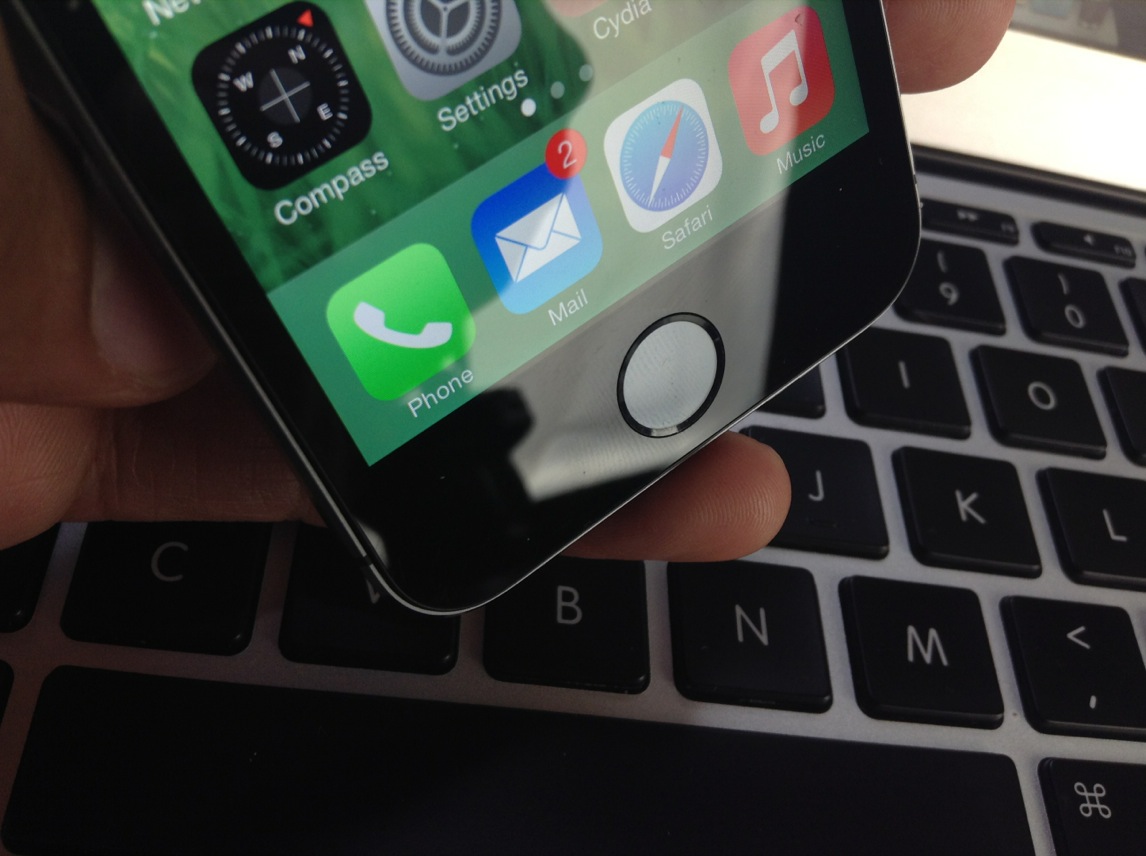
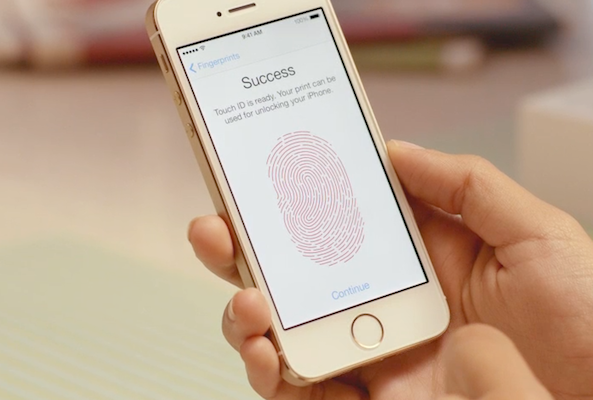
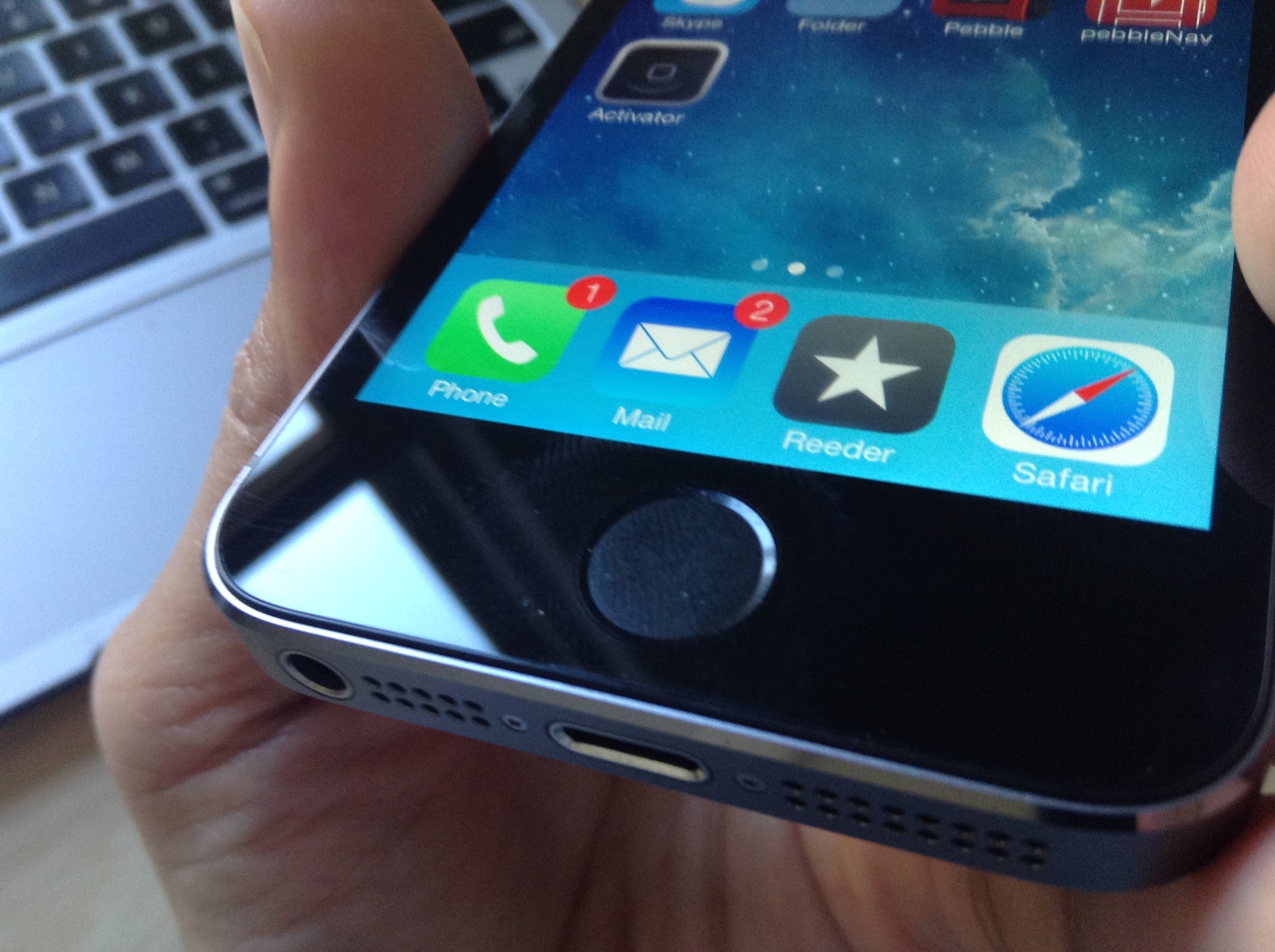
Apple paid big bucks to acquire AuthenTec, the world's leading maker of fingerprint sensors. Following the $356 million deal, it took Apple's teams an additional year or so to apply AuthenTec's technology to Touch ID. An in-house project, Touch ID has rethought what fingerprint scanning on mobile devices should be like, resulting in a seamless and integrated solution that, in Apple's parlance, "just works".

That's not saying Touch ID isn't without pitfalls.

Apple cautions that fingerprint scanning doesn't work well with greasy or wet fingers and there are reports of old people's prints not being recognized properly as a result of a few decades worth of scarring and general wear and tear.

Despite rumors that Samsung's upcoming Galaxy S5 would feature iris scanning, KGI Research analysts instead pointed to a fingerprint sensor.

And now a publication called SamMobile says it's been able to confirm with a Samsung source that the feature will work by swiping one's finger over the handset's redesigned Home button. It would let users unlock the device by swiping and remember website passwords, the latter not (yet) being supported by Touch ID...

Mesalation: set a passcode grace period with Touch ID enabled

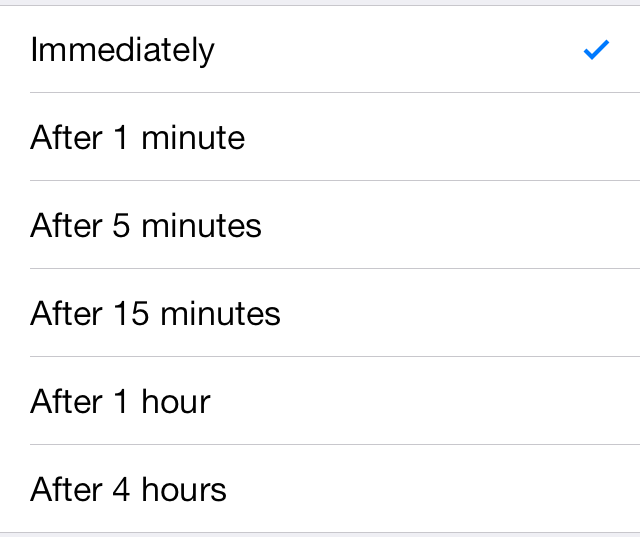
Mesalation is brand new jailbreak tweak from developer r_plus that allows you to get back the passcode grace period list when using Touch ID. Enabling Touch ID on the iPhone 5s forces iOS to require a passcode immediately and there are no options otherwise.

If you're someone who likes to use Touch ID, but don't necessarily like the idea of having to verify every time your device is locked, Mesalation is the jailbreak tweak for you. Have a look at our walkthrough inside for more details on how the tweak works.

PassTime lets you customize the passcode requirement duration (and it’s really awesome)

If you've been listening to either Let's Talk Jailbreak or Let's Talk iOS, you've probably heard Cody and I rant about the fact that you can't use Touch ID for iTunes purchases without either using Touch ID or a passcode to unlock your device.

Since I first got my iPhone 5s, this has been a big annoyance. I do like the simplicity and security that Touch ID brings to my purchases on iTunes or in the App Store, but I do not want to use Touch ID or even a passcode to unlock my device. As it turns out, Apple won't let you do one without the other.

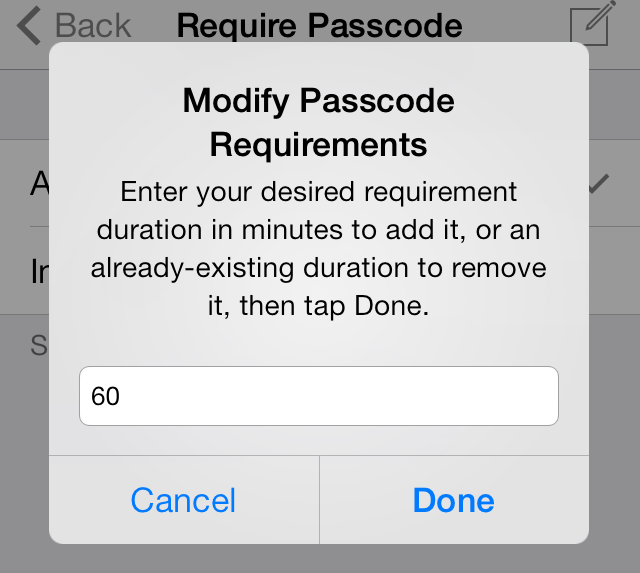
Enters PassTime, a new jailbreak tweak by Julian Weiss that lets you set custom passcode or Touch ID unlock requirement durations, effectively solving my biggest Touch ID pet peeve...

UnlockID is a jailbreak tweak that can unlock your Mac with Touch ID

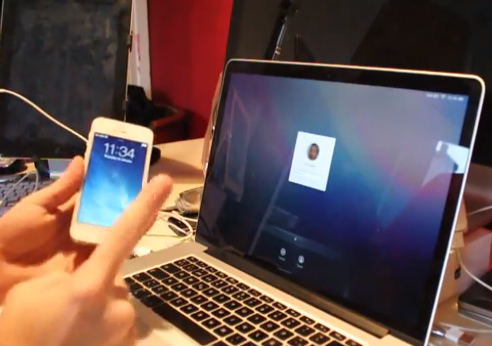
UnlockID is a super-cool new jailbreak tweak that does exactly what the headline says—it allows you to unlock your Mac using the Touch ID sensor found on the iPhone 5s. Using Bluetooth Low Energy, the tweak features a Mac component that allows your iPhone 5s to communicate with your OS X installation.

Although the tweak's practicality may be up for debate, there's no debating the fact that this is one of the most innovate and coolest looking Touch ID tweaks we've seen thus far. We've taken UnlockID for a thorough walkthrough. Check out our hands-on video after the break.

Tim Cook: mobile payments ‘one of the thoughts behind Touch ID’

Apple just finished up its quarterly earnings call a few hours ago where it offered up sales numbers for the holiday quarter, forecasts for next quarter, and everything in between. Tim Cook even fielded some questions from overly-eager analysts.

While most of these questions were fairly dull, there were a handful of them worth noting, including one about Apple's plans for the mobile payment space. Obviously Cook wouldn't answer the query directly, but his response was rather interesting...

Upcoming tweak lets you unlock your Mac using Touch ID

We've seen our fair share of Touch ID-related tweaks since the release of the evasi0n7 jailbreak a few weeks ago, and we keep being amazed at some of the ideas developers come up with.

French developer Eric Castro came up with yet another brilliant idea to take advantage of Touch ID, but this time, the tweak is not used to directly interact with your iPhone, but rather with your Mac...

iTouchSecure: an amazing Touch ID security app for autofilling passwords

After a few days of intense testing, I can now recommend iTouchSecure for iOS. iTouchSecure is a recently released jailbreak tweak that allows you to autofill every password in any app using Touch ID. It's what we all imagined Touch ID evolving into after Apple had some time to perfect the technology. But you don't have to wait for the evolution. All you need is a jailbroken iPhone 5s and 5 bucks.

iTouchSecure is one of those jailbreak tweaks that convinces people on the fence that they need to jailbreak. It can speed up your workflow when using apps that require you to enter a password, and it's about as secure as one could hope a tweak like this to be.

The iPhone 5s' Touch ID sensor is pretty remarkable in itself, but when combined with a tweak like iTouchSecure, it goes from remarkable to downright amazing. We've got a full video walkthrough showcasing iTouchSecure's features inside. Have a look and see why this must have jailbreak tweak should be installed on your iPhone 5s.

Rumor: TSMC to start churning out Touch IDs for the next iPhone this summer

According to industry sources, Apple has seemingly commissioned Taiwan Semiconductor Manufacturing Company (TSMC) to build Touch ID fingerprint sensors for a next-generation iPhone, dubbed by the press the iPhone 6.

The manufacture of the sensors should start in the second quarter of 2014 at TSMC's twelve-inch fab, using the company's 65-nanometer process, according to a report the Asian industry publication DigiTimes filed on Tuesday...

1Pal: a new jailbreak tweak for saving 1Password’s master password to the Keychain [updated]

I know, I know. It's very stupid to use any tweaks with something as crucial as 1Password. I know, I know, it's identity theft waiting to happen.

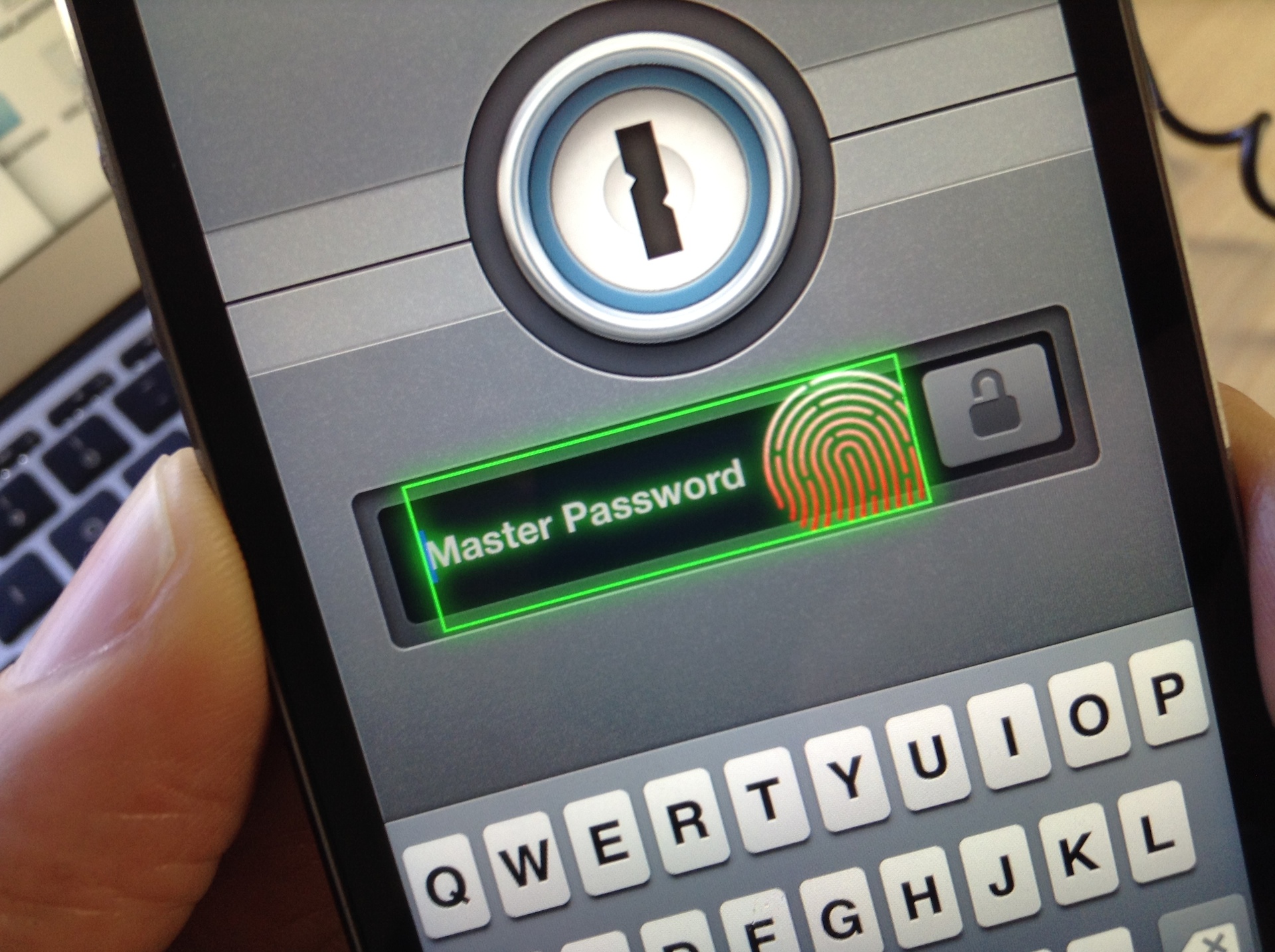
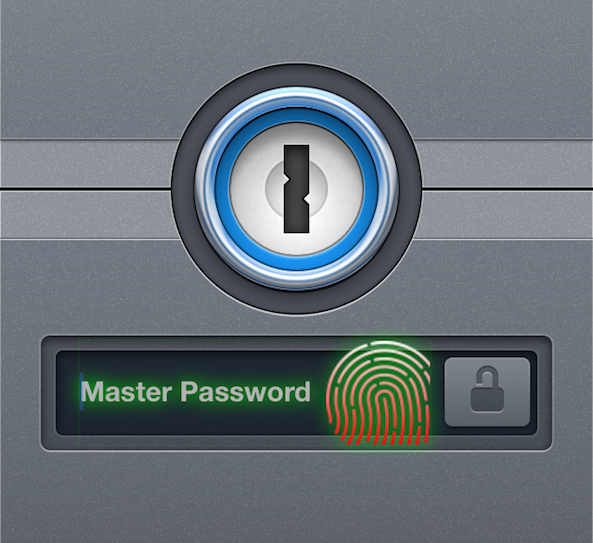
Not exactly. 1Pal is a new jailbreak tweak that works in tandem with existing Touch ID tweaks like BioLockdown. It allows you to save the Master Password to iOS' keychain for quick logins. Since the 1Password app itself is protected with Touch ID, the process is innately secure. The only real way this poses a security issue is if someone gains access to your fingerprint. Not impossible, but not exactly likely either.

At the end of the day, 1Pal is an awesome tweak for 1Password users. If you're like me and you use 1Password each and every day, you'll find 1Pal to be a real time saver.

Remember, you must have a Touch ID enabled device for this to work. Right now, only the iPhone 5s features Touch ID. Have a look at our video walkthrough inside as I showcase how it works.

Touchy: launch apps with specific fingers using Touch ID

Touchy is an awesome new tweak that allows users to assign specific apps to designated fingers via the iPhone 5s' Touch ID sensor. I've been testing the upcoming jailbreak tweak through several iterations, and it's coming along quite nicely.

Touchy lets you assign up to five different apps to work with up to five different fingers via its settings panel. Since it uses Touch ID, you'll need to make sure you set up the fingerprints via Touch ID's settings beforehand. You don't have to configure all five fingers, you'll just need to have as many prints set up as you want to assign to shortcuts.

Understandably, most of the tweaks we've seen involving Touch ID revolve around some sort of security aspect, but Touchy is among the first Touch ID oriented tweaks that dares to do something different. Take a look at our video inside to see how the tweak works in action.

BioLockdown: the best way to secure apps with Touch ID

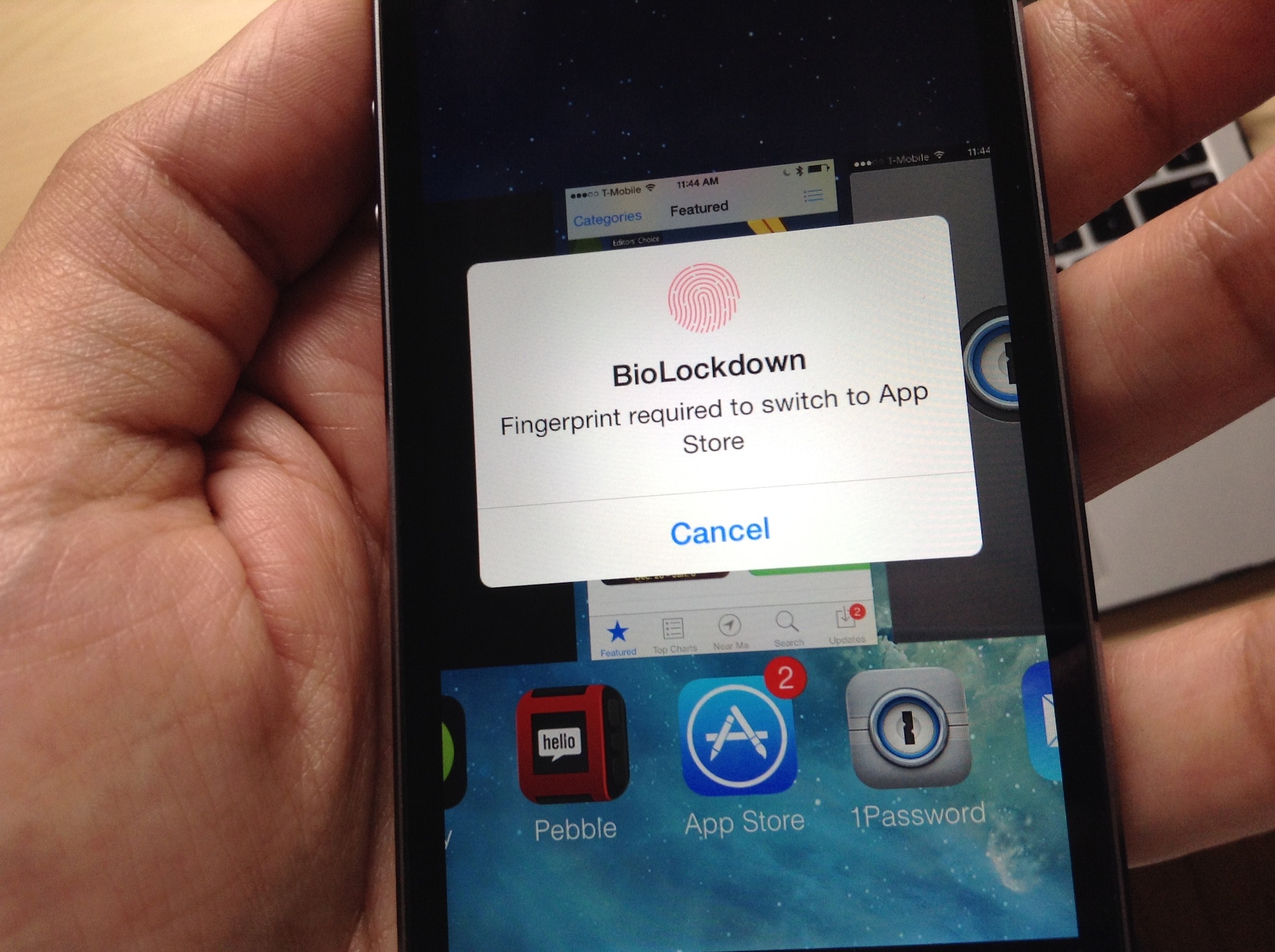
Ryan Petrich has done it again—not that that comes as a surprise to any of us at iDB. Of course, Touch ID enabled tweaks are all the rage these days, and quite a few developers are starting to release tweaks that take advantage of the iPhone 5s' flagship feature.

Most of the tweaks being released have a security related aura about them, which is understandable considering that Touch ID is all about security in its stock implementation. One such tweak called BioProtect was released a couple of days ago, and while it was hard not to get extremely excited about it, I feel that BioLockdown, Pertrich's tweak, is by far the better of the two.

I feel that way, not just because BioProtect came packed with a serious flaw that caused its superfluous animations to run constantly in the background, draining your battery; it's because BioLockdown is better designed, has a better feature-set, and it's cheaper. It's also from a developer that keeps his releases updated constantly, and communicates well with those who use his apps.

Check out our full video walkthrough of BioLockdown after the jump. You'll see why this is hands-down the best Touch ID security tweak to hit Cydia thus far.
BioProtect: Protect individual apps with Touch ID

Hot on the heels of another Touch ID enabled jailbreak tweak comes BioProtect—a tweak exclusively dedicated to protecting individual apps with Touch ID. Unlike the previous tweak we covered, AppLocker, BioProtect's entire goal is solely based on securing individual apps by means of Touch ID.

The singular focus is immediately noticeable while using BioProtect. Its graphics, design, and preferences are all orientated towards the single goal. This makes BioProtect the best choice for those of you who are only interested in Touch ID-based app security. Have a look at our full video walkthrough, which breaks down the tweak, inside.