Learn how to reduce blur and transparency effects on your iPhone or iPad to improve your device’s visual clarity.
How to reduce blur and transparency effects on iPhone or iPad

Learn how to reduce blur and transparency effects on your iPhone or iPad to improve your device’s visual clarity.
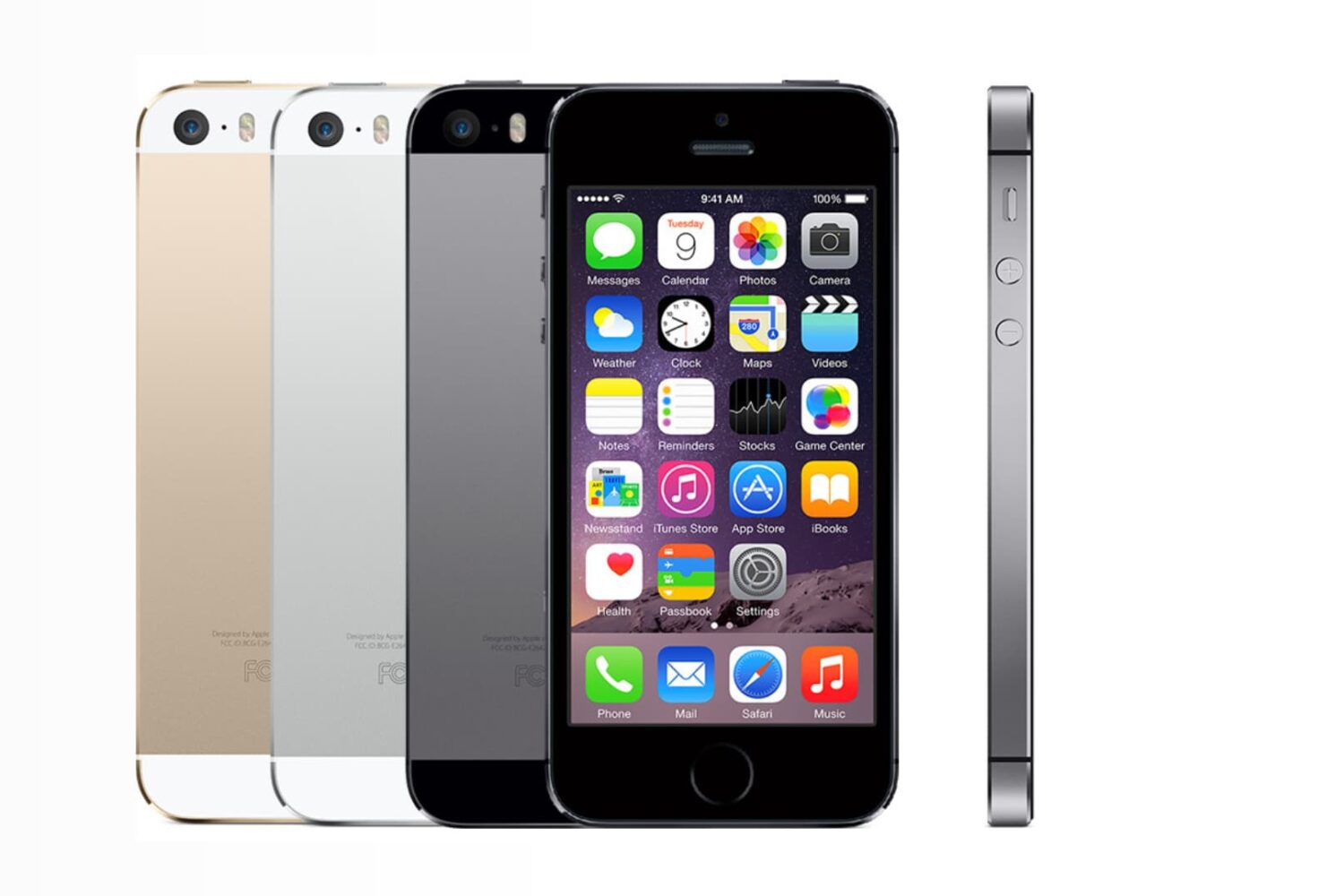
Apparently, the iOS parallax effects and animations can literally make people sick. If that doesn't happen to you, don't discount this as just a phony report. This is real for some people, although I have yet to meet any of them. Apple listened to the complaints from users who were experiencing various degrees of motion sickness while using iOS and drastically increased the motion reduction feature that was already present before iOS 7.0.3.
As it turns out, not only will this feature reduce the motion of the user interface, but it will also make your iOS device feel like it's blazing fast.

A few days ago, I posted a screenshot of my Notification Center showing travel time to my next destination, something iOS had learned about me without any sort of data input of my part. A few people asked me how I managed to get this information in my Notification Center. I believed it was a commonly used feature of iOS, but apparently I was wrong.
In this simple tutorial, I will show you how to use the Frequent Locations in iOS in order to find out information about your next destination. Privacy activists may want to skip this one.

Have you ever taken a photo of a magnificent vista, only to find out that the image doesn’t look nearly as good as in real life? While all of us have experienced that at some point, there are some tips that can dramatically improve the quality of the landscape photos you take with the iPhone.
The iPhone (or any other smartphone) has a small digital sensor which inevitably leads to poor image quality in low-light conditions. However, landscape photos are almost always taken in abundant light, making them practically indistinguishable from photos taken with an expensive DSLR. If you follow the tips outlined in this article, you will be able to take landscape photos that look just as good, if not better, than the same scene in real life.

Learn how to resize multiple photos of different sizes on your Mac without downloading additional third-party apps or extensions.
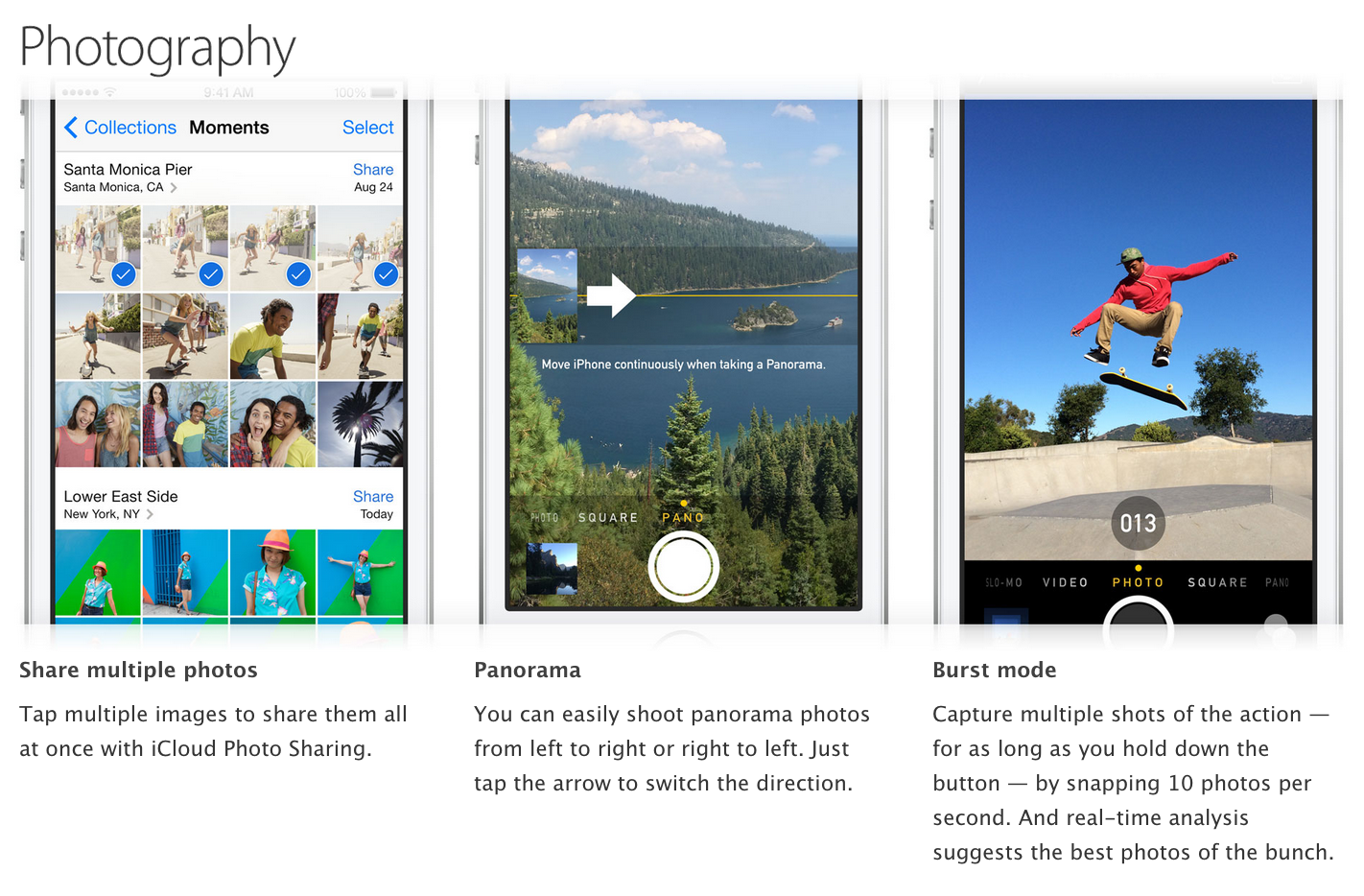
Apple has updated its website today, adding new 'Tips and Tricks' sections to its iPhone pages. The new sections offer iPhone users a handy guide to various features in iOS 7, and on late-model iPhones.
It looks like Apple has added a guide to its iPhone 4s, 5c and 5s marketing pages, showing users how to use apps like FaceTime, Maps, Siri, Find My iPhone, Music, Mail, Safari, AirPlay and Settings...
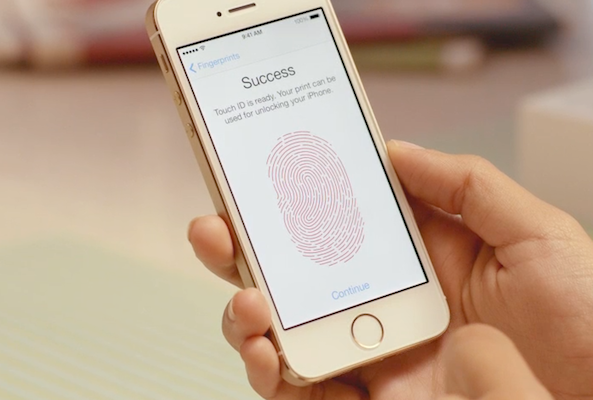
One of the features of Touch ID is the ability to capture and save up to 5 different fingerprints. This not only allows you to unlock your iPhone with both of your hands, but it also allows you to give multiple users access.
Try to save a sixth fingerprint, however, and you'll find you're unable to—the option to add a new fingerprint gets disabled after 5 saves. That is, unless you use this little workaround to register multiple prints to each save...

Check out these eleven essential tips for improving your iPhone photography skills and composing stunning shots to capture the world around you.

Apple has not only made Siri more intelligent and capable in iOS 7, but it's also stopped referring to it as being in 'beta.' We've noted a number of the digital assistant's improvements over the past few months, but here's a cool little trick that was just pointed out to us...
It's a situation we seem to find ourselves in with each iOS update, yet we always seem to be surprised when it happens. Alas, it seems that iOS 7 has left many of us with the same battery problems that plagued almost every other big point-0 release of the operating system that powers the iPhone and iPad.
Anyone with a long memory will remember that we had your back when iOS 5 was causing chaos with iPhone 4S batteries a couple of years ago, and with iPhones the world over seemingly unable to hold a charge as long as they used to, we thought it might be time to offer one or two tips on trying to eek as many hours out of a charge as possible.
So, without further ado, let's get started turning things off...
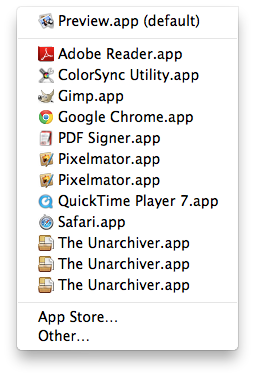
I love my Mac but sometimes it does some strange things, such as showing me duplicate entries in the "Open With" contextual menu you get when you right click on a document. While I'm not sure why it happens, I hear it's due to the Launch Services database.
Of course, there probably is a valid explanation as to why and how it happens. Some people might even be able to convince me it's more of a feature rather than a bug, but the fact of the matter is that it drives me absolutely insane.
If like me, you are annoyed by this, I'll show you how to delete duplicates from the "Open With" menu on your Mac.

Last week we showed you how to delete individual digits from the iOS Calculator app by swiping. It wasn't a major revelation, by any means, but a lot of folks seem to have found it useful.
In the same fashion, we have another trick to show you today. And if you've ever thought to yourself that it takes too long to navigate through the iOS Calendar app, you'll want to see this...