Learn how to delete documents and data saved by iOS and macOS apps in your iCloud account to free up space and remove unnecessary files.
How to delete app documents and data from iCloud to regain storage space
Learn how to delete documents and data saved by iOS and macOS apps in your iCloud account to free up space and remove unnecessary files.
How do you know when your Apple Pencil is charged? Or even yet, how do you know what the battery level of your Apple Pencil is?
Even though the Apple Pencil 1st generation and 2nd generation lack a battery status indicator to tell you how much charge you have left, there are ways to learn how much battery life is still there in the device.
This quick tutorial shows you how to check your Apple Pencil's battery status. We will detail methods for both Apple Pencil 1 and Apple Pencil 2.
In this tutorial, you will learn how to turn on a high-contrast cursor on your Apple TV with just a few taps to better see select content and text.
Learn how to keep your iCloud device backup smaller in size by manually selecting which iPhone or iPad apps can be included in the backup.
Learn how to turn off Siri-suggested events in Apple's built-in Mail and Calendar apps on an iPhone, iPad, and Mac to remove unwanted entries from your schedule.
Learn how to permanently delete your WhatsApp account from your iPhone or Android phone if you no longer need to use this Facebook-owned messaging service.
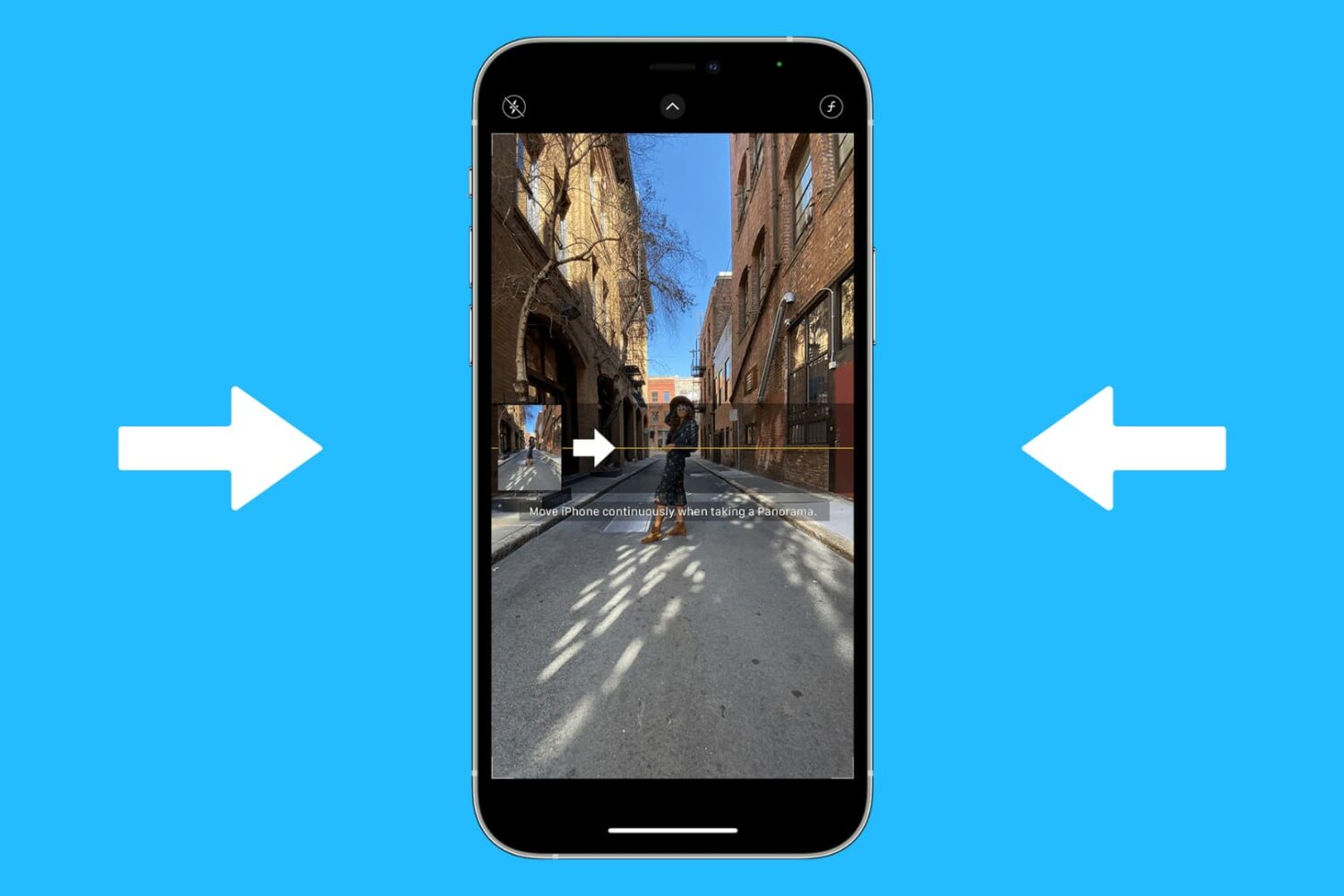
You don’t need a dedicated app to turn web pages into PDF documents on your iPhone or iPad. That’s because Apple has built-in options that let you do just that right out of the box.
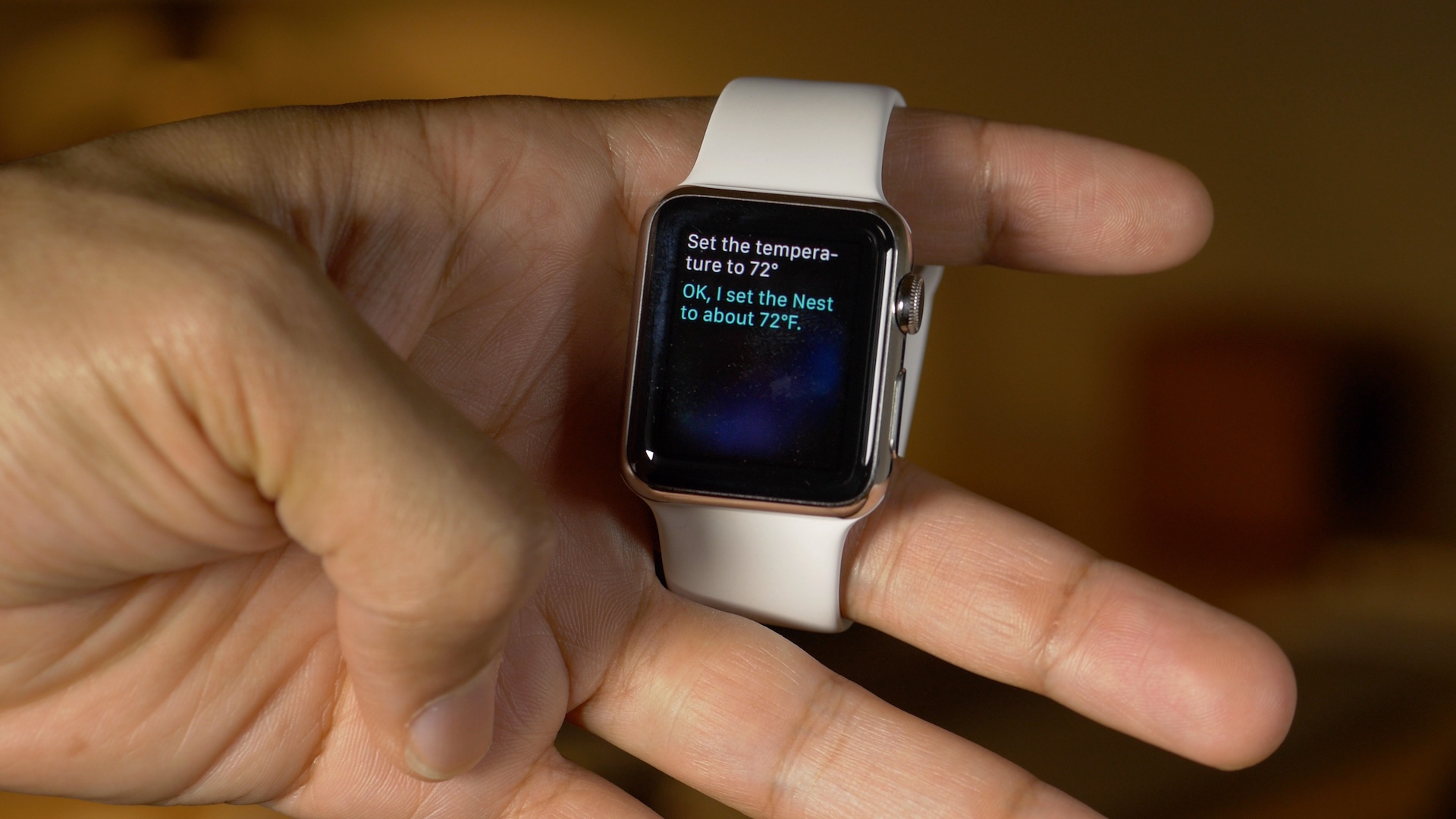
When you're in a meeting or at the movies and a phone call comes in or a loud alert starts dinging, nothing compares to the social awkwardness after realizing you've forgotten to silence your watch. While you can mute the alerts on your Apple Watch with a couple of taps, by the time you fumble through the menus, you'll have already embarrassed yourself.
Thankfully, there's a better way: the Apple Watch includes a nifty little feature for silencing incoming phone calls and other audible alerts with a super quick gesture.
Owners of an iPhone, iPod touch, iPad, or Mac can quickly look up flight status information found in Notes, Messages, and Mail using a rich interface with flight trajectory, flight status, arrival times and other information.
In this tutorial, you'll learn how to quickly preview the current status and other information pertaining to an airline and flight number, with or without leaving the context of what you're currently doing.
Learn how to quickly delete all emails at once from the Apple Mail app on iPhone and iPad and reach inbox zero in no time.
iOS has always grouped alerts in the Notification Center in the order they were received. If you're overwhelmed with numerous notifications from apps and services on a daily basis, this can quickly clutter your view and push important notifications out of the view.
It is possible to change grouping of push alerts to have them compartmentalized according to their respective originating app and listed in the order you define.
In this tutorial, we'll detail how you can select, manage and adjust app grouping within the Notification Center on your iPhone, iPod touch or iPad.
Your universal infrared remote which used to control your old Apple TV should work just fine with the fourth-generation Apple TV right out of the box. In some cases, however, your legacy remote might need configuring in order to learn the signals that the Siri Remote generates.
In this post, we're going to show you how you can program a universal infrared remote that came with your TV, cable box or DVD/Blu-ray player in order to navigate the entirety of tvOS, or use it with a prior Apple TV model.