Check out two free ways to convert images on your iPhone and iPad between JPG, PNG, and other formats without using specialized websites.
How to convert image files to JPG or PNG on iPhone or iPad

Check out two free ways to convert images on your iPhone and iPad between JPG, PNG, and other formats without using specialized websites.

I recently talked about sharing Instagram videos on Vine, a multi-step procedure that involves a third-party app to save an Instagram clip to the Camera roll before posting it manually to the Twitter-owned Vine service.
So far so good.
But what about the other way round? Of course that same process applies to posting vine clips on Instagram: save a vine to the device before manually sharing it on Instagram.
As it turns out, there's a bunch of third-party apps in the App Store which can take the pain out of resharing vines on Instagram. With VineGrab, a free iPhone app by Xiaoyu Xia, not only can you watch vines in a more elegant interface than Vine's own, you can also repost your favorite ones to Instagram.

One thing I hate about the Mail app on my Mac is how when I go to enter someone's name to email them, macOS has a nasty habit of picking the wrong email address for that person and I always notice it when it's too late.
I had this happen to me the other day and my email was sent to the wrong inbox of that person – an email address that they don't even use anymore – so they never got the email I sent and I had to resend it.
If you've ever had this happen to you before, then you're reading the right tutorial, because we'll be showing you how to delete email addresses from Mac Mail history so they aren't auto-suggested for you when you start to type someone's name.

Your Mac, iPhone, iPad, Apple Watch, and/or any other other fancy high-tech devices you have are fun to use, but they'll easily get dirty and collect dust, sneeze splatter, and bacteria from your fingers over time, whether they're used frequently or not.
To combat grime, you can clean your devices every so often, but like anything else, there's a right and a wrong way to do this.
In this piece, we'll share with you some handy tips for cleaning your Mac and other Apple devices safely so you don't accidentally damage them.

This tutorial will guide you through the steps needed to successfully close your account on Skype the right way. As a bonus, we'll show you how you can request a refund for your unused credits and unlink your accounts.
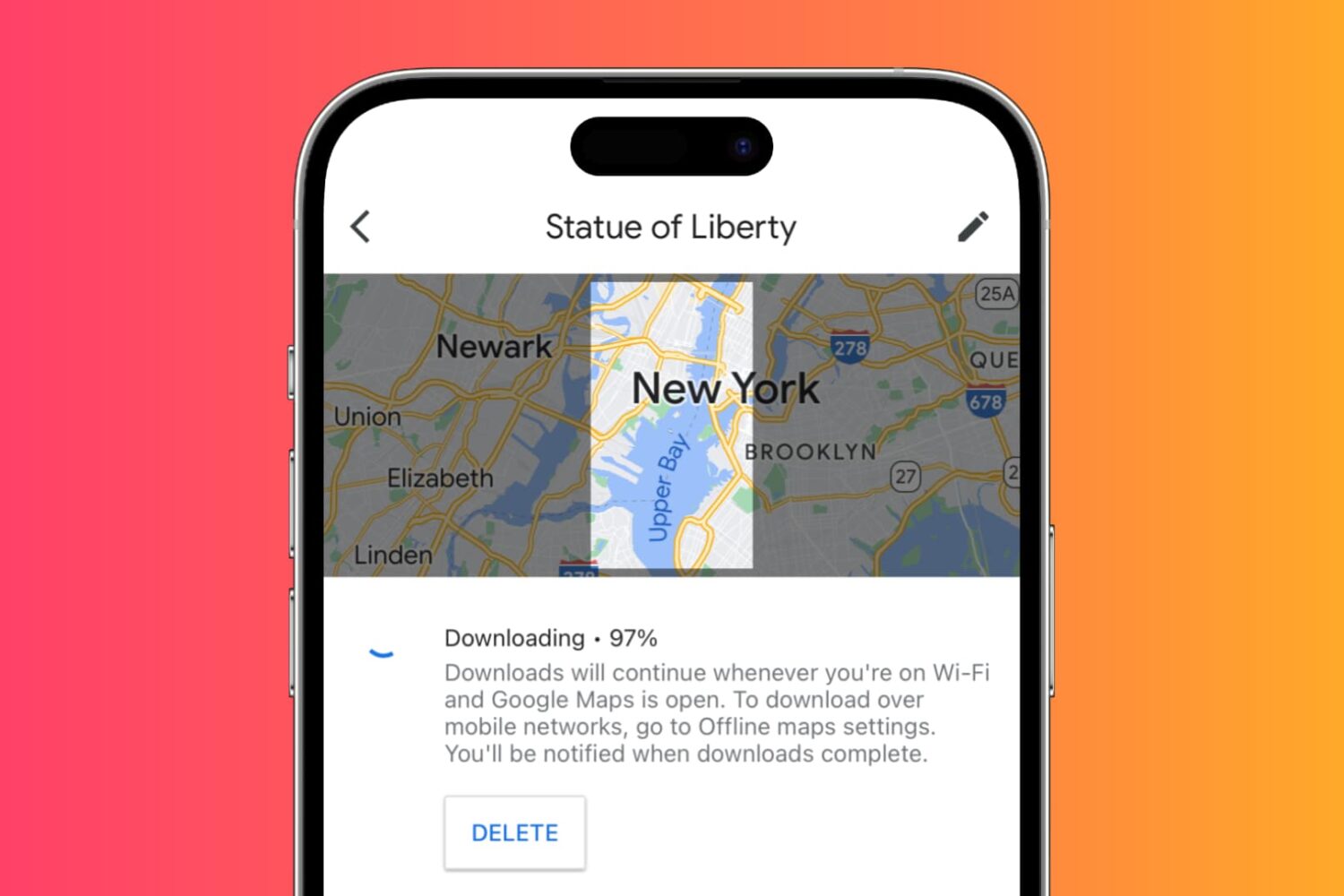
Learn how to download maps for custom areas or specific cities for offline use in the Google Maps app on your iPhone so you can navigate in those places without cellular coverage and save money on roaming charges when traveling abroad.
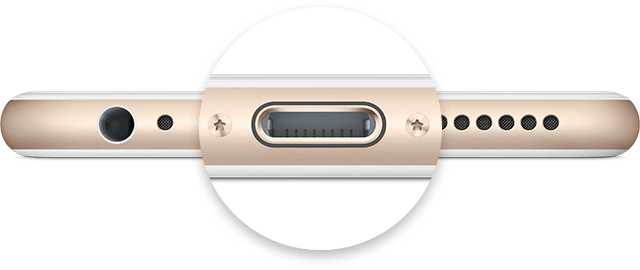
Not only did Apple spend a ton of money and time in the research leading up to its proprietary reversible Lightning cable for charging, but they've also made the software that handles charging your iOS device intelligent too.
Nevertheless, charging your device can sometimes be followed by some frustrating problems, and they're all too common. In this piece, we'll go over some of those problems charging iPhone and iPad, and what you can do to troubleshoot them.

When you create your Apple account, you’re asked to create security questions. Here’s how to reset Apple ID security questions and answers if you forget them.

Podcasts, previously an optional download from the App Store and now a stock application in iOS 9, may not be the most elegant software to enjoy your favorite podcasts, such as iDownloadBlog's Let's Talk iOS series.
That being said, the app is adequate enough for basic use: with it, you can easily browse, subscribe to and play your favorite audio or video shows on your iOS devices.
And if you own an iPhone 6s or iPhone 6s Plus, you can take advantage of 3D Touch to start listening to the next unplayed episode of your favorite show right from the Home screen, use Peek and Pop gestures in the app to preview shows, see unplayed station episodes and more.
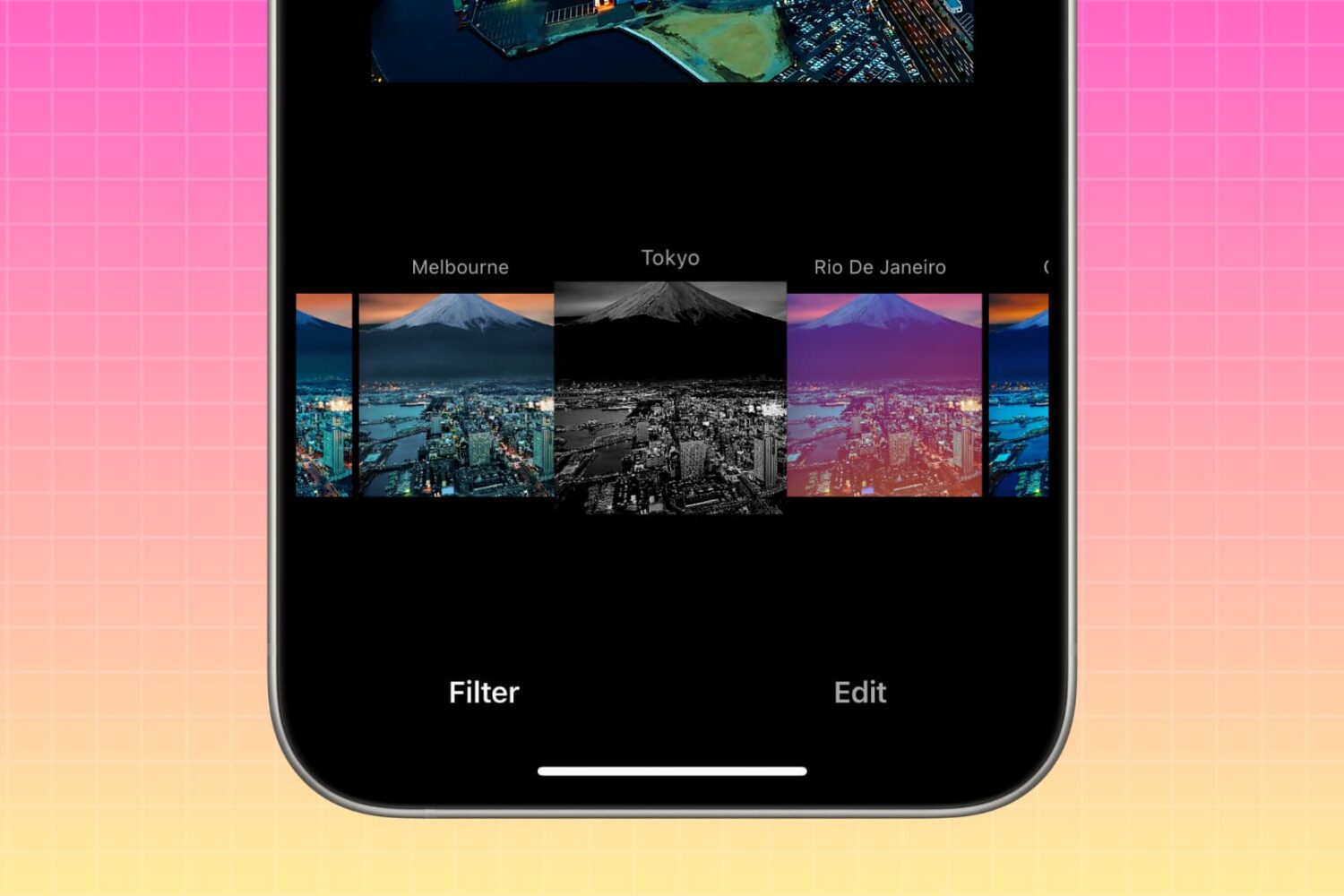
In this brief tutorial, we'll show you how to rearrange photo filters within the Instagram app on your iPhone. This process allows you to place your preferred filters at the beginning, and relegate less frequently used ones to the end of the list.
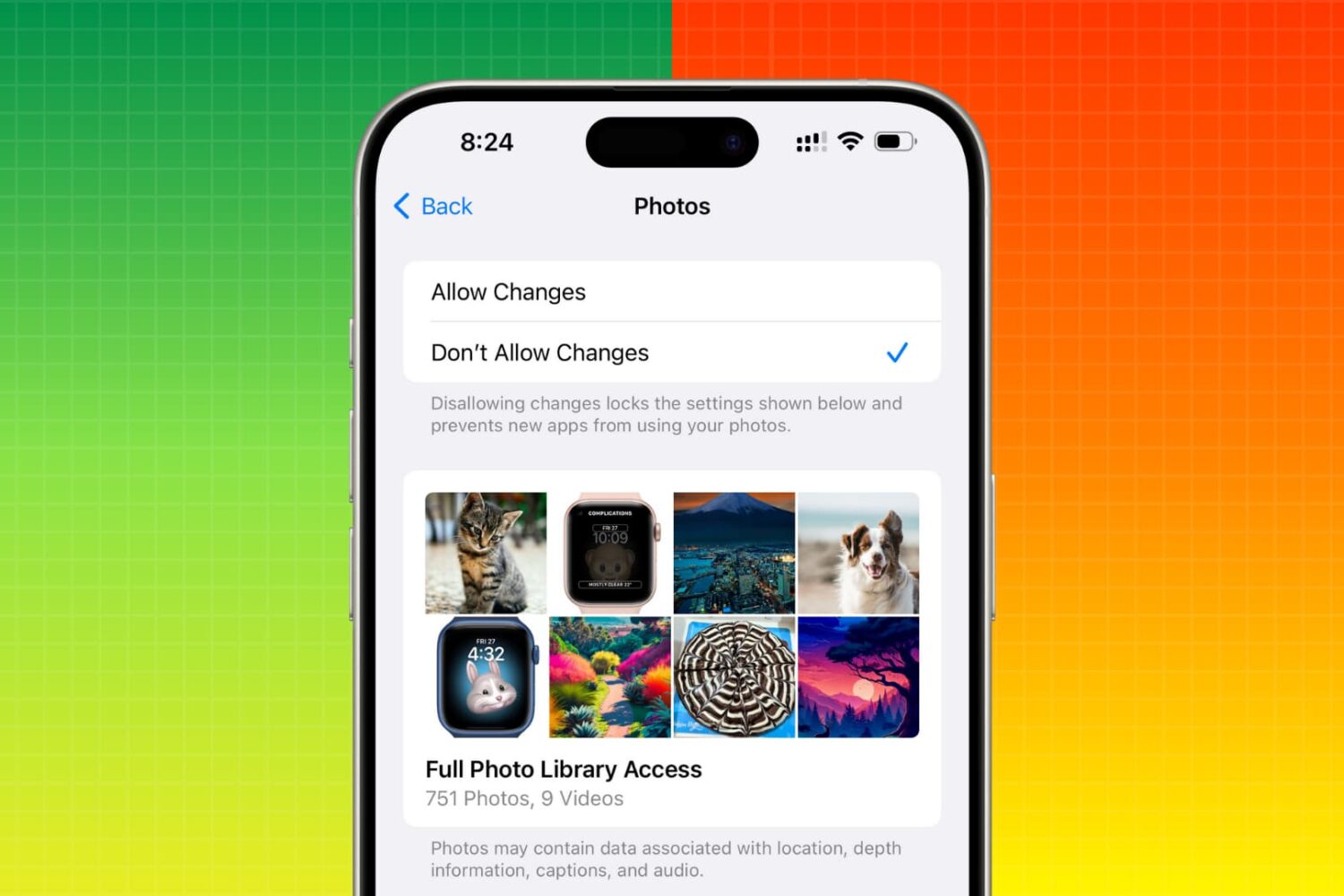
Restrict photo access for apps like WhatsApp, Instagram, Facebook, etc., so you or especially your kids are blocked from sending photos and videos to anyone on these platforms.

Make a word, phrase, or passage of text in your WhatsApp conversations bold, italic, strikethrough, or monospaced to give your writing more clarity or format them for aesthetic purposes.